

Overview
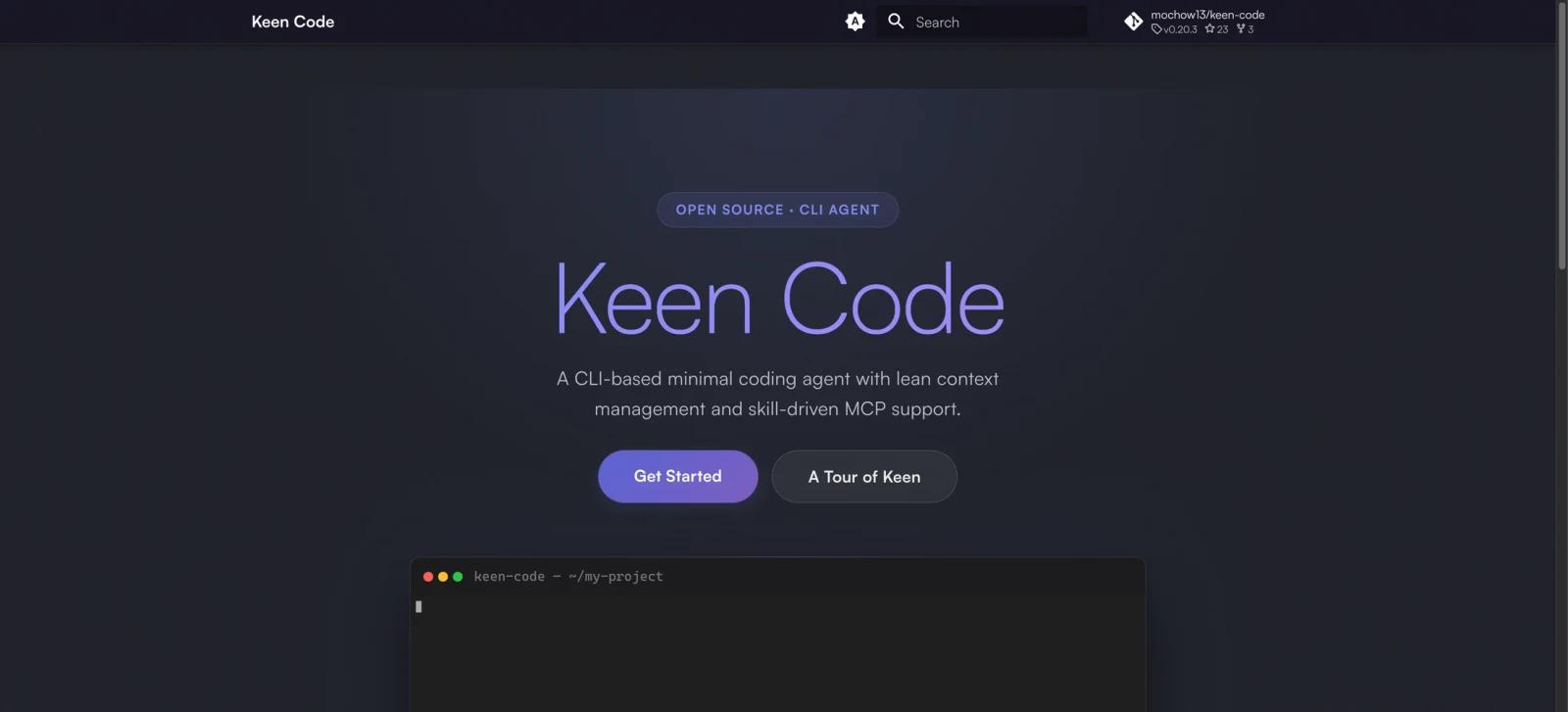
Keen Code is a free, open-source CLI coding agent written in Go. It is built for developers who want a lean terminal agent rather than a heavy IDE layer. The project supports multiple AI providers, includes a small core set of local file and shell tools, plus newer URL-fetching and MCP tool-calling tools, and uses compact turn memory to keep long coding sessions from filling the context window with raw tool traces.
The tool is especially relevant for teams already evaluating AI coding agents and agent-assisted software workflows. Keen Code can switch between providers such as Anthropic, OpenAI, Gemini, DeepSeek, Kimi, GLM, MiniMax, and OpenCode Go. It also adds MCP support and a skills system, so developers can connect external tools or run specialized workflows without loading every integration into the model context upfront.
Keen Code is also a transparent experiment in agent-built software. The repository preserves prompts, plans, outputs, and design documents from its development process, which makes it useful both as a coding assistant and as a reference project for developers studying how agentic development workflows are structured.
Key Features
- Multi-provider model support - Switch between Anthropic, OpenAI, Codex OAuth, Gemini, DeepSeek, Kimi, GLM, MiniMax, and OpenCode Go from the CLI, reducing lock-in to one model vendor.
- Lean built-in tools - Provides core local tools for reading files, writing files, editing files, globbing, grep search, and running shell commands, plus
web_fetchandcall_mcp_toolfor URL fetching and MCP tool calls, keeping the agent harness intentionally small. - Skills system - Runs specialized workflows for planning, debugging, refactoring, review, and other repeatable engineering tasks through custom slash commands.
- MCP server support - Connects MCP servers as external tool providers through
call_mcp_tool, with skill-generated tool metadata and schemas loaded on demand to help reduce schema bloat in context. - Turn memory summaries - Stores compact cross-turn summaries instead of full tool traces, preserving important changed-file and failed-command context while keeping sessions lighter.
- Persistent sessions - Supports session resume, pending state recovery, and user-triggered compaction for longer development work.
How to Get Started
Keen Code can be installed with the official shell script or through npm.
curl -fsSL https://raw.githubusercontent.com/mochow13/keen-code/main/scripts/install.sh | bash
To install from npm:
npm install -g keen-code
keen --version
keen
After installation, start Keen Code from the project directory you want the agent to work in. Configure the AI provider credentials required by your chosen model, then use /model inside the CLI to switch providers.
Pricing & Plans
Keen Code itself is free and open source under the MIT license. There are no paid Keen Code plans, seat fees, or usage limits imposed by the project.
| Plan | Price | What is included |
|---|---|---|
| Keen Code open source | Free | CLI agent, built-in tools, skills, MCP support, turn memory, sessions, and source code |
| AI provider usage | Varies | Costs depend on the model provider or subscription you connect, such as Anthropic, OpenAI, Google, or other supported providers |
The main cost to plan for is the external AI model you use. If you run Keen Code with a paid API or subscription-backed provider, token usage and subscription limits are governed by that provider, not by Keen Code.
How It Compares
Keen Code sits closest to terminal-first tools such as Claude Code, Codex CLI, opencode, and Warp's AI agent workflows. Its main differentiator is not a larger feature list, but a smaller harness with visible design trade-offs: minimal built-in tools, provider portability, turn memory, and public development artifacts.
For teams that require a vendor-backed commercial product or integrated editor workflow, Claude Code or Cursor may be easier to standardize. For developers who want a hackable, open-source terminal agent and are comfortable managing provider credentials themselves, Keen Code is a stronger fit.
Best For
- Developers who want a free terminal-based AI coding agent they can inspect and modify
- Engineering teams experimenting with provider-portable AI agent tools
- Users who care about MCP, skills, and compact session memory more than a graphical IDE
- Open-source contributors who want to study an agent-built software project with public prompts and outputs
- Developers who already use command-line workflows and want an alternative to heavier AI code generator tools
FAQ
What is Keen Code?
Keen Code is an open-source CLI AI coding agent written in Go. It helps developers inspect, edit, and run code through a terminal agent connected to external AI model providers.
Is Keen Code free?
Yes. Keen Code is MIT-licensed and free to use. Any separate cost comes from the AI provider you connect, such as a paid API key or subscription.
Which AI providers does Keen Code support?
The official repository lists support for Anthropic, OpenAI, Codex via OAuth, Google Gemini, DeepSeek, Kimi, GLM, MiniMax, and OpenCode Go.
Does Keen Code support MCP?
Yes. Keen Code supports MCP servers and maps them into a skills-oriented workflow, which can reduce the amount of integration schema loaded into the model context.
How does turn memory work?
Instead of carrying every raw tool result into future turns, Keen Code stores compact summaries of important outcomes such as changed files and failed commands. This keeps later turns smaller while preserving the state most likely to matter.
Is Keen Code a replacement for Cursor or Claude Code?
It can replace some terminal coding-agent workflows, but it is not a full IDE. Cursor is more focused on editor-based workflows, while Claude Code is a vendor-backed CLI coding-agent product. Keen Code is best for developers who want a lightweight, open-source CLI agent.
Can teams use Keen Code on production repositories?
They can, but should configure permissions, provider data policies, and shell access carefully. Like any coding agent with file and command tools, Keen Code should be used with version control, review, and test safeguards.
Does Keen Code work offline?
The CLI runs locally, but AI features require access to the external model provider you configure. Without a model endpoint, it cannot generate agent responses.