

Overview
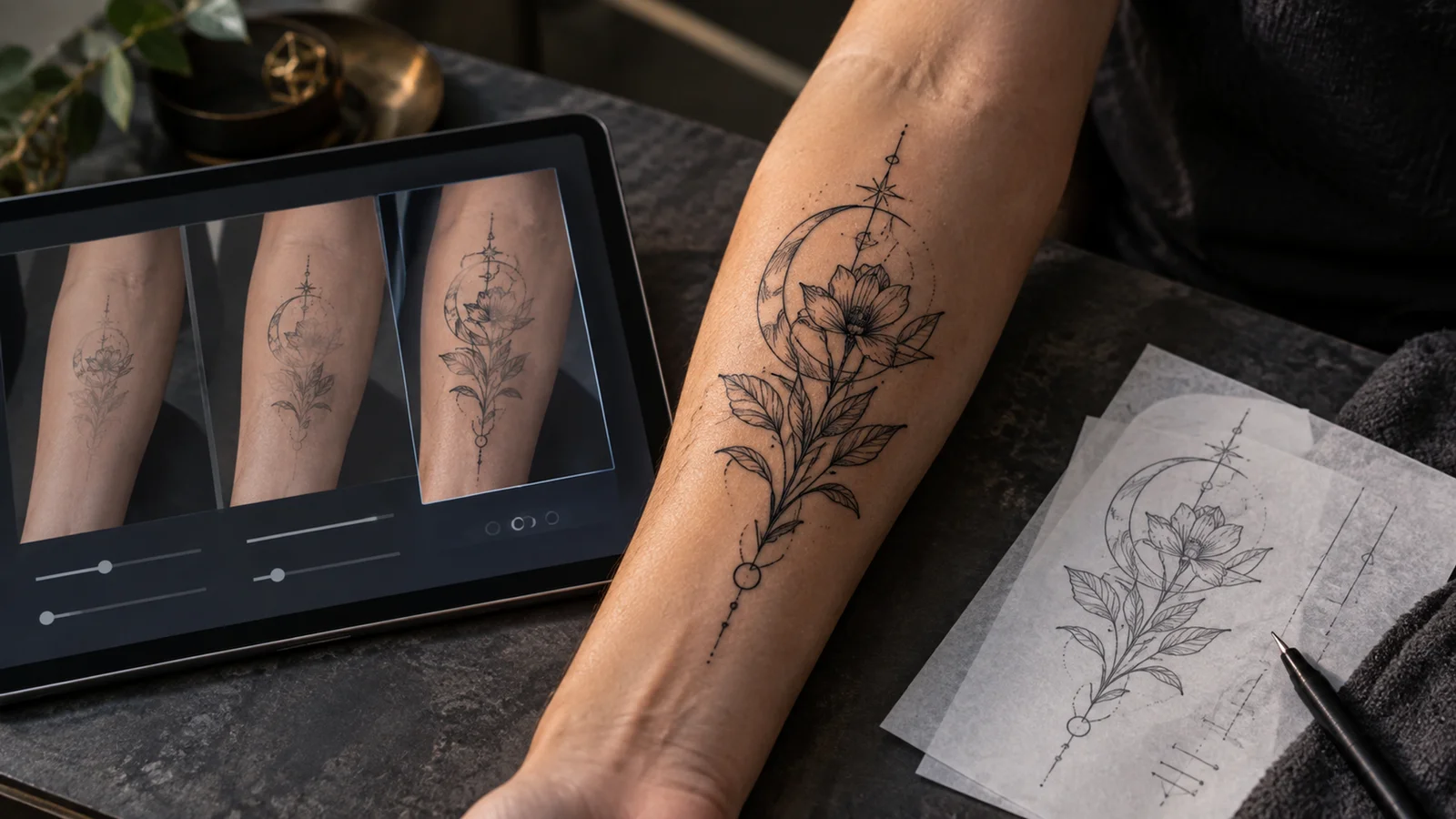
InkCraft solves a narrower problem than most tools filed under AI tattoo generator: it is built to answer "will this design look right on my body" rather than "what design should I get". The distinction shows up in the product's core claim. Instead of compositing a flat PNG over a photo, InkCraft reconstructs a 3D model from the picture you upload and wraps the design around it, so curves, folds, and perspective are accounted for. The site states this directly in its FAQ: "Most apps paste a flat image onto a photo. InkCraft uses 3D body reconstruction to match the curvature of your skin."
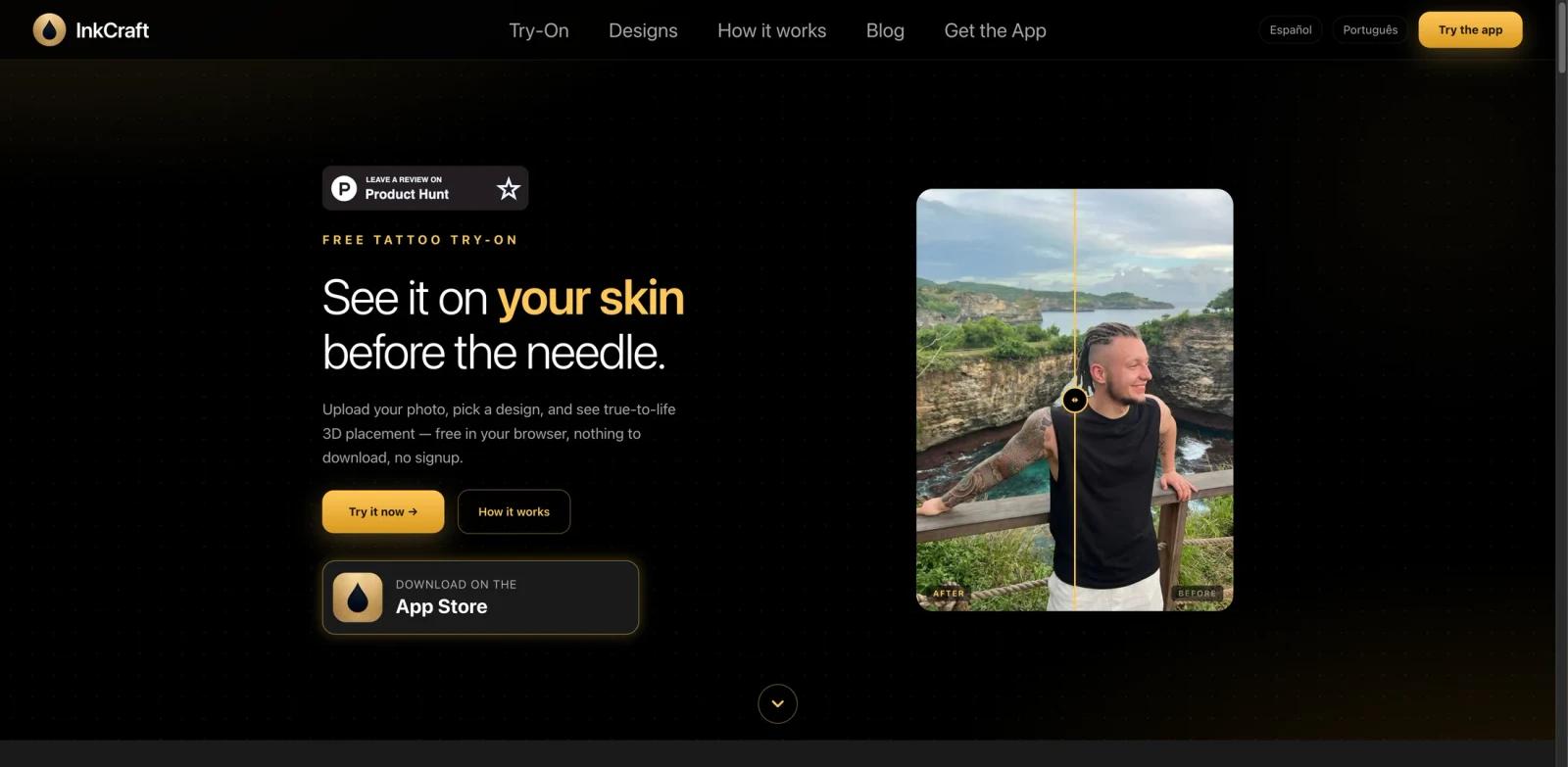
The friction to test that claim is unusually low. The browser try-on is free, needs no account, and installs nothing — the site's own structured data describes the web application as "Free, unlimited, and no account required." That matters in a category where "free" usually means a handful of watermarked generations behind a signup wall. You can upload a photo, place a design, and judge the rendering quality before deciding whether any of this is worth paying for.
The trade-offs are platform and scope. The full feature set — the complete design library, AI design generation, scar cover previews, saving and syncing — lives in the iOS app, which requires iOS 17.6 or later. Android is not available; the FAQ says a version is "in development" with a waitlist inside the app, which is not a shipping date. InkCraft is also explicit that a preview is a preview: the Terms state "We do not guarantee that the visualisations are accurate representations of how a real tattoo will look." Treat the output as a placement and scale check to bring to your artist, not as a rendering of healed ink.
Key Features
3D placement instead of flat overlay — The try-on builds a body model from your uploaded photo and wraps the design onto it, rather than compositing a 2D layer. The FAQ lists supported areas as arms, forearms, wrists, upper back, chest, shoulder, ribs, ankle, calf, and thigh, and states the model covers the full body. The blending engine is described as adapting to skin tone automatically, which the vendor frames as producing a realistic preview on any complexion.
Browser try-on with no account — The web version runs on the site itself, in Safari on iPhone, Chrome on Android, or any modern desktop browser. Because it needs no install and no signup, it is also the practical way for an Android user to use InkCraft today, and for anyone to evaluate the 3D placement before committing to the app.
Design library plus AI generation — The library spans fine line, blackwork, traditional, geometric, watercolour, dotwork, neo-traditional, minimalist, ornamental, tribal, and anime, and the site says new designs are added regularly. The iOS app adds a generator that creates a custom design from a text description, which puts InkCraft in the same territory as BlackInk AI and Ink Studio AI, though generation is the secondary feature here rather than the product.
Import your own artwork — The app lets you bring in any image and place it on your photo. For anyone who already has a design from an artist, this is the feature that matters most: it turns InkCraft into a placement tool for work that already exists rather than a source of new concepts.
Share the preview with your artist — Previews can be saved and sent onward, which is the intended end of the workflow. The point of the 3D model is to make the conversation about size and position concrete before the appointment.
Documented photo handling — The privacy policy describes the full pipeline: the photo renders locally, travels over HTTPS to a processing server, comes back as a preview, and is then deleted from server memory. EXIF data is stripped before upload, and the Terms state "We do not use your photos to train AI models." For a tool whose input is a photograph of your own body, that documentation is a genuine feature.
Pricing Snapshot
There is a real free tier, not a trial. The web try-on is free and unmetered, and the iOS app is free to install — the site's structured data describes the free download as covering try-on, lettering, and building a 3D model from your own photo as "unlimited and need no account". The app's free tier gives unlimited previews on what the FAQ calls "the main pose".
Paid access is sold on two separate axes, and the two places InkCraft publishes prices do not list the same things:
| Plan | Price | Where it is listed |
|---|---|---|
| Web try-on | $0 | Site |
| App download and free tier | $0 | Site and App Store |
| InkCraft Pro — monthly | $12.99 | Site and App Store |
| InkCraft Pro — annual | $37.99 | Site and App Store |
| Weekly Pro | $7.99 | App Store only |
| 7-Day Pro Pass | $4.99 | App Store only |
| 24-Hour Pro Pass | $1.99 | App Store only |
| Credit packs | $7.49, $12.49, $18.90, $24.99, $37.49 | App Store only |
The site advertises only the monthly and annual subscriptions, both with a 3-day free trial for new subscribers. The App Store listing shows those two plus three shorter passes and five credit packs. The practical reading: if you want Pro features for one sitting rather than one year, the $1.99 24-hour pass or $4.99 seven-day pass exists even though the website never mentions it. Annual at $37.99 is cheaper than three months of the $12.99 monthly plan, which is an aggressive gap and the reason the shorter passes are worth knowing about.
Two terms to check before buying. Subscriptions auto-renew unless cancelled before the renewal date, so a 3-day trial converts on its own. Credit purchases are non-refundable except where law requires, and because the purchases run through Apple, App Store refund terms also apply.
Best For
InkCraft fits best if you already know roughly what you want inked and need to settle size and placement. If you have a design from your artist, or a reference you like, importing it and checking how it sits on a specific spot is exactly what the 3D model is for.
It is a weaker fit if you are still generating ideas from scratch. Dedicated generators such as TattoosAI or Photoleap AI Tattoo put more of their product into concept creation; our best AI tattoo generator roundup compares that side of the category. It is also the wrong tool if you are on Android and want the full feature set, since only the browser try-on is available to you.
FAQ
Is InkCraft free?
Yes, with real limits rather than a countdown. The browser try-on is free, unlimited, and needs no account. The iOS app is free to install and its free tier gives unlimited previews on the main pose. AI design generation and the full editing set sit behind Pro.
How much does InkCraft Pro cost?
The website lists $12.99 per month and $37.99 per year, both with a 3-day free trial for new subscribers. The App Store listing additionally shows a $7.99 weekly pass, a $4.99 seven-day pass, a $1.99 24-hour pass, and credit packs from $7.49 to $37.49.
Is there an Android version?
Not yet. The FAQ states InkCraft is currently available on iOS and that an Android version is in development, with a waitlist inside the app. Android users can still use the browser try-on, which runs in Chrome on Android.
What happens to the photo I upload?
The privacy policy describes it rendering locally, travelling over an encrypted HTTPS connection to a processing server, returning as a preview, and then being deleted from server memory. EXIF data is stripped before upload, and the Terms state photos are not used to train AI models.
Can I use my own tattoo design instead of theirs?
Yes. The app lets you import any image and place it on your photo, which is the main reason to use InkCraft if your design already exists.
How accurate is the preview?
Accurate enough for placement and scale decisions, and the vendor does not claim more than that. The Terms state plainly that InkCraft does not guarantee the visualisations are accurate representations of how a real tattoo will look.
Does InkCraft work on dark skin tones?
The FAQ states the placement and blending engine adapts to skin tone automatically for a realistic preview on any complexion. Because the browser try-on is free and needs no account, this is straightforward to verify with your own photo before paying.