
11 Best AI Tattoo Generators 2026 — Preview Before You Commit
We tested 20+ AI tattoo generators and narrowed it to 11 that actually help you plan ink — with body visualization, stencil export, and transparent pricing.
On this page
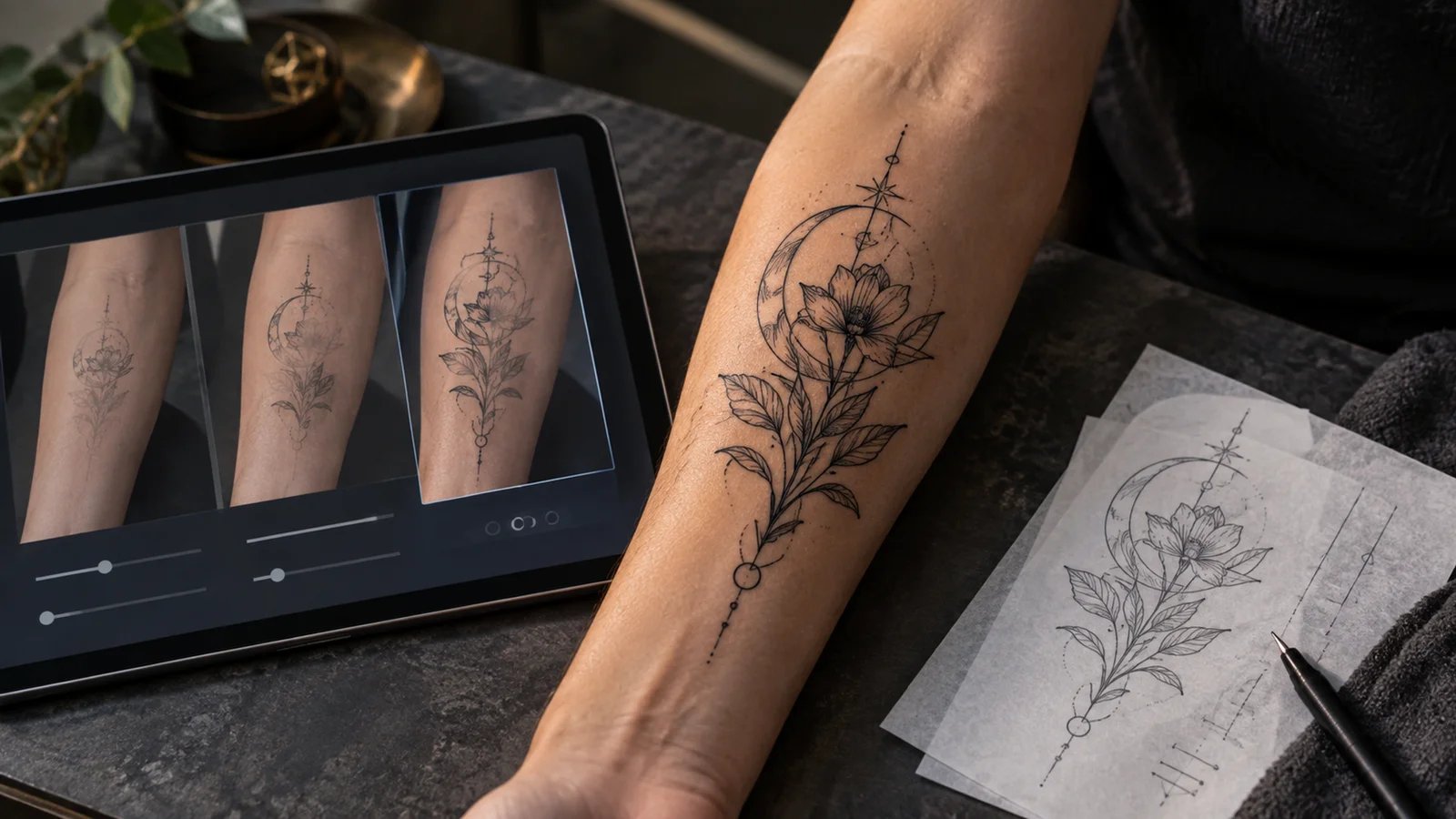
A $200 custom tattoo consultation used to be the only way to see your idea on skin before committing. Now a 30-second text prompt can generate dozens of designs across styles you didn't know existed — Japanese irezumi, geometric blackwork, watercolor florals — and overlay them on your actual body in 3D. The AI tattoo generator market has quietly matured from novelty to genuine planning tool, with several platforms now producing stencil-ready line art that artists can work from directly.
To map capabilities, workflows, integrations, and the wider market without rankings, browse the AI Tattoo Generators – Design Your Perfect Ink category landscape.
We tested 20+ AI tattoo generators across web and mobile, comparing them on design quality, style range, body preview accuracy, and whether the output is actually useful in a tattoo shop — not just pretty on a screen. This guide covers 11 tools that earned their spot, from free options for casual exploration to professional-grade platforms that tattoo artists themselves use for client consultations. Each review includes real pricing, honest limitations, and who should skip it.
| Tool | Best For |
|---|---|
| BlackInk AI | Full tattoo planning workflow with body visualization |
| Tatspark | 3D virtual try-on and stencil export for artists |
| Stencil AI | Converting reference photos into print-ready stencils |
| Ink Studio AI | Image-to-tattoo conversion with negative prompts |
| Tat.ink | Free unlimited generation with virtual try-on |
| FamilyPro AI | Budget-friendly credits with virtual try-on |
| Adobe Firefly | Commercially safe designs within Adobe ecosystem |
| Tattoo.ai | Cross-platform generation with mobile AR preview |
| Canva AI | Beginners wanting familiar drag-and-drop editing |
| Fotor AI | Quick mockups with built-in photo editor |
| AI Tattoo Generator | One-time purchase with 50+ styles |
How We Selected and Tested
We started with 33 candidates after filtering out general-purpose image generators (Midjourney, DALL-E, Stable Diffusion) that lack tattoo-specific controls, pure inspiration galleries without AI generation, and tattoo shop booking platforms. Only tools with dedicated tattoo design features — style selection, body placement preview, or stencil output — made the cut.
Our research combined official product documentation, app store ratings where available, independent reviews from tattoo community forums, and hands-on testing of free tiers. We cross-referenced pricing across multiple sources to catch discrepancies between marketing pages and actual checkout flows. For mobile-only apps, we noted the lack of web access as a limitation since it restricts workflow flexibility.
Evaluation Dimensions: We evaluated each tool across 5 dimensions:
- Design quality and style range — Output fidelity, number of tattoo styles, and whether designs translate to real ink
- Body visualization accuracy — Try-on realism, placement adjustment, and skin tone rendering
- Ease of use — Time from first visit to usable design, prompt complexity required
- Pricing transparency — Clear tier structure, credit limits disclosed upfront, refund policy
- Output usability — Export formats (PNG, vector, stencil), resolution, commercial rights
Note on Testing Scope: We tested free tiers and trial periods on all 11 tools. For subscription-gated features like high-resolution export and stencil conversion, we verified capabilities through official documentation and third-party reviews.
Transparency & Limitations: All pricing and feature claims come from official sources verified in April 2026. AI tattoo generators evolve rapidly — check official pricing pages before purchasing. We did not evaluate tattoo artist skill replacement or medical safety considerations.
Top 11 AI Tattoo Generators Compared
Here's a side-by-side view of all 11 tools to help you narrow down candidates before diving into detailed reviews. The comparison focuses on what matters most when choosing a tattoo design tool: how you'll preview designs on your body, what you'll actually pay, and whether the output works in a tattoo shop.
| Tool | Best For | Virtual Try-On | Stencil Export | Starting Price | Free Tier |
|---|---|---|---|---|---|
| BlackInk AI | Full planning workflow | Body preview | Yes | $15/mo | 3 free designs |
| Tatspark | Artist-grade stencils | 3D try-on | Vector/stencil | Free / credits | Yes |
| Stencil AI | Photo-to-stencil conversion | No | 4K upscale | $14/mo | No free plan ($0.99 starter pack) |
| Ink Studio AI | Image-to-tattoo | 3D try-on | No | $12.99/week | 1 free design |
| Tat.ink | Free unlimited use | Photo overlay | No | Free | Unlimited |
| FamilyPro AI | Budget exploration | Photo overlay | No | Free / optional platform credits | Yes |
| Adobe Firefly | Adobe users | Via Photoshop | Manual | Free / $9.99/mo | Limited credits |
| Tattoo.ai | Mobile AR preview | AR try-on | No | From $6.99/week (US App Store) | App free; paid via IAP |
| Canva AI | Design beginners | No | No | Free | Yes |
| Fotor AI | Quick mockups | Tattoo simulator | No | Free / paid plans | Yes |
| AI Tattoo Generator | One-time credit packs | No | No | $5 / 10 credits | Limited |
Detailed Reviews
BlackInk AI
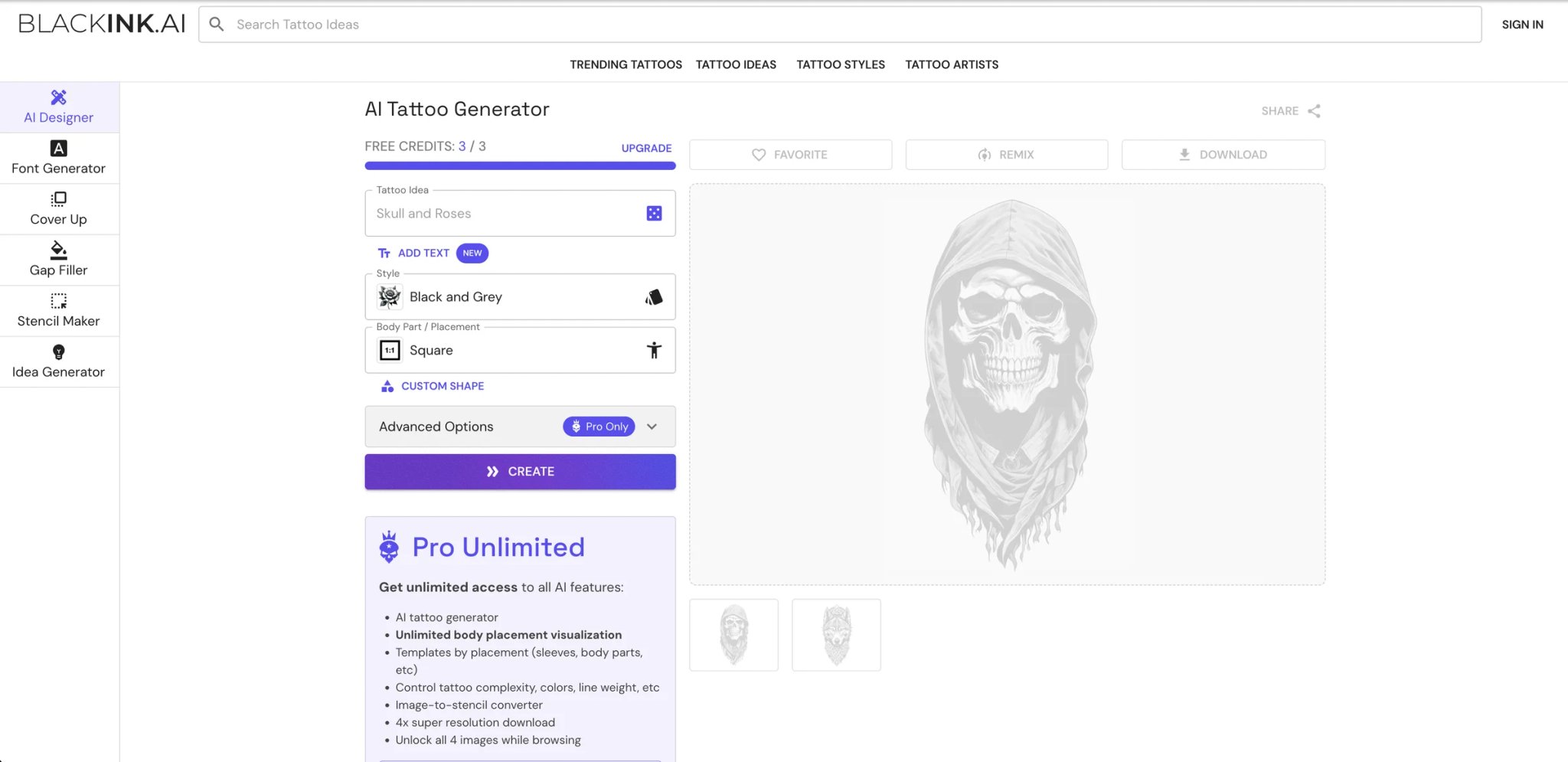
Most AI tattoo generators stop at "here's a pretty picture." BlackInk AI builds the full journey from idea to tattoo shop — generate a design, see it on your body, convert it to a stencil, and hand the file to your artist. That end-to-end workflow is why it sits at the top of this list.
Key Features
-
Body part visualization — Upload a photo of your arm, back, or chest and see the generated design mapped onto your actual skin with adjustable sizing and rotation. Eliminates the "will this work on my forearm?" guessing game that sends people to consultations they don't need yet.
-
Image-to-stencil conversion — Feed it any design (including your own sketches) and it produces clean line art ready for thermal transfer paper. Tattoo artists report using this to speed up client prep, cutting consultation-to-stencil time significantly.
-
Style-specific generation — Over 30 tattoo styles including American Traditional, Japanese, geometric, dotwork, and watercolor. Each style produces output that respects the visual conventions artists expect — proper line weight for traditional, correct shading patterns for Japanese.
-
Cover-up design mode — Upload a photo of an existing tattoo you want covered, and the AI generates designs that account for the underlying ink. This addresses a pain point that generic image generators completely ignore.
Pricing & Plans
- Free: 3 credits to try the product
- Pro Unlimited: $15/month, $39.99 billed quarterly, or $72 billed annually
- Mobile app: Available on iOS with the same account
- Refund policy: The official pricing page advertises a 100% money-back guarantee up to 25 generations
The free tier is enough to test output quality but not enough for serious exploration.
Limitations
- The free tier's 3-design cap means you'll hit the paywall quickly if you're still exploring ideas — and $15/mo is steep compared to tools like Tat.ink that offer unlimited free generation.
- Some users report that refining a design by editing the prompt occasionally produces errors or requires restarting the app, breaking the iterative workflow.
- Independent user review coverage is thin relative to its claimed user base — most reviews come from affiliate-heavy comparison sites rather than verified purchasers.
Best For
Tattoo enthusiasts who want to walk into a shop with a stencil-ready file, not just a screenshot. The body visualization and cover-up features justify the subscription if you're actively planning ink. Not the right fit if you're casually browsing tattoo ideas and don't want a monthly commitment.
Get started with BlackInk AI
Tatspark
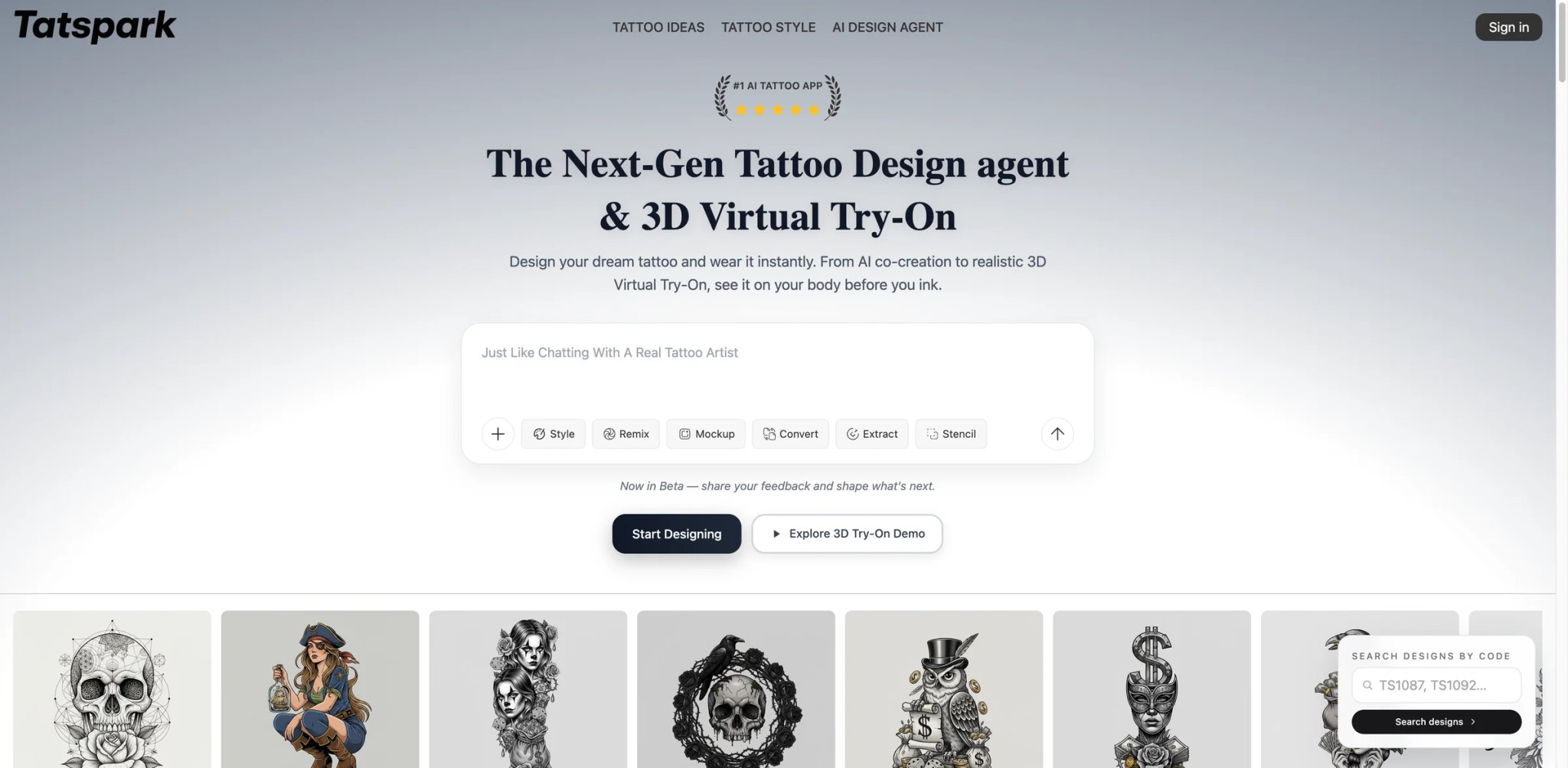
Where BlackInk focuses on the generation-to-stencil pipeline, Tatspark pushes hardest on visualization. Its 3D virtual try-on renders designs onto body parts with depth and curvature — not just a flat overlay on a photo, but an actual wrapped preview that shows how line work distorts around muscles and joints.
Key Features
-
3D virtual try-on — The standout feature. Designs wrap around 3D body models accounting for surface curvature, so you see how a sleeve design actually flows around a bicep rather than looking at a flat sticker effect. This is the closest thing to seeing the real tattoo without sitting in a chair.
-
Vector and stencil export — Downloads in formats that go directly to thermal printers or into design software. Artists can open the vector file, adjust line weights, and print a transfer without redrawing anything.
-
Style-matched generation — Request a specific tattoo style and the AI constrains output to match the visual language — proper symmetry for geometric, correct wave patterns for Japanese, appropriate dot density for dotwork.
Pricing & Plans
- Free tier: Design generation and preview are free
- Paid access: HD downloads, advanced edits, and commercial licenses are handled through a credit-based model
- Transparency: Official pages still do not publish a simple public price table
Limitations
- The credit-based pricing becomes opaque once you're past the free tier. Unlike BlackInk's straightforward $15/mo unlimited model, you need to create an account to discover actual costs.
- Public independent reviews are scarce — the tool is newer and hasn't accumulated the user feedback volume that helps validate quality claims.
- 3D body models cover common placements (arm, back, chest) but may not accurately represent all body types or less common placement areas.
Best For
Tattoo artists doing client consultations who need realistic placement previews and print-ready stencil files. Also strong for anyone placing a design on a curved body area where flat overlays mislead. Not the right fit if you just want quick inspiration images and don't care about placement accuracy.
Get started with Tatspark
Stencil AI
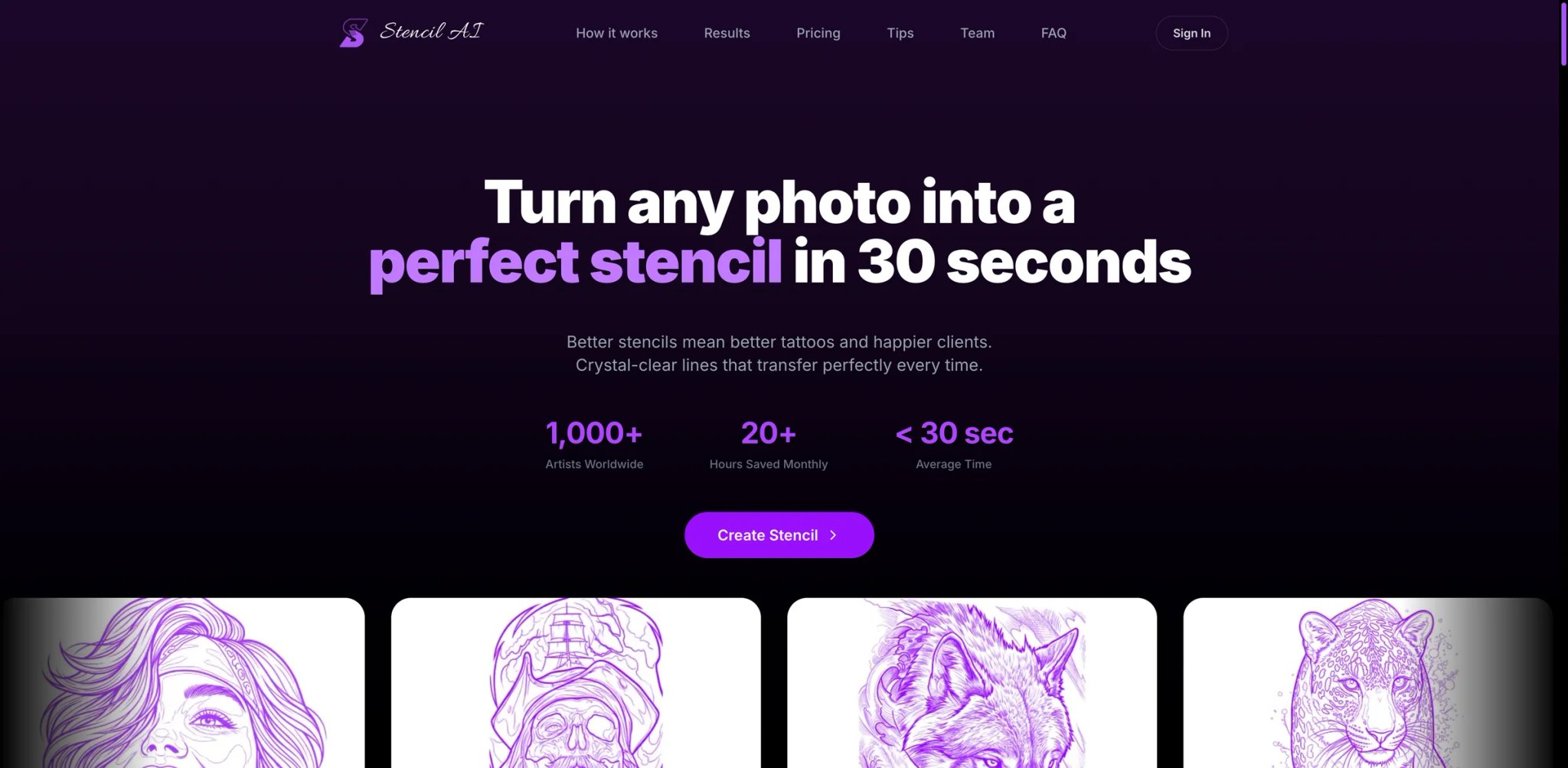
Stencil AI skips the "generate a pretty tattoo" phase entirely and focuses on one thing: turning reference images into clean, print-ready stencils. If you already know what you want and need it converted to line art that works on thermal transfer paper, this is the specialist tool.
Key Features
-
Photo-to-stencil conversion — Upload any image — a photo, a painting, a sketch on a napkin — and the AI strips away backgrounds, enhances contrast, and produces clean line art. Processing takes 30-60 seconds depending on complexity.
-
4K upscale and commercial licensing — Official docs say exported stencils are 1024×1024 for Outline/Simple, 2048×2048 for Detailed, and upscalable to 4K. All paid tiers include commercial use rights. The licensing clarity is unusual for this market — most competitors leave commercial use ambiguous.
-
Multiple stencil styles — Offers different line art treatments: bold outline, fine line, dotwork conversion, and stipple effects. Each produces output optimized for the target tattoo technique.
Pricing & Plans
- Hobby: $14/month with 20 stencil credits/month
- Pro: $29/month with 100 stencil credits/month
- Studio: $69/month for 2 artists, with 120 stencil credits/month per artist
- Starter pack: New users can buy a one-time 5-credit pack for $0.99 before subscribing
- Refunds: The 30-day guarantee applies to the first invoice and is limited by fair-use credit thresholds
Limitations
- This is a conversion tool, not a generation tool. You need to bring your own reference image — it won't create a design from a text prompt. If you're starting from scratch, pair it with a generator like BlackInk or Tat.ink.
- Some users report inconsistent quality with portraits — face details and fine hair lines don't always translate cleanly to stencil format.
- No body placement preview — you get a stencil file but can't see how it looks on skin without using a separate tool.
Best For
Tattoo artists who need to convert client reference photos into stencils quickly, and anyone who already has a design but needs it in a tattoo-shop-ready format. Not the right fit if you're in the ideation phase and need help figuring out what you want.
Get started with Stencil AI

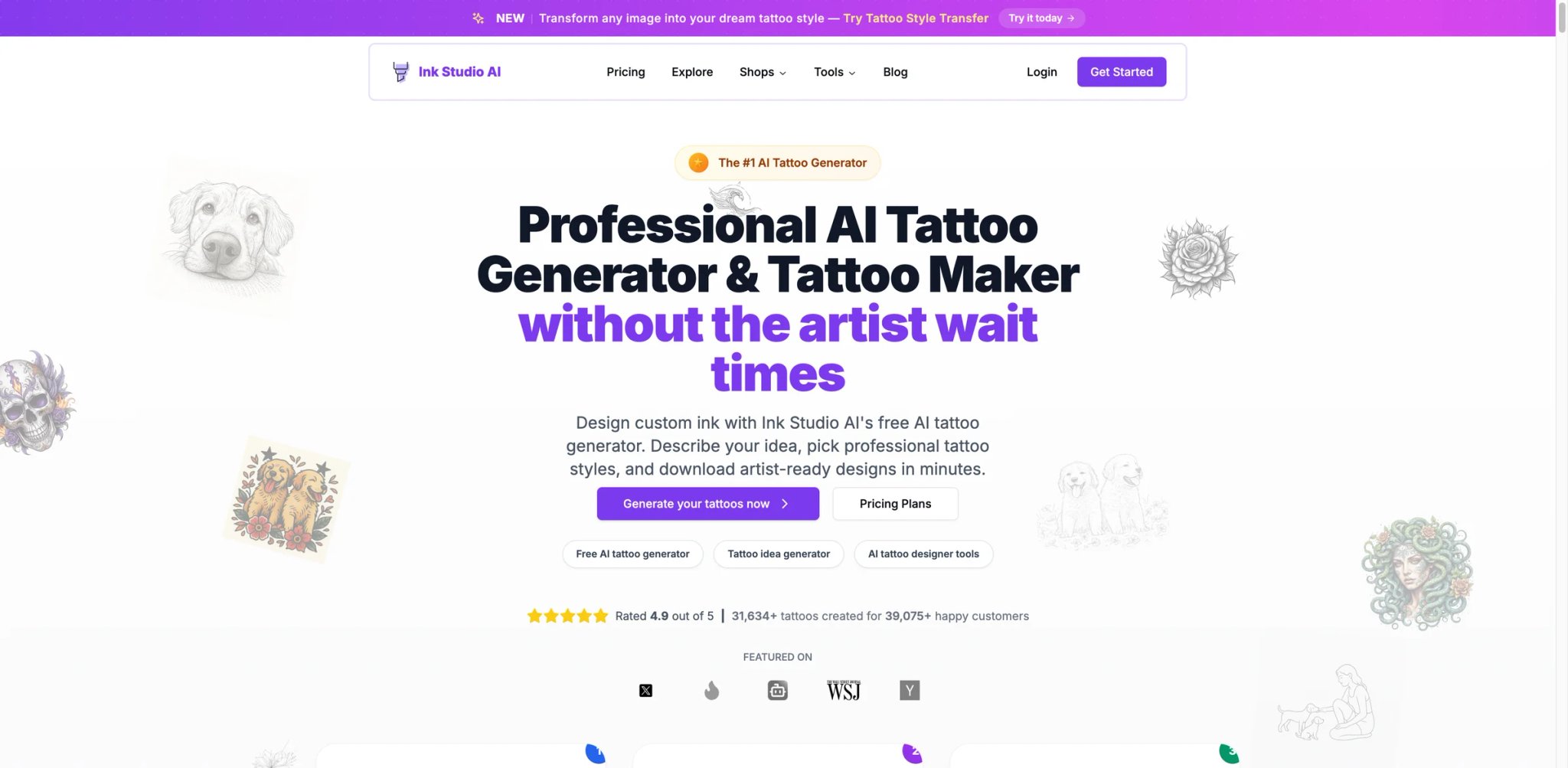
Ink Studio AI feels like a tattoo planning suite more than a simple generator. You describe your idea, pick a style, and get sharp, stylized output within seconds — but the real draw is the image-to-tattoo conversion and negative prompting that let you steer results away from elements you don't want.
Key Features
-
Image-to-tattoo conversion — Upload a meaningful photo (a pet, a landscape, a portrait) and the AI transforms it into a tattoo design matching your chosen style. The output respects tattoo conventions — simplified details, proper contrast for skin readability.
-
Negative prompts — Specify what you don't want ("no color," "no skulls," "no background elements"). This level of control is rare in tattoo generators and dramatically reduces iteration cycles.
-
3D tattoo try-on — See designs on your actual body with realistic placement and sizing adjustments. Combined with the negative prompt system, you can refine both the design and its placement in one session.
Pricing & Plans
- 7-Day Access: $12.99 one-time
- 14-Day Access: $16.99 one-time
- 30-Day Access: $23.99 one-time
- Free: 1 free generation
- All plans are one-time purchases — no auto-renewal
The no-subscription model is refreshing. You pay for access windows rather than recurring charges, which works well for the typical tattoo planning cycle where you're actively designing for a few weeks before your appointment.
Limitations
- The free tier is essentially a demo — one design doesn't give you enough iterations to judge quality across different styles and prompts. You're committing $12.99 before you really know the tool.
- Color output, placement previews, and additional styles are all locked behind the paywall. The free experience is significantly stripped compared to what you're evaluating.
- Weekly pricing at $12.99 is expensive relative to competitors — if your planning takes more than a month, the cost adds up faster than BlackInk's $15/mo unlimited plan.
Best For
People who have a specific photo or concept they want translated into a tattoo design, and who appreciate fine-grained control over what appears in the output. The access-window pricing model suits anyone planning for a specific appointment date. Not the right fit if you're in open-ended exploration mode — the per-week pricing penalizes browsing.
Get started with Ink Studio AI
Tat.ink
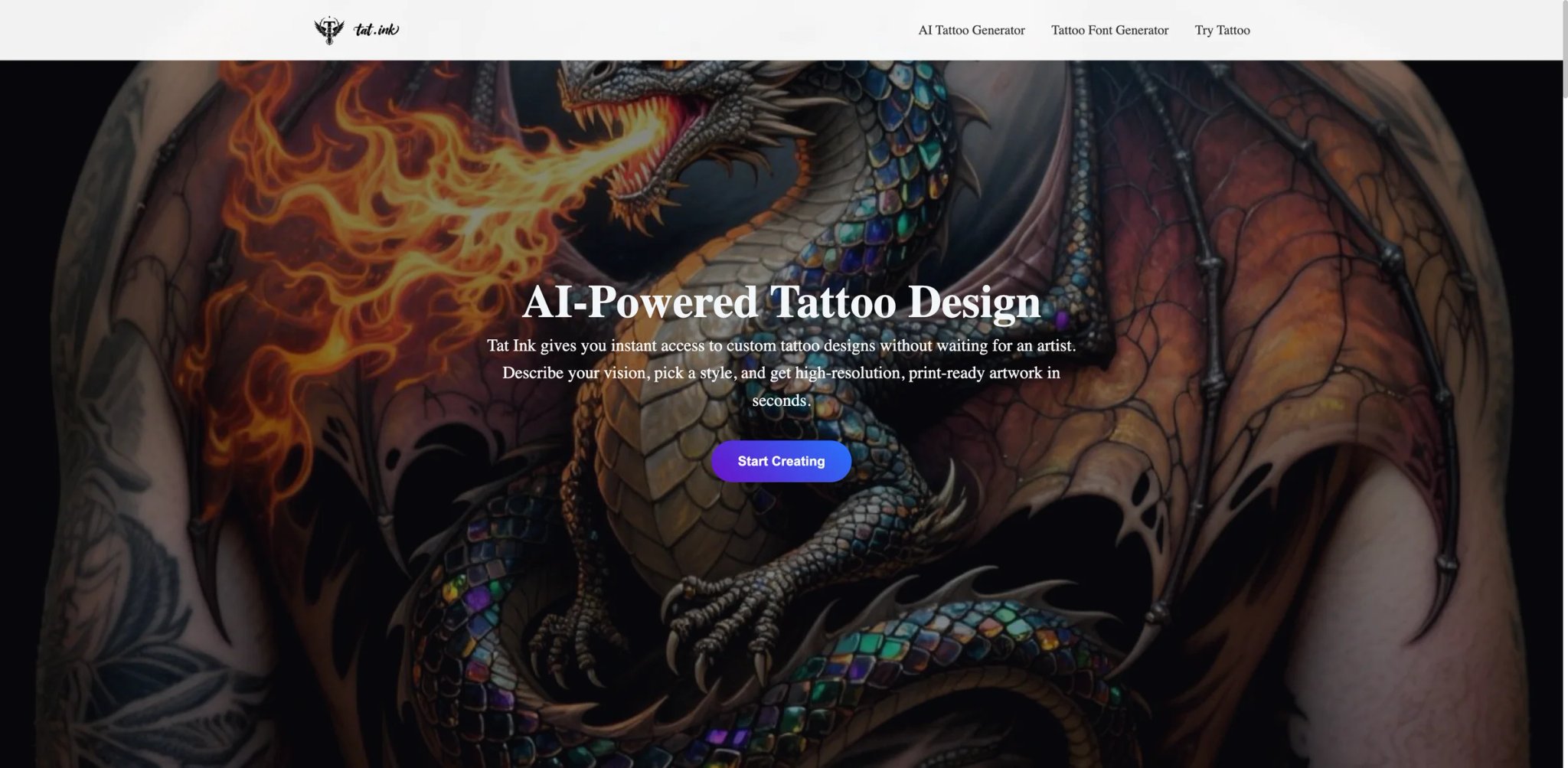
Every other tool on this list either charges money or gates features behind credits. Tat.ink is free. Not "free with a watermark" or "free for 3 designs" — actually free, with text-to-tattoo generation, image-to-tattoo conversion, virtual try-on, and a font generator all available without creating an account or entering payment details.
Key Features
-
Unlimited free generation — Generate as many designs as you want across styles including blackwork, watercolor, geometric, tribal, and minimalist. No credit counter ticking down, no daily caps (though heavy use may encounter rate limits).
-
Virtual try-on — Upload a photo of your body, overlay any generated design, and adjust size, placement, and opacity. Not as sophisticated as Tatspark's 3D rendering, but effective for getting a general sense of scale and positioning.
-
Tattoo font generator — Enter text and convert it into tattoo-ready lettering across gothic, cursive, calligraphy, tribal, brush, and minimalist styles. Useful for name tattoos, quotes, and date tattoos that need stylized typography.
Pricing & Plans
- Free: Tat Ink says you can try all tools for free
- Premium: The site says premium is available for unlimited access and extra features
- Limits: The official FAQ refers to daily limits on free use, but it does not publish a simple public pricing table on the pages reviewed
Premium exists but isn't pushed aggressively.
Limitations
- Design quality sits in the mid-tier — output is good for exploration and idea generation but may lack the fine detail and line precision of paid tools like BlackInk or Tatspark. Don't expect stencil-ready output.
- No vector or stencil export — downloads are PNG images, which means an artist will need to redraw or trace rather than printing directly to thermal paper.
- The "free forever" model raises questions about long-term sustainability and how the platform monetizes, which matters if you're building a collection of designs you want to access later.
Best For
Anyone in the early exploration phase who wants to generate dozens of ideas without financial commitment. Excellent for building a mood board to bring to a tattoo consultation. Not the right fit if you need stencil-quality output or vector files for professional use. If you're exploring AI image generators more broadly, Tat.ink is a strong specialized alternative for tattoo-specific output.
Get started with Tat.ink
FamilyPro AI Tattoo Generator
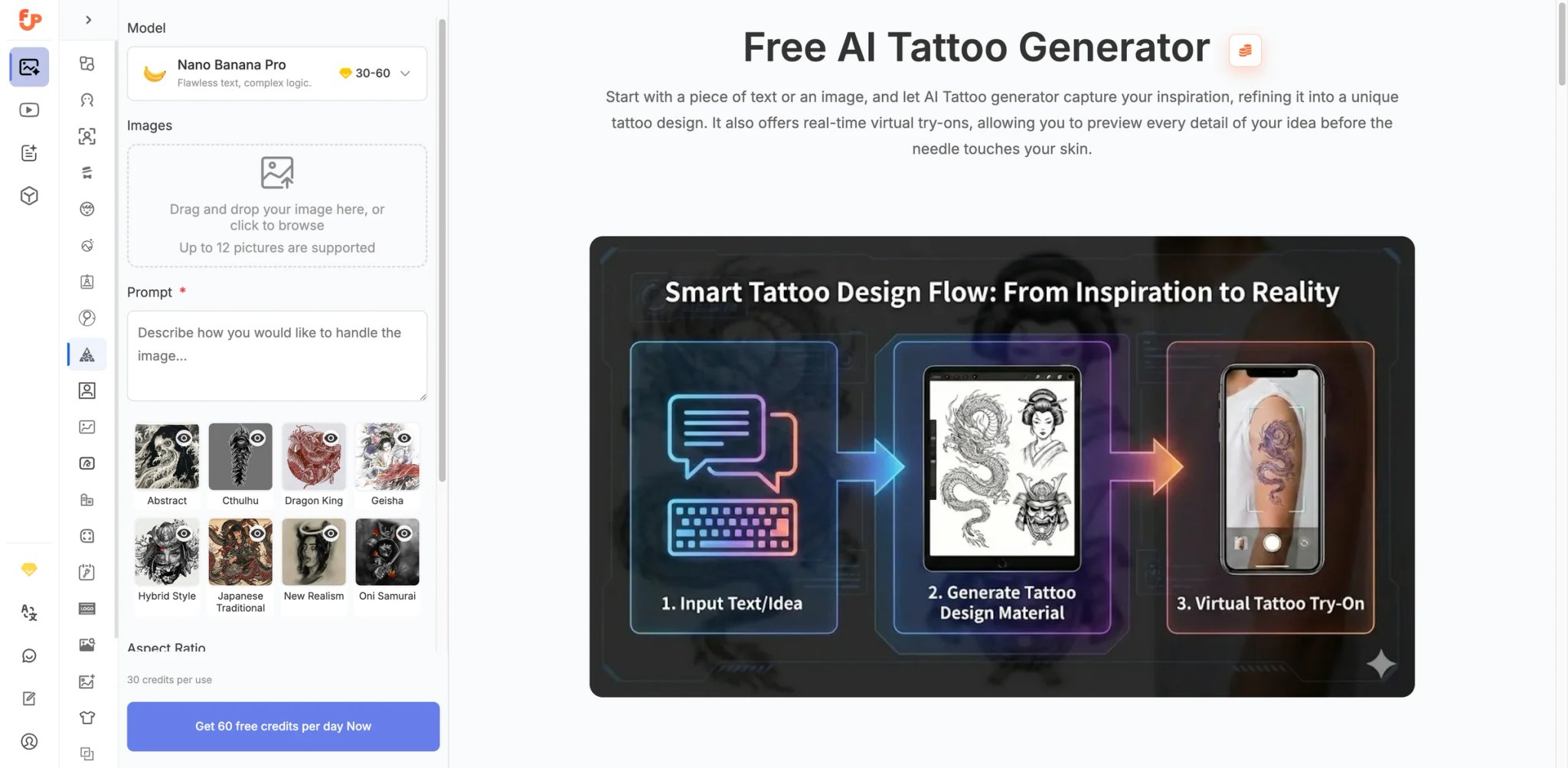
FamilyPro is a broader consumer platform that mixes subscription-sharing offers with AI tools, including a tattoo generator page. The tattoo feature lives alongside other AI tools (headshots, logos, backgrounds), which means you're getting tattoo generation as part of a broader creative toolkit rather than a dedicated tattoo product.
Key Features
-
Text and image generation — Describe your tattoo idea or upload a reference image, and the AI generates designs across common tattoo styles. The interface is clean and doesn't require tattoo-specific vocabulary to get decent results.
-
Virtual try-on — Upload a body photo and overlay generated designs with positioning controls. The overlay is a flat 2D projection rather than a 3D wrap, but functional for basic placement decisions.
-
Credit-based pricing — Free credits refresh regularly, and additional credits are inexpensive. The per-generation cost is among the lowest in this list.
Pricing & Plans
- Free: The tattoo landing page currently markets the tool as free to use and does not publish a tattoo-specific subscription
- Optional credits: FamilyPro also sells platform-wide AI credits separately, but that credit page is not a dedicated tattoo pricing table
- This is better framed as a free generalist tool with optional platform credits than as a standard tattoo-app pricing ladder
Limitations
- This is a generalist platform with tattoo as one feature, not a dedicated tattoo tool. Style range and tattoo-specific controls (stencil export, cover-up mode, artist workflows) are limited compared to specialists like BlackInk or Tatspark.
- No stencil or vector export — output is standard image format only.
- The platform's long-term focus on tattoo features specifically is uncertain since it's a multi-category tool.
Best For
Budget-conscious users who want to test AI tattoo generation without committing to a tattoo-specific subscription. Good for generating a few ideas alongside other AI creative tasks. Not the right fit if you need deep tattoo-specific features like stencil conversion or cover-up design.
Get started with FamilyPro AI Tattoo Generator
Adobe Firefly Tattoo Generator
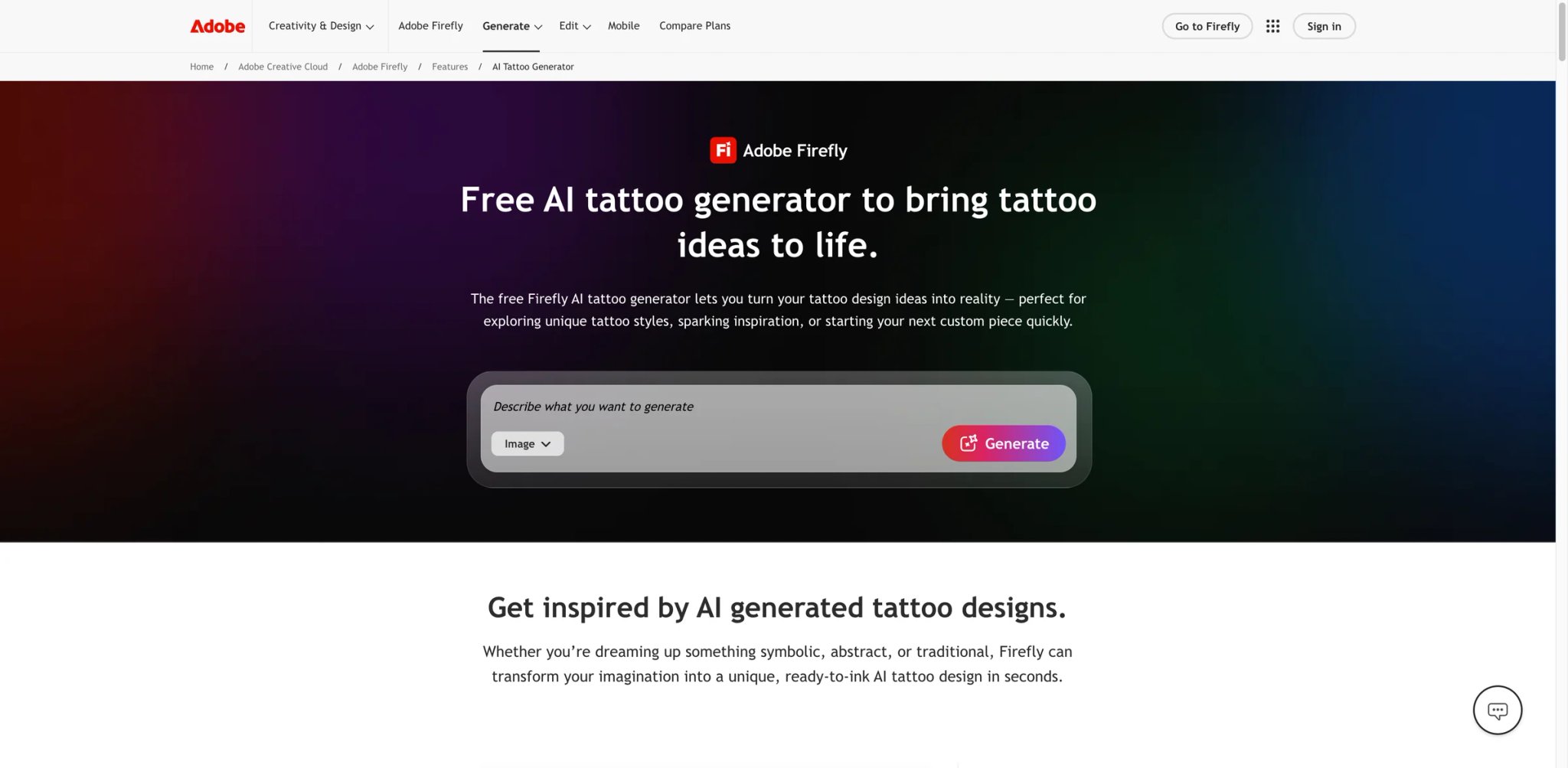
Adobe didn't build Firefly for tattoos — it built a general-purpose image generator and then created a tattoo-specific landing page. The distinction matters: you get Adobe's commercial safety guarantees and Photoshop integration, but none of the tattoo-specific workflows (stencil conversion, body try-on, style-locked generation) that dedicated tools offer.
Key Features
-
Commercially safe generation — Adobe positions Firefly as commercially safe and says outputs from Firefly models can generally be used commercially. Its training approach emphasizes licensed and permitted content, making it a safer fit for client-facing concept work than many consumer tattoo generators.
-
Reference image support — Upload a reference image to guide generation style and composition. Combined with text prompts, this gives reasonable control over output direction.
-
Photoshop integration — If you already use Photoshop, Firefly sits in your toolbar. The Generative Fill feature lets you paint a tattoo onto a photo of a client's body part — the closest Firefly gets to a "try-on" experience, but it requires Photoshop skill.
Pricing & Plans
- Free: Adobe offers a limited free plan with monthly generative credits, but the tattoo page does not commit to "25 credits/month"
- Firefly Standard: $9.99/month for 2,000 generative credits
- Firefly Pro: $19.99/month for 4,000 generative credits
- Higher standalone Firefly tiers are also available
Limitations
- Not tattoo-specialized. It struggles with lettering (text hallucination is common), doesn't understand tattoo conventions like line weight for different styles, and won't produce stencil-ready output without manual Photoshop work.
- No built-in body try-on — you need Photoshop skills to composite a design onto a body photo using Generative Fill, which is a multi-step process most tattoo shoppers won't attempt.
- At $19.99/mo for the full experience (Firefly alone lacks editing tools), it's the most expensive option for tattoo design specifically.
Best For
Professional designers and tattoo artists who already pay for Creative Cloud and want commercially safe AI generation within their existing workflow. Not the right fit if you're looking for a dedicated tattoo planning tool — the tattoo workflow is built on Firefly's general image-generation stack rather than a dedicated tattoo-planning product.
Get started with Adobe Firefly Tattoo Generator


Tattoo.ai is the most cross-platform option here — web app plus native iOS and Android apps with AR-powered body try-on. The mobile experience is where it shines: point your phone camera at your arm and see a generated design rendered in real-time on your skin.
Key Features
-
AR mobile try-on — Use your phone's camera to see tattoo designs overlaid on your body in real time. Unlike photo-based try-on tools, this updates as you move, giving a more dynamic preview of placement and scale.
-
Cross-platform sync — Generate on web, preview on mobile, or vice versa. Your designs sync across devices, which is practical for the common workflow of designing at a desk and then checking placement in a mirror with your phone.
-
Wide style library — Covers major tattoo styles with dedicated generation modes for each.
Pricing & Plans
- App pricing: The US App Store lists in-app purchases including weekly plans from $6.99 and yearly plans from $29.99-$39.99
- Website transparency: The website still does not clearly surface pricing before sign-up
- Regional variation: Final prices can still vary by market and app store
Limitations
- Pricing is not publicly disclosed on the website or app store listings. You have to create an account to see what you'll pay, which is a red flag for transparency in a market where competitors list prices upfront.
- The mobile apps are the clearest officially documented experience; the website is thinner on pricing and workflow detail before sign-up.
- Limited independent reviews make it difficult to verify quality claims or identify common user complaints.
Best For
Mobile-first users who want to preview tattoo designs using AR in real time — the camera-based try-on is genuinely more immersive than photo overlay tools. Not the right fit if pricing transparency matters to you, or if you primarily work from a desktop.
Get started with Tattoo.ai
Canva AI Tattoo Generator
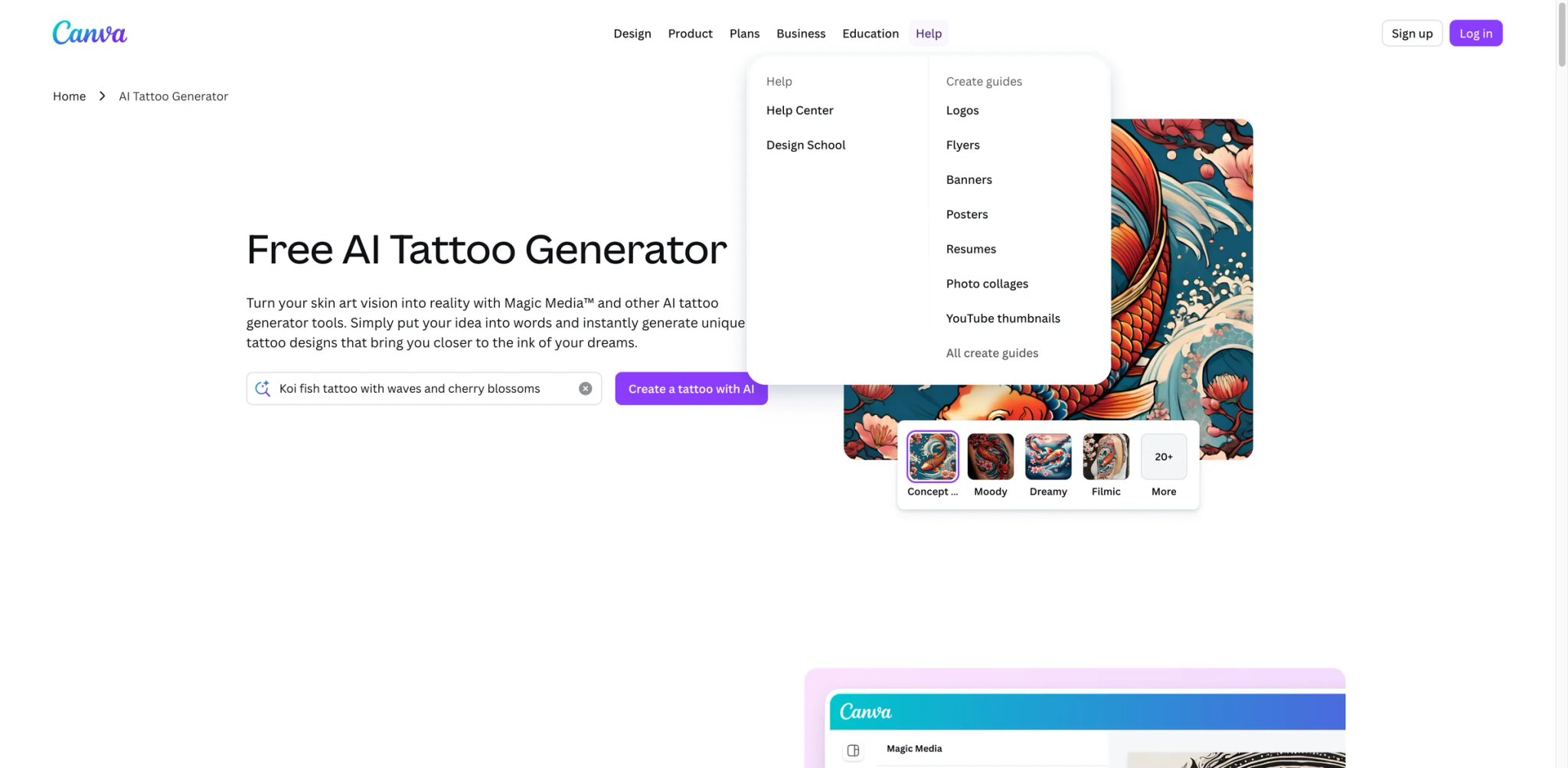
Canva added a tattoo generator page to its AI suite, and the appeal is obvious — if you already know Canva's drag-and-drop interface, there's zero learning curve. But this is Canva's general image generator with a tattoo-themed prompt template, not a purpose-built tattoo tool.
Key Features
-
Familiar interface — Canva's editor means you can generate a tattoo design and immediately drop it into a mood board, presentation, or social media post. The workflow for creating tattoo inspiration boards is faster than any dedicated tattoo tool.
-
Free generation — Basic tattoo design generation is available on Canva's free plan. Output quality is reasonable for exploration and social sharing.
-
Template ecosystem — Access Canva's broader template library to create tattoo consultation sheets, before/after comparisons, or portfolio pages alongside your generated designs.
Pricing & Plans
- Access: Canva offers free entry, but AI image generation is governed by Canva AI usage limits and some Magic Media features are premium
- Paid plans: Canva Pro or Canva Business unlock broader AI capacity and premium design tools
- Keep in mind pricing varies by region — check the live plan page at purchase time
Limitations
- No tattoo-specific features whatsoever — no body try-on, no stencil export, no style-locked generation, no cover-up mode. This is a general image generator with "tattoo" in the prompt.
- Output quality is mid-tier for tattoo purposes. Designs look good on screen but lack the line precision and tattoo-convention awareness that dedicated tools provide.
- No understanding of tattoo techniques — it won't differentiate between line weights appropriate for traditional vs. fine line, or account for how ink spreads in skin over time.
Best For
People who already use Canva and want to quickly explore tattoo ideas within their existing workflow. Good for creating mood boards and inspiration collections. Not the right fit if you want any tattoo-specific functionality — there are free dedicated tools (Tat.ink) that do tattoo design better.
Get started with Canva AI Tattoo Generator
Fotor AI Tattoo Generator
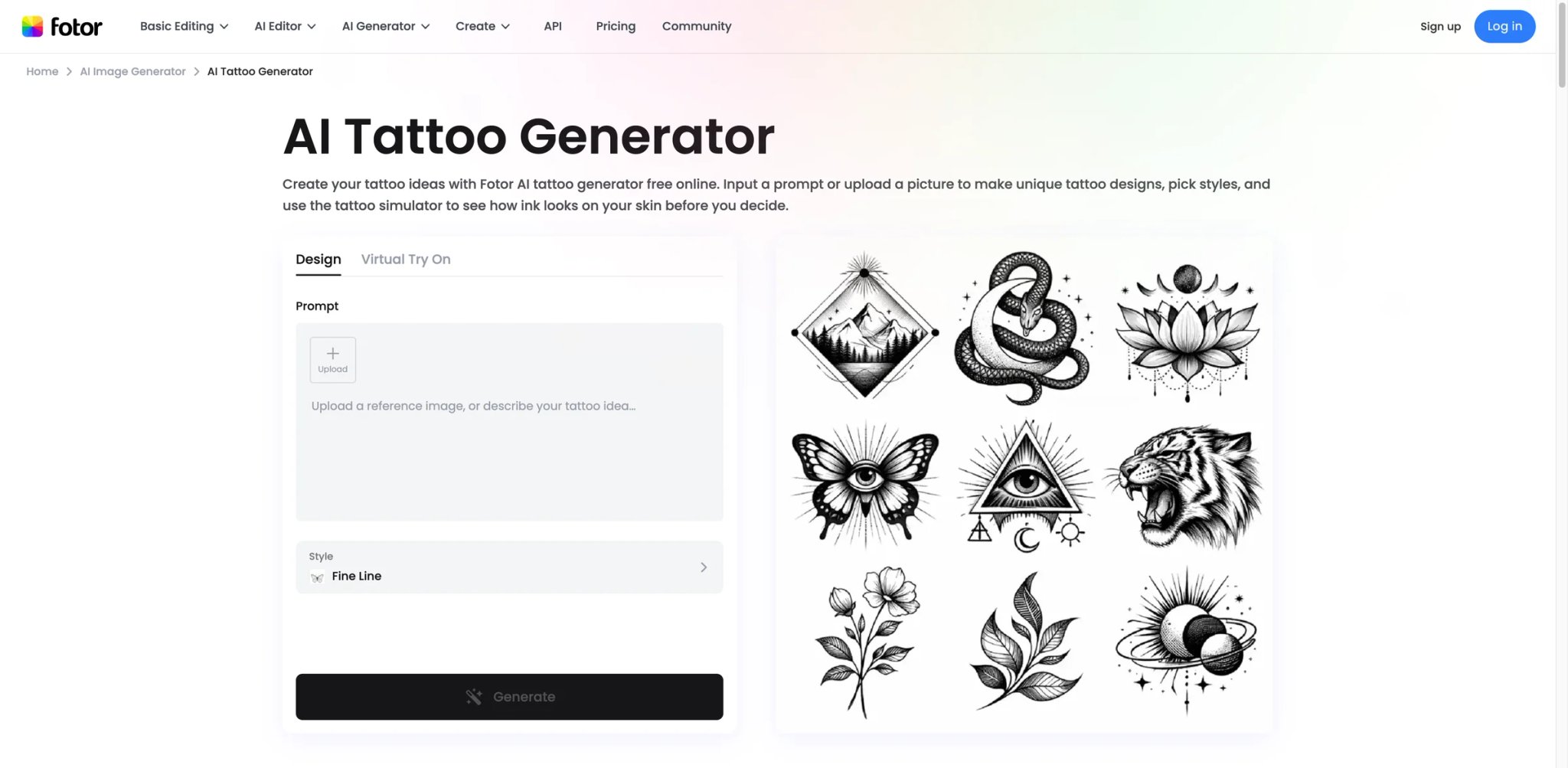
Fotor's tattoo generator pairs AI design generation with the platform's photo editing suite — generate a design, then immediately crop, adjust contrast, add text, or combine it with other images. The built-in tattoo simulator lets you overlay designs on body photos, creating a workflow that bridges generation and mockup in one tool.
Key Features
-
Generation plus editing — Unlike pure generators that only output images, Fotor lets you refine results in a full photo editor. Adjust contrast for stencil-like appearance, remove background elements, or combine multiple generated elements into a composite design.
-
Tattoo simulator — Upload a body photo and overlay generated designs with adjustable placement, size, and opacity. The simulator is 2D but integrates directly with the editor, so you can fine-tune the mockup.
-
Style variety — Fine line, traditional, geometric, watercolor, realism, minimalist, tribal, Japanese, and dotwork. Each style produces distinct output, though precision varies.
Pricing & Plans
- Free: Fotor's tattoo landing page currently markets the tool as free online, no signup, and no watermark
- Paid plans: Fotor's broader account plans still use AI credits, with Pro / Pro+ adding more credits and broader HD or watermark-free export benefits across the platform
- Limits: Free-use limits depend on Fotor's current AI credit rules rather than a clearly published quota on the tattoo page
Limitations
- A generalist tool that does tattoos adequately rather than excellently. You need precise prompts to avoid anatomically incorrect or stylistically inconsistent results — the AI doesn't have the tattoo-specific training of dedicated tools.
- The bigger limitation is that Fotor is a generalist image platform: tattoo-specific controls are lighter than on specialist tools, and export rules are not presented as cleanly as dedicated tattoo apps.
- The daily generation cap on free accounts limits extended exploration sessions.
Best For
Users who want a combined generator-and-editor workflow for creating polished tattoo mockups. The photo editing capabilities add value if you want to refine and composite designs. Not the right fit if you need high-fidelity tattoo-specific output — dedicated tools produce cleaner results with less prompt engineering.
Get started with Fotor AI Tattoo Generator
AI Tattoo Generator
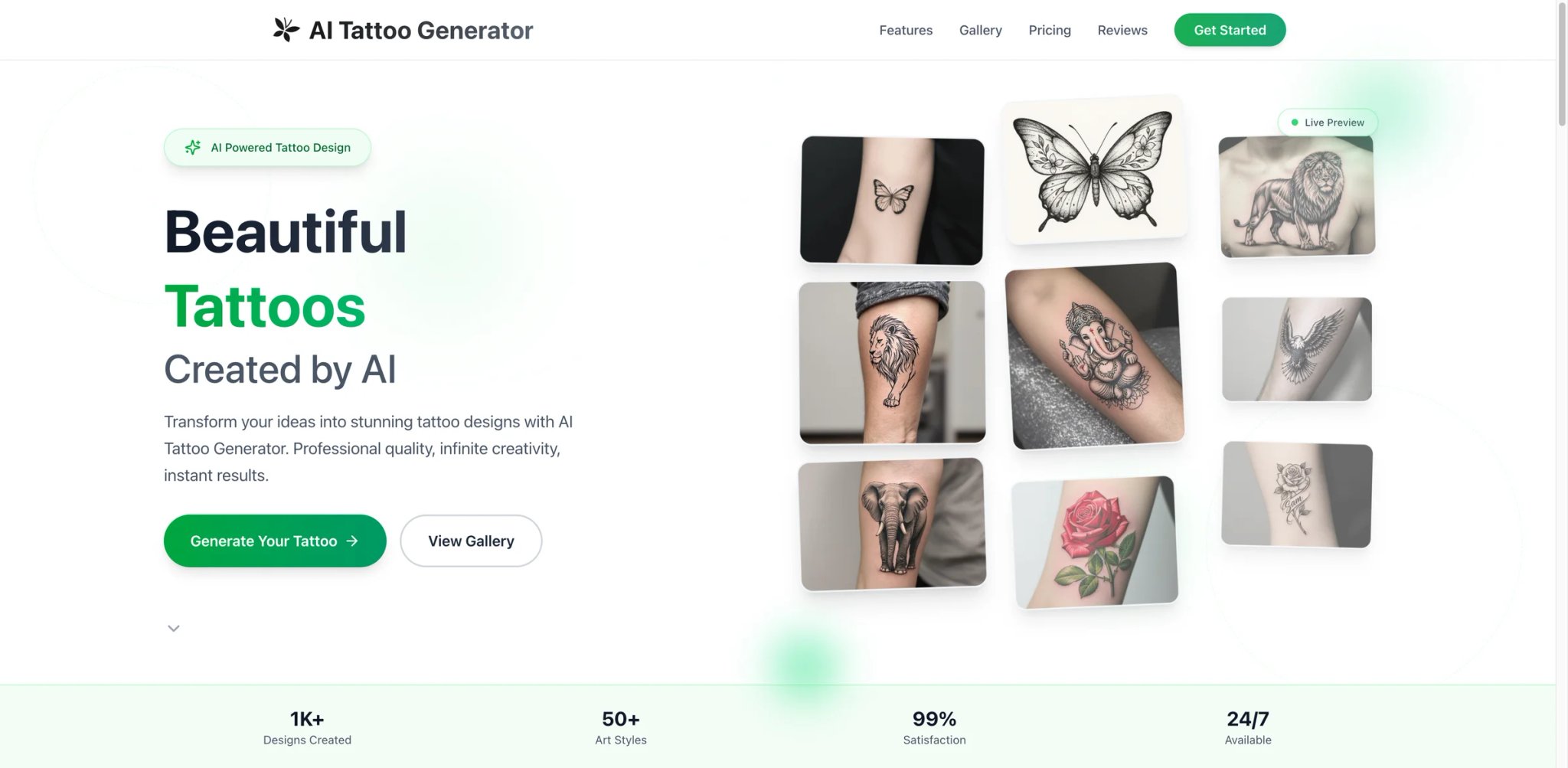
AI Tattoo Generator at aitattoogenerator.me takes a different pricing approach — pay $5 once and you're done. No subscription, no credits, no recurring charges. In a market dominated by monthly subscriptions, the one-time model is refreshing for anyone who doesn't want another auto-renewing charge to track.
Key Features
-
50+ tattoo styles — Covers a wider style range than most competitors including niche styles that other generators skip. Selection includes both mainstream and specialized tattoo traditions.
-
One-time payment — $5 gets you permanent access. The total cost of ownership is the lowest on this list if you plan to use any AI tattoo tool for more than a few weeks.
-
High-resolution downloads — Output is available in print-quality resolution suitable for showing to a tattoo artist.
Pricing & Plans
- Starter: $5 for 10 credits (10 tattoo generations)
- Pro: $25 for 50 credits
- Ultimate: $30 for 80 credits
- Free: Limited generations to test quality
Limitations
- No body try-on or placement preview — you get the design but can't see how it looks on your skin without using a separate tool.
- No stencil or vector export — output is raster images only, requiring manual conversion for tattoo shop use.
- Independent review coverage is minimal, making it hard to assess long-term reliability or output quality across the full style range.
Best For
Budget-conscious users who prefer one-time credit packs over subscriptions and only need a limited number of generations. Not the right fit if you need visualization features or stencil export — you'll need to pair this with another tool for a complete planning workflow.
Get started with AI Tattoo Generator
Best AI Tattoo Generators by Use Case
For First-Timers Deciding on Their First Tattoo
If you've never been inked and the permanence is what scares you most, start with Tat.ink — it's free, requires no account, and you can generate dozens of variations to see what resonates before spending anything. Once you've narrowed your style, use Tatspark for its 3D body try-on to see how the design actually wraps around your specific placement. The combination costs nothing for the exploration phase.
For Tattoo Artists Streamlining Client Consultations
If clients walk in with phone screenshots and Pinterest boards but you need stencil-ready files, Stencil AI converts reference images to thermal-ready line art in under a minute. For artists who also generate custom designs during consultations, BlackInk AI offers the most complete artist workflow — generate, visualize on the client's body, convert to stencil, all in one session.
For People Planning a Cover-Up
Covering an existing tattoo requires designs that account for the underlying ink — something generic generators completely ignore. BlackInk AI is the only tool here with a dedicated cover-up mode that analyzes your existing tattoo and generates designs optimized to work over it. Worth the $15/mo subscription for the cover-up planning phase alone.
For Budget-Conscious Exploration Without Subscriptions
If you refuse to add another monthly charge, two options work: Tat.ink for unlimited free generation (accept mid-tier quality), or AI Tattoo Generator for a one-time $5 payment with 50+ styles. Neither includes body try-on, so pair with Tat.ink's free overlay tool if placement preview matters.
For Professional Designers Creating Tattoo-Adjacent Content
If you're creating tattoo-related content, merchandise, or social media posts and need IP-safe imagery, Adobe Firefly is the only generator here trained exclusively on licensed imagery. The AI avatar generators category offers additional options if you need character-based tattoo visualizations.
How to Choose the Right AI Tattoo Generator
Step 1: Decide what you're actually doing. Are you brainstorming ideas (start with free tools like Tat.ink), planning a specific tattoo for an appointment (invest in visualization tools like Tatspark or BlackInk), or converting an existing design to a stencil (go directly to Stencil AI)? The answer eliminates half the list immediately.
Step 2: Check if body try-on matters to you. If your tattoo placement is somewhere you can't easily visualize (back, ribs, behind the ear), try-on features move from "nice to have" to essential. Tatspark's 3D rendering is the most accurate; Tat.ink and Fotor offer simpler 2D overlays for free.
Step 3: Calculate what you'll actually spend. A week of active tattoo planning on BlackInk costs $15. On Ink Studio AI, that's $12.99. On Tat.ink, it's $0. If your planning window is longer, the $5 one-time payment at AI Tattoo Generator becomes the cheapest option after month one.
Step 4: Ask your tattoo artist what file format they need. If they want a vector or stencil file, your options narrow to Tatspark and Stencil AI. If they're happy working from a reference image, any generator's PNG output works. This conversation should happen before you pay for any tool.
Step 5: Test free tiers before committing. Every paid tool here offers at least one free generation. Use those to compare output quality across the same prompt — you'll quickly see which generator's style matches your taste. Don't judge based on marketing samples alone.
Frequently Asked Questions
Can AI tattoo generators produce stencil-ready output?
Are AI-generated tattoo designs safe to use commercially?
How accurate are virtual try-on features?
Should I bring AI-generated designs to my tattoo artist?
What's the best free AI tattoo generator?
Do AI tattoo generators work for cover-up designs?
How do AI tattoo generators compare to hiring a custom tattoo artist?
Get ToolWorthy Weekly
New AI tools, practical guides, and selected AI signals in one weekly brief.
Related Posts
- 6 Best AI Hairstyle Try-On Tools 2026 — Before the Salon
Compare six AI hairstyle try-on tools by reference photos, phone workflows, free limits and photo privacy. Find a look worth discussing with your stylist.
- 14 Best AI Outfit Generator Tools 2026 - Closet, Try-On & Styling
Compare 14 AI outfit generator tools for digital closets, virtual try-on, weather-aware styling, pricing, mobile workflow and real wardrobe fit.
For AI tool founders
Built a tool that belongs in this decision set?
Request an editorial evaluation for possible inclusion in ToolWorthy.
Submit your tool for reviewPaid submission does not guarantee a ranking, recommendation, inclusion, or editorial outcome.