



Overview
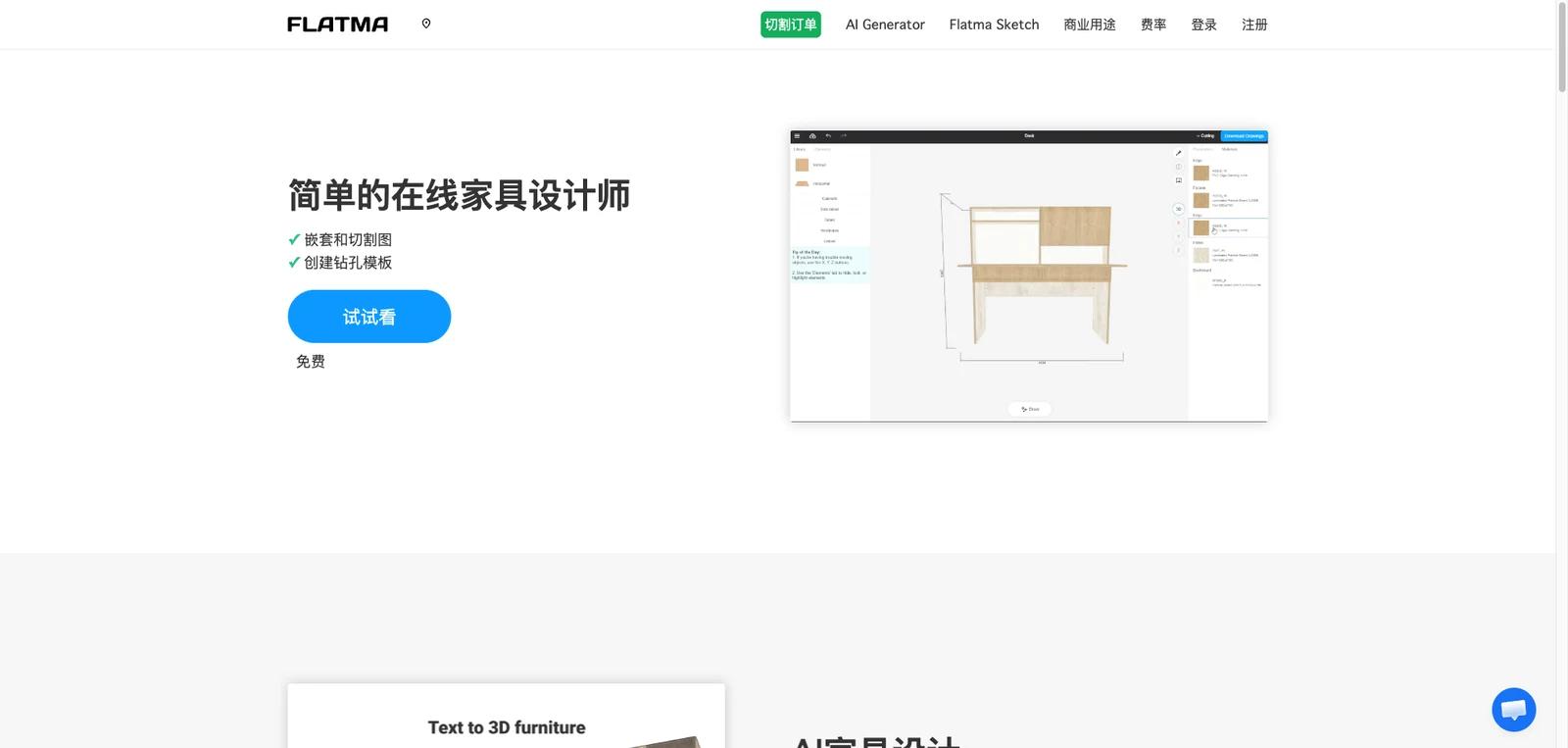
Flatma is an online furniture design tool aimed at people who want to create cabinets, kitchens, room layouts, and other furniture pieces without installing heavyweight desktop CAD software. The platform combines browser-based 3D design, AI-assisted furniture generation, sketch-based cabinet creation, room planning, and manufacturing-support outputs such as cut lists, drilling templates, and PDF specifications.
That combination is what makes the product interesting. Flatma is not only a room planner and not only a cabinet configurator. The official homepage positions it as an accessible online workflow that moves from idea to manufacturable furniture model, with AI features for faster ideation and optimization features for production planning. For hobbyists, small workshops, and furniture makers, that makes it broader than a simple drag-and-drop layout app.
As of April 25, 2026, Flatma publicly highlights AI furniture generation from text, sketch-to-3D cabinet creation, room planning, a ready-made furniture library, PDF specs, cut-list optimization, drilling templates, and community-shared projects. The homepage also explicitly markets a free starting point, which lowers the barrier to trying the workflow. The practical question for buyers is whether Flatma’s web-based convenience outweighs the depth of more traditional furniture CAD or CNC-oriented tools.
For adjacent research, compare AI design tools, AI UI design tools, AI website design tools.
Key Features
Browser-based 3D furniture design — Flatma is designed to run online, making it easier to start than desktop-first furniture CAD tools.
AI furniture generation — The site markets an AI Generator that can turn text descriptions into manufacturable 3D models and drawings.
Sketch-to-furniture workflow — Flatma Sketch lets users draw the structure of a cabinet, add elements like panels, doors, and drawers, and generate a design in seconds.
Room planning mode — The room planner supports space layout with furniture models while also allowing custom furniture design inside the same environment.
Cut-list and drilling outputs — Flatma emphasizes automatic cut-list optimization, drilling templates, panel counts, and edging calculations, which makes it more production-oriented than a pure concept tool.
Community and reusable designs — The platform includes shared furniture projects and a community layer, which helps users learn from existing designs instead of starting from zero.
Pricing & Plans
Flatma has a Free plan and a Pro plan. The official pricing page lists Free as including the full constructor, specifications by details, cutting plans, furniture fitting drawings, and documentation downloads. Pro adds project saving and an unlimited number of projects, listed at $10/month with a $7/month special-offer price.
| Offer | Pricing | Best fit |
|---|---|---|
| Free | Free | Users who want to test the online constructor, cut-list/documentation outputs, and planning workflow; describe AI Generator usage separately because the AI page shows a PRO unlock with 50 Flatma AI tokens |
| Pro | $10/month; $7/month special-offer price shown on the official pricing page | Users who need saved projects and unlimited projects |
| AI Generator PRO unlock | AI page shows 50 Flatma AI tokens, unlimited saving, unlimited projects, a $3/month label, and "no subscriptions, only one-time payments" | Users testing AI-generated furniture models; verify checkout wording before purchase |
| Business / company page | Free Start Plan / Connect | Furniture workshops or cutting companies that want a company page, client-facing designer, and cost calculation based on their own prices |
The practical takeaway is that Flatma is easy to start with, but serious buyers should treat Free, Pro, AI Generator PRO unlock, and Business/Connect as separate paths and confirm checkout terms before relying on Flatma for commercial work.
Best For
- DIY furniture makers and cabinet hobbyists
- Small workshops wanting a lightweight online design workflow
- Users exploring AI-assisted furniture design without desktop CAD
- Interior planners who also need custom furniture concepts
- Teams that want cut lists and drilling plans alongside 3D visualization
FAQ
What is Flatma?
Flatma is an online furniture design tool for creating 3D furniture models, room layouts, cut lists, drilling templates, and related manufacturing-ready outputs.
Does Flatma have AI features?
Yes. Flatma publicly highlights an AI Generator that can turn text descriptions into 3D furniture models and drawings.
Is Flatma free?
Flatma clearly markets a free starting point on the homepage. Buyers who need broader business or commercial usage details should also review the pricing and business pages.
Can Flatma create cut lists?
Yes. Cut-list optimization is one of the platform’s core marketed features, along with drilling templates and material calculations.
Is Flatma only for room planning?
No. It also supports custom furniture design, sketch-based cabinet creation, AI generation, and manufacturing-support outputs.
Who should use Flatma?
Flatma is best for users who want a lightweight, browser-based path from furniture idea to 3D model and production planning. It is less ideal for teams that need the deepest possible industrial furniture CAD workflow.


