



Overview
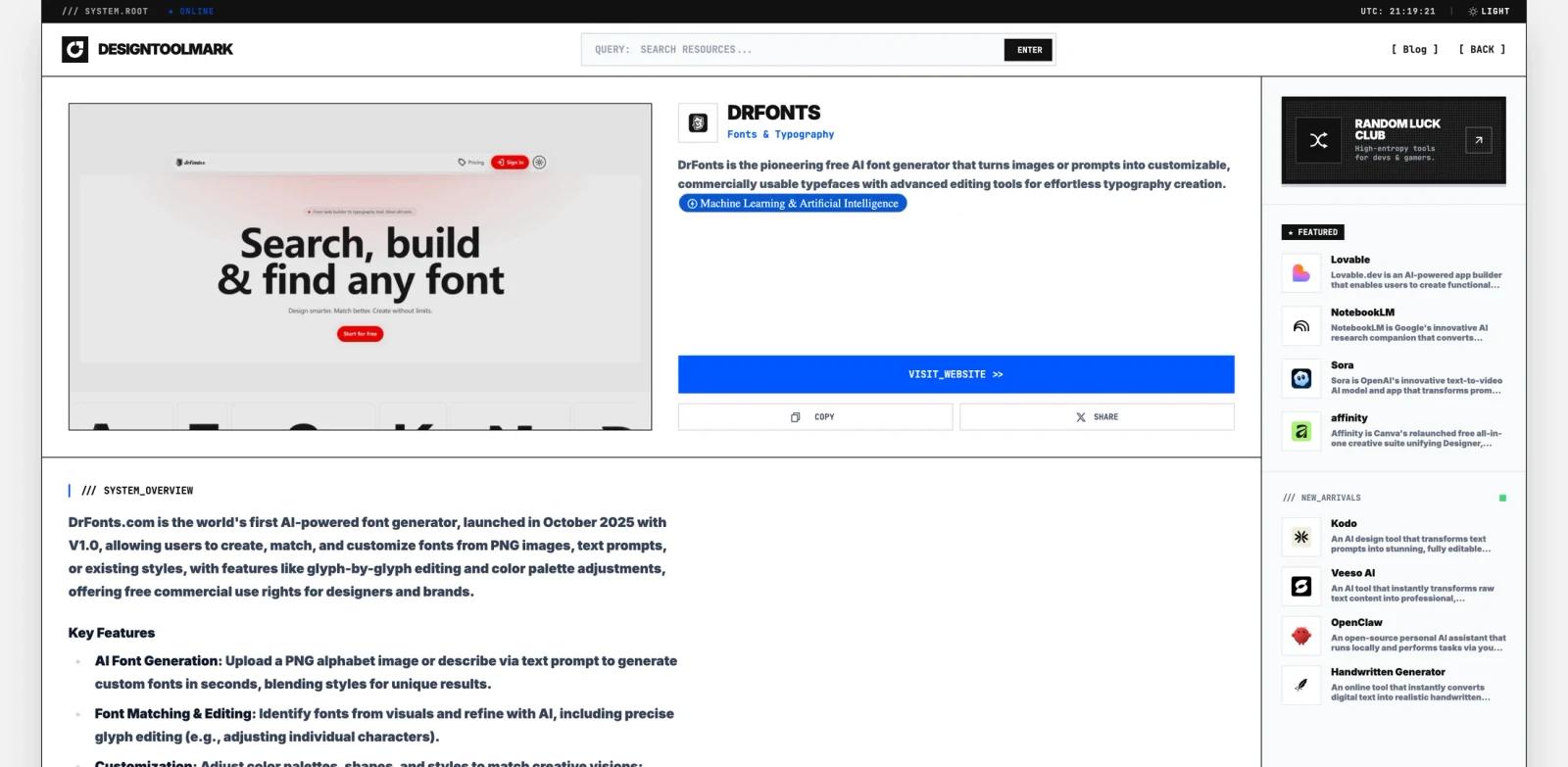
drFonts is an AI-powered font generator that creates complete custom typefaces from a single uploaded image or text description. Upload a PNG of one letter — the AI generates the full alphabet in matching style, producing a downloadable font file ready for commercial use.
Unlike font libraries such as Google Fonts or DaFont where users browse existing typefaces, drFonts generates fonts that have never existed before. It is one of the few tools in the AI font generator category that starts from a single glyph sketch. It targets designers, brand creators, and marketers who need unique typography without the weeks of manual font design work involved in traditional type creation tools like FontForge or Glyphs.
The platform is paid-only after a 1-day free trial, with plans starting at $30/month. All generated fonts include commercial usage rights. The tool is cloud-based and includes a basic design workspace for applying fonts to posters and brand graphics directly within the platform, alongside individual glyph editing for character-level refinement.
For adjacent research, compare AI design tools, AI UI design tools.
Key Features
- AI font generation from sketches — Upload a PNG of a single drawn letter; the AI extrapolates the complete alphabet (A–Z, numbers, punctuation) in the same visual style. Converts hand-drawn concepts into production-ready font files without manual glyph-by-glyph design.
- Text-description font creation — Describe a font style in plain language ("bold geometric sans-serif with rounded corners") and the AI generates a matching typeface. Useful for designers who want to explore typographic concepts before committing to manual refinement.
- Character-level glyph editing — After AI generation, individual glyphs can be adjusted for spacing, curvature, or stroke weight. Provides control over AI output for designers who need precise typographic alignment.
- Style effects and customization — Apply preset effects including 3D, vintage, neon, and branding styles to generated fonts. Enables rapid visual exploration without external design software.
- In-platform design workspace — Create poster mockups and brand compositions using generated fonts inside drFonts, reducing the need to export and test in a separate tool before evaluating results.
- Commercial license included — All generated fonts are royalty-free for commercial use across print, digital, and brand projects with active subscription. No separate licensing fees or per-use attribution requirements.
Pricing & Plans
drFonts offers a 1-day free trial. Paid plans are required for ongoing access.
| Plan | Monthly billing | Project folders | AI generation |
|---|---|---|---|
| Starter | $30/month | 3 | Limited AI requests |
| Creator | $60/month | 6 | More AI requests |
Both plans include commercial usage rights on all generated fonts. The Starter plan is suited for individual designers with occasional font generation needs; the Creator plan supports heavier usage with more project organization.
No annual billing discount or lifetime plan has been publicly advertised.
Best For
- Graphic designers and brand designers who need a unique typeface for a specific project and cannot find a match in existing font libraries
- Social media creators and marketers building branded visual content who want a distinct font tied to their visual identity
- Startups and small businesses creating brand identities on a time-constrained budget who cannot commission a custom typeface
- Designers who sketch lettering concepts by hand and want an automated path from sketch to usable font file
FAQ
Is drFonts free to use?
drFonts offers a 1-day free trial. After the trial period, an active paid subscription is required. Plans start at $30/month for the Starter tier.
Can I use drFonts-generated fonts commercially?
Yes. All fonts generated within an active subscription include commercial usage rights, covering print, digital, and branding applications without per-use fees or attribution requirements.
How does drFonts differ from Google Fonts or DaFont?
Google Fonts, DaFont, and Font Squirrel are font libraries — users browse and download existing typefaces. drFonts generates entirely new custom fonts from user input (a sketch or text description). The two categories serve different needs: libraries offer breadth and zero cost; drFonts offers uniqueness at a subscription cost.
What do I need to create a font with drFonts?
Upload a PNG image of a single letter drawn or designed in the style you want, or provide a text description of the desired style. The AI generates the complete character set. No font design software or technical knowledge is required.
What formats are the generated fonts exported in?
Specific export format details (OTF, TTF, WOFF) are not publicly documented on the drFonts website. Confirm available formats directly on the platform or in the trial period before committing to a subscription.
How does drFonts compare to tools like Fontself or Glyphs?
Fontself and Glyphs are manual font creation tools requiring design expertise — users draw each glyph individually. drFonts automates the glyph extrapolation step using AI, generating the full alphabet from one letter. drFonts is faster for concept exploration; manual tools offer finer control for production-grade type design.


