

Overview
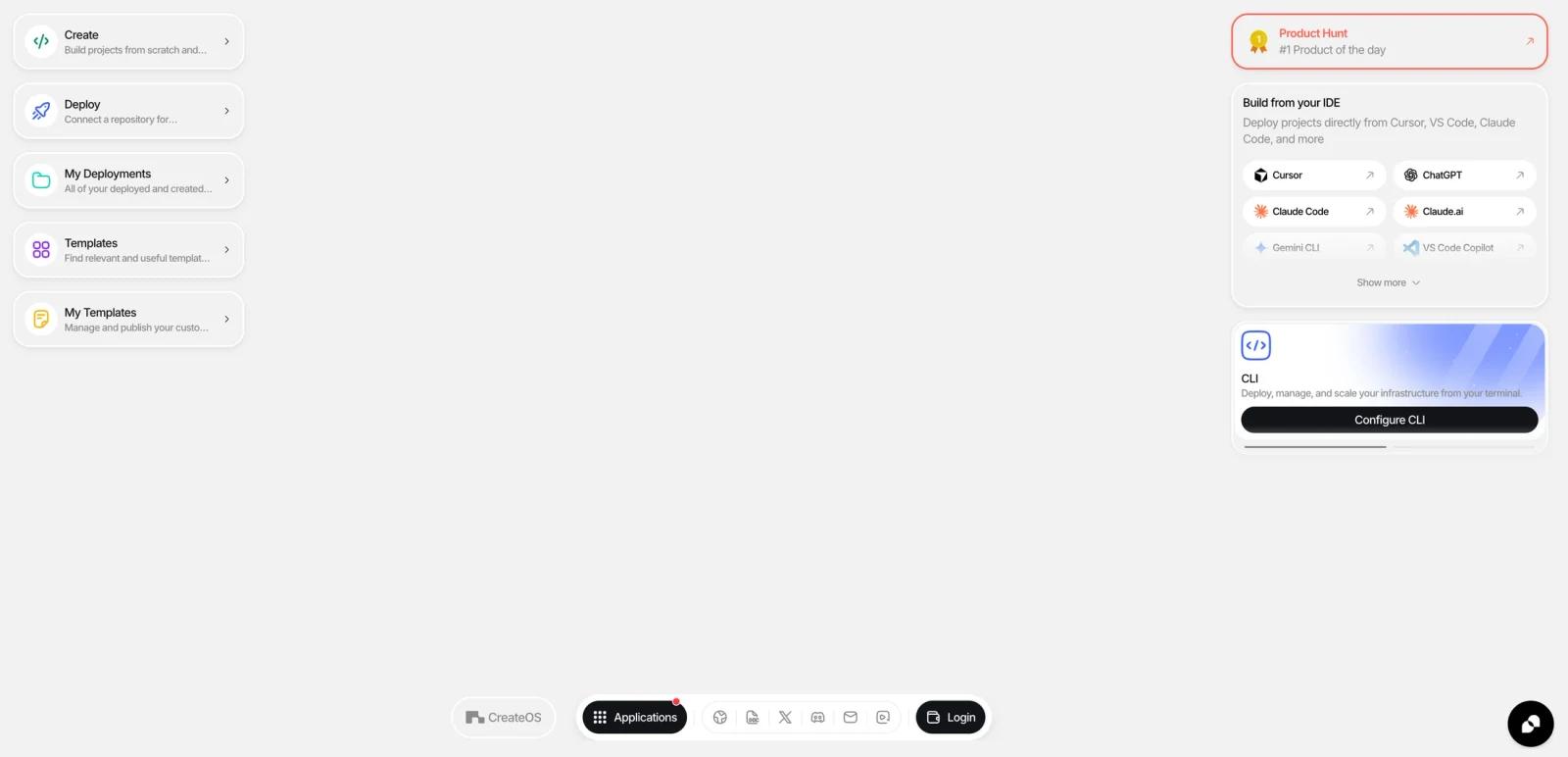
CreateOS is an AI-native deployment and application workspace built by NodeOps. The current homepage frames it as a unified execution environment that replaces a fragmented stack of editors, CI/CD tools, hosting dashboards, domain managers, database consoles, and monitoring panels with one platform. That positioning makes it more comparable to a blend of app builder, deployment platform, managed-service layer, and template marketplace than to a simple hosting product.
The strongest part of the pitch is workflow compression. CreateOS supports GitHub deployments, Docker deployments, file uploads, AI-assisted building, managed databases, templates, and MCP-driven IDE workflows from one place. It is clearly targeting builders who want to move from idea to live app without manually assembling infrastructure.
As of April 26, 2026, CreateOS publicly promotes 150+ templates, support for 14 frameworks and runtimes, managed PostgreSQL/MySQL/Kafka/Valkey services, MCP-friendly integrations with tools like Cursor and Claude Code, and a free tier alongside Plus and Pro paid plans.
For adjacent research, compare AI design tools, AI UI design tools, AI website design tools.
Key Features
- Unified deployment workspace — CreateOS combines app building, deployment, managed services, and operational tooling in one interface.
- Multiple deployment paths — The product supports GitHub push-to-deploy, Docker container deployment, direct file upload, and AI-assisted app generation.
- AI-native builder workflow — Public product copy highlights AI-assisted building and MCP-style integration with Cursor, VS Code, Claude Code, and related tools.
- Managed service layer — One-click provisioning is available for PostgreSQL, MySQL, Kafka, and Valkey.
- Template marketplace — The site promotes 150+ production-ready templates for common app and infrastructure use cases.
- Custom domains and automatic SSL — Domain setup, CDN, SSL, and deployment operations are positioned as built-in rather than add-on tasks.
Pricing & Plans
CreateOS uses a freemium plan model:
| Plan | Public pricing | Best fit |
|---|---|---|
| Free | $0/month | 1 project, 30 build minutes/month, limited starter resources for evaluation and small experiments |
| Plus | $49/month | Growing builders who need more projects, more build time, and broader managed-service access |
| Pro | $149/month | Teams needing higher project counts, larger service quotas, and deeper production capacity |
| Enterprise | Contact sales | Organizations needing dedicated infrastructure, support, and custom allocations |
The public pricing copy also emphasizes that annual billing gets a discount and that CreateOS has usage-based considerations across the platform. For most buyers, the real question is whether you want one workspace for build-plus-deploy-plus-services, or whether you would rather compose separate tools yourself.
Best For
- Builders who want AI-assisted deployment workflows
- Indie hackers moving quickly from prompt or repo to production
- Teams that want apps and managed services in the same workspace
- Developers exploring MCP-friendly build-and-deploy tooling
FAQ
What is CreateOS?
CreateOS is a unified execution environment for building, deploying, and operating applications, with AI-assisted workflows and managed services layered in.
Is CreateOS free?
Yes. CreateOS publicly offers a free tier with 1 project and 30 build minutes per month.
How much does CreateOS cost?
Public pricing starts at Plus for $49/month and Pro for $149/month, with Enterprise pricing available through sales.
What can I deploy on CreateOS?
Public product pages say CreateOS supports GitHub repositories, Docker containers, direct file uploads, and AI-assisted generated apps across multiple frameworks and runtimes.
Who should use CreateOS?
CreateOS is best for users who need the workflow described in this review and want to compare it against adjacent AI tools before adopting it.
Does CreateOS replace human review?
No. It can speed up the workflow, but important outputs should still be checked for accuracy, quality, and fit before production use.