

Overview
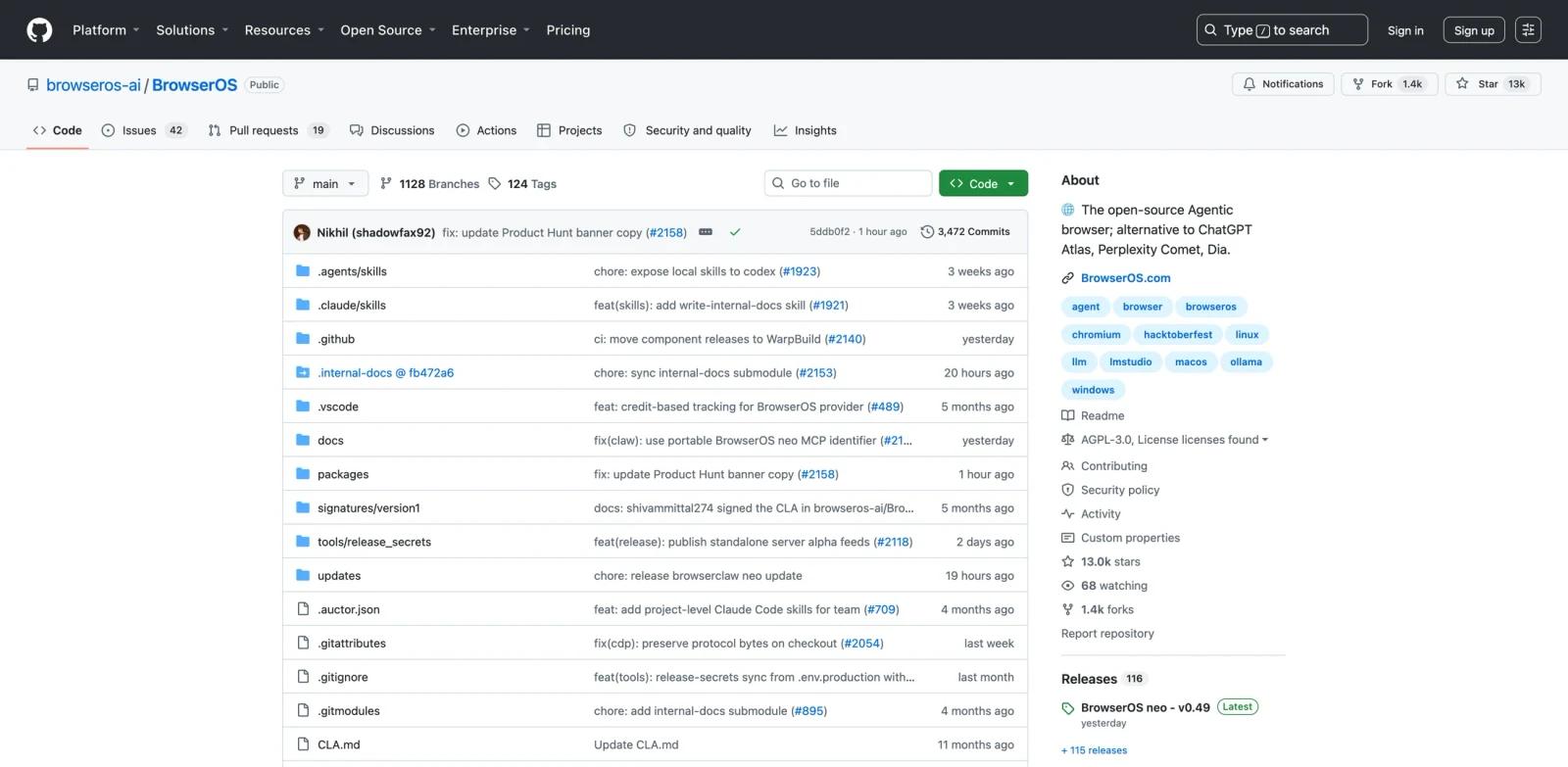
BrowserOS neo is the Product Hunt launch name for BrowserOS, an open-source agentic browser built on Chromium. The GitHub project describes BrowserOS as a privacy-first alternative to AI browsers such as ChatGPT Atlas, Perplexity Comet, and Dia. It runs AI agents natively in the browser and lets users bring their own API keys, connect existing subscriptions, or run local models through tools such as Ollama and LM Studio.
The important detail is that BrowserOS is not only a chat sidebar. It exposes more than 50 browser automation tools for navigation, clicking, typing, extracting data, and controlling browser workflows through natural language. It also includes a CLI path so developer tools such as Claude Code or Codex can control the browser.
That places BrowserOS neo at the intersection of AI agent, AI web scraping, and developer automation. It is especially interesting because it is open source under AGPL-3.0, which gives technical users a level of inspectability that closed AI browsers usually do not provide.
Key Features
Open-source Chromium fork - BrowserOS is based on Chromium and published on GitHub, with releases, source code, and documentation available for inspection.
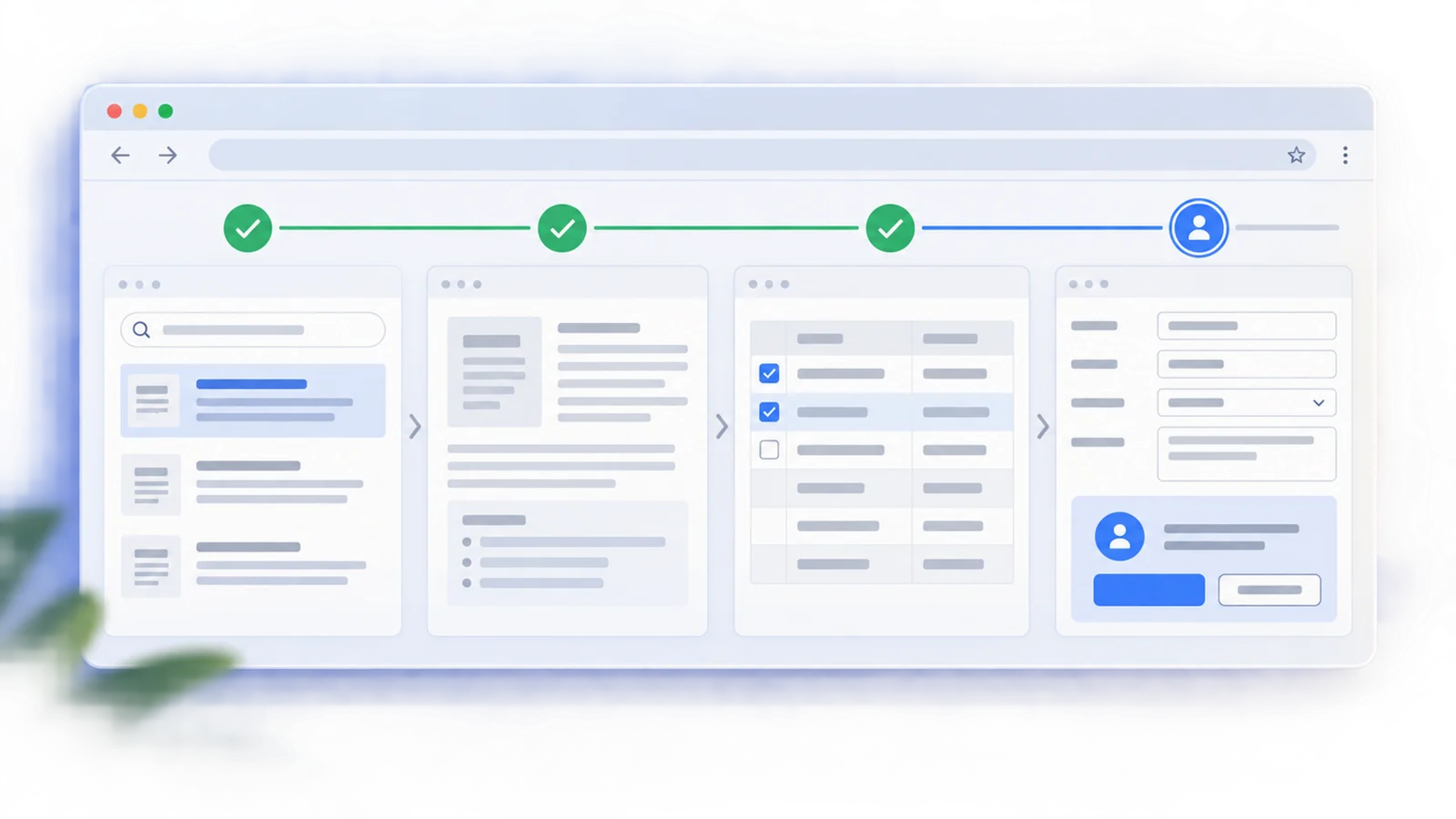
Native browser AI agent - The agent can navigate pages, click, type, extract data, and complete multi-step workflows from natural language instructions.
MCP and CLI control - The
browseros-clilets external coding agents and terminal workflows launch and control BrowserOS.Bring your own model - Users can connect providers such as Claude, OpenAI, Gemini, Azure OpenAI, AWS Bedrock, OpenRouter, Ollama, LM Studio, and account-based providers listed in the docs.
Local-first privacy positioning - BrowserOS emphasizes that user data stays on the machine when local models are used and that API keys remain under user control.
Chrome compatibility - Users can import Chrome data and continue using Chrome extensions, which lowers migration friction.
Pricing & Plans
BrowserOS is open source and free to use. The project is licensed under AGPL-3.0. Users may still pay their model provider, such as Anthropic, OpenAI, Gemini, OpenRouter, or another LLM service, depending on how they configure the browser.
The docs also describe a default AI model with usage limits and recommend bringing your own API keys or local models for the full experience.
| Cost area | Public information |
|---|---|
| BrowserOS software | Free and open source |
| License | AGPL-3.0 |
| Default model | Limited usage available |
| External models | User pays their chosen provider if applicable |
Best For
- Developers who want an inspectable AI browser instead of a closed assistant layer
- Users who want browser automation with their own Claude, OpenAI, Gemini, or local model setup
- Teams experimenting with MCP browser control from Codex, Claude Code, or terminal agents
- Privacy-conscious users comparing agentic browsers and AI web scraping tools
- Builders who want to fork, audit, or extend the browser itself
FAQ
What is BrowserOS neo?
BrowserOS neo is the launch name for BrowserOS, an open-source Chromium-based agentic browser with native AI agents, browser automation tools, MCP support, and bring-your-own-model options.
Is BrowserOS open source?
Yes. The GitHub repository lists BrowserOS under the AGPL-3.0 license.
Does BrowserOS work with local models?
Yes. The docs mention local model support through Ollama and LM Studio. They also note that local models are better suited to chat than complex agent tasks.
Can coding agents control BrowserOS?
Yes. BrowserOS provides a CLI and MCP-style control path for developer workflows, including use from tools such as Claude Code and Codex.
How much does BrowserOS cost?
The software is free and open source. Users may still pay their chosen LLM provider if they connect a paid model or subscription.
How is BrowserOS different from Chrome?
BrowserOS keeps Chromium compatibility while adding native AI agent capabilities, MCP control, visual workflows, local-first model options, and open-source inspectability.