

Overview
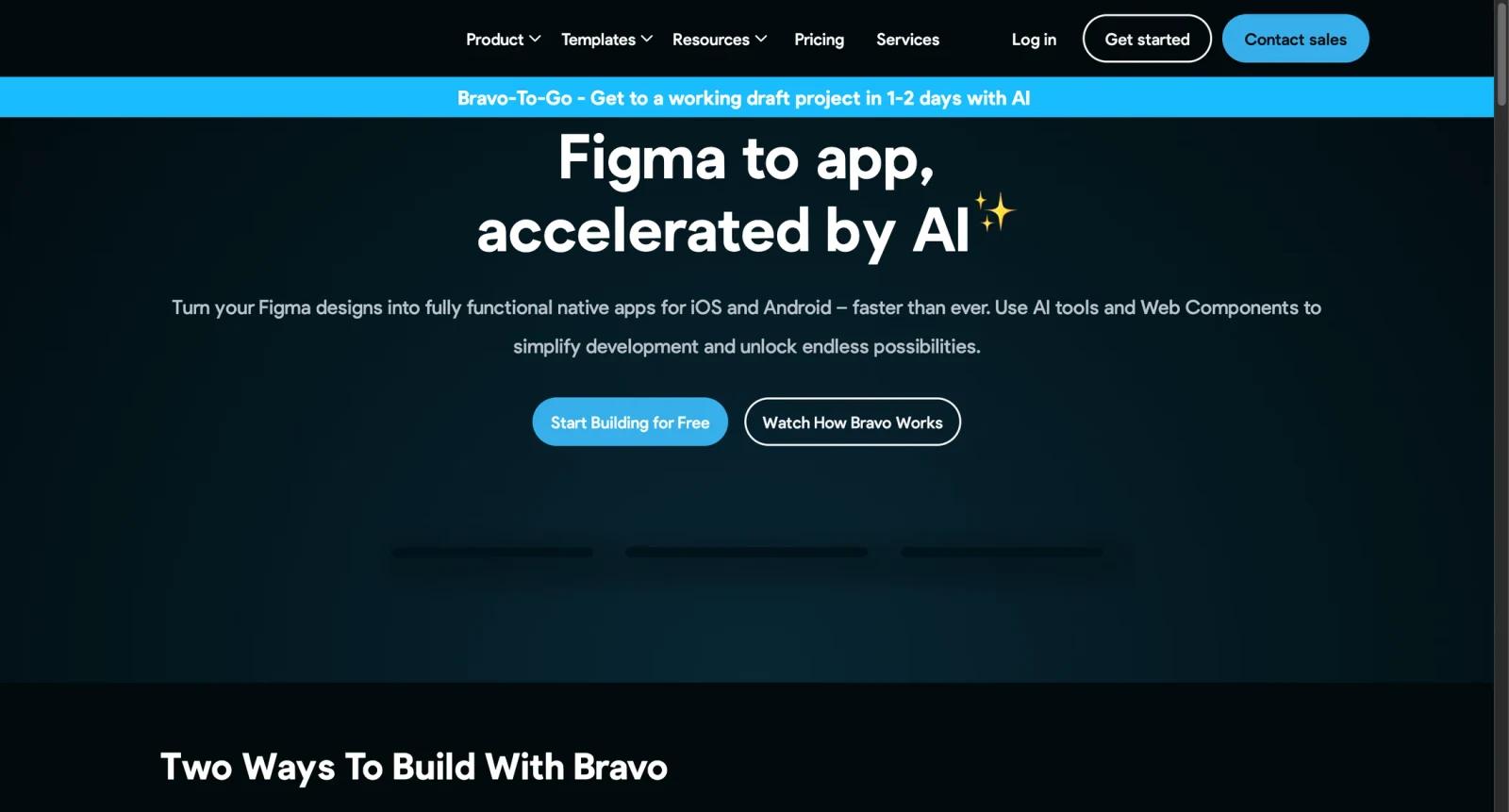
Bravo Studio is a no-code mobile app builder that turns app designs into native iOS and Android apps. It is commonly used by product designers, founders, agencies, and startups that want to prototype or launch mobile apps from Figma-style design workflows without building every screen from scratch in native code.
The product is strongest when the design is already clear and the team needs to connect screens to APIs, preview the app on a phone, and publish to app stores. It is not a general-purpose backend platform, so teams still need to plan data sources, authentication, payments, and external services carefully.
As of April 28, 2026, Bravo Studio's pricing page lists a free Starter plan, Solo at $16/month billed annually or $19/month monthly, app add-ons, and team/professional service options. Users should confirm exact checkout currency and add-on costs because the pricing page notes that USD prices can depend on exchange rates.
For adjacent research, compare AI design tools, AI UI design tools, AI website design tools.
Key Features
- Design-to-app workflow - Bravo turns app designs into functional native mobile apps.
- Mobile previewing - Users can preview app projects on a phone while iterating.
- API-connected apps - Bravo supports connecting app screens to external APIs and data sources.
- App store publishing - Paid plans can unlock publishing to iOS and Android app stores.
- Add-ons - App add-ons extend capabilities beyond the base plan.
- Team and services options - Larger teams can use collaboration plans or professional services.
Pricing & Plans
Bravo Studio pricing is plan-based with optional add-ons.
| Plan | Public pricing | Best fit |
|---|---|---|
| Starter | Free | Learning Bravo, previewing apps, and importing up to 15 app screens per project |
| Solo | $16/month billed annually or $19/month monthly | Builders who need more screens, app add-ons, and app store publishing workflows |
| Teams | Higher-tier team pricing | Teams needing collaborators, versioning, analytics events, and shared app projects |
| Professional services | Custom or service pricing | Teams that want Bravo experts to help build the app |
Confirm checkout currency, add-on pricing, and app store publishing requirements before purchase.
Best For
Bravo Studio is best for product designers, founders, agencies, and early-stage teams creating native mobile prototypes, MVPs, and content-driven apps.
FAQ
What is Bravo Studio?
Bravo Studio is a no-code app builder that turns app designs into native mobile apps.
Is Bravo Studio free?
Yes. Bravo Studio offers a free Starter plan.
How much does Bravo Studio cost?
Solo is listed at $16/month billed annually or $19/month monthly. Larger team plans and add-ons vary.
Who should use Bravo Studio?
It is best for designers and teams that want to turn designed mobile screens into working app prototypes or published apps.
Does Bravo Studio replace human review?
No. It can speed up the workflow, but important outputs should still be checked for accuracy, quality, and fit before production use.
What should teams test before buying Bravo Studio?
Test the real workflow with representative inputs, exports, integrations, collaboration needs, and any compliance requirements.