

Overview
BackEngine MCP is an enterprise context layer for AI tools. It connects to systems such as Salesforce, HubSpot, Gong, Zoom, Fireflies, Gmail, Outlook, Slack, and Teams, then cleans, joins, and organizes customer and prospect data so AI can answer business questions with more complete context.
The product is worth publishing because it addresses one of the biggest problems in enterprise AI adoption: the model knows a lot about the world, but it does not automatically know your customers, accounts, conversations, churn signals, feature requests, or sales process. BackEngine sits between company systems and AI interfaces such as Claude, ChatGPT, Slack, and internal agents.
BackEngine's public site also gives unusually concrete benchmark claims for an AI context product. It says BackEngine produced 67% fewer factual errors, surfaced 2.4x more critical facts, and used 65% fewer tokens than direct tool connections in a head-to-head benchmark. Those claims should still be evaluated by buyers, but they make the product more specific than a generic AI knowledge base.
Key Features
- Customer context layer - Reads customer and prospect information across connected systems and organizes it before AI tools query it.
- MCP access - Makes company context available through MCP-compatible AI workflows, including Claude-style usage.
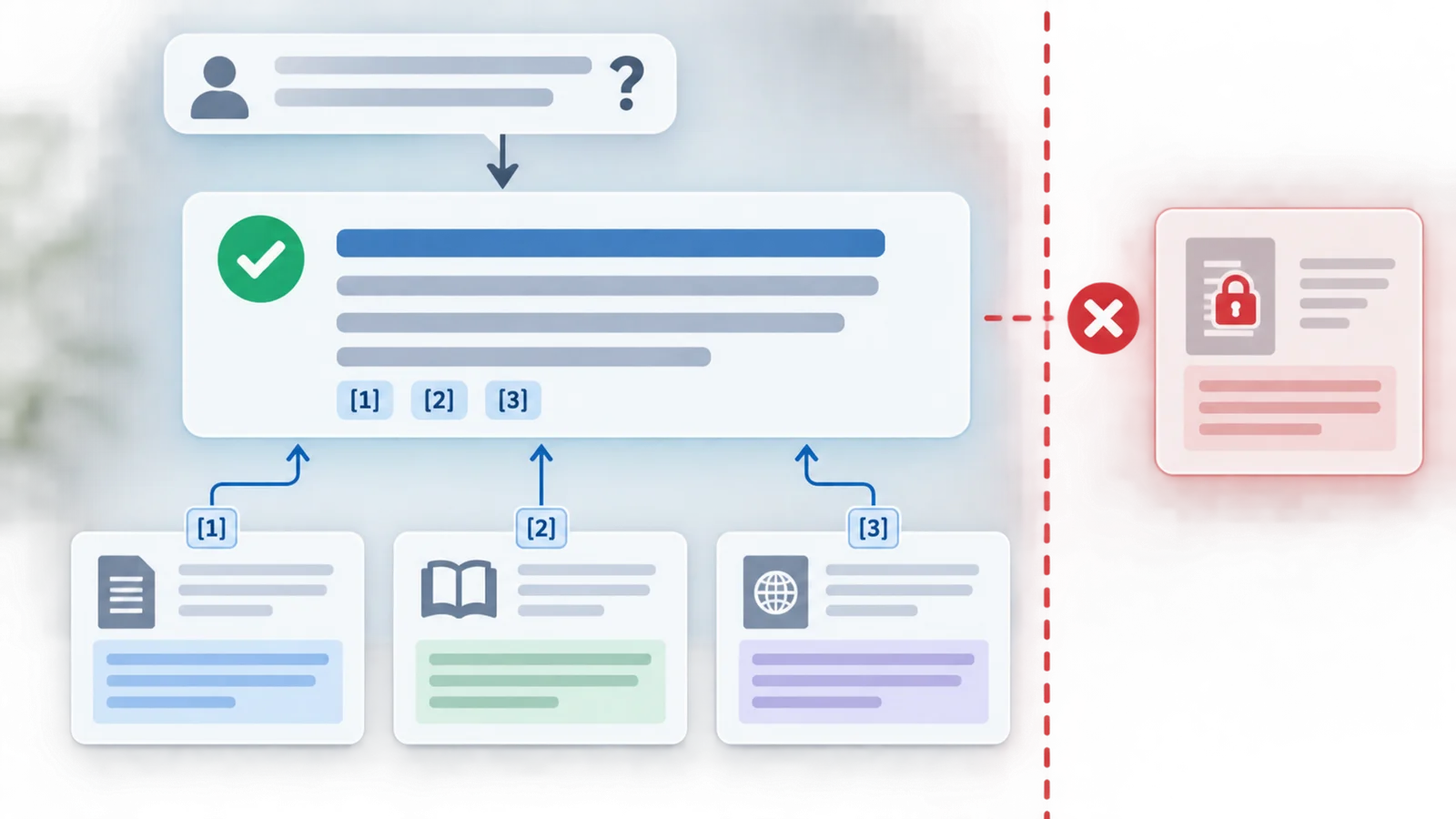
- Source-linked answers - Focuses on trusted, organized context rather than raw connector output.
- Sales and post-sales workflows - Supports account prep, forecast scans, churn signals, customer health, feature requests, and meeting briefs.
- Broad integrations - Public materials mention Salesforce, HubSpot, Gong, Zoom, Fireflies, Gmail, Outlook, Slack, and Teams.
- Security positioning - Official site highlights SOC 2, HIPAA, BAAs, and a trust center.
Integration Guide
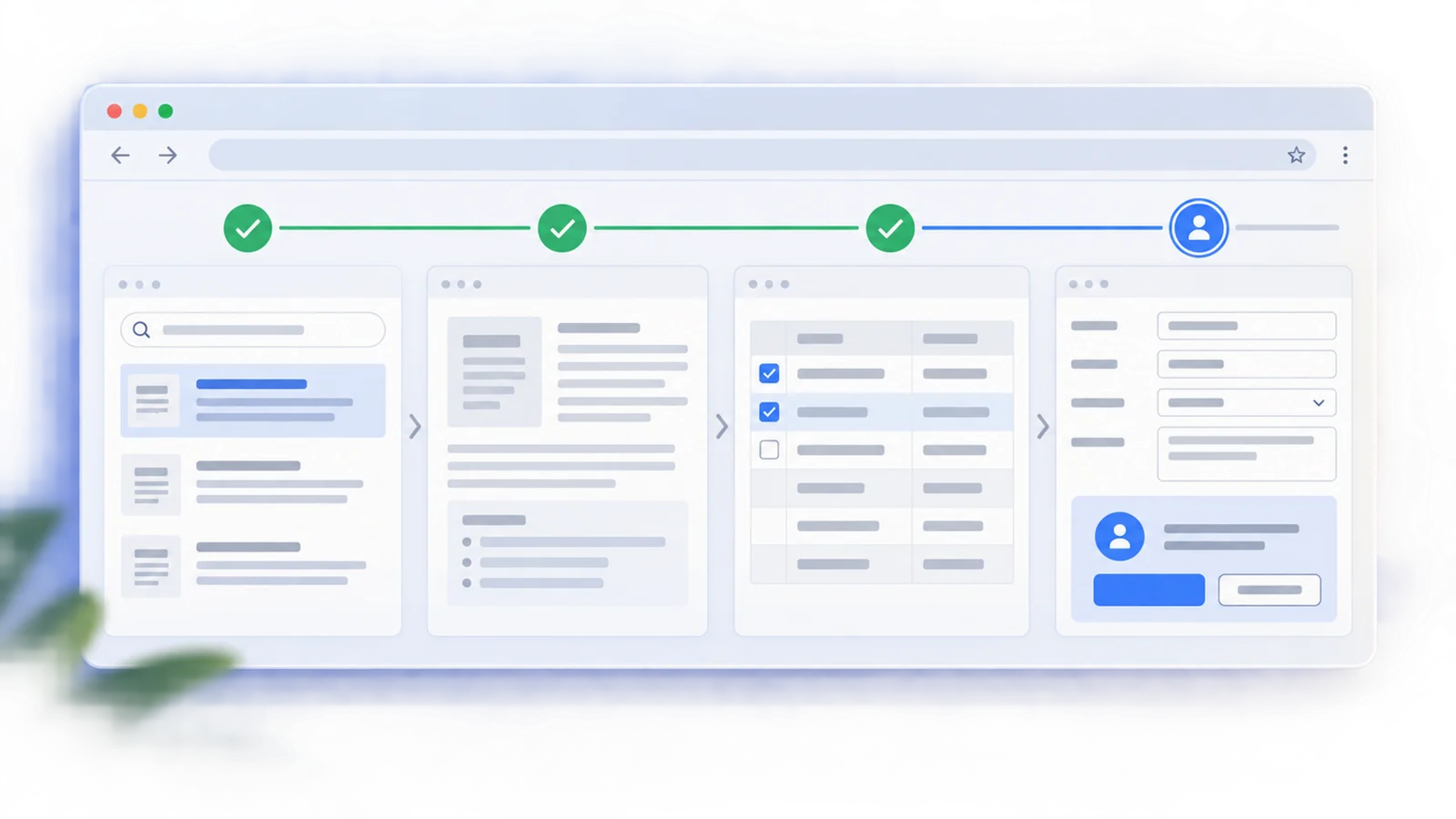
BackEngine is not a plug-in that works well without data preparation. The most important implementation step is deciding which customer systems matter, who should see which accounts, and what business questions AI should answer first. A focused pilot might start with sales account prep, customer success health reviews, or product feedback prioritization.
Teams should also compare BackEngine against direct connectors. Direct connectors are simpler to understand, but they often retrieve raw records at query time. BackEngine's argument is that cleaning, joining, and organizing the customer context in advance can reduce token use and improve answer quality. That makes it especially relevant for AI sales assistant workflows where incomplete context can lead to bad decisions.
Pricing & Plans
BackEngine uses account-based pricing. The official pricing page says customers pay for the customers and prospects they track, while seats and agents are free and unlimited. Public materials do not list a fixed monthly entry price.
| Pricing unit | Public signal | Notes |
|---|---|---|
| Tracked accounts | Primary pricing driver | Price is based on customers and prospects tracked |
| Seats | Free and unlimited | Everyone at the company can use the product |
| Agents | Free and unlimited | No per-agent fee or agent metering |
| Annual growth | True-up at renewal | Public page says price holds during the year and true-up happens at renewal |
| Plan details | Talk to sales | Confirm exact account tiers, contract terms, and security requirements |
Buyers should request pricing based on their number of tracked accounts, required integrations, compliance needs, and rollout scope.
Best For
- B2B companies using AI for account research, sales prep, and customer success
- Revenue teams that need trusted customer context inside Claude, ChatGPT, or Slack
- Product teams prioritizing feedback by account value and customer history
- Operations teams evaluating MCP-enabled business context infrastructure
- Companies that have outgrown simple CRM or Slack connectors
FAQ
What is BackEngine MCP?
BackEngine MCP is a business context layer that organizes customer and prospect data so AI tools can answer questions with company-specific context.
What systems does BackEngine connect to?
The official site mentions Salesforce, HubSpot, Gong, Zoom, Fireflies, Gmail, Outlook, Slack, Teams, and more.
How much does BackEngine cost?
BackEngine prices by the number of customers and prospects tracked. Seats and agents are free and unlimited, but exact prices are not publicly listed.
Is BackEngine only for sales teams?
No. Sales is a strong use case, but customer success, product, operations, and leadership teams can also use account context.
How is BackEngine different from direct connectors?
Direct connectors retrieve raw records at query time. BackEngine cleans, joins, and organizes authorized customer data in advance, then provides focused context to AI tools.
What should I test first?
Start with one high-value workflow, such as account prep or churn-risk review, and compare BackEngine answers against your current CRM and call-recording workflow.