

Overview
AILandscape.Design is an AI landscape design tool for homeowners, real estate teams, and outdoor design planners who want to preview a yard redesign before hiring a landscaper or buying materials. The workflow starts with a photo of a front yard, backyard, patio, or side yard, then generates redesigned landscape previews in seconds.
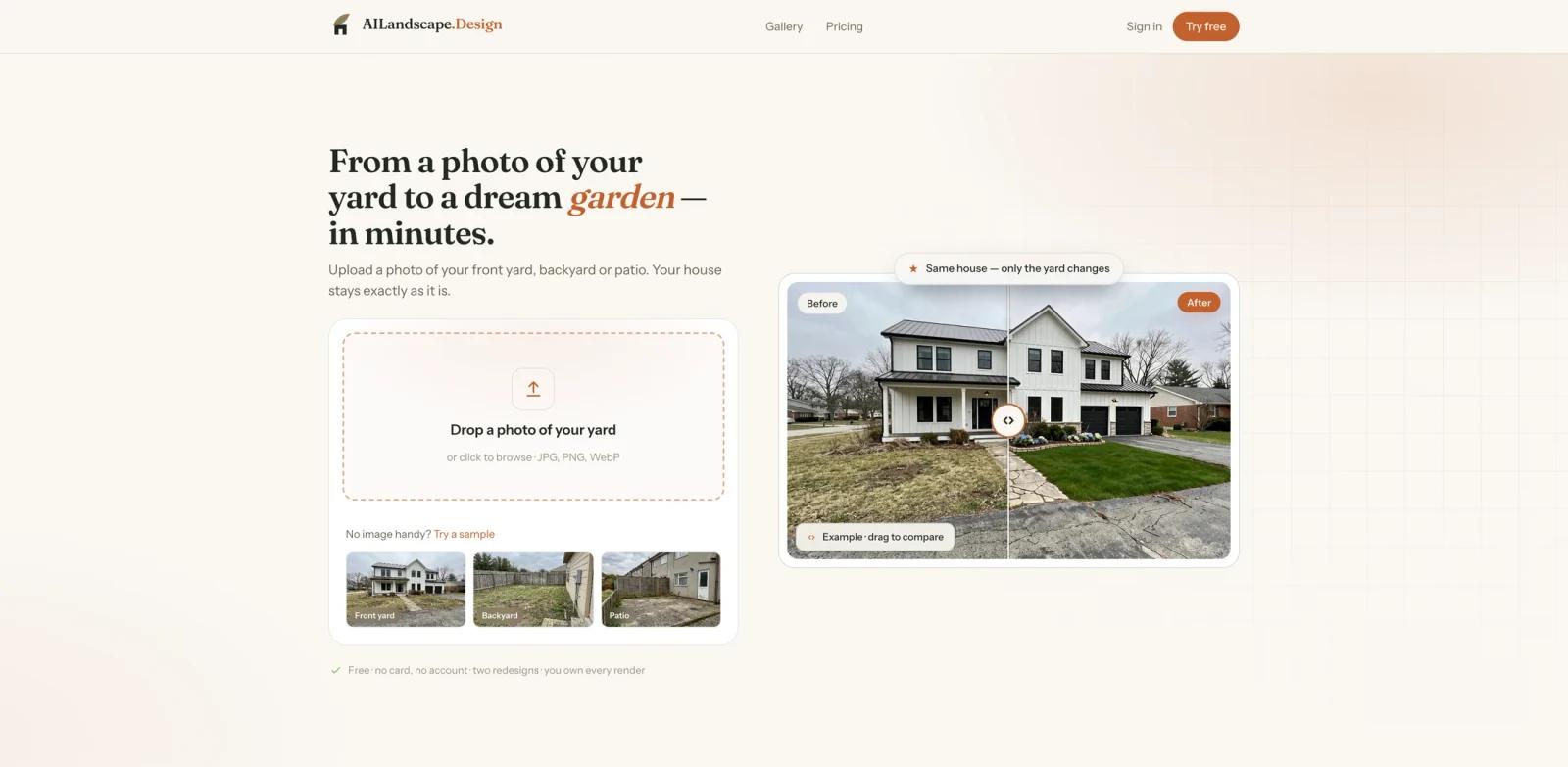
The product is intentionally focused on the yard rather than the house. Its official site says the home, walls, windows, fences, and camera angle should stay intact while the AI changes planting, materials, lighting, and outdoor layout ideas. That makes AILandscape.Design different from a generic AI image generator, where a beautiful output can quietly alter the building or property boundaries.
AILandscape.Design is best treated as a visualization and mood-board tool. It can help homeowners compare styles, contractors discuss ideas with clients, and real estate marketers imagine curb appeal. It is not a construction drawing, planting specification, drainage study, retaining-wall design, or permit-ready landscape plan.
Key Features
- Yard photo to redesign preview - Upload one photo of a front yard, backyard, patio, or side yard and generate a redesigned outdoor space without learning CAD or landscape software.
- House-preserving workflow - The official FAQ says the tool redesigns the yard while keeping the house, walls, and windows as they are.
- Faithful and Balanced modes - Faithful holds structures and camera angle more tightly, while Balanced refreshes planting, materials, and light more boldly.
- Free preview path - The homepage advertises free redesigns so users can test whether the AI understands their yard before subscribing.
- Before/after comparison - The homepage demonstrates draggable before/after examples, which helps homeowners judge whether a redesign keeps the original property recognizable.
- Paid plan downloads - Paid plans unlock HD, no watermark, and more designs. Studio includes commercial use for real-estate listings and client work.
How It Works
AILandscape.Design follows a simple three-step workflow.
- Upload a yard photo - Use a clear, straight-on daylight photo of the front yard, backyard, patio, or side yard. The official FAQ warns against heavy shadows and extreme angles.
- Choose a redesign direction - Pick a style or rendering mode depending on whether you want a conservative refresh or a bolder garden concept.
- Review the AI redesign - Compare the original yard with the generated landscape preview and keep the version that best matches the actual ground conditions.
This is most useful for early idea exploration. A homeowner can test whether a modern, drought-tolerant, cottage, tropical, or minimalist direction fits the real property before spending money on professional design work.
Pricing & Plans
AILandscape.Design uses a freemium model. The homepage currently advertises two free redesigns with no account, while the FAQ also references 3 watermarked, low-resolution previews after sign-in. Paid upgrades unlock HD output, no watermark, and more designs. The official structured data lists Starter, Pro, and Studio offers at $19, $39, and $79.
| Plan | Price | Best For | Key Inclusions |
|---|---|---|---|
| Free previews | $0 | Testing whether the AI reads your yard | Homepage advertises two free redesigns; FAQ references 3 watermarked, low-resolution previews after sign-in |
| Starter | $19/month | Homeowners exploring one property | Paid downloads, more designs, no watermark according to the paid-plan messaging |
| Pro | $39/month | Frequent homeowner or contractor idea work | Higher monthly usage and paid-plan downloads |
| Studio | $79/month | Real estate, client work, and higher-volume use | Commercial use for real-estate listings and client work |
| Project Pack | $29 one-time | One yard project without a subscription | One-time project access, no subscription |
Every paid plan includes a personal-use license according to the FAQ. Users can print designs, share them with a contractor, or post them. Commercial use is listed for the Studio plan, so real estate agents, landscapers, and client-service teams should choose Studio or confirm licensing before using outputs commercially.
How It Compares
AILandscape.Design sits between a generic visual generator and a full landscape design service.
- vs. generic AI image generators - General image tools can make outdoor scenes, but they may change the house, windows, driveway, fences, or property boundaries. AILandscape.Design is positioned around changing only the yard.
- vs. landscape design marketplaces - Human-led services can create more practical planting plans, budgets, and contractor-ready designs. AILandscape.Design is faster and cheaper for early visualization, but it does not replace professional site analysis.
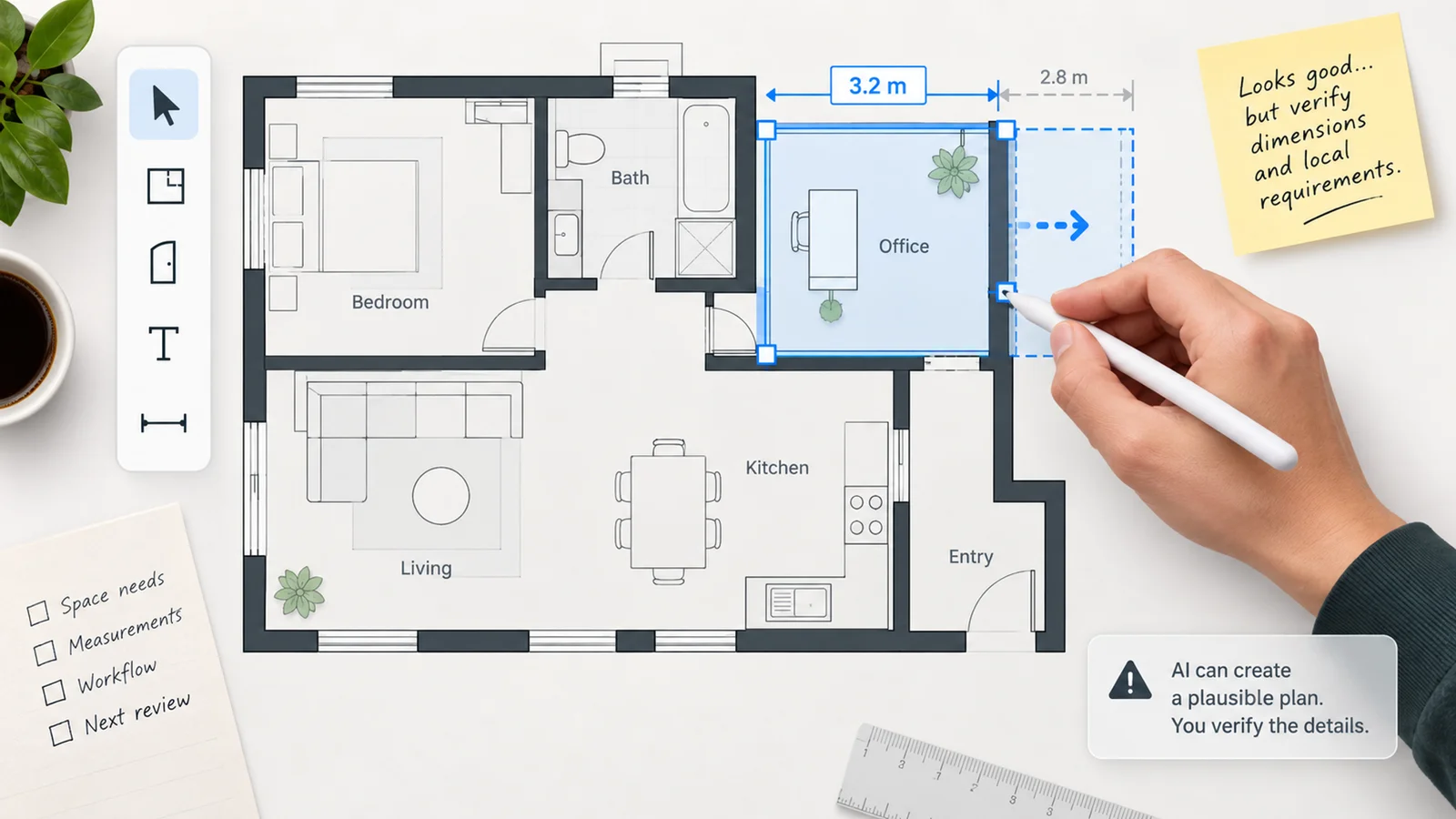
- vs. 3D garden planners - Traditional planners can be better for precise measurements and object placement. AILandscape.Design is better when the user wants quick visual inspiration from a real yard photo.
Best For
- Homeowners comparing yard redesign ideas before hiring a landscaper
- Real estate agents improving curb-appeal concepts for listings, with Studio commercial licensing
- Landscape contractors creating quick mood-board options during early client conversations
- DIY gardeners deciding between planting, hardscape, patio, and lighting directions
- Property managers exploring low-cost visual concepts for outdoor refreshes
- Users comparing outdoor ideas alongside broader AI room and home design workflows
FAQ
What is AILandscape.Design?
AILandscape.Design is an AI landscape design tool that turns a photo of a yard, front yard, backyard, patio, or side yard into a redesigned landscape preview.
Is AILandscape.Design free to try?
Yes. The homepage advertises free redesigns, and paid plans unlock HD, no watermark, and more designs.
Does AILandscape.Design change my house?
The official FAQ says no. The tool is designed to redesign the yard while keeping the house, walls, and windows as they are.
What photos work best?
The official FAQ recommends a clear, straight-on daylight photo of the yard. Heavy shadows and extreme angles make it harder for the AI to read the space.
How much does AILandscape.Design cost?
The official structured pricing lists Starter at $19, Pro at $39, and Studio at $79. The site also mentions a one-time $29 Project Pack with no subscription.
Can I use AILandscape.Design commercially?
Commercial use for real-estate listings and client work is included with Studio according to the official FAQ. Other paid plans include personal-use rights.
Can it handle sloped or terraced yards?
The official FAQ says steep ground is the hardest case. Users should treat outputs with terracing, retaining walls, or level changes as mood boards rather than buildable plans.
Is this a replacement for a landscape designer?
No. It is useful for inspiration and early visualization, but it does not replace a professional site survey, planting plan, drainage review, engineering, permitting, or contractor estimate.