
10 Best Manus Alternatives 2026 - Agents, Cost & Control
Manus is one of the few AI products that made "autonomous agent" feel concrete: give it a goal, let it browse, analyze files, write code, build a page, or produce a report, then come back later. That capability is real. So is the reason people now search for Manus alternatives. The switching question is less "does Manus work?" and more "can I trust the cost, continuity, support, and governance model enough to put real work on it?"
That distinction matters. A user leaving because credits vanish too quickly needs a different replacement from a team that wants a governed browser automation platform, a developer that needs an engineering agent, or a researcher who only wants cited answers. This guide compares Manus against 10 realistic alternatives, using Manus and ToolWorthy's Manus AI review as the baseline. For broader context, keep the AI agent and alternatives categories open while you compare.
| Tool | Best For |
|---|---|
| Genspark | Broad research, slides, docs, sites, and agent output |
| Perplexity | Cited research without full autonomous execution |
| Claude Cowork | Approval-gated work across files and selected tools |
| Devin | Autonomous software engineering instead of general research |
| MiniMax Agent | Cost-sensitive agent work tied to MiniMax model plans |
| Fellou | Agentic browser work, deep search, and scheduled tasks |
| Taskade Genesis | Apps, agents, automations, and workspace building |
| Abacus DeepAgent | Low-entry super-assistant experiments with effort controls |
| Browser Use | Developer-owned cloud browser agents and API workflows |
| Skyvern | Production browser automation with audit and compliance controls |
Why Users Are Evaluating Manus Alternatives in 2026
These signals explain why some buyers are testing alternatives; they do not show that Manus users as a whole are leaving. Manus is still capable, and its official documentation explains a credit-based model where task cost depends on complexity. The problem is that several public complaint channels show the same pattern: users often discover the real unit economics only after a task runs.
1. Credit burn is hard to forecast before the task starts. Manus says credits are consumed based on task complexity and resources. That is technically reasonable for an autonomous agent, but it creates a budgeting problem. Public Trustpilot reviews in 2026 describe scheduled tasks jumping from roughly 200 credits to 700-800 credits, credits draining in hours, and credits being consumed while the user felt the task was correcting its own mistakes. This does not mean every task burns too many credits. It does mean teams should model cost with real jobs before committing annual budget.
2. Support and refund trust are part of the switching intent. Manus has a help-center refund process that says users can request credit refunds for unsatisfactory outputs, technical errors, and context inheritance failures. The practical question is whether support responds fast enough when production work is blocked. Trustpilot and BBB listings show repeated billing/support complaints, including failure-to-respond signals. For a hobby task, that is irritating. For a business workflow, it changes vendor risk.
3. Platform continuity became a fresh-news issue. The Financial Times reported in August 2026 that Manus was unwinding a $2 billion acquisition by Meta, with investors expected to buy the company back and the company returning to independent operation. That report did not show a universal outage or breach, and it said regulators had been assured operations would not be affected once conditions were met. It still creates a valid enterprise question: what happens to my tasks, files, agents, hosted outputs, and account data if ownership or policy changes?
4. Execution reliability matters more than demo quality. Manus is impressive when it finishes a multi-step report, website, or analysis. The same architecture can frustrate users when a task stalls, loops, consumes credits, or returns work that still needs heavy cleanup. Manus's refund help article explicitly references technical errors and context inheritance failures as refund-eligible categories after verification. Buyers should assume autonomous output still needs acceptance criteria and review.
5. Many users really need a specialist, not a general agent. A researcher may be better served by Perplexity. A software team may be better served by Devin, Claude Code, or a coding-specific agent. A browser automation team may need Browser Use or Skyvern. A business operations team may need Taskade-style app and workflow building. "Can do many things" is not the same as "best operational fit for this one repeated job."
6. Governance, permissions, and self-hosting matter more as agents take action. The more an agent clicks, downloads, emails, edits files, logs into portals, or runs code, the more buyers ask about approvals, audit logs, data residency, credential vaulting, and rollback. Manus can be useful for individual work, but teams with compliance requirements often prefer tools that make controls explicit: Claude Cowork asks before significant actions, Skyvern emphasizes SOC 2/HIPAA and auditability, and Browser Use exposes a developer API for more controlled implementations.
Top 10 Manus Alternatives Compared
The first row is Manus as the anchor. The rest are not ranked as generic "better than Manus" products. They are organized around the most common switching reasons: cost predictability, specialist fit, control, and migration realism, rather than a single universal ranking.
| Tool | Pricing Shape | Predictable Cost? | Agent Form | Migration Effort | Best For |
|---|---|---|---|---|---|
| Manus (anchor) | Free tier plus credit-based paid plans from $20/mo | Medium - depends heavily on task complexity | General autonomous agent | Baseline | Broad autonomous agent work when cost and continuity are understood |
| Genspark | Membership and team plans; verify live consumer pricing | Medium - credit/member limits vary | Multi-agent workspace | Low | Research-to-deliverable workflows across docs, slides, sheets, and media |
| Perplexity | Free, Pro/Max, Enterprise Pro/Max seats | High for research; medium for agentic Computer work | Research assistant plus Computer worker | Low | Source-backed research first, with optional desktop/browser execution |
| Claude Cowork | Included in paid Claude plans | Medium - shared plan limits apply | Approval-gated file/tool worker | Medium | Permissioned file and tool work with human approval |
| Devin | Free, Pro $20, Max $200, Teams minimum plus seats | Medium - usage still depends on task | Software engineering agent | Medium | Repo-based engineering tasks, tests, and reviewable diffs |
| MiniMax Agent | Token Plan tiers with shared multimodal quota | Medium - quota windows are clearer than open credits | General/coding agent | Medium | Cost-performance experiments across agent and coding workflows |
| Fellou | Free, Plus $19, Pro $39.90, Ultra $199.90 | Medium - Sparks estimates vary by workflow | Agentic browser | Low | Browser-first research, deep search, and scheduled web tasks |
| Taskade Genesis | Free, Starter/Pro/Business, Enterprise | Medium - AI credits vary by build complexity | App, agent, automation workspace | Medium | Apps, agents, automations, and workspace building |
| Abacus DeepAgent | Basic/Pro credits with effort levels | Medium - task credit estimates are visible | Super-assistant agent | Low | Low-entry super-assistant experiments with effort controls |
| Browser Use | Pay-as-you-go plus Starter/Business/Scaleup | High for developer-run browser sessions | Cloud browser agent API | High | Developer-owned browser agents, extraction, QA, and portal workflows |
| Skyvern | Free/Hobby/Pro cloud credits plus self-hosting | Medium to high after workflow design | Browser automation platform | High | Governed browser automation with audit, credentials, and compliance needs |
Read the table by migration path and use case, not as a universal ranking. Genspark, Perplexity, and Abacus are among the easiest options to trial because they mostly replace the user-facing agent experience. Claude Cowork and Taskade Genesis change how work is permissioned and stored. Devin narrows the problem to software engineering. Browser Use and Skyvern move you from a personal AI assistant into infrastructure.
That distinction prevents a bad switch. If Manus frustrates you because one market-research task consumed too many credits, Browser Use may be too much engineering. If Manus frustrates you because it cannot run a regulated portal workflow with audit logs, Perplexity will not help. If Manus frustrates you because code tasks are hard to review, Genspark may still be too broad.
Use a three-task benchmark before paying:
- A short task: "Find five sources and summarize the answer." This reveals speed and research quality.
- A medium task: "Compare five vendors, verify pricing, and create a table." This reveals source discipline and cost.
- A real hard task: "Use my actual files, workflow, repo, or portal." This reveals whether the replacement fits the job that made you look for alternatives.
Track five numbers for each test: elapsed time, human cleanup time, credits or usage consumed, number of factual corrections, and whether you trusted the intermediate steps. A tool that finishes fast but hides its path may be weaker than a slower tool that gives you reviewable progress.
Also separate trial success from migration success. A trial proves the tool can complete one task. Migration proves your team can repeat the task, understand cost, recover from failure, and keep important outputs. Manus alternatives fail most often in that second phase, not in the first demo.
Detailed Reviews
Genspark
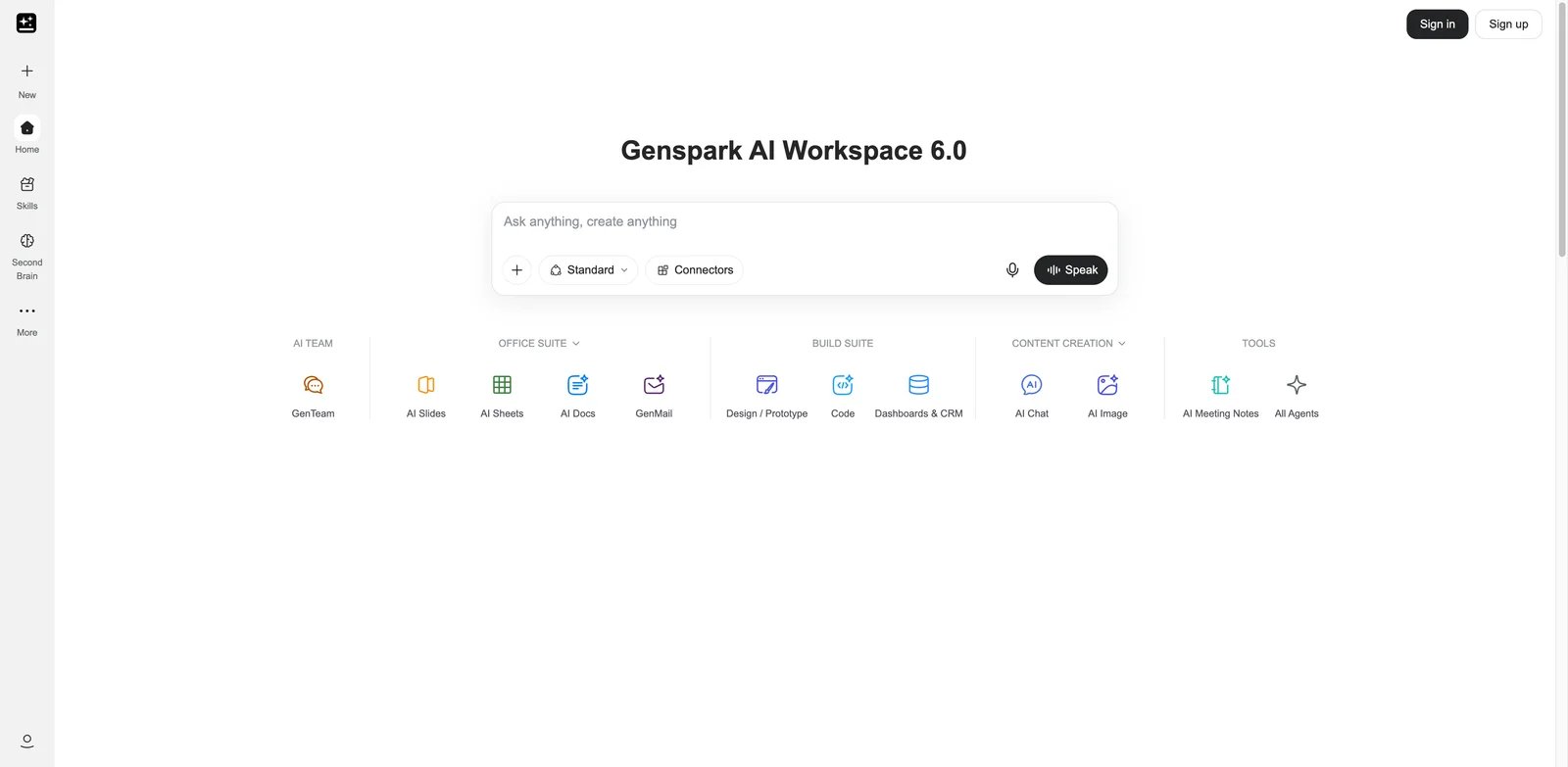
Genspark is the closest broad-workspace alternative when your Manus use case is "ask one tool to research, synthesize, and produce a finished artifact." It is not only a chat assistant; its public materials and help center describe a workspace with agents for chat, slides, docs, sheets, images, video, code, and Super Agent-style workflows.
What Genspark solves vs Manus: Genspark is attractive when the output format matters. Manus can produce useful reports and web pages, but Genspark's pitch is a wider production workspace: research can turn into slides, docs, sheets, images, videos, or pages inside one environment. That makes it a better fit for marketers, consultants, founders, and operators who need deliverables, not only autonomous execution logs.
Pricing vs Manus: Genspark pricing is membership and credit based, and public surfaces can differ by region or promotion. Its team help center lists Team at $30/seat/month, while membership pages have shown Plus and Pro credit plans. Do not compare headline price alone. Compare monthly credits, team seats, output rights, model access, and which agents are included.
Limitations: Genspark does not remove credit thinking; it changes the workspace around it. If your Manus complaint is "credits are unpredictable," Genspark still needs a trial with your real job types. If your complaint is "I need more polished deliverables," it is much more compelling.
Best for: Teams that want one AI workspace for research, slides, docs, sites, and multi-modal production. Not the right fit if you need strict browser automation controls or self-hosted execution.
The best Genspark migration test is a deliverable test, not a chat test. Give Manus and Genspark the same brief: research five competitors, create a two-page executive summary, produce a slide outline, and draft a simple landing page. Then compare what needs human cleanup. If Genspark saves time only in research, Perplexity may be cheaper. If it saves time across output formats, it is a real Manus replacement for marketing and consulting work.
Also test permissions and artifact durability. Download the slides, docs, sheets, and pages it creates. Confirm which outputs remain editable if you downgrade, how team seats work, and whether commercial usage rights match your client work. Broad workspaces can hide lock-in inside artifacts, not only inside the agent chat.
Get started with Genspark, or compare ToolWorthy's Genspark profile.
Perplexity
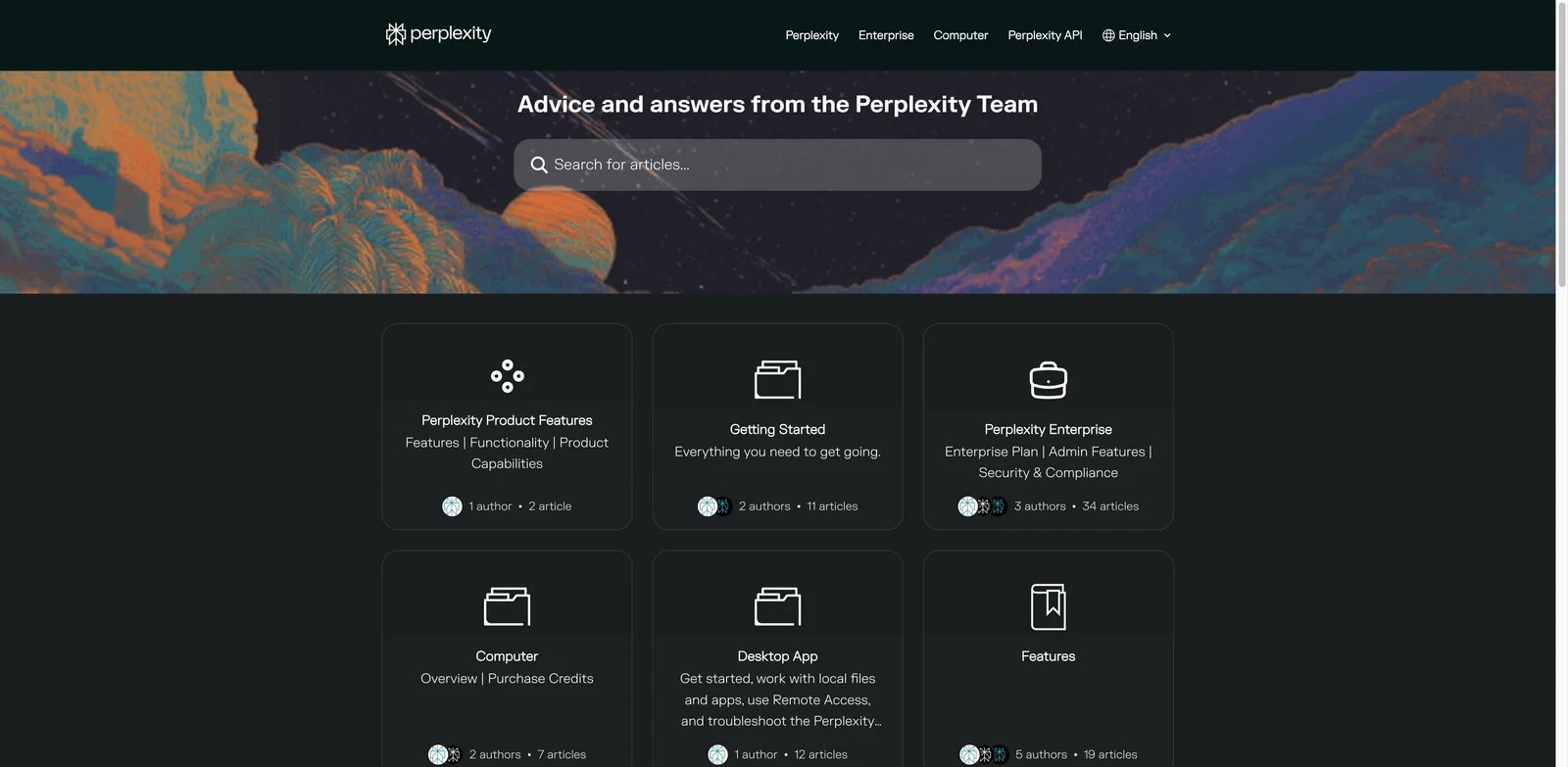
Perplexity is the best Manus alternative when the job starts with research and cited synthesis. Many Manus tasks are really research tasks with extra ceremony: gather sources, compare vendors, summarize trends, or produce a short report. Perplexity is now broader than a classic answer engine because Computer can browse, research, create files, connect tools, and run longer background work, but its clearest advantage remains source-backed research.
What Perplexity solves vs Manus: Perplexity's advantage is focus. It is optimized around search, sources, and answer generation. That makes it easier to verify than a general autonomous agent that performs many hidden steps. For buyers who mainly want well-cited answers, the narrower product is often safer.
Pricing vs Manus: Perplexity has a free Standard tier and paid consumer/commercial plans. Its help center lists Enterprise Pro at $40/seat/month and Enterprise Max at $325/seat/month, with individual Pro and Max options available separately. The key comparison is that research use has a clearer plan boundary than an open-ended Manus agent task.
Limitations: Perplexity now overlaps directly with parts of Manus's execution stack through Computer and Comet, including browser tasks, file work, connected tools, and app creation. It is still not the safest default for every regulated portal, engineering repo, or governed automation workflow. Treat it as a research-first agent, not a universal operations platform.
Best for: Analysts, students, founders, and teams whose Manus use case is cited research. Not the right fit if you need a tool to complete multi-step operational tasks after the research.
The Perplexity pilot should be brutally narrow. Pick one Manus research task that previously burned meaningful credits: vendor shortlist, market sizing, academic scan, compliance summary, or competitor matrix. Ask Perplexity for the same output and measure source quality, citation coverage, hallucination rate, and time to edit. If the final deliverable is only a sourced answer, Manus may be unnecessary overhead.
Perplexity becomes weaker when the job crosses from "answer" to governed production work. If the next step changes account state, touches regulated data, or needs repeatable audit logs, pair Perplexity with a workflow or automation tool instead of pretending it replaces that layer. Many teams should use Perplexity for research and a separate system for controlled execution.
Get started with Perplexity, and see ToolWorthy's Perplexity Computer page if browser-side execution is the part you care about.
Claude Cowork
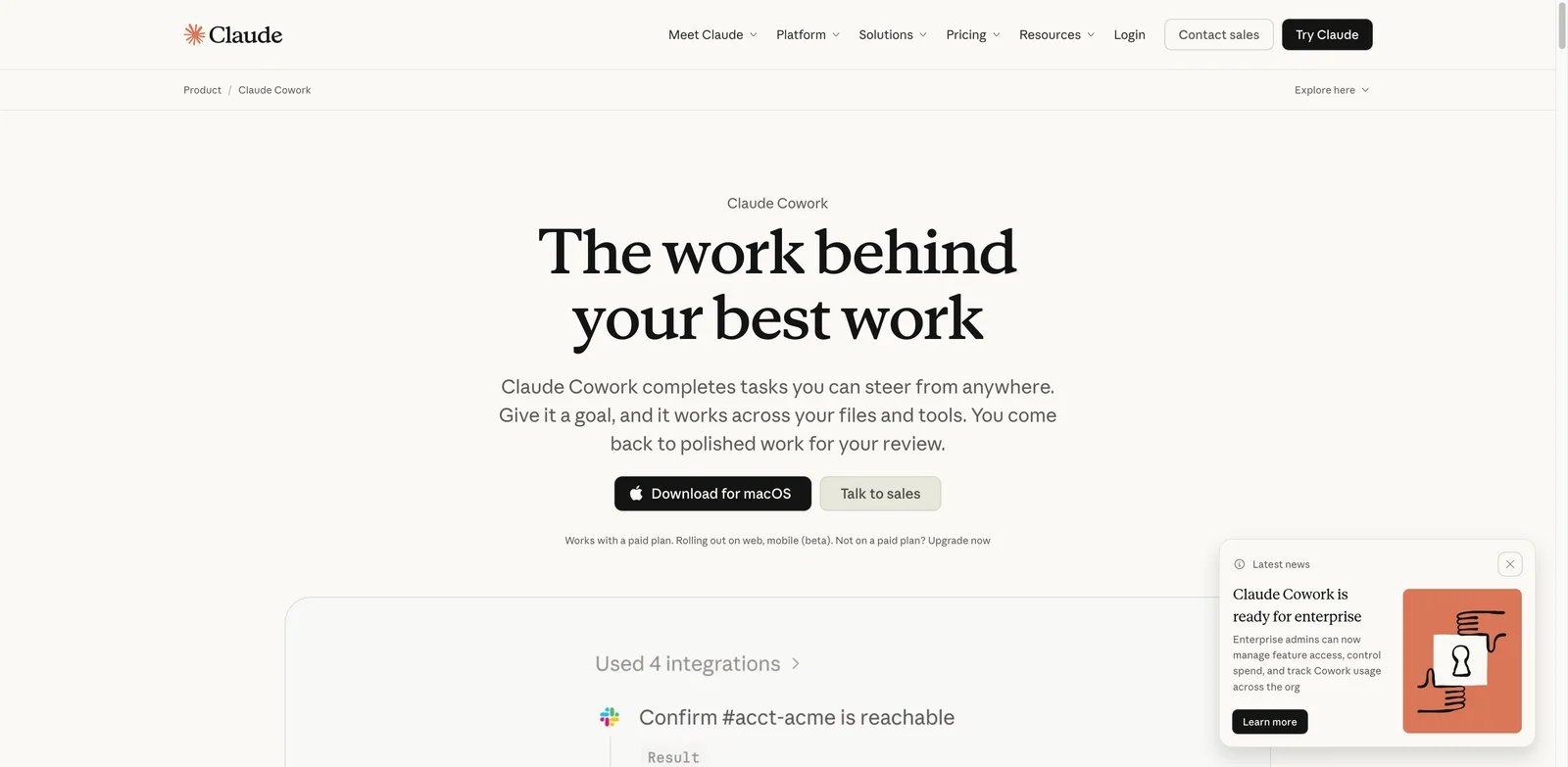
Claude Cowork is the Manus alternative for users who want more control over what an agent can touch. Anthropic's product page frames Cowork as a way to hand Claude real work across selected files and tools, with permission settings and approval before significant actions. That is exactly the category buyers ask for after credit, support, or account-continuity concerns.
What Claude Cowork solves vs Manus: The key word is permissioning. Manus is valuable because it can act. Claude Cowork is valuable because it makes acting feel more reviewable: users choose folders and tools, deleting requires approval, and teams can configure access and spend controls. That is a stronger fit for organizations that want human-in-the-loop autonomy.
Pricing vs Manus: Claude Cowork is included in paid Claude plans. Anthropic lists Pro at $20/month monthly or $17/month annually, Max at $100 or $200/month, and Team seats from $20/seat/month annually. Cowork consumes plan limits faster than normal chat, so heavy use may require Max, Team, or Enterprise planning.
Limitations: Cowork is not always a drop-in Manus replacement. Availability varies by surface, and teams need to confirm rollout status for web, mobile, desktop, and browser extension use. It is also less useful if your primary requirement is autonomous public-web browsing at scale.
Best for: Knowledge workers and teams that want files, tools, approvals, and enterprise controls. Not the right fit if you need unattended high-volume browser automation.
The right Claude Cowork test is a permission test. Put a harmless folder in scope, ask it to organize documents or prepare a short report, and watch how it explains its plan before acting. Then repeat with a connected tool that requires a meaningful action. You are not only evaluating output quality; you are evaluating whether the approval model makes you comfortable handing it more serious work.
For teams, ask admins to test feature access, spend controls, and observability early. A tool can be excellent for an individual but still fail procurement if the security team cannot define who can access which folders, what actions require confirmation, and how usage is monitored. This is where Cowork's enterprise positioning should be judged.
Get started with Claude Cowork, or compare adjacent coding workflows with Claude Code.
Devin
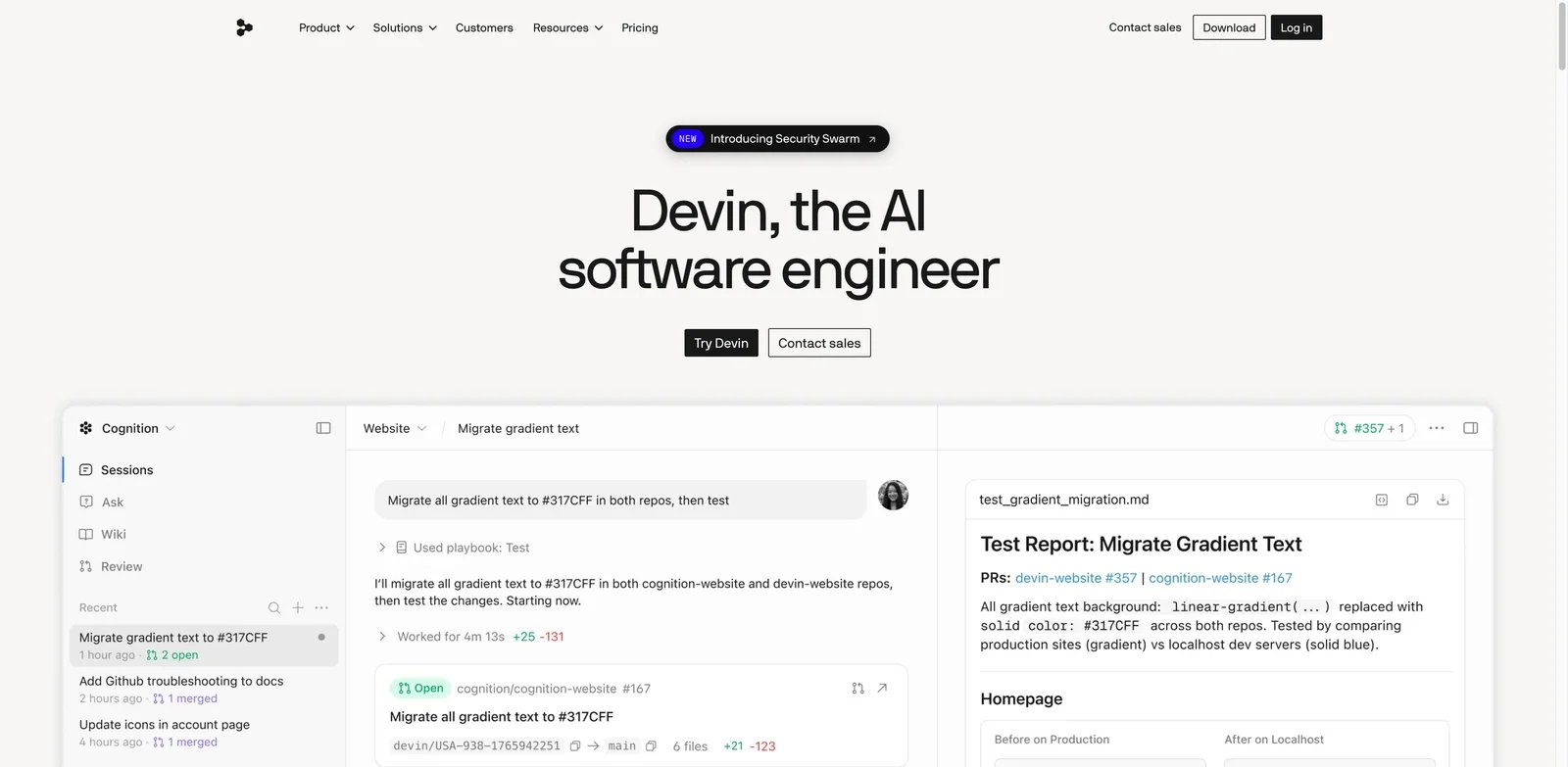
Devin is the best Manus alternative when the work is software engineering. That sounds obvious, but it prevents a common mistake: using a general agent for coding work that needs repo context, tests, pull requests, code review, IDE steering, and engineering-specific task controls.
What Devin solves vs Manus: Devin specializes in software work. Cognition's 2026 pricing update introduced Free, Pro, Max, Teams, and Enterprise self-serve paths, and its product positioning centers on autonomous engineering tasks. If your Manus jobs are bug fixes, refactors, internal tools, or codebase research, Devin's specialization matters more than broad agent versatility.
Pricing vs Manus: Cognition's current self-serve documentation lists Free, Pro at $20/month, Max at $200/month, Teams with an $80/month minimum plus $40/month full seats, and Enterprise custom. Usage can still vary by task, but the product is scoped around engineering outputs rather than every kind of knowledge work.
Limitations: Devin is too narrow if your Manus tasks are sales research, market maps, travel planning, slide decks, or browser portal work. It is also still an autonomous coding agent, so you need review, tests, branch controls, and a clear definition of done.
Best for: Engineering teams that want an autonomous software developer, not a general-purpose AI worker. Not the right fit if most of your Manus work is non-code research or document production.
The Devin benchmark should include a real repository, a real issue, and a real test command. Avoid "build me a todo app" demos. Give Devin a small bug, a migration task, a flaky test, or a scoped refactor, then review the branch like you would review a junior engineer's pull request. The question is not whether it can write code. The question is whether it can preserve intent, run checks, explain tradeoffs, and leave a reviewable diff.
Devin also changes team workflow. Someone must triage tasks, write precise tickets, review branches, and decide when to intervene. If your engineering process is messy, an autonomous engineering agent will expose that mess. If your issues are scoped and tests are reliable, Devin can be much more valuable than a general agent asked to "fix the app."
Get started with Devin, or use ToolWorthy's Devin profile as a baseline.
MiniMax Agent
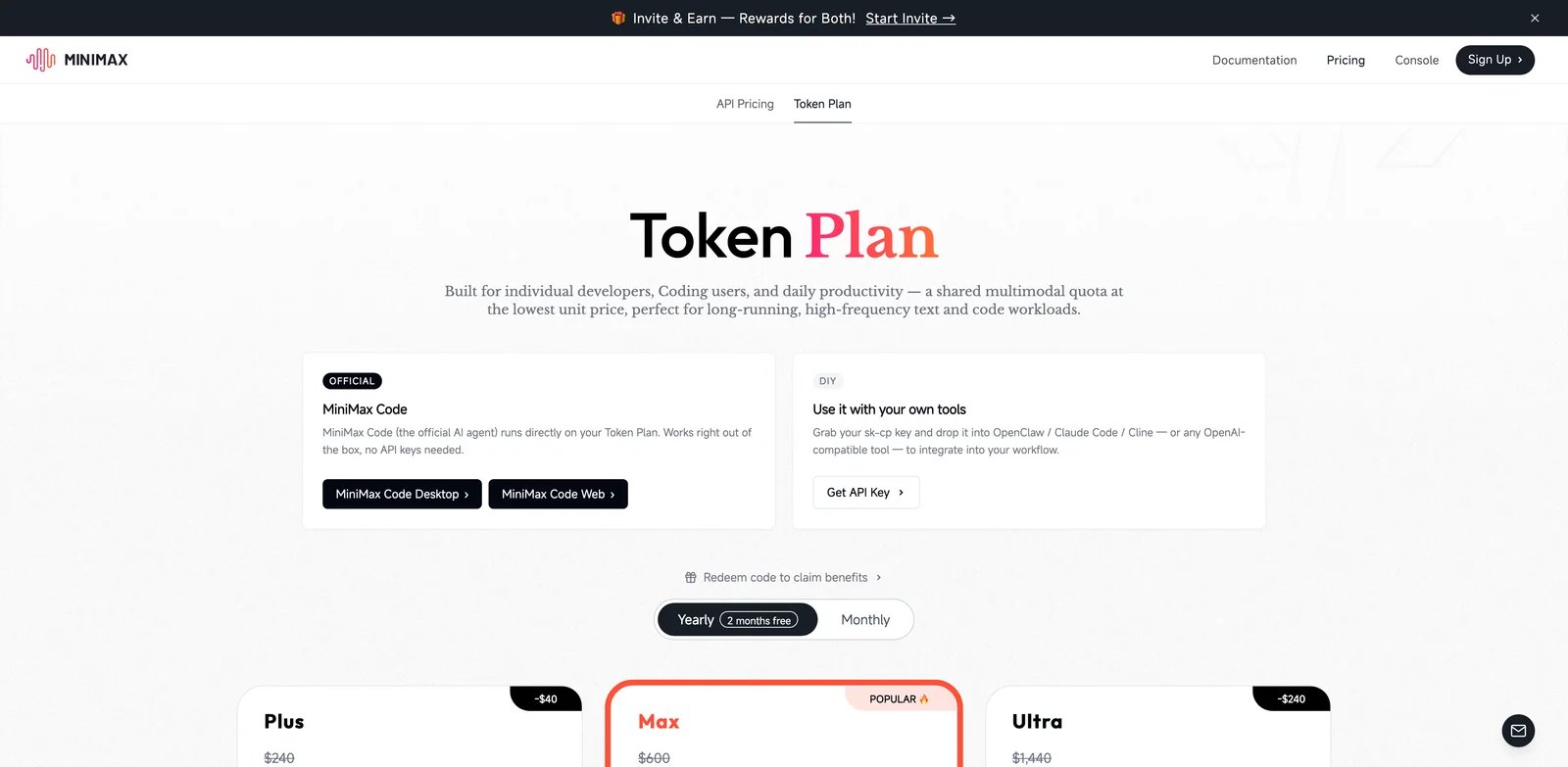
MiniMax Agent is worth testing when your Manus concern is cost-performance. MiniMax's agent and token-plan surfaces emphasize request quotas, model speed, web search MCP, coding compatibility, and shared multimodal quota. That can make it easier to reason about for users who want agentic work but do not want every task to feel like an unknown credit event.
What MiniMax Agent solves vs Manus: MiniMax leans into model and token-plan economics. Its plan page describes MiniMax Code running on the Token Plan, compatibility with coding tools, image understanding, web search MCP, and different quota tiers. For technical users, that is a clearer mental model than "let the agent run and see how many credits it consumed."
Pricing vs Manus: MiniMax now uses a Token Plan across MiniMax Agent and supported coding/API workflows, with shared subscription usage across text, image, speech, music, and coding resources. The current public Token Plan shows Plus at $20/month, Max at $50/month, and Ultra at $120/month, with rolling quota windows and media-generation limits. Because pricing can still vary by region, verify the live checkout before writing procurement numbers into a budget.
Limitations: MiniMax Agent may be less familiar to US buyers than Manus, Claude, Perplexity, or Devin. Documentation and product surfaces can also differ across MiniMax domains. Treat it as a serious cost-performance experiment, not an automatic enterprise default.
Best for: Technical users who want fast model-driven agent work with clearer quota planning. Not the right fit if procurement needs mature US enterprise vendor familiarity.
MiniMax should be tested with two modes: a lightweight task and a heavy task. The lightweight task tells you whether the cheaper quota is enough for daily work. The heavy task tells you whether high-speed or larger plans are actually needed. Track request consumption, wait time, output quality, and whether the agent can use web search or coding tools in the exact environment you expect.
Be careful with plan-page enthusiasm. MiniMax publishes ambitious model and agent claims, but buyers still need boring checks: invoice support, cancellation terms, regional availability, data handling, and whether your existing coding tools can use the plan without extra API setup. Cost-performance is useful only when the operational details are clean.
Get started with MiniMax Agent, or see ToolWorthy's MiniMax profile.
Fellou
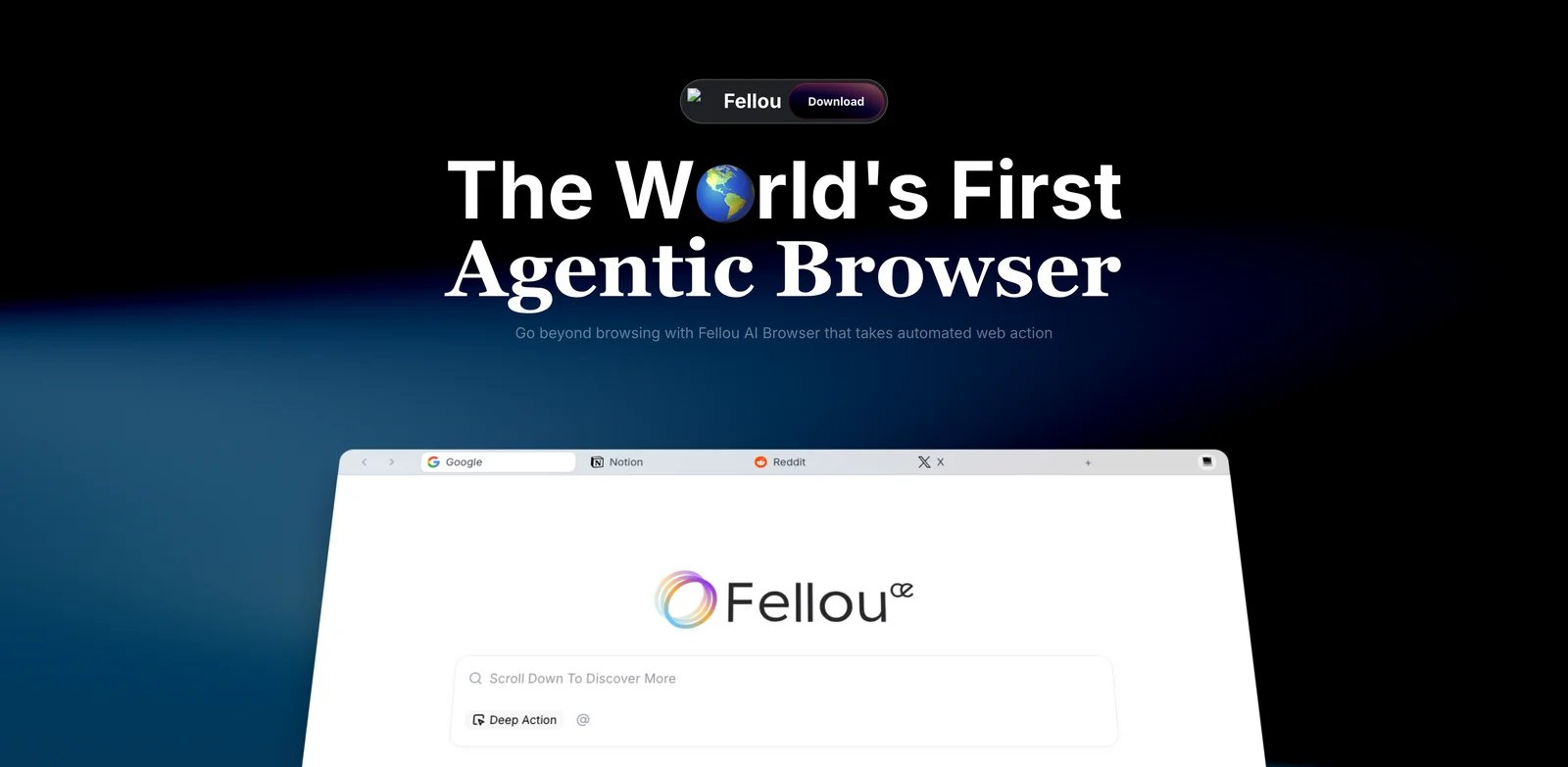
Fellou is an agentic browser alternative. If Manus appealed because it could browse, search, and act across web pages, Fellou is closer than a pure research assistant. Its pricing page lists Browser Use, Computer Use, Deep Search, Image Agent, Music Agent, Code Agent, scheduled tasks, and concurrent tasks across plans.
What Fellou solves vs Manus: Fellou puts the browser at the center. That is useful when your tasks are web-native: search, compare, inspect, gather, schedule, and act in a browser. It is less abstract than a general cloud agent and more consumer-friendly than a developer API.
Pricing vs Manus: Fellou lists Free with a new-user Spark bonus, Plus at $19/month, Pro at $39.90/month, and Ultra at $199.90/month. It also says actual consumption varies significantly by workflow complexity. That is the same budgeting warning as Manus, but Fellou at least exposes approximate task counts for Sparks.
Limitations: Browser agents still face login, CAPTCHA, dynamic UI, and site-change risk. Do not judge Fellou by one demo. Test a repeated workflow twice, with the same inputs, and watch whether it performs consistently.
Best for: Users who want a browser-first Manus alternative for deep search and scheduled web tasks. Not the right fit if your team needs developer-level controls, audit logs, or self-hosting.
Fellou's evaluation should use live browser tasks, not static questions. Ask it to research a niche vendor list, compare current pricing pages, monitor a recurring page, or gather information across several tabs. Then inspect whether it handled navigation, source checking, and summaries cleanly. A browser agent that writes a fluent summary but misses the right page is not production-ready.
Also model Sparks conservatively. Fellou itself warns that consumption varies by workflow complexity. If a plan estimates eight tasks, test whether your tasks resemble those assumptions. Scheduled tasks are especially important: a daily job that looks cheap in a one-off demo can become expensive or fragile over a month.
Get started with Fellou.
Taskade Genesis
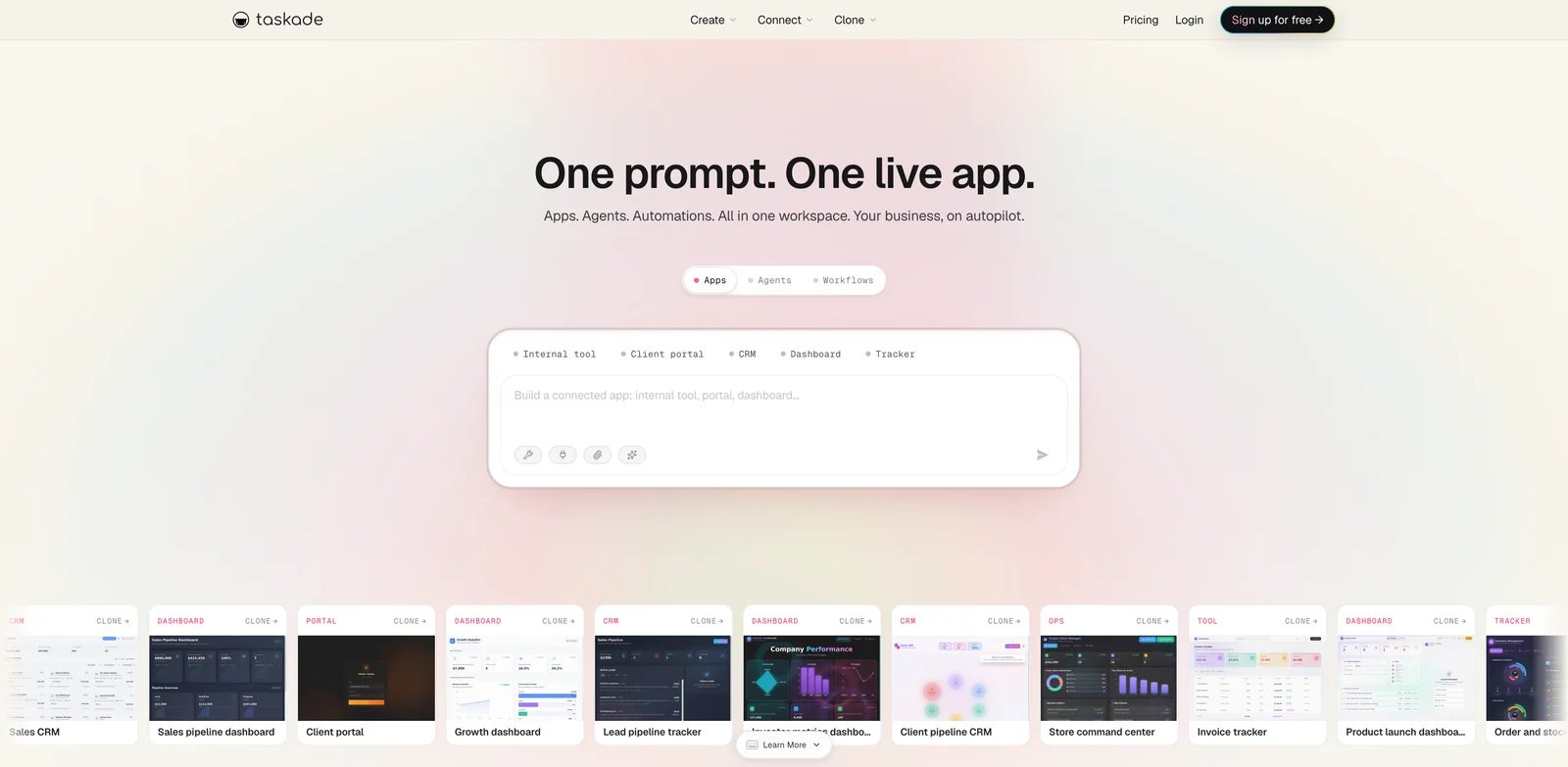
Taskade Genesis is not a pure Manus clone. It is an alternative when the real job is turning prompts into apps, workflows, agents, and team workspaces. If Manus is a temporary worker, Taskade Genesis is closer to a builder for persistent operating systems.
What Taskade Genesis solves vs Manus: Taskade's help center says Genesis is included in every plan and can build full-stack apps, deploy AI agents, and automate workflows using plan AI credits. That makes it strong when you want repeatable systems: dashboards, portals, automations, client workspaces, and agents that live inside a team workspace.
Pricing vs Manus: Taskade help center pricing lists Free, Starter at $8/month, Pro at $20/month, Business at $50/month, and Enterprise custom, with AI credits per plan. Public marketing pages can show promotional annual prices. The main comparison is that credits power app building, agents, automations, and AI operations, not just one-off autonomous tasks.
Limitations: Taskade is a workspace and app-builder platform. If your Manus use case is "research this topic and give me a report," Taskade may feel like overkill. If your use case is "turn this process into a running team system," it becomes much more relevant.
Best for: Teams that want apps, automations, agents, and workspace memory. Not the right fit if you only need ad hoc autonomous research.
Taskade's pilot should create something persistent. Ask Genesis to build a small internal tracker, client portal, approval workflow, or research dashboard. Then edit it, add an automation, invite a collaborator, and see whether the result still makes sense after the first generation. If the app becomes a maintainable workspace, Taskade is solving a different and bigger problem than Manus.
Credits matter here too, but they map to building and improving systems rather than only running tasks. Log how many credits a first build consumes, how many follow-up edits consume, and whether published apps continue running without consuming more AI credits. That last detail can make Taskade cheaper for persistent workflows than a pure agent that reruns work every time.
Get started with Taskade, or compare ToolWorthy's Taskade profile.
Abacus DeepAgent
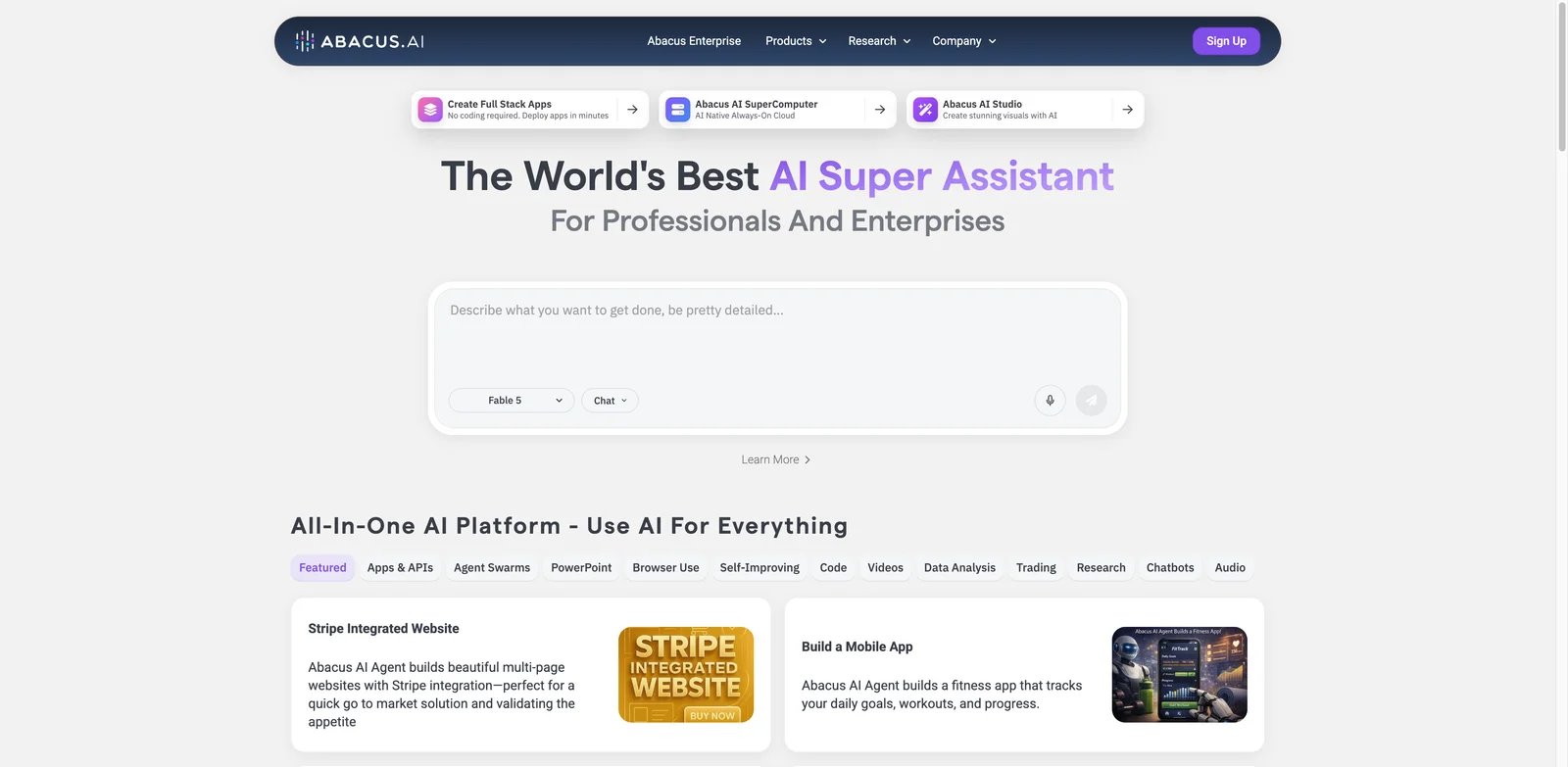
Abacus DeepAgent is the low-entry experiment for users who want a broad AI super-assistant without immediately paying Manus-style premium tiers. Abacus documentation describes DeepAgent tasks, effort levels, credits, and a Pro tier that unlocks more agent access with a larger credit pool.
What Abacus DeepAgent solves vs Manus: The strongest advantage is explicit effort control. Abacus describes xLow, High, xHigh, and Max-style effort choices, with different cost implications. That makes it easier to route small tasks to cheaper modes and reserve expensive modes for difficult work.
Pricing vs Manus: Abacus Basic is $10/month after any first-month promotion, includes 20,000 credits, and allows three AI Agent tasks. Pro costs $20/month total, includes 30,000 credits, and gives unrestricted AI Agent access while credits remain. Its agent help page says typical tasks use about 500-1000 credits. Verify live checkout before committing, but the entry price is low enough to make it a good comparison test.
Limitations: Low entry price does not automatically mean lower cost at scale. If you run many high-effort agent tasks, credits can still become the gating factor. Also evaluate output reliability against your real Manus tasks, not generic demos.
Best for: Users who want a cheap way to test broad agent work and effort-level controls. Not the right fit if you need enterprise browser automation governance.
Abacus is useful as a calibration tool even if it does not become your final stack. Run the same task at lower and higher effort levels, then compare whether the extra credits materially improve the result. If lower effort is good enough for recurring tasks and higher effort is reserved for hard tasks, you have more control than a single opaque autonomy mode.
The risk is overgeneralization. A super-assistant can look good across many demos but still be weaker than a specialist for research, coding, browser automation, or file governance. Treat Abacus as the "broad inexpensive agent" candidate, then compare it against Perplexity for research, Devin for code, and Skyvern or Browser Use for browser automation.
Get started with Abacus DeepAgent.
Browser Use
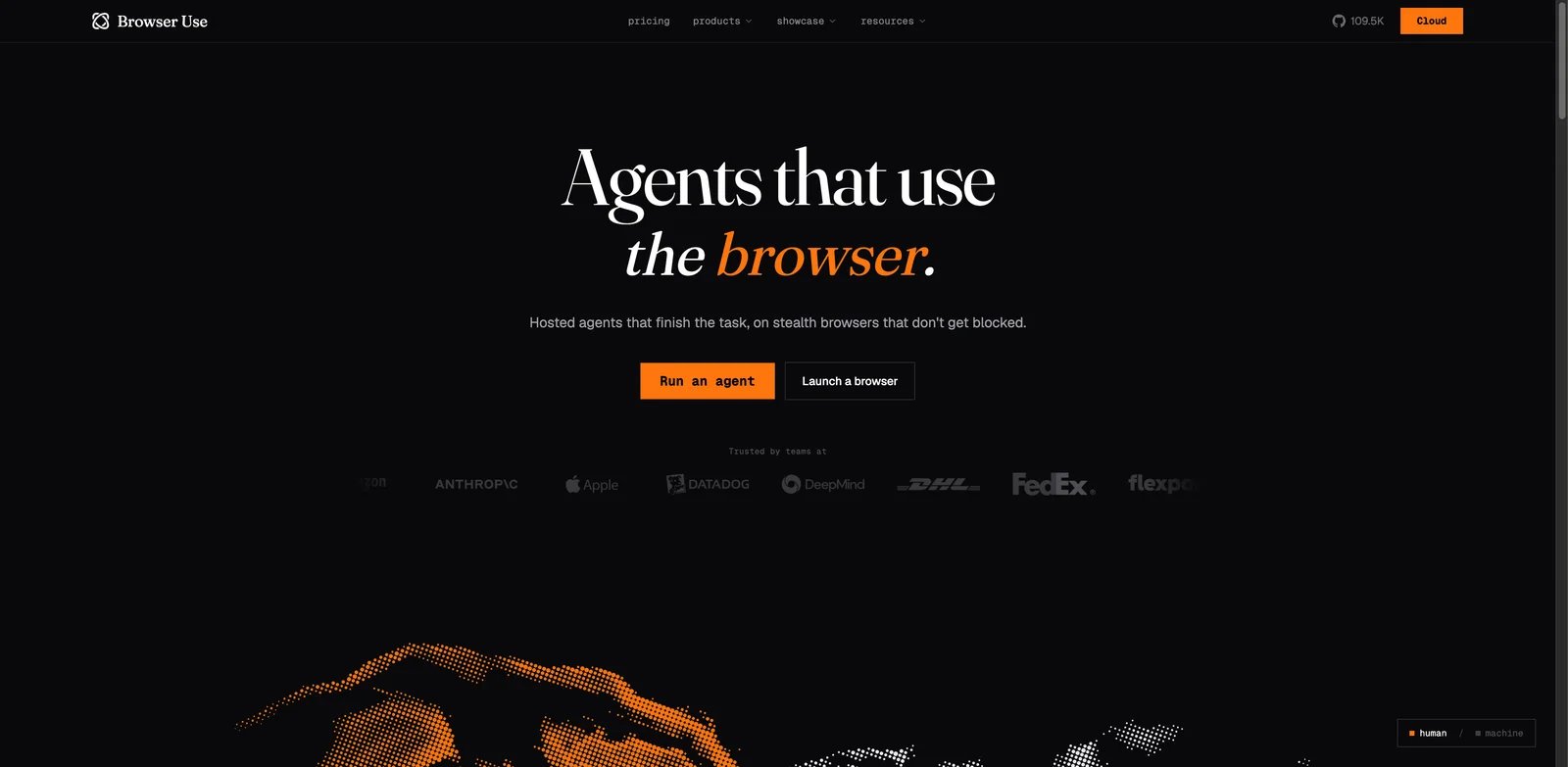
Browser Use is not the easiest Manus alternative, but it may be the most honest one for developers. If the core need is "make an AI use a browser reliably as part of my application," a consumer agent is the wrong abstraction. Browser Use gives teams cloud browser sessions, proxy data, agent runs, API access, and usage-based infrastructure.
What Browser Use solves vs Manus: Browser Use lets builders own the browser automation layer. Its pricing page lists pay-as-you-go usage, browser session costs, proxy data, concurrency, skill execution, and team tiers. That is more complex than Manus, but it is also more observable.
Pricing vs Manus: Browser Use lists Pay As You Go at $0/month with usage charges, Starter at $100/month, Business at $500/month, and Scaleup at $2500/month. This is not cheaper for a casual user. It is better for teams that need metered infrastructure, API control, concurrency, and a path to production.
Limitations: You need engineering ownership. Browser Use is not where a non-technical user should go to generate one market research deck. It shines when browser automation is part of a product or internal system.
Best for: Developers building browser agents, data extraction, web QA, or portal automation. Not the right fit if you want a polished consumer agent.
The Browser Use migration test should be owned by engineering. Define one workflow, its success criteria, expected structured output, failure states, credential handling, and retry rules. Then measure session hours, proxy data, LLM calls, skill execution, and concurrency. This is more work than prompting Manus, but it gives you the numbers needed to operate a browser agent in production.
Use Browser Use when the browser is infrastructure. If the workflow needs to be embedded into a product, scheduled across many accounts, audited, or connected to internal systems, a developer API is the right abstraction. If you only need a personal assistant to click around once, the operational overhead is hard to justify.
Get started with Browser Use.
Skyvern
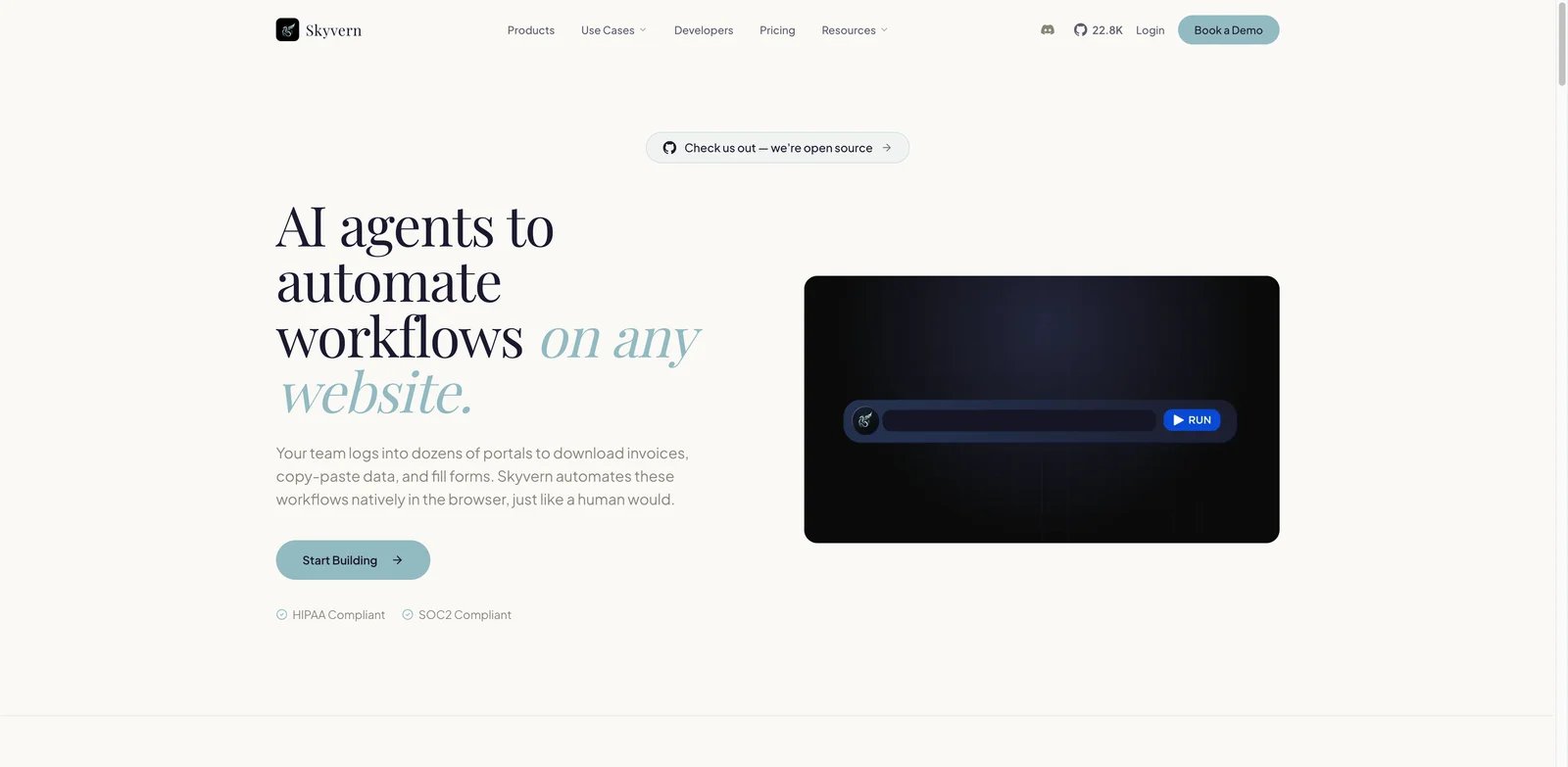
Skyvern is the production-browser-automation alternative. Its public site positions the platform around automating workflows on any website, including forms, portals, data extraction, CAPTCHA, 2FA/TOTP, audit logs, credential vaulting, SOC 2, HIPAA, and self-hosted deployment options. That is a different buyer than the average Manus user.
What Skyvern solves vs Manus: Skyvern is built around repeatable browser workflows. A Manus task can be useful for ad hoc work; Skyvern is stronger when the same portal workflow runs many times and needs observability. Its open-source repository also gives technical teams a way to inspect the core approach.
Pricing vs Manus: Skyvern's public site says users can start free with 5,000 monthly credits. Current public pricing coverage lists Free, Hobby at $29/month with 30,000 credits, Pro at $149/month with 150,000 credits, and Enterprise custom, while the open-source version remains available for self-hosting. Verify live app pricing before procurement, but treat the cost model as workflow automation, not consumer AI subscription.
Limitations: Skyvern is heavier than Manus for one-off tasks. You need workflow design, credentials, acceptance criteria, and operations ownership. That is exactly why it fits production use cases and feels wrong for casual research.
Best for: Teams automating portals, form filling, extraction, compliance workflows, and browser QA. Not the right fit if you want a personal autonomous assistant.
Skyvern's best pilot is a hostile portal workflow: log in, navigate a multi-step form, extract structured data, handle a document, or work through a site that changes often. That is where its vision-plus-workflow approach should beat brittle scripts and casual agents. Require structured outputs and logs, not only a successful demo video.
The governance test is equally important. Ask how credentials are stored, which actions are audited, how failures are reviewed, whether self-hosting is available for your environment, and how CAPTCHA or 2FA workflows are handled. If those questions are central, Skyvern is a stronger Manus alternative than most consumer agents.
Get started with Skyvern.
Honorable Mentions
ChatGPT Work is worth watching if you already live in ChatGPT and need longer multi-step deliverables, but OpenAI's current help-center language around agent availability has changed quickly, so verify the exact feature name, plan, and task limits before treating it as a direct Manus replacement.
DeerFlow is relevant for technical teams that want self-hosted multi-agent research and workflow orchestration. It is not a consumer Manus clone, but it fits buyers whose real concern is control over the agent stack.
OpenAI AgentKit belongs in the build-your-own path. It is not an end-user alternative for someone leaving Manus today, but it makes sense when a company wants agent primitives, evaluation, and platform control.
MuleRun and SureThing are adjacent autonomous execution tools. Consider them when the target workload is a repeatable business process rather than broad exploratory autonomy.
Migrating from Manus - A Practical Guide
Data and Account Migration
Export or save anything you would not want to lose before you test alternatives: reports, generated sites, files, prompts, task outputs, invoices, remaining-credit screenshots, scheduled tasks, and connected-account settings. If a task created a hosted artifact, download a copy or recreate the output in a durable workspace. Also keep screenshots of current plan, renewal date, and credit balance before cancellation or downgrade.
For business use, create a small migration folder before cancelling anything. Put the original prompt, Manus output, final accepted output, invoice screenshot, source files, exported documents, and notes about credits consumed into that folder. This sounds tedious, but it gives you a clean benchmark pack for every replacement tool. You can hand the exact same pack to Genspark, Claude, Devin, Browser Use, or Skyvern and compare results without relying on memory.
If Manus created a website, hosted report, or shareable artifact, treat it as temporary until you have a copy outside Manus. Export HTML, PDFs, spreadsheets, source files, or screenshots where possible. If the output cannot be exported, recreate it in a durable tool before shutting down the account. Autonomous agents often make useful artifacts in places that are easy to forget until billing or access changes.
Learning Curve by Alternative
Perplexity and Fellou are the fastest to trial because they map to familiar search/browser workflows. Genspark and Abacus are still approachable but require learning credits and output formats. Claude Cowork and Taskade Genesis need more setup because permissions, files, workspace memory, and app/agent design matter. Devin, Browser Use, and Skyvern require the highest migration effort because they are specialist or developer-owned systems.
Do not underestimate the "new mental model" cost. Perplexity asks you to think like a researcher: ask good questions, inspect sources, refine. Claude Cowork asks you to think in permissions and review gates. Devin asks you to think in tickets, tests, branches, and acceptance criteria. Browser Use and Skyvern ask you to think in workflows, structured outputs, retries, credentials, and observability. The right tool should match how your team already describes work.
If the team cannot describe the job precisely, no autonomous agent will save it. Write one paragraph that says what success means, what tools the agent may touch, what it must not touch, what output format is acceptable, and when a human should approve. If that paragraph is hard to write, fix the workflow before blaming Manus or any replacement.
Pricing Brackets vs Manus
If you want the cheapest experiment, start with free tiers on Perplexity, Fellou, Taskade, Abacus, Skyvern, and Browser Use pay-as-you-go. If you want a predictable $20-ish monthly tool, compare Perplexity Pro, Claude Pro, Devin Pro, Taskade Pro, and Fellou Plus. If you need serious autonomous volume, expect $100-$500/month or enterprise procurement across Claude Max, Devin Max/Teams, Browser Use, Skyvern, and Genspark team plans.
For credit-based products, do not ask "how many credits do I get?" Ask "how many accepted deliverables do I get?" A report that costs 200 credits but needs five reruns is a 1000-credit report. A coding task that appears cheap but creates a broken diff is not cheap. A portal automation that fails one in ten runs can be expensive even if each run costs little.
For seat-based products, watch the opposite problem. Claude Team, Genspark Team, Perplexity Enterprise, and Taskade Business may look predictable per seat, but the value depends on adoption. If only two people use the agent heavily, a team plan may be more expensive than individual seats or API usage. If the whole team uses shared workspaces, seats are often cleaner than credit packs.
Best Manus Alternatives by Use Case
If Your Reason Is "I Need Cited Research, Not a Cloud Worker"
Start with Perplexity. If the output needs slides, docs, or a broader deliverable workspace, add Genspark. If you want low-cost experiments with effort levels, test Abacus DeepAgent.
The deciding question is what happens after the answer. If you read the report and manually decide, Perplexity is usually enough. If the answer must become a deck, webpage, spreadsheet, or client-ready artifact, Genspark may save more time. If the task is experimental and you want to tune effort level, Abacus is a good low-cost benchmark.
If Your Reason Is "I Want Approval Before the Agent Touches Files"
Start with Claude Cowork. It is built around selected access and approval gates. For teams that want a persistent workspace rather than file-level tasks, test Taskade Genesis.
This is the right path for legal, finance, HR, operations, and executive-assistant workflows. The point is not maximum autonomy. The point is bounded autonomy: the agent can prepare, organize, summarize, and propose, while humans approve actions that could delete, send, buy, publish, or expose data.
If Your Reason Is "My Manus Tasks Are Mostly Code"
Use Devin as the first serious comparison. Also test Claude Code/Cowork and MiniMax Agent if cost-performance matters. Do not evaluate coding agents by one toy bug; give each the same small real repo task and require tests.
Use a branch-per-agent benchmark. Give each tool the same issue and ask for a pull request or patch. Then compare diff size, test behavior, explanation quality, edge-case handling, and review burden. If a tool writes more code but creates more review work, it is not better. For coding agents, accepted merge rate is more important than demo speed.
If Your Reason Is "I Need Browser Automation I Can Govern"
Consumer agents are usually the wrong endpoint. Compare Browser Use and Skyvern. Fellou can be useful for individual browser tasks, but production teams should care about audit logs, credentials, retries, and structured outputs.
A production browser workflow needs a failure policy. What if the login expires? What if a CAPTCHA appears? What if the portal changes labels? What if a field is missing? What if an action would submit a form? Browser Use and Skyvern are stronger than consumer agents when those questions matter, because they can be wrapped in engineering and operations controls.
If Your Reason Is "I Want Lower-Cost Experiments"
Start with Abacus, Fellou, Taskade, Perplexity, and free Browser Use/Skyvern trials. Log actual unit cost for three tasks: a short research task, a long research task, and a repeated workflow. If you only compare plan price, you will recreate the Manus budgeting problem.
The cheapest-looking plan can become expensive when tasks need reruns. To avoid that, log the cost of an accepted output, not the cost of an attempt. Include failed runs, corrections, and the human time required to make the result usable. This makes cheap tools look worse when they require cleanup, and expensive tools look better when they deliver reliably.
If Your Reason Is "I Need Enterprise Continuity"
Prioritize Claude Cowork, Skyvern, Browser Use, Devin Enterprise, and Genspark Team/Enterprise. Ask vendors about data retention, audit logs, SSO, admin controls, region support, incident history, and what happens to generated artifacts if you downgrade.
Also ask who owns operational recovery. If an agent creates a customer-facing output and later fails, can your team inspect logs, rerun the workflow, roll back, or export artifacts? Consumer agents often optimize for ease of use, while enterprise teams need boring recoverability. That is not a feature checklist; it is the difference between a useful assistant and an operational dependency.
How to Choose the Right Manus Alternative
First, name the exact Manus pain. "Too expensive" is not precise enough. Is the issue absolute price, unpredictable credits, failed tasks, support, data continuity, lack of governance, or poor specialist fit?
Second, run the same two tasks in every shortlisted tool. Use one lightweight task and one painful real task. Record output quality, time to completion, manual corrections, credits consumed, and whether the tool exposed enough progress to trust it.
Third, verify pricing and governance before you migrate. For every candidate, check current plan limits, renewal terms, add-on credits, data retention, action approvals, connected-app permissions, and cancellation behavior. Pricing for AI agents changes quickly; do not copy a blog table into procurement.
Fourth, run a two-week overlap. Keep Manus active while the replacement handles real work. Cancel only after the alternative survives repeated tasks, edge cases, and billing review.
Frequently Asked Questions
What is the best free alternative to Manus?
For most individuals, start with Perplexity for research and Fellou or Abacus for broader agent experiments. For builders, start with Browser Use or Skyvern because the free trial tells you more about infrastructure fit. Free tiers are for learning the cost model, not proving the tool is free forever.
Is Genspark a drop-in replacement for Manus?
Think of Genspark as a deliverable workspace. It is strong when the output needs packaging. If the job is "research this and make something useful from it," Genspark belongs high on the list. If the job is "operate inside external accounts with strict controls," move toward Skyvern, Browser Use, or Claude Cowork.
What is the cheapest Manus alternative with comparable quality?
Comparable quality depends on the task. Perplexity may beat Manus for cited research at lower cost, but it will not build a website. Devin may beat Manus for coding, but it will not replace broad office work. The cheapest real alternative is the cheapest tool that finishes your specific accepted output.
Can I migrate my Manus task history?
The practical migration unit is not "history." It is "repeatable task specification." Rewrite the Manus task as a clean brief: objective, inputs, allowed tools, required output, success criteria, and review rule. That brief is portable across alternatives even when the original Manus trace is not.
Is Manus still worth paying for?
Keep Manus if it has a known place in your stack and the bill is understood. Replace it if the same task repeatedly burns unpredictable credits, requires too much cleanup, creates support risk, or touches data/actions that need stronger governance. A mature stack can include Manus plus specialist tools.
Which Manus alternative is best for enterprise teams?
Enterprise teams should run security and workflow evaluation together. A vendor can pass security but fail the workflow. A vendor can finish the workflow but fail governance. The shortlist should survive both: a real task test and a procurement-style review of data handling, access control, logging, support, and billing terms.
Should I wait for the Manus ownership situation to stabilize?
Waiting is a strategy only when switching cost is low and risk is low. If your Manus outputs support customers, ads, operations, or finance decisions, build a fallback before you need it. The fallback does not need to replace everything; it only needs to cover the tasks that would hurt if Manus access, pricing, or account state changed.
What is the safest way to compare Manus alternatives?
Do not let vendors pick the benchmark. Use your own bad task: the one that caused cost anxiety, failed once, or created too much cleanup. If a tool survives that task and you understand the cost, it deserves deeper testing. If it only wins on a polished demo, keep looking.
Get ToolWorthy Weekly
New AI tools, practical guides, and selected AI signals in one weekly brief.
Related Posts

15 Best Clearscope Alternatives 2026 - Cost, GEO & Workflow
Compare 15 Clearscope alternatives for 2026 by content scoring, GEO visibility, pricing, workflow depth, AI writing, and migration effort.

10 Best Zapier Alternatives 2026 - AI Workflows, Cost & Control
Compare 10 Zapier alternatives for 2026, including Make, n8n, Activepieces, Pipedream, Power Automate, Workato, Tray.ai, and IFTTT.

10 Best Notion Alternatives 2026 - Local-First Notes, Wikis, and Workspaces
Compare 10 Notion alternatives for 2026, from Obsidian and Anytype to Coda, AppFlowy, AFFiNE, Capacities, Craft, Tana, Fibery, and Outline.
Discover More AI Tools
Explore our comprehensive directory of AI tools, carefully curated and reviewed by experts to help you find the perfect solution for your needs.