
13 Best AI Code Review Tools 2026 - PR, Security & QA
Your pull request queue is not slow because your team forgot how to review code. It is slow because every change now arrives with more generated code, more hidden dependency risk, and more context than one tired reviewer can hold after six meetings. The best AI code review tools do not replace senior engineering judgment; they catch repeatable issues early, summarize messy diffs, apply team rules consistently, and reduce the amount of human review time wasted on mechanical defects.
This guide compares 13 AI code review tools across three practical lanes: PR-native reviewers such as CodeRabbit, Qodo and Greptile; AI coding ecosystems and developer tools with review features such as GitHub Copilot, Cursor and Bito; and code quality or AppSec platforms such as Snyk, SonarQube Cloud, Semgrep, Codacy, DeepSource and CodeScene. If you are also evaluating AI coding assistants for writing code before review, see our best AI coding tools guide. For the broader static-analysis category, our AI code checker tools page covers adjacent SAST and code-quality products.
Pricing and plan details were checked against official vendor pages on August 3, 2026. Because several vendors now price AI reviews through credits, processed lines, active developers, or contributing developers, treat "starting price" as a shortlist signal, not a purchasing quote.
| Tool | Best For |
|---|---|
| CodeRabbit | GitHub/GitLab PR review with codebase-aware comments |
| Qodo | Team PR review with credit-based AI analysis |
| Greptile | Repository-aware review for fast-moving engineering teams |
| Graphite | Stacked PR workflow plus AI review and merge queue |
| GitHub Copilot Code Review | GitHub-native review for Copilot teams |
| Cursor Bugbot | AI review inside Cursor and team coding workflows |
| Bito AI Code Reviews | Affordable codebase-aware PR review with IDE handoff |
| Snyk Code | Security-first AI review and vulnerability detection |
| SonarQube Cloud | Code quality gates for teams standardizing on Sonar |
| Semgrep | Custom rules, security triage and CI policy enforcement |
| Codacy | Low-friction quality gates with AI reviewer support |
| DeepSource | Analyzer-driven review with pay-as-you-go AI review |
| CodeScene | Technical debt, hotspots and behavioral code analysis |
How We Selected and Tested
We selected tools that could affect code review before merge, not general coding assistants that only generate code in an editor. To qualify, each product needed at least one verifiable review surface: pull request comments, CI quality gates, security findings, AI explanations, automated fixes, reviewer guidance, or repository-aware summaries. We excluded wrappers with no clear differentiation, abandoned products, and tools that could not show either public pricing or a credible enterprise buying path.
Our evaluation focused on six dimensions that matter to engineering managers, staff engineers, platform teams and AppSec leaders:
- Review depth - whether the tool finds logic, security, maintainability, style, dependency, test and architectural issues.
- Repository context - whether it understands changed files only, the full repo, linked tickets, rules, or prior review feedback.
- Workflow fit - GitHub, GitLab, Bitbucket, IDE, CLI, CI, Jira, Slack and merge queue coverage.
- Noise control - suppression rules, custom instructions, false-positive tuning, severity thresholds and team policy.
- Pricing predictability - seats, active authors, credits, processed lines, contributing developers and hidden usage overages.
- Security and privacy posture - code retention, training policy, self-hosting, BYOK, on-prem or data-control options.
We did not fabricate benchmark scores or star ratings. Public product claims were cross-checked against official pricing pages and documentation. For tools with gated demos, we evaluated what can be verified from public workflow screenshots, plan details and vendor docs.
Top 13 AI Code Review Tools Compared
Use this table to reduce the shortlist before reading the detailed reviews. PR-focused teams should start with CodeRabbit, Qodo, Greptile, Graphite, GitHub Copilot Code Review, Cursor Bugbot or Bito. Security teams should compare Snyk, Semgrep and SonarQube Cloud first. Teams that want code health and technical debt governance should look hardest at CodeScene, Codacy and DeepSource.
| Tool | Primary Review Surface | Starting Price | Best For | Security Coverage | Pricing Risk |
|---|---|---|---|---|---|
| CodeRabbit | PR comments, summaries, IDE/CLI | Free / Pro $24/user/mo annual | Teams wanting a dedicated AI reviewer | Medium | Per-developer seats + Slack agent minutes |
| Qodo | PR review, tests, code quality | Pro Team $30/mo incl. 2,500 credits | Teams that want credit-pooled review volume | Medium | Credit consumption and overages |
| Greptile | Repository-aware PR review | Free / Pro $30/seat/mo | Fast-moving teams with many repos | Medium | Review credits |
| Graphite | Stacked PRs, AI review, merge queue | Free / Starter $20/user/mo annual | Teams using stacked diffs | Low-Medium | Team tier needed for unlimited AI review |
| GitHub Copilot Code Review | GitHub PR review | Pro $10/user/mo; Free excludes PR review | GitHub-native Copilot teams | Low-Medium | AI credits + GitHub Actions usage |
| Cursor Bugbot | Cursor, GitHub, team workflows | Pro $20/mo + usage; Teams $40/user/mo | Cursor-first engineering teams | Low-Medium | Usage-based Bugbot billing |
| Bito AI Code Reviews | Git, IDE, CLI | Team $12/seat/mo annual | Budget-conscious PR review | Medium | Line limits and overages |
| Snyk Code | IDE, SCM, CLI, CI | Free / Team $25/dev/mo | Security-first scanning | High | Test limits and per-developer pricing |
| SonarQube Cloud | PR analysis, quality gates | Team from $34/mo | Code quality standardization | High | Add-ons and enterprise tiers |
| Semgrep | CI, PR/MR, IDE, AppSec rules | Free / Teams $30/contributor/mo | Custom security rules | High | AI credits and contributor pricing |
| Codacy | PR checks, merge gates, IDE | Free / Team $18/dev/mo annual | Broad code quality coverage | Medium | Private repo and team limits |
| DeepSource | Analyzer findings, PR checks | OSS free / Team $24/user/mo annual | Analyzer-driven review workflows | Medium | AI review charged by processed LOC |
| CodeScene | Hotspots, code health, quality gates | EUR18/active author/mo annual | Technical debt governance | Medium | Active-author pricing + AI add-ons |
Detailed Reviews
CodeRabbit
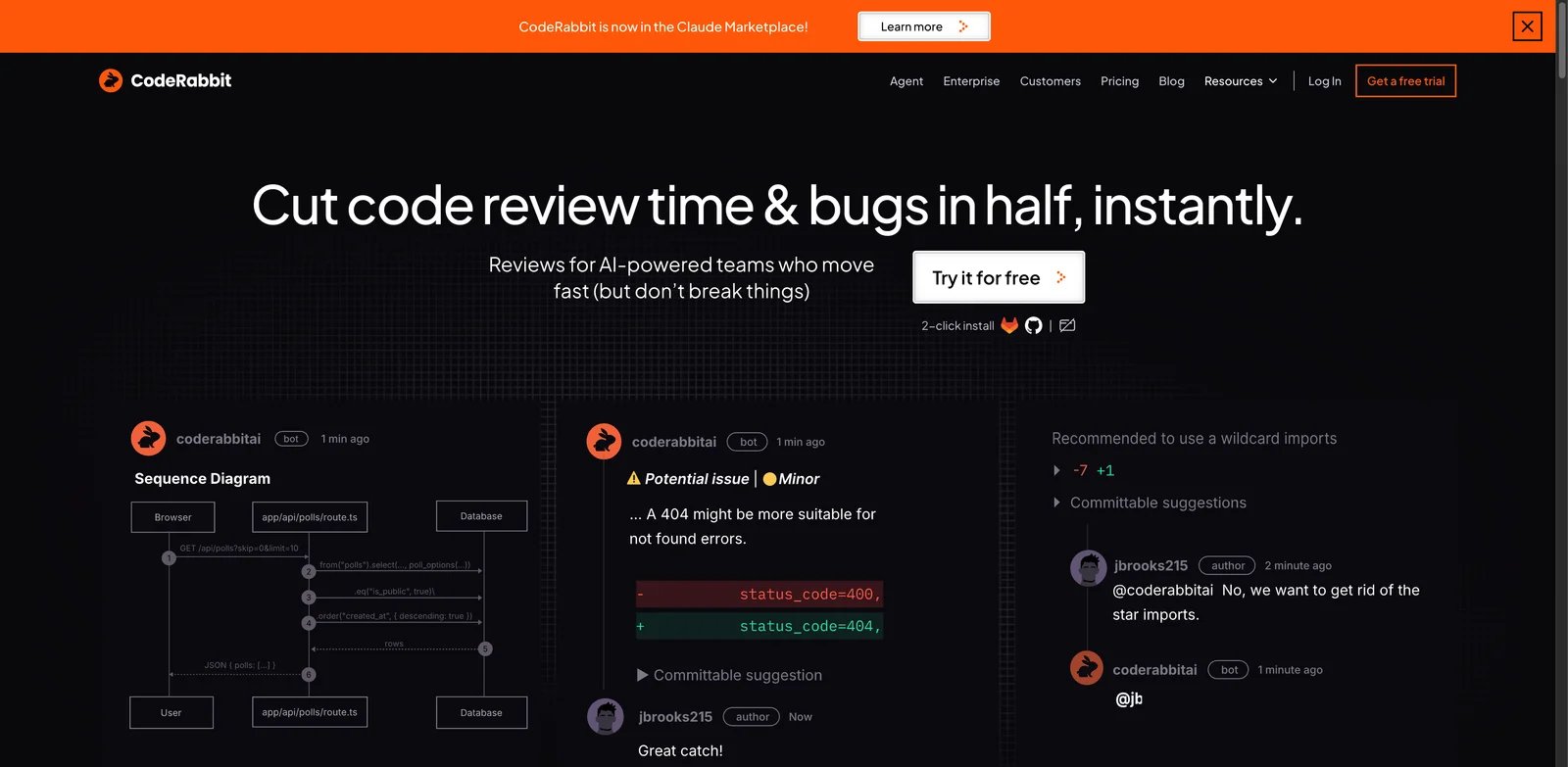
Reviewers miss patterns when every PR arrives with 1,500 changed lines and no useful summary. CodeRabbit is built for that exact failure mode: it reads pull requests, posts review comments, summarizes changes, and lets teams tune review behavior around their repositories rather than asking developers to paste diffs into a chat window.
Key Features
- PR-first review workflow. CodeRabbit comments directly where engineers already work, which makes it more useful than a detached chatbot for teams that live in GitHub or GitLab.
- Repository-aware suggestions. The product is positioned around codebase-aware review, so it can flag issues against local patterns instead of only generic style rules.
- Developer-seat pricing logic. CodeRabbit charges seats for developers creating PRs, not every passive reader, which can matter for organizations with many stakeholders but fewer active committers.
Pricing & Plans
The Free plan is $0 per user and includes public and private repos, PR summarization, and IDE/CLI reviews. Pro is $24 per user per month when billed annually, Pro Plus is $48 per user per month when billed annually, and Enterprise is custom. Public pricing also lists PR review rate limits by developer per hour and Slack agent minutes at $0.50 per agent minute.
Pros & Cons
CodeRabbit is one of the clearest fits for teams that want a dedicated AI reviewer without adopting a full AppSec platform. The trade-off is that it is still an AI reviewer: teams must tune rules, suppress noise, and keep human ownership of merge decisions. Slack agent minutes can also create a separate usage line item if teams treat Slack review as a default path.
Best For
Use CodeRabbit when your main pain is PR review throughput and inconsistent review depth across GitHub or GitLab repositories. Not the right fit if your first requirement is regulated SAST governance, broad dependency risk management, or an on-prem security model.
Get started with CodeRabbit
Qodo
Teams adopting AI-generated code often discover that test coverage and review quality are now the bottleneck, not code generation speed. Qodo focuses on code quality, review and testing workflows, making it a stronger candidate when you want AI review tied to test reasoning rather than only natural-language PR comments.
Key Features
- Review plus test orientation. Qodo's broader product line has long emphasized test generation and code integrity, so it fits teams that want review feedback connected to test risk.
- Team credit pooling. Credits are pooled across the team, which can work well when review volume varies sharply across developers.
- No-training positioning. Qodo publicly states that code is not used for training, which is a necessary checkbox for many commercial engineering teams.
Pricing & Plans
Qodo's Pro Team plan starts at $30 per month for teams of up to 30 users, with a 14-day unlimited trial and no credit card requirement; self-serve billing is monthly with no annual commitment. AI usage is credit-based at $0.012 per credit, pooled across the team. The pricing page gives examples such as 2,500 credits for about 18 reviews and 20,000 credits for about 144 reviews. There is no permanent broad free tier for commercial teams, while qualified open-source projects can apply for free access.
Pros & Cons
Credit pooling is flexible, but it makes budgeting harder than a flat unlimited review plan. Teams with bursty PR volume need to model real review counts before committing. Qodo is strongest when review, tests and code quality are evaluated together; if you only need lightweight summaries, CodeRabbit or GitHub Copilot may be easier to roll out.
Best For
Use Qodo when test quality and review feedback need to move together, especially in teams already worried about AI-generated code landing without enough assertions. Not the right fit if you need a simple free tier for many casual contributors.
Get started with Qodo
Greptile
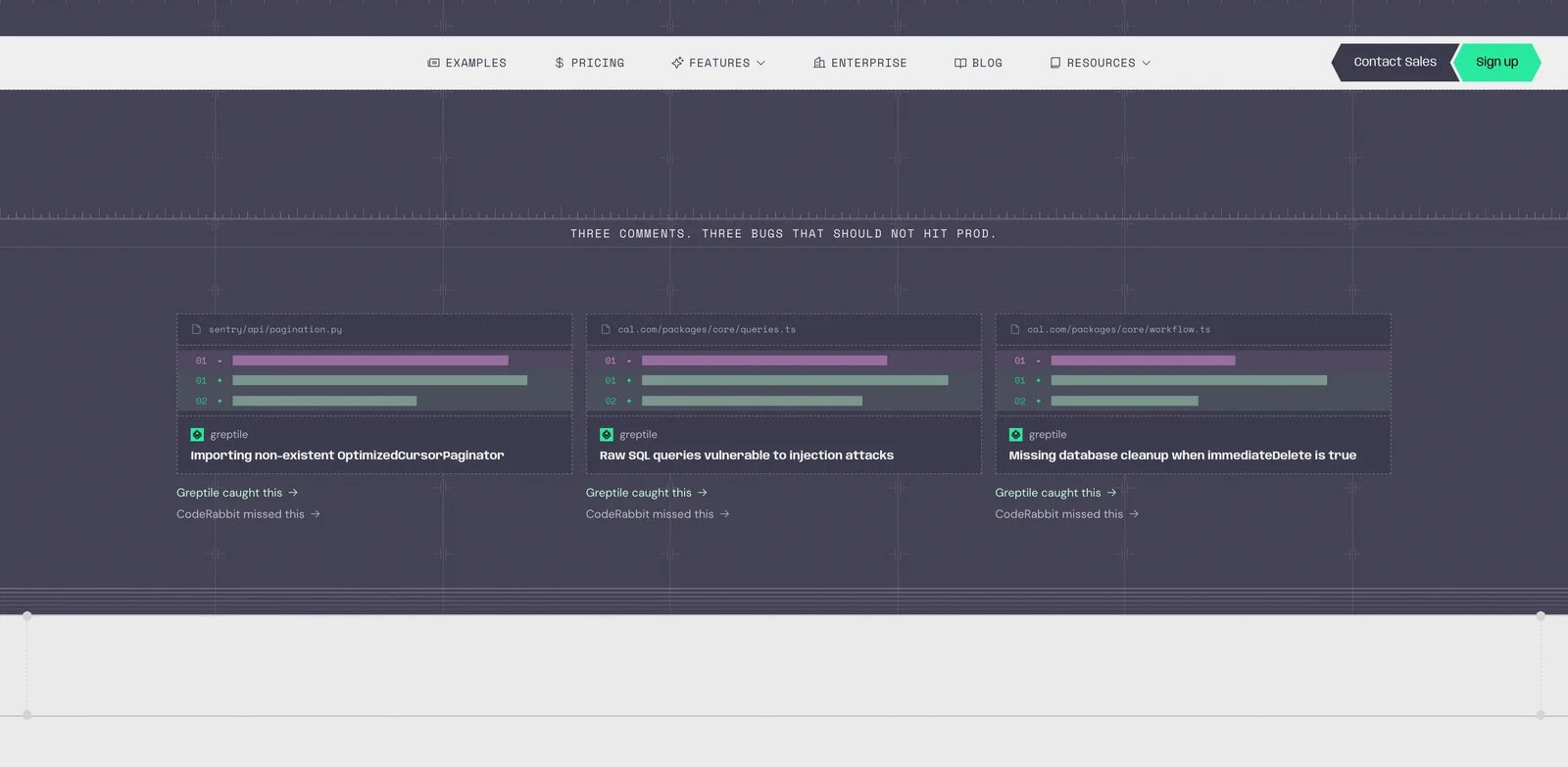
Generic reviewers are weakest when the bug depends on how your repository is wired together. Greptile's value is repository awareness: it indexes code context so review comments can reflect project-specific behavior instead of treating every diff like a disconnected snippet.
Key Features
- Repo-context review. Greptile is useful when a small change in one file can break assumptions elsewhere in the codebase.
- Credit-visible free tier. The Starter plan gives a concrete monthly review allowance, which makes early evaluation easier than opaque trial messaging.
- TREX review option. Higher-cost review modes let teams spend more analysis budget on complex changes instead of treating every PR the same.
Pricing & Plans
Greptile's Starter plan is free with 50 credits per month, where one credit maps to a standard review and three credits map to a TREX review. Pro is $30 per seat per month, includes 50 credits per seat, supports unlimited repositories, and charges $1 for each additional credit. Enterprise is custom.
Pros & Cons
Greptile is attractive for teams with many repositories and a high need for contextual review. The obvious friction is credit math: complex reviews consume more, and the included Pro allowance may not match a high-throughput team without additional spend. It also competes most directly with CodeRabbit and Qodo, so run all three on the same representative PRs before choosing.
Best For
Use Greptile when repository context matters more than a broad governance dashboard. Not the right fit if your organization primarily needs SAST policy, compliance reporting, or code-quality scorecards across hundreds of teams.
Get started with Greptile
Graphite
The review problem is often not just "who comments on the PR"; it is "how do we split, stack, review and merge changes without blocking everyone behind one giant branch." Graphite combines stacked diffs, review workflow, merge queue and AI review, which makes it different from pure reviewer bots.
Key Features
- Stacked PR workflow. Graphite is strongest when developers ship small dependent changes and need review tooling that understands that stack.
- AI review tied to automation. Team plans include unlimited AI reviews alongside automations and merge queue, so AI feedback becomes part of a broader merge discipline.
- Developer toolchain fit. CLI, VS Code and MCP support on lower tiers make Graphite easier to adopt for teams already comfortable with modern AI-assisted developer workflows.
Pricing & Plans
Graphite has a Hobby plan with limited AI reviews for personal account repositories. Starter is $20 per user per month when billed annually. Team is $40 per user per month when billed annually and includes unlimited AI reviews, AI review customization, automations and merge queue. Enterprise is custom.
Pros & Cons
Graphite is not just an AI reviewer, which is a strength and a constraint. If your team already has a merge queue and stacked-diff system, adopting Graphite only for AI review may be heavier than CodeRabbit or Greptile. If your review delays are caused by large PRs and merge coordination, the combined workflow can pay back faster than a standalone bot.
Best For
Use Graphite when your team wants to fix PR shape, merge discipline and AI review together. Not the right fit if you only need security scanning or a minimal AI comment bot on an existing workflow.
Get started with Graphite
GitHub Copilot Code Review
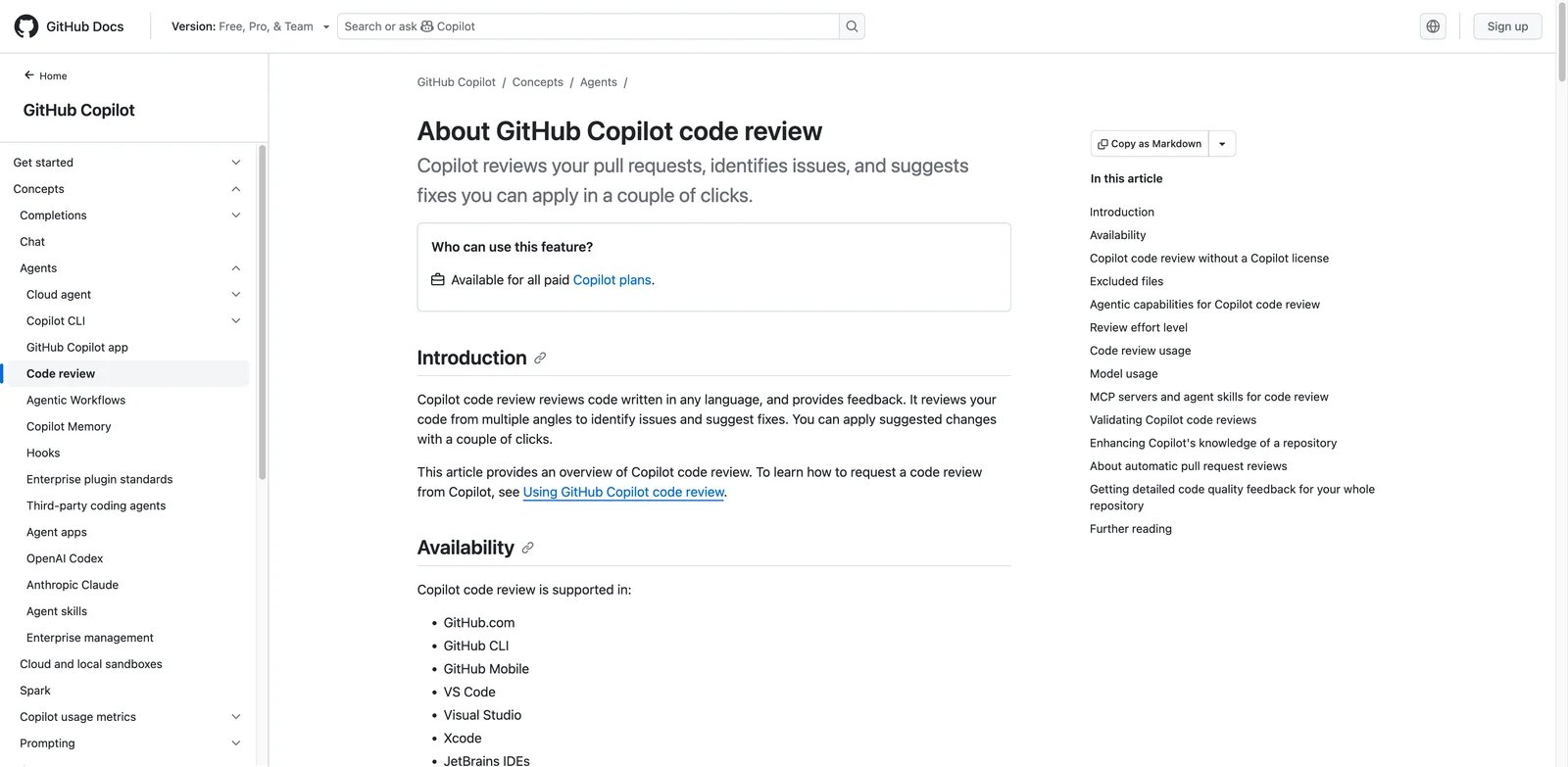
GitHub teams do not always want another reviewer account, another dashboard, and another procurement thread. Copilot Code Review is the obvious first test if your developers already use GitHub Copilot and your PR process stays inside GitHub.
Key Features
- Native GitHub placement. Copilot comments in the pull request and can be requested manually or configured for automatic review, reducing adoption friction.
- Fast review loop. GitHub documentation says Copilot PR review usually takes less than 30 seconds, which makes it useful before a human reviewer starts.
- Custom instructions. Teams can shape review behavior with repository instructions such as
.github/copilot-instructions.md,AGENTS.md, or instruction files under.github/instructions/.
Pricing & Plans
GitHub Copilot Free is $0 with limited completions and CLI access, but pull request code review is not included on the Free plan. Copilot Pro is $10 per user per month and includes cloud agent and code review features, with monthly AI credits. Pro+, Max, Business and Enterprise tiers add more capacity and controls. Code review consumes GitHub AI credits and runs agentic review through GitHub Actions, so teams should monitor both AI credit usage and Actions usage after enabling automatic review.
Pros & Cons
Copilot Code Review is convenient but intentionally limited in authority. GitHub documentation says Copilot leaves a comment review, not an approval or request-changes review, and it does not count toward required approvals or block merge. That is the correct governance model, but it means teams still need human review ownership and branch-protection rules.
Best For
Use GitHub Copilot Code Review when your team is GitHub-native and already pays for Copilot. Not the right fit if you need GitLab or Bitbucket support, deep AppSec policy, or an external reviewer that can sit across multiple SCM systems.
Get started with GitHub Copilot
Cursor Bugbot
Cursor-first teams already spend a large part of development inside an AI-assisted editor, so separating coding, review and fix loops across tools can feel wasteful. Bugbot brings review into Cursor's team workflow and makes the handoff from issue detection to code changes shorter.
Key Features
- Editor-to-review loop. Cursor can surface review findings where the developer can immediately apply context and fix code, rather than forcing a jump from PR comments back into a separate IDE.
- Team context and rules. Cursor Teams includes shared context and internal rules or skills, which matters when AI review needs to respect local conventions.
- Privacy mode. Cursor documents Privacy mode for paid plans, stating that code data is not used for training when enabled.
Pricing & Plans
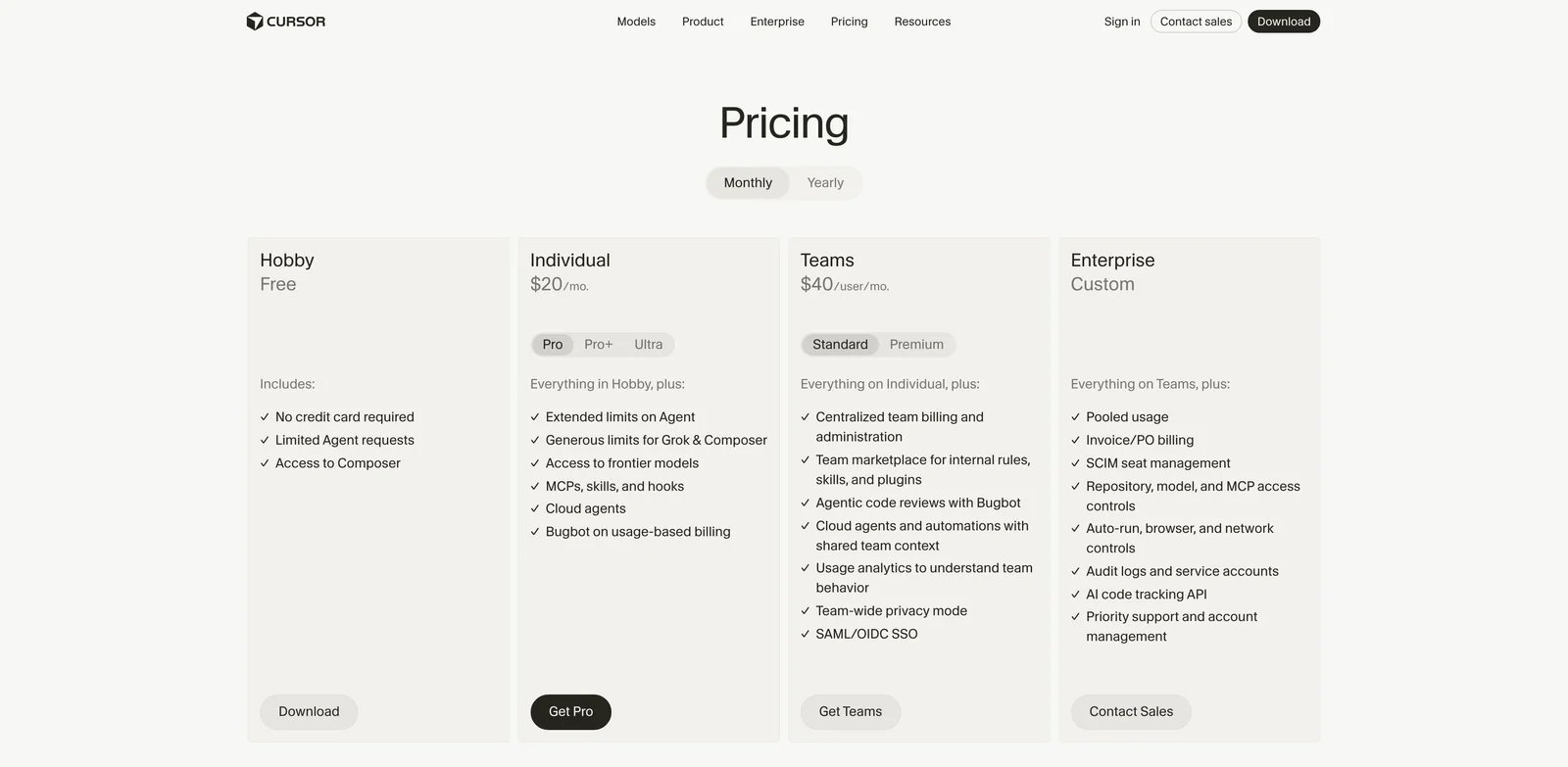
Cursor has a free Hobby plan, but Bugbot is available only on paid plans. Individual Pro is $20 per month and Teams starts at $40 per user per month. Cursor's pricing page lists Bugbot under usage-based billing, while Teams includes agentic code reviews with Bugbot plus SAML/OIDC SSO, team context and marketplace controls.
Pros & Cons
Bugbot is most attractive when Cursor is already the default editor. If only a subset of developers use Cursor, a PR-native reviewer such as CodeRabbit, Qodo or GitHub Copilot Code Review will be easier to standardize. Usage-based billing also needs monitoring before you turn review on broadly.
Best For
Use Cursor Bugbot when your team is already adopting Cursor as a shared AI development environment. Not the right fit if your review process must be editor-agnostic or centered on GitLab, Bitbucket and CI governance first.
Get started with Cursor
Bito AI Code Reviews
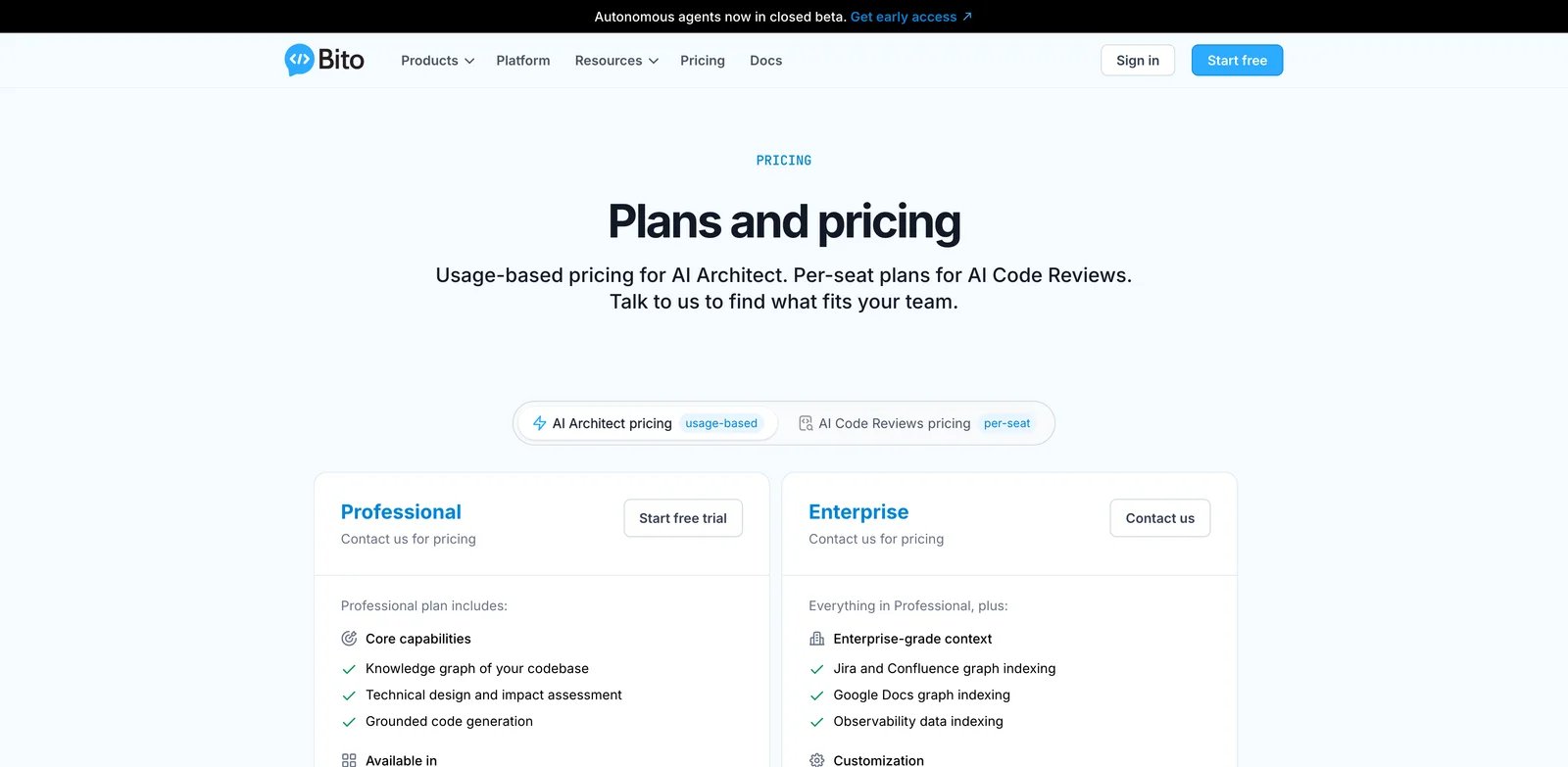
Smaller teams often need AI review before they have budget for a full AppSec platform or a premium developer workflow suite. Bito is positioned as a practical middle ground: codebase-aware AI reviews across Git, IDE and CLI surfaces, with a lower starting seat price than many PR-review competitors.
Key Features
- Codebase-aware comments. Bito focuses on feedback that understands project context, not only syntax-level observations.
- One-click fixes. Suggested fixes reduce the time between review finding and repair, especially for repetitive quality issues.
- Broad developer surface. GitHub, GitLab, Bitbucket, VS Code, JetBrains, Cursor and Windsurf coverage makes it easier to use across mixed teams.
Pricing & Plans
Bito's Team plan is $12 per seat per month when billed annually or $15 monthly. It includes 5,000 lines per seat per month for AI code reviews, with additional usage at $5 per 1,000 lines. Professional is $20 per seat per month annually or $25 monthly and includes a 14-day trial plus deeper customization such as review guidelines and Jira or Confluence connections.
Pros & Cons
Bito is price-accessible, but line-based limits can surprise teams that review large generated diffs. It is also less of a security governance platform than Snyk, Semgrep or Sonar. Treat it as a practical AI reviewer for engineering velocity, then pair it with SAST if security coverage is a primary requirement.
Best For
Use Bito when a startup or mid-size team wants affordable AI PR review across common Git and IDE surfaces. Not the right fit if you need enterprise compliance reporting or unlimited review volume with no line accounting.
Get started with Bito
Snyk Code
If the risk you care about is exploitable code, not just messy code, a generic AI reviewer is not enough. Snyk Code sits in a security-first stack with SCA, SAST, IaC and container scanning, making it better suited to teams that need vulnerability detection and remediation guidance in the development workflow.
Key Features
- Security-oriented code scanning. Snyk Code targets vulnerabilities and risky patterns rather than only readability or style comments.
- Developer workflow coverage. IDE, CLI, SCM and CI integrations let teams catch issues before merge and still track them centrally.
- Free tier with clear test limits. Public plan details make it possible to test Code, Open Source, IaC and Container scanning before buying.
Pricing & Plans
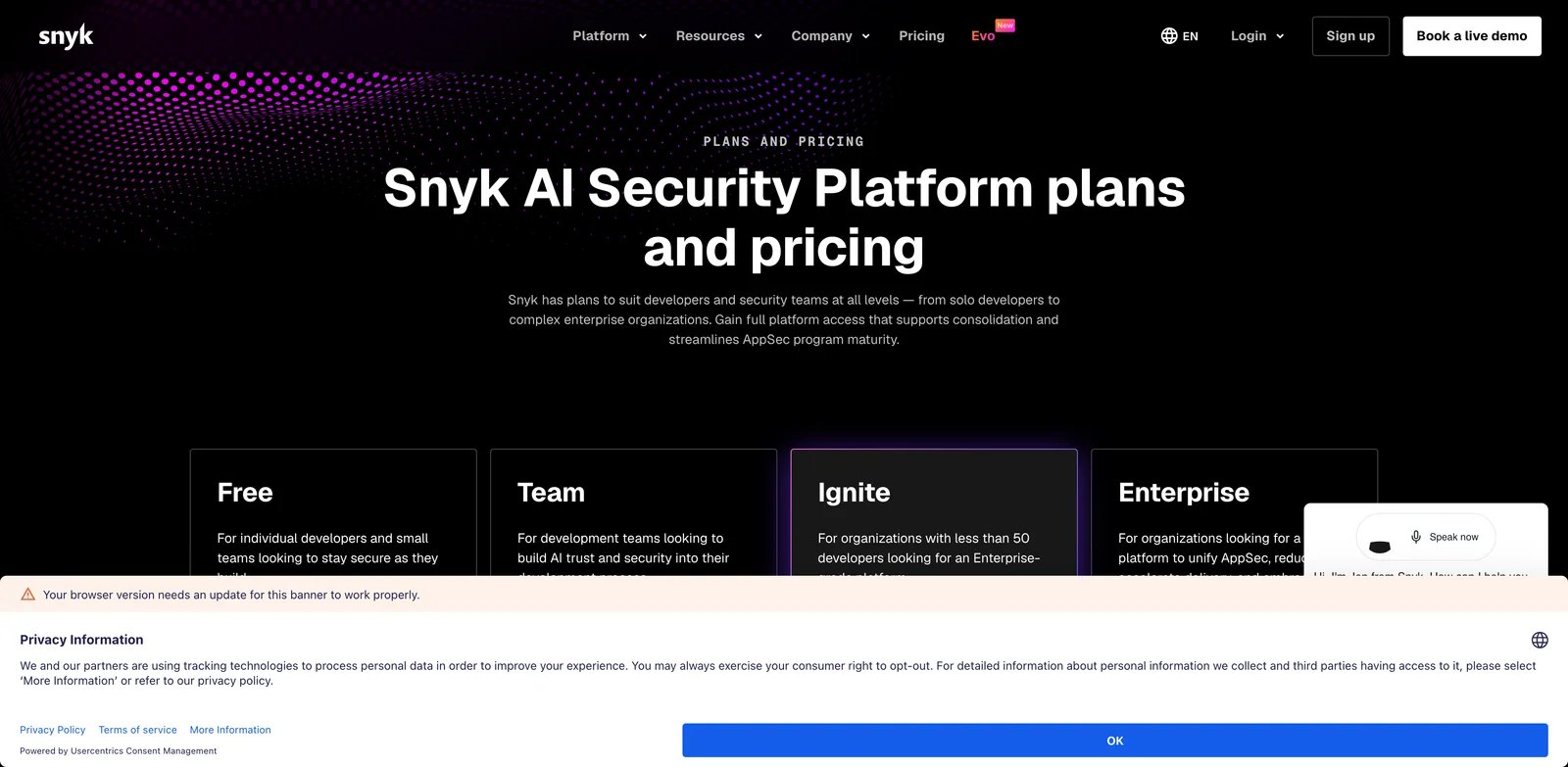
Snyk's Free plan is $0 per month per contributing developer and includes real-time code scanning with documented test limits, including 100 Code tests. Team starts at $25 per month per contributing developer and raises test limits while adding integrations such as Jira. Ignite starts at $1,260 per year per contributing developer with unlimited code tests and custom security rules.
Pros & Cons
Snyk is stronger on security than on nuanced PR coaching. If your team wants an AI reviewer that explains architecture trade-offs or comments on product logic, Snyk should be paired with CodeRabbit, Qodo or GitHub Copilot. The pricing unit is also "contributing developer," which can differ from how engineering leaders think about active review seats.
Best For
Use Snyk Code when AppSec findings, vulnerable code patterns and remediation guidance are your main review gaps. Not the right fit if you mainly need PR summaries, reviewer load reduction or codebase-aware design feedback.
Get started with Snyk
SonarQube Cloud
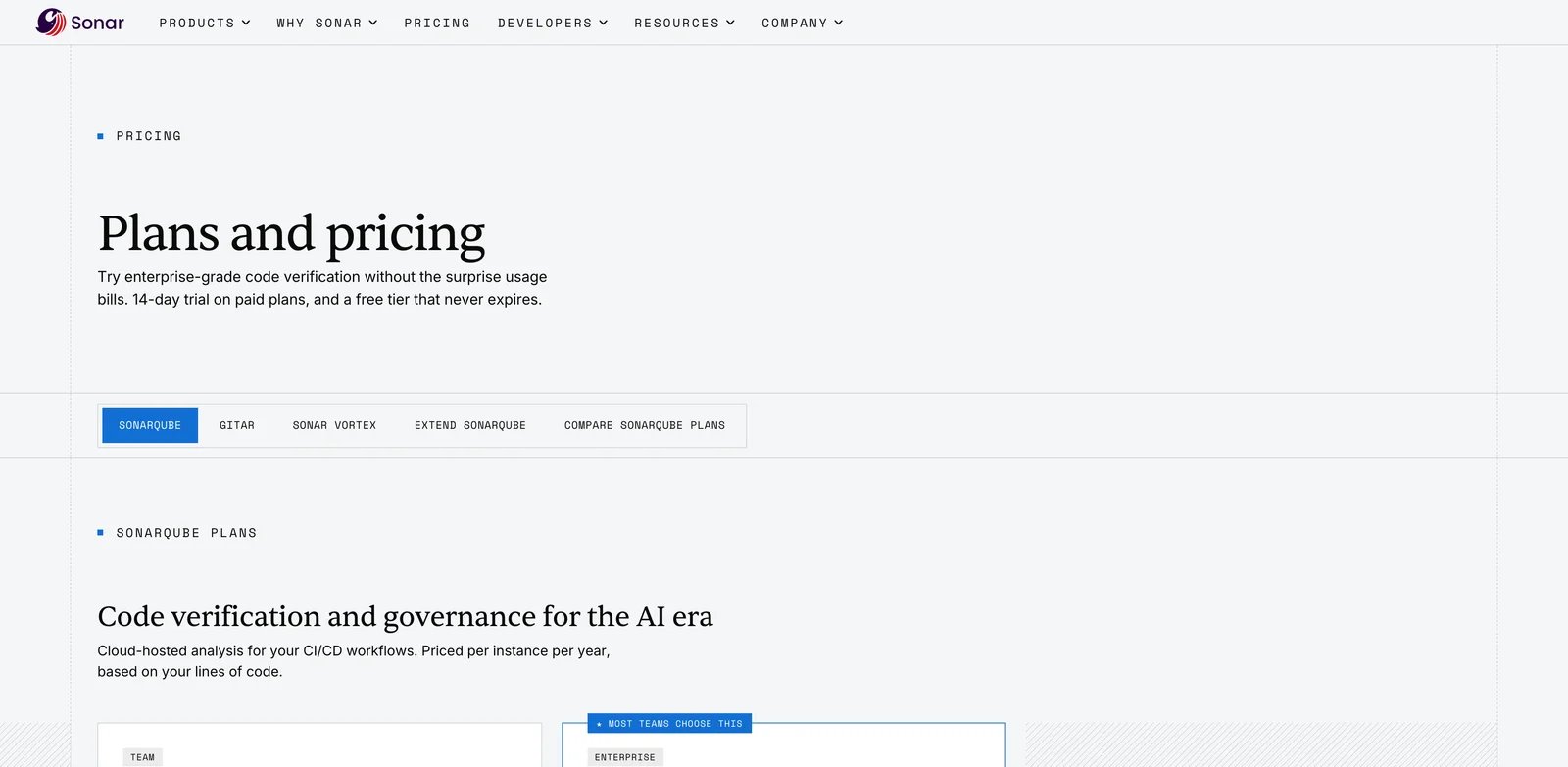
Many teams do not need more comments; they need a consistent definition of "mergeable quality" across repositories. SonarQube Cloud is built around code quality standards, PR analysis and quality gates, with AI-driven fixes and remediation-agent options now layered onto the long-standing Sonar workflow.
Key Features
- Quality gates for PR discipline. Sonar makes code quality visible as a pass/fail workflow rather than a loose reviewer preference.
- Broad language coverage. Team plans cover 30+ languages, while Enterprise expands further for organizations with mixed stacks.
- AI remediation path. SonarQube Remediation Agent is available as an add-on for Team and Enterprise, creating verified-fix workflows for qualifying teams.
Pricing & Plans
SonarQube Cloud Team starts at $34 monthly and includes 30+ languages, code quality standards, bugs, vulnerabilities, secrets, AI-driven fixes and PR analysis. Enterprise is custom. The Remediation Agent add-on uses custom pricing.
Pros & Cons
Sonar is excellent for systematic quality governance, but it is not the same buying motion as a lightweight AI PR reviewer. Teams need to configure rules, quality gates and exclusions carefully or they will create alert fatigue. AI fix features are useful, but the core value still depends on whether engineering leadership enforces the quality gate.
Best For
Use SonarQube Cloud when you want a shared code-quality standard across teams and repositories. Not the right fit if you only need natural-language PR summaries or a reviewer bot that requires almost no configuration.
Get started with SonarQube Cloud
Semgrep
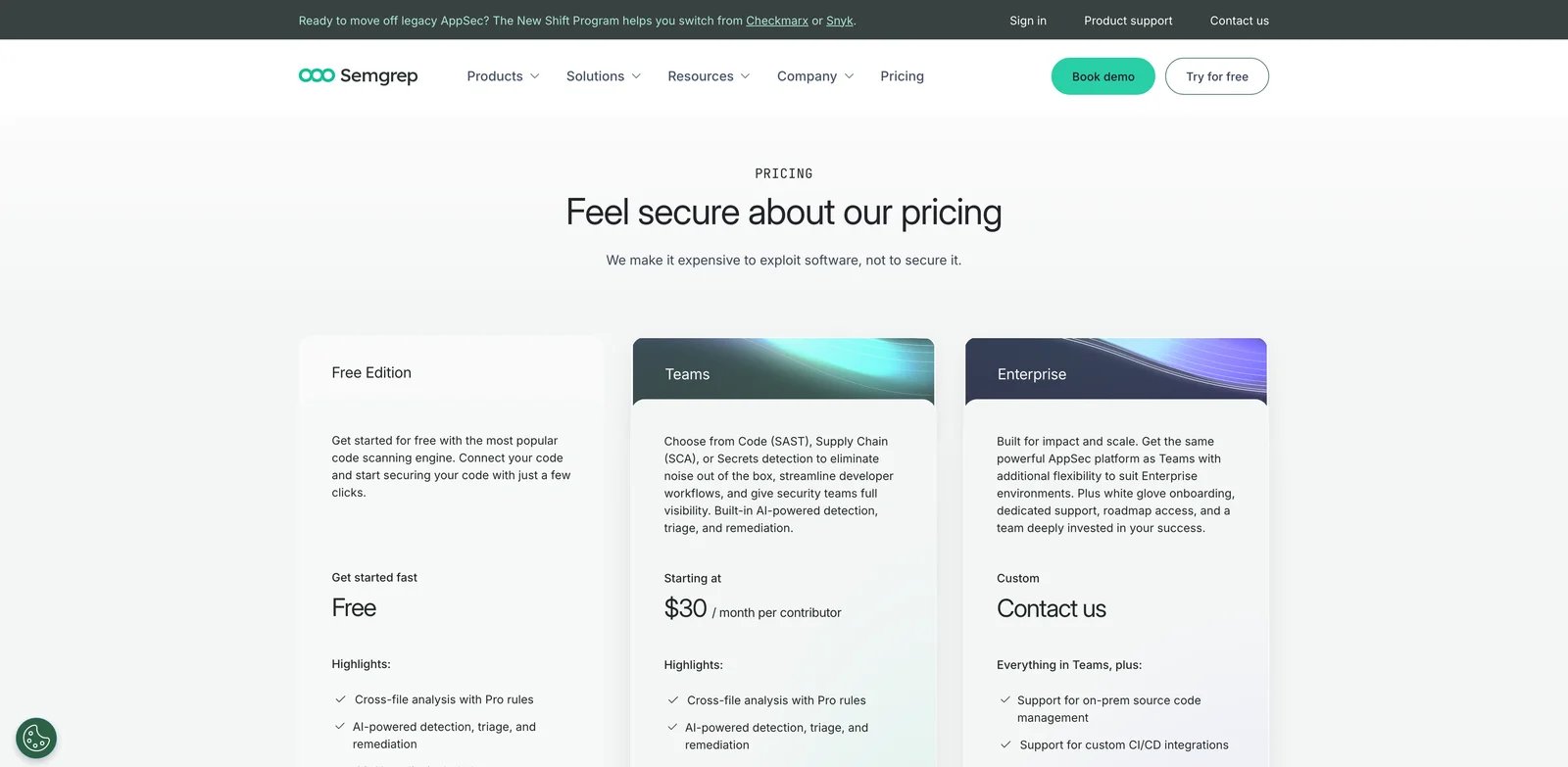
Security teams often know exactly what pattern they want to block, but generic scanners either miss it or drown developers in unrelated findings. Semgrep's strength is rule-driven security analysis with AI detection, triage and remediation layered onto a workflow that AppSec teams can customize.
Key Features
- Custom rule strength. Semgrep is valuable when your organization has framework-specific or company-specific security patterns that generic reviewers miss.
- CI and PR/MR enforcement. Findings can show up where developers already review changes, while security teams keep centralized policy control.
- Local scanning options. Semgrep documents workflows where source can stay local or in CI for scanning, with separate caveats for AI-powered features.
Pricing & Plans
Semgrep Free Edition includes up to 10 repositories, 10 contributors, Pro rules, AI detection, AI triage and 60 AI credits. Teams starts at $30 per month per contributor for Code or Supply Chain, with Secrets priced separately at $15. Enterprise is custom and increases AI credits, repository scale and deployment options.
Pros & Cons
Semgrep rewards teams that have AppSec expertise. If no one owns rule quality, suppression discipline and rollout, the tool can become noisy. AI-powered detection also changes data-handling assumptions because relevant file parts may be sent to model providers, even though Semgrep states vendors are not allowed to train on that data.
Best For
Use Semgrep when your team needs custom security rules, CI enforcement and security triage in code review. Not the right fit if you want a plug-and-play reviewer for general maintainability feedback.
Get started with Semgrep
Codacy
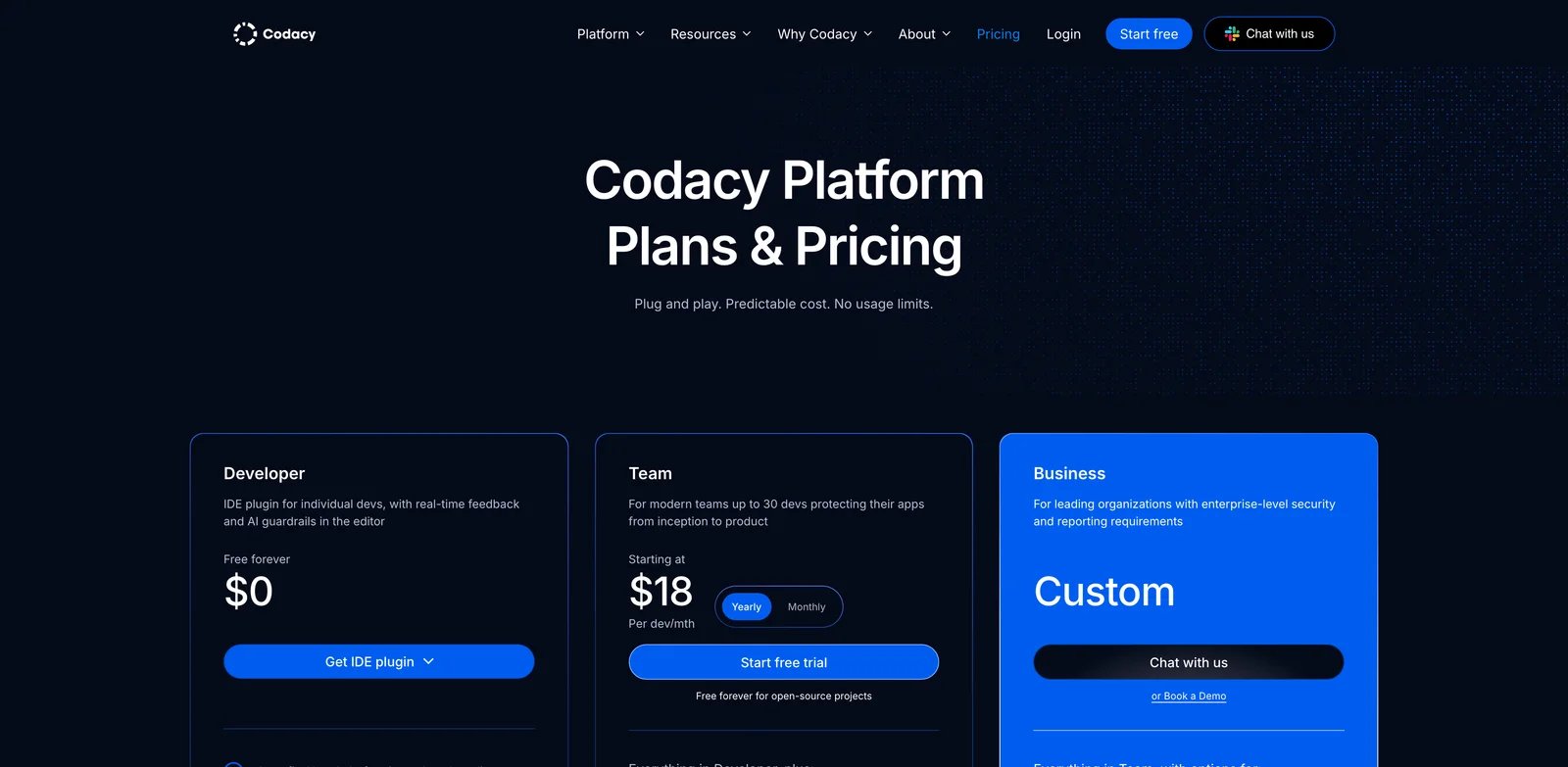
Review quality collapses when every repository uses a different mix of linters, security tools and informal reviewer habits. Codacy gives teams a centralized code quality and security workflow, with AI reviewer and merge gate features on paid team plans.
Key Features
- AI reviewer plus merge gates. Codacy Team includes AI Reviewer and Merge Gates for pull requests, which helps teams turn findings into merge policy across supported SCM workflows.
- IDE-side feedback. The free Developer plan includes IDE plugins and scan-as-you-type workflows for VS Code, JetBrains and Cursor.
- Broad language coverage on paid plans. Team supports 49 languages, making it useful for organizations with polyglot repositories.
Pricing & Plans
Codacy Developer is free forever at $0 per developer per month and includes IDE plugin access, AI guardrails, auto-fix AI code, scan-as-you-type, and security and code quality scans for JavaScript, TypeScript, Python and Java. Team starts at $18 per developer per month when billed annually, or $21 monthly, and supports up to 100 private repositories with unlimited lines of code. Business is custom.
Pros & Cons
Codacy's free tier is unusually practical for individual developers, but serious PR governance requires Team. It is a good quality-gate platform, not necessarily the deepest AI reasoning reviewer. Compare it with SonarQube Cloud and DeepSource if your primary goal is systematic code quality rather than conversational review comments.
Best For
Use Codacy when you want a pragmatic code quality gate with AI review support and a useful free developer experience. Not the right fit if your top requirement is custom AppSec rule authoring or repo-level AI reasoning over complex architecture.
Get started with Codacy
DeepSource
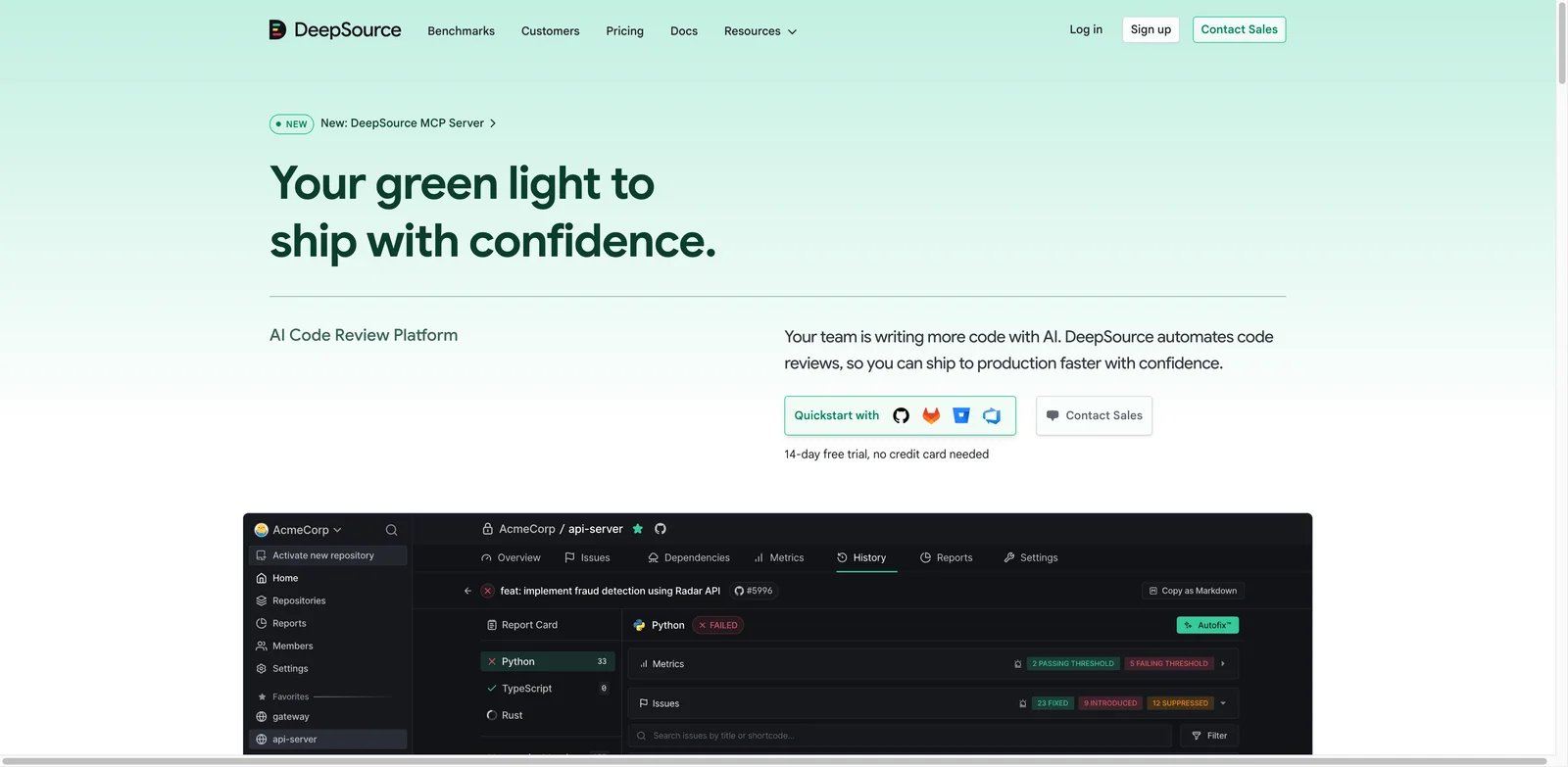
Teams that already trust analyzer findings do not need every review comment to sound human; they need accurate issue detection, clear remediation and predictable CI behavior. DeepSource sits closer to analyzer-driven quality automation than chat-style PR review, with AI Review and Autofix priced by processed lines of code.
Key Features
- Analyzer-first workflow. DeepSource's value starts with static analyzers, issue detection and PR checks, making it easier to separate deterministic findings from AI review.
- Autofix support. Unlimited Autofix on Team plans can remove repetitive repair work from review queues.
- Enterprise controls. Self-hosted deployment and BYOK for AI Review are available on Enterprise, which matters for strict code-data policies.
Pricing & Plans
DeepSource offers an Open Source plan, a Team plan at $24 per user per month when billed annually, and custom Enterprise pricing. AI Review is pay-as-you-go, while Autofix is pay-as-you-go on Open Source and unlimited on Team and Enterprise: Standard AI Review is $8 per 10,000 processed lines of code, Advanced is $15 per 10,000 processed lines of code, and public pricing lists a $100 annual credit included per user.
Pros & Cons
Paying by processed lines can be fair for small repos and surprising for large generated diffs. DeepSource is best evaluated on a realistic month of PR volume, not a clean demo branch. It also overlaps with Codacy and Sonar more than with CodeRabbit, so compare it against quality-platform alternatives before choosing.
Best For
Use DeepSource when you want analyzer-backed PR findings with optional AI review and autofix. Not the right fit if you want a chatty AI reviewer that reads product intent, tickets and design rationale.
Get started with DeepSource
CodeScene
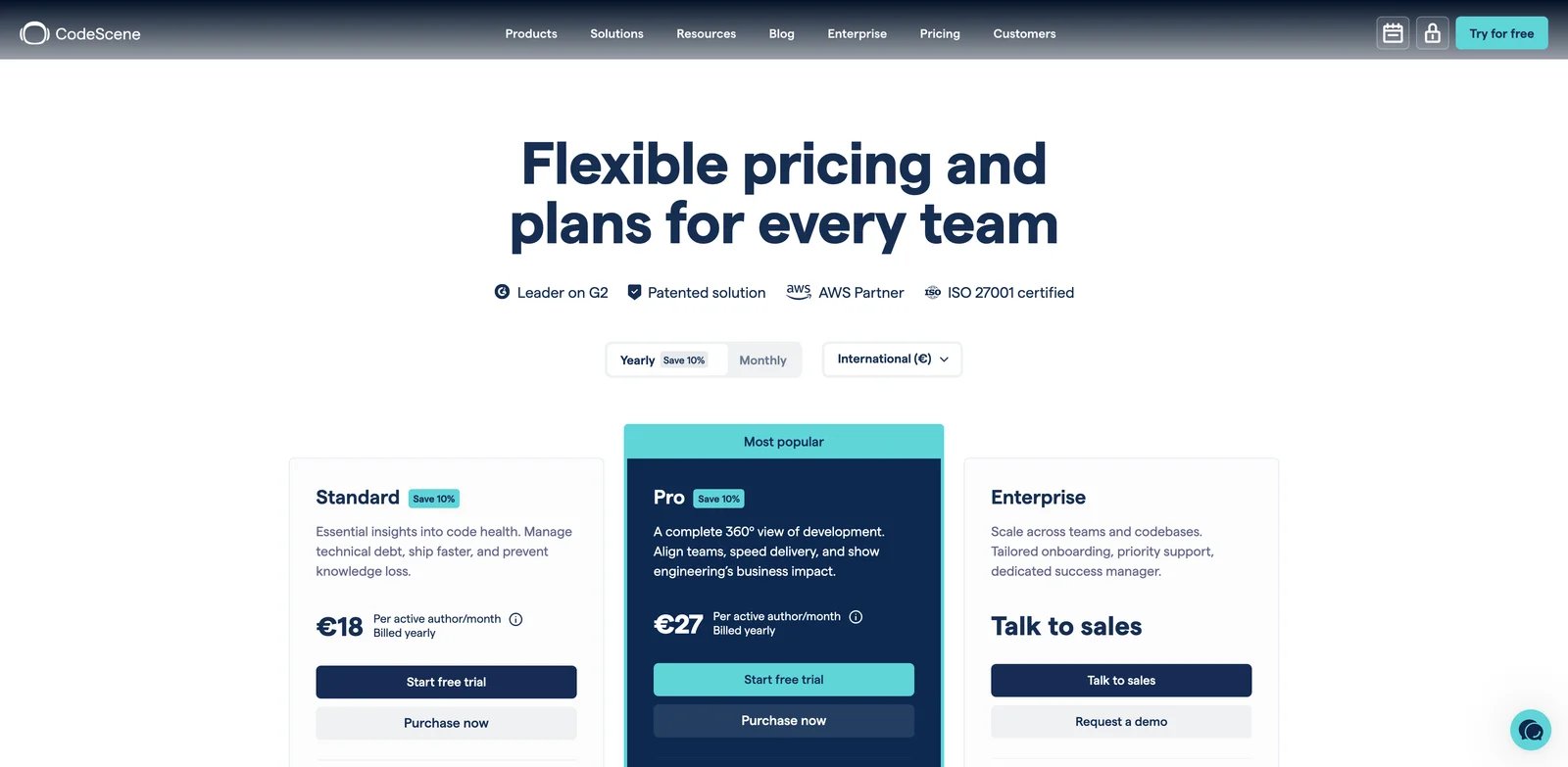
Some review problems are not visible in a single PR. The file has changed 90 times, one developer owns all the knowledge, and every small modification increases risk. CodeScene focuses on behavioral code analysis, hotspots, code health and technical debt, which makes it a better fit for engineering governance than for line-by-line AI comments alone.
Key Features
- Hotspot analysis. CodeScene identifies risky areas by combining code health with change frequency, helping reviewers spend attention where defects are most likely.
- Quality gates for AI coding. Public plan details list quality gates for AI coding, which is valuable when teams are adopting generative coding tools and need guardrails.
- Knowledge distribution signals. CodeScene can surface ownership concentration and team risk, which ordinary PR reviewers rarely capture.
Pricing & Plans
CodeScene Standard is EUR18 per active author per month when billed yearly. Pro is EUR27 per active author per month when billed yearly. Enterprise is custom. CodeScene ACE, the AI refactoring agent add-on, is sold through a sales conversation.
Pros & Cons
CodeScene is not a cheap PR comment bot. It requires engineering leaders to care about code health trends, ownership risk and long-term maintainability. If your team only wants "comment on every PR," it will feel indirect. If your codebase has chronic hotspots, it provides decision context that most AI reviewers miss.
Best For
Use CodeScene when technical debt, hotspots and ownership risk are bigger problems than individual style comments. Not the right fit if you need low-cost automated PR summaries or security-first SAST coverage.
Get started with CodeScene
Best AI Code Review Tools by Use Case
| Use Case | Best Shortlist | Why |
|---|---|---|
| Fast PR feedback for GitHub/GitLab teams | CodeRabbit, Qodo, Greptile | Purpose-built AI reviewers with stronger repository context than general chat tools |
| GitHub-native teams already paying for Copilot | GitHub Copilot Code Review, Graphite | Lowest adoption friction inside GitHub workflows |
| Cursor-first engineering teams | Cursor Bugbot, Bito AI Code Reviews | Review feedback connects back to the editor and fix loop |
| Security-first code review | Snyk Code, Semgrep, SonarQube Cloud | Stronger vulnerability, rules and policy coverage |
| Quality gates across many repositories | SonarQube Cloud, Codacy, DeepSource | Better fit for repeatable pass/fail standards than chat-style comments |
| Technical debt and hotspot governance | CodeScene, SonarQube Cloud | Better long-term code health and ownership signals |
| Budget-conscious teams | Bito AI Code Reviews, Codacy, GitHub Copilot Code Review | Lower starting prices, but still check line, credit or AI-usage limits |
If your team is also selecting an AI IDE, review this shortlist alongside our Cursor alternatives and Claude Code review pages. The right setup is often two tools, not one: an AI coding assistant for creation and a separate code review or SAST layer for verification.
How to Choose the Right AI Code Review Tool
Start with the failure mode you are actually trying to fix. If reviewers are overloaded by large PRs, use CodeRabbit, Qodo, Greptile or GitHub Copilot Code Review on three recent PRs and compare comment usefulness. If security defects are escaping, start with Snyk, Semgrep or SonarQube Cloud. If the issue is architectural decay, CodeScene will tell you more than a conversational reviewer.
Next, map the tool to your source-control workflow. GitHub-only teams can evaluate Copilot and Graphite quickly. Mixed GitHub, GitLab and Bitbucket teams should favor tools with broad SCM support such as CodeRabbit, Bito, Snyk, Semgrep or Codacy. Do not choose a reviewer that forces engineers to leave the PR system where merge decisions happen.
Then model pricing against real review volume. Credits, processed lines, active authors and contributing developers behave differently. A $12 seat plan can become expensive if generated diffs regularly exceed line allowances. A $30 seat plan can be cheaper if review volume is predictable. Run a one-month sample against actual PR counts before committing.
Finally, set governance rules before rollout. Decide which comments are advisory, which findings block merge, who owns suppressions, and whether AI review can trigger automatically. Teams using AI agent workflows should be stricter, because agent-generated code can create confident-looking changes that need independent verification.
Frequently Asked Questions
Are AI code review tools good enough to replace human reviewers?
What is the best AI code review tool for GitHub?
Which AI code review tools are best for security?
How should we evaluate false positives?
Do AI code review tools read private code?
Should we use both SAST and an AI PR reviewer?
How many tools should a team test before buying?
Get ToolWorthy Weekly
New AI tools, practical guides, and selected AI signals in one weekly brief.
Discover More AI Tools
Explore our comprehensive directory of AI tools, carefully curated and reviewed by experts to help you find the perfect solution for your needs.