
15 Best Cursor Alternatives 2026 — Predictable Pricing, Real Privacy
Compare 15 Cursor alternatives by editor workflow, pricing model, privacy controls and migration effort, including Copilot, Windsurf, Claude Code and Cline.

On this page
Three weeks ago Cursor 3 shipped with the agent at the center and the IDE pushed to a side panel — and the forum reactions were sharp: "agent comes first and code comes later." Ten months before that, in June 2025, Pro silently changed from "500 fast requests" to "$20 of frontier-model API usage." One r/cursor user titled the first-week reaction post "$28 in one month to $500 in 3 days, I didn't agree to this." If you're shopping for a Cursor alternative this week, you're probably reacting to one of those two events — or to the trust gap they opened together.
Below are 15 alternatives, each verified against its April 2026 pricing page and mapped to a specific switching reason. Some are direct swaps (Windsurf, GitHub Copilot). Some are paradigm changes (Claude Code, Cline). One is the post-Cursor-3 escape hatch you might not have considered (Zed). The job here isn't to rank them — it's to match them to whichever Cursor pain you're actually leaving over.
For the broader AI-coding landscape beyond Cursor replacements, see our best AI coding tools roundup.
| Tool | Best For |
|---|---|
| GitHub Copilot | GitHub-first teams wanting lower fixed-seat pricing |
| Windsurf | Closest Cursor-style editor experience |
| Claude Code | Senior developers leaving the GUI for the terminal |
| Zed | Native-speed editing with BYOK/local-model flexibility |
| Augment Code | Massive monorepos where Cursor's context falls short |
| Continue | Open-source, BYOM, zero editor lock-in |
| JetBrains AI Assistant / Junie | IntelliJ users who won't leave their IDE |
| Trae | Low entry pricing with the ByteDance trade-off accepted |
| Cline | Open-source VS Code agent with explicit BYOK control |
| OpenAI Codex | Existing ChatGPT subscribers wanting Codex outside Cursor |
| Aider | Open-source, git-native terminal pair programmer |
| Tabnine | Enterprise privacy, on-prem, or air-gapped deployment |
| Roo Code | Fully open-source Cline-family fork with broader model support |
| Gemini CLI | Google-bundled terminal agent with generous free limits |
| Amazon Q Developer | AWS-heavy teams needing VPC/IAM/CloudFormation context |
Why People Are Leaving Cursor in 2026
The product Cursor shipped in 2023 was unambiguously brilliant — a VS Code fork with the most natural AI integration in the market, a $20/month price tag, and limits that felt generous. The product Cursor ships in April 2026 is more capable but harder to budget for, harder to predict, and harder to trust. The migration discussion on Reddit, Hacker News, and forum.cursor.com centers on seven recurring complaints — and the most recent (Cursor 3 pushing the agent into the foreground) only landed three weeks ago.
1. The Pro plan stopped being predictable. In June 2025, Cursor moved away from the old request-count framing; by April 2026, the official pricing page describes Pro as a $20/month plan with included model usage, access to frontier models, extended Agent limits, and on-demand usage billed after the included amount is exhausted. On paper that's the same headline number; in practice, your real ceiling depends on which model you used, how big your context was, and whether the cache hit. "I honestly have no idea what I'm paying for," wrote one user in an r/cursor thread on June 18 2025 — and a Cursor forum thread months later still describes pricing as "extremely opaque and hard to understand." For independent developers and small teams who budgeted Cursor as a fixed monthly line item, that unpredictability is the breaking point.
2. Trust broke when the rules changed overnight. This is a separate pain from "it's expensive" — it's "I don't trust this vendor not to do it again." A widely-quoted r/cursor post on June 27 2025 accused Cursor of "switch your plan in the middle of the night without so much as an email," and the HN top comment that week called the rollout "deliberate obfuscation." Cursor's founders apologized on July 4 2025 and walked back parts of the change, but the question — can I bet my team's daily workflow on a tool whose pricing model can change overnight? — doesn't have a one-blog-post answer. For non-trivial enterprises, the answer in 2026 is "not without a backup plan."
3. Big codebases burn the budget fast. The Cursor forum has running threads about "rate-limited after just 40 requests" and individual Composer calls consuming 500K–1M tokens against monorepo context. Same $20/month, but a developer working on a single-file Python script and a developer working on a 200K-LOC TypeScript monorepo experience radically different real availability.
4. BYOK and Privacy Mode aren't fully local. Cursor's Data Use page is honest: even with Privacy Mode enabled and your own API keys configured, requests still flow through Cursor's backend to construct the final prompt. For finance, healthcare, government, and any team with strict source-code-handling requirements, that's a non-starter regardless of how much they like the UX.
5. The VS Code fork lags upstream. Cursor periodically rebases against VS Code, but there's a gap. Reddit's r/vscode catches the fallout — extensions that work in mainline VS Code occasionally break in Cursor's fork until the next rebase. For frontend, cloud-native, and DevOps developers whose workflow depends on a specific extension chain, that's enough to push them back to vanilla VS Code + Copilot.
6. Cursor 3 pushed the IDE to a side panel. Released in early April 2026, Cursor 3 makes the Agents Window the default workspace — agent-centered, agent-orchestrated — with the classic IDE mode demoted to a switchable view. Three forum threads from the first ten days surfaced the same complaint: "return the per-iteration diff" (Apr 6), "real friction for file heavy workflows" (Apr 8), and "agent comes first and code comes later" (Apr 9). For developers whose flow depends on diff review, file-tree navigation, and IntelliSense — alongside the agent rather than behind it — Cursor 3 felt like a downgrade no matter how powerful the agent itself became.
7. Chat history doesn't migrate cleanly. Cursor exports individual chats to Markdown, but full chat history backup relies on local SQLite hacks or third-party tools. Developers who treat Cursor Chat as a project knowledge base — debugging trails, requirement context, prompt iterations — discover at switch time that none of it follows them to a new editor.
These seven pain points map directly to the alternatives below. We didn't pick "best AI coding tool" — we picked tools that specifically solve at least one of the seven.
Top 15 Cursor Alternatives Compared
The first row is Cursor itself, so you can see exactly what each alternative trades up or down for. This table includes all 15 alternatives covered below; pricing language distinguishes fixed seats from credits, token usage, and API-priced overages.
| Tool | Pricing Shape | Cost Predictability | Editor Form | Migration Effort | Best Switching Fit |
|---|---|---|---|---|---|
| Cursor (anchor) | Hobby free; Pro $20; Pro+ $60; Ultra $200; Teams $40/user; Enterprise custom | Included model usage with on-demand overage after plan limits | VS Code fork + Cursor 3 agent workspace | — | Baseline for comparison |
| GitHub Copilot | Free; Pro $10; Pro+ $39; Business $19/user; Enterprise $39/user | Fixed seat with premium-request quotas | VS Code, JetBrains, Xcode, Visual Studio | Near zero | GitHub-first teams wanting fixed-seat pricing |
| Windsurf | Free; Pro $20; Max $200; Teams $40/user; Enterprise custom | Usage allowances, not old credits | Windsurf Editor + plugins | Near zero | Closest VS Code-style replacement for Cursor |
| Claude Code | Claude Pro/Max subscription or API token billing | Subscription limits or API metering | CLI | High | CLI-ready senior developers leaving the GUI |
| Zed | Free Personal; Pro $10 with $5 hosted-model credits | Hosted usage can exceed included credits | Native Desktop (Rust) | Medium | macOS/Linux power users wanting native-speed editing |
| Augment Code | Indie $20; Standard $60/dev; Max $200/dev; Enterprise custom | Credit pools with paid top-ups | VS Code + JetBrains plugins | Near zero | Monorepo teams hitting Cursor's context limits |
| Cline | Free open-source extension; pay only AI inference (BYOK) | BYOK pay-per-use, no subscription | VS Code + JetBrains | Low | Open-source agent inside VS Code with explicit approval |
| Continue | OSS/BYOK; Starter $3/M tokens; Team $20/seat | Token-based unless local/BYOK capped | VS Code + JetBrains + CLI/CI workflows | Low | Auditable model-agnostic plugin in your IDE |
| JetBrains AI Assistant / Junie | AI Pro $100/year; AI Ultimate $300/year | Credit quota + top-ups | JetBrains IDEs | Medium | Existing JetBrains users adding AI without switching IDE |
| Trae | Free; Lite $3; Pro $10; higher Pro+/Ultra tiers | Token-to-Dollar Usage model | Native Desktop | Low | Budget-conscious indie users accepting the ByteDance trade-off |
| OpenAI Codex | Free; Go $8; Plus $20; Pro $100/$200; Business/Edu/Enterprise | Plan-based Codex usage with optional purchasable credits | CLI + IDE + ChatGPT/cloud | Medium | Existing ChatGPT/OpenAI users |
| Aider | Free open source; model API costs separately | BYOK/token spend | CLI | High | Git-native CLI pair programming |
| Amazon Q Developer | Free tier; Pro $19/user/mo; LOC-based transformation charges | Seat + AWS-context usage | IDE + CLI | Medium | AWS-heavy teams needing VPC/IAM/CloudFormation context |
| Roo Code | Free open-source VS Code extension; pay only AI inference | BYOK or self-hosted | VS Code | Low | Open-source Cline-family fork with broader model support |
| Gemini CLI | Free via Gemini Code Assist for individuals; paid quotas via Google AI/Enterprise/API | Daily request quotas or API/token billing | CLI | High | Google-account CLI workflows |
| Tabnine | Code Assistant $39/user/mo annual; Agentic Platform $59/user/mo annual | Seat + LLM access model | IDE + CLI; SaaS/VPC/on-prem/air-gapped | Medium | Air-gapped/on-prem enterprise compliance |
Detailed Reviews
The first ten tools below are direct Cursor-replacement candidates ordered by overall fit. Five additional alternatives — open-source forks, terminal-bundled agents, and ecosystem-specific picks — appear in Honorable Mentions. Both groups belong in this 15-tool comparison because each solves a common Cursor switching scenario.

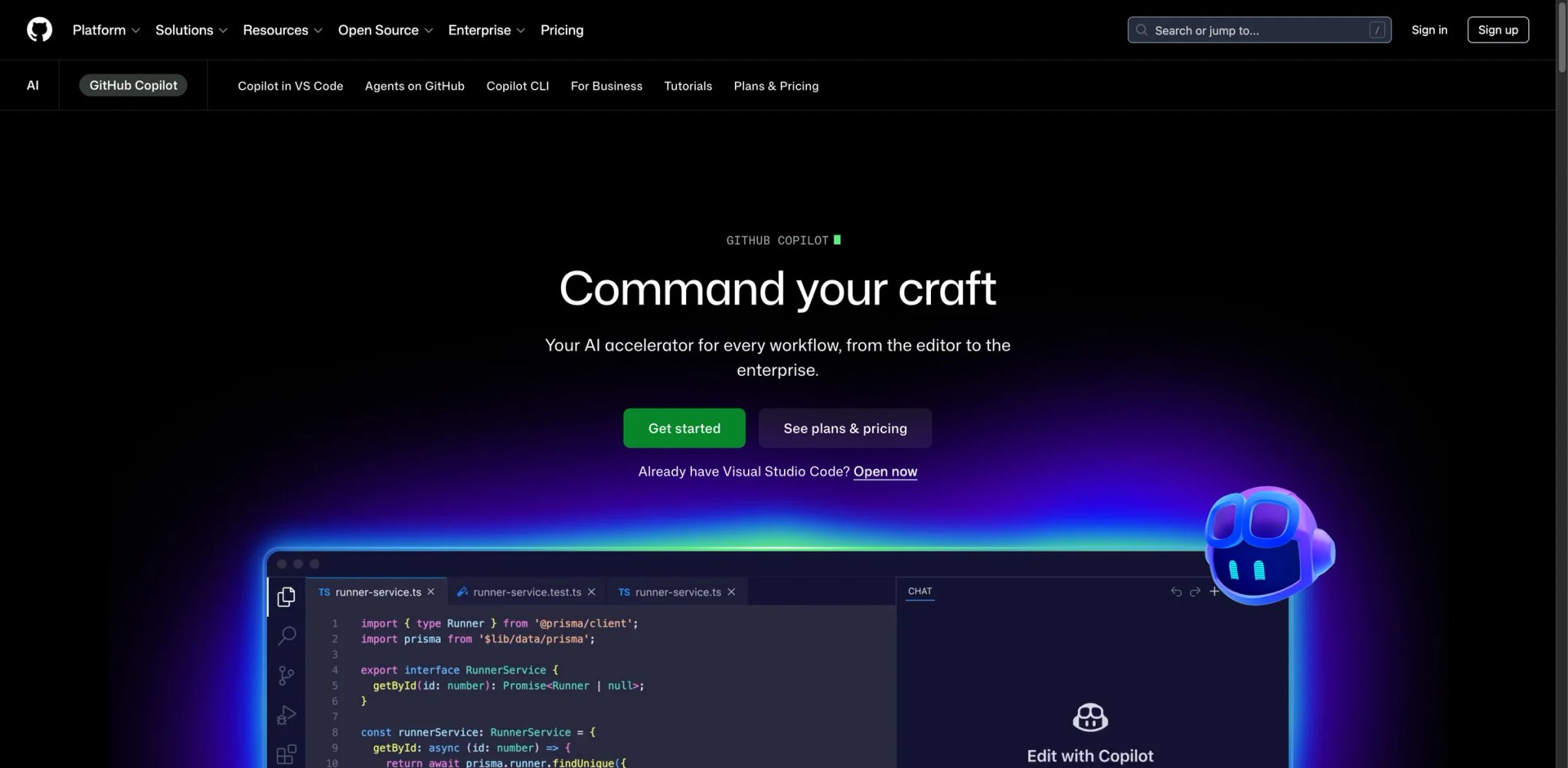
If your Cursor migration is driven primarily by "I want a fixed $10/month bill and I want to stop thinking about request quotas," GitHub Copilot is the immediate landing pad. The Pro plan is $10/month and includes unlimited inline suggestions, unlimited chat with included models, Copilot cloud agent access, and 300 premium requests; Pro+ is $39/month with 1,500 premium requests for heavier agent and frontier-model use. The bigger structural advantage: Copilot lives inside vanilla VS Code (and JetBrains, and Xcode), which means you're not on a fork — every extension that works in mainline VS Code works in your editor.
What Copilot solves vs Cursor:
- Predictable monthly cost — Pro $10/mo and Pro+ $39/mo fixed seats, with premium-request quotas rather than Cursor-style frontier-model API usage credits (solves Pain #1, #3)
- Zero VS Code fork lag — Copilot runs as an extension on mainline VS Code, JetBrains, Xcode, or Visual Studio; every upstream feature lands when Microsoft ships it (solves Pain #5)
- Cloud Coding Agent — kick off a task from a GitHub issue and Copilot's cloud agent makes the changes, runs tests, and opens a PR; closer to Devin than to Cursor's in-editor agent
- GitHub-native everything — PR review, code search across orgs, knowledge bases (Copilot Spaces), and the upcoming agentic features all assume your code lives in GitHub
- Editor portability — VS Code is one option; JetBrains users keep IntelliJ, Xcode users keep Xcode, Visual Studio users keep VS
Pricing vs Cursor: Free tier covers 2,000 completions and 50 chat or agent-mode requests per month — enough to evaluate. Pro is $10/month with 300 premium requests, while Pro+ is $39/month with 1,500 premium requests. Business is $19/user/month and Enterprise is $39/user/month. Pro $10/mo (vs Cursor Pro $20) doubles your budget while halving your spend. Pro+ $39/mo unlocks the highest cap for agent-heavy workflows. Business $19/seat/mo and Enterprise $39/seat/mo add admin controls. Critically: Copilot's pricing is a flat seat with included usage, not metered API time.
Limitations: Inline completion quality is excellent but has historically lagged Cursor's Tab on multi-line edits and refactors — gap is closing in 2026 but not eliminated. Cloud Agent is GitHub-only (no GitLab or Bitbucket equivalent), which excludes teams on alternative VCS. Copilot's agentic in-editor experience (Copilot Edits) is good but feels less integrated than Cursor's Composer.
Best for: GitHub-first teams, JetBrains/Xcode users who want AI without leaving their IDE, and any developer who values predictable $10/month pricing over the latest agentic frontier features. Not the right fit if your code lives outside GitHub (Cloud Agent loses most of its value) or you specifically want the fastest agentic editor experience and are willing to pay for it (Cursor or Windsurf still lead there).
Get started with GitHub Copilot

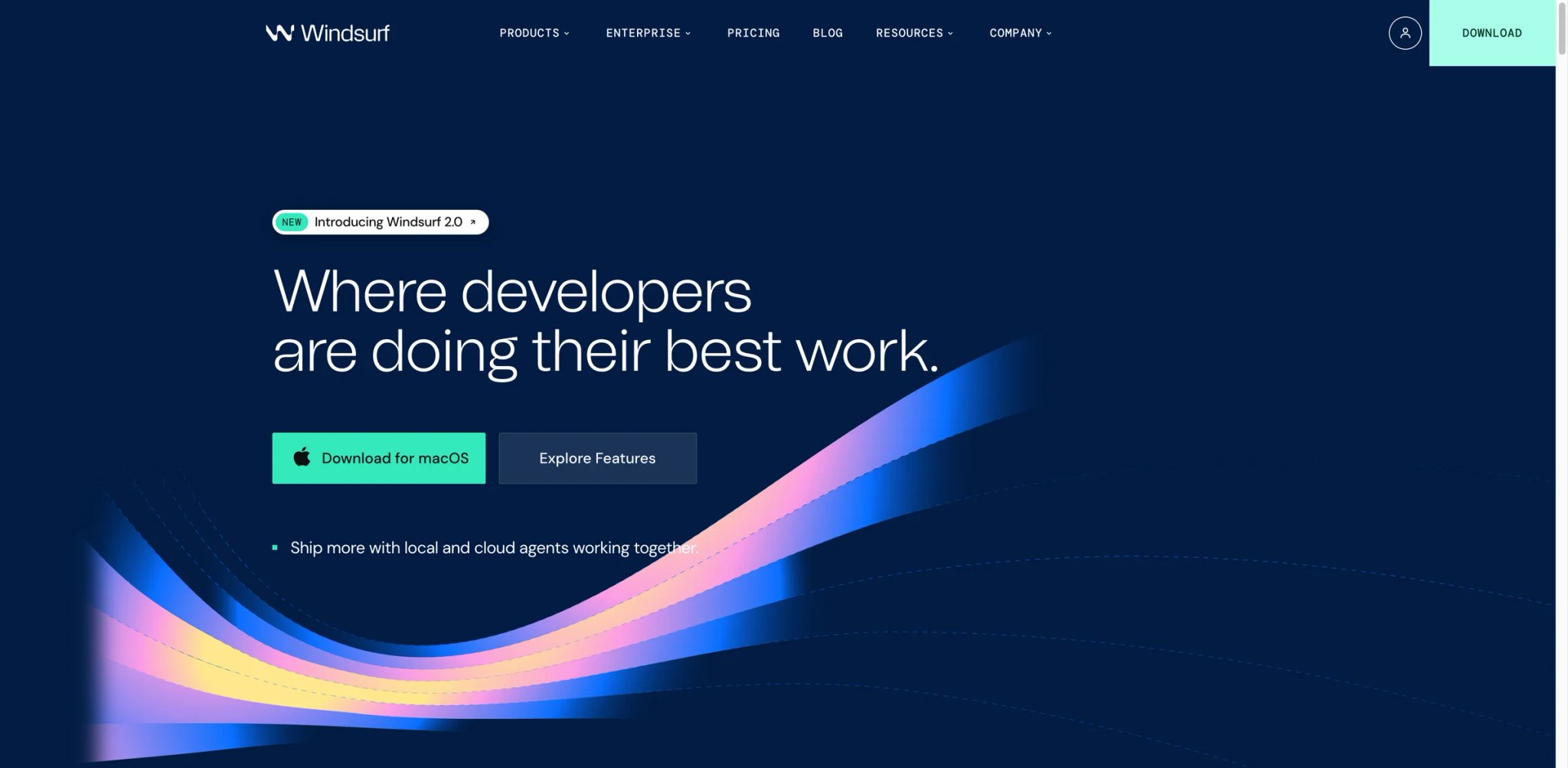
Windsurf (built by Codeium, the team behind the long-running Codeium VS Code extension) is the closest direct Cursor replacement on the market — same VS Code-style desktop editor, same chat-with-codebase panel, similar Composer-equivalent (called Cascade), same $20/mo price point. The migration story is "open Windsurf, sign in, keep working." Where Cursor's pricing model became the lightning rod, Windsurf no longer uses the older credit model; its current plans use usage allowances that refresh automatically, with heavier usage handled through plan limits and API-priced usage where applicable, which makes budgeting a function of conscious decisions rather than post-hoc surprises.
What Windsurf solves vs Cursor:
- Cascade agent with checkpoints — agentic edits ship with revision history; if Cascade goes off the rails you can roll back to any checkpoint, which Cursor's Composer doesn't natively expose (solves Pain #1 partially via predictability)
- Usage-allowance pricing — Windsurf moved away from credits in March 2026, so plans are now structured as Free, Pro, Max, Teams, and Enterprise with published usage allowances rather than per-action credit previews (solves Pain #1)
- Codeium plugin route — if you don't want to switch editors, the Codeium VS Code/JetBrains plugin gets you Cascade and Codeium's autocomplete inside your existing IDE
- Free tier with real value — Codeium's free tier is famously generous; even if you don't pay, you get real autocomplete and limited chat across major editors
Pricing vs Cursor: Free is $0/month for light use. Pro is $20/month, Max is $200/month, Teams is $40/user/month, and Enterprise is quote-based. Windsurf's March 2026 pricing update says Free, Pro, and Teams plans use usage allowances rather than the older credit system. Compared to Cursor Pro, Windsurf at the same $20 publishes plan allowances instead of Cursor's frontier-model usage-credit framing — but it should not be described as a per-action credit system.
Limitations: Inline completion quality is roughly on par with Cursor and Copilot, but several Reddit threads from cross-tool testers note Cursor still has a slight edge on Tab-suggestion intuition. Windsurf the editor (the standalone desktop app) is newer than Cursor and has had occasional stability issues that Cursor doesn't — improving in 2026 but worth knowing. The newer usage-allowance pricing still takes a session or two to internalize versus Cursor's "just use it" approach.
Best for: Cursor users whose primary complaint is "I don't know what I'm spending until the bill" — Windsurf fixes the predictability problem at the same price point. Also strong for developers who want to stay on plugins (Codeium VS Code/JetBrains) rather than switch editors. Not the right fit if you want maximum cost reduction (GitHub Copilot at $10 wins on price) or you specifically need the deepest GitHub integration (Copilot wins there).
Get started with Windsurf
Claude Code
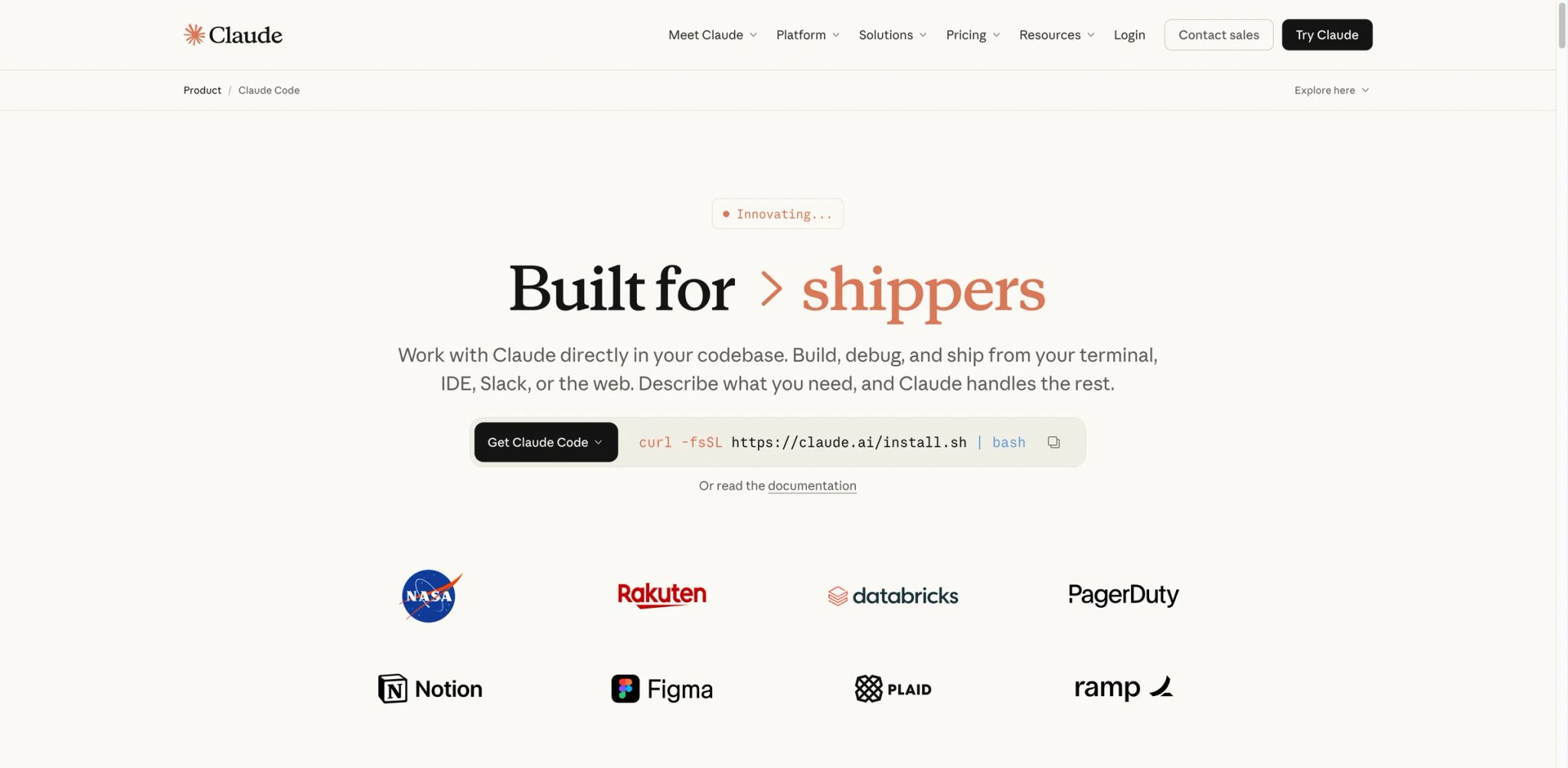
claude, describe what you want, and Claude reads files, makes changes, runs tests, and commits — all in your existing shell, with your existing git workflow, and zero new GUI to learn. The trade-off is real: you're trading the comfort of a visual editor for an agent that reasons more deeply because it's not constrained by what fits in a chat panel.What Claude Code solves vs Cursor:
- No editor lock-in — Claude Code runs in your existing terminal alongside vim/Helix/VS Code/whatever; you're not adopting a new editor, you're adopting a new agent (solves Pain #5)
- Predictable subscription pricing — Claude Pro $20/mo or Max $100/$200 buys flat subscription access with generous limits; for heavy users the Max tiers are still cheaper than Cursor's API-priced overruns (solves Pain #1)
- Agentic depth via Anthropic models — Opus 4.7 and Sonnet 4.6 are particularly strong on long-horizon coding tasks (refactors across 20+ files, multi-step debugging) where Cursor's Composer hits context limits
- Native git integration — Claude Code reads and writes git history, can produce focused commits, and treats version control as a first-class workflow concept
Pricing vs Cursor: The math — Claude Pro $20/mo and Cursor Pro $20/mo are the same headline price, but Claude Pro includes Claude Code, the claude.ai web app, and the Claude desktop app. Cursor Pro is a $20/month plan with included model usage and post-limit on-demand billing. For users who repeatedly hit Cursor's included limits, Claude Pro or Claude Max can be easier to budget because usage is tied to Anthropic's subscription limits rather than Cursor's editor-plan allowances. Claude Max $100/mo or $200/mo (5x and 20x Pro respectively) is the actual price point for heavy users — more in absolute terms than Cursor Pro, but limits are predictable and don't surprise you. Anthropic also offers API-only usage if you'd rather pay per token directly.
Limitations: The CLI paradigm is the biggest gate — if you've never lived in a terminal-driven workflow, Claude Code feels alien for the first week. Multi-file refactor visualization is harder than in a GUI editor where you see diffs side-by-side; Claude Code shows them, but reading large diffs in terminal is its own skill. No inline autocomplete — Claude Code is conversational/agentic, not Tab-style; you'll want Copilot or a similar inline tool alongside if you miss inline suggestions.
Best for: Senior engineers comfortable with CLI workflows, developers handling multi-file refactors and complex debugging where Cursor's Composer hits limits, and teams using Claude already (Pro/Max subscription doubles as productivity tool + coding agent). Not the right fit if you want a GUI editor with inline completion (use Copilot, Windsurf, or Cursor) or you're new to terminal-driven workflows. For deeper coverage of Claude Code's features and pricing tiers, see our full Claude Code review.
Get started with Claude Code
Zed
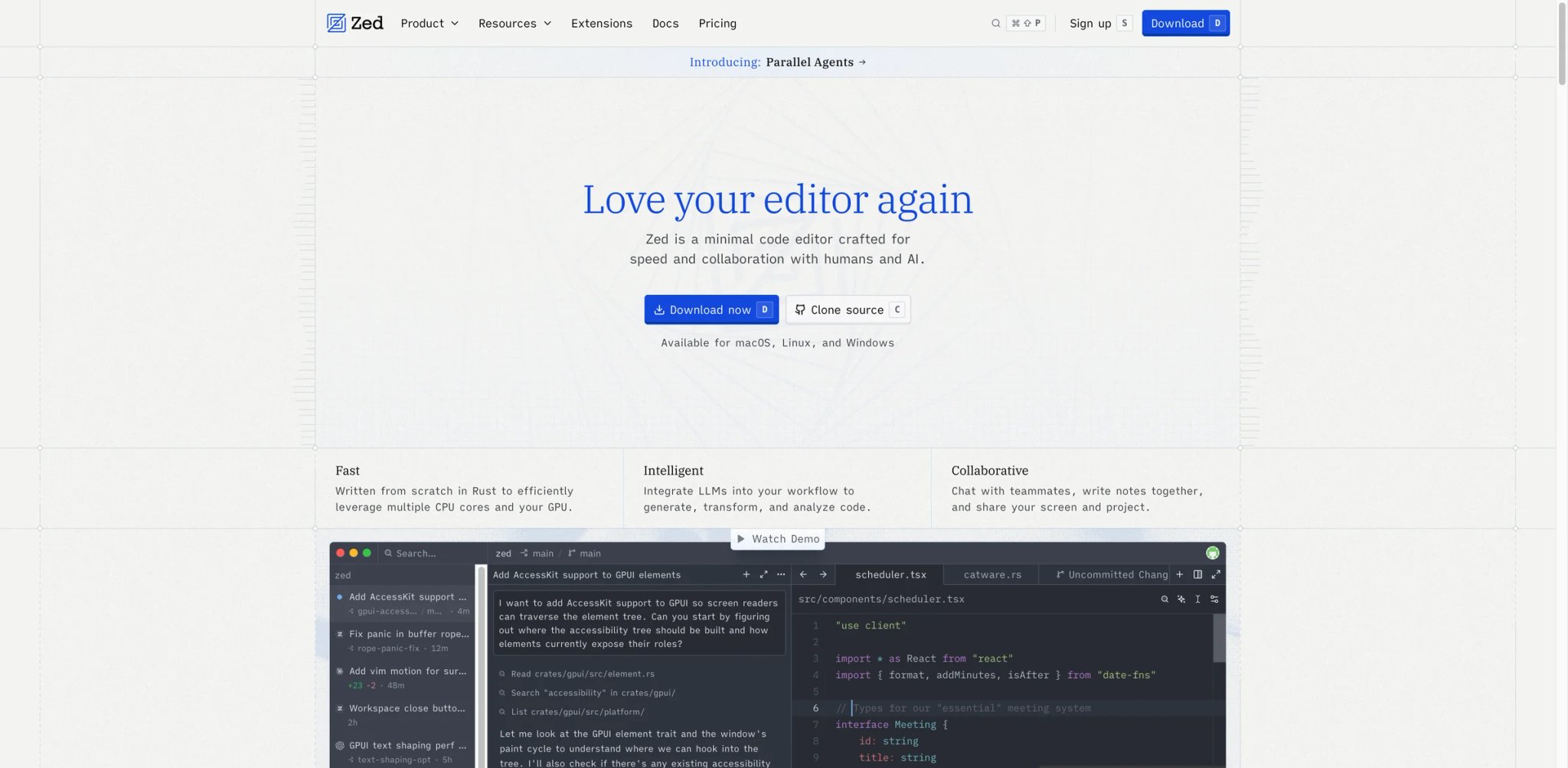
Zed is the answer to "Cursor is a VS Code fork on Electron, and it shows." Built in Rust by Nathan Sobo and the Atom team — yes, the same team behind the editor Microsoft eventually replaced with VS Code — Zed is native code from the bottom up. The numbers, not the marketing: Zed feels materially lighter than Electron-based VS Code forks on many large projects, with smoother scrolling and lower perceived editor latency on big files, and uses GPU rendering to keep typing latency minimal even with the agent panel active. The AI integration arrived later than the editor itself but is now first-class: chat, inline edits, agent mode, and explicit support for bringing your own model (OpenAI, Anthropic, local Ollama, custom endpoints) without proxying through Zed's backend.
What Zed solves vs Cursor:
- Native-speed editing — Rust + GPU rendering means Zed opens projects faster, scrolls smoother, and indexes code without the Electron overhead Cursor inherits from VS Code (solves Pain #5)
- No backend routing for BYOK — Zed lets you point at OpenAI/Anthropic/local Ollama directly; requests don't hop through Zed's servers, which closes the privacy gap Cursor's BYOK leaves open (solves Pain #4)
- Pro $10/month includes $5 of hosted-model token credits with additional hosted usage billed at API list price plus 10% — the editor itself stays free with BYOK (solves Pain #1)
- Genuine multi-buffer collaboration — Zed supports real-time pair programming with shared workspaces in a way Cursor doesn't natively; closer to Live Share but built-in
- External agent support — Zed supports running Claude Code, Aider, or custom agents alongside its native AI; you don't have to pick one
Pricing vs Cursor: The Personal plan is free for the editor itself and BYOK / external-agent workflows. Zed Pro is $10/month with unlimited accepted edit predictions and $5/month of hosted-model token credits; additional hosted AI usage is billed at API list price plus 10%. The Pro trial includes $20 of token credits for 14 days. For heavy AI users on BYOK with their own keys, total cost can be lower than Cursor Pro because you pay model providers directly without a Zed markup on top.
Limitations: Plugin ecosystem is meaningfully smaller than VS Code — many extensions you rely on in Cursor (Prettier configs, language-specific debuggers, custom themes) don't have Zed equivalents in 2026. Windows support is in beta and lags macOS/Linux significantly. Some workflows that depend on VS Code's specific extension API simply can't be replicated yet.
Best for: Power users on macOS or Linux who feel the editor's responsiveness in their flow, developers privacy-sensitive enough to require BYOK without backend routing, and budget-conscious switchers willing to give up part of the VS Code extension ecosystem for native speed and $10/mo pricing. Not the right fit if you depend on a specific VS Code extension chain (you'll find Zed's ecosystem thin) or you're on Windows (Linux/Mac get the polish).
Get started with Zed

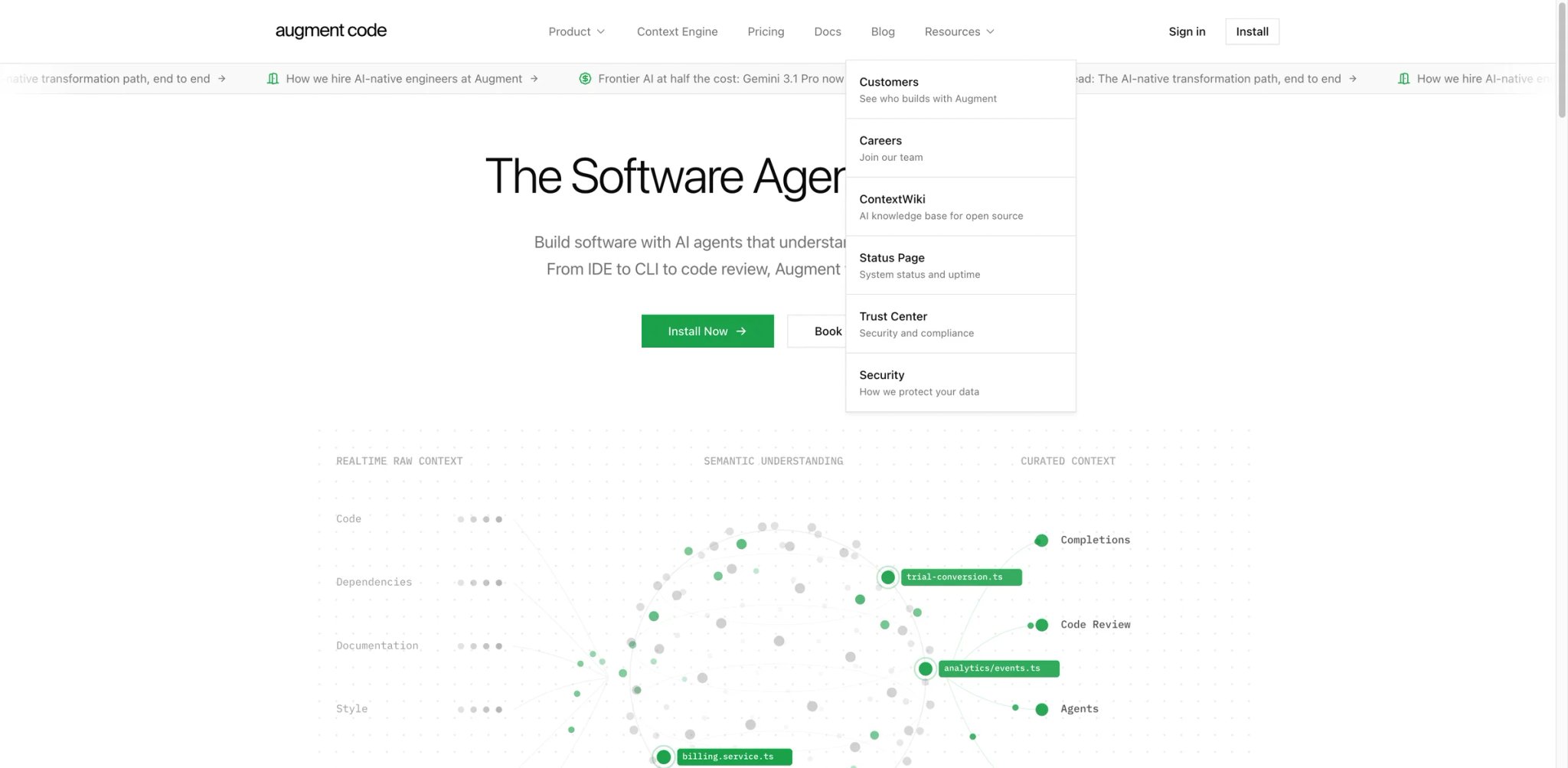
Augment Code is the alternative for Cursor users whose pain isn't pricing — it's that Cursor's context handling falls apart on big codebases. Augment's bet is that the bottleneck in enterprise AI coding isn't model quality, it's context engineering: knowing which files, functions, services, and historical changes are relevant to the question. The Context Engine indexes your full codebase (including cross-repo dependencies and service histories) and feeds the LLM exactly the right context for each query — which sounds like marketing copy until you watch it correctly answer "where else in the codebase do we handle this kind of error?" on a 500K-LOC monorepo where Cursor produces hallucinated cross-references.
What Augment solves vs Cursor:
- Context Engine for monorepos — Augment indexes the full codebase (functions, types, calls, history) and selects relevant context per query; on large repos this is meaningfully more accurate than Cursor's RAG approach (solves Pain #2)
- Cross-repo and service awareness — for organizations with 10+ repos and shared service definitions, Augment understands cross-repo references in a way Cursor can't (solves Pain #2)
- Enterprise compliance posture — Augment offers SOC 2, data-residency options, and explicit no-training-on-customer-code commitments that Cursor's BYOK doesn't fully cover (solves Pain #4)
- Plugin-based — Augment runs as a VS Code or JetBrains extension, so you don't change editors at all; this is a near-zero learning curve switch from Cursor's standpoint
- Credit-pool pricing — Indie is $20/month with 40,000 credits, Standard is $60/developer/month with 130,000 credits, Max is $200/developer/month with 450,000 credits, and top-ups are priced separately
Pricing vs Cursor: Indie is $20/month for one user with 40,000 credits and auto top-up available at $15 per 24,000 credits. Standard is $60/developer/month with 130,000 credits, Max is $200/developer/month with 450,000 credits, and Enterprise is custom. Compared to Cursor Business at $40/seat, Augment Standard is more expensive but includes the deeper context engineering and compliance features that team customers actually pay for.
Limitations: For small projects (single repo, < 50K LOC), Augment's Context Engine advantage shrinks — at that scale Cursor and Copilot are good enough and cheaper. Augment's inline completion quality is solid but not the differentiator; teams pick Augment for chat-with-codebase depth, not Tab. Onboarding is heavier than Cursor — the Context Engine needs time to index your repos before quality fully materializes (a few hours to a day for large orgs).
Best for: Engineering teams at companies with monorepos or multi-repo service architectures, regulated industries with compliance requirements Cursor's BYOK doesn't cover, and JetBrains/VS Code users who specifically want better large-codebase handling without changing editors. Not the right fit if you're a solo developer on a single small project (Cursor or Copilot are simpler and cheaper) or you specifically need the latest agentic features that newer products like Cursor and Windsurf prototype first.
Get started with Augment Code


Continue is the open-source answer for Cursor users whose migration is driven by "I want my AI tools to be auditable, model-portable, and not locked into a vendor." Built as a VS Code and JetBrains plugin from day one, Continue lets you point inline completion, chat, and agent at any model — OpenAI, Anthropic, Mistral, local Ollama, custom endpoints — and switch them per-task without changing tools. The codebase is on GitHub, the configuration is YAML, and the team has explicitly avoided the "we lock you in" playbook that other AI coding tools have drifted toward.
What Continue solves vs Cursor:
- Bring your own model — point Continue at GPT-5.5, Claude Opus 4.7, local Llama, Mistral Codestral, or your enterprise model endpoint; switching models is a YAML edit, not a vendor change (solves Pain #1, #4)
- Open source = auditable — the codebase is public; security and compliance teams can review what data Continue sends where (solves Pain #4)
- Plugin in your existing editor — runs as a VS Code or JetBrains extension; you don't change editors, just add AI on your terms (solves Pain #5)
- Free for individuals — the open-source plugin is free; you only pay for cloud features (Starter $3/M tokens for cloud-managed completion) or team features ($20/seat for team workspace)
- Local model support — works with Ollama, LM Studio, and other local model runners; for offline or air-gapped development this is the only credible option on this list
Pricing vs Cursor: Open-source plugin is free — you pay only for the model API calls you make (BYOK). Cloud Starter $3/M tokens covers cloud-managed inference. Team $20/seat/mo adds shared configurations and team workspaces. For a developer who primarily uses GPT-5.5 with $5–15 of monthly API spend, total cost is well under Cursor's $20/mo while removing the vendor lock-in.
Limitations: Setup is meaningfully more involved than Cursor's "install and start" — you need to configure a model provider, optionally set up Ollama for local models, and tune the YAML config. Inline completion quality is good but tied to whichever model you choose; if you misconfigure (e.g., point at a slow local model), the experience suffers. Agentic features lag Cursor and Windsurf — Continue is closer to a customizable Copilot than to Composer-style agent.
Best for: Developers and teams that prioritize model portability, auditability, or local-model support over polished out-of-box experience. Particularly strong for compliance-heavy environments where source code can't leave the network and for hobbyists running local Llama/Mistral. Not the right fit if you want zero setup or the deepest agentic experience — Continue's strength is openness, not the latest agentic frontier.
Get started with Continue
JetBrains AI Assistant / Junie
JetBrains users have a unique trade-off: leaving IntelliJ / PyCharm / WebStorm / GoLand / Rider for Cursor means giving up the deepest IDE features in the industry — debuggers, refactoring tools, language-specific intelligence, framework integration — for AI features. JetBrains' answer is AI Assistant + Junie, the agent that lives inside the JetBrains IDEs you already use. AI Assistant handles inline completion, chat, and code generation; Junie handles agentic multi-file edits, refactors, and complex tasks. Together, they let you keep your IDE depth and add Cursor-class AI features without switching tools.
What JetBrains AI solves vs Cursor:
- Keep your IDE — every IntelliJ language plugin, framework integration, debugger, and refactoring tool stays exactly where it was; AI is added on top (solves Pain #5 and the broader "leaving JetBrains is a downgrade" problem)
- Native IDE depth — for Java, Kotlin, Spring, Android, .NET, Ruby on Rails, large Python projects with type inference, and any language where JetBrains has invested years in language-specific tooling, the IDE features are simply ahead of VS Code-based alternatives
- Junie for agentic tasks — multi-file refactors, framework migrations, and complex changes leverage JetBrains' deep code understanding (PSI, indexes) that Cursor doesn't have access to
- Annual credit-based pricing — AI Pro is $100/user/year with 10 AI Credits per 30 days; AI Ultimate is $300/user/year with 35 AI Credits per 30 days
Pricing vs Cursor: JetBrains AI pricing is credit-based: AI Pro is $100/user/year with 10 AI Credits per 30 days, and AI Ultimate is $300/user/year with 35 AI Credits per 30 days. Junie is positioned as strongest on the higher-credit plans rather than as a simple $10/month unlimited add-on. Cost stack reality: if you're not already on JetBrains, the math is unfriendly — JetBrains' current All Products Pack includes the JetBrains AI Pro plan, so do not automatically add a separate $100/year AI Pro charge on top of the All Products Pack. The correct comparison is either standalone JetBrains AI Pro / Ultimate pricing, or the bundled All Products Pack price when the developer already needs JetBrains IDE licensing. JetBrains AI only makes sense as an incremental $100/year on top of an IDE seat you were paying for anyway; bolting both onto a clean install is overpriced.
Limitations: AI features still trail Cursor and Windsurf on the bleeding agentic edge — Junie shipped agent capabilities later than Cursor's Composer, and feature parity is closing but not complete in 2026. Inline completion quality is good but historically slightly behind Copilot and Cursor on certain languages. The cost stack: All Products Pack ($289/yr individual, $779/yr commercial) plus AI Pro ($10/mo) is expensive if you weren't already a JetBrains subscriber — this is an alternative for existing JetBrains users, not a reason to start.
Best for: Existing JetBrains users (IntelliJ, PyCharm, WebStorm, etc.) who don't want to give up their IDE for AI features, Java/Kotlin/Android developers where JetBrains' language tooling is meaningfully ahead, and any team standardized on JetBrains licensing where adding AI Pro is incremental rather than a full tool switch. Not the right fit if you don't already use JetBrains (the cost stack is steep) or you specifically want the most aggressive agentic capabilities (Cursor and Windsurf still ship those first).
Get started with JetBrains AI Assistant / Junie


Before pricing, the warning: Trae is built by ByteDance, and 2025 reporting raised visible telemetry concerns that turned off privacy-sensitive teams. If your code is anywhere near regulated workloads, finance, healthcare, government, or proprietary IP, this isn't your tool — skip to the next section. With that out of the way: for indie developers, students, and OSS hobbyists with budget constraints rather than privacy ones, Trae's pricing is dramatic. Free, Lite at $3/month, Pro at $10/month, with higher Pro+ and Ultra tiers up to $100/month — and the editor itself is genuinely Cursor-paradigm with multi-agent collaboration features Cursor's Composer doesn't ship.
What Trae solves vs Cursor:
- Aggressive pricing — Lite $3/mo and Pro $10/mo are dramatically below Cursor Pro $20; higher Pro+ and Ultra tiers reach up to $100/month for heavier multi-agent workloads (solves Pain #1 hardest)
- Multi-agent collaboration — Trae shipped multiple specialized agents (Builder for new code, Reviewer for code review, etc.) that operate in parallel; Cursor's Composer is single-agent in 2026
- Cursor-similar UX — for developers coming from Cursor, the editor feels familiar; learning curve is genuinely low
- AI-first IDE positioning — like Cursor, the editor was built around AI rather than retrofitted; the integration feels native rather than bolted-on
Pricing vs Cursor: Lite starts at $3/month, Pro at $10/month, and TRAE also lists Pro+ and Ultra tiers. TRAE bills AI requests based on tokens converted into Dollar Usage, so do not assume a fixed number of daily chats will fit a plan until you test your own model, context, and agent workflow.
Limitations: ByteDance caveat (worth repeating): in 2025 Trae had two visible telemetry incidents — data flowing to ByteDance servers, with opt-out toggles missing or hard to find in some regions. For finance, healthcare, government, or any team handling proprietary IP, this is a hard "no" until trustworthy independent audits exist. Beyond that: Trae's free tier is more limited than competitors, so evaluation is harder than with Codeium or Continue. Plugin ecosystem is sparser than VS Code-based alternatives. Documentation and English-language community support lag Cursor.
Best for: Independent developers and small teams in regions or budgets where Cursor Pro $20 is genuinely difficult, especially for non-sensitive personal projects or open-source work where telemetry concerns are minimal. Not the right fit if you handle proprietary IP, work in regulated industries, or your organization has ByteDance-related compliance constraints — at $20/mo Cursor or Windsurf are safer choices.
Get started with Trae
Cline
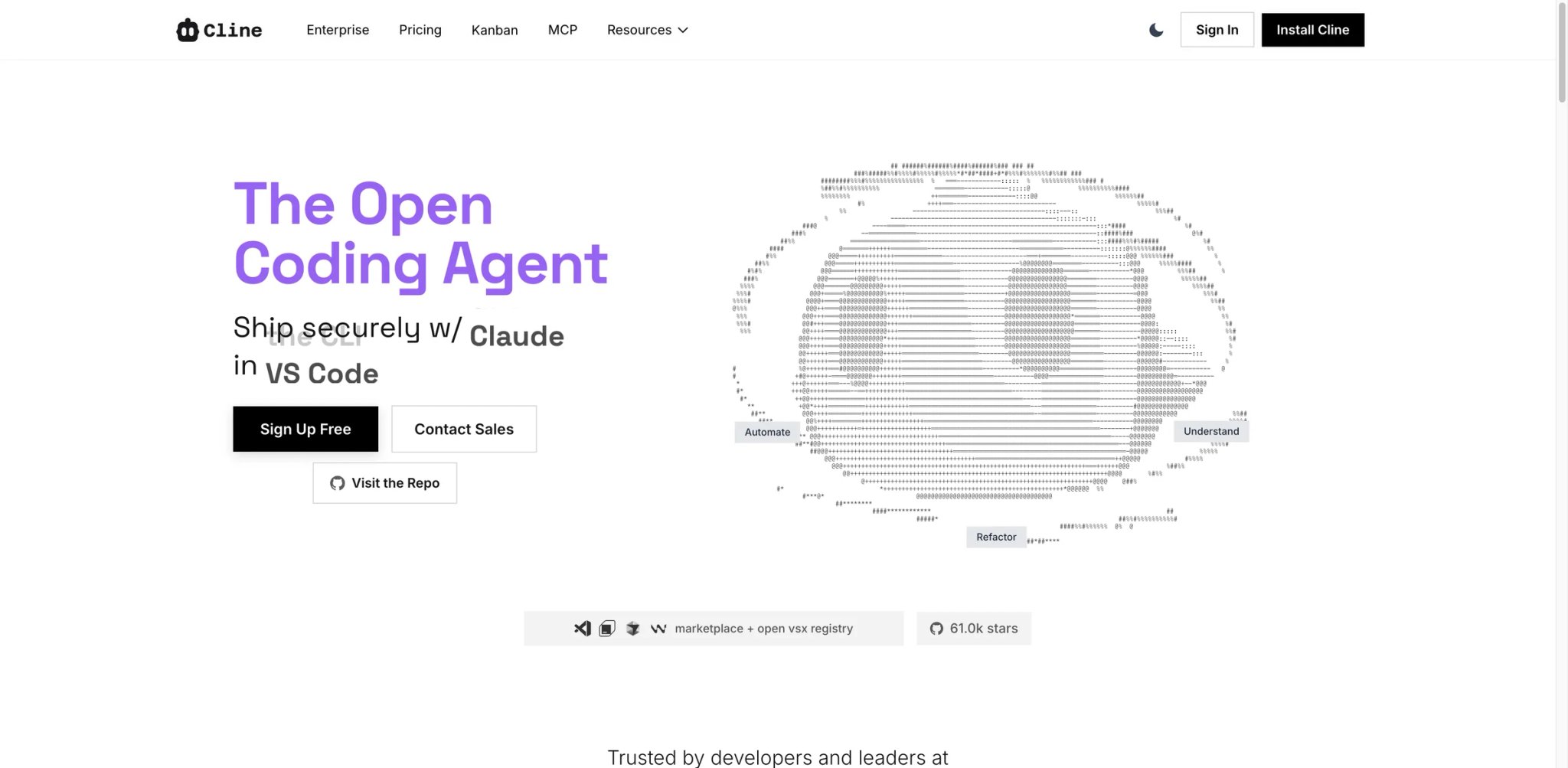
Five million installs, no subscription, no per-seat fee. Cline is the open-source answer for Cursor users who want a free, BYOK agent inside the VS Code they already have — with explicit approval on every action it takes against the repo. Built as a VS Code (and now JetBrains) extension by a tight contributor community, it handles agentic edits, terminal commands, browser automation, and multi-file changes, but stops at each step to ask before touching anything. The cost model is the simplest on this list: the extension is free; you pay model providers (OpenAI, Anthropic, local Ollama) only for inference you initiate.
Permissioning model: every file edit, terminal command, and browser action surfaces an approval prompt before execution. The agent never modifies your repo silently. For security teams that rejected Cursor's "Privacy Mode still routes through our backend" posture, this single architectural difference is what gets Cline approved.
What Cline solves vs Cursor:
- Free open-source extension — no subscription seat, no usage credits, no minimum spend; you pay model providers directly for inference (solves Pain #1, Pain #2)
- Explicit permissioning — every file edit, command, browser action requires approval; the tool can't run away with your repo while you're not looking (solves Pain #2, the trust angle)
- BYOK without backend routing — point Cline at your provider directly; requests don't proxy through a vendor backend (solves Pain #4)
- Stay in VS Code — runs as an extension on mainline VS Code, so every extension you rely on still works; no fork-rebase lag (solves Pain #5)
- Auditable code — the codebase is on GitHub; security and compliance teams can review what data Cline sends where (solves Pain #2, Pain #4)
Pricing vs Cursor: Free for individuals — you pay only the model API calls you make. There's no Pro tier, no Pro+, no per-seat fee for the open-source version. For a developer using Sonnet 4.6 at $5–15/month of API spend, total cost is well under Cursor Pro $20 with full vendor independence.
Limitations: Inline completion isn't Cline's strength — it's an agent-style tool, not a Tab-style autocomplete companion; you'll often pair it with Copilot or another inline tool. Setup requires configuring at least one model provider, which is more involved than Cursor's "install and start." Performance depends entirely on which model you point it at — a slow local model will produce a slow experience.
Best for: Developers who want full transparency and BYOK economics, security-conscious teams that need an auditable agent inside VS Code, and users who specifically want approval-based agentic editing rather than autonomous edits. Not the right fit if you want a polished out-of-box experience with inline autocomplete (use Copilot or Cursor) or you don't want to manage model provider API keys yourself.
Get started with Cline
OpenAI Codex
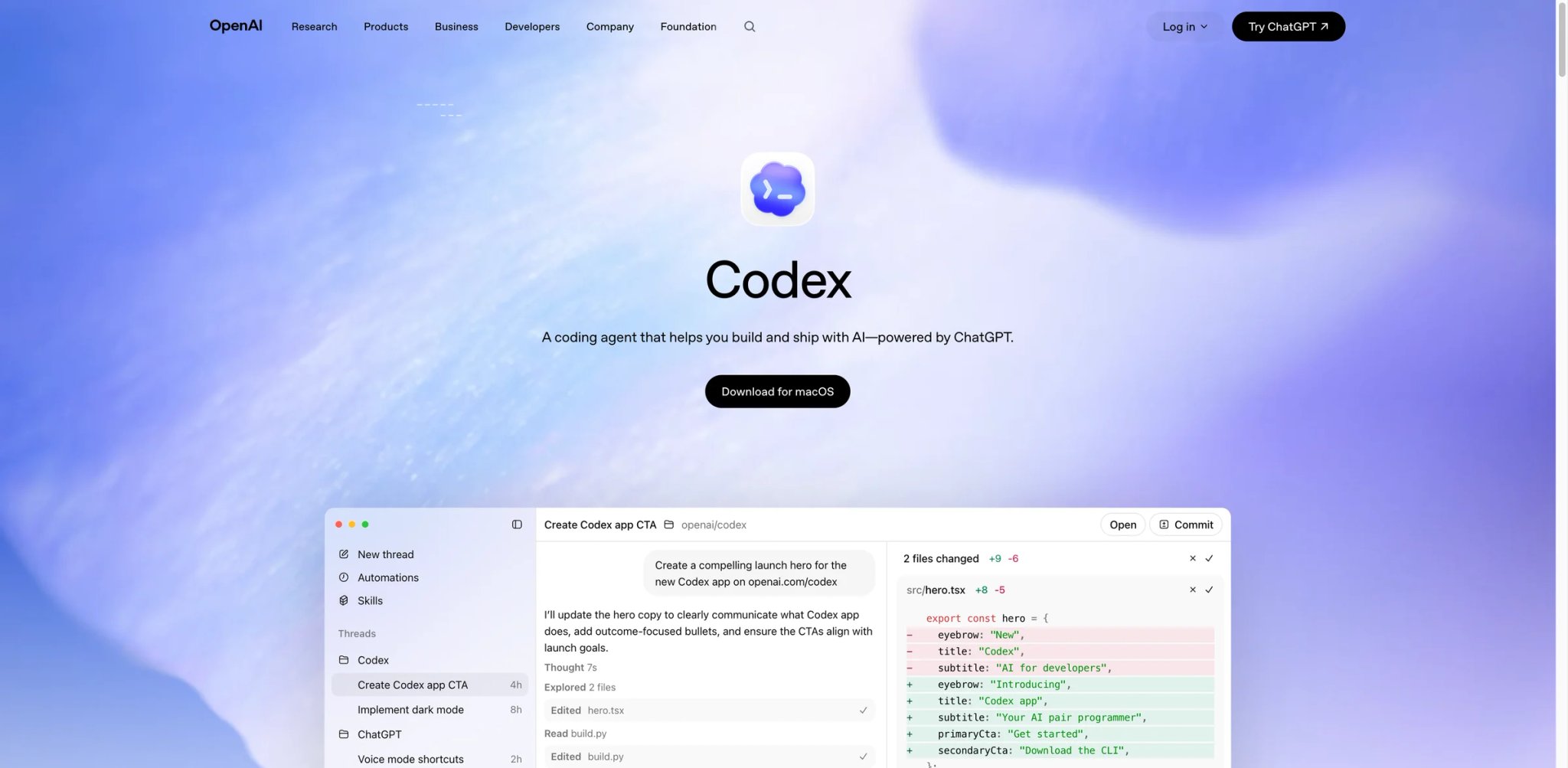
OpenAI Codex is the direct-subscription answer for developers who already pay for ChatGPT and want OpenAI's native coding agent without paying Cursor as an intermediary. Codex ships across CLI, IDE plugin, and ChatGPT-app surfaces, all gated behind a ChatGPT subscription tier — Plus for light use, Pro from $100/month for the heavy quota that maps to "I use this all day." A common HN line during the June 2025 Cursor pricing fallout was that "$20 of Cursor API pricing is what Claude Pro will give you in a day"; for ChatGPT Pro subscribers, the same logic applies — Codex usage is bundled into a subscription you already maintain.
What OpenAI Codex solves vs Cursor:
- Bundled with ChatGPT — if you already pay for ChatGPT Plus or Pro, Codex usage is included; no second $20/month line item to your card (solves Pain #1)
- Direct from OpenAI — no third-party routing, no vendor markup; you pay OpenAI's published price and get OpenAI's agent (solves Pain #2 trust, Pain #4 routing visibility)
- 5x Plus Codex usage on Pro — ChatGPT Pro at $100/month includes 5x the Plus tier's Codex limits, with a promotional doubling running through May 31, 2026
- Multi-surface — Codex runs in the CLI, in IDE extensions, and inside ChatGPT itself, so the agent context follows you across the surfaces you actually use
- Single-vendor model visibility — you know exactly which OpenAI model powers each call (no opaque routing layer between your prompt and inference)
Pricing vs Cursor: OpenAI Codex has its own plan surface as well as ChatGPT-plan access. Official options include Free, Go at $8/month, Plus at $20/month, Pro at $100/month, and Pro at $200/month, plus Business, Edu, and Enterprise paths. Pro $100 includes higher Codex usage than Plus, with OpenAI's temporary promotional increase running through May 31, 2026. ChatGPT Pro at $100/month is the heavy-user tier with 5x Plus's Codex quota and a promotional doubling through May 31, 2026. ChatGPT Pro at $200/month exists for the heaviest workloads. Compared to Cursor Pro $20, you're paying more in absolute terms at Pro $100, but you're also getting all of ChatGPT's other capabilities in the same subscription.
Limitations: Codex is OpenAI-only — if your tasks benefit from Claude's longer-context reasoning or Gemini's large-context window, you're picking a single-vendor lock-in. The Pro tier's $100/month price is meaningfully higher than GitHub Copilot's $10 fixed seat for users whose primary need is "predictable cheap pricing." Inline completion polish lags Copilot in some languages — Codex shines on agentic tasks more than on Tab-suggestion intuition.
Best for: Developers and teams already paying for ChatGPT Pro who want a coding agent included in that subscription, OpenAI-loyal users who specifically want GPT-5 / GPT-5.5 behavior in their coding workflow, and anyone whose Cursor pain is "I'm paying $20 to a fork-of-VS-Code instead of to the model lab itself." Not the right fit if you're not already a ChatGPT Pro subscriber (the math only works if Codex is incremental to existing spend) or you specifically need Claude / Gemini models (use Claude Code or Gemini CLI instead).
Get started with OpenAI Codex
Honorable Mentions
Five additional alternatives solve Cursor-adjacent jobs — open-source forks, bundled-terminal agents, ecosystem-specific picks, and enterprise compliance tools. They're complementary picks rather than direct one-to-one Cursor swaps.
Aider
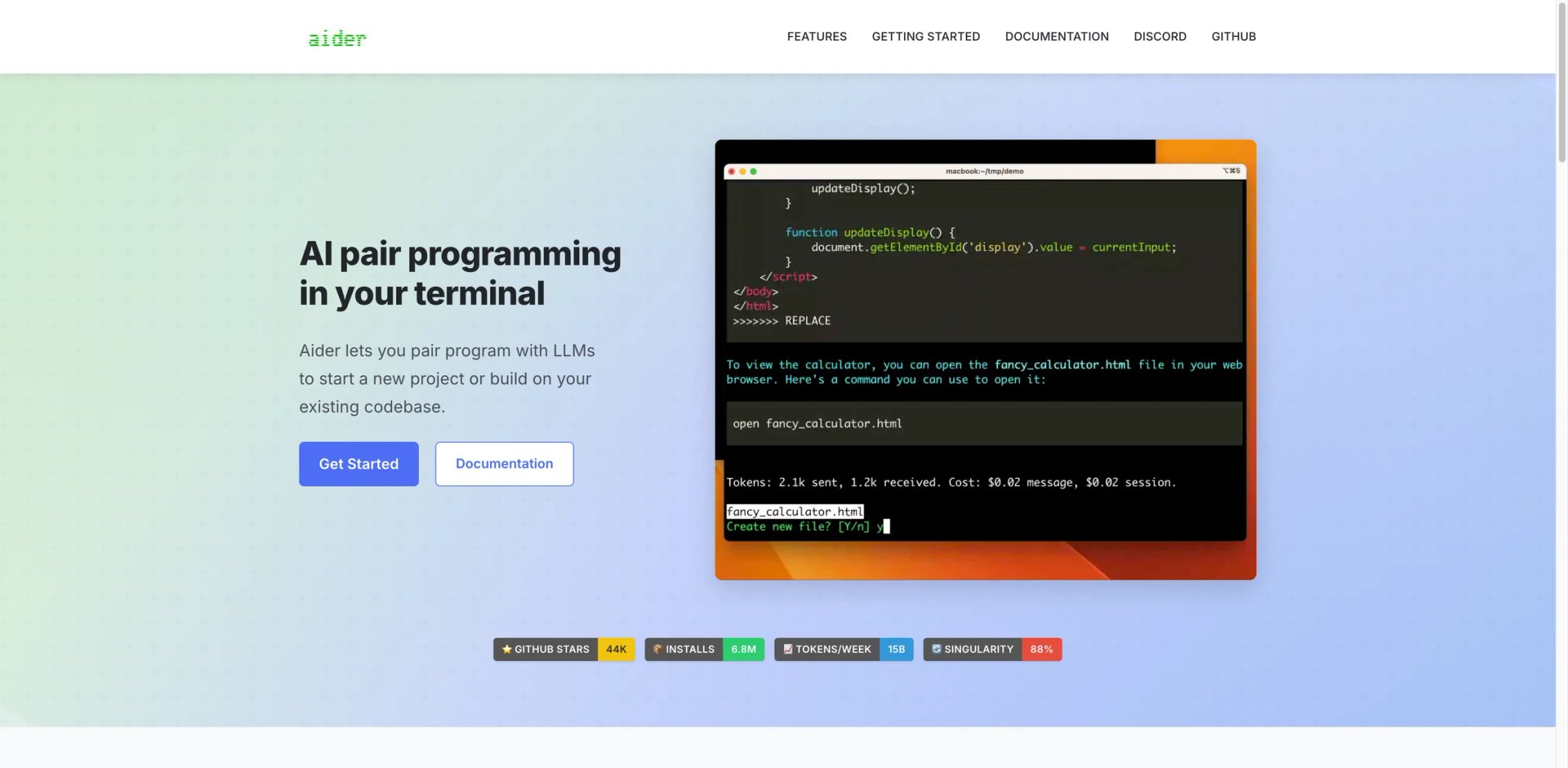
Aider is the open-source CLI pair programmer that lives in your terminal and integrates natively with git — every change becomes a focused commit you can review and amend. Free (you only pay for model API), works with any model via BYOK, and has a small but devoted following among engineers who appreciate the precision of small, reviewable diffs over large agentic patches.
Pricing: Free (open source); model API costs separately. Best for developers comfortable with CLI workflows who want minimal tooling lock-in and explicit per-commit review. Not the right fit if you want a GUI editor or inline completion — Aider is conversational/diff-focused only.
Get started with Aider
Roo Code
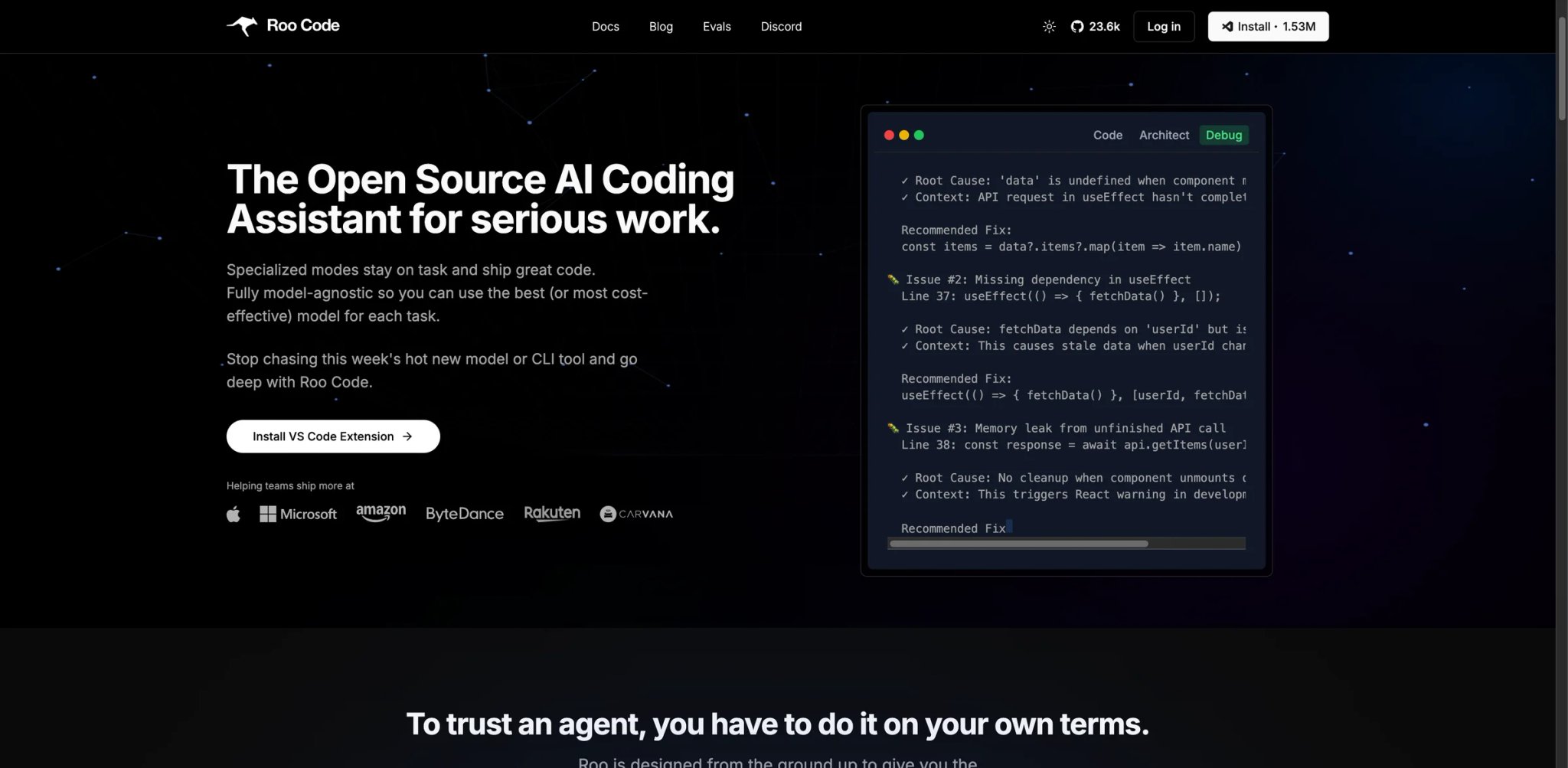
Roo Code is the open-source fork in the Cline family — same approval-based VS Code agent paradigm, broader model support, and a community focused on keeping the tool fully model-agnostic and self-hostable. The extension is free forever; you pay only the AI model you point it at, or you self-host a model and pay nothing. For developers whose Cursor pain centers on "I want my agent's behavior to be configurable, my code to stay within my control, and the project to be auditable," Roo Code sits next to Cline as the second open-source option worth shortlisting.
Pricing: Free open-source VS Code extension; pay only for paid AI model usage, or use free/self-hosted models. Best for developers who specifically want a Cline-style agent but with broader model support and a fully open-source-only governance model. Not the right fit if you want Anthropic's polished agent UX (use Claude Code) or Cursor-style autocomplete (use Copilot or Continue).
Get started with Roo Code
Gemini CLI
Gemini CLI is Google's terminal-side answer to Claude Code — an open-source AI agent that runs in your shell, queries Gemini, and edits your repo. The pricing during preview is genuinely generous: free with a personal Google account, with Google's launch blog citing 1,000 requests per day and 60 requests per minute as the default limit. For developers who want a CLI agent without paying anyone, or who need Gemini's million-token context window for large-monorepo work, Gemini CLI is a serious option.
Pricing: Free for individuals through Gemini Code Assist with a stated quota of 1,000 requests per day. Paid Google AI Pro, Google AI Ultra, Enterprise Standard, Enterprise Premium, and Gemini API paths have separate quota and billing rules. Heavier usage routes through the Gemini API, which has its own free and paid tiers. Best for terminal-comfortable developers who want a free CLI agent backed by Gemini's large context window, especially for codebase-wide reasoning tasks. Not the right fit if you specifically need Claude or GPT-5 model behavior, or if you need a GUI editor — Gemini CLI is terminal-only.
Get started with Gemini CLI
Amazon Q Developer
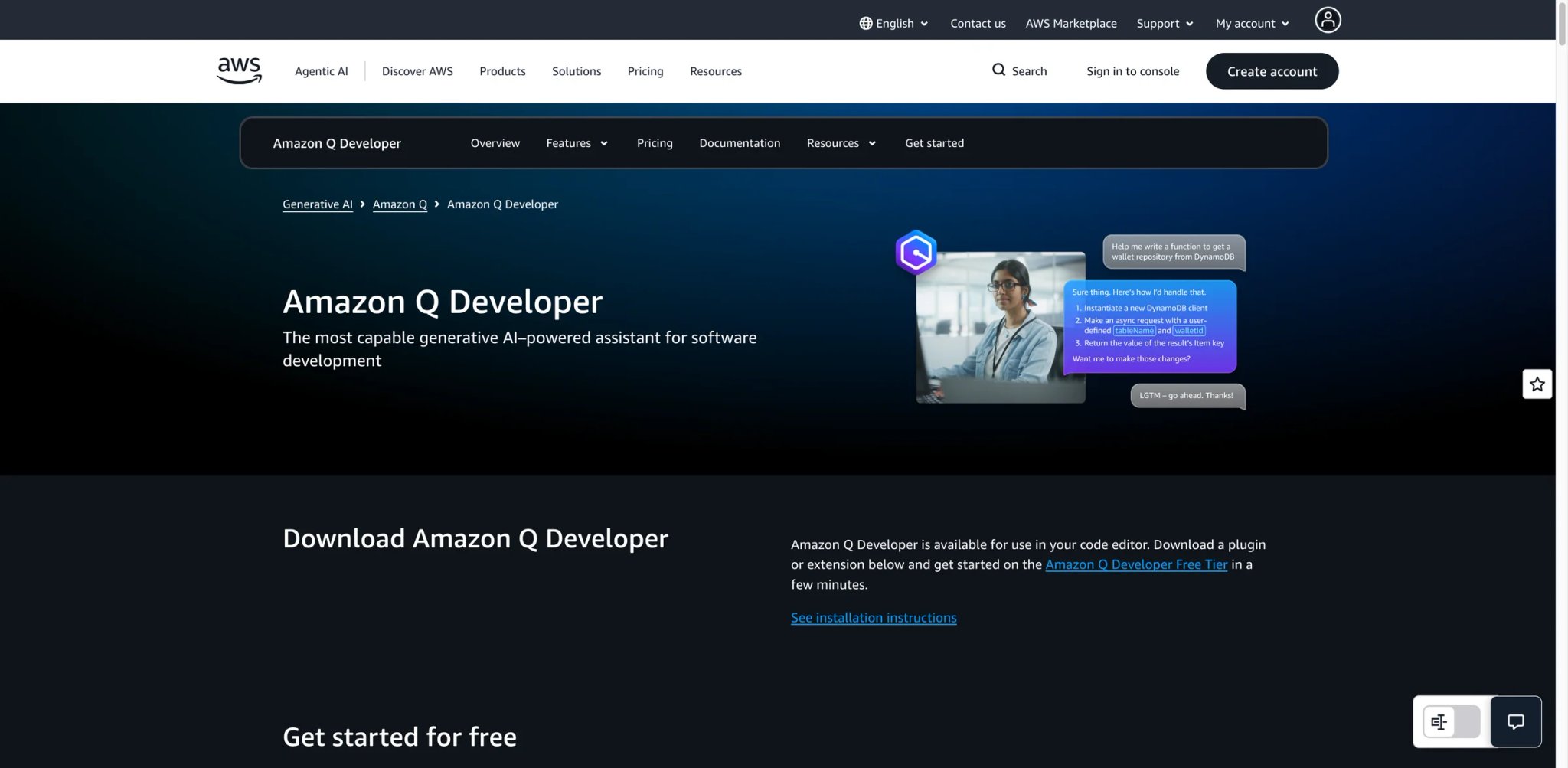
Amazon Q Developer is AWS's coding assistant for teams whose Cursor pain isn't pricing or trust per se — it's that a third-party tool can't natively understand their VPC, IAM policies, CloudFormation templates, or AWS-specific code patterns. Q Developer ships across IDE plugins, the AWS console, and a CLI surface, with seat-based pricing at $19/user/month for Pro. Code-transformation features (e.g., Java upgrades, .NET conversions) carry additional LOC-based charges, so heavy transformation users should price the workload carefully.
Pricing: Free tier with monthly limits; Pro is $19/user/month. Amazon Q Developer Pro includes monthly usage quotas, including code transformation capacity, and transformation overage is priced by lines of code when the included allocation is exceeded. Best for AWS-heavy teams whose AI coding workflow benefits from native cloud-context awareness — IAM, VPC, CloudFormation, and AWS-managed services. Not the right fit if your code lives outside AWS or if cloud context isn't a constraint that drives your switch from Cursor.
Get started with Amazon Q Developer

Tabnine is the enterprise compliance pick — air-gapped deployment, on-prem hosting, zero training on customer code, and explicit SOC 2 / GDPR / industry-specific certifications. The price tag ($39/seat for Code Assistant, $59/seat for Agentic Platform, annual subscription) is notably higher than Cursor, but the value is purely "we can deploy this in environments where Cursor's BYOK isn't enough."
Pricing: Code Assistant $39/seat/mo annual; Agentic Platform $59/seat/mo annual. Best for finance, healthcare, defense, government, and any organization with strict source-code-handling requirements (no cloud, no model training, audit-trail requirements). Not the right fit if compliance isn't a hard requirement — at $39/seat the price is hard to justify for smaller teams without those constraints.
Get started with Tabnine
Migrating from Cursor — A Practical Guide
The mechanics of switching from Cursor are mostly straightforward; the friction is in workflow muscle memory, not technical lock-in.
Data and Account Migration
keybindings.json, settings.json, themes, and most extensions transfer directly to VS Code, Windsurf, or any other VS Code-compatible editor. Export via Code → Settings Sync or copy ~/.cursor/User/ to your new editor's config directory.~/.cursor/User/workspaceStorage/{hash}/state.vscdbcursor-export. Plan for this — if you're switching, schedule a half-day to export critical chat threads before account closure.BYOK keys: Your OpenAI / Anthropic / model-provider keys configured in Cursor need to be reconfigured in the new tool. Most alternatives accept the same keys (no need to regenerate), but the configuration UI differs.
Account closure: Cursor offers a self-serve account deletion in Settings. Don't close until you've confirmed your new tool is working for at least a week — chat history will be inaccessible after account deletion.
Cursor 3 Agents Window history: If you've been using Cursor 3 since early April 2026, your Agents Window task history is a separate data surface from classic chat history. Cursor 3 doesn't currently offer bulk export of Agents Window runs — capture any agent traces you'd want to reference later (architecture decisions, multi-step task plans, debugging chains) into Markdown manually before you close the account.
Learning Curve by Alternative
Near-zero curve (you're working again within an hour):
- GitHub Copilot in VS Code — same VS Code, just different AI
- Windsurf — explicit Cursor-twin UX
- Cline — VS Code extension, BYOK setup is the only learning step
- Continue — runs as plugin in your existing VS Code/JetBrains
- Augment Code — VS Code/JetBrains plugin
- Roo Code — VS Code extension, similar BYOK ergonomics to Cline
- Amazon Q Developer — IDE plugin if you're already on AWS
Medium curve (a few days to settle):
- Zed — new editor with different keyboard flow and limited extension parity
- JetBrains AI / Junie — only if you weren't already in JetBrains
- Trae — Cursor-similar but enough subtle differences to feel new
- OpenAI Codex — multi-surface (CLI + IDE + ChatGPT app); each surface is its own ramp-up
High curve (1–2 weeks of paradigm change):
- Aider — CLI workflow, git-native commits
- Claude Code — terminal-driven agent instead of GUI editor
- Gemini CLI — terminal-driven Google-side agent, similar paradigm shift
- Tabnine — only the on-prem / air-gapped deployment path; SaaS Tabnine is medium
Pricing Brackets vs Cursor Pro $20/mo
Cheaper than Cursor:
- GitHub Copilot Pro at $10/mo
- Zed Pro at $10/mo (includes $5 of hosted-model credits; additional hosted use billed at API list price plus 10%)
- JetBrains AI Pro at $100/user/year (~$8.33/month) with 10 AI Credits per 30 days
- Trae Pro at $10/mo
- Amazon Q Developer Pro at $19/user/mo (LOC-based transformation charges may stack)
Free open-source with BYOK (you pay model providers directly):
- Cline (free VS Code/JetBrains extension)
- Continue (free plugin; $3/M tokens for cloud Starter)
- Roo Code (free VS Code extension)
- Aider (free CLI)
- Gemini CLI (free with Google account during preview)
Same as Cursor:
- Windsurf Pro at $20/mo (same price, usage-allowance pricing instead of frontier-model API metering)
- Claude Pro at $20/mo (subscription includes Claude Code access)
- Augment Indie at $20/mo (better large-repo experience)
More expensive but specific value:
- Augment Standard at $60/dev (enterprise context engineering + compliance)
- Tabnine at $39/seat (enterprise privacy/compliance)
- Claude Max at $100–$200/mo (heavy agentic usage)
- OpenAI Codex via ChatGPT Pro at $100–$200/mo (5x Plus Codex usage; promo doubling through May 31, 2026)
Best Cursor Alternatives by Use Case
If Your Reason Is "I Want a Predictable $10/mo Bill"
GitHub Copilot Pro at $10/mo is the right move — flat seat pricing, included usage that covers most developers without metering, and zero VS Code fork lag. Zed Pro at $10/month with $5 of hosted-model credits plus API-priced overage, and JetBrains AI Pro at $100/user/year with 10 AI Credits per 30 days are the alternatives if you want native-speed editing or to stay in IntelliJ.
If Your Reason Is "Cursor Falls Apart on My Monorepo"
Augment Code is purpose-built for this — Context Engine indexes large codebases more accurately than Cursor's RAG. For teams already on JetBrains, JetBrains AI / Junie leverages PSI (the JetBrains code-understanding layer) which is even deeper for Java/Kotlin/Python projects.
If Your Reason Is "Compliance Won't Let Me Use Cursor's Backend"
Tabnine for the strictest enterprise compliance (air-gapped, on-prem). Continue, Cline, and Roo Code for organizations that can audit open-source code and run BYOK with local Ollama or self-hosted models. Augment Code for a middle ground with documented enterprise compliance posture. For pre-merge code-quality automation alongside whichever tool you pick, see our AI code checker tools roundup.
If Your Reason Is "I Want Trust I Can Audit, Not Just Vendor Promises"
After June 2025's pricing rollout, a non-trivial number of teams want a tool whose rules can't change overnight because the rules are in code they can read. Cline and Roo Code are the open-source agents inside VS Code with explicit permissioning. Continue is the most polished open-source plugin with multi-model support. Aider is the CLI alternative if you also want to leave the IDE. All four are free, BYOK, and auditable on GitHub.
If Your Reason Is "I'm Ready to Leave the GUI Editor Entirely"
Claude Code is the polished CLI agent for senior developers comfortable with terminal workflows. Aider is the open-source alternative if you want git-native focused commits and explicit per-change review. Gemini CLI is the Google-bundled third option with generous free preview limits and Gemini's large-context window, useful for codebase-wide reasoning tasks.
If Your Reason Is "Cursor 3 Pushed the IDE to a Side Panel"
After early-April 2026, a fresh slice of users want their IDE primitives — diff review, file tree, IntelliSense — sitting alongside the agent rather than behind it. Zed is the native option (Rust + GPU rendering) where AI is a panel, not the workspace. JetBrains AI / Junie keeps the deepest IDE features in the industry while adding Junie as the agent. Windsurf hasn't pivoted to agent-first the way Cursor 3 did, so it solves the most surface-level version of this complaint with the smallest learning curve. Mainline VS Code with GitHub Copilot installed is the simplest fallback — same editor base as Cursor's underlying foundation, no agent-first reorganization on top.
If Your Reason Is "I Already Pay for ChatGPT or Claude — Why Pay Cursor Too?"
Claude Code is included with Claude Pro $20/mo or Max $100-$200/mo subscriptions. OpenAI Codex is bundled with ChatGPT Plus or Pro, with Pro at $100/mo offering 5x Plus's Codex usage and a promotional doubling through May 31, 2026. If you're already paying $20–$200/month to Anthropic or OpenAI for adjacent capabilities, the case for paying Cursor a second $20/mo for editor wrapping starts to feel optional.
If Your Reason Is "I Want the Closest Cursor Experience Without the Pricing Trap"
Windsurf is the most direct successor — same $20 Pro price point, same VS Code-style editor, but current plan allowances that are easier to reason about than Cursor's frontier-model usage-credit framing. Do not describe current Windsurf pricing as per-action credits.
If Your Reason Is Budget — "I Need This Under $10/month"
Trae Lite at $3/mo or Trae Pro at $10/mo open the AI-first IDE category to budgets Cursor doesn't reach — with the ByteDance trade-off documented above. Continue free + a $5–10/month BYOK budget on OpenAI or Anthropic gets you under $15 total with full vendor independence.
How to Choose the Right Cursor Alternative
1. Diagnose your reason, then test it on a candidate's free tier
Before comparing tools, write down the single sentence that captures why you're leaving Cursor. "I want predictable cost," "I need an auditable open-source agent," "I'm post-Cursor 3 and want my IDE primitives back," "Cursor's context can't handle our monorepo" — each maps to a different best alternative. Then take two or three candidates' free tiers and reproduce a real Cursor workflow on them — a multi-file refactor, a debugging session, generating tests. Picking by ranking instead of by reason produces the wrong answer; picking by your actual code instead of generic benchmarks produces the right one.
2. Verify pricing model, not just price
$10 with metered API is not the same as $10 flat seat. $20 with usage allowances is not the same as $20 with API pricing. Free open-source plus BYOK is not the same as free freemium with caps. Your real cost depends on usage shape — solo developer doing 20 chats a day vs heavy Agent user doing multi-file edits all day produces 5x cost differences across the same headline price. For 2026-04 specifically, also verify availability: GitHub has paused Copilot Pro and Pro+ new signups in some regions, and Claude Code / Amazon Q Developer plan details have shifted recently.
3. Confirm compliance posture if it matters
For regulated environments, BYOK that still routes through vendor backend isn't enough. Verify: where does the request actually go? Is data retained? Is it used for training? Tabnine and Augment Code document this explicitly; for Continue, Cline, and Roo Code you can audit the source code; everyone else requires reading the data-use page carefully.
4. Migration prep + week-two verdict
Before you commit, export Cursor Chat threads that matter and capture any Cursor 3 Agents Window traces you'd want to reference later — debugging notes, project context, architecture decisions — into Markdown or your team wiki. Then run the new tool alongside Cursor for two weeks before fully switching. The week-one verdict on a new tool is usually wrong — either too positive (novelty) or too negative (muscle memory disruption). Decide based on week-two productivity rather than week-one impression.
Frequently Asked Questions
What is the best free alternative to Cursor?
For zero-cost options, Cline (open-source VS Code/JetBrains agent + your own API key), Continue (open-source plugin + your own API key), Roo Code (Cline-family open-source fork), and Aider (open-source CLI + your own API key) are the genuine free alternatives — you only pay model providers directly. Gemini CLI is free with a Google account during preview (1,000 req/day stated). Codeium's free tier is the most generous "freemium" option if you want a polished experience without paying. GitHub Copilot's free tier covers 2,000 completions and 50 chats per month, useful for evaluation but tight for daily use.
Is Windsurf actually a drop-in replacement for Cursor?
For most workflows, yes — Windsurf was explicitly built to be the closest Cursor competitor, and migration is closer to "open the new app" than to "learn a new tool." The differences worth knowing: Windsurf's March 2026 pricing update moved Free, Pro, and Teams plans onto published usage allowances rather than the older credit system or Cursor-style frontier-model API metering, Cascade's checkpoint feature gives explicit rollback that Cursor's Composer doesn't, and the Codeium free tier is more generous than Cursor's. Inline completion quality is comparable; some users prefer Cursor's Tab feel, but the gap is small.
What's the cheapest Cursor alternative with comparable quality?
GitHub Copilot Pro at $10/mo gives you VS Code's full extension ecosystem, predictable pricing, and quality comparable to Cursor on most tasks — it's the cheapest "comparable" alternative for most users. Zed Pro is $10/month, but hosted-model use is not unlimited: it includes $5 of monthly token credits and bills additional hosted usage at API list price plus 10%. Trae Pro at $10/mo is cheaper still if you accept the ByteDance trade-off.
Can I keep using VS Code extensions if I switch from Cursor?
Yes, with one nuance. Cursor is itself a VS Code fork, so most VS Code extensions work in Cursor. If you switch to mainline VS Code with GitHub Copilot, Cline, Continue, Roo Code, or Augment Code, you're back on the upstream VS Code and your extensions just work — and you also get every upstream feature the day Microsoft ships it, with no fork-rebase lag. If you switch to Windsurf, most VS Code extensions work since it's also a VS Code-style editor. If you switch to Zed or a JetBrains IDE, the extension ecosystem is meaningfully different — check that critical extensions have equivalents before committing.
How do I migrate my Cursor chat history?
~/.cursor/User/workspaceStorage/{hash}/state.vscdbIs Cursor still worth $20/month if I'm not hitting limits?
If your usage is light enough that you never see rate-limit warnings and the $20 doesn't matter to your budget, then yes — Cursor is a perfectly good editor and the friction of switching outweighs the pricing concern. The migration discussion comes from users who hit limits, who watch their usage carefully, who handle large codebases, or who have compliance constraints. For everyone else, "if it ain't broke" is reasonable.
Which Cursor alternative is best for enterprise teams?
It depends on the specific enterprise need. For compliance-heavy environments (finance, healthcare, government), Tabnine with on-prem deployment or Augment Code with documented enterprise compliance are the right picks. For organizations standardized on JetBrains, JetBrains AI / Junie is the lowest-friction path. For GitHub-first organizations, GitHub Copilot Business or Enterprise integrates with org-level controls. For AWS-first organizations, Amazon Q Developer brings native VPC, IAM, and CloudFormation context. For organizations that need open-source auditability, Continue, Cline, and Roo Code are all credible options.
Should I wait for Cursor 3 to stabilize, or migrate now?
It depends on which Cursor 3 friction is hitting you. If your Cursor 3 complaint is agent-first UI specifically — the Agents Window becoming the default workspace and IDE primitives feeling demoted — that's a product-direction question, not a stability question, so waiting won't change the answer. Cursor's stated direction is agent-centered; if that's not what you want, Zed, JetBrains AI / Junie, Windsurf, or mainline VS Code + GitHub Copilot are the right move now. If your Cursor 3 complaint is stability — slow agent runs, UI freezes on large files, regression bugs — that's a "wait and see" situation; you can pin to Cursor 2.x via the version setting in the meantime, and re-evaluate Cursor 3 in 4–6 weeks. If your complaint is both, treat the agent-first direction as the primary signal and migrate based on that.
Get ToolWorthy Weekly
New AI tools, practical guides, and selected AI signals in one weekly brief.
For AI tool founders
Built a tool that belongs in this decision set?
Request an editorial evaluation for possible inclusion in ToolWorthy.
Submit your tool for reviewPaid submission does not guarantee a ranking, recommendation, inclusion, or editorial outcome.