
10 Best Topview AI Alternatives 2026 — Tested for Credits, Avatars & Queue Time
Topview's Seedance 2.0 rollout left users waiting hours per video — even on "unlimited" plans. Ten alternatives, ranked by credit fairness and avatar quality.
On this page
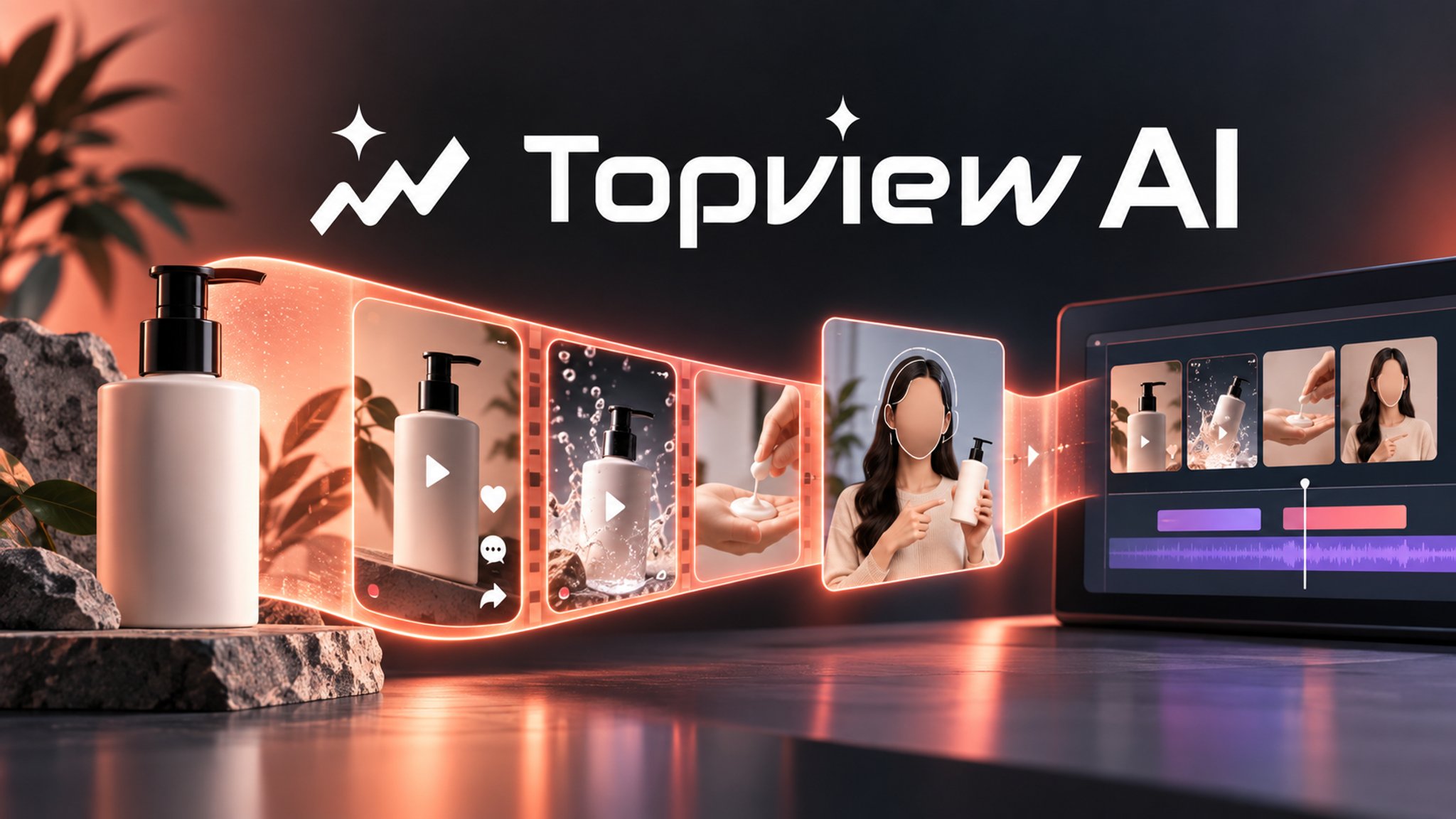
In January 2026, Topview AI launched its "365 Unlimited" annual plan and put Seedance 2.0—ByteDance's generative video model—at the center of its pitch. The sell was simple: pay once, generate as many AI UGC ads as your ecommerce business needs.
Two months later, the Trustpilot queue complaints started. "Unlimited... wait 5 to 7 hours," one user wrote in April. "Pay 8 credits for acceleration... wait for hours and hours," wrote another the same week. Topview acknowledged "near-term upstream provider adjustment affecting stability" in several responses. The unlimited plan still exists. The queue does too.
That's the current state of Topview AI: a genuinely useful ecommerce video agent running a generation backlog that undermines its own core promise. If you're searching for AI UGC ad generator alternatives, you're not alone. Ten direct replacements follow, organized around the specific frustrations that brought you here — queue time, credit burn, avatar quality, and trust. Five adjacent tools round out the list for workflows that go beyond what any single UGC ad generator can solve.
| Tool | Best For |
|---|---|
| Creatify | URL-to-ad teams needing clearer credit limits and fast ecommerce iteration |
| JoggAI | Ecommerce avatar ads with clearly published plan tiers and limits |
| HeyGen | Higher-quality avatars, translations, and digital twins for business video |
| Synthesia | Enterprise training, enablement, compliance, and multilingual business videos |
| D-ID | Talking-avatar generation, API workflows, and low-entry video trials |
| Arcads | Premium AI actor ads where creative believability matters more than price |
| InVideo AI | Prompt-to-video, social video editing, and multi-model creative generation |
| Tagshop AI | Product URL-to-UGC video ads for ecommerce stores |
| Zeely AI | Small-business ad creation, AI videos, and lightweight campaign workflows |
| Predis AI | Social creatives, captions, scheduling, and competitor-aware content planning |
Why People Are Leaving Topview AI in 2026
1. The "365 Unlimited" plan queues for hours — that's not unlimited
In early 2026, Topview AI repositioned its flagship annual offering around Seedance 2.0 availability and marketed it as unlimited video generation. By March, the Trustpilot review stream told a different story. One user logged "2–4 hours to generate a 15-second video" on March 23. A second wrote "unlimited... wait 5 to 7 hours" in early April. A third: "pay 8 credits to accelerate... wait for hours and hours" on April 10. In each case, Topview's customer support attributed the delay to "near-term upstream provider adjustment affecting stability" — an acknowledgment that the Seedance 2.0 rollout had outpaced their generation capacity.
The structural problem here is larger than a temporary backlog. Topview's unlimited plan is not truly unlimited throughput — it's unlimited credit access to a shared queue. When Seedance 2.0 demand spikes, that queue grows for everyone. When users want to skip the queue, they spend additional acceleration credits. The unlimited label describes credit availability, not render speed — a distinction that matters significantly when you're trying to run a production cadence.
2. Every regeneration costs real credits — fixing obvious errors isn't free
The credit-burn complaint predates the Seedance 2.0 queue issue and affects both monthly and annual plan holders. "3–5 regenerations... paid credits disappeared", wrote one user in February 2026. "Correct obvious mistakes, it consumes credit", noted another in January. A broader April 2026 Reddit thread on AI video credit systems captured the underlying pattern: platforms that charge credits per generation attempt — not per successful output — can "halve or double your credit burn instantly" depending on how many retries a given script or product type requires.
For ecommerce brands running high-SKU campaigns, this matters in practice. Some products generate cleanly on the first take. Others — unusual shapes, reflective surfaces, complex backgrounds — require three or four passes before the lip-sync and product presentation align. On a fixed-credit plan, those high-retry SKUs quietly consume a disproportionate share of your monthly allocation.
3. Unused credits reset at the billing cycle — they don't roll over
Topview's official pricing page states it directly: "Credits reset at the beginning of your billing cycle." For monthly subscribers who don't reach their credit limit every month — which describes most users who aren't running constant campaigns — this creates a systematic transfer of value from user to platform. "Unused credits... reset at the beginning", one user noted in February 2026. "3000 credits for the whole year", noted another in April — a complaint about the annual credit ceiling being lower than the "unlimited" framing implied.
The reset mechanic is common in credit-based SaaS pricing and not unique to Topview. But combined with the regeneration cost issue above, it creates a compounding problem: credits burn faster than expected on difficult generations, and any unused remainder at cycle-end disappears rather than buffering next month's production.
4. Avatars and lip-sync still read as AI-generated
The output-quality complaints are older and less concentrated than the queue complaints, but they're consistent. "The output was ridiculous, it looks completely AI", wrote a Reddit user in October 2025 who was actively searching for an alternative. "Terrible platform with worst quality" appeared in a mid-2025 Trustpilot review alongside similar complaints about motion artifacts and robotic movement.
This matters because the core value proposition of UGC-style ads is that they blend into organic feeds — they look like content a real customer made, not like branded production. AI generation artifacts (stiff neck movement, unnatural blink timing, mouth shapes that don't quite match the audio) undermine that value. For brands running performance ad campaigns where CTR and conversion are tracked daily, creative believability is a direct revenue variable.
5. Support blames your prompts; closing your account is harder than it should be
"Support's response was to blame my improper prompts," one February 2026 user wrote after losing credits on failed generations. "Support is not responsive at all", noted another in January. A third flagged "barriers to closing your account" when they attempted to cancel in January 2026.
The support-trust cluster is thinner than the credit and queue clusters in the user evidence — but it's often the accelerant that converts dissatisfaction into active migration. When you've already spent credits on regenerations you couldn't control, and the support response reframes the failure as user error, the emotional cost of staying rises and the perceived risk of switching drops.
Top 10 Topview AI Alternatives Compared
| Tool | Pricing Shape | Predictable Cost? | Primary Use Case | Free Tier | Score |
|---|---|---|---|---|---|
| Topview AI (anchor) | Credits + Unlimited w/ queue | 🟡 Annual credits cap; queue for unlimited | Viral UGC ad automation | No | 7.2 |
| Creatify | Subscription + credits | 🟢 Fixed monthly credits; no queue | URL-to-ad / AI actor ads | Yes (10 credits/mo) | 8.7 |
| JoggAI | Subscription + credits per plan | 🟢 Clear credit allotments per tier | Avatar product ads | Yes (3 videos/mo) | 8.5 |
| HeyGen | Subscription + video minutes | 🟢 Minutes-based; no hidden queue | Business avatar video | Yes (3 videos/mo) | 8.5 |
| Synthesia | Subscription + minutes | 🟢 Minutes/month; SOC 2 certified | Enterprise training video | Yes (10 min/mo) | 8.4 |
| D-ID | Subscription + credits | 🟢 Transparent from $4.70/mo | Talking avatar + API | Yes (14-day trial) | 8.3 |
| Arcads | Credit-based plans | 🔴 High floor; $110/mo for 10 videos | Premium AI actor UGC | No | 8.1 |
| InVideo AI | Minutes-based subscription | 🟢 Minutes per week/month by tier | Prompt-to-social video | Yes (10 min/wk) | 8.2 |
| Tagshop AI | Credits per plan | 🟡 Per-video pricing; verify tiers | Ecommerce UGC from URL | Yes (15 credits) | 8.0 |
| Zeely AI | Credits per plan | 🟢 $29.95/mo with 500 credits | Performance marketing + video | No | 8.0 |
| Predis AI | Credits per plan | 🟢 Core $19/mo; clear credit tiers | Social video + scheduling | Yes (7-day trial) | 8.1 |
Detailed Reviews
Creatify
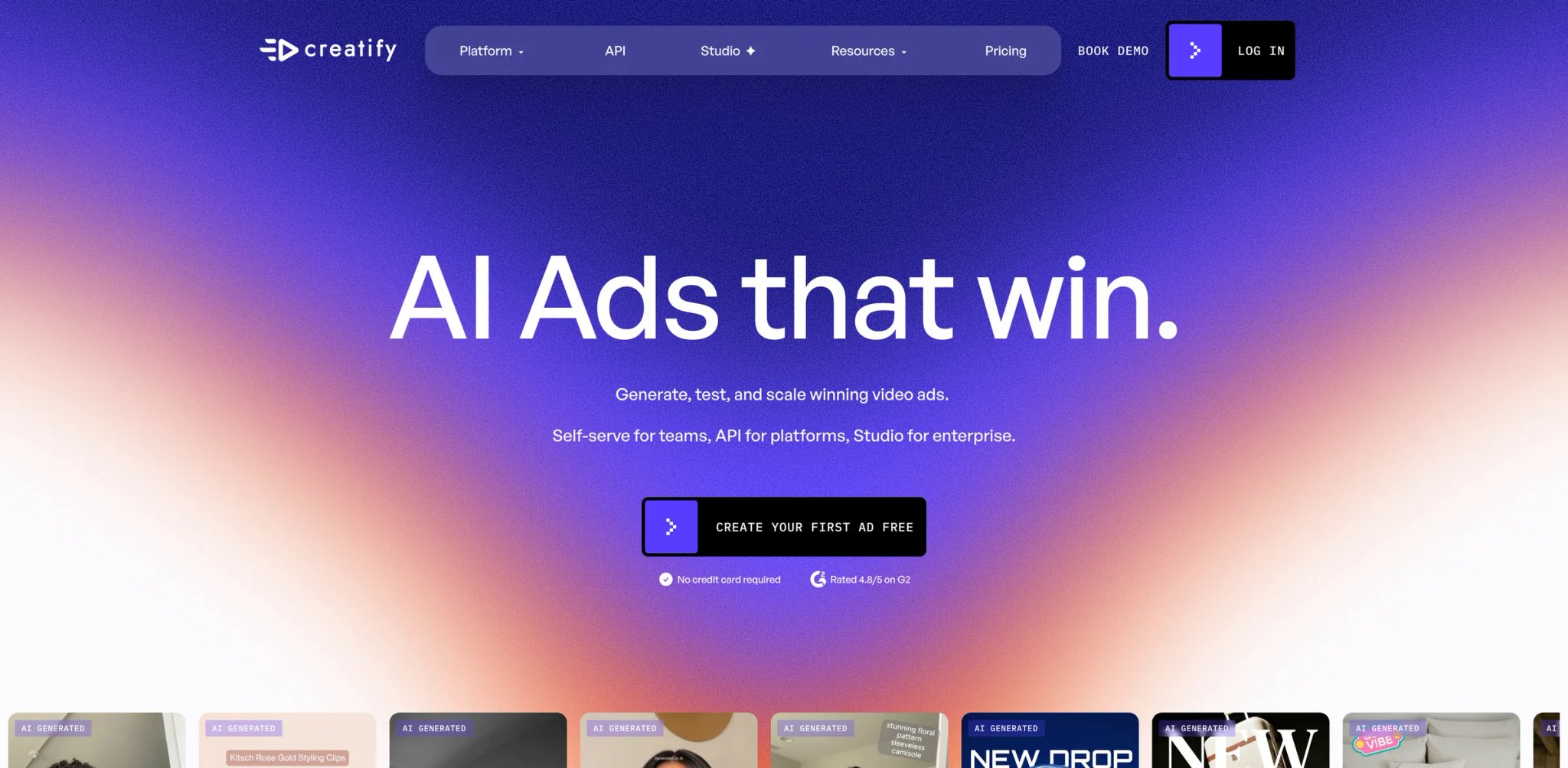
Creatify is one of the closest like-for-like URL-to-ad swaps for Topview AI available right now — same core workflow (drop in a product URL, get an AI-actor video out), different infrastructure underneath. Where Topview routes generation through Seedance 2.0 and absorbs the queue costs into an "unlimited" promise, Creatify uses its own actor and rendering pipeline with predictable per-video credit consumption and no priority-credit system to navigate.
What Creatify solves vs Topview AI:
- No generation queue: videos render in minutes on standard plans — no multi-hour wait, no acceleration credits needed
- Credit-expiry reality: Creatify publishes 10 monthly free credits and plan-based credit allowances; verify the current credit-expiry window before relying on credits for future campaigns
- AI actor library: Creatify lists 300 AI actors on Free/Starter and 1,500 AI actors on Pro in its pricing comparison — broader than Topview's current avatar pool, and the Seedance-model aesthetic doesn't suit every brand
- The numbers, not the marketing: At Starter, Creatify's public comparison shows 100 monthly credits and up to 20 video ads; credit use depends on format, length, model, and revisions — confirm current credit math before committing
The URL-to-video workflow on Creatify is nearly identical to Topview's: paste a product page URL, the platform scrapes assets and generates a script, select an AI actor, preview and export. Teams migrating from Topview report a setup time of under an hour for the first campaign.
Pricing vs Topview AI: Free tier includes 10 credits/month with watermark — enough to evaluate actor quality and workflow fit before committing. Starter pricing is plan-based; the public comparison shows 100 monthly credits on Starter and 200–5,000 monthly credits on Pro, with Enterprise custom. Credits are plan-based — verify the current credit cap and expiry terms before committing.
Limitations: Creatify doesn't use Seedance 2.0 or any ByteDance model — the visual aesthetic of generated video will differ. If your existing Topview campaigns have been optimized around Seedance's specific motion style, expect a 2–3 week creative recalibration period. API access requires Business tier, which adds cost for teams that want to integrate generation into their own tooling.
Best for: Ecommerce teams running URL-to-ad workflows at volume who need predictable per-video costs, same-day turnaround, and a credit model that doesn't punish high-iteration creative testing. Not the right fit if you need Seedance-model video quality specifically or have built a workflow around Topview's specific UGC generation style.
Get started with Creatify
JoggAI
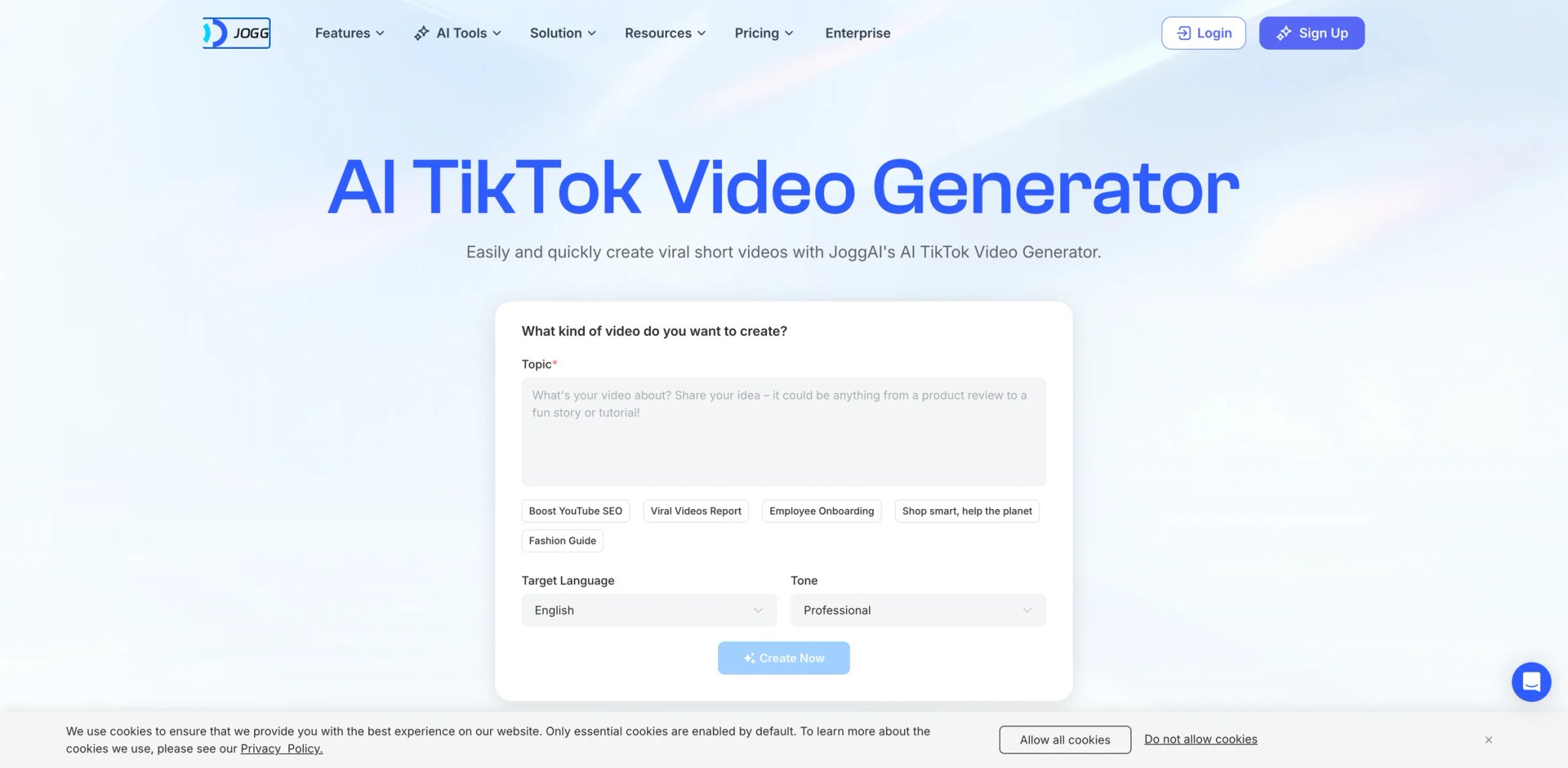
JoggAI lists Free, Starter, Creator, Team, and Enterprise plans. The public pricing page shows Starter at $29/mo and Creator at $69/mo, with annual discounts displayed. Free includes 3 credits with no subscription required. That's the JoggAI pricing structure in plain terms — and the directness is the point. The platform's entire positioning is built around giving ecommerce marketers a clear answer to "how many videos can I make this month and what will it cost?"
What JoggAI solves vs Topview AI:
- The math: Topview's standard generation costs 8–15 credits per video when accounting for the occasional retry; JoggAI's Starter plan is $29/mo with clearly published yearly credit limits — check the current plan page for the exact monthly-equivalent video count, as JoggAI's credit denominations have been updated since earlier listings
- Clearly labeled per-plan credit allotments published on the pricing page — you see the ceiling before you commit, not after
- AI actor library covers the core ecommerce use case (product pitch, spokesperson, UGC-style testimonial) with lip-sync that scores consistently above base Topview avatar output
JoggAI's product URL workflow is competitive with Creatify: paste a URL, platform extracts product information, generate a script or bring your own, select an actor, export. The onboarding experience is simpler than HeyGen's or Synthesia's because the tool is narrowly scoped to the ecommerce ad use case — there's less surface area to learn.
Pricing vs Topview AI: At $29/mo, JoggAI is a clear lower-entry alternative. JoggAI's current public pricing shows yearly credit allotments on Starter rather than monthly rolling credits — check the plan page for current per-video cost at each tier. Annual discounts bring the rate lower. No queue mechanics mean throughput is a function of your own production pace, not Topview's backend load.
Limitations: JoggAI's template library is smaller than Creatify's, and the actor customization depth (voice, style variation) is more limited than HeyGen's mid-tier plans. Not the platform for long-form training video or enterprise-grade avatar customization — those use cases belong in Synthesia or HeyGen.
Best for: Small ecommerce teams or solo operators who want to know exactly how many videos they can produce per month and what it will cost — before signing up. Not the right fit if you need enterprise-grade avatar customization, multilingual video, or white-label output.
Get started with JoggAI

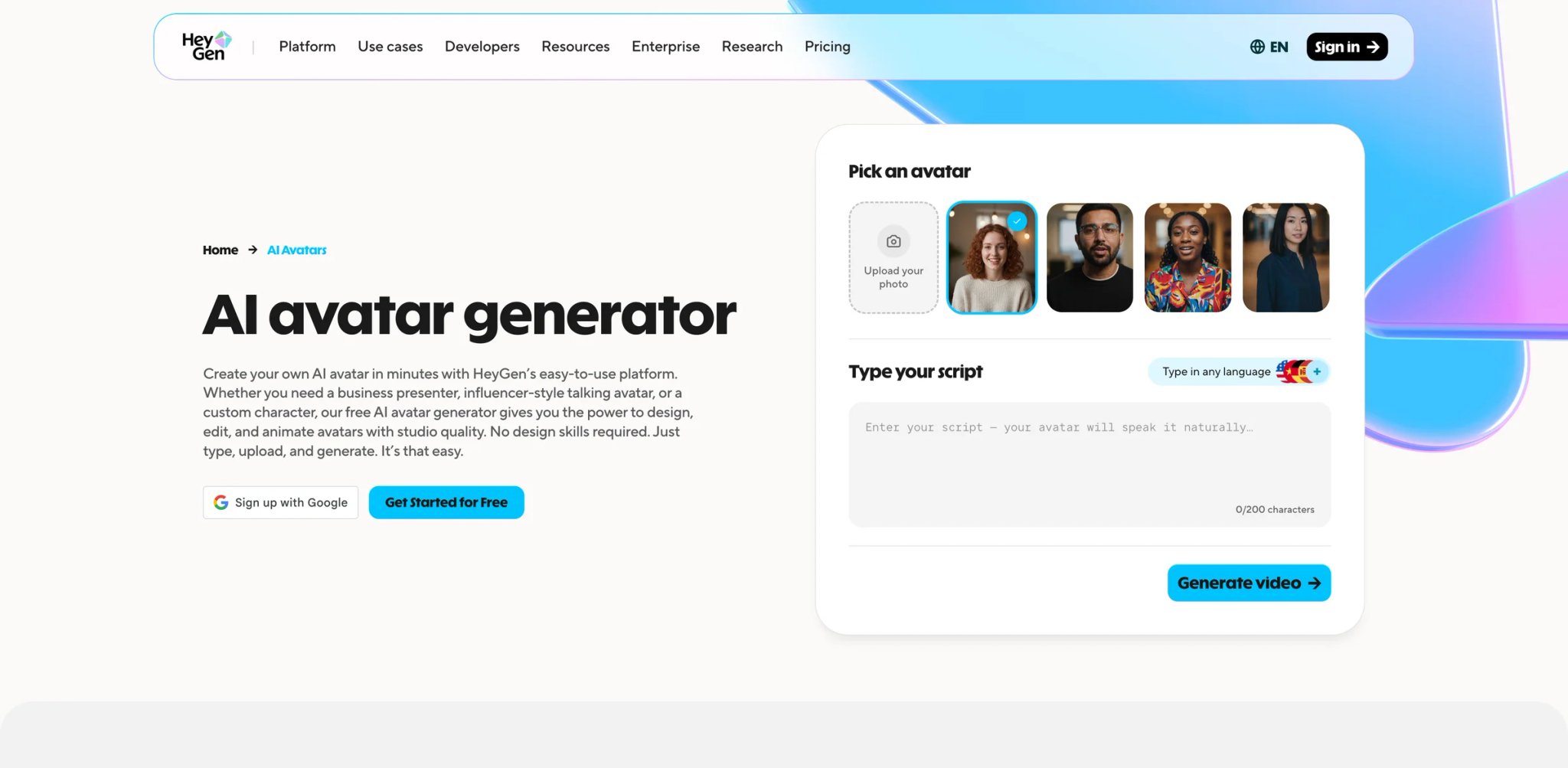
HeyGen is where Topview users land when the use case shifts from viral ecommerce ads to business communication video. The platform covers the same AI avatar foundation but routes it toward a different output: spokesperson videos, product demos, translated multilingual content, and digital twin creation — rather than UGC-style ad automation. The migration trigger is usually avatar quality, and on that dimension HeyGen is a measurable step up.
What HeyGen solves vs Topview AI:
The core differentiation is photorealism. HeyGen's avatar library includes options for custom digital twin creation — upload a recorded video of yourself or a team member, and the platform generates an AI avatar that replicates your appearance, voice, and movement. Lip-sync accuracy, facial expression range, and natural head movement are noticeably better than Topview's current avatar output. If "the output looks completely AI" is the reason you're searching for alternatives, HeyGen is the platform to test first.
The second meaningful differentiator is translation. HeyGen can translate and re-lip-sync videos; its pricing page lists 30+ languages on Free and 175+ languages and dialects on paid Creator/Pro plans — preserving the speaker's visual identity while adapting the audio. This has no equivalent in Topview's workflow and is a significant capability for brands running localized ad campaigns across regions.
Pricing vs Topview AI: Free plan includes 3 videos/month, 1-minute max, 720p output — substantive enough to evaluate quality before paying. Creator $29/mo for higher-resolution output and more credits. Pro $99/mo for higher premium usage and 4K export. Business $149/mo plus $20 per additional seat for team collaboration.
Limitations: HeyGen is not an ecommerce-first URL-to-ad generator. Starting from a product URL and ending with a formatted ad requires more manual steps on HeyGen than on Creatify or JoggAI. Custom digital twin creation carries an additional cost and goes through an approval process that can take several days. The free plan's 3-video limit is enough to evaluate quality but not to run an actual campaign.
Best for: Teams producing business videos, multilingual spokesperson content, or product explainers who need photorealistic avatar quality above Topview's current output — and who are willing to accept more manual workflow setup in exchange for better output quality. Not the right fit if you need automated URL-to-ad generation without manual scripting steps.
Get started with HeyGen

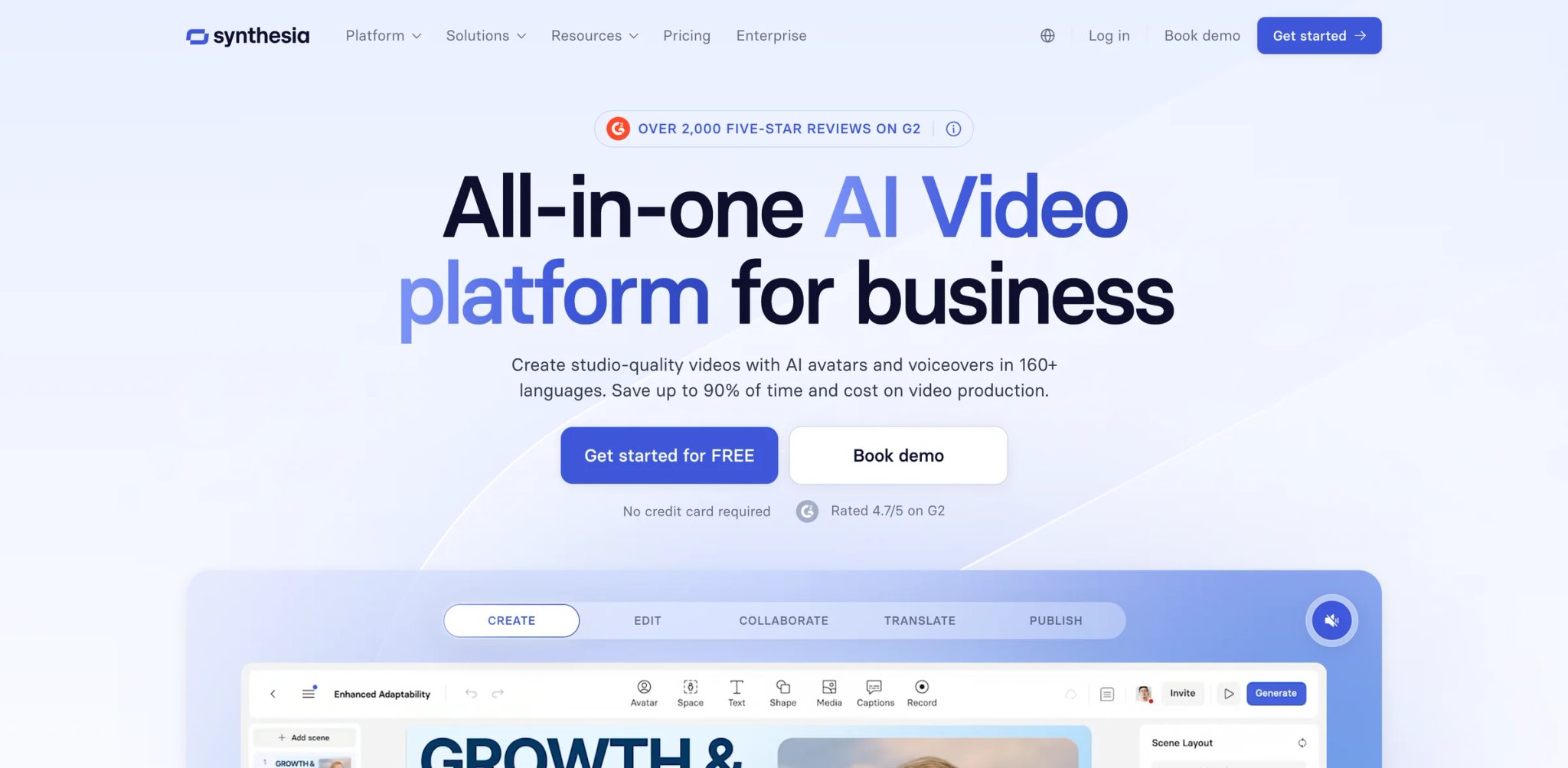
240+ AI avatars. 160+ languages. SOC 2 Type II certified, ISO 42001 compliant, GDPR compliant, and used by more than 50,000 teams including Google, Reuters, and Zoom. Synthesia sits at the enterprise end of the AI avatar video market — the right platform if your exit from Topview is driven by scale, compliance requirements, or a need for internal communications video that has to look credible beyond a social feed.
What Synthesia solves vs Topview AI:
The differentiator isn't UGC — Synthesia is not built for ecommerce ad generation. Its strength is the combination of avatar diversity, enterprise compliance posture, and a scene-based video editor that lets non-designers produce polished training, onboarding, and sales enablement content at scale. If you were using Topview primarily for ecommerce ads, Synthesia is probably not the migration path. If you're running L&D, onboarding, or internal communications alongside your ad content — and the Topview queue has disrupted your overall video production cadence — Synthesia provides a more stable, predictable enterprise alternative for the communications use case.
The compliance posture is worth highlighting specifically: Synthesia is the only platform in this comparison with published SOC 2 Type II certification, which matters for enterprise buyers in regulated industries (financial services, healthcare, legal) where using a cloud AI video tool requires documented security controls.
Pricing vs Topview AI: Free plan includes 10 minutes/month with watermark. Starter at $18/mo billed annually ($29/mo monthly) for basic production access. Creator at $64/mo billed annually ($89/mo monthly) for full avatar library and screen recording integration. Pricing is minutes-based — no hidden credit multiplication, no regeneration cost penalties, no queue.
Limitations: Synthesia doesn't generate ecommerce UGC ads. There's no URL-to-video workflow. The avatar style is polished and professional — which is a liability if your brand needs content that looks organic on social feeds. Custom avatar creation (resembling a specific person) requires a dedicated enterprise agreement and additional approval. For teams whose primary use case is social ad production, Synthesia represents a parallel investment, not a replacement.
Best for: Enterprise teams running training, onboarding, or multilingual business communications who need compliance-grade infrastructure and predictable, auditable costs. Not the right fit if your primary output is short-form ecommerce ads, UGC-style social content, or any format that benefits from looking "real" rather than produced.
Get started with Synthesia

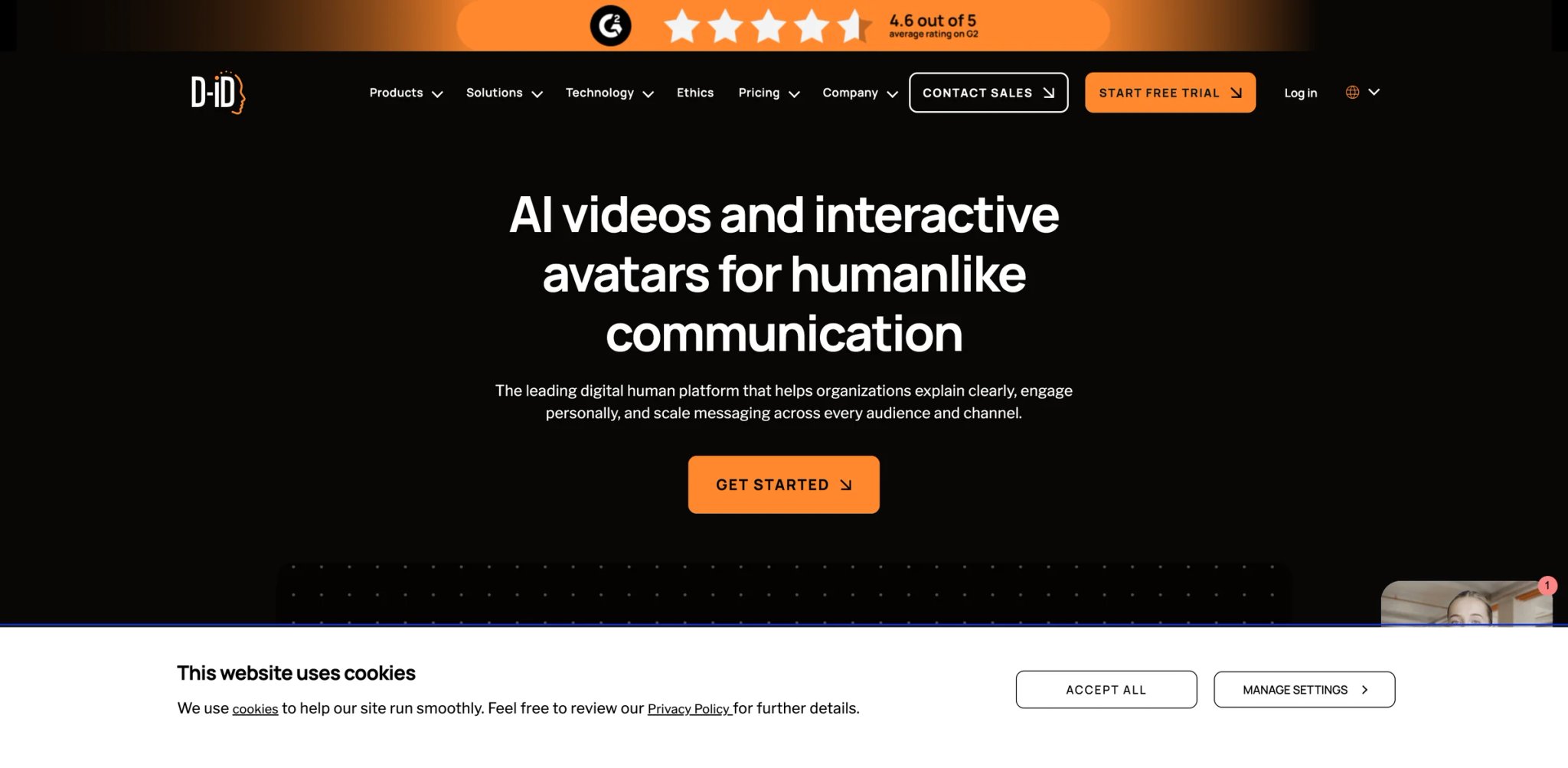
Built by the Israeli computer vision team behind some of the earliest published academic work on face reenactment and talking-head video generation — D-ID's credibility in the avatar space predates the current wave of AI video startups by years. The platform has since evolved into a product-grade talking-avatar generator with a clean REST API, highly competitive entry-level pricing, and a deployment model that serves both solo operators and enterprise developers.
What D-ID solves vs Topview AI:
- Transparent minutes-based pricing from $4.70/mo annually: D-ID's Lite tier is the lowest published price point for avatar video generation in this comparison — and the cost structure is published directly on the pricing page; D-ID uses a minutes-based model, not rolling credits
- API-first architecture: developers can embed talking-head avatar generation directly into custom applications, CRM tools, or ad-production pipelines via D-ID's REST API — Topview offers no equivalent API access at standard tiers
- Talking-photo capability: D-ID can animate a static image — a product photo, a headshot — into a speaking, moving avatar, with lip-sync accuracy that performs well at the entry tier; this is a genuinely distinct use case from Topview's full-video generation model
Pricing vs Topview AI: Lite plan at $4.70/mo billed annually for personal or small-scale use. Pro at $16/mo billed annually for higher video volume and quality. Advanced and Enterprise for team access and custom SLA. 14-day free trial available with no credit card required on entry tiers. No acceleration credit layer, no queue-based throughput limits at current capacity.
Limitations: D-ID is a talking-avatar generator, not an ecommerce ad automation platform. There's no URL-to-video workflow, no AI actor persona library with pre-built styles, and no template system designed for performance ad formats. It's the right tool for controlled avatar generation, API integration, and cost-efficient single-avatar video production — not for replacing Topview's automated campaign pipeline directly.
Best for: Developers integrating avatar video into custom applications, marketers who need affordable talking-avatar generation for personalized video outreach, and teams who want a low-cost fallback for single-avatar content without committing to a higher-tier platform. Not the right fit if you need a one-click URL-to-ecommerce-ad workflow or high-volume social ad production.
Get started with D-ID
Arcads
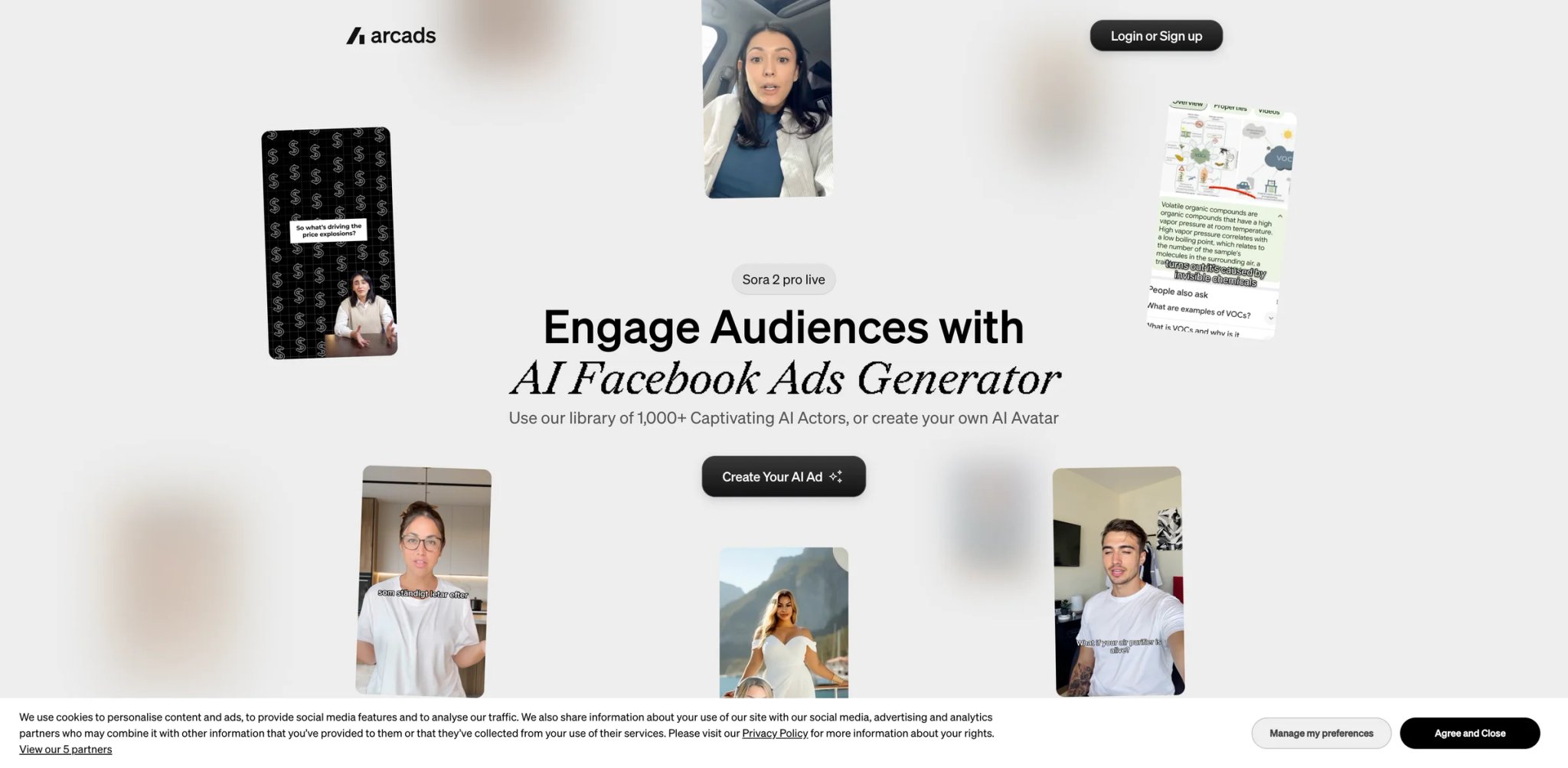
Before pricing, the warning: Arcads is expensive. Starter plan is $110/mo for 10 AI actor videos. Creator is $220/mo for 20 videos. There is no free tier, no trial period, and no low-commitment entry point. If you're switching from Topview because credits are unpredictable, Arcads replaces credit unpredictability with a high, fixed floor — the cost math is simpler, but the number is higher.
What Arcads solves vs Topview AI:
The reason Arcads commands this price is actor believability. The platform works with real actors who have contractually consented to AI replication of their likeness — the resulting output is a meaningful step above both Topview's avatar pool and most AI-actor generators in terms of how organic the final video looks. The actors' micro-expressions, natural speech timing, and skin texture rendering create content that holds up in side-by-side comparison with genuine UGC footage. For DTC brands running performance ad campaigns where creative fatigue is measured in days and the cost differential between a 0.8% and 1.4% CTR compounds over thousands of daily impressions, that quality premium has a concrete business case.
Price reality: At $110/mo for 10 videos, the per-video cost is $11. For high-volume needs, Arcads scales poorly — 100 ad variants per month would require a custom enterprise agreement at several hundred dollars monthly. For low-volume, high-quality creative production (10–20 ad variants per month tested at meaningful budget), the math is more defensible.
Limitations: The pricing model excludes small or experimental budgets entirely. No trial means you're committing $110 before validating output quality for your specific brand, product type, and creative brief. The actor selection process is also more curated — you're choosing from a specific roster, not generating unlimited custom looks. Pricing transparency on higher tiers is limited on the public site.
Best for: DTC brands spending $10K or more per month on paid social who need maximum creative believability and can support a $110–220/mo platform cost. Not the right fit if you're testing at small budget, need high video volume, or want to try before committing to a paid plan.
Get started with Arcads
InVideo AI
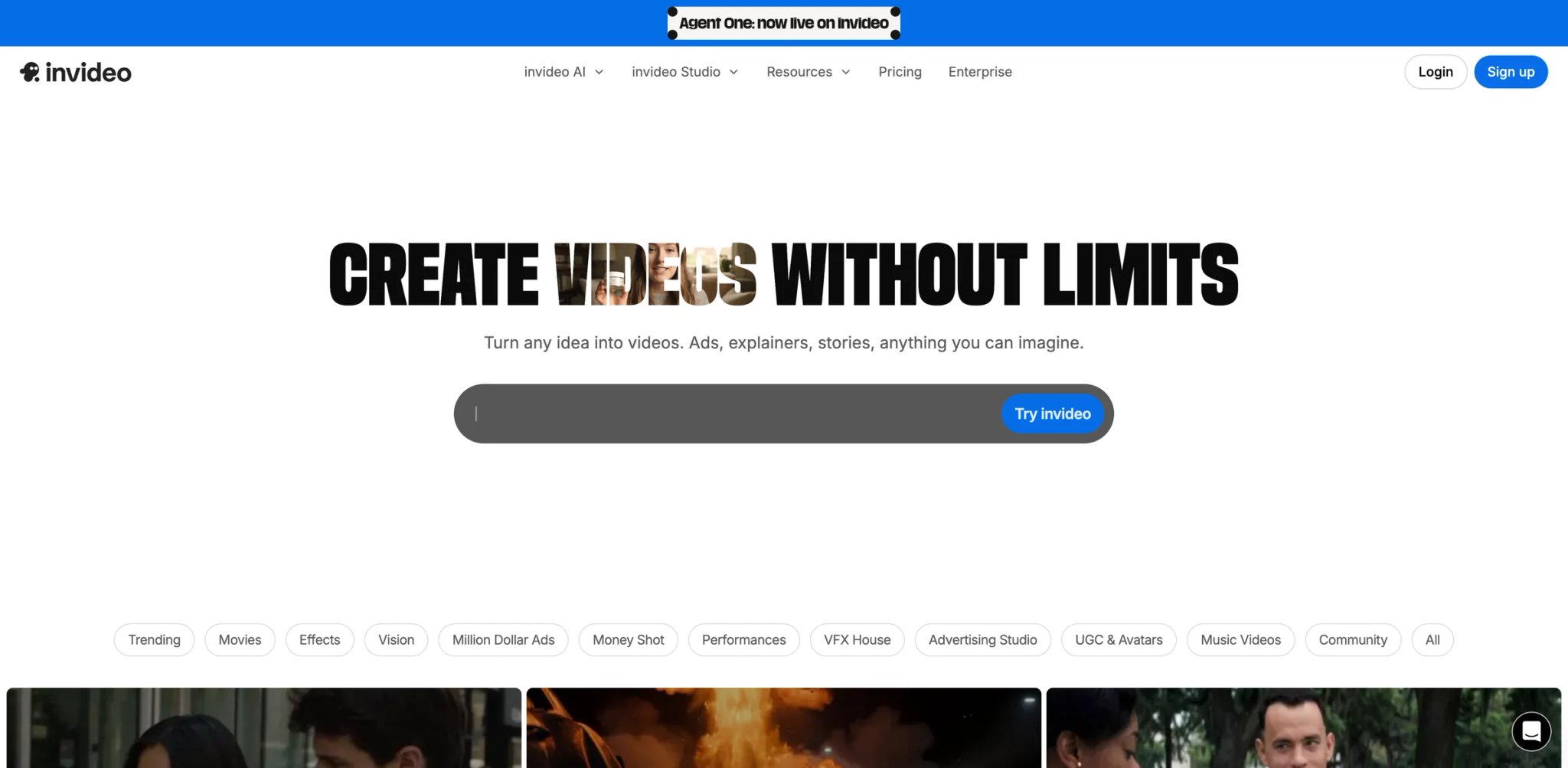
InVideo AI uses a credit-based pricing model across paid tiers — credits are used for video creation and generative models. The official pricing page lists Plus, Max, and Generative tiers with annual billing; unused credits do not roll over. Free evaluation is available. Verify the current plan limits on the official pricing page before committing, as credit denominations and model prices can change.
What InVideo AI solves vs Topview AI:
- Prompt-to-video breadth: InVideo handles scripts, social reels, YouTube content, explainer videos, and news-style clips — a broader creative mandate than Topview's ecommerce-first ad generation
- Credit-based pricing: InVideo AI uses credits across video creation and generative models; what you pay is tied to your plan's credit allotment — no acceleration credit overlay like Topview's queue mechanics
- Built-in editing environment: after generation, InVideo's editor lets you adjust cuts, swap scenes, add text overlays, resize for different platforms, and adjust voiceover — without leaving the platform or burning additional generation credits
- Cost stack reality: At Plus ($28/mo), InVideo covers roughly 30–40 one-minute AI videos per month; if Topview's regeneration credit burn was pushing your effective monthly cost above $28, InVideo's tier may represent a concrete savings at similar or lower output volume
Pricing vs Topview AI: Entry point is below most Topview monthly plans for equivalent video output. The Generative tier ($170/mo billed annually) is InVideo's top plan — but unlike Topview's "unlimited" framing, InVideo's official FAQ states credits are used across generative models and unused credits do not roll over. Verify the current tier limits before committing.
Limitations: InVideo AI is a general video production tool, not an AI UGC avatar ad generator. If your Topview use case required a real-looking AI human actor delivering a product pitch to camera, InVideo doesn't replicate that — the AI video style is more cinematic or animated, not human-presenter. The free plan's weekly 10-minute limit resets weekly, which can feel restrictive during heavy testing phases.
Best for: Content creators and marketing teams producing high-volume social video — reels, YouTube shorts, explainers — who want built-in editing and predictable per-minute pricing without credit-burn penalties. Not the right fit if your core output format is human-avatar UGC-style ads where a real or AI person speaks directly to camera.
Get started with InVideo AI
Tagshop AI

A Reddit user disappointed with Topview AI's output quality posted in October 2025: "I am looking for the Topview AI alternative. I was a big disappointment." The top reply recommended Tagshop AI. That's not a formal endorsement — it's an indication that Tagshop occupies a real mental slot in the minds of ecommerce marketers who've tried Topview and found it lacking on output quality.
What Tagshop AI solves vs Topview AI:
Tagshop's pitch is structurally similar to Topview's: paste a product URL, get a shoppable video ad. The key differentiation is in the distribution layer, not the generation layer. Tagshop integrates directly with Shopify, WooCommerce, Magento, and other ecommerce platforms — letting you embed generated videos on product detail pages as shoppable content, not just distribute them as social ads. For brands whose primary conversion bottleneck is on-site engagement rather than top-of-funnel social reach, that integration layer shifts the value proposition meaningfully.
The UGC generation itself is competitive at the $29–99/mo price range. Avatar quality is serviceable — better than base Topview output per user reports, though not at HeyGen or Arcads level. Script generation from product URLs works reliably for standard product types; complex or niche products may require manual script refinement.
Pricing vs Topview AI: Tagshop AI pricing needs re-verification before purchase. The current official pricing page emphasizes annual credit buckets (around 600 credits expiring yearly, up to 60 videos), while older third-party listings cite $29/$99/$249 monthly tiers. Free test access is available. Verify active monthly tiers and per-video cost on the official pricing page before committing.
Limitations: Video volume limits per plan are modest — 5 videos/month on Starter is low for high-cadence ad testing. For teams running 20+ creative variants per week, the Growth tier ($99/mo) is the realistic floor, which is a step up from Topview's equivalent monthly cost.
Best for: Ecommerce brands who want both social ad creation and on-site shoppable video integration with Shopify or WooCommerce. Not the right fit if you need high-volume ad generation, enterprise-level avatar customization, or primarily distribute through social platforms rather than your own store.
Get started with Tagshop AI
Zeely AI
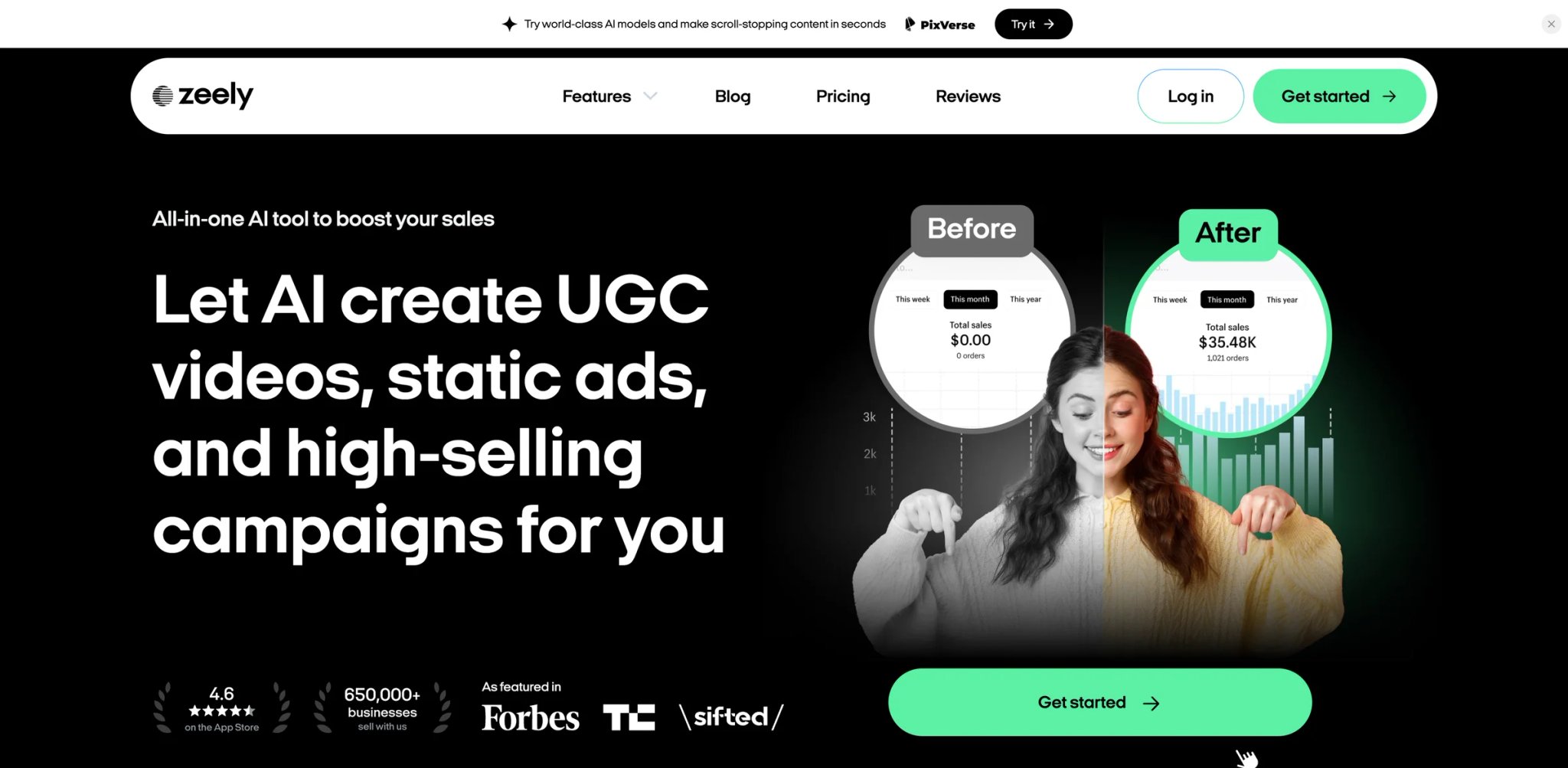
Zeely isn't just a video generator — it pairs AI ad creation with landing page templates and basic campaign management tools, positioning itself as a lightweight performance marketing suite for small ecommerce businesses. For solo operators and small teams who were using Topview as one piece in a fragmented tool stack (ad generator + page builder + campaign tracker), the consolidation reduces both monthly subscription costs and workflow complexity.
What Zeely AI solves vs Topview AI:
Zeely's differentiation is scope, not depth. Where Topview goes deep on video generation quality and throughput, Zeely goes wide: generate a video ad, build a matching landing page, launch a basic campaign — all from a single subscription. The video generation quality sits in the mid-tier range, competitive with JoggAI and Creatify at similar price points but not above them. The value proposition is the workflow layer that surrounds the video, not the video quality itself.
The credit model is clearer at entry level: Zeely's official pricing page lists Starter at $29.95/mo with 500 credits, Plus at $49.95/mo, and Growth at $79.95/mo for higher volume. Verify the current credit-expiry policy directly before committing — the rollover claim has not been independently confirmed. No queue mechanics or acceleration credit layer.
Pricing vs Topview AI: At $29.95/mo, Zeely is positioned as an entry-tier alternative to both Topview's monthly plans and the combined cost of Topview + a separate landing page builder. For users currently spending $50–80/mo on a fragmented stack, consolidation to Zeely may represent actual savings.
Limitations: If video quality or avatar realism is your primary reason for leaving Topview, Zeely won't be a step up — it's competitive at the price point, not above it. The landing page and campaign features are basic compared to dedicated tools like Unbounce or Klaviyo. Teams that have already invested in a marketing stack likely won't replace those tools with Zeely's versions.
Best for: Solo operators and small ecommerce teams who want to consolidate ad video creation, landing page management, and basic campaign tracking into a single tool at a sub-$80/mo price point. Not the right fit if video output quality or avatar realism is the primary migration driver, or if you already have a working marketing stack you want to keep.
Get started with Zeely AI
Predis AI
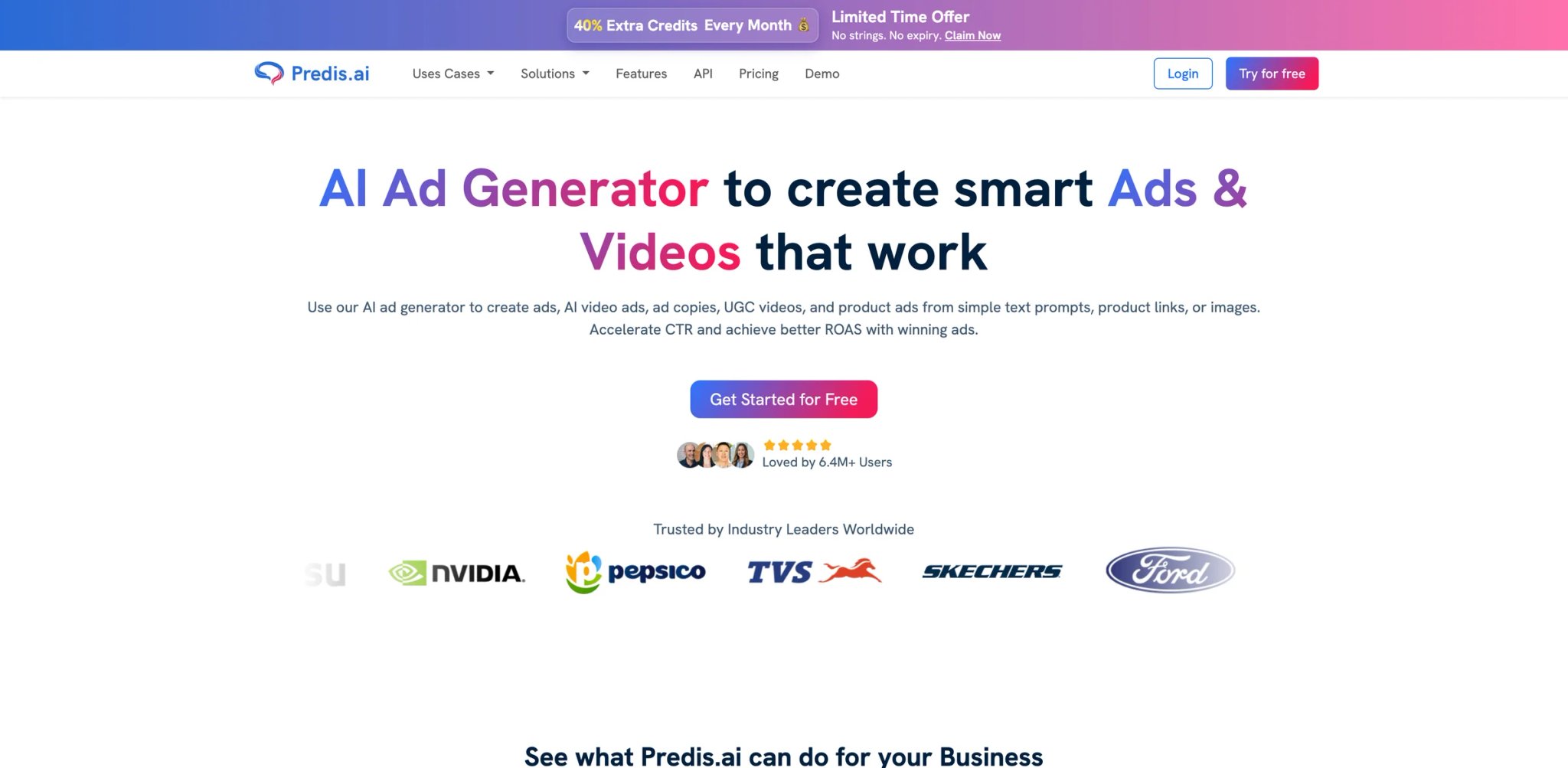
1,300 credits at $19/mo on the Core tier — and those credits power not just AI video generation but caption writing, hashtag generation, social post scheduling, and a competitor ad library that shows you what creative formats your direct competitors are currently running. Predis AI bundles AI video into a social media management workflow rather than offering it as a standalone tool, which makes it the right fit for a specific type of user who was using Topview videos as one input into a larger content production system.
What Predis AI solves vs Topview AI:
- Credit pricing is transparent and front-loaded at all tiers: Core $19/mo (1,300 credits), scaling to Enterprise+ at $212/mo annually (10,000 credits) — no hidden regeneration cost multiplier, and the credit-per-feature breakdown is published
- Social content layer reduces tool sprawl: if you were routing Topview videos into a separate scheduling platform, Predis consolidates generation and distribution
- Competitor ad library is a genuine strategic feature with no Topview equivalent — it indexes live ads across major social platforms and shows you which creative formats are running for specific competitors, informing your own creative direction
Pricing vs Topview AI: At $19/mo, Predis Core is cheaper than Topview's paid entry tier — but note that Predis focuses on social creatives, captions, scheduling, and template-based video rather than AI actor UGC ads, so the output types differ. Predis AI publishes monthly credit allowances (1,300 credits/month on Core); verify the current credit-reset policy on the official pricing page.
Limitations: Predis AI is not an avatar-video generator. The AI video output is template-and-text-overlay driven — there are no human AI actors, no lip-sync video, no talking-head presenter format. If your primary Topview use case was producing human-presenter UGC ad content, Predis doesn't replace it. The video output quality ceiling is lower than every other tool in this comparison.
Best for: Social media managers who want AI-assisted video as one component of a broader content calendar, scheduling, and competitor analysis workflow — and who don't require human avatar or UGC presenter format. Not the right fit if your output requires AI actor presenters, talking-head video, or any human avatar format.
Get started with Predis AI
Honorable Mentions
Runway — Free tier with 125 one-time credits; paid tiers for ongoing access. Runway is the adjacent pick for users whose creative direction is shifting from UGC spokesperson ads toward cinematic or editorial AI video — motion-controlled generation, scene composition, and style-guided video creation that goes well beyond what any avatar-generation platform can produce. It doesn't replace Topview's human-presenter format, but if you're questioning whether avatar-based ads are the right format for your brand at all, Runway is the tool to test before committing to another avatar platform.
VEED — Free plan available; paid from approximately $9/mo. If what you're really missing is editorial control after the AI generates the first cut — automatic subtitles, aspect ratio resizing for different platforms, sound cleanup, brand overlays, custom thumbnails — VEED is a cleaner path than rebuilding in a full video editing suite. It's a post-production layer, not an avatar generator. But it solves a real workflow gap in Topview's model: generated videos that need refinement can't be edited without burning regeneration credits, so the only practical option is exporting the imperfect output and finishing it elsewhere.
Canva — Free plan; Pro approximately $15/mo. For marketing teams that have been using Topview primarily because they needed video ads but don't have a dedicated video designer, Canva's AI video features, animation templates, and predictable Pro pricing may cover their actual production requirements. It's not a UGC ad generator, and the AI video quality ceiling is below every dedicated tool in this comparison. But for brands where "good enough template-based video" satisfies the creative brief without requiring avatar generation at all, Canva's integrated design + video + social scheduling workflow is worth evaluating.
Descript — Free plan with 1 media hour/month and 100 AI credits; Hobbyist at $24/mo or $16/mo billed annually. Descript's strongest case for Topview users is the editing layer: once you have AI-generated footage from any platform, Descript lets you cut by transcript, regenerate individual audio sentences without re-recording, add automatic captions across formats, and republish directly to YouTube or social. For teams that generate videos in Creatify or JoggAI and then need to adapt them for multiple platforms with different caption and timing requirements, Descript is the production polish tool that sits downstream of generation.
AdCreative AI — 7-day free trial; paid plans from approximately $39/mo. AdCreative AI generates static and video ad creative variants with performance prediction scoring — it tells you which creative variants are likely to generate higher CTR before you spend media budget testing them. For performance marketers who were using Topview videos as creative inputs into a structured ad testing pipeline, AdCreative's predictive scoring layer adds a decision-making tool that Topview never offered. It won't generate talking-head avatar content, but for brands running image and short-form video ad formats alongside UGC-style content, the performance prediction capability has direct ROI implications.
Migrating from Topview AI — A Practical Guide
Data and Account Migration
Topview AI does not offer a project export feature. Avatar customizations, brand voice settings, script templates, and previously generated video assets live inside Topview's platform and cannot be transferred as working files to any alternative tool. Download all finished video files to local storage before initiating a downgrade or cancellation.
Credits do not refund on plan downgrade or cancellation. Check your billing cycle date before canceling — Topview's credit reset happens at cycle start, and there is no proration for unused credits mid-cycle. Multiple users on Trustpilot have flagged friction in the account closure process itself; document your cancellation request and allow additional time for the process to complete.
If you generated custom avatar personas or uploaded brand assets (product images, logo files, audio samples) within Topview, manually export or re-source those assets before canceling — the platform provides no structured export of uploaded content.
Learning Curve by Alternative
Near-zero (same URL-to-ad pattern): Creatify, JoggAI, Tagshop AI — these platforms share Topview's core URL-to-video workflow model. Most ecommerce marketers report being productive within 30–60 minutes of signup, with the first test campaign running the same day.
Medium (different workflow model, same output type): HeyGen, Zeely AI, InVideo AI — these require adjusting to a script-first or template-first mental model rather than Topview's URL-first pattern. The final output (social-ready video ad) is similar enough that the adjustment is measured in days, not weeks. Expect to spend 2–3 hours learning the platform before your first real production run.
High (paradigm shift): Synthesia, D-ID, Arcads — these platforms require rethinking what "AI video" means in your workflow. Synthesia is production-grade enterprise software with a scene-based editor. D-ID is API-first. Arcads requires working with their actor selection and creative briefing process. Plan for a structured 1–2 week onboarding period before the platform delivers business-value output.
Pricing Brackets vs Topview AI
Cheaper or significantly clearer:
- D-ID Lite: $4.70/mo billed annually — the lowest entry point in this comparison for avatar video
- Predis AI Core: $19/mo with transparent credit tiers
- JoggAI Starter: $29/mo with 1,500 credits and no queue
- HeyGen Creator: $29/mo with minutes-based pricing and no acceleration credit layer
Similar price range:
- Creatify Starter: $33/mo
- Zeely AI Starter: $29.95/mo
- Tagshop AI Starter: $29/mo (5 videos/month — lower absolute volume than most Topview monthly plans at equivalent price)
More expensive / enterprise tier:
- Synthesia Creator: $64/mo billed annually ($89/mo monthly)
- Arcads Starter: $110/mo for 10 videos — significantly higher than any Topview entry plan
- InVideo AI Max: $50/mo for 200 AI minutes/month if high volume is required
Best Topview AI Alternatives by Use Case
If Your Reason Is "I paid for unlimited but videos queue for hours"
The queue problem is an infrastructure issue, not a feature gap — no amount of feature comparison resolves it if generation time is blocking your production schedule. Creatify and JoggAI both render in minutes on standard plans with no acceleration credit requirement. InVideo AI offers explicit priority processing at the Max tier ($50/mo). Any of these three directly eliminates Topview's queue dynamic.
If Your Reason Is "I want a predictable monthly bill with no credit surprises"
JoggAI is the clearest first test — fixed credit allotments per plan, published on the pricing page before signup, no hidden regeneration multipliers or acceleration fee tiers. HeyGen uses a minutes model that's similarly front-loaded: you know how many minutes you have per month and nothing changes that number during the billing cycle. D-ID's entry pricing ($4.70/mo) is the most cost-certain option in this entire comparison for basic avatar video production.
If Your Reason Is "My unused credits reset every month"
JoggAI and Zeely AI publish their credit limits per plan before signup — that's a predictable ceiling, not necessarily rollover. Predis AI's monthly credit allocations are similarly front-loaded. For Creatify, verify the current credit-expiry policy on their pricing page before committing. D-ID uses a minutes-based model where unused minutes do not accumulate according to its help documentation — confirm terms for any platform before treating it as a rollover solution.
If Your Reason Is "The avatars and lip-sync look too AI-generated"
HeyGen is the first stop — photorealistic avatars and multilingual lip-sync are its core differentiators. Synthesia for enterprise-grade avatar quality in structured production environments. D-ID for controlled single-avatar production at lower cost. Arcads for premium AI actor quality at a meaningful price premium. For broader AI video generation quality, the ceiling has moved significantly in 2025–2026 — exploring cinematic generation tools alongside avatar platforms may be worth doing in parallel if your creative direction is evolving.
If Your Reason Is "I mainly sell ecommerce products and need URL-to-UGC ads"
Creatify for high-volume URL-to-ad at the best quality/price balance in this category. Tagshop AI for brands that also want on-site shoppable video integration with Shopify or WooCommerce — if cart conversion is as important as social acquisition, Tagshop's distribution layer adds value that Creatify doesn't offer. Zeely AI if you want to bundle ad creation with landing pages and basic campaign management in one subscription.
If Your Reason Is "I need a business-safe avatar platform for training or sales enablement"
Synthesia is the category standard for enterprise training video: SOC 2 Type II certified, GDPR compliant, 160 avatars, 140 languages, and SLA-backed support on enterprise tiers. HeyGen Pro or Business for mixed-use enterprise deployments at a lower entry cost. D-ID for API-driven avatar deployment in custom enterprise applications where programmatic control is more important than a pre-built editor.
If Your Reason Is "I want more editing control after the AI generates the first cut"
VEED for quick platform-based editing — subtitles, aspect ratio resizing for Instagram vs TikTok vs YouTube Shorts, sound cleanup, and brand overlays without leaving the browser. Descript for transcript-based editing where you can cut video by deleting words from the script and regenerate individual audio sentences. InVideo AI if you want a built-in editor that sits natively in the same platform where you generated the video, without export-and-import friction.
How to Choose the Right Topview AI Alternative
Step 1: Name the specific reason you're leaving — then validate it against the free tier
Queue time, credit burn, avatar quality, and trust are four different problems that map to four different solutions. A user leaving because of queue delays needs Creatify or JoggAI. A user leaving because of avatar quality needs HeyGen or Synthesia. A user leaving because of credit unpredictability needs a platform with published fixed credit allotments and rollover. Use the use-case guide above to shortlist two platforms, then complete at least one real production test — not a demo, an actual video for a real product — on their free tier before committing to a paid plan.
Step 2: Verify current pricing directly on the official website before signing up
Several tools in this comparison — Arcads, Tagshop AI, InVideo AI — had pricing that required verification at the time of writing. Third-party review sites and listicles often carry pricing that's 6–12 months out of date. Open the official pricing page directly, screenshot what you see, and confirm the specific plan terms (credit rollover policy, regeneration cost structure, minimum commitment) before entering payment information.
Step 3: Match your output format to the platform's native strength
Ecommerce UGC actor ads → Creatify, JoggAI, Arcads. Business avatar video → HeyGen, Synthesia. Talking avatar via API → D-ID. Social content and scheduling → Predis AI, Zeely AI. Post-production editing layer → VEED, Descript. Prompt-to-social video → InVideo AI. If the platform's native output format doesn't match your creative brief, no depth of features compensates for the workflow friction of producing content against the tool's grain.
Step 4: Run a two-week migration overlap before canceling Topview AI
Keep your Topview subscription active on a minimal plan while building your first full content batch on the replacement. Cancel only after you've completed at least one full production cycle — not after one test video. This surfaces edge cases that a single test won't catch: a product type that generates poorly on the new platform, an ad format that requires a workaround, a creative brief that doesn't translate cleanly from one generation model to another. The cost of a two-week overlap is small relative to the cost of discovering a workflow blocker after you've already lost access to your prior production environment.
Frequently Asked Questions
What is the best free alternative to Topview AI?
HeyGen's free plan (3 videos/month, 1-minute max, 720p) is the most substantive free tier for evaluating avatar quality before committing to a paid plan. JoggAI's free tier (3 AI avatar videos with no subscription) covers the ecommerce workflow in the same format as Topview. D-ID offers a 14-day free trial across all features. Creatify gives 10 credits/month with watermark — enough for meaningful quality evaluation. For direct Topview comparison, test HeyGen and JoggAI first.
Is Creatify actually a drop-in replacement for Topview AI?
Mostly yes for URL-to-ecommerce-ad workflows. The core pattern — product URL → AI actor video → export for social — works similarly on both platforms, and Creatify's same-day render speed and transparent credit model directly address Topview's two biggest current problems. The functional gap: Creatify doesn't use Seedance 2.0 or any ByteDance model, so the visual aesthetic of generated content will differ. Whether that difference matters depends on whether your ad performance has been specifically optimized around Seedance's motion and rendering characteristics, or around your creative brief and product presentation more broadly.
What's the cheapest Topview AI alternative with comparable output quality?
For avatar quality competitive with or above Topview's current output: D-ID Lite at $4.70/mo billed annually is the lowest entry point for clean talking-avatar generation. JoggAI at $29/mo is the lowest entry point for a full ecommerce avatar ad workflow at quality comparable to Topview. HeyGen at $29/mo Creator is the lowest tier where the avatar quality clearly exceeds Topview's current output in user testing.
Do I lose my Topview AI avatars and brand assets if I cancel?
Yes. Topview AI does not offer a project export, avatar export, or brand-asset transfer feature. Download all finished video files to local storage before canceling your subscription. Custom avatar configurations, uploaded brand assets (product images, audio samples, logo files), and any stored script templates will need to be rebuilt from scratch on the replacement platform.
Which Topview AI alternative is best for enterprise or team use?
Synthesia for internal training, L&D, and compliance-grade production — the only SOC 2 Type II certified platform in this comparison, with GDPR documentation, SSO, and published SLAs on enterprise tiers. HeyGen Pro or Business for mixed enterprise use cases including both external-facing and internal video at a lower entry cost than Synthesia. D-ID for API-based avatar deployment in custom enterprise applications where programmatic control is the primary requirement.
Is Topview AI still worth paying for if I'm not hitting limits?
If you're on a monthly plan, not hitting credit limits, the queue isn't affecting your production schedule, and the avatar quality is meeting your creative standard — there's no cost-driven reason to switch. The business case for staying weakens as production volume grows and the credit-burn and queue mechanics become more visible in your monthly cost. Run the same product through HeyGen's free tier and compare the avatar output directly against Topview's current generation. If the quality difference is visible and your ad performance is CTR-sensitive, that comparison alone can make the case.
Which alternative is best for ecommerce advertisers?
Creatify for high-volume URL-to-ad production at the best quality/price balance in the category. Tagshop AI for brands prioritizing on-site shoppable video alongside social ad distribution. Zeely AI for small-business operators who want to consolidate ad creation, landing pages, and basic campaign management in one subscription. Arcads for DTC brands running performance creative at scale where creative believability is worth a significant platform cost premium.
Should I wait for Topview's Seedance 2.0 / 365 Unlimited rollout to stabilize, or switch now?
The queue problem has been documented in Trustpilot reviews from March through April 2026, with Topview's support responses acknowledging ongoing upstream instability. There is no published timeline for resolution. There's an additional complicating factor: Reuters reported on ByteDance suspending Seedance 2.0's global commercial rollout amid copyright disputes involving major film studios — the underlying model's long-term commercial availability is not fully within Topview's control. If your current production is being blocked by queue delays, waiting carries a direct opportunity cost measured in delayed campaigns and disrupted publishing schedules. The practical recommendation: start a free trial with Creatify or JoggAI this week, run one complete campaign batch, and make the switching decision based on output quality — not on Topview's next announcement.
Get ToolWorthy Weekly
New AI tools, practical guides, and selected AI signals in one weekly brief.
Related Posts
- 10 Best Synthesia Alternatives 2026 - After the Credit Reset
Synthesia's 2026 credit model and plan limits make teams compare HeyGen, Colossyan, D-ID, Elai, AI Studios, VEED, and other focused tools.
For AI tool founders
Built a tool that belongs in this decision set?
Request an editorial evaluation for possible inclusion in ToolWorthy.
Submit your tool for reviewPaid submission does not guarantee a ranking, recommendation, inclusion, or editorial outcome.