
16 Best AI Presentation Makers 2026 — From Free Decks to Enterprise Pitch Tools
We compared 20 AI presentation tools and selected 16 that actually save design time. Side-by-side pricing, export formats, and real limitations for Gamma, Canva, Beautiful.ai, and 13 more.

On this page
Research shows AI presentation tools cut design time by roughly 40% — but that number hides a wide range of actual experiences. Some tools generate a polished 15-slide deck from a paragraph in under a minute. Others produce generic layouts that need more editing than starting from scratch would have required. The difference comes down to how each tool handles three things: design intelligence (does it make real layout decisions or just drop text into templates?), export fidelity (will your PowerPoint actually look like the preview?), and pricing honesty (what does "free" actually mean once you need to share or download?).
We evaluated 20 AI presentation makers against these criteria and selected 16 that solve distinct problems for different types of presenters. This guide covers standalone AI slide generators, AI features inside existing platforms like Google Slides and PowerPoint, and specialized tools for interactive presentations and pitch decks. Whether you're also exploring AI design tools for broader creative work, this guide focuses specifically on the presentation use case. Each review includes verified pricing, real export test results, and the specific limitations that marketing pages won't tell you.
| Tool | Best For |
|---|---|
| Gamma | Fastest text-to-deck generation with web publishing |
| Canva | All-in-one design platform with AI presentation mode |
| Beautiful.ai | Automated smart layouts that prevent bad design |
| Google Slides + Gemini | Teams already in Google Workspace |
| Plus AI | AI generation inside native Google Slides & PowerPoint |
| Pitch | Brand-consistent team presentations |
| Prezi | Non-linear, zoomable presentation format |
| Microsoft PowerPoint + Copilot | Enterprise teams locked into Microsoft 365 |
| Presentations.ai | Credit-efficient AI deck generation on a budget |
| Adobe Express | Quick presentations inside Adobe's ecosystem |
| Visme | Data-heavy presentations with charts and infographics |
| Mentimeter | Live audience interaction during presentations |
| SlideSpeak | Document-to-PowerPoint conversion |
| Decktopus | Fast AI decks with built-in analytics |
| Chronicle | Visually distinctive, web-native presentations |
| SlidesAI | Budget AI generation across Google Slides, PowerPoint, and the web |
How We Selected and Tested
We evaluated 20 AI presentation makers against measurable criteria: dedicated AI slide generation from text or prompts, support for custom branding, at least one standard export format (PPTX, PDF, or Google Slides), and active product development in 2025-2026. Tools that only offered template libraries without AI generation were excluded.
Our research combined hands-on testing of free tiers and trials with cross-referenced data from official pricing pages, G2 and Capterra reviews, and Trustpilot ratings. We specifically tested PowerPoint export fidelity — a pain point that consistently surfaces in user reviews across this category — by exporting the same AI-generated deck and comparing it to the in-app preview.
Evaluation Dimensions: We evaluated each tool across 5 dimensions:
- Design Intelligence — Does the AI make substantive layout decisions, or does it just populate templates? We looked for smart spacing, content-aware image placement, and adaptive layouts.
- Export Fidelity — How well does the exported PPTX/PDF match the in-app preview? Broken fonts, shifted elements, and non-standard dimensions all cost points.
- Collaboration & Brand Control — Team features, brand kit support, shared templates, and approval workflows matter for organizations.
- Pricing Transparency — How clearly the tool communicates actual costs, credit consumption, and upgrade triggers.
- Speed to Polished Output — Time from text input to a presentation you'd actually show someone, including any manual editing needed.
Note on Testing Scope: We tested free tiers and trial accounts for all 16 tools. Enterprise features and custom pricing were evaluated through documentation, demos, and verified user reports. Research conducted between March and April 2026.
Transparency & Limitations: All pricing and feature claims come from official sources and verified reviews. AI presentation quality is inherently subjective — what looks "polished" for an internal team meeting differs from investor pitch standards. We've noted where each tool's output quality ceiling lies.
Top 16 AI Presentation Makers Compared
This table captures the key decision factors across all 16 tools. Focus on the export format column if you need PowerPoint compatibility, and the pricing column if you're evaluating free tiers against paid alternatives.
| Tool | Best For | Design Quality | Export Formats | Starting Price | Collaboration |
|---|---|---|---|---|---|
| Gamma | Fast AI deck generation | Excellent | PPTX, PDF, Web | Free / $8/mo | Basic |
| Canva | All-in-one design + AI | Excellent | PPTX, PDF, Video | Free / $15/mo | Strong |
| Beautiful.ai | Smart auto-layouts | Very Good | PPTX, PDF | $12/mo | Team plans |
| Google Slides + Gemini | Workspace teams | Good | PPTX, PDF, Slides | Workspace plan | Excellent |
| Plus AI | Native Slides/PPT AI | Good | PPTX, Slides | $10/mo | Good |
| Pitch | Brand-controlled decks | Very Good | PPTX, PDF | Free / $13/mo | Excellent |
| Prezi | Non-linear storytelling | Good | PPTX, PDF, Video | $15/mo | Basic |
| PowerPoint + Copilot | Enterprise Microsoft | Very Good | PPTX, PDF | From $21/mo add-on | Enterprise |
| Presentations.ai | Budget AI generation | Good | PPTX, PDF | Free / ~$198/yr | Basic |
| Adobe Express | Adobe ecosystem users | Good | PPTX, PDF, Video | Free / $9.99/mo | Basic |
| Visme | Data visualization decks | Very Good | PPTX, PDF, HTML | Free / $29/mo | Team plans |
| Mentimeter | Live audience polls | Moderate | Free / $14/mo | Good | |
| SlideSpeak | Document conversion | Good | PPTX, PDF | Free / $29/mo | Basic |
| Decktopus | Fast AI + analytics | Good | PDF, share link | From $14.99/mo | Team plans |
| Chronicle | Visual storytelling | Excellent | PDF, PPT, Web | Free / $12/mo | Pro plans |
| SlidesAI | Budget multi-surface generation | Moderate | Google Slides, PPTX, PDF | Free / $10/mo | Basic |
Detailed Reviews
Gamma

Under 60 seconds from a text prompt to a complete slide deck — that's Gamma's core pitch, and it delivers. The platform generates presentations, documents, and web pages from natural language input faster than any other tool on this list. But speed creates its own problem: when every Gamma deck shares the same visual DNA, your "AI-generated in seconds" presentation looks exactly like everyone else's.
Key Features
- Text-to-deck in under a minute — Paste a paragraph, outline, or even a URL, and Gamma produces a structured deck with images, layouts, and content hierarchy. The generation speed is genuinely the fastest in this category — competitors like Beautiful.ai and Canva take 2-5x longer for comparable output.
- Web-native publishing — Gamma decks aren't just files; they're live web pages you can share via link, embed, or present directly in-browser. This eliminates the PPTX export step entirely for teams that don't need PowerPoint compatibility.
- Nested card system — Instead of traditional slides, Gamma uses a card-based structure that supports embedded content, interactive elements, and scroll-based navigation. This works well for internal documents and proposals but feels unfamiliar to audiences expecting linear slides.
Pricing & Plans
| Plan | Price | Includes |
|---|---|---|
| Free | $0 | 400 AI credits (~10 decks), Gamma branding |
| Plus | $8/mo (annual) | Unlimited AI, no branding, advanced images |
| Pro | $15/mo (annual) | Custom branding, analytics, API, 10 domains |
| Ultra | $90/mo (annual) | Most advanced AI, 75-card decks, early access |
The free tier's 400 credits are genuinely useful for testing — enough for approximately 10 full presentations. The Plus plan at $8/mo remains the sweet spot for most individual users.
Pros & Cons
Pros: Fastest generation speed in category. Web-native publishing eliminates export hassles. Free tier is generous enough for real evaluation.
Cons: PowerPoint exports frequently break formatting — shifted layouts, missing fonts, and non-standard slide dimensions are common. Designs develop a repetitive "Gamma look" that clashes with strict corporate brand guidelines. Customer support is slow to respond, with billing disputes and refund requests going unresolved for weeks.
Who It's For
Gamma is ideal for startup founders, educators, and internal teams who need fast first drafts and can present directly in-browser. The web-native approach works perfectly when you don't need PowerPoint files. Not the right fit if your workflow requires reliable PPTX export — the formatting breakage is a consistent complaint that hasn't been fully resolved.
Get started with Gamma


Canva's AI presentation feature benefits from something no standalone tool can replicate: an ecosystem of 250,000+ templates, a stock library with millions of assets, and a design engine that 200+ million people already know how to use. The AI generates the initial deck, but the real value is what happens next — you have the full Canva editor to refine every detail, which compensates for the AI's occasionally generic first drafts.
Key Features
- Magic Design for Presentations — Describe your presentation topic and Canva generates a complete deck using its template and asset library. The output quality is tied to template selection, which means results vary from excellent to mediocre depending on the topic match.
- Massive asset ecosystem — 250,000+ templates, millions of stock photos, icons, illustrations, and videos available directly in the editor. This library dwarfs what any standalone AI presentation tool offers.
- Multi-format export — Export as PPTX, PDF, video (with narration and animations), or share as a live Canva link. The video export option is particularly useful for turning slide decks into social media content.
Pricing & Plans
| Plan | Price | Includes |
|---|---|---|
| Free | $0 | Basic templates, limited AI, Canva branding |
| Pro | $15/mo (annual) | Full library, brand kit, background remover |
| Teams | $10/person/mo | Team workspaces, brand controls, approvals |
| Enterprise | Custom | SSO, advanced admin, dedicated support |
If you're already paying for Canva Pro for other design work, the AI presentation feature is effectively free. For new users, the free tier is surprisingly capable for basic presentations.
Pros & Cons
Pros: Largest template and asset library by far. PPTX exports are cleaner than most AI-native tools. Multi-format output including video is unique. Already familiar to millions of users.
Cons: AI generation quality depends heavily on template matching — some topics produce generic results that need significant manual editing. The platform's breadth means the presentation-specific AI isn't as deep as dedicated tools like Gamma or Beautiful.ai. Can feel slow for users who only need presentations and don't use Canva's other features.
Who It's For
Canva is the obvious choice for teams and individuals already in the Canva ecosystem, and a strong option for anyone who values design flexibility over generation speed. The template library means you can always fix an underwhelming AI output manually. Not the right fit if you want the fastest possible text-to-deck workflow — Gamma and Plus AI generate initial drafts faster, and Canva's editor adds steps that pure AI tools skip.
Get started with Canva

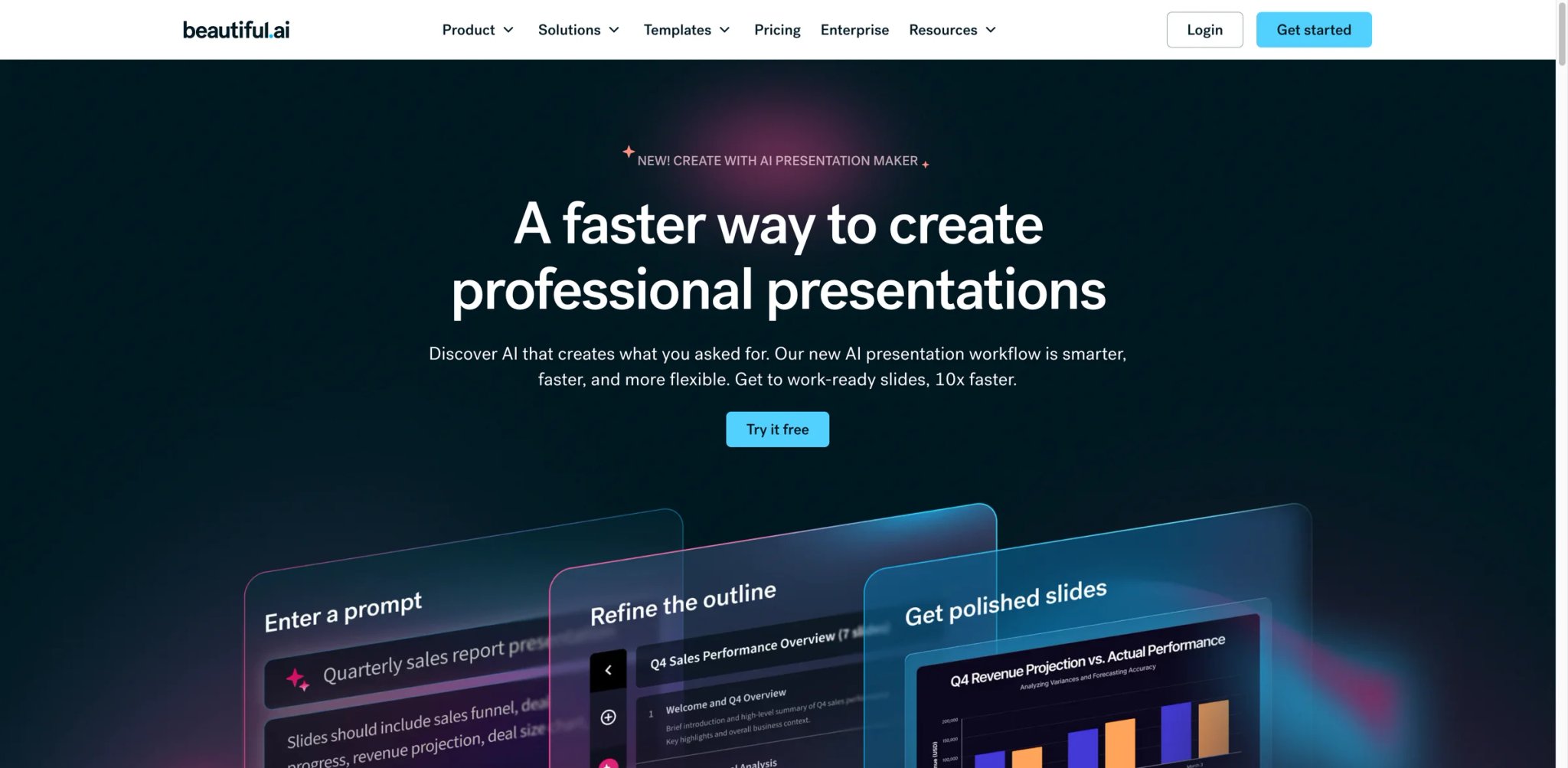
Beautiful.ai takes a fundamentally different approach: instead of generating complete decks from prompts, it applies design rules in real-time as you build slides. Add a bullet point and the layout adapts. Drop in an image and the spacing adjusts. The system prevents bad design rather than trying to create good design from scratch — a distinction that makes it uniquely useful for non-designers who need consistent, professional-looking output without learning design principles.
Key Features
- Smart layout engine — Real-time design adjustment as you add content. Slides automatically rebalance when elements are added, removed, or resized. This is the core differentiator — no other tool enforces design consistency this aggressively.
- DesignBot AI assistant — Generate individual slides from text prompts, get content suggestions, and auto-populate data visualizations. Works alongside the smart layout engine rather than replacing it.
- Team brand controls — Lock brand colors, fonts, and logo placements so team members can't accidentally break brand guidelines. Useful for organizations where many people create presentations but few have design training.
Pricing & Plans
| Plan | Price | Includes |
|---|---|---|
| Pro | $12/mo (annual) | Unlimited slides, AI, no watermark |
| Team | $40/user/mo (annual) | Brand controls, shared templates, analytics |
| Enterprise | Custom | SSO, admin controls, 20+ users |
No free plan — only a 14-day trial (credit card required). A single presentation costs $45 for non-subscribers. Students with .edu emails get a free year.
Pros & Cons
Pros: Smart layouts genuinely prevent bad design. Consistent visual quality across teams without design training. Brand controls are among the strongest in this category.
Cons: The "smart" system limits precise customization — frustrating when you need exact element placement. PPTX exports show formatting issues on complex slides, with font rendering and layout integrity problems. No free plan, and the trial requires a credit card, which draws billing complaints about unexpected renewals. Design aesthetic is starting to look dated compared to newer tools using gradients and depth.
Who It's For
Beautiful.ai is built for marketing teams, consultants, and organizations where many non-designers create presentations that need to look consistent and professional. The smart layout engine is a genuine time-saver for recurring deck formats. Not the right fit if you need precise design control or complex data visualizations — the layout automation that helps non-designers will frustrate experienced designers who want pixel-level control.
Get started with Beautiful.ai

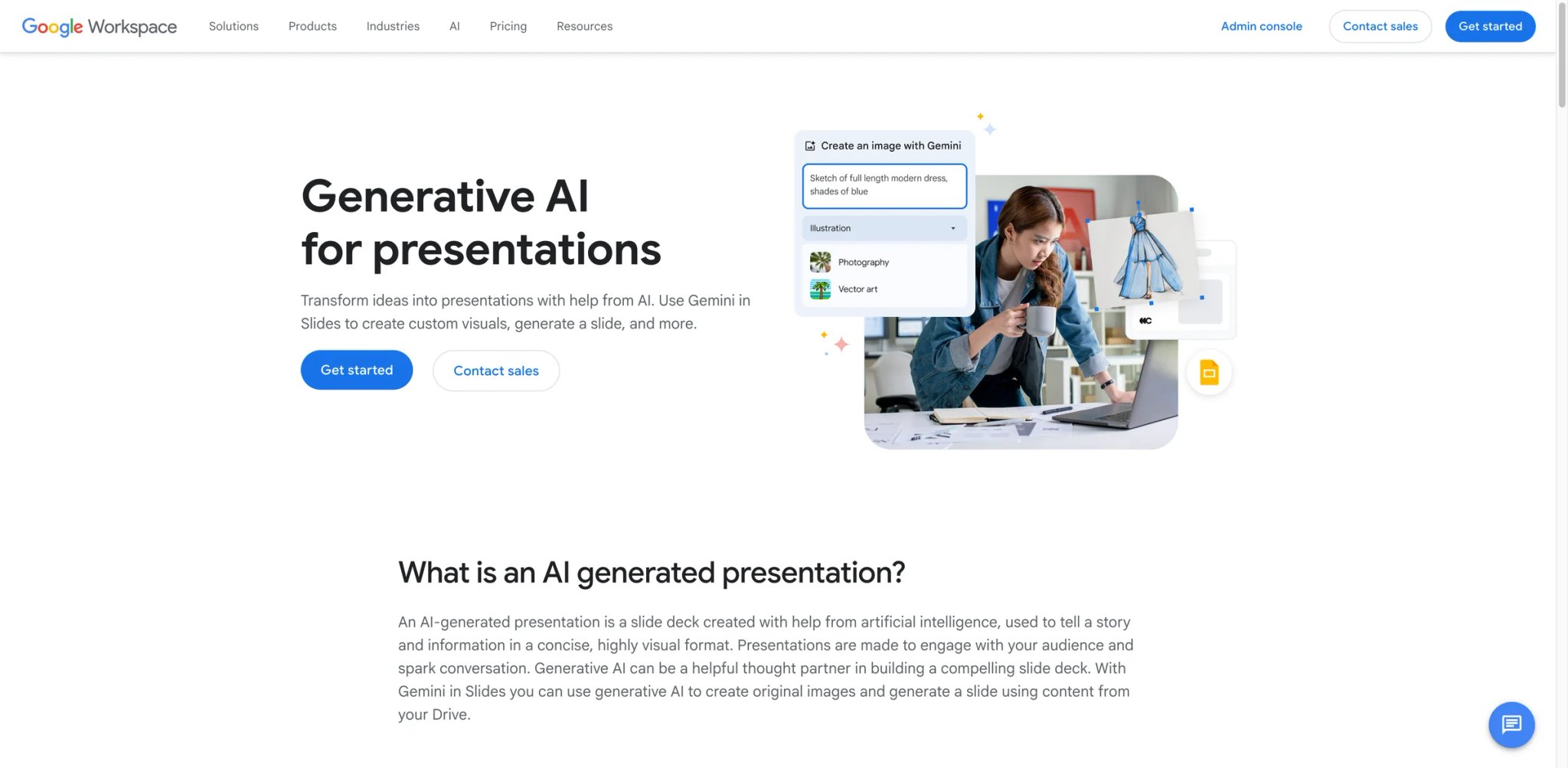
If your team already lives in Google Workspace — Docs, Sheets, Drive, Meet — then adding Gemini AI to Google Slides requires zero new tools, zero new logins, and zero new billing relationships. The AI generates slides from prompts, suggests images, and rewrites content directly inside the Slides interface you already know. The trade-off is that Gemini's presentation capabilities are narrower than dedicated tools, designed to enhance your existing workflow rather than replace your design process.
Key Features
- Native Workspace integration — Generate presentations from Google Docs, insert charts from Sheets, and present directly in Meet. No export, no file conversion, no compatibility issues. This end-to-end integration is unmatched.
- "Help me create" AI generation — Describe your presentation topic and Gemini generates a complete deck within Google Slides. The output uses Google's template library, which is functional but less visually distinctive than Gamma or Canva.
- Real-time collaboration at scale — The same collaboration model that makes Google Docs the default for team writing applies to Slides. Multiple editors, comment threads, version history, and suggested edits — all native.
Pricing & Plans
| Plan | Price | Includes |
|---|---|---|
| Personal (Google One AI Premium) | $19.99/mo | Gemini in Slides, 2TB storage |
| Business Standard | $14/user/mo | Workspace + Gemini, admin controls |
| Business Plus | $22/user/mo | Advanced security, Vault |
| Enterprise | Custom | Full compliance, eDiscovery |
Gemini AI features require a Google One AI Premium plan or a Workspace plan with Gemini add-on. Free Google accounts get limited Gemini features but not full presentation generation.
Pros & Cons
Pros: Zero friction for existing Workspace teams. Best-in-class real-time collaboration. No export compatibility issues since output is native Google Slides. Charts and data from Sheets integrate seamlessly.
Cons: AI generation quality lags behind dedicated tools — outputs are functional but visually basic. Template library is limited compared to Canva or Beautiful.ai. Requires a paid Workspace or Google One plan for full AI features. Design customization options are more restricted than standalone presentation tools.
Who It's For
Google Slides + Gemini is the path of least resistance for teams already on Google Workspace. If collaboration speed matters more than design polish, and your presentations are functional rather than visual showcases, this avoids tool sprawl entirely. Not the right fit if presentation design quality is a competitive advantage for you — the visual output can't match Gamma, Canva, or Beautiful.ai, and the template options are noticeably thinner.
Get started with Google Slides + Gemini

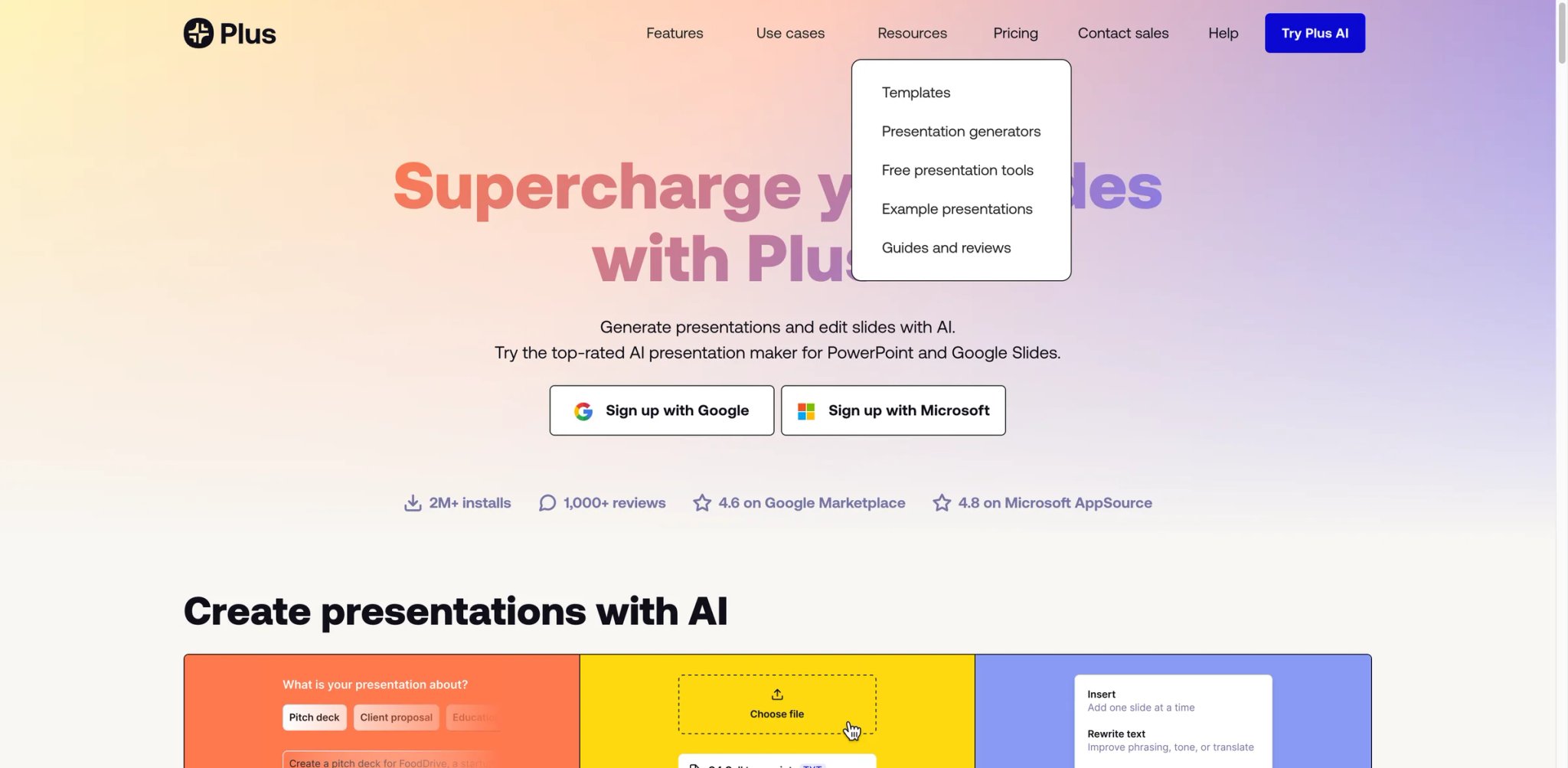
Plus AI asks a different question than most tools on this list: instead of "should you switch to a new presentation platform?", it asks "what if AI just worked inside the tools you already use?" The add-on lives natively inside Google Slides and PowerPoint, generating complete decks, editing existing slides, and applying formatting — all without leaving the apps where your presentations already live.
Key Features
- Native add-on for Google Slides and PowerPoint — No new platform to learn. Generate, edit, and reformat presentations directly inside the tools your team already uses. One subscription covers both platforms.
- Edit existing presentations with AI — Beyond generation, Plus AI can restyle existing decks, rewrite content, and reformat layouts. This "retrofit" capability is rare — most tools only create from scratch.
- Brand template sync — Upload your PowerPoint or Slides template, and Plus AI generates new decks that match your exact brand guidelines. The template-first approach produces more consistent results than tools that apply branding after generation.
Pricing & Plans
| Plan | Price | Includes |
|---|---|---|
| Free Trial | $0 | 7 days, full features |
| Basic | $10/user/mo (annual) | Unlimited AI generation in Google Slides and PowerPoint |
| Pro | $20/user/mo (annual) | Document uploads, 100K+ character prompts, AI image generation |
| Team | $30/user/mo (annual) | Custom branding, custom template upload (beta), shared presets, unlimited team members |
| Enterprise | Custom | Advanced templates, asset libraries, workflows, white-glove setup and support |
The 7-day trial includes full access to all features. The Team plan's flat $40/mo for unlimited members is notably good value for organizations with 3+ presenters.
Pros & Cons
Pros: Works inside your existing tools — no migration, no new platform. Edit and restyle existing presentations, not just create new ones. Brand template sync produces genuinely on-brand output.
Cons: No standalone editor — you're dependent on Google Slides or PowerPoint's capabilities and limitations. AI content quality relies on lower-grade language models compared to GPT-4 or Claude, producing solid business content but struggling with highly technical topics. Support responsiveness has drawn complaints for billing and technical issues.
Who It's For
Plus AI is the right choice for teams that want AI assistance without abandoning their existing presentation workflow. The ability to edit existing decks — not just create new ones — solves a problem that standalone tools don't address. Not the right fit if you want a new, visually distinctive presentation format — Plus AI is constrained by Google Slides and PowerPoint's design capabilities, which limits the visual ceiling.
Get started with Plus AI

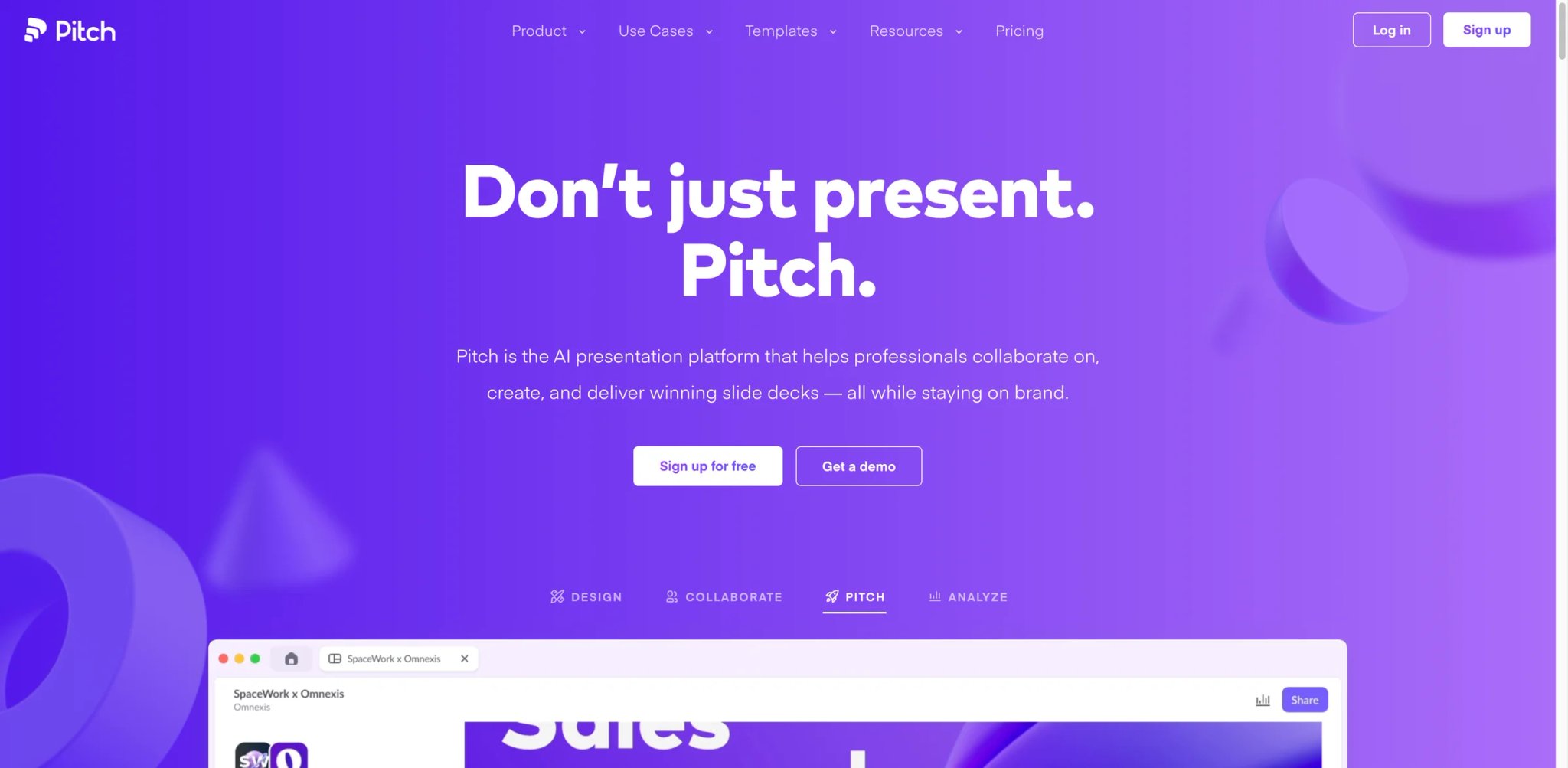
Pitch is what happens when you build a presentation tool specifically for teams that care about brand consistency. The platform combines AI generation with the strongest brand control system in this category — locked color palettes, enforced font hierarchies, and template guardrails that prevent off-brand slides from ever being created. For organizations where presentations are a brand touchpoint, this matters more than generation speed.
Key Features
- Brand-enforced template system — Create master templates with locked elements, required layouts, and approved color/font combinations. Team members generate presentations within these constraints, ensuring every deck looks on-brand without design review.
- AI presentation generation — Generate complete decks from text descriptions within your brand templates. The AI respects template constraints, so output is immediately on-brand rather than needing post-generation styling.
- Pitch rooms with analytics — Share presentations via trackable links that show who viewed which slides and for how long. Useful for sales teams tracking prospect engagement with pitch decks.
Pricing & Plans
| Plan | Price | Includes |
|---|---|---|
| Free | $0 | Up to 5 members, 100 AI credits one-time, unlimited presentations |
| Plus | $13/mo (annual) | PowerPoint exports, custom fonts, video uploads, removes Pitch branding |
| Team | $19/seat/mo (annual) | 6,000 AI credits/seat/year, pitch rooms, advanced links, custom domain |
| Business | $25/seat/mo (annual) | 9,000 AI credits/seat/year, unlimited pitch rooms and advanced links, asset library collections |
| Enterprise | Custom | SAML SSO, dedicated success manager, invoiced billing, priority support |
The free plan is useful for evaluation, but its AI allowance is limited to a one-time 100 credits rather than unlimited generation. Paid tiers are now split into Plus, Team, Business, and Enterprise, with PowerPoint export on Plus and advanced analytics/sales-sharing features reserved for Team and Business.
Pros & Cons
Pros: Strongest brand control system in this category. Free plan supports up to 5 members with unlimited presentations (AI generation is capped at a one-time 100 credits on the free tier). Pitch room analytics provide real engagement data on shared decks.
Cons: Design flexibility is intentionally limited by the brand enforcement system — which is a feature for brand managers but a frustration for creative teams wanting experimental layouts. Smaller template library compared to Canva or Beautiful.ai. Less known in the US market, with a stronger presence in European teams.
Who It's For
Pitch is built for brand-conscious teams — marketing departments, sales organizations, and agencies where every presentation must match brand guidelines. The combination of free AI generation and brand enforcement is unmatched. Not the right fit for individual creators who value design experimentation, or teams where brand consistency isn't a priority — the template constraints feel restrictive when you just want creative freedom.
Get started with Pitch

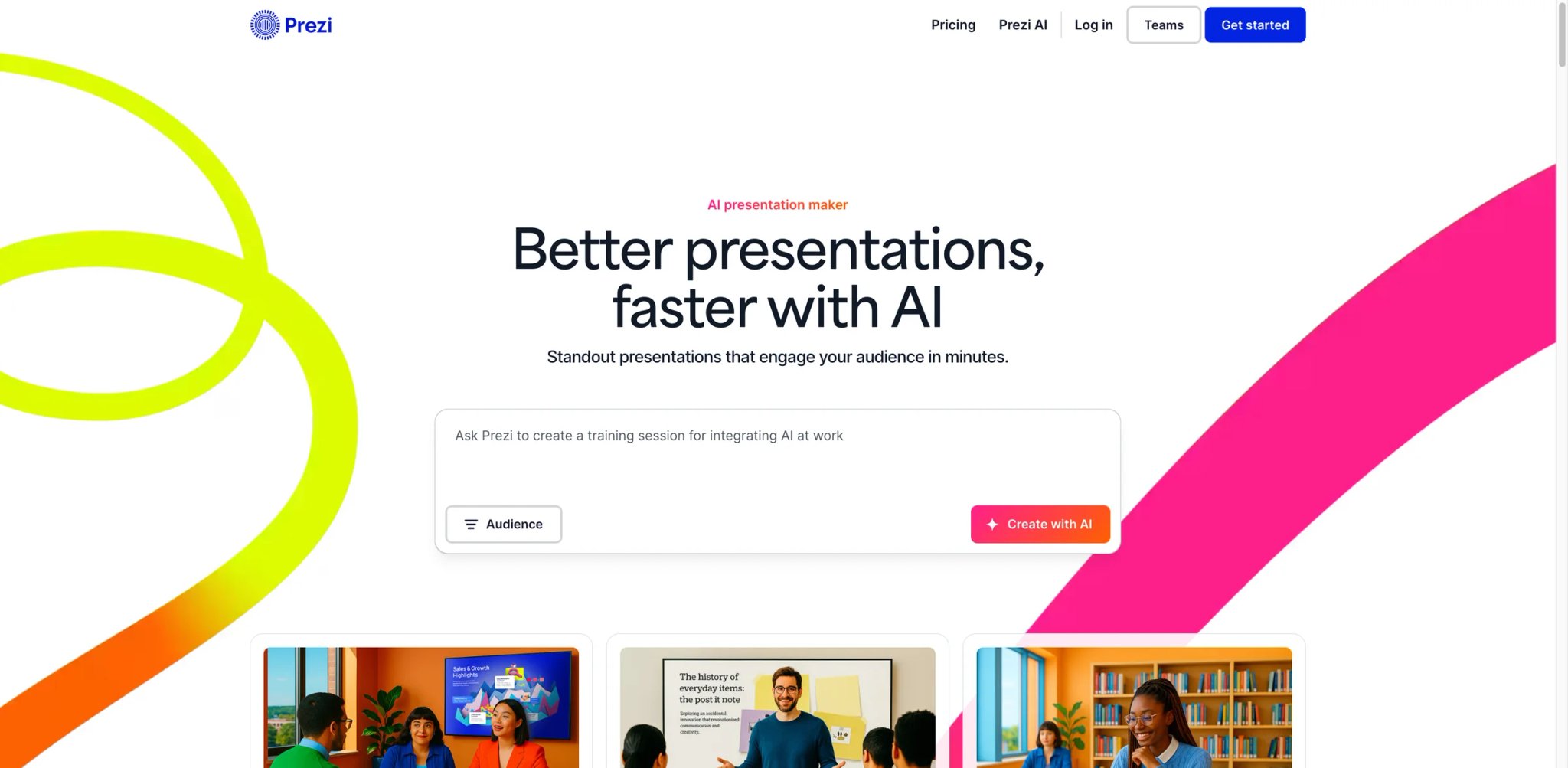
Prezi's core differentiator hasn't changed in over a decade: presentations that zoom, pan, and navigate spatially instead of advancing linearly slide-by-slide. The addition of AI makes this format more accessible — you no longer need to manually design the spatial layout — but the fundamental question remains: does your audience want a zooming presentation, or is the novelty more distracting than engaging?
Key Features
- Non-linear, zoomable canvas — Presentations exist on a spatial canvas where you zoom into details and pan between topics. The format is genuinely different from slides and works well for storytelling, mind-mapping, and complex topic relationships.
- AI-powered content generation — Describe your topic and Prezi generates a complete zoomable presentation with AI-selected images and content hierarchy. The spatial layout is auto-generated, which removes the biggest barrier to Prezi adoption.
- Prezi Video integration — Overlay your presentation on your webcam feed for video calls and recordings. Useful for remote presentations where you want visual content without screen-sharing a static deck.
Pricing & Plans
| Plan | Price | Includes |
|---|---|---|
| Free | $0 | 500 AI credits/mo, public presentations |
| Plus | $15/mo | Unlimited AI, offline, PDF export |
| Premium | $25/mo | Analytics, advanced integrations |
| Teams | $39/user/mo | Team management, admin controls |
Free presentations are public by default — you need a paid plan for private presentations. A paid Plus-or-higher Prezi plan is the minimum for professional use if you need private sharing, offline access, or unlimited AI usage.
Pros & Cons
Pros: Genuinely unique presentation format that stands out visually. AI generation removes the steep learning curve that previously limited adoption. Prezi Video overlay is useful for remote presentations.
Cons: The zooming motion can cause mild disorientation for viewers, especially on large screens or during video calls. Prezi does offer PowerPoint export, but the bigger limitation is that exported files lose the native zooming and spatial-navigation experience that makes Prezi distinctive. That makes the PPTX useful for compatibility, not for preserving the full Prezi format.
Who It's For
Prezi works for presenters who want their format to be part of the message — educators explaining complex relationships, keynote speakers wanting visual impact, and creative professionals where the presentation style reinforces the content. Not the right fit for standard business presentations, investor decks, or any context where the audience expects traditional slides — the zooming format is polarizing, and many viewers find it distracting rather than engaging.
Get started with Prezi
Microsoft PowerPoint + Copilot
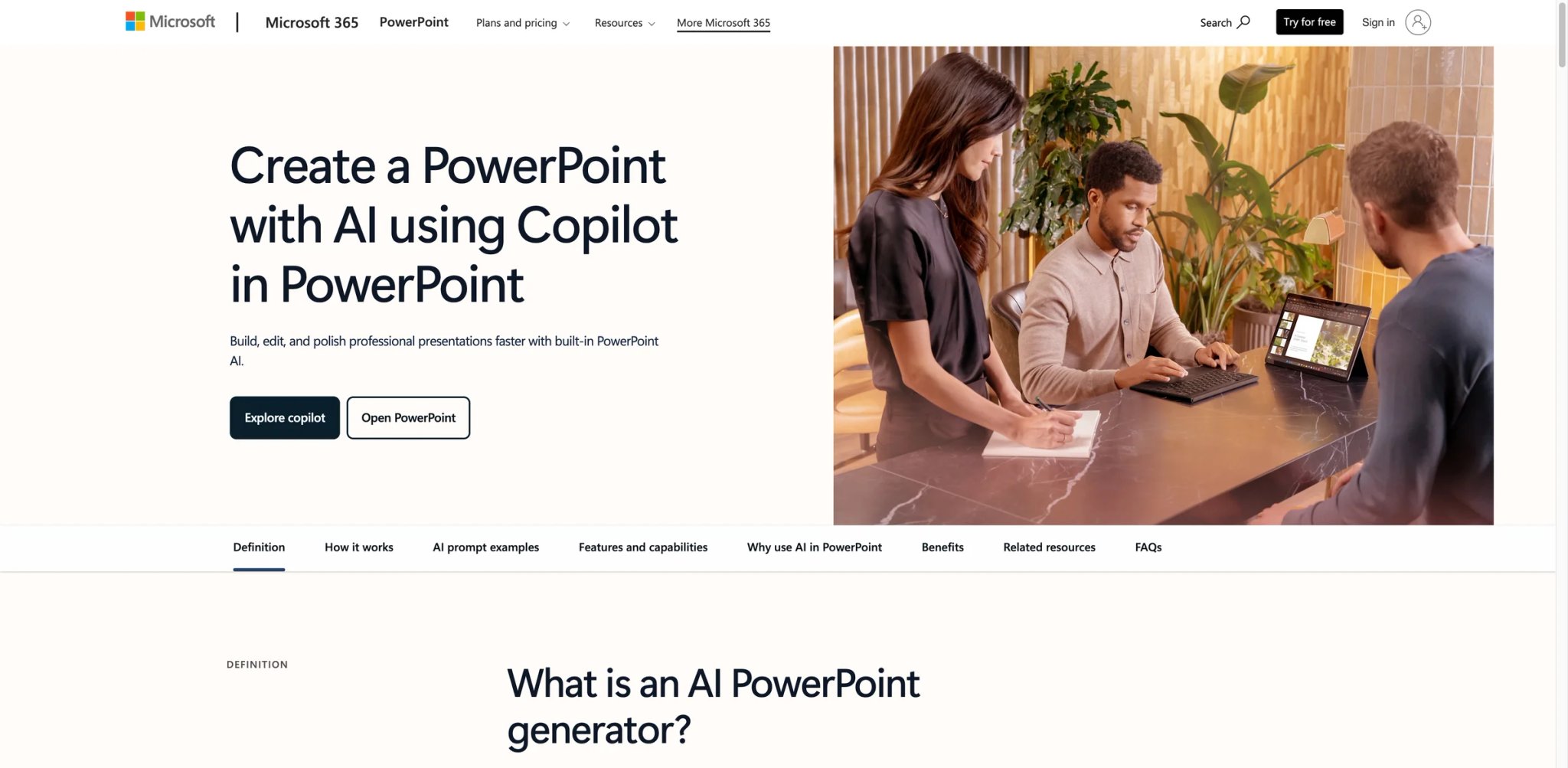
PowerPoint still owns the enterprise presentation market — and Microsoft's Copilot AI is the most ambitious attempt to modernize it. Generate complete decks from prompts, transform Word documents into slides, and redesign existing presentations with AI suggestions. The functionality is impressive. The barrier is cost: Copilot requires a Microsoft 365 subscription plus the Copilot Business add-on — now $21/user/month paid yearly — putting it firmly in enterprise budget territory.
Key Features
- AI generation from Word documents — Transform existing Word docs, outlines, or meeting notes directly into PowerPoint presentations. This document-to-deck pipeline is uniquely powerful for organizations that produce written content before presenting it.
- Designer AI for existing slides — Copilot can redesign existing slides, suggest layouts, add images, and restructure content. Unlike tools that only generate from scratch, this works on your existing deck library.
- Full PowerPoint feature set — Every advanced PowerPoint feature — animations, transitions, charts, macros, embedded media — is available alongside the AI. No other AI tool matches PowerPoint's raw feature depth.
Pricing & Plans
| Plan | Price | Includes |
|---|---|---|
| Microsoft 365 Personal | $9.99/mo | PowerPoint plus consumer Copilot features for individual use |
| Microsoft 365 Business Standard | $12.50/user/mo | Qualifying business base plan for desktop PowerPoint |
| Microsoft 365 Copilot Business add-on | $21/user/mo (paid yearly) | Full Copilot inside Microsoft 365 apps for eligible business plans |
| Enterprise | Custom | Volume licensing, compliance, advanced administration |
As of April 2026, Microsoft lists Copilot Business at $21/user/month when paid yearly for eligible business customers, with some limited-time bundle promotions running lower. It is still one of the more expensive options once you add the required Microsoft 365 base subscription.
Pros & Cons
Pros: Deepest feature set of any presentation tool. Document-to-deck conversion is uniquely powerful. AI works on existing presentations, not just new ones. Universal compatibility — everyone can open a .pptx file.
Cons: Total cost remains among the highest in this category — the Copilot Business add-on is $21/user/mo paid yearly plus the Microsoft 365 base subscription. AI generation quality, while improving, still lags behind Gamma and Canva for visual polish. The Copilot experience can feel bolted-on rather than natively integrated. Requires enterprise commitment — no standalone Copilot purchase available.
Who It's For
PowerPoint + Copilot is the default choice for enterprise organizations already invested in Microsoft 365. The document-to-deck pipeline and existing-deck redesign features solve problems that standalone AI tools can't. Not the right fit for small teams, startups, or individual creators — the cost structure is enterprise-grade, and the AI generation quality doesn't justify the premium over tools like Gamma or Canva that cost a fraction of the price.
Get started with Microsoft PowerPoint + Copilot
Presentations.ai
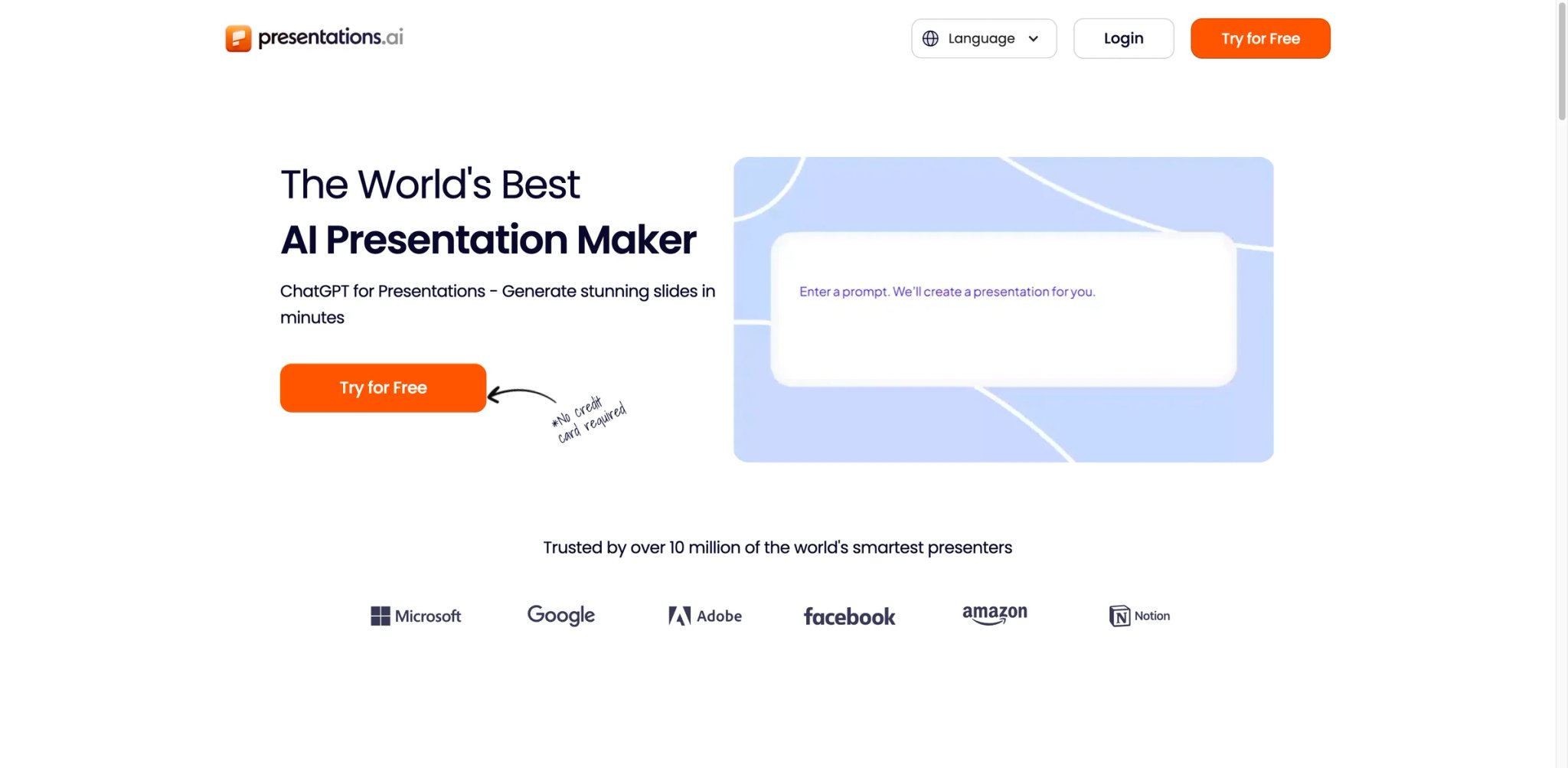
Presentations.ai operates on one of the lowest cost structures in this category — roughly $198/year for the Pro plan, which works out to about $0.50 per generated presentation if you're a regular user. The platform is still in active development with a relatively small user base, which means fewer templates and less community validation, but also means the team is iterating fast and pricing aggressively to build market share.
Key Features
- Credit-efficient generation — The Pro plan's yearly pricing translates to one of the lowest per-deck costs available. For users who generate presentations regularly, the value proposition is clear.
- Multiple input methods — Generate from text prompts, uploaded documents, or website URLs. The URL-to-deck feature is useful for turning competitor pages, product docs, or blog posts into presentation format.
- Theme-based design system — Rather than individual templates, Presentations.ai uses themes that apply consistent styling across any generated content. This produces more cohesive decks than template-driven tools.
Pricing & Plans
| Plan | Price | Includes |
|---|---|---|
| Starter | $0 (limited-time offer) | Limited AI credits, sharing/publishing, brand themes, team collaboration, basic functionality |
| Pro | $198/yr | Additional AI credits, Pro templates, custom fonts and colors, analytics, PDF export |
| Enterprise | Contact sales | Unlimited AI credits, company templates, admin capabilities, dedicated support |
Official pricing is currently annual-only. Starter is a limited-time $0 offer with limited AI credits, while the single-user Pro plan is $198/year and includes 5,000 credits/year; PowerPoint export consumes additional credits per slide, while PDF/image export does not.
Pros & Cons
Pros: Among the lowest annual costs for unlimited AI generation. URL-to-deck generation is convenient for content repurposing. Theme-based system produces cohesive designs.
Cons: Smaller user base means limited external validation and fewer community resources. Free plan doesn't include PPTX export, limiting its usefulness for professional contexts. No monthly billing option forces an annual commitment before you can fully evaluate.
Who It's For
Presentations.ai suits cost-conscious professionals who generate presentations frequently and want predictable annual pricing. The URL-to-deck feature is particularly useful for content marketers and sales teams. Not the right fit if you need extensive template variety or want to evaluate thoroughly before committing — the annual-only billing and limited free export make it harder to test in real workflows.
Get started with Presentations.ai

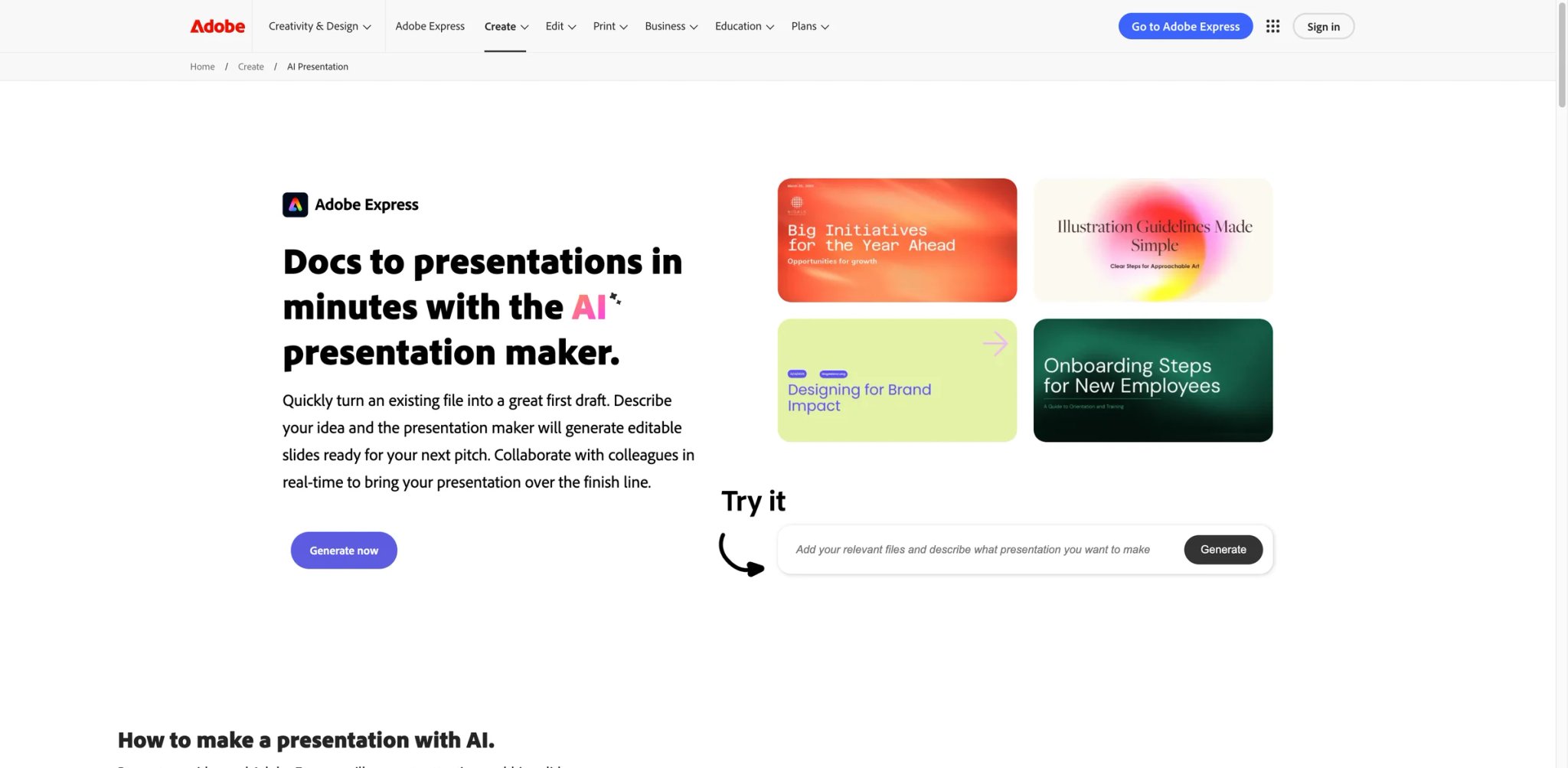
Adobe Express positions AI presentations as one feature within a broader design suite — similar to Canva's approach but with deeper integration into Adobe's creative ecosystem. If your team already uses Photoshop, Illustrator, or Adobe Stock, Express lets you pull those assets directly into presentations without export/import friction.
Key Features
- Adobe ecosystem integration — Access Adobe Stock images, Firefly AI-generated images, and Adobe Fonts directly within the presentation editor. Assets from other Adobe apps import seamlessly.
- Quick AI generation — Describe your presentation and Express generates slides with layout suggestions and stock imagery. The generation is faster than manual creation but less sophisticated than Gamma's or Canva's AI.
- Cross-format flexibility — Create presentations alongside social posts, videos, and print materials in the same workspace. Useful for campaigns that need consistent visuals across multiple formats.
Pricing & Plans
| Plan | Price | Includes |
|---|---|---|
| Free | $0 | Basic templates, limited AI, Adobe branding |
| Premium | $9.99/mo | Full library, Adobe Stock, Firefly AI |
| Creative Cloud | Included | Bundled with CC subscription |
If you already pay for Adobe Creative Cloud, Express Premium is included at no extra cost.
Pros & Cons
Pros: Adobe ecosystem integration is seamless for existing Adobe users. Firefly AI image generation built directly into the editor. Included with Creative Cloud subscriptions.
Cons: Presentation-specific AI is less developed than dedicated tools. Template library for presentations is smaller than Canva's or Beautiful.ai's. The platform prioritizes breadth across design types over depth in any single format.
Who It's For
Adobe Express makes sense for teams already embedded in Adobe's ecosystem. The bundled Creative Cloud inclusion makes it effectively free for those users. Not the right fit as a standalone presentation tool — dedicated alternatives offer deeper AI generation, more templates, and better presentation-specific features at comparable or lower prices.
Get started with Adobe Express

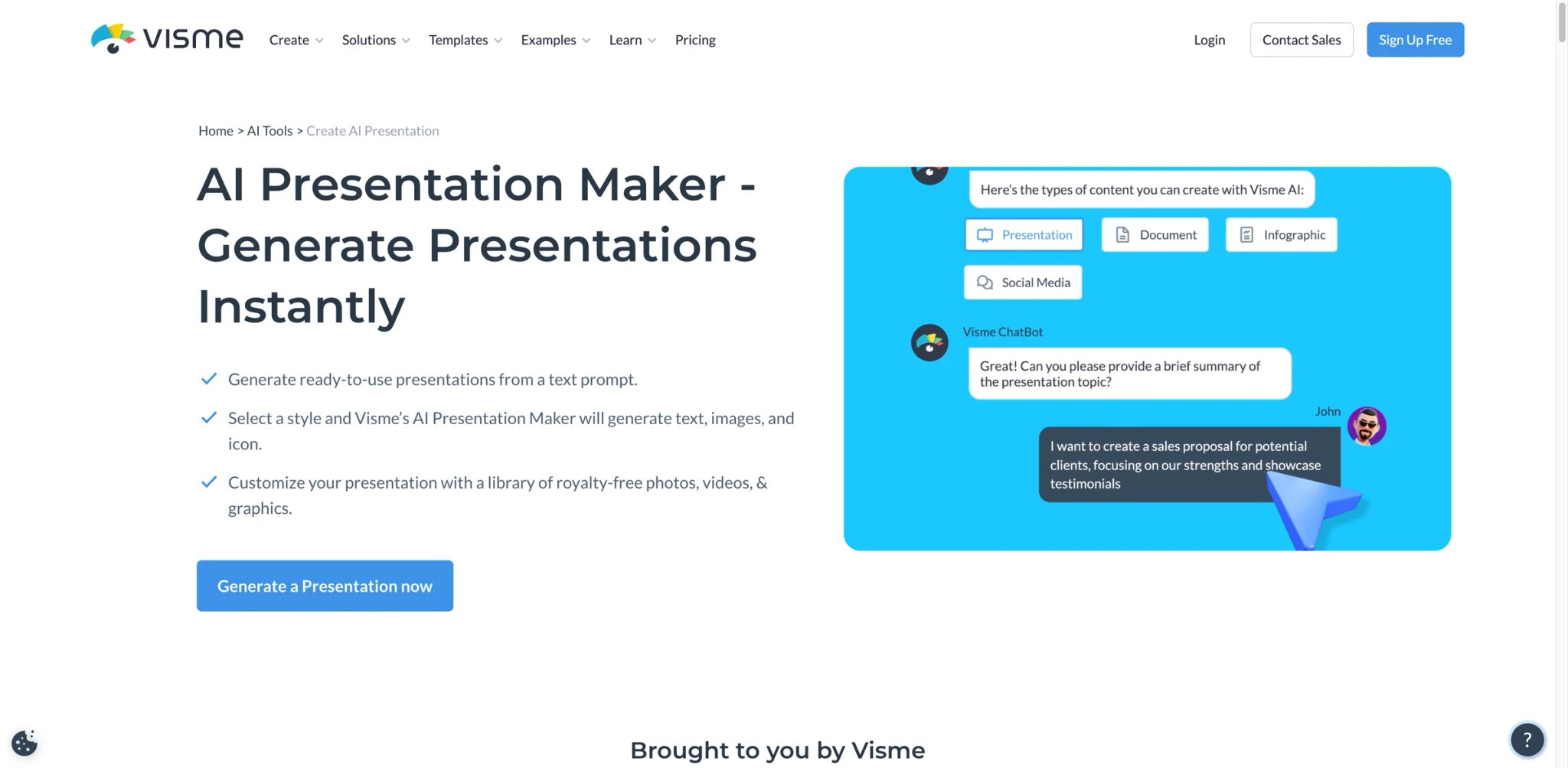
Where most AI presentation tools optimize for text-heavy business decks, Visme optimizes for data. The platform's charting engine, infographic templates, and data visualization tools make it the strongest choice on this list for presentations where numbers, graphs, and visual data storytelling are the primary content — not supporting elements.
Key Features
- Advanced data visualization — Interactive charts, graphs, maps, and infographics that go well beyond what Canva or Google Slides offer. Connect live data sources to auto-update visualizations in real-time.
- AI presentation generation — Text-to-deck generation with emphasis on data-appropriate layouts. The AI selects chart types and visualization formats based on the content, rather than defaulting to text-heavy bullet slides.
- Embeddable and interactive — Presentations can be embedded on websites with interactive elements — clickable hotspots, hover-over data, and animated transitions. Useful for reports and dashboards presented as slide decks.
Pricing & Plans
| Plan | Price | Includes |
|---|---|---|
| Basic (Free) | $0 | 10 AI credits, Visme branding, 500MB |
| Starter | $29/mo | 200 AI credits, 1GB, no branding |
| Pro | $59/mo | 500 AI credits, 10GB, all features |
| Enterprise | Custom | Team controls, SSO |
Pricing is higher than most competitors, reflecting the specialized data visualization capabilities. The free plan's 10 AI credits are quite limited for evaluation.
Pros & Cons
Pros: Best data visualization tools in any AI presentation platform. Live data connections auto-update charts. Interactive embeddable presentations add functionality that static slides can't match.
Cons: Higher price point than competitors without the data visualization need. AI generation is secondary to the visualization engine — text-heavy decks don't benefit as much. Free plan is too limited (10 AI credits) for meaningful evaluation.
Who It's For
Visme is the clear winner for analysts, consultants, and data teams creating presentations where charts and data visualizations are the core content. The interactive embedding feature is uniquely useful for quarterly reports and dashboard presentations. Not the right fit for standard business decks, pitch presentations, or any context where text and images matter more than data — the premium pricing doesn't justify itself without the visualization use case.
Get started with Visme
Mentimeter
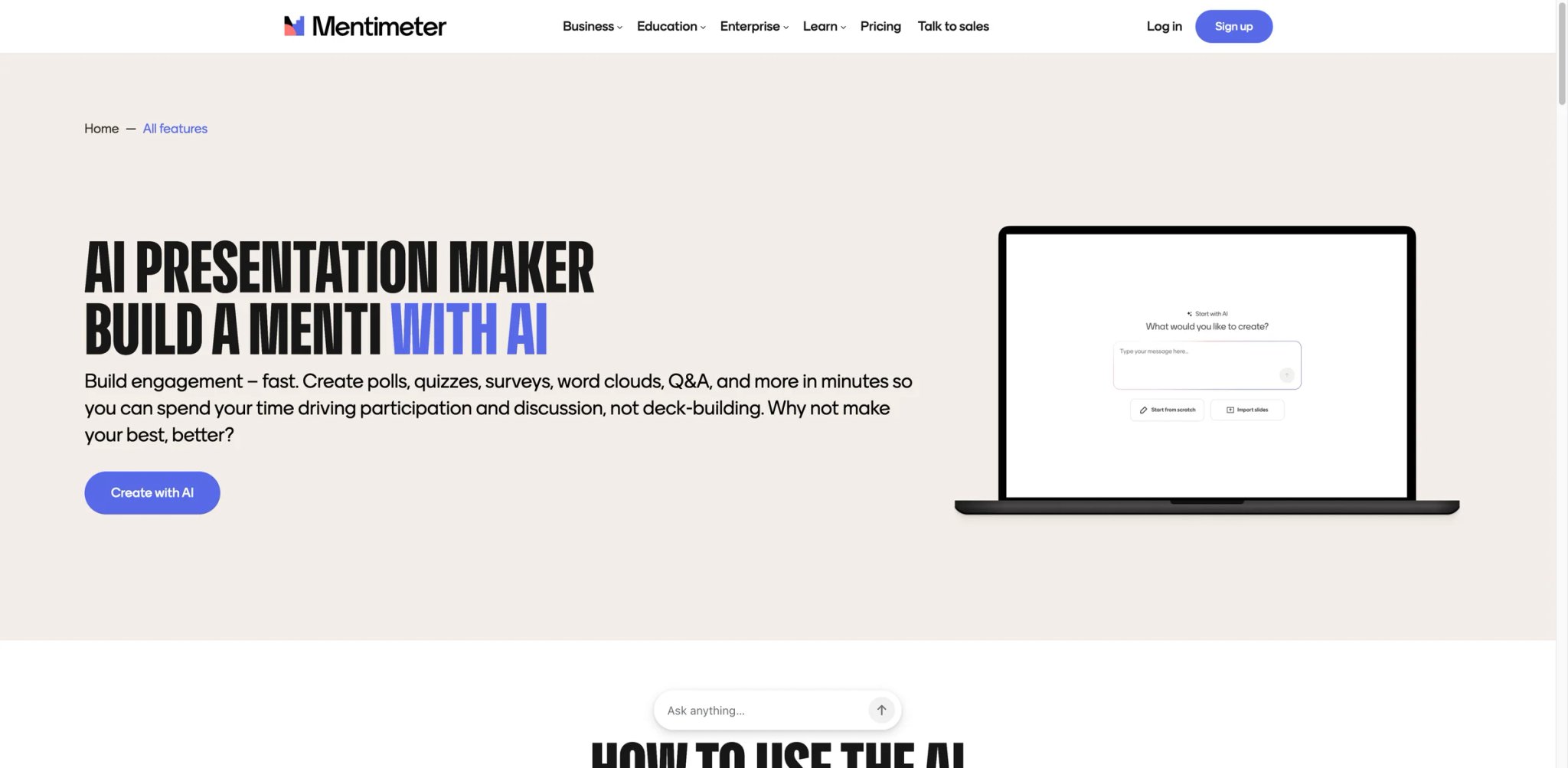
Mentimeter flips the presentation model: instead of one person talking to a passive audience, the audience actively participates through live polls, quizzes, Q&A, and word clouds displayed in real-time on the presenter's screen. The AI now generates these interactive presentations from prompts — but the core value remains the audience engagement engine, not the AI generation.
Key Features
- Live audience interaction — Real-time polls, quizzes, word clouds, and Q&A that audience members participate in from their phones. Results display live on the presentation screen. No other tool in this list offers this depth of audience engagement.
- AI-generated interactive slides — Describe your presentation topic and Mentimeter generates a deck with interaction points already embedded — polls where they make sense, quizzes after key points, and Q&A slots at transitions.
- Engagement analytics — Track participation rates, response patterns, and engagement metrics across presentations. Useful for trainers, educators, and speakers who want to measure audience attention.
Pricing & Plans
| Plan | Price | Includes |
|---|---|---|
| Free | $0 | Free tier for trying Mentimeter |
| Basic | $14/presenter/mo (annual) | Unlimited engagement for individuals |
| Pro | $28/presenter/mo (annual) | More powerful tools for growing teams |
| Enterprise | Custom | Customized pricing and controls for larger organizations |
Pricing is per-presenter, not per-participant. The free plan lets you try Mentimeter with usage limits; paid plans start at $14/presenter/mo billed annually.
Pros & Cons
Pros: Unmatched live audience interaction features. AI generates interactive elements contextually, not just static slides. Engagement analytics provide actionable feedback on presentation effectiveness.
Cons: Design quality for static content is below dedicated presentation tools — Mentimeter optimizes for interaction, not visual polish. Not suitable for presentations that will be shared as static files — the interactive elements only work live. Higher per-presenter cost than alternatives if you don't use the interaction features.
Who It's For
Mentimeter is the only choice for presenters where audience engagement is the primary objective — corporate trainers, university lecturers, conference speakers, and workshop facilitators. The AI-generated interaction points save significant preparation time. Not the right fit for static presentations, pitch decks, or any context where the output needs to work as a PDF or PowerPoint file — Mentimeter's value is entirely in the live experience.
Get started with Mentimeter
SlideSpeak
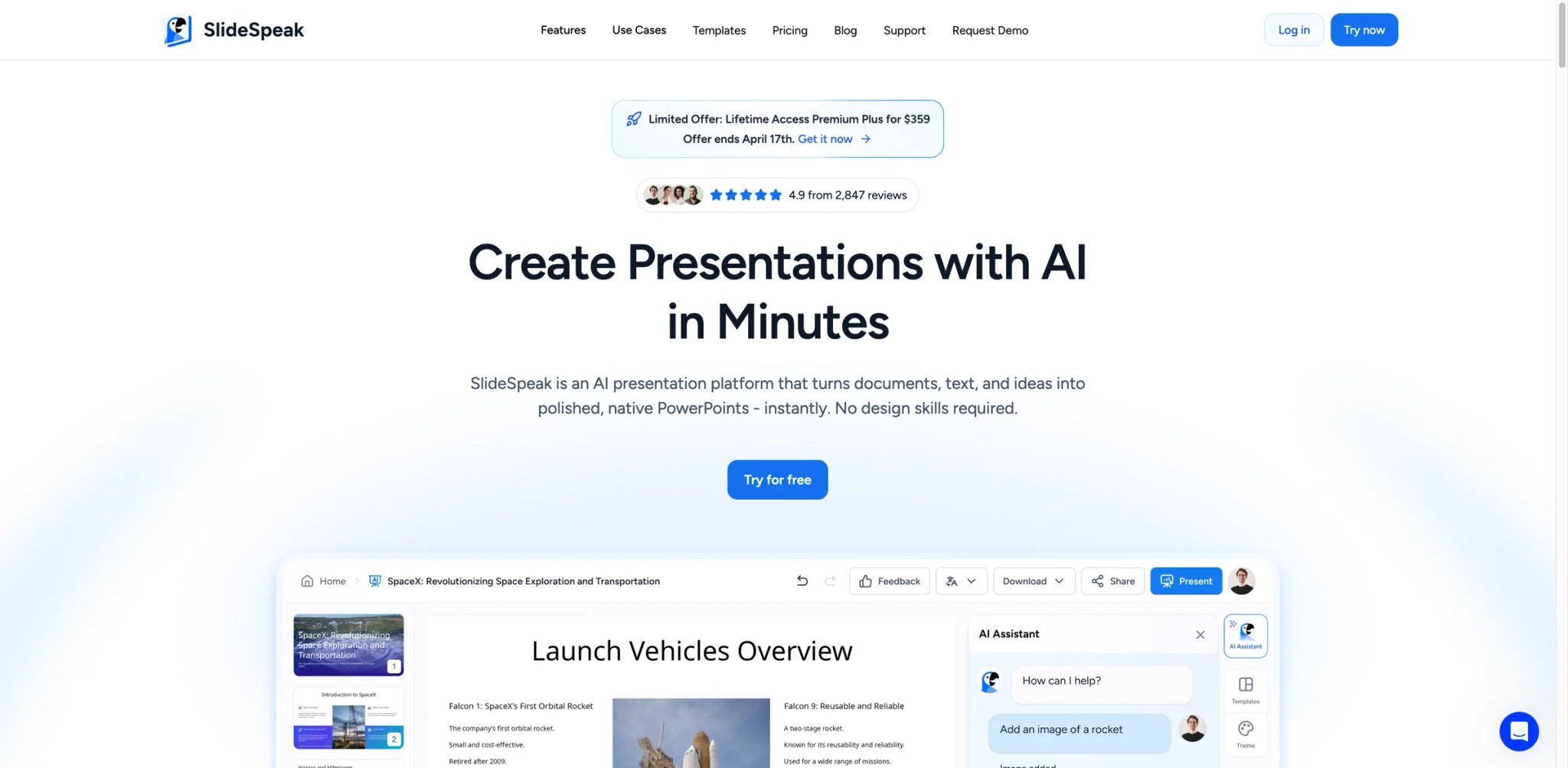
SlideSpeak solves a specific problem better than any other tool on this list: turning existing documents — PDFs, Word files, research papers — into native PowerPoint presentations. While other tools generate from text prompts, SlideSpeak's document parsing engine extracts structure, key points, and data from uploaded files and produces slides that reflect the source material's organization.
Key Features
- Document-to-PowerPoint conversion — Upload PDFs, Word docs, or text files and SlideSpeak generates a structured PowerPoint deck that preserves the document's hierarchy and key points. The output is native PPTX, not a proprietary format.
- AI presentation assistant (Charles) — An in-app chat assistant that helps refine generated presentations, suggest additional slides, and answer questions about the source document.
- 150+ language support — Generate presentations in over 150 languages, making it useful for global teams producing localized decks from English source documents.
Pricing & Plans
| Plan | Price | Includes |
|---|---|---|
| Free | $0 | Basic features, limited exports |
| Premium | $29/mo (annual) | 50 credits/mo, PPTX/PDF export, AI 4.0 |
| Premium Plus | $34/mo (annual) | Unlimited credits, branded presentations |
| Enterprise | Custom | Custom templates, SSO, priority support |
Custom template add-on costs $129 one-time for branded PowerPoint template integration.
Pros & Cons
Pros: Best document-to-PowerPoint conversion in this category. Native PPTX output with reliable formatting. 150+ language support for global teams.
Cons: Less suited for prompt-based generation from scratch — the tool's strength is document conversion, not creative ideation. External reviews are limited compared to established tools. Premium pricing is steep relative to the specific use case.
Who It's For
SlideSpeak is ideal for consultants, analysts, and corporate teams who regularly convert reports, proposals, and research documents into presentation format. The document-first approach saves significant manual extraction time. Not the right fit if you typically create presentations from scratch rather than from existing documents — other tools generate more polished output from text prompts.
Get started with SlideSpeak
Decktopus

Decktopus pairs AI generation with built-in presentation analytics — not just who opened the deck, but which slides they spent time on. This combination of creation and tracking makes it uniquely useful for sales teams and freelancers who need to know whether prospects actually engaged with their pitch.
Key Features
- AI generation with analytics tracking — Generate presentations from prompts and share them via trackable links. View-level analytics show which slides received attention and which were skipped.
- Form and CTA integration — Embed lead capture forms, buttons, and calls-to-action directly in slides. Useful for converting presentation viewers into leads without redirecting to external pages.
- One-click generation — Describe your topic and Decktopus produces a complete deck in under a minute. The generation speed is competitive with Gamma, though with less design sophistication.
Pricing & Plans
| Plan | Price | Includes |
|---|---|---|
| Pro | $14.99/mo | 9,000 AI credits/year, AI presentation generation, AI assistance, AI image generation, PDF export |
| Business | $34.99/user/mo | 12,000 AI credits/year, custom domain connection, slide analytics, team features |
| Enterprise | Custom | Custom pricing for larger organizations |
The official pricing page currently emphasizes the paid Pro and Business plans, so Decktopus is not especially transparent about current free-plan allowances. Its commercial positioning is clearly centered on the paid tiers.
Pros & Cons
Pros: Built-in presentation analytics are genuinely useful for sales workflows. Form and CTA embedding turns presentations into lead generation tools. Pro plan starts at $14.99/mo with 9,000 AI credits per year.
Cons: Pricing now emphasizes paid Pro and Business plans rather than a useful free tier, making it harder to evaluate before committing. Design quality and template variety lag behind Gamma, Canva, and Beautiful.ai. Some users report bugs when uploading media files and inconsistent customer support quality.
Who It's For
Decktopus fits sales teams and freelancers who share presentations as part of their pipeline and need to track engagement. The analytics and CTA integration create a mini-sales funnel from each deck. Not the right fit if design quality is your priority or if you need a generous free tier to evaluate — Decktopus's current pricing leads with paid Pro and Business plans and doesn't prominently feature a free tier.
Get started with Decktopus
Chronicle
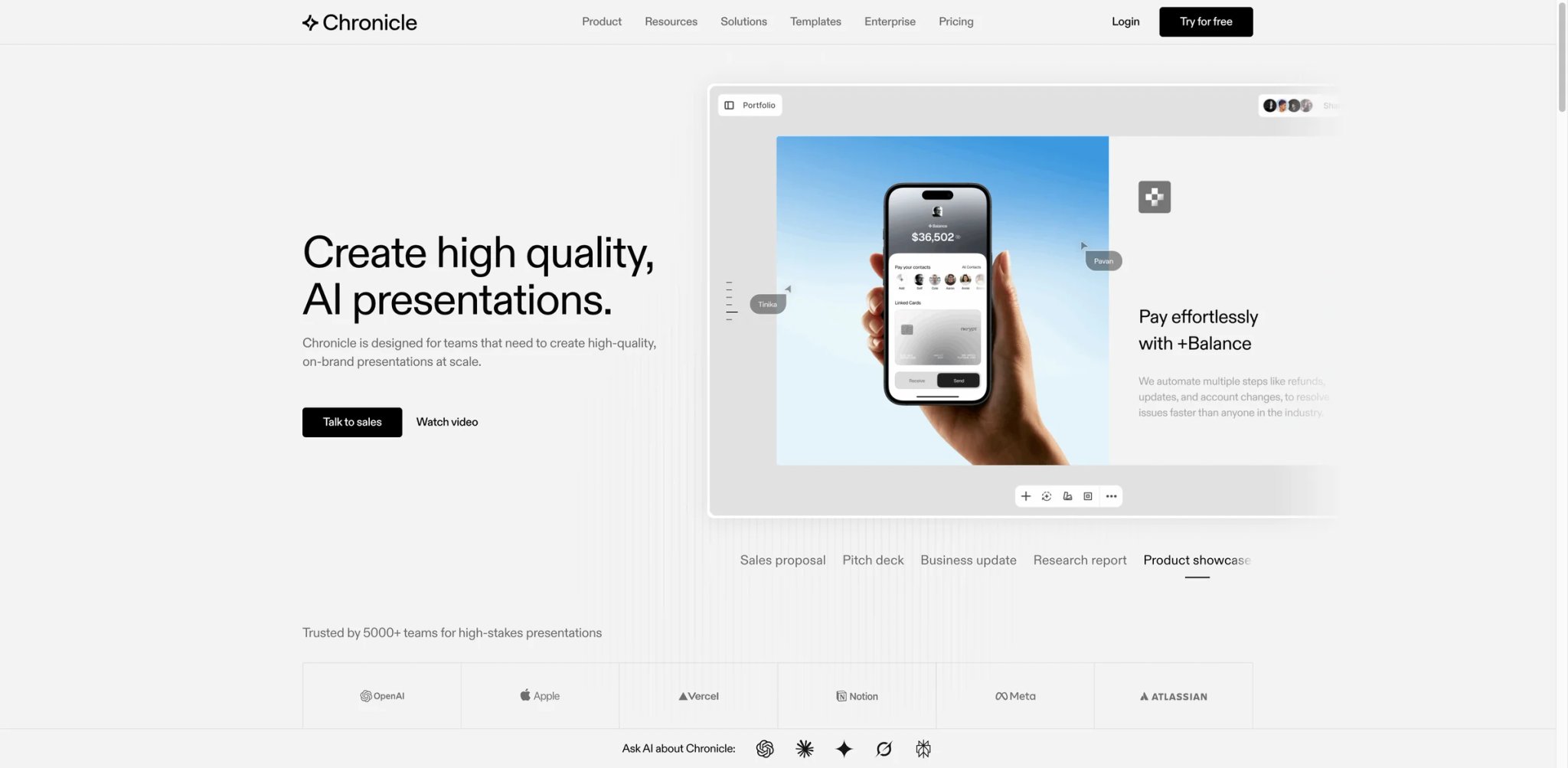
Chronicle produces the most visually distinctive presentations on this list. Where other tools output standard slide decks, Chronicle creates web-native visual stories with cinematic transitions, depth effects, and layout sophistication that looks closer to a designed website than a PowerPoint file. The trade-off is ecosystem maturity — the tool has a smaller user base and fewer integrations than established competitors.
Key Features
- Cinematic visual design — Presentations feature parallax scrolling, layered depth effects, and animated transitions that exceed what any other tool in this category produces. The visual ceiling is significantly higher than Gamma, Canva, or Beautiful.ai.
- AI-powered story generation — Describe your topic and Chronicle generates a visual narrative with sophisticated layout decisions. The AI understands visual hierarchy and pacing in ways that produce genuinely distinctive output.
- Web-native publishing — Like Gamma, presentations are web-native and shareable via link. Unlike Gamma, the visual quality and animation sophistication target a higher aesthetic standard.
Pricing & Plans
| Plan | Price | Includes |
|---|---|---|
| Free | $0 | 200 tokens/month, publish to web, export to PDF + socials, 1 guest editor |
| Pro | $12/user/mo (annual) | 750 tokens/user/month, shared workspace, admin controls, up to 10 guest editors |
| Plus | $25/user/mo (annual) | 1,500 tokens/user/month, custom fonts/themes, PPT export, unlimited guest editors |
| Max | $59/user/mo | 5,000 tokens/user/month, priority support |
| Enterprise | Contact sales | Custom business pricing via demo |
Chronicle uses token-based usage limits layered onto seat-based pricing, with annual billing discounted from the listed monthly rates.
Pros & Cons
Pros: Highest visual quality and design sophistication in this category. Cinematic transitions and depth effects create genuinely memorable presentations. Web-native format works beautifully for creative and visual content.
Cons: Smaller user base means limited external reviews and community resources. Native PowerPoint export is available on Chronicle's Plus and Max plans, but not on Free or Pro. The bigger limitation is tier-gating: teams that need PPT compatibility must pay for a higher plan.
Who It's For
Chronicle is the choice for creative professionals, design-focused agencies, and anyone whose presentation quality directly impacts their professional perception — portfolio presentations, creative pitches, brand launches. The visual quality gap between Chronicle and standard AI tools is substantial. Not the right fit for routine business presentations, data-heavy decks, or organizations that require PowerPoint files — the tool excels at visual impact but sacrifices compatibility.
Get started with Chronicle
SlidesAI
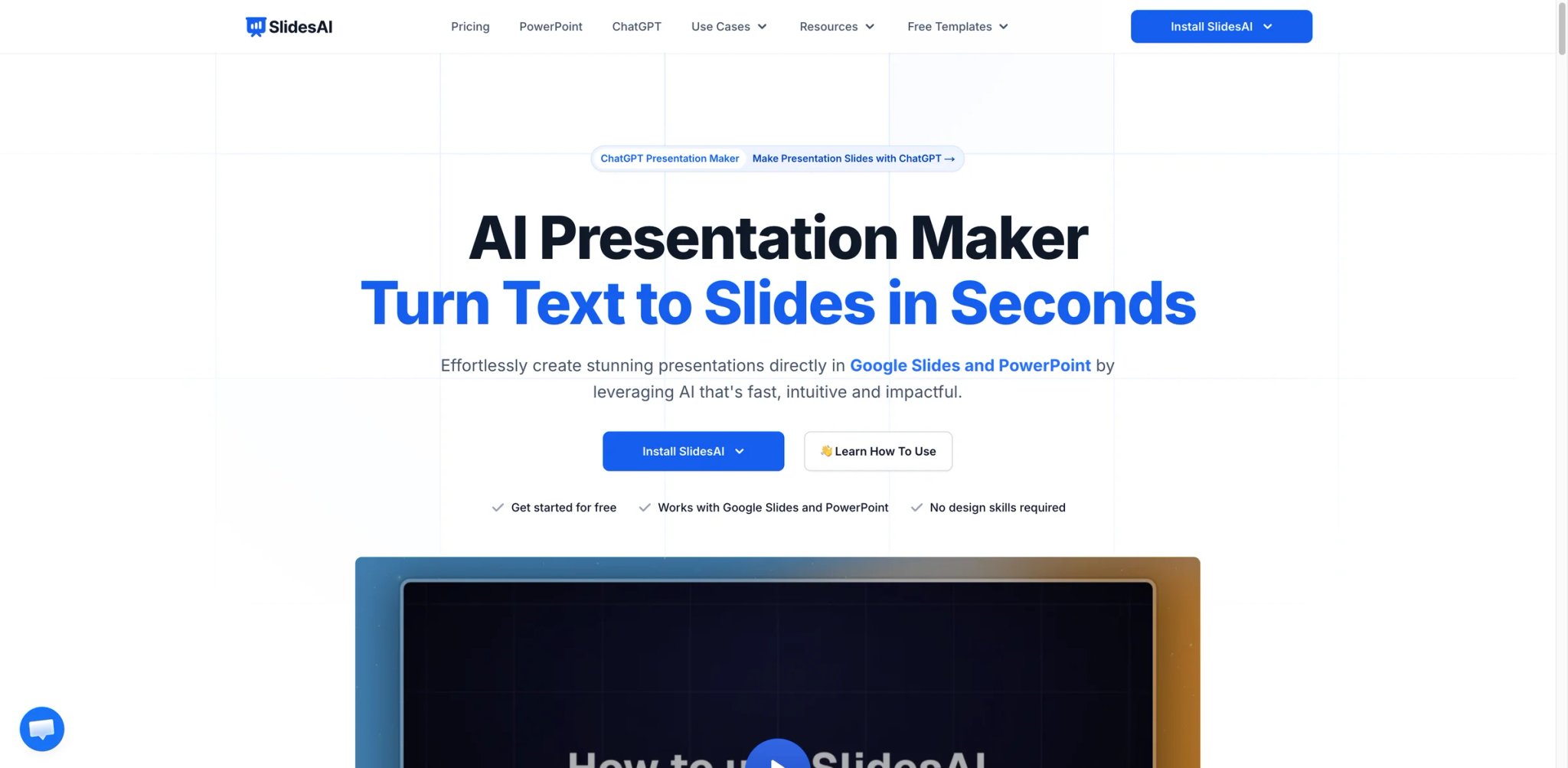
SlidesAI started as a Google Slides add-on and now runs in four places: a standalone web app, inside Google Slides, inside PowerPoint, and through ChatGPT. The Pro plan works out to $10/mo when billed annually ($120/year), which keeps it at the budget end of the category next to Plus AI and well below a Google Workspace plan with Gemini. The trade-off is output quality: SlidesAI produces functional first drafts that consistently need editing, not polished presentations you'd show without modification.
Key Features
- Web app plus Google Slides and PowerPoint integrations — Paste content into the browser-based web app with no install, or generate and edit decks without leaving Google Slides or PowerPoint. A ChatGPT entry point saves decks to Google Slides. Finished decks can be kept as native Google Slides files or downloaded as PPTX or PDF.
- Annual usage caps — Every plan, including paid tiers, limits presentations per year, characters per presentation, and AI credits per year, so heavy users should check the caps before committing.
- 100+ language support — Generate presentations in over 100 languages. Broader language coverage than Plus AI at a lower price point.
- Text and topic input — Either paste text content or describe a topic, and SlidesAI generates a slide deck in whichever surface you started from. The process is simple but the output quality reflects the budget positioning.
Pricing & Plans
| Plan | Price | Includes |
|---|---|---|
| Basic | $0 | 12 presentations/year, 1,000 characters per presentation, 120 AI credits/year |
| Pro | $10/mo (billed $120/yr) | 120 presentations/year, 6,000 characters per presentation, 600 AI credits/year, document upload |
| Premium | $20.83/mo (billed $250/yr) | Unlimited presentations, 12,000 characters per presentation, 1,200 AI credits/year, document upload |
Character limits per presentation restrict the depth of AI-generated content. The free plan's 12 presentations a year are enough for basic testing, but its 1,000-character input limit keeps generated decks short.
Pros & Cons
Pros: Budget pricing with a free tier. Works in the browser, Google Slides, and PowerPoint, so you can stay in the editor you already use. Simple, straightforward interface with no learning curve. 100+ language support at budget pricing.
Cons: Output quality is generic — slides follow a repetitive "four bullets with image" formula regardless of content. Character limits restrict content depth even on paid plans. Trustpilot rating of 2.6/5 reflects billing complaints and slow support responses.
Who It's For
SlidesAI suits budget-conscious users who want basic AI generation in the browser or inside Google Slides or PowerPoint without paying for a Google Workspace plan with Gemini or a Microsoft 365 Copilot add-on. It's functional for internal drafts, student presentations, and low-stakes content. Not the right fit if output quality matters — the generic layouts and repetitive formatting mean you'll spend time editing every generated deck, which may negate the time savings.
Get started with SlidesAI
Best AI Presentation Makers by Use Case
For Startup Founders Building Investor Pitch Decks
If you're crafting a pitch deck that needs to look polished and professional without hiring a designer, Gamma generates the fastest first draft, and Beautiful.ai's smart layouts prevent amateur design mistakes. Chronicle is the premium option when visual impact matters — investor first impressions correlate with design quality, and Chronicle's output is visually a tier above the rest.
For Corporate Teams Standardizing Presentation Quality
If you're managing a team of 10+ people who all create presentations but few have design training, Beautiful.ai's smart layout system prevents bad slides from being created. Pitch offers stronger brand enforcement with locked templates. Plus AI works if the team refuses to leave PowerPoint or Google Slides.
For Educators Creating Course Content at Scale
If you're producing weekly lecture slides, training materials, and student-facing content, Canva offers the broadest template library for educational contexts. Mentimeter adds live interaction that transforms passive lectures into active learning. SlidesAI is the budget option at $10/mo (billed annually) if you only need basic generation in Google Slides, PowerPoint, or the browser.
For Sales Teams Tracking Prospect Engagement
If you need to know which slides prospects actually read and where they dropped off, Decktopus embeds analytics and lead capture directly into presentations. Pitch's Pitch Rooms offer similar tracking with higher design quality. Both solve the "did they even open it?" problem that email-attached PDFs can't answer.
For Data Analysts Presenting Complex Numbers
If your presentations are built around charts, graphs, and data visualizations rather than text, Visme is the clear choice — its charting engine handles complexity that other tools can't touch. Google Slides + Gemini works if your data lives in Google Sheets and you want seamless chart integration.
How to Choose the Right AI Presentation Maker
1. Start with your export requirement. If your audience, clients, or organization expects PowerPoint files, eliminate tools that don't export reliable PPTX (Chronicle, Prezi, Mentimeter). If you can share via web link, tools like Gamma and Chronicle become viable — and often produce better-looking results than their PPTX exports anyway.
2. Check if you actually need a new tool. Plus AI and SlidesAI work inside Google Slides and PowerPoint. Copilot works inside PowerPoint. Canva and Adobe Express are platforms you might already pay for. Adding AI to your existing workflow is often cheaper and less disruptive than adopting a new platform.
3. Test with your actual content, not a demo prompt. AI presentation quality varies dramatically by topic. A marketing overview might look great while a technical architecture deck looks generic. Test each tool with your real presentation topics before committing to a paid plan.
4. Calculate per-deck cost, not just monthly price. A $15/mo tool that limits you to 10 presentations costs $1.50/deck. A $29/mo tool with unlimited generation costs less per deck if you create frequently. Credit systems (Gamma, Decktopus, Visme) make this calculation important.
5. Match design control to your skill level. Non-designers benefit from Beautiful.ai's automated layouts and Gamma's opinionated design decisions. Experienced designers will find those same tools frustrating and prefer Canva, Pitch, or Figma Slides where manual control is available. The right tool depends on who's using it, not which has the most features.
Frequently Asked Questions
What is the best free AI presentation maker?
Can AI presentation tools replace PowerPoint?
How reliable are AI-to-PowerPoint exports?
Gamma vs Beautiful.ai: which is better for business presentations?
How much should an AI presentation tool cost?
Which AI presentation maker has the best design quality?
Are AI-generated presentations good enough for client-facing work?
Get ToolWorthy Weekly
New AI tools, practical guides, and selected AI signals in one weekly brief.
Related Posts
- 6 Best AI Pitch Deck Tools in 2026 — Choose by Fundraising Handoff
A pitch deck generator can make slides quickly, but the real decision is what happens next: investor edits, an editable handoff, and a shareable final story.
For AI tool founders
Built a tool that belongs in this decision set?
Request an editorial evaluation for possible inclusion in ToolWorthy.
Submit your tool for reviewPaid submission does not guarantee a ranking, recommendation, inclusion, or editorial outcome.