
12 Best AI Math Tools in 2026 — Solve, Learn, and Actually Understand
We tested 20+ AI math solvers and picked the 12 that actually explain the steps. Real pricing, real limitations, and free alternatives included.

On this page
The Calculator Era Is Over — AI Math Tools Now Teach You Why
A decade ago, the best math help you could get online was plugging an equation into Wolfram|Alpha and hoping the free tier showed enough steps. Today, AI math tools photograph your handwritten homework, walk you through each step like a patient tutor, and generate practice problems tailored to where you keep getting stuck. The market has exploded — and so has the confusion about which tool actually helps you learn versus which one just hands you an answer.
We tested 20+ AI math solvers across algebra, calculus, statistics, and geometry, comparing them on explanation quality, input flexibility, subject coverage, and real cost after the free tier runs out. This guide breaks down the 12 that earned a spot, organized by what they do best — whether you need a quick homework check, deep conceptual tutoring, or a free tool that doesn't paywall every step.
| Tool | Best For |
|---|---|
| Symbolab | Step-by-step practice with built-in exercises |
| Wolfram|Alpha | Advanced math and computational depth |
| GeoGebra Math Solver | Free solver with interactive graphing |
| Maple Calculator | 2D/3D visualization on mobile |
| Photomath | Camera-based solving with clear explanations |
| Mathway | Broadest subject coverage on web |
| ThetaWise | AI tutoring with guided learning mode |
| SnapXam | Quick web-based step-by-step solutions |
| Cymath | Free algebra and calculus help |
| QANDA | Photo-based solving across subjects |
| Solvely | Multi-platform study companion with browser extension |
| Mathful | Free plan with Pro upgrade |
How We Selected and Tested
We started with 30+ AI math tools and narrowed the list using criteria that matter to students and self-learners: Does it explain the why behind each step, not just spit out answers? Does it cover the math topics you actually encounter in coursework — from pre-algebra through calculus and statistics? Can you afford it on a student budget?
Our research combined official product documentation, app store reviews (with particular attention to ratings from 100K+ review samples where available), and user feedback from Reddit and education forums. We cross-referenced pricing claims against actual subscription pages and tested input methods — typed equations, photo capture, and natural language queries — across tools.
Evaluation Dimensions: We evaluated each tool across 5 dimensions:
- Explanation Quality — Does the tool show complete, followable step-by-step solutions that build understanding?
- Subject Coverage — How many math domains does it handle reliably (algebra, calculus, geometry, statistics, linear algebra)?
- Input Flexibility — Can you type, photograph, handwrite, or describe problems in natural language?
- Cost Transparency — Is pricing clear, fair for students, and free of hidden limits or aggressive upsells?
- Platform Access — Is there a web version, or are you locked into a mobile app?
Note on Testing Scope: We conducted hands-on testing of input methods, explanation output, and pricing flows for each tool. For user satisfaction metrics, we relied on app store ratings and community feedback across multiple platforms.
Transparency & Limitations: All pricing and feature claims come from official sources and credible third-party reviews — we don't fabricate ratings or performance claims. Some tools update pricing frequently; all data verified as of April 2026.
Top 12 AI Math Tools Compared
Before diving into detailed reviews, here's a side-by-side comparison of all 12 tools across the dimensions students care about most. Use this table to quickly identify which tools match your needs, then read the full reviews below for the details that matter.
| Tool | Best For | Explanation Depth | Free Tier Quality | Subject Range | Platform |
|---|---|---|---|---|---|
| Symbolab | Practice + learning | Excellent — full steps + exercises | Limited | Algebra through calculus and more | Web, iOS, Android |
| Wolfram|Alpha | Advanced computation | Excellent — deepest detail | Good (answers free, steps paid) | All math domains | Web, iOS, Android |
| GeoGebra Math Solver | Free graphing + solving | Good — clear steps | Excellent — fully free | Pre-algebra through calculus | Web, iOS, Android |
| Maple Calculator | Visualization | Good — with 2D/3D graphs | Good (5 free steps/week) | Algebra through diff. equations | iOS, Android |
| Photomath | Camera solving | Excellent — animated steps | Good | Elementary math through calculus, plus statistics | iOS, Android |
| Mathway | Broadest subjects | Good | Limited (answers only free) | Basic math through advanced calc | Web, iOS, Android |
| ThetaWise | AI tutoring | Excellent — guided mode | Free account available, exact limits unclear | Algebra through college math | Web |
| SnapXam | Quick web solving | Good — with video explanations | Limited | Arithmetic through calculus | Web, iOS, Android |
| Cymath | Free algebra help | Decent — clean steps | Good — generous free tier | Algebra, calculus | Web, iOS, Android |
| QANDA | Photo-based help | Good | Limited (coin system) | Multi-subject including math | Web, iOS, Android |
| Solvely | Multi-platform study | Good — study loop features | Free to start, exact limits unclear | Broad math coverage | Web, App, Extension |
| Mathful | Free plan with Pro upgrade | Decent | Good — free plan with limits | Broad math coverage | Web |
Detailed Reviews


Most math solvers stop at showing you the answer and maybe the steps. Symbolab closes the loop — after walking through a solution, it generates practice problems on the same concept so you can verify you actually understood, not just copied. For students who keep making the same algebra mistakes on exams, that practice-to-mastery cycle is what separates Symbolab from a fancy calculator.
Key Features
- Step-by-step solutions with practice exercises — Each solved problem links to related practice sets that test the same concept with different numbers. No other solver in this list integrates drilling this tightly into the solving flow.
- Multi-input flexibility — Type equations directly, use natural language ("solve for x when 2x + 5 = 15"), or photograph handwritten problems. The OCR handles messy student handwriting better than most competitors.
- Graphing calculator built in — Plot functions, find intersections, and visualize transformations without switching to a separate tool. Useful when you need to connect algebraic solutions to their geometric meaning.
- Notebook feature — Save solutions and organize them by topic, effectively building a personal study guide from problems you've worked through.
Pricing
- Free: Answers and basic steps with ads
- Pro: $9.95/month, $32.95 every 6 months, or $39.95/year — unlocks full solution steps, AI chat, practice features, ad-free use, and cross-device access
- 7-day free trial available
Cost reality: The free tier shows answers but locks detailed steps behind Pro. If you need explanations — which is the whole point of a learning tool — expect to pay. The annual plan at $2.50/month is reasonable for students.
Limitations
- Subscription billing friction: Multiple users report difficulty canceling subscriptions and unexpected charges. The "manage subscription" flow has been a consistent complaint across app store reviews.
- Free tier is limited: Symbolab's free experience is materially less useful than Pro — you see answers but the richer step-by-step explanations live behind the paywall.
- Platform note: Symbolab is available on web, iOS, and Android, so platform coverage is not a concern — but the mobile experience can feel cluttered compared to the clean web interface.
Best For
Students who want to practice math, not just check answers — particularly those preparing for exams in algebra, precalculus, or calculus. The practice problem generation is unmatched.
Not the right fit if you need advanced topics like differential equations or linear algebra, or if you're looking for a completely free solution.
Get started with Symbolab

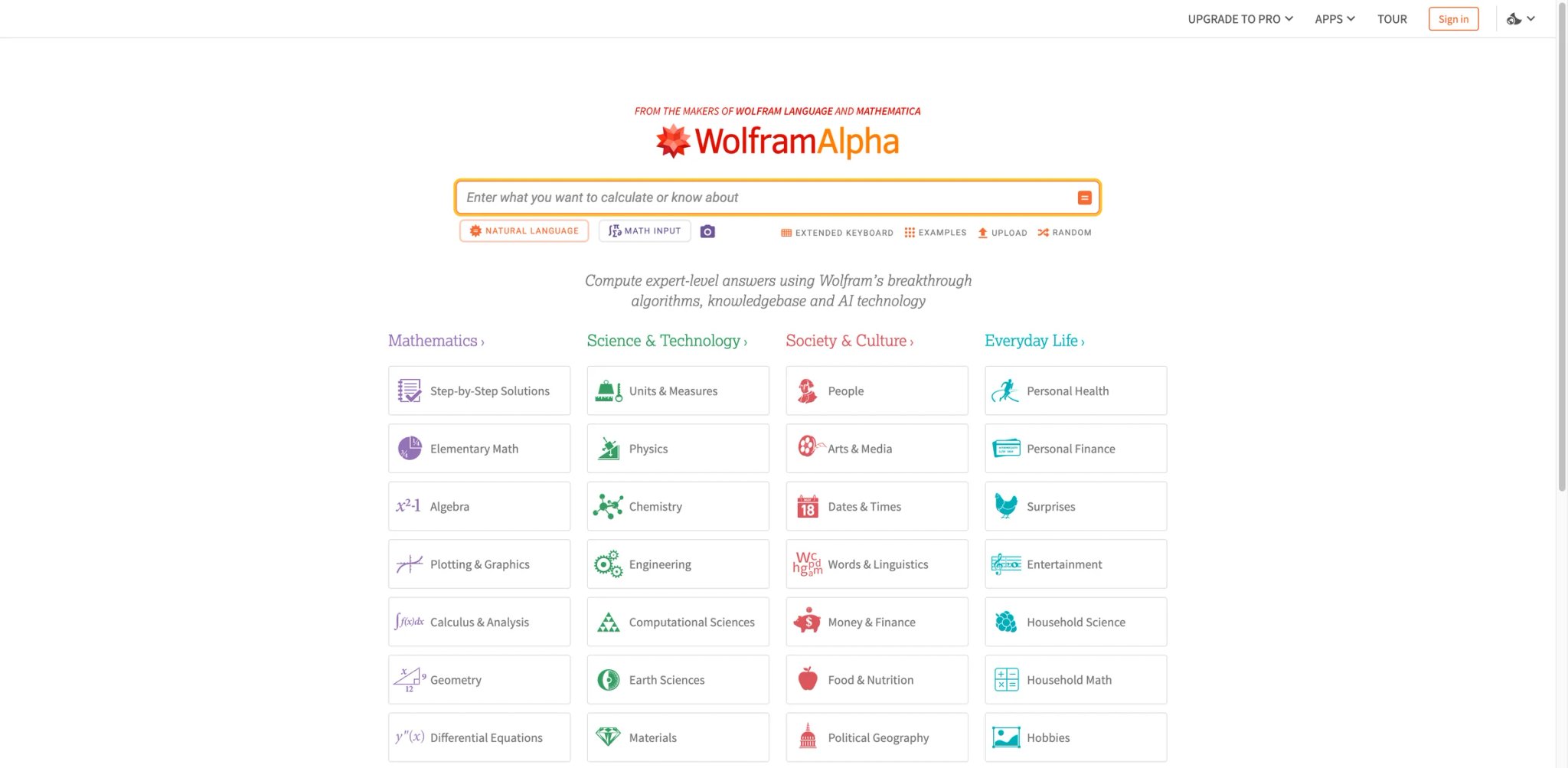
Where other math tools struggle past second-year calculus, Wolfram|Alpha keeps going — differential equations, linear algebra, number theory, discrete math, statistics. It's built on top of the Mathematica engine, the same software research mathematicians and engineers have used for decades. The depth is unmatched, but that power comes with an interface that assumes you already know what you're looking for.
Key Features
- Deepest computational coverage — Handles everything from basic arithmetic to graduate-level topics like Fourier transforms, tensor calculus, and combinatorics. No consumer math tool covers more ground.
- Natural language input — Type problems in plain English ("integral of x^2 sin(x) from 0 to pi") and get structured results. The parser handles ambiguity better than any competitor because it draws on Wolfram's 30+ years of computational linguistics.
- Step-by-step solutions (Pro) — Pro subscribers get detailed solution breakdowns that show intermediate steps, alternative methods, and related concepts. The explanations are thorough but assume mathematical maturity.
- Computable data across domains — Beyond math, it cross-references chemistry, physics, engineering, and financial data, making it invaluable for STEM students who need calculations that span disciplines.
Pricing
- Free: Answers, plots, and basic results — no step-by-step
- Basic: Free with sign-in — personalized settings, but no step-by-step solutions
- Pro: $5.00/month billed annually ($60/year) or $9.99/month — adds step-by-step solutions, practice problems, guided calculators, extended computation time, uploads, and downloadable results
- Pro Premium: $8.25/month billed annually ($99/year) or $12.00/month — adds higher limits and full premium access
Cost reality: The free tier is surprisingly useful for quick answers and plots. Pro is worth it if you regularly need step-by-step breakdowns for complex problems. At $5/month annual, it's competitive — but you're paying for depth, not hand-holding.
Limitations
- Interface is functional, not friendly: The results page packs dense information into pods that can overwhelm students who just want a clear explanation. It's designed for people who know what they're looking at.
- Step-by-step is Pro-only: The free version gives you the answer and visualizations but not the learning path. For a tool this powerful, that paywall stings.
- Mobile app has persistent bugs: Users report sign-in issues, crashes, and feature gaps compared to the web version. Stick with the browser.
Best For
STEM students and professionals tackling advanced mathematics — differential equations, linear algebra, statistics, discrete math. If your coursework goes beyond what Photomath or Symbolab can handle, Wolfram|Alpha is probably the only consumer tool that keeps up.
Not the right fit if you want a friendly tutor-style experience or if you're working on basic algebra and need encouragement more than computation power. For those looking at how AI handles other technical domains, see our guide on best AI chatbots which covers general-purpose AI assistants.
Get started with Wolfram|Alpha
GeoGebra Math Solver
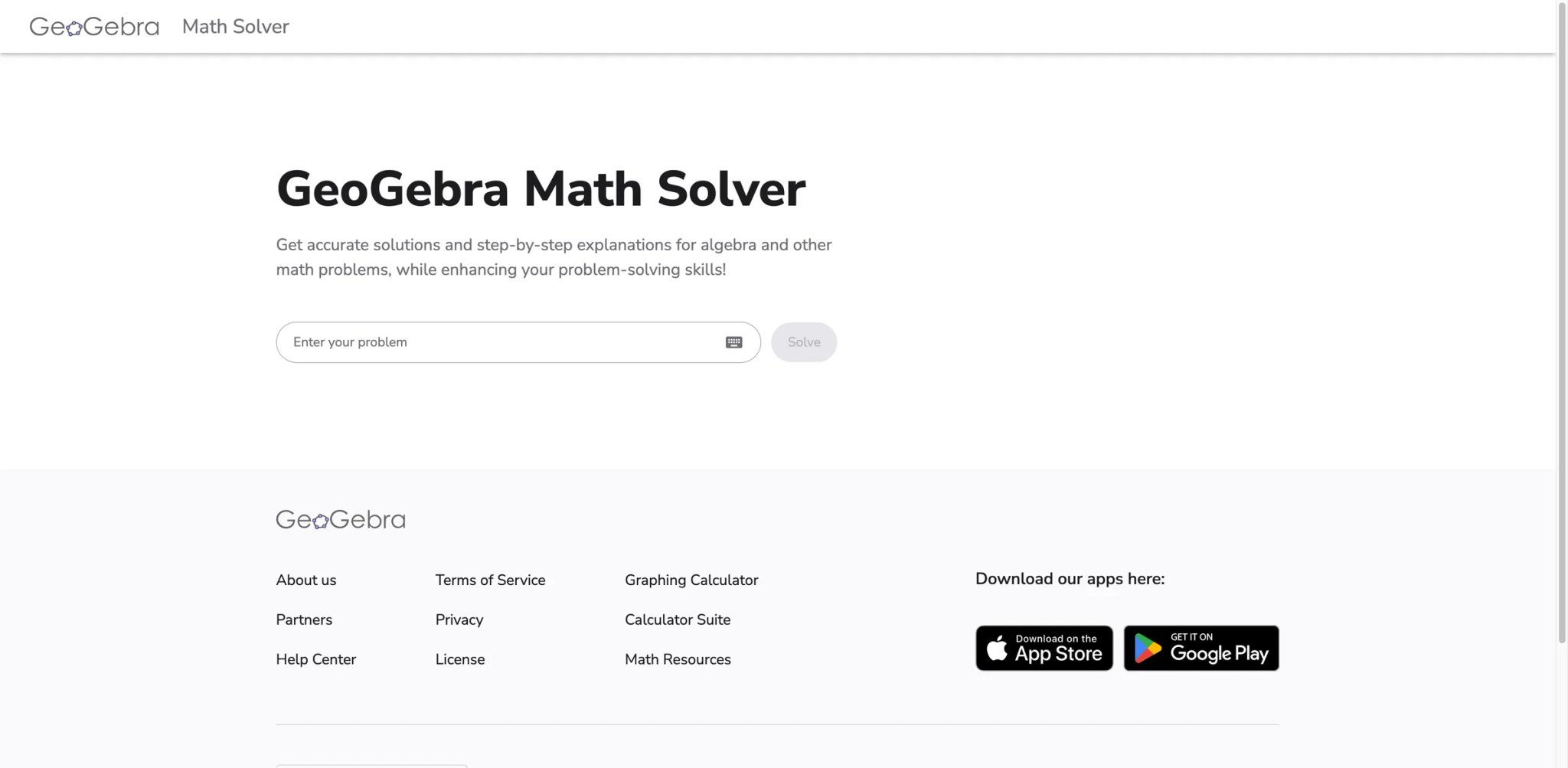
Free math tools usually come with a catch — ads everywhere, steps locked behind a paywall, or a three-problem daily limit. GeoGebra Math Solver is the exception. It's completely free, runs in any browser, shows step-by-step solutions, and connects to GeoGebra's powerful interactive graphing suite. The trade-off is that it doesn't cover as many advanced topics as paid alternatives.
Key Features
- Fully free step-by-step solutions — No account required, no daily limits, no paywalled steps. Type or photograph a problem and get a complete solution breakdown. This alone makes it the best free option on this list.
- Interactive graphing integration — Solutions connect directly to GeoGebra's graphing calculator, geometry tools, and 3D calculator. Visualize the equation you just solved without switching apps.
- Classroom sharing tools — Teachers can create GeoGebra Classrooms, assign problems, and see student work in real time. No other free math solver includes collaboration features at this level.
- 100+ million users — The largest user base of any tool on this list, backed by a non-profit mission to make math education accessible.
Pricing
- Free for non-commercial use — GeoGebra makes its tools and web services available free of charge for non-commercial users; commercial users need a paid license
- Some premium features available through GeoGebra Notes (school licenses)
Cost reality: For students, teachers, and other non-commercial users, GeoGebra is genuinely free. It is not an unrestricted commercial-use product — commercial users are expected to obtain a license. But for the target audience of this article, the cost is zero.
Limitations
- Advanced topic gaps: Handles algebra, pre-calculus, and basic calculus well, but struggles with differential equations, linear algebra, and statistics. University-level coursework often exceeds its range.
- Photo recognition is weaker: Camera input works but is less reliable than Photomath or Symbolab for handwritten or messy problems. Typed input is more dependable.
- Learning curve for the full suite: The math solver itself is straightforward, but exploring GeoGebra's graphing, geometry, and 3D tools takes time. The interface packs a lot of modules.
Best For
Students on a budget who need reliable step-by-step solutions for algebra through early calculus, plus teachers who want free classroom tools. The graphing integration is a bonus that no paid competitor matches at this price (free).
Not the right fit if you're tackling advanced university math or need polished camera-based input for handwritten problems.
Get started with GeoGebra Math Solver
Maple Calculator
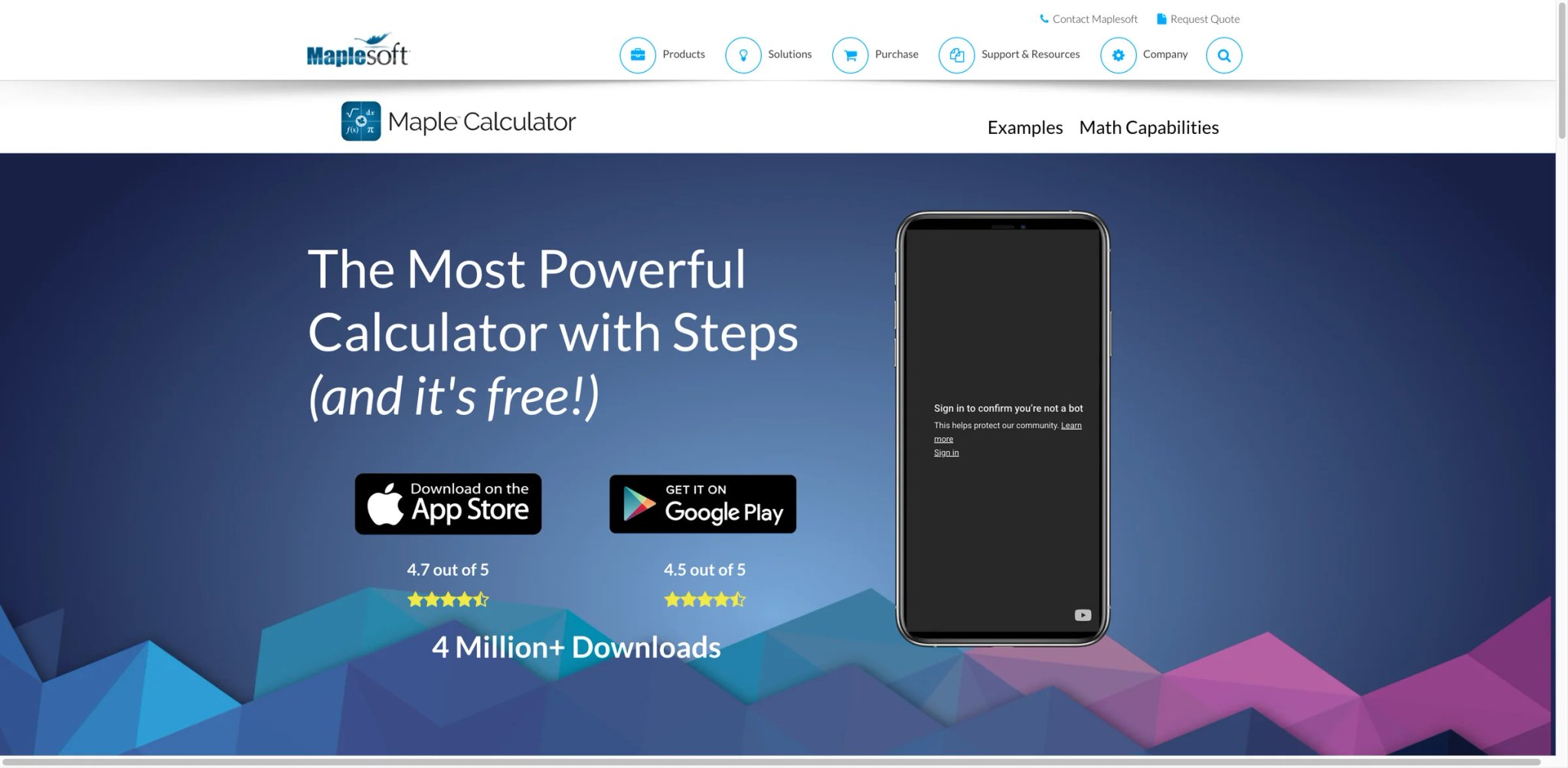
Behind this free mobile app sits Maplesoft's commercial-grade symbolic computation engine — the same technology that powers Maple, used by engineers and researchers worldwide. Maple Calculator brings that engine to your phone with 2D and 3D graphing that makes abstract equations tangible. The catch: it's mobile-only, with no web version.
Key Features
- Enterprise-grade math engine on mobile — Powered by the same symbolic computation core as Maple (used in aerospace, automotive, and academic research), delivering accuracy that consumer-grade solvers can't match on complex expressions.
- 2D and 3D graph visualization — Plot functions in two and three dimensions directly from solved equations. Rotate 3D graphs with touch gestures to understand surfaces, cross-sections, and behavior from every angle.
- Camera input with step-by-step — Photograph handwritten or printed math and get solutions with step breakdowns. The Maple engine handles the computation, so results are more reliable for complex expressions.
- No ads, no in-app purchases for core features — The app is genuinely free to use with a clean interface. Premium unlocks unlimited steps (free tier allows 5 steps per week).
Pricing
- Free: Full solving and graphing, 5 step-by-step solutions per week
- Premium: Unlimited steps (pricing varies by platform)
Cost reality: The 5-steps-per-week free tier is enough for occasional use but not for daily homework. Still, the core solving and graphing work without limits.
Limitations
- No web version: Mobile-only (iOS and Android). If you prefer working on a laptop or desktop, you can't use Maple Calculator — you'd need the full Maple software, which costs hundreds of dollars.
- Interface feels dated: Navigation through menus can be confusing, and the app only works in portrait mode. iPad users with keyboards can't switch to landscape.
- Limited step explanations: While steps are shown, the explanations of why each step works are less detailed than Symbolab or Photomath. It assumes you understand the method and just need to see the work.
Best For
STEM students who learn visually and want to see math in 2D and 3D — particularly useful for multivariable calculus, surface plots, and understanding function behavior. The Maple engine's accuracy is a real advantage for complex expressions.
Not the right fit if you work primarily on a computer or need detailed tutorial-style explanations alongside each step.
Get started with Maple Calculator

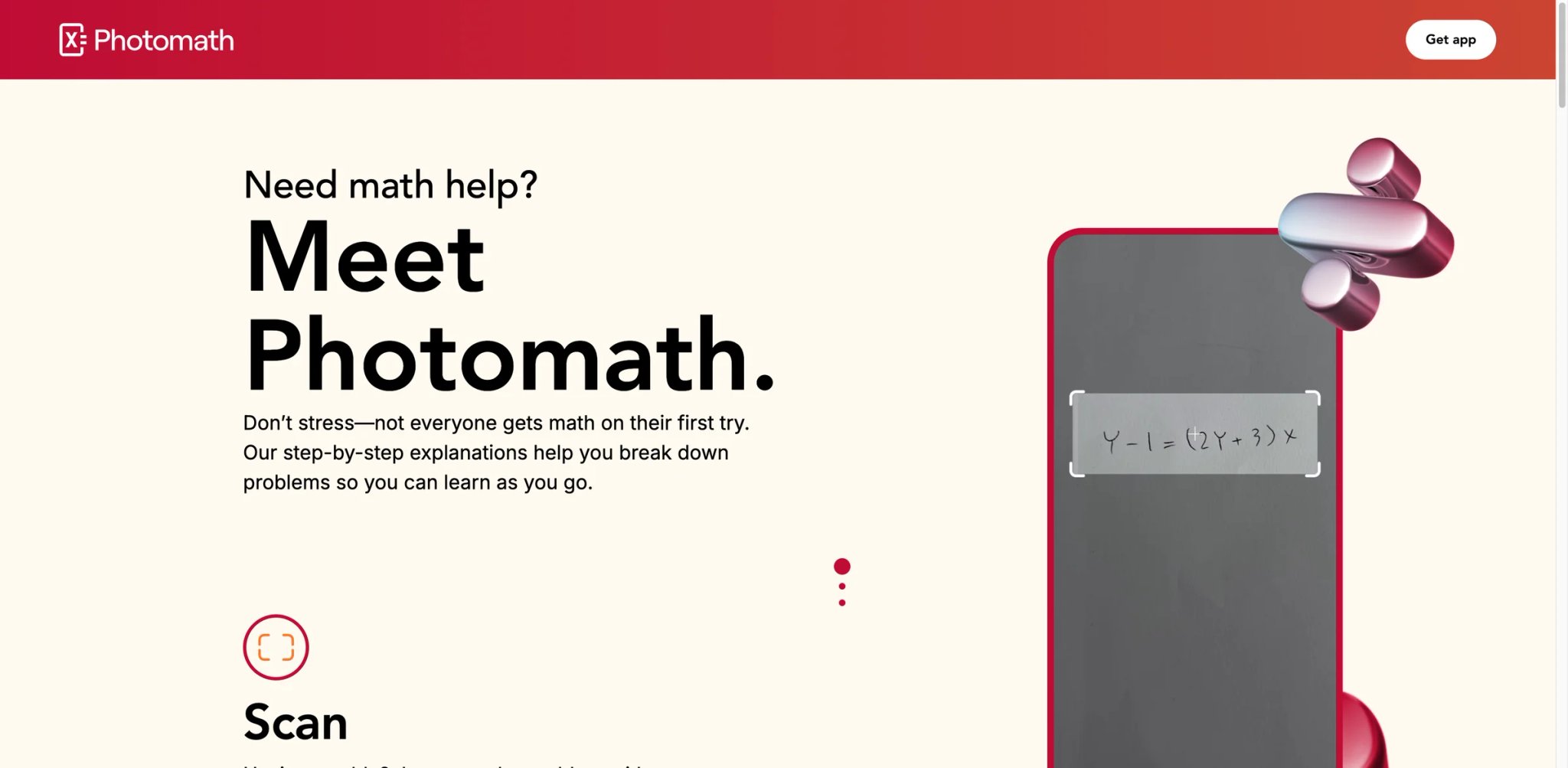
Photomath pioneered the "point your camera at a math problem" category back in 2014, and it still does it better than anyone else. The camera recognition is fast, handles messy handwriting reliably, and the animated step-by-step explanations are genuinely useful for visual learners. Google acquired it in 2023, and the investment shows in how smooth the experience has become — though it also means step-by-step is now firmly behind a paywall.
Key Features
- Best-in-class camera recognition — Point your phone at a printed or handwritten problem and get results in seconds. After 10+ years of training data, the OCR handles tilted pages, poor lighting, and student handwriting better than any competitor.
- Animated step-by-step solutions — Solutions don't just list steps; they animate transitions between them, showing exactly which terms moved where and why. This visual approach helps students who get lost reading static step lists.
- Multiple solution methods — When there's more than one way to solve a problem (factoring vs. quadratic formula, for example), Photomath shows alternatives so you can find the approach that clicks.
- Expert-verified content — Google's acquisition funded a team of math educators who verify explanations for accuracy and pedagogical quality.
Pricing
- Basic: $0 — includes step-by-step explanations
- Photomath Plus (Annual): $69.99/year — adds custom visual aids and extra "how" and "why" tips
- Photomath Plus (Monthly): $9.99/month — same premium features with monthly billing
Cost reality: Photomath's free Basic tier is more useful than many competitors — it includes step-by-step explanations out of the box. The paid Plus plans add richer visual aids and deeper instructional guidance. At $69.99/year or $9.99/month, Plus is a premium tier, but the free version is functional for basic learning.
Limitations
- No web version: Mobile-only (iOS and Android). You cannot use Photomath on a laptop or desktop, which is a significant gap for students who do homework on computers.
- Premium upsell is persistent: While the free Basic tier now includes step-by-step explanations, Photomath reserves its richer instructional layer (custom visual aids, deeper tips) for Plus subscribers. The push toward Plus is noticeable throughout the experience.
- Subject ceiling: Handles pre-algebra through calculus well, but doesn't extend to linear algebra, differential equations, or statistics. Advanced students will hit walls.
Best For
Visual learners in middle school through early college who solve problems on paper and want to check their work by photographing it. The animated explanations are unmatched for building intuition about algebraic manipulation.
Not the right fit if you need a web-based tool, want free step-by-step access, or are studying beyond introductory calculus. Explore our AI homework helper category for broader options.
Get started with Photomath

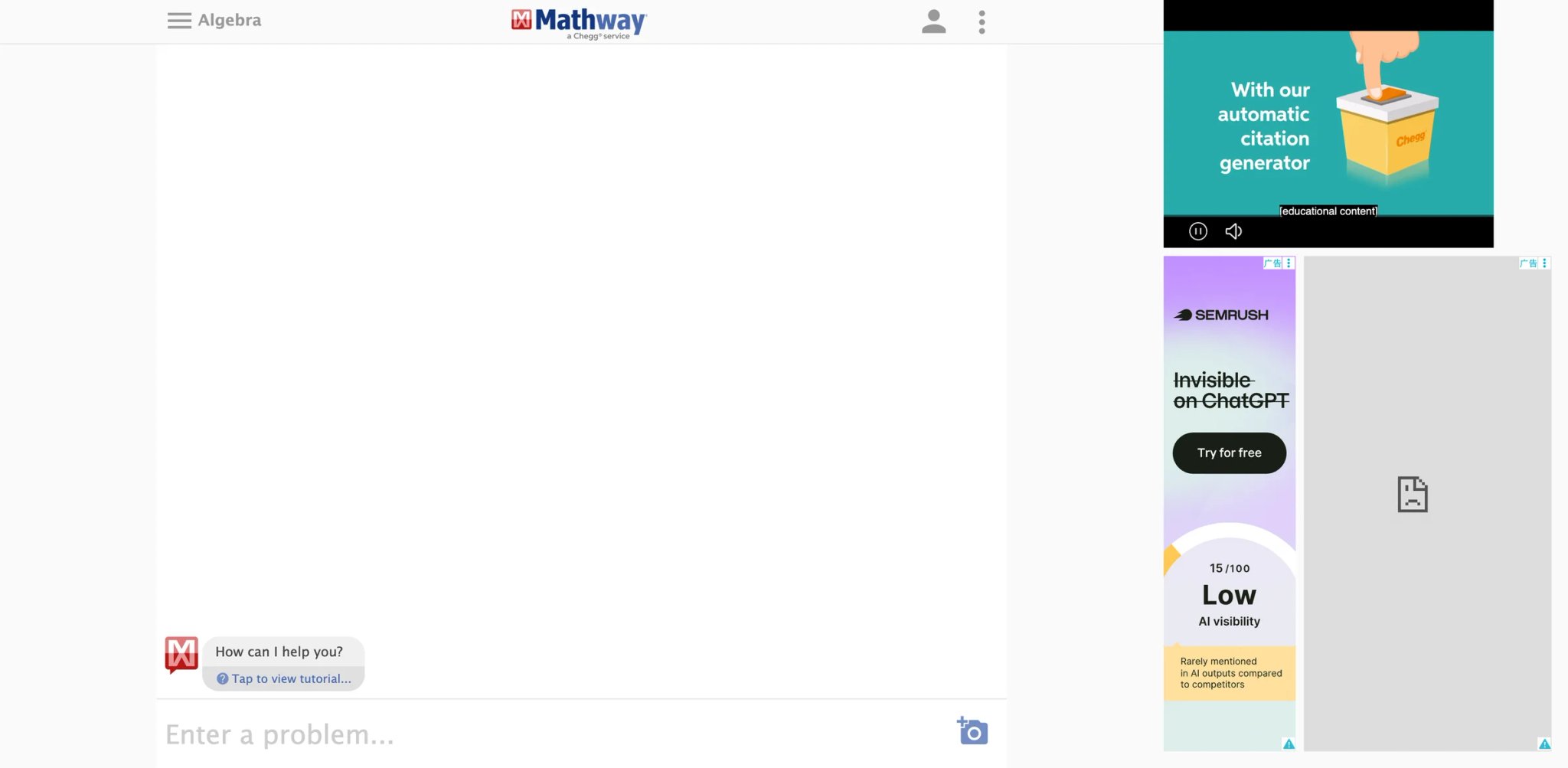
Need to solve a chemistry stoichiometry problem at 2 AM, then switch to a statistics z-score, then check your calculus integration? Mathway covers more subject areas than any other solver on this list — from basic math and pre-algebra all the way through finite math, linear algebra, and chemistry. The breadth is the selling point, even if the depth per subject doesn't match specialized tools.
Key Features
- Widest subject coverage — Covers basic math, pre-algebra, algebra, trigonometry, pre-calculus, calculus, statistics, finite math, linear algebra, chemistry, and graphing. No other single tool spans this range.
- Clean web interface — Unlike most competitors that are mobile-first, Mathway's web version is fully functional and well-designed. You can work comfortably on a laptop.
- Instant answers with topic switching — Select your subject from a dropdown, type or photograph your problem, and get a result. Switching between math topics is frictionless.
- Multiple solution methods — For many problem types, Mathway offers different solving approaches, letting you compare methods and find what makes sense to you.
Pricing
- Free: Final answers only — no steps, no explanations
- Premium: $9.99/month or $39.99/year — unlocks Step-by-Step Access
Cost reality: The free tier gives you answers but zero learning value. Premium pricing is inconsistent across sources and platforms, which is a transparency issue. Some users report unexpected charges and difficulty canceling.
Limitations
- Billing complaints are widespread: BBB complaints, Trustpilot reviews, and Reddit threads consistently cite unauthorized charges, difficulty canceling subscriptions, and unresponsive support. This is the most complained-about billing experience on this list.
- Free tier is answer-only: Without paying, you learn nothing. The free version is essentially an answer checker with no educational value.
- Accuracy concerns on complex problems: Users report incorrect solutions for advanced calculus and statistics problems. The breadth of coverage comes at the cost of depth in any single area.
Best For
Students taking multiple STEM courses simultaneously who want one tool that covers everything from basic math to chemistry, with a usable web interface. The subject breadth is unmatched.
Not the right fit if you need reliable advanced math (stick with Wolfram|Alpha) or if subscription billing transparency matters to you.
Get started with Mathway


Most math solvers give you a fish. ThetaWise tries to teach you to fish — its "Tutor Me" mode doesn't just show the solution but asks you guiding questions, gives hints when you're stuck, and only reveals the next step when you've attempted it yourself. It's the closest thing to having a patient human tutor available 24/7, and the 50 free messages per day make it accessible without immediate payment.
Key Features
- "Tutor Me" guided learning mode — Instead of dumping the full solution, ThetaWise walks you through the problem step by step, asking questions and providing hints. You learn by doing, not by reading. No other tool on this list replicates this interactive tutoring approach.
- Multiple input methods — Type, handwrite, speak, or photograph problems. Voice input is a unique addition that competitors don't offer, useful for describing word problems.
- AI video lessons — Upload class notes and ThetaWise generates personalized video lessons on the topic. This is a novel feature that bridges the gap between solving individual problems and understanding broader concepts.
- Practice problem generation — Like Symbolab, ThetaWise generates practice problems, but tailored to your demonstrated weak areas based on your interaction history.
Pricing
- Free account: ThetaWise offers a free account and a 1-week trial, though the exact free-usage quota is not clearly disclosed on its public pricing page
- Pro: Paid access is available with expanded features, but ThetaWise's current public pricing page does not clearly disclose exact monthly and annual rates
- 7-day free trial for Pro
Cost reality: ThetaWise offers a free account and a 1-week trial, though the exact daily or monthly limits aren't clearly stated on its pricing page. The paid Pro tier unlocks full access, but without transparent pricing, it's hard to evaluate the value proposition upfront.
Limitations
- Web-only, no mobile app: You can't use ThetaWise on your phone. For students who do homework on tablets or phones, this is a real barrier.
- Limited public track record: With ~1.1M monthly visits, it's growing fast but has a smaller user base and fewer reviews than established tools. Long-term reliability is less proven.
- Opaque pricing: ThetaWise's public pricing page doesn't clearly disclose its Pro rates, making it difficult to compare costs against alternatives before committing.
Best For
Students who genuinely want to improve at math, not just get through tonight's homework. The guided tutoring mode is transformative for people who understand the answer but can't reproduce the process on their own. Also valuable for our readers exploring AI math tutor options specifically.
Not the right fit if you need quick answers, prefer mobile access, or want fully transparent pricing before committing.
Get started with ThetaWise

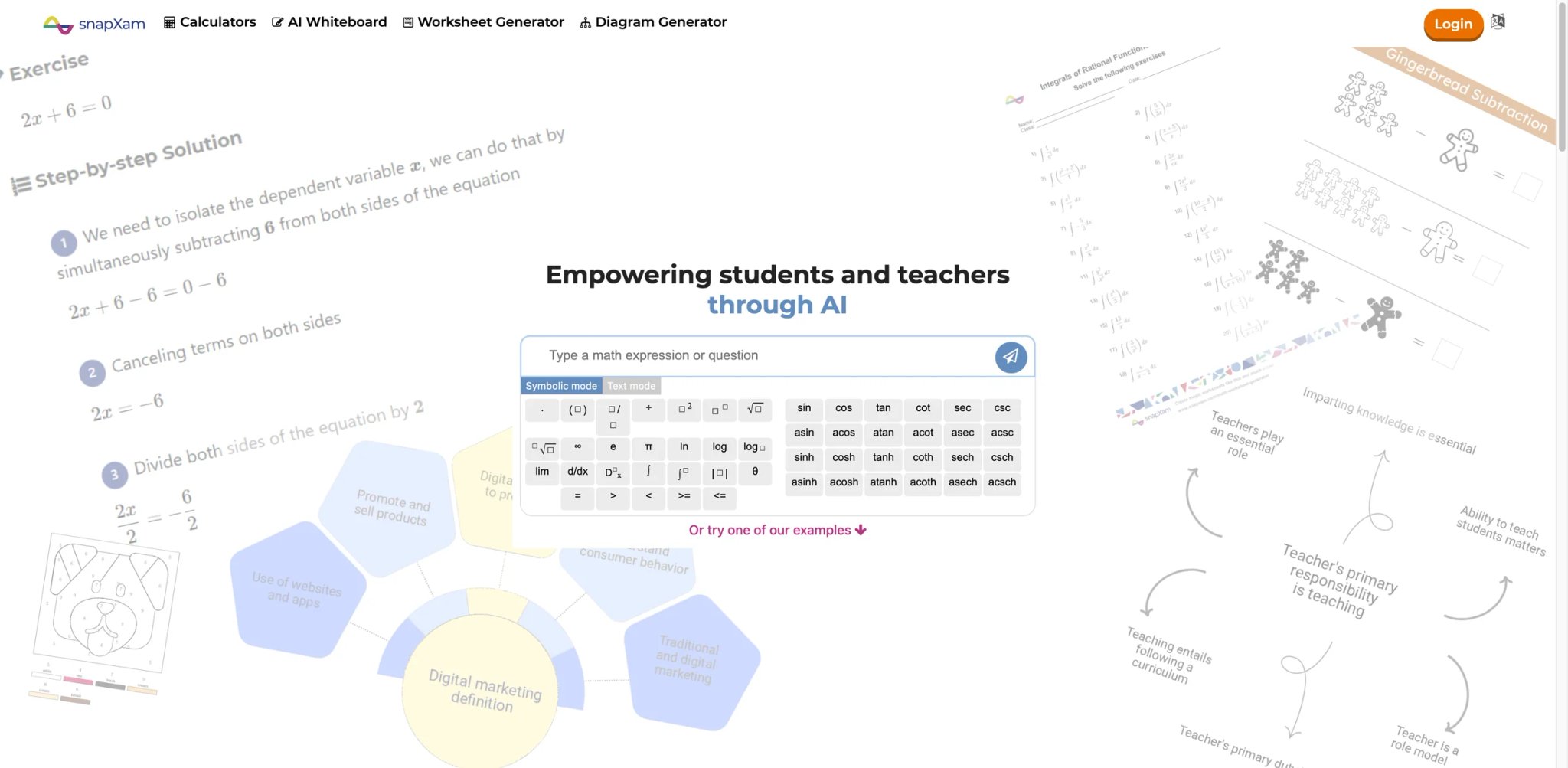
SnapXam does one thing well: you type an equation into a clean web interface, and it returns a step-by-step solution with video explanations for common problem types. No elaborate tutoring mode, no practice generators — just fast, clear solutions with a shorter path from problem to understanding than most competitors.
Key Features
- Video explanations alongside steps — For many problem types, SnapXam links to short video explanations that walk through the method visually. This hybrid text+video approach adds a learning dimension that pure step-by-step solvers miss.
- Worksheet generator — Create practice worksheets on specific topics (derivatives, integrals, factoring) for self-study or classroom use. Useful for teachers and students who want structured practice.
- Diagram generator — Automatically creates visual diagrams for geometry and graphing problems, helping visual learners see the relationships between equations and shapes.
- Clean web-first design — The interface is minimal and fast. No account required for basic use. Type a problem, get a solution — no friction.
Pricing
- Free: Limited number of solutions per day
- Student Premium: $3.97/week, $6.97/month, or $49.97/year — includes unlimited step-by-step solutions, AI whiteboard practice, ad-free use, and PDF downloads
Cost reality: The free tier is usable for occasional problems but runs out quickly during homework sessions. Student Premium starts at $6.97/month (or $3.97/week for short study sprints), with $49.97/year as the lowest effective monthly rate — reasonable for daily users who want unlimited steps, whiteboard practice, and PDF downloads.
Limitations
- Smaller knowledge base: Handles standard arithmetic through calculus problems well, but the range is narrower than Wolfram|Alpha or Mathway. Niche topics and advanced math may not be supported.
- Limited user community feedback: With fewer reviews and a smaller user base than established tools, it's harder to verify accuracy claims across edge cases.
- No download/export for solutions: You can't save solutions offline or export them to PDF, which limits usefulness for building study materials.
Best For
Students who want a no-frills, web-based solver that gets from equation to explanation quickly, with the bonus of video walkthroughs for common problem types.
Not the right fit if you need advanced math coverage or want to build a library of saved solutions.
Get started with SnapXam
Cymath
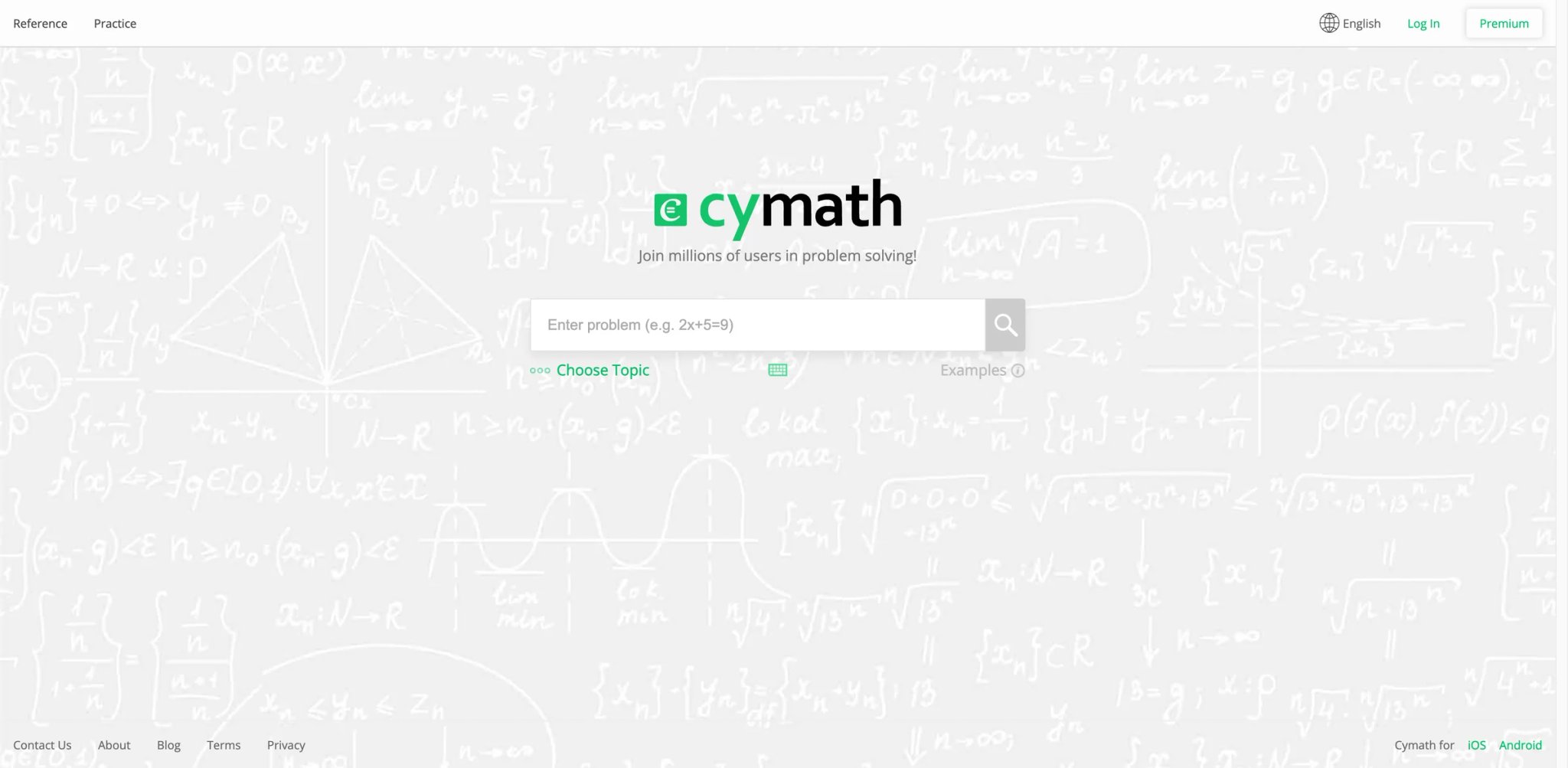
Cymath is the math solver you recommend to a friend who just needs help with algebra homework and doesn't want to think about subscriptions. The free tier is generous enough for daily use, the interface is dead simple, and it handles algebra and calculus — the two subjects that trip up the most students — with clean, readable step-by-step solutions. It won't win any innovation awards, but it reliably does what it promises.
Key Features
- Generous free tier — Unlike most competitors, Cymath's free version actually shows step-by-step solutions for many problem types. You don't hit a paywall on your third problem.
- Focused on algebra and calculus — Rather than trying to cover every math topic, Cymath specializes in the two areas where students need the most help. The solutions for these subjects are clean and well-structured.
- Cross-platform availability — Works on web, iOS, and Android with consistent functionality across all platforms. No feature gaps between web and mobile.
- Simple, distraction-free interface — No gamification, no social features, no upsell popups. Type your problem, get your steps. Students who just want to do math appreciate this.
Pricing
- Free: Step-by-step solutions for many problem types
- Cymath Plus: $4.99/month — adds deeper "how" and "why" guidance on many problems and removes ads
Cost reality: The free tier is more usable than most competitors' free tiers. You can legitimately use Cymath for daily algebra and calculus homework without paying.
Limitations
- Very narrow subject coverage: Only algebra and calculus. No trigonometry, statistics, geometry, linear algebra, or discrete math. If your coursework extends beyond these two subjects, you'll need a second tool.
- ~80% accuracy on complex problems: Users report occasional errors, particularly on complicated calculus problems. Always verify results on high-stakes work.
- Camera/photo input is unreliable: The scanner struggles with handwritten input, trig identities, and matrix problems. Typed input is significantly more reliable.
Best For
High school and early college students who primarily need algebra and calculus help, appreciate a generous free tier, and prefer simplicity over features.
Not the right fit if you take courses beyond algebra and calculus, or if you rely heavily on camera-based problem input.
Get started with Cymath


QANDA started as a photo-based homework helper in South Korea and has grown into a multi-subject AI study platform available globally. Its math capabilities are strong — photograph a problem and get a solution with steps — but QANDA's real pitch is that it covers science, social studies, and other subjects too, making it a one-stop homework companion rather than a math specialist.
Key Features
- Fast photo-based solving — Snap a picture of any math problem and get a solution within seconds. The recognition speed is among the fastest on this list, which matters when you're grinding through a problem set.
- Multi-subject coverage — Beyond math, QANDA handles science, social studies, and other academic subjects. Students juggling multiple homework assignments can use one app instead of three.
- AI-powered explanations — Solutions include step-by-step explanations powered by large language models, with the ability to ask follow-up questions about specific steps.
- Cross-platform with web access — Available on iOS, Android, and web, so you're not locked into mobile-only workflows.
Pricing
- Free: Core free access remains available
- QANDA Premium: Paid membership with unlimited answer generation, improved answer quality, detailed explanations, ad-free use, and a 7-day free trial
- Coin Membership: Separate subscription used for QANDA Teachers, not the main AI-solving premium tier
Cost reality: QANDA has shifted toward a Premium subscription model for its core AI solver, though the coin system still applies to Teacher Q&A. The free tier provides basic access, but students who need unlimited or higher-quality answers will need the Premium membership.
Limitations
- Coin-based monetization creates friction: The coin system — where you earn or buy coins to ask questions — adds unnecessary friction to the learning process. Users consistently report feeling nickel-and-dimed.
- AI accuracy is inconsistent: Some users report incorrect answers that waste their limited coins, creating a particularly frustrating experience. Standard problems are usually accurate, but edge cases suffer.
- Math is one module of many: QANDA's math capabilities are good but not as deep as dedicated math tools. If math is your primary need, a specialized solver will serve you better.
Best For
Students who need homework help across multiple subjects and want a single app, particularly those who find value in the photo-based input for quick checks.
Not the right fit if math is your primary concern (use a dedicated math solver) or if coin-based monetization frustrates you.
Get started with QANDA
Solvely

Solvely positions itself as an AI study companion rather than just a math solver, with a browser extension that lets you solve problems directly on educational platforms without switching tabs. The multi-platform approach — web app, mobile app, Chrome extension — gives it a workflow advantage for students who live in their browser.
Key Features
- Browser extension for in-context solving — Install the Chrome extension and solve math problems directly on Canvas, Google Classroom, or any web-based platform. No need to retype problems into a separate tool — highlight, click, solve.
- Study loop features — Beyond solving, Solvely generates related practice problems and concept summaries, creating a mini study session around each problem you submit.
- Multiple input methods — Text, photo, and file upload (including PDF). Upload an entire problem set and work through solutions one by one.
- Cross-platform consistency — Web, iOS, Android, and browser extension all share progress and history, so you can start on your laptop and continue on your phone.
Pricing
- Free: Solvely markets itself as "FREE to start," but the exact free-solve limit is not clearly disclosed on its public site
- Paid plans: Solvely offers premium access, but its current public site does not clearly disclose stable monthly and annual prices
- Coupon codes available (e.g., PAWEL for 20% off)
Cost reality: Solvely markets itself as "free to start," but its public site does not clearly disclose the exact free-solve limit or stable paid pricing. Expect to commit before you can fully evaluate it, and don't treat it as an alternative to the genuinely generous free tiers of GeoGebra or Cymath.
Limitations
- Pricing transparency issues: Solvely's public site does not clearly disclose stable pricing, and third-party sources report conflicting numbers. This lack of public clarity makes it hard to budget or compare against competitors.
- Limited free tier: The "free to start" marketing is vague about what you actually get. Without clear limits disclosed, it's hard to know if you can meaningfully evaluate the tool before paying.
- Newer platform with limited track record: Less established than competitors like Symbolab or Wolfram|Alpha, with fewer independent reviews to validate accuracy claims.
Best For
Students who do most of their work in a browser (Canvas, Google Classroom) and want a solver that integrates directly into their workflow via the Chrome extension. The study loop features add value beyond pure problem-solving.
Not the right fit if you want a meaningful free tier or prefer established tools with long track records.
Get started with Solvely
Mathful

Mathful's pitch is simple: a free, web-based math solver that covers a broad range of topics without requiring an account or payment. In a category full of paywalled steps and aggressive subscriptions, that simplicity has appeal — especially for students in regions where $10/month subscriptions are prohibitive.
Key Features
- Fully free math solving — No subscription, no coin system, no daily limits. Solve problems across algebra, geometry, trigonometry, calculus, and more without creating an account.
- Photo math solving — Upload images of math problems for AI-powered recognition and solution. Useful for printed worksheets and textbook problems.
- Step-by-step explanations included — Unlike competitors that paywall steps, Mathful's free tier includes solution breakdowns. The quality isn't always as polished as Symbolab's, but it's free.
- Clean, minimal interface — No ads, no gamification, no social features. The experience is focused entirely on solving math problems.
Pricing
- Free plan available — but Mathful also sells paid Pro plans
- Monthly Pro Plan: $9.90/month — includes 30 math questions/day and 30 image uploads/day
- Yearly Pro Plan: $4.90/month billed annually — includes unlimited math problem solving and unlimited image uploads
Cost reality: Mathful is not a fully free product. It offers a usable free plan, but also sells paid Pro tiers for heavier usage. The free plan works for occasional homework help, but daily users will likely hit limits.
Limitations
- No mobile app: Web-only. Students who prefer solving problems on their phones need to use the mobile browser, which isn't optimized.
- Accuracy on complex problems: User reports suggest occasional errors on advanced topics. For high-stakes work, verify results with a second tool.
- Limited user feedback and transparency: Fewer independent reviews exist compared to established tools. The company's background and data handling practices aren't well documented.
Best For
Students who need a free, no-strings-attached math solver for daily homework across standard math topics. Ideal as a secondary tool alongside a more established platform.
Not the right fit if you need mobile app access, guaranteed accuracy on advanced topics, or a tool with a proven long-term track record.
Get started with Mathful
Best AI Math Tools by Use Case
For High School Students Drowning in Algebra Homework
If you're spending three hours every night on algebra and need solutions that actually help you learn the process — not just copy the answer — Symbolab is the strongest choice. Its practice problem generation turns each solved problem into a mini-lesson. GeoGebra Math Solver is the free alternative if the budget is zero, with enough step-by-step quality for pre-algebra through early calculus.
For College STEM Majors Taking Multivariable Calculus or Differential Equations
Your coursework has moved past what Photomath and Symbolab can handle. Wolfram|Alpha is your primary tool — it covers differential equations, linear algebra, Fourier analysis, and virtually every other topic you'll encounter. Maple Calculator adds value specifically for visualization: rotating 3D surface plots on your phone builds intuition that static solutions can't.
For Self-Learners Studying Math Without a Classroom
If you're teaching yourself math (career change, standardized test prep, personal interest) and don't have a teacher to ask questions, ThetaWise's "Tutor Me" mode replicates the experience of guided learning. It asks you questions instead of dumping answers. The paid Pro tier is an investment — but cheaper than a human tutor by an order of magnitude.
For Students Who Need a Free Tool That Actually Works
GeoGebra Math Solver offers the strongest genuinely free non-commercial experience in this list. Mathful has a free plan, but it also sells paid Pro tiers — so it's not a fully unlimited free tool. GeoGebra is the stronger choice if you also need graphing tools; Mathful is simpler but covers more topics. Cymath fills the gap if your needs are specifically algebra and calculus.
For Teachers Building Classroom Resources
GeoGebra's classroom sharing tools and SnapXam's worksheet generator are the most teacher-friendly features on this list. GeoGebra lets you assign problems and monitor student progress in real time; SnapXam generates printable practice sets for specific topics.
How to Choose the Right AI Math Tools
-
Identify your math level first — If you're in pre-algebra through calculus, most tools work. If you're in linear algebra, differential equations, or statistics, your options narrow to Wolfram|Alpha and Maple Calculator. Don't pay for a tool that can't handle your coursework.
-
Test the free tier before subscribing — GeoGebra, Cymath, and Mathful offer meaningful free access. ThetaWise offers a free account with a trial period. Try these before committing to paid plans from Symbolab, Photomath, or Mathway.
-
Decide if you want answers or understanding — If you just need to check homework, a basic solver works. If you want to improve your problem-solving ability, look for guided tutoring (ThetaWise) or practice generation (Symbolab). This distinction determines whether a tool is worth paying for.
-
Check platform compatibility — Photomath and Maple Calculator are mobile-only. ThetaWise and Mathful are web-only. If you switch between laptop and phone, prioritize tools with both: Wolfram|Alpha, Mathway, GeoGebra, or Cymath.
-
Read the cancellation policy — Mathway and Symbolab have persistent complaints about billing difficulty. Before subscribing, verify you can cancel through your app store's subscription management rather than relying on the tool's own cancellation flow.
-
Consider using two tools — Many students get the best results pairing a free daily driver (GeoGebra or Cymath) with a specialized tool for advanced topics (Wolfram|Alpha). This keeps costs down while ensuring coverage.
Frequently Asked Questions
Can AI math tools actually help me learn, or do they just give answers?
What is the best free AI math solver in 2026?
Is Wolfram|Alpha worth paying for over free alternatives?
Why do so many math solver apps paywall step-by-step solutions?
Are AI math solvers accurate enough for exam preparation?
Can I use these tools on my phone to photograph handwritten homework?
Which AI math tool covers the most subjects?
Get ToolWorthy Weekly
New AI tools, practical guides, and selected AI signals in one weekly brief.
For AI tool founders
Built a tool that belongs in this decision set?
Request an editorial evaluation for possible inclusion in ToolWorthy.
Submit your tool for reviewPaid submission does not guarantee a ranking, recommendation, inclusion, or editorial outcome.