
16 Best AI Agents 2026 — Real Autonomy, Honest Pricing
16 AI agents compared across autonomy, integration depth, pricing transparency, and governance. Real limits, verified 2026 pricing, and who each platform actually fits.

On this page
Your CEO forwarded another vendor pitch this morning — this one claims an "autonomous AI agent workforce" will replace a third of your ops team by Q4. You've already watched four demos in two weeks. One tool is a glorified chatbot, two only work inside a single SaaS silo, and the fourth charges by "credits" that no one on the vendor call could actually explain. Your backlog keeps growing, and every shortlist you assemble collapses the minute you ask, "Can it actually reach our CRM and open a Jira ticket?" You need the AI agents that ship results in production, not the ones that demo well.
To map capabilities, workflows, integrations, and the wider market without rankings, browse the AI Agent Tools category landscape.
We analyzed 16 AI agents across four categories — general-purpose autonomous agents, visual builders for custom agents, enterprise platforms with governance, and vertical agents for specific workflows — using ChatGPT deep research paired with G2, Gartner Peer Insights, and verified vendor documentation. Every pricing claim was cross-checked against the official pricing page (or flagged when vendors refused to disclose), and every limitation comes from real user reviews, not vendor marketing. Whether you're a founder automating sales ops, an IT lead deploying an employee copilot, or an engineering manager evaluating coding agents alongside broader agent platforms, this guide helps you pick the right platform before your first procurement call.
| Tool | Best For |
|---|---|
| Botpress | Visual chatbot-to-agent builder with the largest open community |
| Lindy | Consumer-grade agents for founders and small ops teams |
| Relevance AI | AI workforce for sales, research, and revenue operations |
| Manus | General-purpose autonomous agent that plans and executes across apps |
| Glean | Enterprise knowledge + agent layer wired into every SaaS app |
| Voiceflow | CX and product teams shipping chat and voice agents |
| Salesforce Agentforce | CRM-native agents inheriting Salesforce governance |
| Zapier Agents | Agents plugged into Zapier's 9,000+ app ecosystem |
| Dify | Open-source LLMOps with self-hosting option |
| Flowise | Drag-and-drop LangChain flow builder, cloud or self-host |
| Intercom Fin | Outcome-priced support agent for Intercom or existing helpdesks |
| n8n | Fair-code automation with a native AI Agent node |
| Devin | Autonomous software engineer that ships pull requests |
| Google Gemini Enterprise Agent Platform | Gemini-powered agents grounded in Google Cloud data |
| IBM watsonx Orchestrate | Enterprise orchestration with deep governance |
| UiPath Agent Builder | AI agents paired with mature RPA bots for end-to-end automation |
How We Selected and Tested
We selected these AI agents based on measurable criteria: each platform had to demonstrate real autonomous behavior (multi-step planning or tool use, not single-turn chat), ship a usable product surface (hosted UI or API — not just a GitHub library), and be available to buyers in North America and Europe without regional lockouts. Tools with no public pricing page were not auto-excluded, but their Value for Money score took a hit, and the opacity is flagged explicitly in each review. Pure LLM APIs, aggregator directories, and frameworks without a product layer were removed at the shortlist stage.
Our research methodology combined multiple data sources to ensure accuracy. We cross-referenced official pricing pages, documentation, and release notes with Gartner Peer Insights, G2, Reddit threads, and Hacker News discussions from the last 12 months. This multi-source approach surfaced the gap between marketing claims ("autonomous agent workforce") and what users actually report in production (implementation timelines, credit burn rates, governance gotchas).
Evaluation Dimensions: We evaluated each tool across six dimensions chosen to match buyer pain points:
- Actual Autonomy — Does the agent plan multi-step tasks, call external tools, and adapt, or is it a scripted chatbot with a new label?
- Integration Depth — Can the agent reach your real stack (CRM, ticketing, data warehouse, browser) or only a handful of pre-built skills?
- Pricing Transparency — Is there a public price, or does every answer route to "Contact Sales"? Credit-based pricing gets extra scrutiny.
- Governance & Data Security — SSO, audit logs, data residency, SOC 2/HIPAA posture, and whether your data is used for training.
- Implementation Reality — Honest time-to-first-value for a non-trivial agent (not the 2-minute marketing demo).
- Community & Support — G2/Gartner volume, active forums, and the ecosystem around the tool when you inevitably need help.
Note on Testing Scope: We conducted hands-on review of free tiers, sandbox environments, and documentation for 14 of the 16 tools. For enterprise-heavy products (Glean, IBM watsonx Orchestrate, and UiPath Agent Builder), we relied more heavily on vendor documentation, analyst coverage, and customer evidence where hands-on access was limited.
Transparency & Limitations: All information comes from official sources and credible third-party platforms — we don't fabricate ratings, rankings, or performance claims. Scores reflect our weighted methodology, not sponsored placement. Research conducted between March and April 2026; pricing and features change frequently, so verify against the vendor's current page before you sign.
Top 16 AI Agents Compared
The table below groups the 16 platforms by primary use case and maps each against the dimensions buyers ask about most: real autonomy, integration reach, pricing transparency, and governance posture. The fastest way to read it: if a row says "Contact sales" for pricing and "Enterprise-only" for onboarding, assume a 60- to 90-day procurement cycle before you see value. Use this to narrow to three or four candidates, then dig into the detailed reviews.
| Tool | Best For | Real Autonomy | Integration Depth | Pricing Transparency | Governance |
|---|---|---|---|---|---|
| Botpress | Visual agent builder, chat-first | Strong (tool use + flows) | 100+ integrations | Usage-based, public | SOC 2, SSO on Team |
| Lindy | Consumer + small-team agents | Strong (multi-step) | 200+ integrations | $49.99+/mo, public | SOC 2 Type II |
| Relevance AI | Sales / research AI workforce | Strong (multi-agent) | 100+ integrations | Free → $19+/mo | SOC 2 Type II |
| Manus | General autonomous agent | Very strong (browser + exec) | Broad (computer use) | Credit-based, opaque | Enterprise posture forming |
| Glean | Enterprise knowledge + agents | Strong (grounded RAG) | 100+ enterprise apps | Contact sales | SOC 2, HIPAA, EU zones |
| Voiceflow | CX chat + voice agents | Moderate (flow-based) | CX stack + Twilio | Usage-based, public | SOC 2 Type II |
| Salesforce Agentforce | CRM-native agents | Strong (workflow + Atlas) | Deep Salesforce cloud | $2/conversation | Salesforce Shield |
| Zapier Agents | Horizontal app automation | Moderate (tool-using) | 9,000+ apps | Included in Zapier plans | SOC 2 Type II |
| Dify | Open-source LLMOps | Strong (agentic workflow) | 100+ + self-host | Free → $59+/mo | Self-host option |
| Flowise | Drag-and-drop LangChain | Strong (custom agents) | LangChain ecosystem | $35+/mo or OSS | Self-host option |
| Intercom Fin | Support resolution agent | Moderate (vertical) | Intercom or existing helpdesks | $0.99/outcome | SOC 2, HIPAA, GDPR |
| n8n | Automation + AI Agent node | Moderate (hybrid flows) | 400+ integrations | €50+/mo or OSS | Self-host option |
| Devin | Coding agent | Very strong (engineering) | Git, IDE, shell | Contact sales | SOC 2 Type II |
| Google Gemini Enterprise Agent Platform | Gemini-grounded agents | Strong (tool use + search) | Google Cloud services | Cloud usage-based | GCP enterprise controls |
| IBM watsonx Orchestrate | Enterprise orchestration | Strong (multi-agent) | IBM + 80+ connectors | Contact sales | IBM hybrid cloud |
| UiPath Agent Builder | AI + RPA end-to-end | Strong (agents + bots) | UiPath automation cloud | Contact sales | UiPath compliance stack |
Detailed Reviews

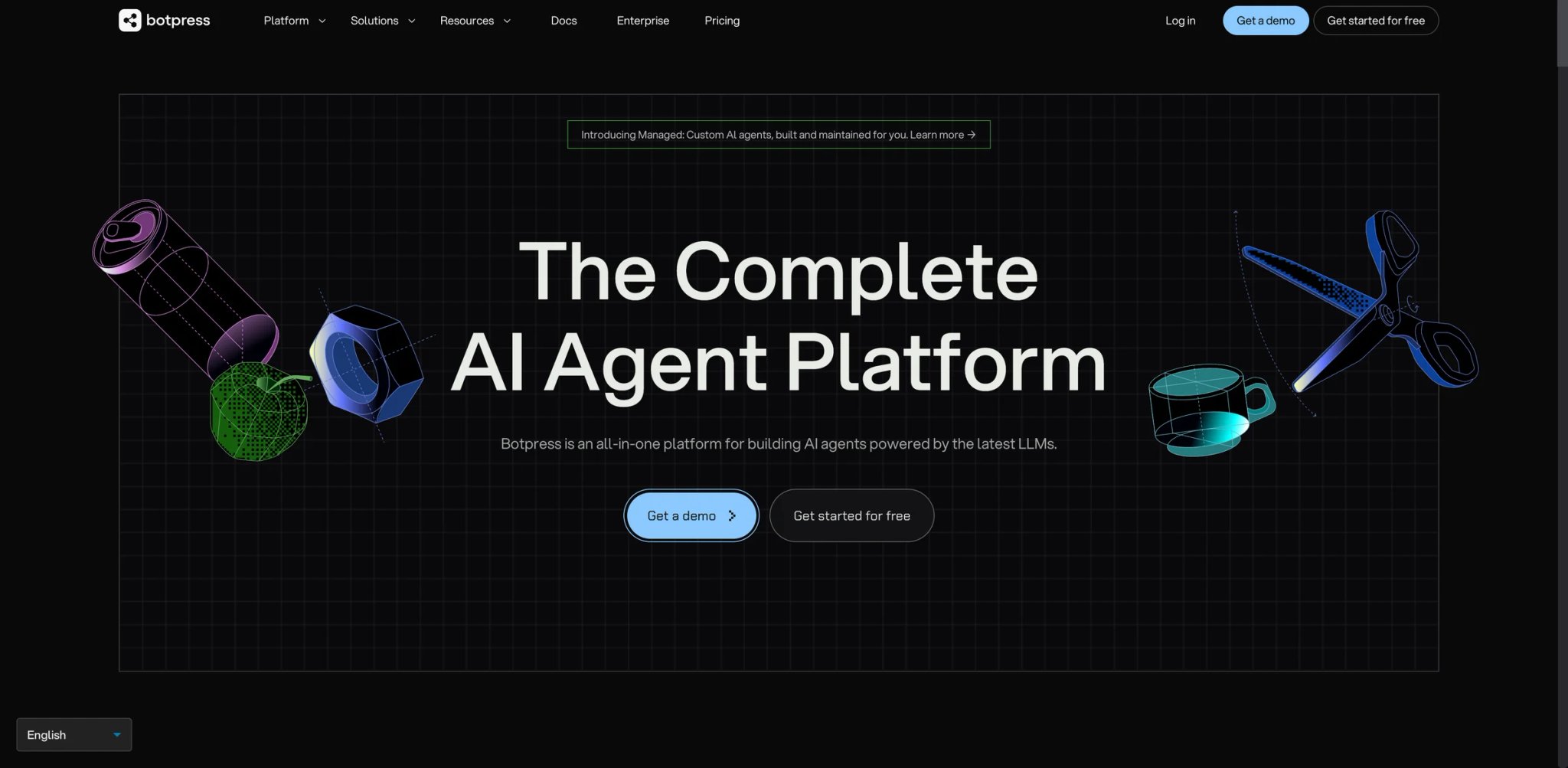
Every team that has tried to build a chatbot in-house ends up with the same question: "Why did we need three engineers for something Intercom does in one afternoon?" Botpress built its visual agent studio specifically for teams that want chatbot ease plus real agent capability — tool calling, knowledge retrieval, and branching logic — without hiring a specialist. The open-source core plus a hosted cloud tier gives buyers a rare choice between self-hosting for data control and SaaS for zero ops.
Where it pulls ahead
- Agentic flows, not scripted replies — Nodes for LLM reasoning, tool calls, and knowledge retrieval can be chained with branching logic; the agent can decide which path to take rather than following a scripted tree, which is why Botpress users often migrate off Dialogflow and Rasa for "modern" rebuilds.
- Studio that ops teams can actually use — The drag-and-drop builder is real visual programming, not a marketing wrapper. Non-engineers build production flows; engineers extend with custom code when needed, which shortens the "ticket to developer" cycle most chatbot teams hate.
- Open-core transparency — The engine is open core with a visible community footprint, which materially improves transparency and troubleshooting versus fully closed agent builders — when you hit an edge case, you're not waiting on a vendor support ticket.
- Channel reach — WhatsApp, Messenger, Slack, Teams, web, and SMS ship natively, plus a plugin system for custom channels.
Pricing & real cost
Botpress uses a pay-as-you-go model: a free Developer tier with monthly AI spend credit, then usage-based billing for messages, AI spend, and table rows. The Team plan adds SSO, RBAC, and more concurrency on top of usage costs. TCO note: the free tier is excellent for prototyping, but production agents with high message volume or GPT-class models can surprise you on the bill — set spend limits before you scale.
Real limits
Heavy use of advanced branching and custom code pushes you out of the "no-code" promise; teams underestimate the maintenance burden of a sprawling flow. Some Reddit threads mention occasional cloud latency spikes during peak hours.
Best for
Product teams and ops leads who want a visual agent that can legitimately replace a scripted chatbot and reach real tools. Not the right fit if you need a pre-built vertical solution (support auto-resolution, sales SDR) — Botpress is a builder, not a finished product.
Get started with Botpress
Lindy
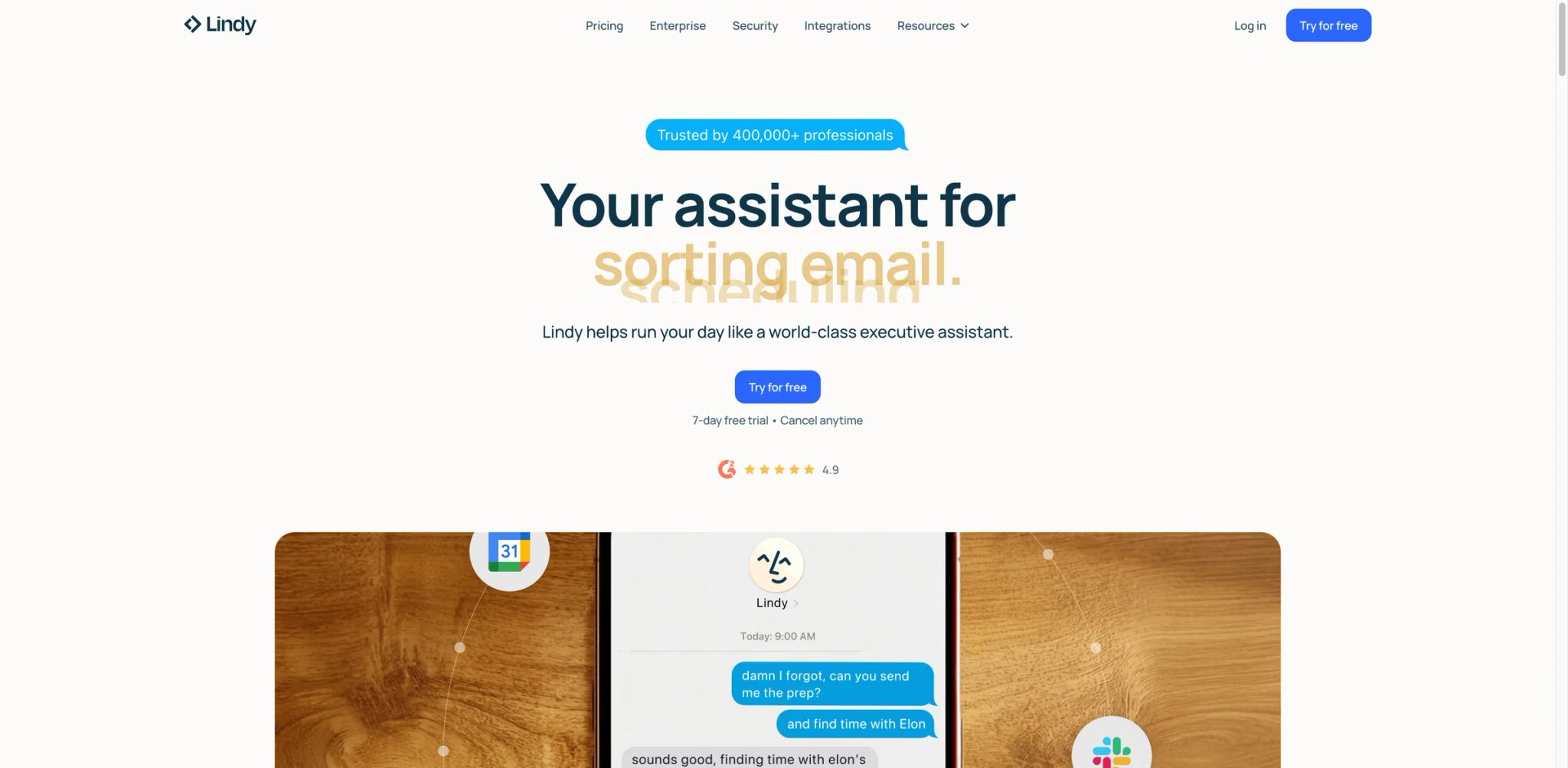
Most AI agent demos assume you have a platform team and a six-figure budget. Lindy is the rare one built for the founder or small-team operator who needs an agent to triage inbound email, draft follow-ups, or handle scheduling — today, without a Slack channel full of prompt engineers. The product feels consumer-friendly first, but it now stretches into more serious operational use with templates, multi-agent handoffs, inbox automation, and voice-related workflows.
Where it pulls ahead
- Templates that actually ship results — Pre-built "Lindies" for meeting notes, recruiter outreach, and lead triage work in minutes, not weeks. Users on Product Hunt and G2 repeatedly cite this as the difference between "tried and abandoned" and "still using three months later."
- Voice and messaging channels natively — Lindy runs on iMessage, SMS, and phone calls, not just web chat. If your workflow involves talking to customers or candidates, this is uncommon at this price point.
- Multi-agent coordination — A Lindy can hand off to another Lindy, which is closer to the "AI workforce" pitch than most competitors actually deliver.
- Privacy posture that reads clean — The policy page is explicit about not training on customer data and supports SOC 2 Type II — this is the kind of detail that small teams skip and regret at the first security review.
Pricing & real cost
Lindy no longer presents a permanent self-serve free tier on its pricing page. Current self-serve plans start at $49.99/month, with higher paid tiers above that and Enterprise on request. Treat the 7-day trial as evaluation access, not an ongoing free plan. TCO note: plan ladders have changed multiple times, so confirm the current tier structure before procurement, and remember that voice calls consume tasks faster than chat — budget accordingly if voice is part of the workflow.
Real limits
The template-first approach can feel restrictive once you need truly bespoke multi-step logic — heavy builders outgrow Lindy and migrate to Relevance AI or a self-hosted stack. European users report occasional latency compared to Botpress's EU region.
Best for
Founders, solo operators, and small ops teams (1–20 people) who want agents running in a week, not a quarter. Not the right fit if you're building a platform-scale agent with 50+ integrations or strict EU data residency — look at Glean or Relevance AI instead.
Get started with Lindy

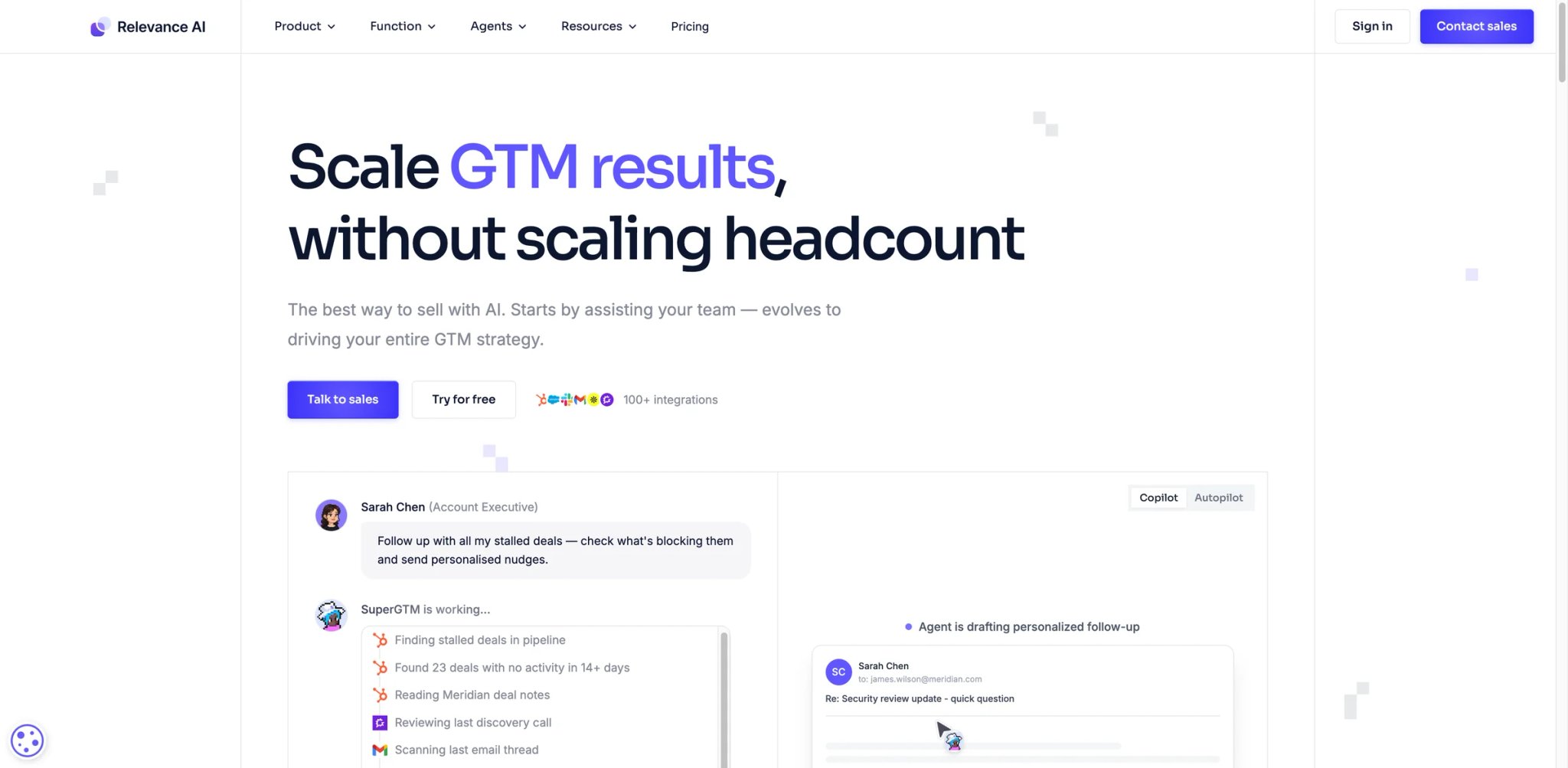
RevOps leaders keep hitting the same wall: the SDR team is maxed out, the analyst backlog is two weeks deep, and every "AI sales rep" tool is either a thin wrapper on GPT or a $100K annual contract. Relevance AI positions itself as an "AI workforce" — you hire a named agent (Bosh for sales, Lima for marketing, Bigfoot for research) and assign it the job you'd have given a new hire. It works because the underlying builder is serious: custom tools, knowledge bases, multi-step reasoning, and multi-agent orchestration.
Where it pulls ahead
- Pre-built AI coworkers plus a real builder — You can use a named agent out of the box or assemble your own with custom tools and knowledge; most competitors force you to pick one or the other.
- Multi-agent crews — Agents can delegate to other agents (a "manager" assigns subtasks), which is essential for long-running workflows like full-funnel lead research.
- Deep integration set — Salesforce, HubSpot, Slack, Gmail, LinkedIn, and 100+ others are native; a sandbox execution environment lets agents run Python when a workflow needs it.
- Responsible-AI posture — Bring-your-own-key, EU data hosting, and SOC 2 Type II make it one of the few agent platforms that clears a 2026 security review.
Pricing & real cost
Relevance AI now uses an Actions + Vendor Credits model rather than the older daily-credit framing. The current public pricing page shows Free at $0/month with 200 Actions/month and bonus vendor credits, Pro at $19/month billed annually, Team at $234/month billed annually, and Enterprise as custom. TCO note: the Actions-plus-credits setup still requires modeling — long research tasks with frontier models burn credits faster than chat flows. Test a representative job before sizing the plan.
Real limits
The "AI workforce" branding sets expectations that don't always hold — these are tools, not hires, and they still need prompt iteration. Users on Reddit note that the Bosh SDR agent works well for structured sales motions but struggles with complex multi-channel campaigns that need human judgment.
Best for
RevOps, marketing ops, and research teams who want a builder and pre-built "hire-like" agents. Not the right fit if you want a pure developer platform (use Flowise or Dify) or a fully vertical support bot (use Intercom Fin).
Get started with Relevance AI

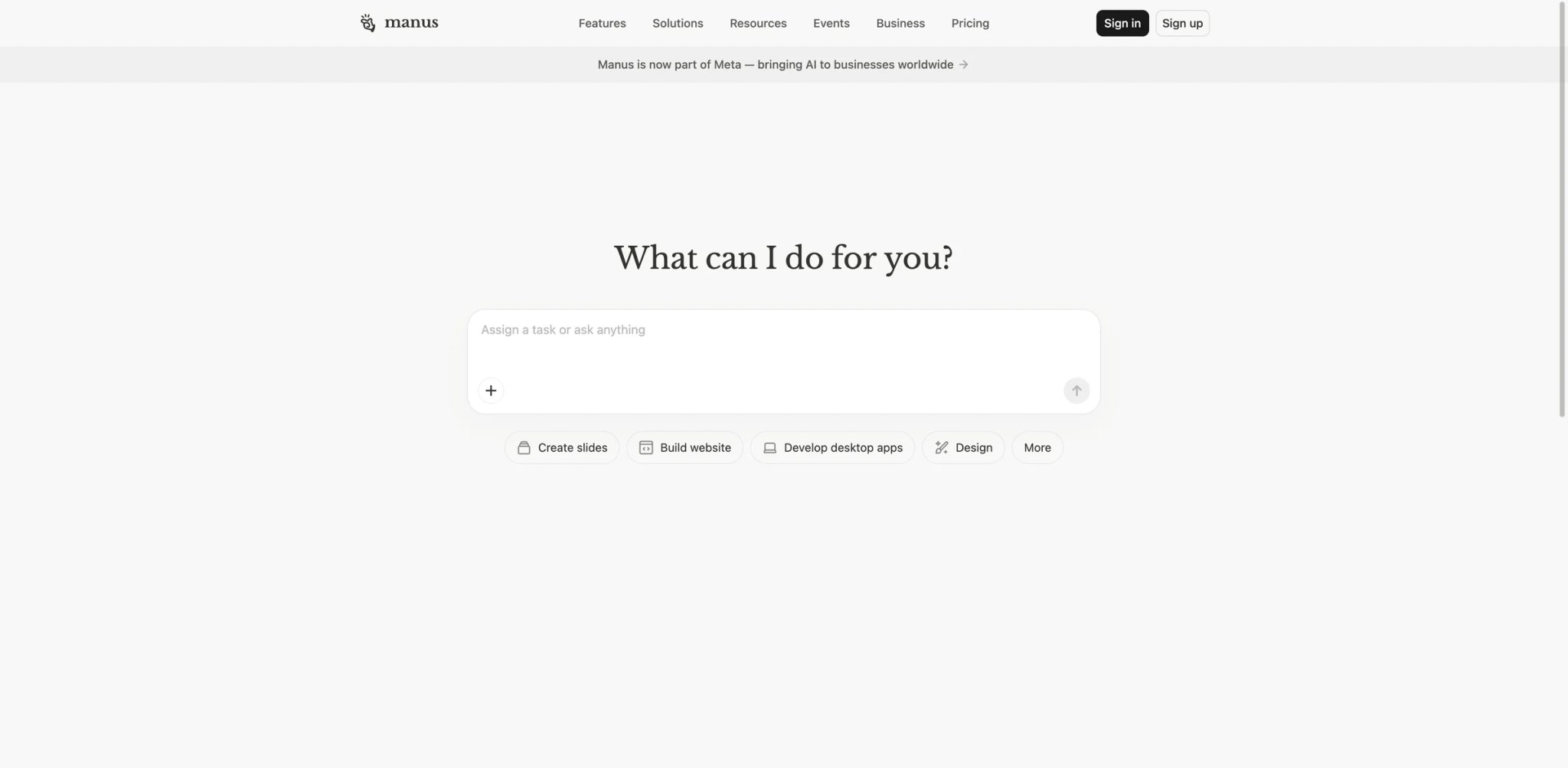
The AI agent that finally goes viral on Twitter usually isn't a builder — it's something a user can hand a vague goal and watch execute. Manus is that product. Give it "research our top three competitors and draft a battlecard," and it opens a browser, navigates sites, downloads PDFs, assembles a document, and hands it back. This is computer-use-native autonomy, not a chat window pretending to be an agent. For many buyers this is the first tool that feels like the sci-fi promise actually landed.
Where it pulls ahead
- Actual computer-use autonomy — Manus plans, opens a virtual browser, clicks, types, and verifies. It's not "agentic workflow" — it's closer to a remote employee with a laptop, which is why Devin and Manus are the two products most often cited as "real agents" in 2026 HN threads.
- Multi-modal task reach — Data extraction, slide decks, spreadsheets, code, and research reports are all inside the same interface, so you don't juggle six agents for six jobs.
- Context-aware planning — Tasks run for minutes or hours, and the agent reports progress instead of silently failing or hallucinating completion.
- Mobile and desktop clients — Native apps mean you can hand off a job during commute and check results later, which is where most browser-only agents fall short.
Pricing & real cost
Manus uses a credit-based subscription — the Starter tier is the common entry point, with higher tiers unlocking more concurrent tasks and longer runtimes. The credit cost per task is not published in a way buyers can forecast: a research job can consume 5 credits or 50 depending on depth. TCO note: for now, budget a small trial month and log actual credit burn by task type before committing to an annual plan. Our Manus AI review tracks pricing changes as they ship.
Real limits
Credit opacity is the most-cited user complaint — teams love the capability and distrust the bill. Sessions can also stall on sites with aggressive bot detection (LinkedIn, Glassdoor), and enterprise buyers note that SSO, audit logging, and data residency are still maturing compared to Glean or Salesforce.
Best for
Individual power users, researchers, and small teams who want the most autonomous agent on the market and can tolerate unpredictable billing. Not the right fit if you need predictable per-seat pricing or a regulated-industry governance posture — wait for the enterprise tier to mature, or use Glean/Relevance AI for now.
Get started with Manus
Glean
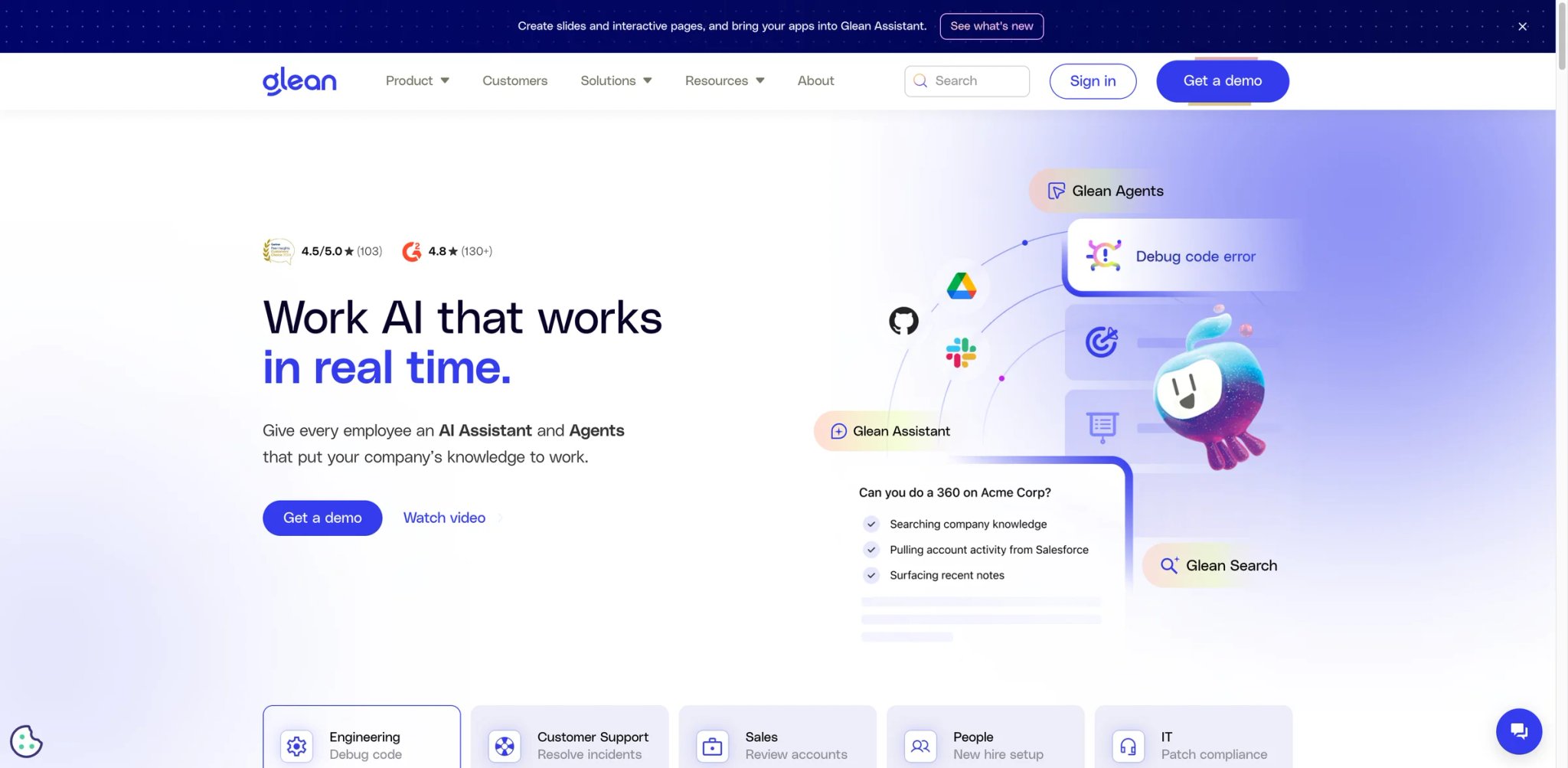
The enterprise buyer's version of "autonomous AI" doesn't start with a chat window — it starts with the question "Can this thing actually read our SharePoint, Confluence, Salesforce, and Jira without a six-month integration project?" Glean's answer is yes, because the product was built as an enterprise search + knowledge platform first, and agents were layered on top of a working grounded-retrieval system. That order matters: most agent-first platforms are still figuring out retrieval; Glean already had it solved.
Where it pulls ahead
- Grounded in real enterprise data — Glean connects to 100+ enterprise apps out of the box and respects existing permissions, so an employee's agent only sees what that employee could already see. Retrieval accuracy is consistently rated as the top differentiator on Gartner Peer Insights.
- Workplace-assistant UX — The agent lives where employees already work (Slack, Teams, browser extension, web), which dramatically improves adoption compared to standalone chat UIs.
- Workflows and actions — Glean Assistant can now act (create a ticket, draft an email, schedule a meeting), closing the loop from "find information" to "complete the task."
- Enterprise security posture — SOC 2 Type II, HIPAA, GDPR-ready, and customer-managed keys put it through most security reviews without exceptions.
Pricing & real cost
Glean does not publish pricing publicly. Buyers should treat it as a custom enterprise quote and verify seat minimums, connector scope, support, and implementation costs directly with sales rather than relying on unofficial per-user estimates. TCO note: budget 6–10 weeks for a proper rollout; shortcuts skip permission mapping and create leakage risk.
Real limits
Pricing opacity and the enterprise-only motion exclude small teams entirely. Implementation quality depends heavily on how clean your permissions are inside source systems — Glean inherits the mess. Roll-out often exposes governance gaps the security team didn't know existed.
Best for
Mid-market and enterprise buyers (500+ employees) who need an internal assistant that respects existing permissions and governance. Not the right fit if you're a startup, a consumer company, or a team that wants to ship an agent in a week.
Get started with Glean
Voiceflow
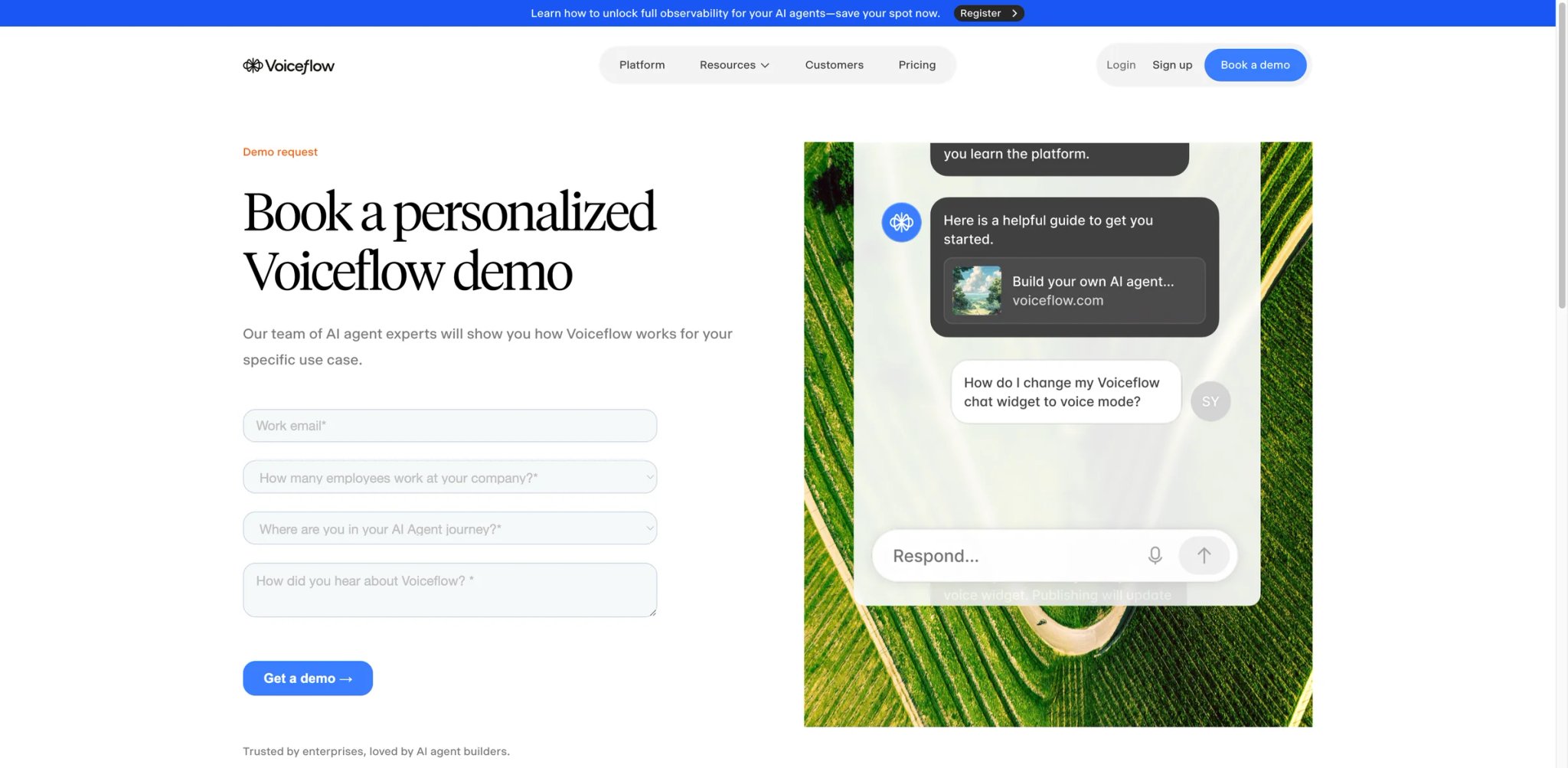
CX leaders often find themselves between two bad options: a legacy IVR or bot platform that nobody on the team wants to touch, and a raw LLM API that requires a whole engineering pod to productionize. Voiceflow sits in the middle — a purpose-built conversation design studio with LLM, tool-calling, and voice channel support, trusted by CX teams at companies like The Home Depot and Trivago to ship chat and voice agents without a custom stack.
Where it pulls ahead
- Conversation design as a first-class concept — Designers and product managers share the canvas with engineers; flows, variables, and intents live in one workspace, which is exactly the collaboration pattern enterprise CX teams want.
- Voice + chat in the same flow — Most competitors pick a channel; Voiceflow lets a single agent serve web, phone (via Twilio or similar), and messaging with channel-specific overrides.
- LLM + tool calling natively — You don't need to swap platforms to go from scripted chatbot to LLM-powered agent; the upgrade is a node.
- Real user evidence — G2 and Gartner Peer Insights consistently rate Voiceflow 4.6+/5, with "ease of use" and "customer support" as top themes.
Pricing & real cost
Voiceflow currently frames pricing as usage-based and split by buyer type rather than the older Starter/Pro/Teams labels used in many reviews. Keep the takeaway at a high level: expect plan fees plus credit-based usage, and confirm the current package structure directly on Voiceflow's pricing page before purchase. TCO note: voice channel usage can still inflate costs via Twilio minutes — add that to your modeling.
Real limits
The flow-first paradigm is strong for CX and support teams, but it is still less natural than computer-use agents or developer-first frameworks for general-purpose autonomy. Complex agents with many LLM nodes can develop latency that CX leaders notice in barge-in scenarios.
Best for
CX, support, and product teams shipping conversational agents for web, chat, and voice. Not the right fit if you want a computer-use autonomous agent (use Manus) or a developer-first framework (use Flowise).
Get started with Voiceflow
Salesforce Agentforce
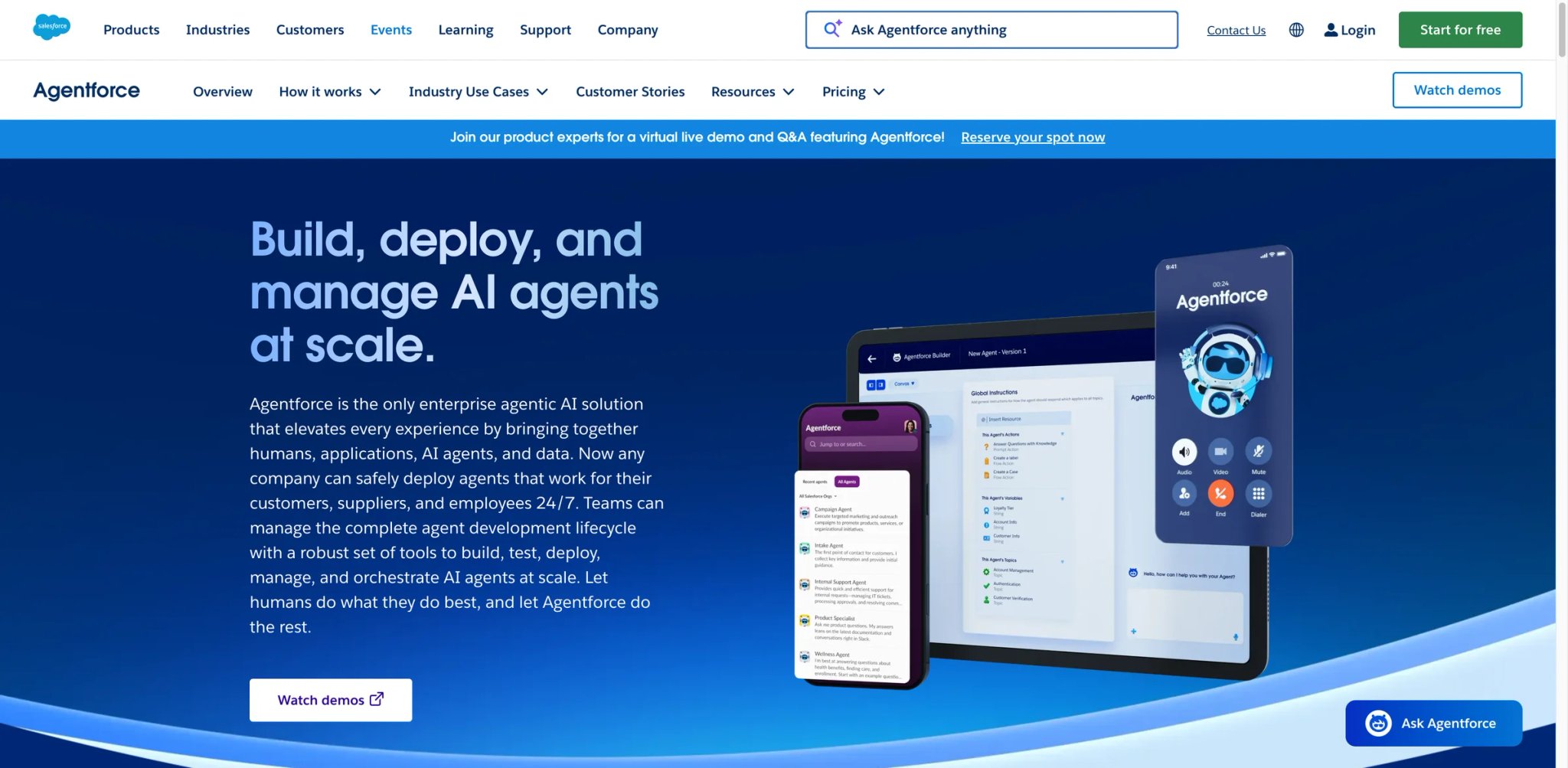
If your company lives on Salesforce, you've likely been told by three vendors this quarter that their agent "integrates with" the CRM. What they mean is "has an API connector." Agentforce is the other thing: agents that run inside the Salesforce platform with direct access to Data Cloud, Flow, and existing permission models. For Salesforce-heavy buyers, that architectural fact is the only thing that matters once procurement starts.
Where it pulls ahead
- Native CRM grounding — Agents read Salesforce records directly, respect sharing rules, and write back without brittle API glue. "Does it know the opportunity stage?" is a solved question, not a configuration project.
- Atlas reasoning engine — Salesforce's reasoning layer is purpose-built for CRM workflows (lead qualification, service triage, account research) with measurable improvements over generic LLM reasoning in those scenarios.
- Agent Builder with topics and actions — A visual workspace that non-developers use to define what an agent handles and what it can do; the same builder powers sales, service, marketing, and commerce use cases.
- Shield and governance — Salesforce's existing security and compliance stack applies, which most enterprise buyers already have audited.
Pricing & real cost
Salesforce still advertises Agentforce conversation-based pricing at $2 per conversation, but it also supports Flex Credits for newer deployments. Buyers should verify whether they are being quoted conversation pricing, Flex Credits, or an enterprise license structure before modeling TCO. TCO note: the headline price hides the full bill — a functional deployment typically also requires Data Cloud and often Agentforce Service Agent add-ons, pushing year-one cost well into six figures for mid-market buyers. Always scope the Data Cloud dependency before you sign.
Real limits
Non-Salesforce ecosystems get very little value — if your company-of-record isn't in Salesforce, Agentforce starts handicapped. Deployments are also slower than the marketing suggests; an autonomous service agent in production is usually 8–16 weeks of work with a partner.
Best for
Companies with Salesforce as the system of record who want agents natively integrated with sales, service, or commerce. Not the right fit if your primary stack is HubSpot, Zendesk, or a custom data warehouse — look at Relevance AI, Glean, or Agentforce's competitors instead.
Get started with Salesforce Agentforce
Zapier Agents
Most ops teams already pay for Zapier. The interesting question is what happens when Zapier turns its 9,000+ app ecosystem into tools an agent can use, rather than triggers and actions on a linear zap. Zapier Agents is exactly that — an agent layer that inherits the integration catalog ops teams rely on, lowering the barrier from "build an AI agent" to "wire a Zapier account you already have."
Where it pulls ahead
- Biggest app catalog in the category — No other agent platform gets close to 9,000+ integrations; if your stack includes a niche SaaS tool, Zapier probably already has it.
- Zero new vendor onboarding — Security, billing, and user management already live in Zapier, which removes a procurement cycle that competitors often trigger.
- Table-driven memory — Zapier Tables gives agents structured memory without standing up a database; simple but a real advantage for small ops teams.
- Templated agents for common jobs — Pre-built agents for lead triage, content briefs, and customer support save a week of setup per use case.
Pricing & real cost
Zapier positions AI agent capabilities inside the broader Zapier platform, but buyers should verify the exact agent-related limits attached to their current plan rather than assuming unlimited access. TCO note: the best value is for teams already paying for Zapier Pro or Team; standalone economics are harder to justify vs. Relevance AI.
Real limits
Depth of reasoning is the honest trade-off — Zapier Agents is more "smart automation" than "autonomous workforce." Users on Reddit note that for nuanced multi-step research jobs, they still migrate to Manus, Relevance AI, or a custom build. No voice channel.
Best for
Ops and SMB teams already standardized on Zapier who want agents plugged into their existing automations. Not the right fit if you need deep autonomy, voice channels, or enterprise governance — use Relevance AI, Voiceflow, or Glean.
Get started with Zapier Agents

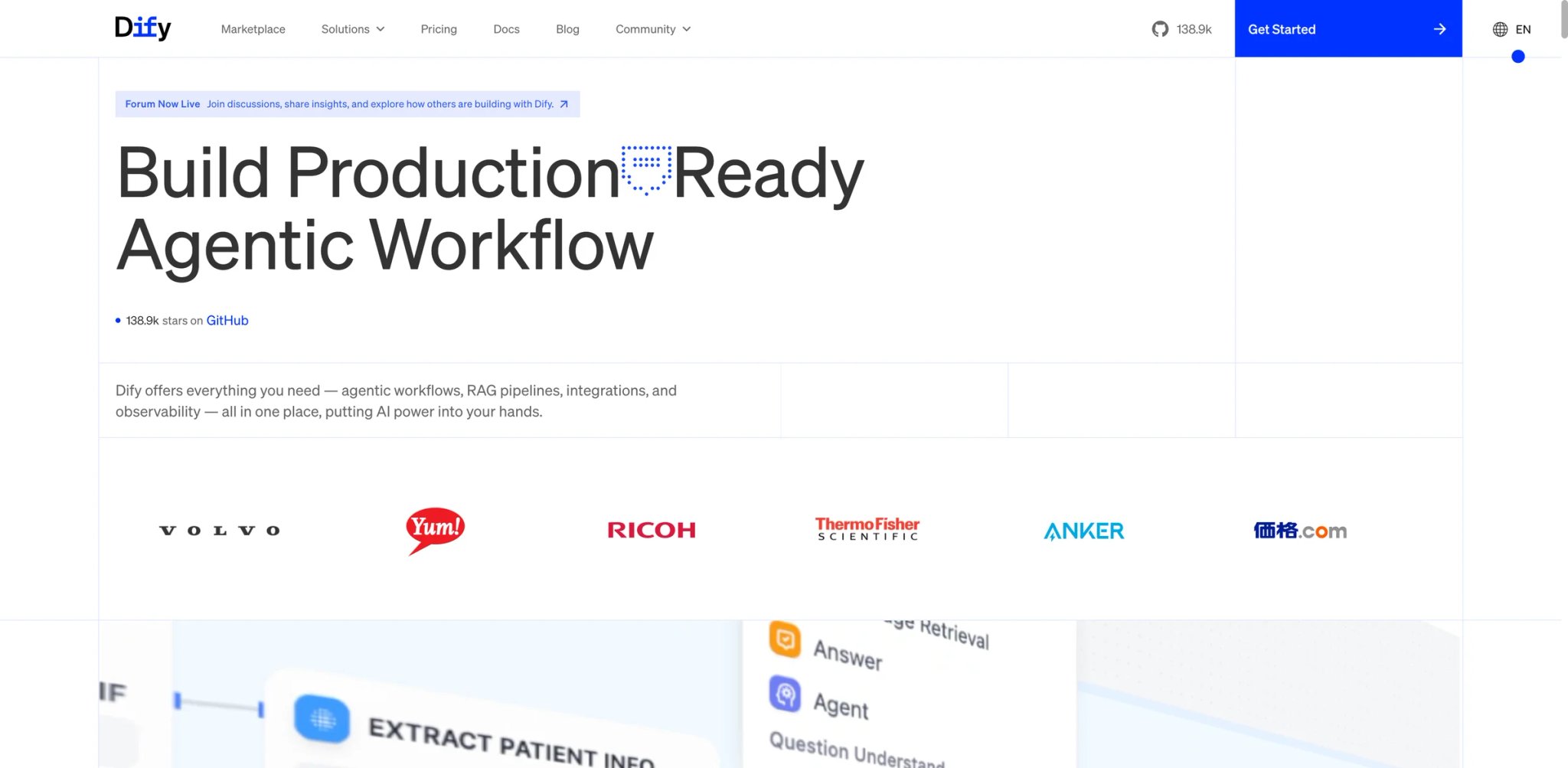
Every engineering team with a half-serious LLM initiative eventually asks: "Do we self-host this, or do we live on a SaaS that might price-gouge us next year?" Dify is the open-source answer — a full LLMOps platform with prompt management, RAG, agent workflows, and a chat UI, available as SaaS or self-hosted on your own infrastructure. Its open-source momentum is a real advantage for teams trying to limit vendor lock-in, especially when self-hosting and model portability are procurement priorities.
Where it pulls ahead
- True self-host option — Deploy on your own cluster for full data residency, which is the reason most regulated buyers even consider Dify over US-only SaaS.
- Agentic workflow builder — Visual canvas for chaining LLMs, tools, knowledge retrievers, and conditional logic; comparable to LangGraph with a UI layer the whole team can use.
- Model portability — Swap between OpenAI, Anthropic, Google, Azure, local models (Ollama), and self-hosted LLMs without changing your agent definitions, which protects you from provider lock-in.
- Open-source momentum — Active GitHub community, frequent releases, and a public roadmap — you're not betting on a closed platform.
Pricing & real cost
Cloud plans currently include a free evaluation path plus paid workspace tiers starting at $59/month for Professional and $159/month for Team, with Enterprise custom. Because Dify's pricing page is dynamic and message-credit framing can change, verify the live limits before trusting exact allowance numbers. Self-hosted is free under the Apache 2.0-plus-conditions license (with a commercial restriction most teams won't hit). TCO note: self-host looks free but adds infra and ops costs — plan for a couple of FTE-days per month on upgrades and monitoring.
Real limits
The SaaS is less polished than Botpress for non-technical users — ops teams sometimes abandon it for a more guided builder. The license has some commercial-use conditions worth reading before building a multi-tenant product on top.
Best for
Technical teams who want an open-source LLMOps backbone with agent workflows, and regulated buyers who need self-hosting. Not the right fit if you want a turnkey SaaS with visual chatbot design for non-engineers — Botpress or Voiceflow fit better.
Get started with Dify
Flowise
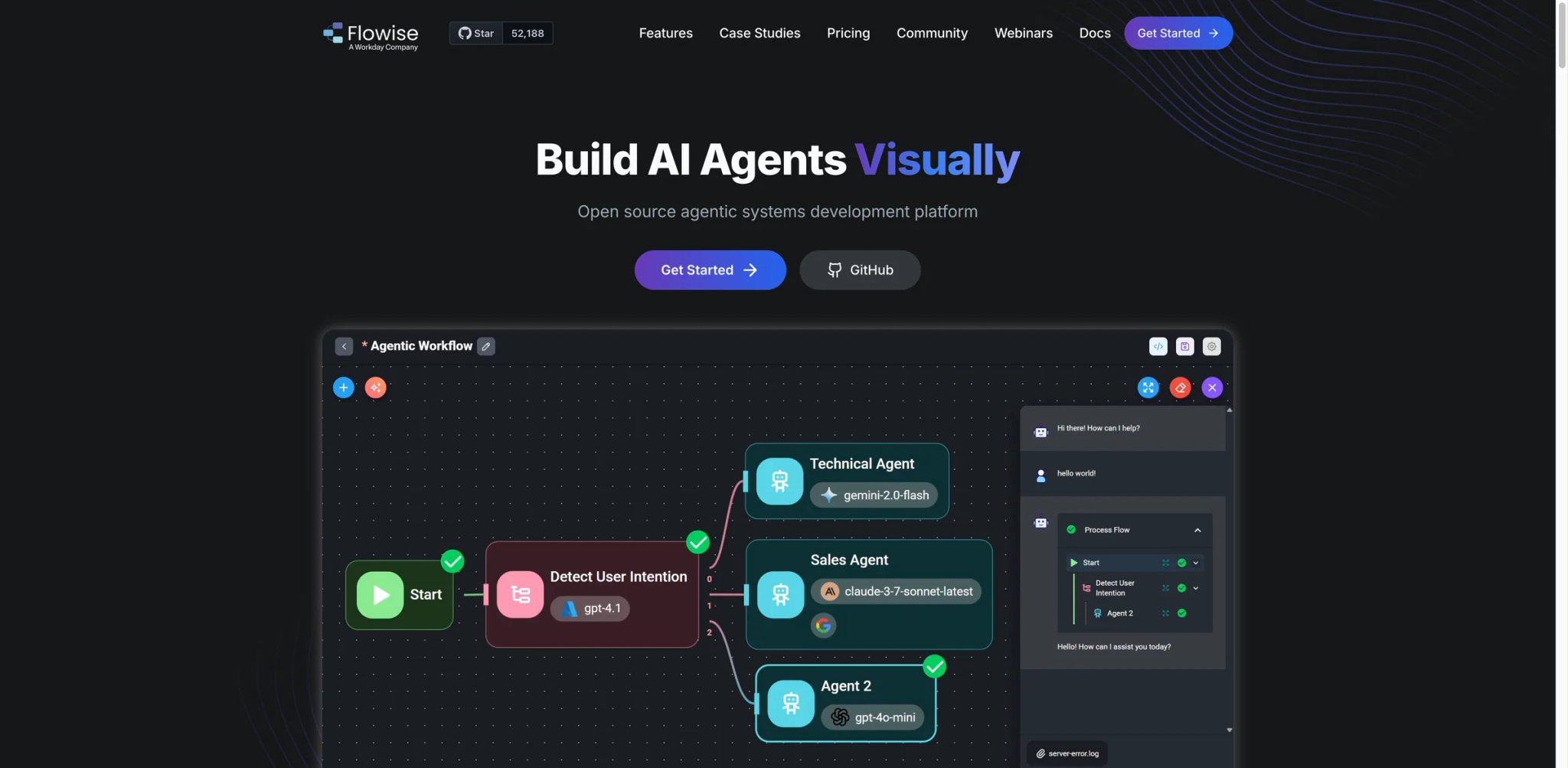
If your team already uses LangChain in code but you're tired of describing "what the agent does" in a PR review, Flowise is the drag-and-drop LangChain you've been waiting for. The product is an open-source visual builder for LangChain and LlamaIndex flows, with a managed cloud tier for teams that don't want to host. It's especially useful as a bridge artifact — engineers prototype in Flowise, then export and version-control the flow.
Where it pulls ahead
- LangChain/LlamaIndex ecosystem visualized — Every LangChain primitive (agents, tools, memory, retrievers) has a node, which flattens the learning curve for developers new to the framework.
- Open source with cloud option — Self-host for free or run on Flowise Cloud; Apache-2.0 license is simple compared to Dify's.
- Custom tool support — Drop in arbitrary Python/JS as a tool node, which most no-code builders don't allow cleanly.
- API-first deployment — Every flow becomes an API endpoint by default, which matches how engineering teams actually consume these agents.
Pricing & real cost
Flowise Cloud currently starts at $35/month for Starter, with a free tier and higher paid tiers above it. Keep seat-count and usage-limit details aligned with the live pricing page because these have changed over time. Self-hosted is free. TCO note: Cloud is affordable for individuals; teams should model prediction costs against Dify Team before committing.
Real limits
The visual model inherits LangChain's complexity — this is a developer tool with a GUI, not a true no-code product. G2 and Gartner coverage is still thin, so community Discord is the de facto support channel.
Best for
Engineering teams and technical founders who want LangChain's power with a visual layer and an easy export path. Not the right fit if you're not a developer, or if you need enterprise governance from day one — use Relevance AI or Glean.
Get started with Flowise
Intercom Fin
Support leaders don't need a general-purpose agent — they need the ticket count to go down next week without introducing a new integration nightmare. Fin is built for exactly that buyer: a vertical AI agent that lives inside Intercom, reads your help center, learns from past conversations, and resolves tickets with a priced-per-outcome bill. It's less flexible than a generalist platform and far more finished for the support use case.
Where it pulls ahead
- Outcome-based pricing that aligns incentives — You pay $0.99 per outcome, which is one of the rare AI agent pricing models where the vendor's incentive matches yours.
- Grounded in your help content and past tickets — Fin cites answers with links, which keeps trust high and reduces the "hallucinated nonsense" complaints that kill earlier support bots.
- Seamless handoff to humans — When Fin can't resolve, the conversation routes into the Intercom inbox with full context, which is the workflow every support manager wants.
- Industry-specific guardrails — SOC 2, HIPAA, GDPR options plus content-safety controls for regulated support queues.
Pricing & real cost
Fin is $0.99 per outcome on top of an existing Intercom plan. TCO note: the per-outcome math is honest, but some Reddit users report ambiguity about what counts as a successful outcome vs a fallback to human — read the definition before trusting your ROI model.
Real limits
Fin is strongest inside Intercom, but it no longer requires a full Intercom migration: Intercom now supports using Fin with existing helpdesks such as Salesforce, Zendesk, HubSpot, Freshdesk, or a custom-built helpdesk. It is still a weaker fit if you want a fully neutral builder rather than a customer-service-specific agent. Answer quality is also tightly bound to help-content quality — customers with messy docs report lower resolution rates until they invest in content cleanup.
Best for
Support teams on Intercom, or teams on Zendesk/HubSpot/Freshdesk/Salesforce that want a resolution-priced agent over their existing helpdesk without migrating platforms. Not the right fit if you want a fully neutral builder rather than a support-specific agent — look at Voiceflow or a custom build.
Get started with Intercom Fin


Zapier is the SMB workhorse; n8n is what engineering-led teams choose when they want the same automation breadth with a code escape hatch and a self-host option. The AI Agent node landed in the core product in 2024, and by 2026 it has matured into a real agent primitive — tool-calling, memory, and model-swap support inside the same visual canvas n8n users already know.
Where it pulls ahead
- Hybrid automation + agent — In one workflow, you can chain deterministic automation (the 95% case) with an AI Agent node for the ambiguous 5%, which is how real-world ops scripts are actually built.
- Self-host by default — Fair-code license with self-host as a first-class path; European regulated buyers rarely even look at SaaS-only competitors for this reason.
- 400+ integrations — Large native catalog plus arbitrary HTTP, which covers almost every business tool.
- Code when you need it — Inline JavaScript/Python nodes turn n8n into a scriptable automation platform, not a visual-only builder.
Pricing & real cost
n8n Cloud currently starts at €20/month billed annually for Starter and €50/month billed annually for Pro, with Enterprise custom. Self-host is free under n8n's fair-code Sustainable Use License (with commercial restrictions on resale). TCO note: self-host looks free but adds ops work; most teams land on Cloud Pro once they have 5+ active workflows.
Real limits
The AI Agent node is capable but less polished than Relevance AI or Botpress for agent-first use cases — it's best used as part of an automation, not as a standalone agent product. Learning curve is non-trivial for non-engineers.
Best for
Engineering-led ops teams and regulated buyers who want automation + AI agents in one visual canvas with self-host as an option. Not the right fit if you need a chat-first agent product — Botpress and Voiceflow are better fits.
Get started with n8n

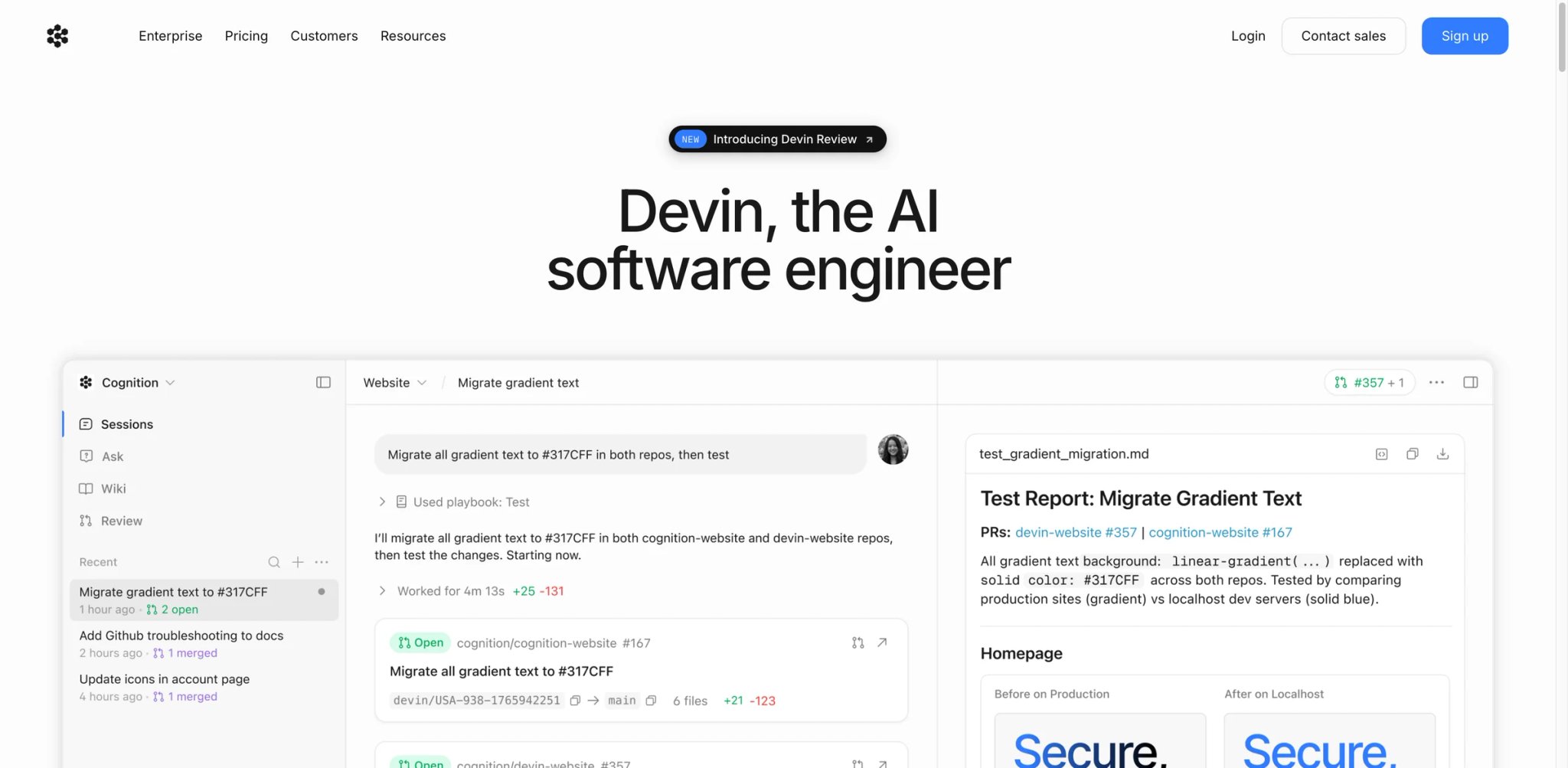
Engineering managers watching ticket velocity stagnate have been looking for one thing since 2023: an AI agent that can pick up a real backlog item, write the code, run the tests, open the PR, and survive review. Devin is the product that consistently delivers the closest approximation. It runs in its own sandboxed environment, uses a full IDE, and plans long-horizon tasks — more autonomy than Cursor or Copilot, at the cost of a very different pricing model.
Where it pulls ahead
- Long-horizon engineering autonomy — Devin can work for hours on a single task, committing as it goes, and recover from test failures — the kind of sustained run most coding agents still struggle with.
- Full-stack tool use — Shell, browser, IDE, git, and package managers inside the sandbox, which is why Devin can tackle tasks Copilot can't (infra changes, full-feature PRs, test suite refactors).
- Enterprise readiness — SOC 2 Type II, SSO, audit logging, and private deployment options mean engineering leaders can actually put it through a security review.
- Slack-native workflow — You assign Devin tasks in Slack the way you'd assign a junior engineer; adoption curve is surprisingly short.
Pricing & real cost
Cognition introduced new self-serve Devin plans in April 2026: Free, Pro ($20/month), Max ($200/month), Teams (usage-based with a minimum spend), and Enterprise (custom). TCO note: the per-PR cost works out to be economical versus a senior engineer for the right tasks, but Devin is not yet a replacement for all developer work — treat it as an additional pair of hands for well-scoped work.
Real limits
Devin still fails on poorly-scoped tickets and on codebases with weak test coverage — it amplifies the quality of your inputs. Smaller teams and individuals still report friction around expected output consistency, though the new self-serve plans have softened the earlier "enterprise-only" complaint.
Best for
Engineering teams with strong test coverage who want a full-stack autonomous developer for well-scoped backlog work. Individual devs can now start on Devin's Free or Pro plan. Not the right fit if your codebase lacks tests or your workflow is tightly IDE-interactive — use Cursor or Codex for that.
Get started with Devin
Google Gemini Enterprise Agent Platform
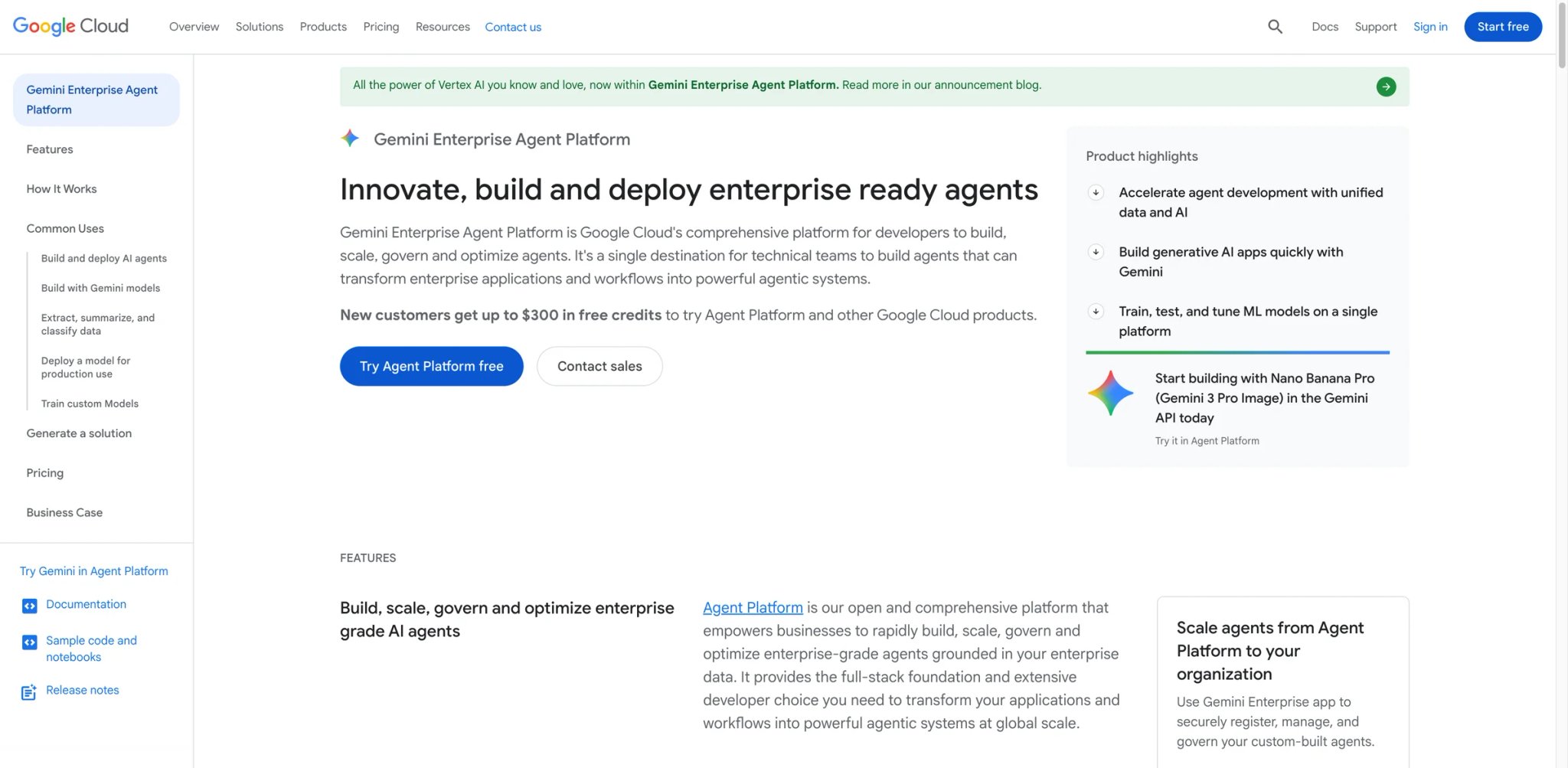
If your company already runs on Google Cloud — BigQuery as the warehouse, Workspace as the collaboration layer, Vertex AI as the model plane — the integration argument for Google's agent platform writes itself. Gemini Enterprise Agent Platform (the evolution of Vertex AI Agent Builder) gives Google Cloud buyers a way to ship grounded agents tied directly to the data and identity systems they already use, without the custom glue most cross-cloud deployments require.
Where it pulls ahead
- Grounding on Google-native data — BigQuery, Cloud Storage, and Vertex AI Search are first-class grounding sources, which cuts retrieval-plumbing time dramatically for GCP-native teams.
- Gemini as the core model — Long-context Gemini models with native multimodal reasoning are well-suited to document-heavy enterprise workflows.
- MCP and protocol support — Google has leaned into open agent protocols (MCP, A2A), which mitigates lock-in concerns.
- Enterprise controls — VPC-SC, IAM, data residency, customer-managed encryption keys — all the Google Cloud enterprise controls buyers already know.
Pricing & real cost
Cloud usage-based: charges accrue on model inference, search, grounding, and orchestration, each a separate SKU. TCO note: the "usage-based" framing understates complexity — a real deployment touches five or more SKUs, and total cost is only predictable after a pilot. Budget finance time to model it.
Real limits
SKU sprawl and a GCP-first onboarding model make this a poor fit for companies not already on Google Cloud. Product names and naming conventions have also changed multiple times (Vertex AI Agent Builder → Gemini Enterprise Agent Platform), which creates documentation drift.
Best for
Enterprises standardized on Google Cloud who need agents grounded in their existing GCP data and identity stack. Not the right fit if you're multi-cloud or primarily on AWS/Azure — use Bedrock Agents, Azure AI Foundry, or a cloud-neutral choice like Glean or Relevance AI.
Get started with Google Gemini Enterprise Agent Platform
IBM watsonx Orchestrate
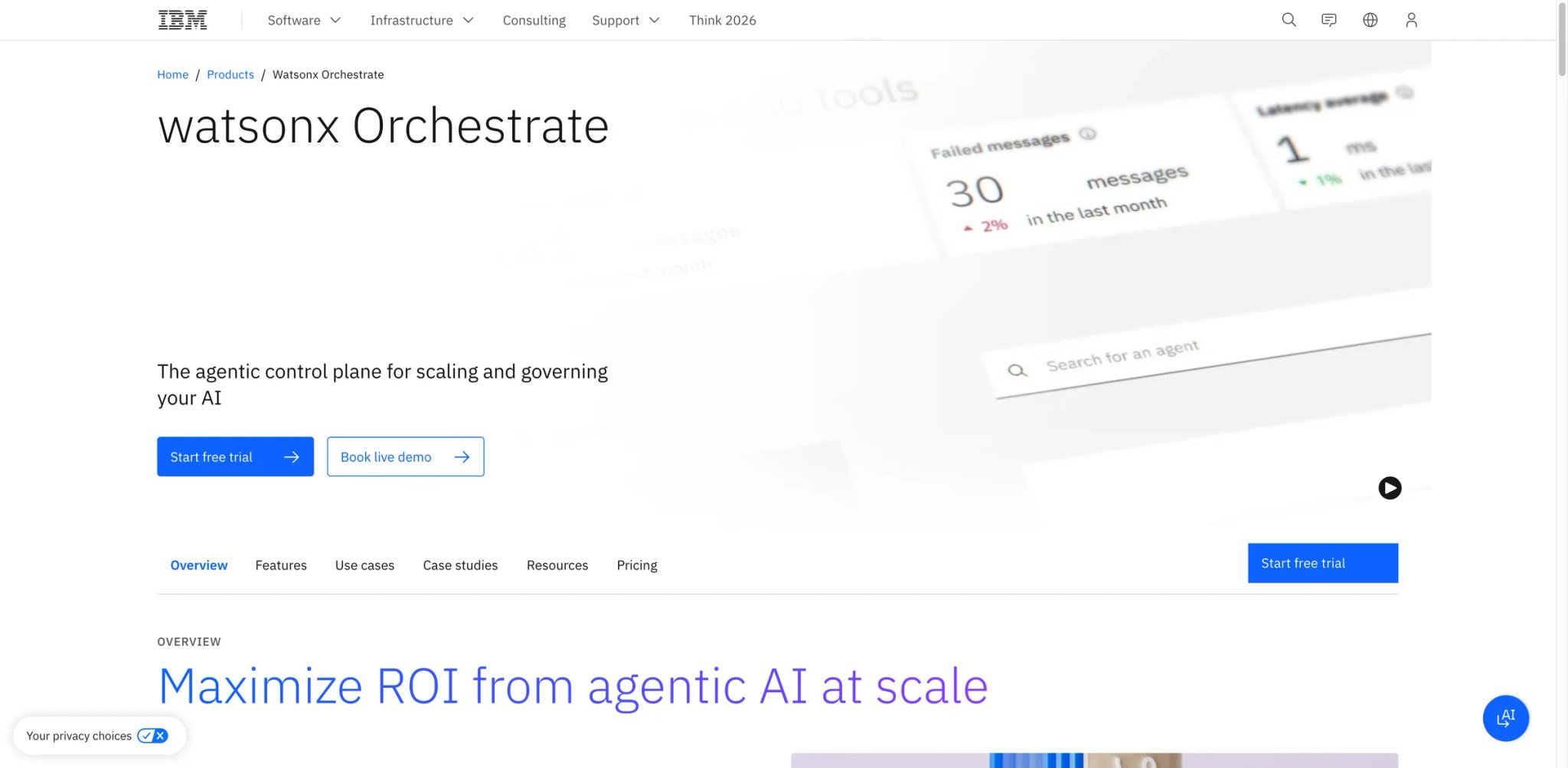
Large enterprises with established IBM footprints have a specific need: agents that orchestrate existing enterprise processes (ServiceNow tickets, Workday approvals, SAP workflows) with the governance, audit trail, and hybrid-cloud flexibility their compliance teams require. watsonx Orchestrate is IBM's answer — an agent orchestration platform with pre-built skills, multi-agent coordination, and the kind of enterprise posture buyers used to get from IBM Sterling or BPM, now reframed as "AI agents."
Where it pulls ahead
- Pre-built enterprise skills — Hundreds of pre-built skills for Workday, ServiceNow, Salesforce, and Microsoft 365 shortcut integration work that other platforms treat as an exercise for the reader.
- Multi-agent orchestration — The platform is explicit about orchestrating multiple agents with routing logic, which matches how large enterprises actually model cross-functional processes.
- Governance and audit — IBM's enterprise compliance heritage shows up as granular access controls, audit trails, and the option to deploy on IBM Cloud, on-prem, or hybrid.
- watsonx ecosystem — Deep integration with watsonx.data (lakehouse) and watsonx.governance (model risk) creates a unified governance story enterprise buyers value.
Pricing & real cost
IBM no longer presents watsonx Orchestrate purely as a sales-only product. The official pricing page now points buyers to a Free Trial plus tiered Essentials and Standard editions, with Enterprise on request — remove legacy unofficial annual-price estimates unless you can verify a current SKU-specific quote. TCO note: IBM deployments typically include services fees — factor in a partner (IBM or SI) for the first 6–12 months.
Real limits
IBM's motion is heavyweight — expect long sales cycles and implementation timelines measured in quarters. The platform's best ROI requires an existing IBM footprint; pure AWS/GCP shops often find the integration premium unjustified.
Best for
Large enterprises with IBM investments and strict governance requirements (regulated industries, financial services, healthcare). Not the right fit if you're a startup or mid-market buyer looking for a 30-day time-to-value — look at Relevance AI or Glean.
Get started with IBM watsonx Orchestrate
UiPath Agent Builder
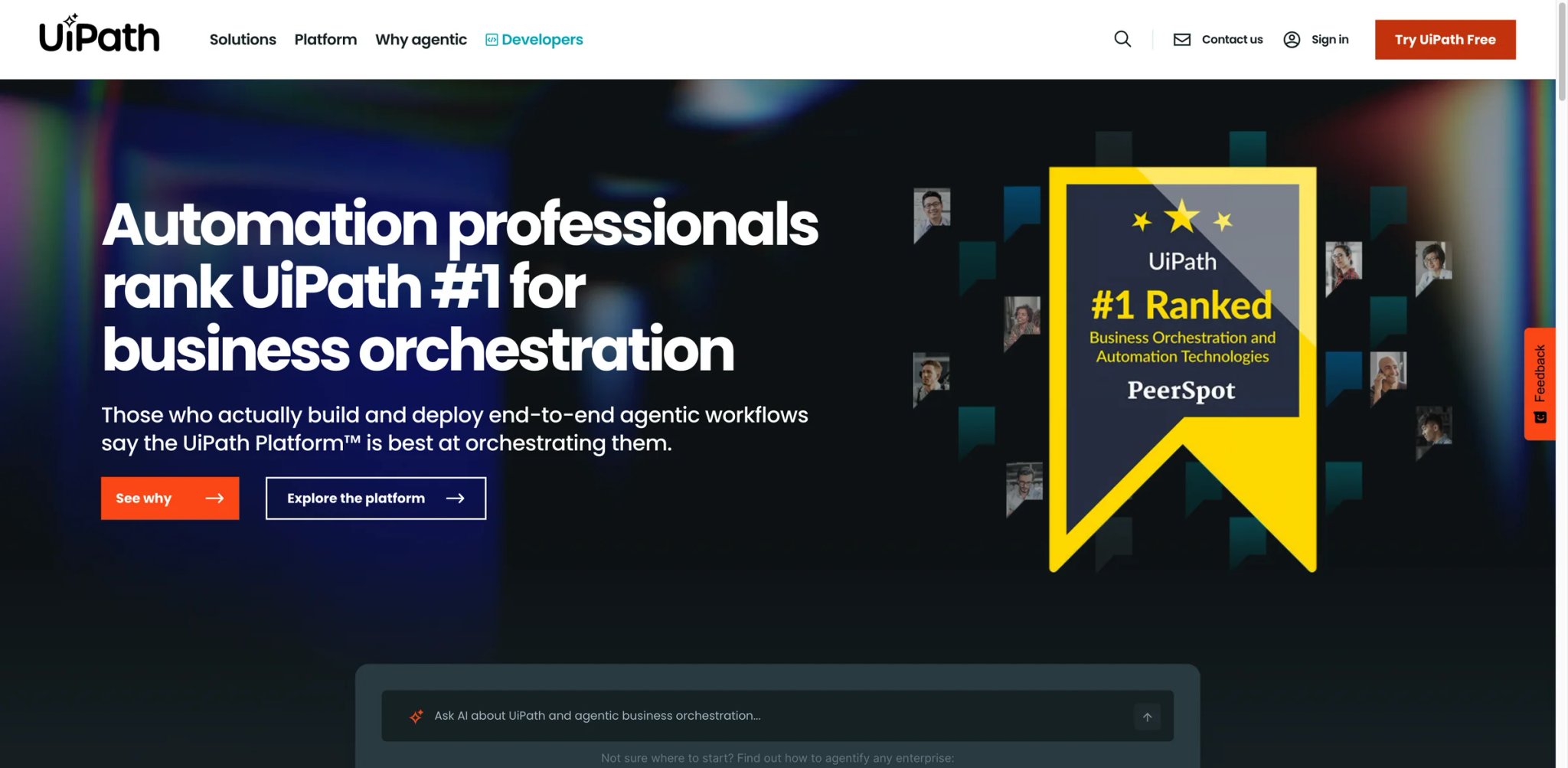
Operations leaders with mature RPA estates have a specific frustration in 2026: agents are great at the reasoning parts bots can't do, and bots are great at the deterministic parts agents get wrong. UiPath Agent Builder is the first platform that treats this as one problem instead of two — agents and RPA bots share the same automation platform, the same governance stack, and the same orchestrator. For enterprises with hundreds of existing UiPath bots, this is the path of least regret.
Where it pulls ahead
- Agents + bots in one orchestrator — An agent can hand a deterministic step to a robot and get the result back; this is how real end-to-end automation gets built.
- UiPath automation cloud footprint — Existing customers keep their governance, user management, and audit infrastructure — a massive advantage versus adopting a new vendor.
- Studio design surface — UiPath Studio (the mature RPA design tool) now has agent primitives, so teams build on existing skills rather than learning a new platform.
- Document understanding pedigree — UiPath's document AI (acquired from Re:infer and others) is one of the more proven IDP stacks, which matters for agents processing invoices, contracts, and forms.
Pricing & real cost
UiPath does not publish simple public list pricing for Agent Builder, but the product is no longer best described as quote-only in all cases. Buyers can start with UiPath's current agent product flow and should confirm whether their path is trial, bundled expansion, or enterprise quote depending on existing Automation Cloud usage. TCO note: net-new UiPath customers face a steeper learning curve and partner costs; existing customers often extend at marginal cost.
Real limits
Net-new buyers without an existing UiPath footprint should think twice — the platform's value compounds with the existing bot estate. Developer ergonomics are improving but still feel RPA-era to engineers used to modern SDKs.
Best for
Enterprises with existing UiPath RPA investments who want agents and bots in one orchestrator. Not the right fit if you don't already use UiPath — the standalone Agent Builder story is weaker than dedicated agent platforms.
Get started with UiPath Agent Builder
Best AI Agents by Use Case
The 16 platforms above cover a wide span. The shortcut to "which one for me" starts with being honest about your environment — do you already live in Salesforce, Google Cloud, or Zapier? Are you a founder with no platform team, or an IT lead with a compliance deadline? Below are five specific buyer scenarios with the right-fit platforms called out. If your situation doesn't match one, you're probably a hybrid — use the comparison table to assemble a three-tool shortlist. You can also browse our full AI agent category page for adjacent tools we didn't feature here.
For Founders and Small Ops Teams Under 20 People
If you need an agent running this month and your team has no prompt engineer, Lindy is the fastest path — the template library can get a small team live quickly, and Lindy's paid self-serve pricing starts at $49.99/month with higher tiers above that. Confirm the current plan ladder on the pricing page before procurement, because Lindy has changed packaging multiple times. Relevance AI is the stronger choice if you want an "AI workforce" motion (pre-built SDR, research, and marketing agents) rather than self-built flows.
For Support Teams Already on Intercom
Intercom Fin is the only right answer here — the product sits inside Intercom, grounds on your help content, and prices per outcome. The implementation question is help-content quality, not vendor selection. If you're on Zendesk instead, see adjacent support platforms with similar models.
For Enterprises with a Deep Salesforce Footprint
Salesforce Agentforce wins by architecture — native Data Cloud grounding and Salesforce Shield governance remove 60% of the integration and compliance work a third-party platform would need. Budget for the Data Cloud dependency in year one. For knowledge-retrieval use cases that extend beyond Salesforce, Glean runs alongside as a second agent layer over non-Salesforce systems.
For Engineering Teams Chasing Ship Velocity
Devin is the strongest autonomous coding agent today — long-horizon tasks, real Git workflow, SOC 2 posture. The requirement is non-negotiable: your codebase needs strong test coverage, or Devin amplifies existing tech debt. Pair it with a Copilot/Cursor deployment for the interactive IDE use case.
For Technical Teams Evaluating Self-Host and Data Residency
Dify leads the open-source LLMOps category with a polished agent workflow builder and self-host option. Flowise is the better fit if your team is already LangChain-native and wants a visual representation of LangChain flows. n8n wins if automation is the dominant workload and AI agents are one node in a broader orchestration.
How to Choose the Right AI Agent Platform
AI agent procurement goes wrong most often when teams pick on demo impressions rather than structural fit. Run the six steps below in order — each one eliminates about a third of the shortlist, which is exactly the point.
-
Define the first workflow in one sentence — "Triage inbound support email and reply to billing questions with help-article citations" is usable. "Automate our customer service" is not. If you can't write a one-sentence job, you're not ready to evaluate tools.
-
Map the systems the agent must reach — List the three to five SaaS tools and data sources the agent has to see or write to. If Salesforce is on the list, Agentforce gets a structural head start. If it's Zendesk, look at Fin alternatives or Voiceflow. If it's Jira and GitHub, Devin becomes a serious option.
-
Lock your non-negotiable governance requirements — SSO and audit logs are table stakes. Ask specifically: Do you need SOC 2 Type II? HIPAA? EU data residency? Customer-managed encryption keys? Narrow the shortlist to tools that ship these today, not "on the roadmap."
-
Demand a public price before a sales call — Tools with public pricing (Botpress, Lindy, Voiceflow, Dify, Flowise, n8n, Intercom Fin) are faster to evaluate and easier to budget. For "Contact Sales" vendors, get a written per-unit quote before committing calendar time, and ask for the floor price — most have one.
-
Budget a real pilot before an annual contract — One month of paid usage on a representative workflow exposes credit burn (Manus), data leakage (Glean), resolution-definition games (Fin), and SKU sprawl (Google, IBM) that no demo can. Build TCO from pilot data, not vendor estimates.
-
Verify the governance story with a security review — Have the shortlist clear your security team before contract. This step catches the gap between vendor marketing and actual certifications, and it's faster in week two than at closing.
Frequently Asked Questions
What counts as a real "AI agent" vs a chatbot?
An AI agent plans multi-step tasks, decides which tools to call, and can adapt when a step fails — a chatbot follows a scripted conversational tree and hands off once it's out of its depth. In this guide, the the tools with the clearest multi-step autonomy in this guide — especially Manus, Devin, Glean, and Agentforce — exhibit more agent-like behavior, while platforms like Zapier Agents and Intercom Fin sit closer to the "smart automation" end. The useful test: if a task with an unexpected obstacle routes to human without any attempt to recover, you have a chatbot, not an agent.
Is Manus or Devin safe to deploy at work?
Both offer enterprise tiers with SOC 2 Type II and SSO, but neither is drop-in ready for regulated industries yet. Manus is strongest as an individual productivity tool for research and analysis; Devin works best inside engineering teams with well-scoped tasks and test coverage. For regulated workloads — healthcare, financial services, government — the mature choices remain Glean, watsonx Orchestrate, and Salesforce Agentforce, where audit and governance are table stakes rather than a 2026 roadmap item.
How much does an AI agent deployment actually cost in year one?
Published pricing is a fraction of the real bill. A serious deployment typically runs $30K–$150K in year one for mid-market — split roughly one-third license, one-third integration, one-third change management and internal FTE. Enterprise deployments (Glean, Agentforce, watsonx) easily hit $250K+ in year one with partner fees and Data Cloud/platform dependencies. Transparent pricing tools (Botpress, Lindy, Voiceflow, Dify, Fin) can start under $10K with smaller scope but grow with volume.
Can I self-host an AI agent platform for data residency?
Yes, and three tools in this guide make it practical: Dify (Apache-2.0-plus-conditions, full self-host), Flowise (Apache 2.0, self-host), and n8n (fair-code, self-host). Botpress also offers self-host for its open-source core. For regulated buyers, these are the realistic shortlist if US-only SaaS is off the table. Commercial support tiers exist for each if you want vendor backing.
Do AI agents replace RPA, or complement it?
They complement it — agents handle ambiguous, reasoning-heavy steps (triaging an exception, writing a personalized email) while RPA bots handle deterministic, high-volume steps (filling a form, moving a file). UiPath Agent Builder and watsonx Orchestrate are explicit about this combined model, and most successful enterprise automations pair the two. Teams replacing RPA wholesale with agents usually regret it within two quarters once agent variance meets production SLAs.
Which AI agent platform is best for a 2026 MCP-native strategy?
Most platforms now support the Model Context Protocol (MCP), but depth varies. Google Gemini Enterprise, Dify, Botpress, and Flowise have been the most aggressive on MCP and multi-agent protocols like A2A. If protocol portability matters, prioritize these over closed-platform agents where migration is intentionally painful.
How do I evaluate AI agent platforms without a three-month POC?
Run a one-month, one-workflow pilot with clear success metrics: time-to-first-value (how long until the agent produces a usable result?), unit economics (what does one completed task actually cost?), and failure mode analysis (when it fails, does it fail safe?). Pick the vendor's cheapest real tier, not a free sandbox — free tiers hide production costs. A month of data beats a quarter of vendor decks.
Get ToolWorthy Weekly
New AI tools, practical guides, and selected AI signals in one weekly brief.
Related Posts
- 10 Best Zapier Alternatives 2026 - AI Workflows, Cost & Control
Compare 10 Zapier alternatives for 2026, including Make, n8n, Activepieces, Pipedream, Power Automate, Workato, Tray.ai, and IFTTT.
- 14 Best AI Business Automation Tools 2026 - Workflow Fit
Compare 14 AI business automation tools for visual workflows, APIs, data operations, RPA, AI agents, enterprise governance, pricing, and rollout risk.
- 10 Best AI Security Tools 2026 - Runtime, Agents, and AI-SPM
Compare 10 AI security tools for agent protection, runtime guardrails, AI-SPM, red teaming, and Microsoft data security workflows.
For AI tool founders
Built a tool that belongs in this decision set?
Request an editorial evaluation for possible inclusion in ToolWorthy.
Submit your tool for reviewPaid submission does not guarantee a ranking, recommendation, inclusion, or editorial outcome.