



Overview
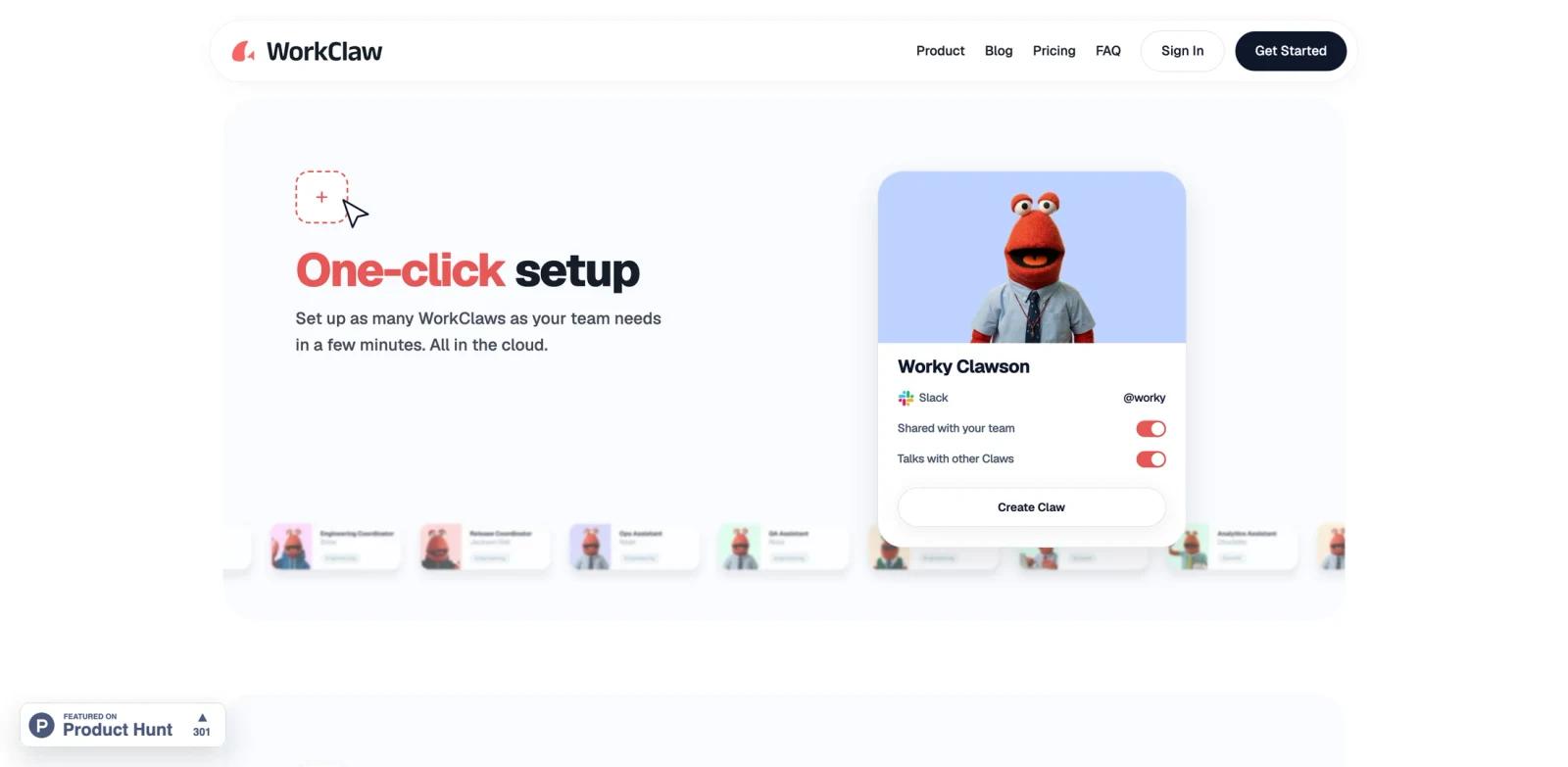
WorkClaw is a cloud platform for deploying persistent AI coworkers that participate in Slack or Microsoft Teams alongside human colleagues. Each coworker, called a Claw, has its own cloud computer, identity, memory, connected apps, and configurable working style. Teams can assign specialized roles such as research, content, recruiting, operations, or project management.
Unlike a personal chatbot that waits inside a separate interface, WorkClaw is designed for shared workflows. A Claw can listen in approved channels, respond when mentioned, collaborate with other Claws, and continue scheduled or delegated work while teammates are offline. It is built on OpenClaw but adds managed hosting, team sharing, permissions, a credential vault, and administrative controls.
WorkClaw fits teams exploring AI agents but unwilling to assemble cloud machines, integrations, and security controls themselves. Readers comparing autonomous worker products may also review MuleRun and ToolWorthy's Manus AI review.
Key Features
Persistent cloud coworkers - Run any number of specialized Claws on isolated cloud computers that can be paused when not needed.
Team collaboration - Give each Claw a Slack or Teams identity, share it with selected colleagues, and let agents coordinate through chat.
Custom and shared skills - Teach workflows conversationally, install skill packs, and distribute approved skills across the organization.
Business app connections - Connect email, calendars, Google Workspace, CRMs, project tools, and other services through the platform's integration layer.
Administrative controls - Restrict who can access each Claw, which apps it can use, which channels it can monitor, and whether it acts proactively.
Credential isolation - Store secrets in a managed vault and keep each Claw's files and environment separated from other agents.
Integration Guide
Start with one narrowly scoped Claw and one measurable workflow. Connect only the Slack channels and apps required for that job, then decide whether the agent should respond only when mentioned or monitor activity proactively. Human approval should remain enabled for actions involving customers, money, account changes, or destructive operations.
After the first workflow is stable, save its instructions as a shared skill and create additional specialists instead of giving one agent unrestricted access to the entire stack. Teams evaluating protocol-based alternatives can compare the approach with the Model Context Protocol guide.
Pricing & Plans
WorkClaw combines a subscription with credits used for cloud-computer time and AI model activity.
| Plan | Price | Main features |
|---|---|---|
| Trial | 14 days; no card required | $100 in launch credits and access to the Team experience |
| Team | $29/month | 30,000 monthly credits, unlimited users and Claws, Claude access, shared skills, and integrations |
| Business | Custom | BYOK, segregated infrastructure, volume discounts, SSO, audit logs, SLA, and dedicated onboarding |
| Extra credits | $20 per 20,000 credits | Applied immediately; optional automatic refill |
Cloud-computer usage starts at 750 credits per Claw per day for the 2-core, 4 GB Mini configuration. Pro and Max computers consume 1,500 and 2,500 credits per day. Team credits reset monthly and do not roll over.
Best For
- Operations teams automating recurring research and reporting
- Marketing teams coordinating content and monitoring workflows
- Companies that want shared agents inside Slack or Teams
- Managers building several role-specific AI coworkers
- Security-conscious teams that prefer managed agent infrastructure
FAQ
What is WorkClaw?
WorkClaw is a managed platform for cloud-hosted AI coworkers that work with teams through Slack, Microsoft Teams, email, and connected business applications.
Is WorkClaw free?
It offers a 14-day trial and launch credits without a credit card. The published Team plan costs $29 per month; WorkClaw does not list a permanent free tier.
How many Claws can a team create?
The Team plan lists unlimited AI agents and unlimited human users, although every active agent consumes cloud-computer and model credits.
Can Claws act without being mentioned?
Yes. Administrators can choose proactive monitoring or a safer mention-only mode for each Claw and restrict the channels it can access.
Which apps does WorkClaw support?
The official site highlights Slack, Teams, Google Workspace, email, CRMs, calendars, and a broader integration catalog. Exact availability should be checked before purchasing for a specific workflow.
How does WorkClaw protect credentials?
It uses a managed credential vault, app-level controls, isolated agent environments, and optional human approval for sensitive access.
Does it require a Mac mini or local server?
No. Every Claw runs on a managed cloud computer and does not require local hardware.