

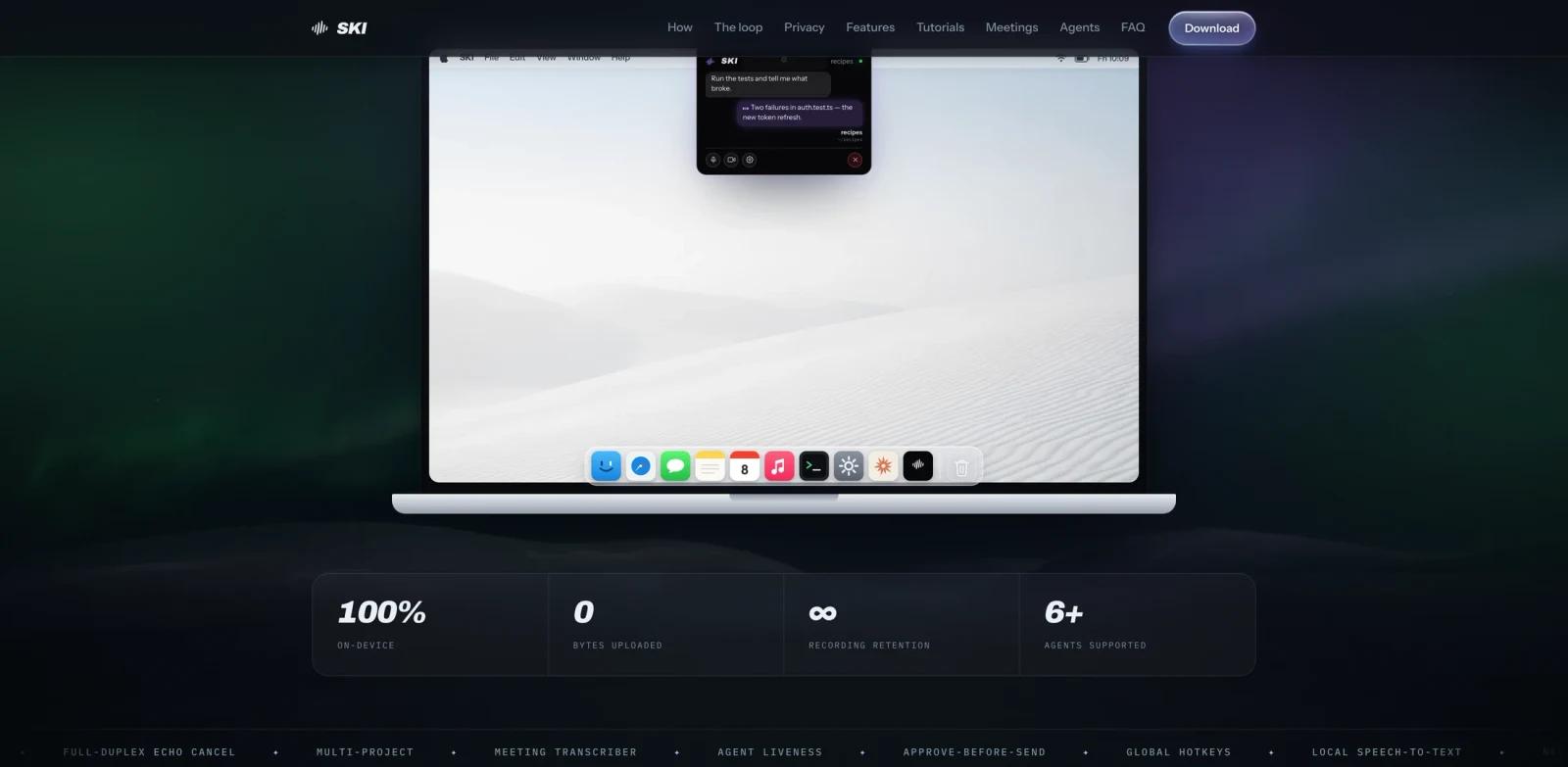
Overview
SKI is a desktop voice assistant for AI coding agents. It lets developers speak to tools such as Claude Code, Codex, Cursor, Gemini CLI, and OpenClaw, then hear the agent answer in a natural voice. The product is not a generic dictation box; it creates a two-way voice loop around the coding agent that is already reading files, editing code, or running commands.
The strongest fit is hands-free development work: talking through a refactor, asking a terminal agent for status, recording a local meeting transcript, or keeping a coding session accessible while away from the keyboard. SKI runs speech-to-text and text-to-speech on the user's own machine, which matters for teams that do not want voice data sent to another cloud service.
SKI is available for Apple Silicon Macs and Windows PCs. The official site describes the core Mac and Windows voice features as free for life after registration, while the optional AgentCall meeting feature is the paid part.
Key Features
Two-way voice loop for coding agents - Speak to a coding agent and hear the response out loud, rather than only dictating text into a terminal or editor.
Works with popular coding agents - The official site names Claude Code, Cursor, Codex, Gemini CLI, and OpenClaw, making SKI relevant to developers who already use AI code generator workflows.
On-device speech processing - Voice input is converted locally and the agent's spoken output is generated locally, reducing exposure for source-code discussions, architecture decisions, and meeting notes.
Mac and Windows desktop support - SKI supports macOS and Windows instead of being limited to a browser extension or one editor.
Mute, silent mode, and push-to-talk controls - Developers can keep listening active, silence spoken replies, or use push-to-talk on Mac when working in shared spaces.
Local meeting transcription - SKI can record mic and meeting audio locally and export transcripts without sending audio to a cloud notetaker.
Pricing & Plans
SKI's core voice features are positioned as free forever on Mac and Windows after registration. The site states that no credit card is required for the free voice features and local meeting transcription.
| Plan | Price | Includes |
|---|---|---|
| SKI voice assistant | Free | Mac/Windows voice loop, local speech, local transcripts, coding-agent voice interaction |
| AgentCall meetings | Paid per minute | Optional cloud meeting participation for agentic video-call workflows |
Because the paid AgentCall pricing is tied to meeting minutes and is not the core local voice feature, this ToolWorthy listing treats SKI as a free tool with an optional paid add-on.
Best For
- Developers who use Claude Code, Codex, Cursor, Gemini CLI, or OpenClaw daily and want voice control without cloud dictation
- Engineers who want to talk through tasks while reading code, walking, or stepping away from the keyboard
- Privacy-conscious teams that want local voice handling for codebase discussions and transcripts
- Solo builders who want a lightweight voice layer for their existing AI productivity workflow
- Agent-heavy users who need a more natural interface than typing every prompt into a terminal
FAQ
What is SKI?
SKI is a Mac and Windows voice assistant for coding agents. It lets you speak to an agent such as Claude Code, Codex, Cursor, Gemini CLI, or OpenClaw, then hear the answer back in a natural voice.
Is SKI just speech-to-text dictation?
No. Dictation tools usually stop after placing text in an input field. SKI is designed as a two-way loop: it sends your spoken instruction to the coding agent and speaks the agent's answer back to you.
Does SKI send my voice to the cloud?
The official site says listening, understanding, and speaking happen on the user's own machine for the core voice features. The exception is the optional AgentCall meeting feature, which involves a cloud meeting participant.
Which coding agents does SKI support?
The official site names Claude Code, Cursor, Codex, Gemini CLI, and OpenClaw. In practice, the fit is strongest for agents that can accept project-level prompts and return useful status or code-review answers.
Is SKI free?
Yes for the core voice assistant features. SKI describes the Mac and Windows voice experience and local meeting transcription as free for life after registration. AgentCall meeting participation is the paid feature.
Can SKI help with meetings?
SKI can record local meetings by capturing mic and meeting audio separately and transcribing them on the device. If you want an agent to join a video call as a participant, that is handled through AgentCall.
Who should skip SKI?
Skip it if you do not use coding agents, need Linux support immediately, or require cloud-based multi-language transcription rather than a local developer-focused voice loop.