

Overview
Publora is a social media management platform, publishing API, and MCP server built for both humans and AI agents. Its core promise is simple: connect social accounts once, then schedule, publish, and manage content across major platforms from one dashboard or one agent-accessible API layer, with analytics described only where Publora officially supports it.
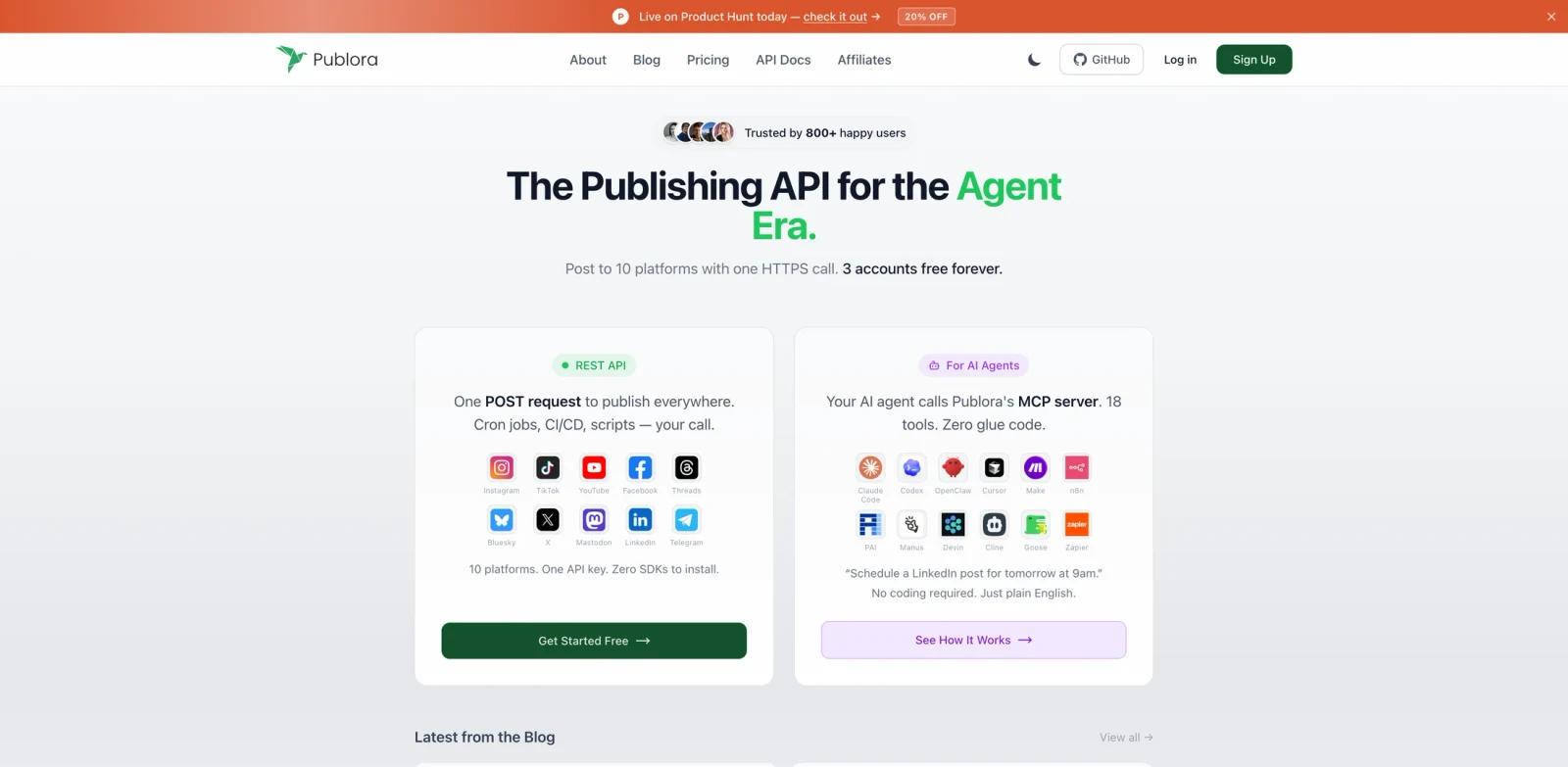
The product is especially relevant for teams building AI agents, marketing automations, social media operators, and developer workflows that need reliable posting without wiring every social network separately. Publora's official site says it supports Instagram, TikTok, YouTube, Facebook, Threads, Bluesky, X, Mastodon, LinkedIn, and Telegram. It also advertises an MCP server with 18 tools, so compatible AI assistants can create posts, check analytics, review calendars, and manage accounts through natural language.
Publora ranked #1 on Product Hunt's June 10, 2026 daily leaderboard with the tagline "A publishing API for agents to post on 10 social platforms." That launch positioning matches the official product materials: this is not just another scheduler, but a distribution layer for agent-driven AI social media post generator workflows.
Key Features
One API for 10 platforms - Publora lets developers and agents publish across LinkedIn, X, Instagram, Threads, TikTok, YouTube, Facebook, Bluesky, Mastodon, and Telegram without maintaining separate posting flows.
MCP server for AI agents - Claude, Cursor, Codex-style tools, and other MCP-compatible clients can use Publora to schedule posts, inspect calendars, pull analytics, and manage social accounts from chat.
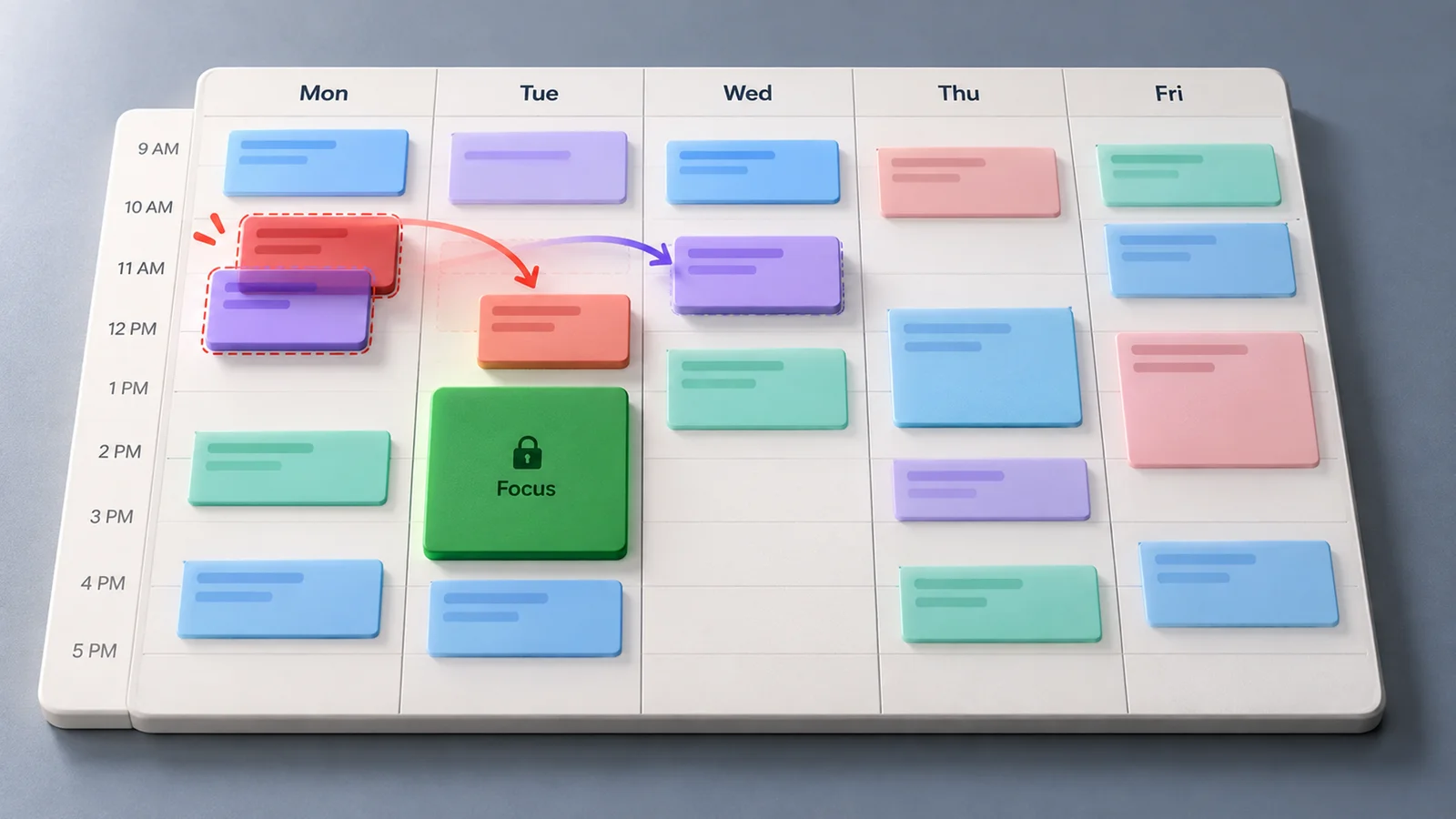
Social media dashboard - Teams can plan content visually, manage connected accounts, draft posts, and organize publishing from a standard web interface when they do not want a pure API workflow.
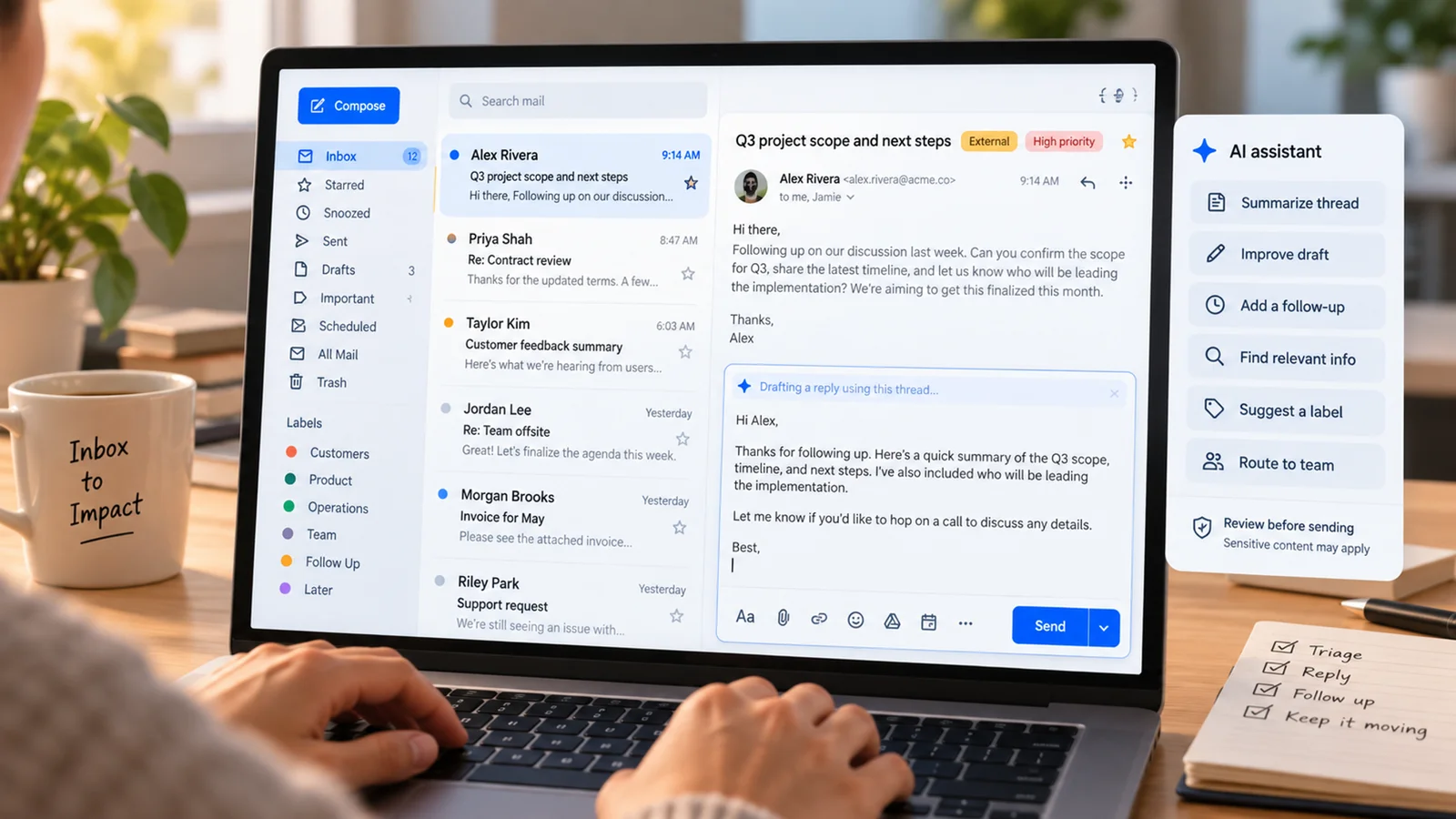
AI editor and idea generation - Publora includes AI-assisted content editing and ideation, helping creators and teams refine posts before publishing.
Platform-specific validation - The product checks platform-specific constraints before publishing, reducing failed posts and formatting surprises across supported networks.
Analytics and engagement loop - Publora's agent-facing pitch includes analytics and account management, but analytics and engagement features should be treated as platform-dependent rather than universal across all 10 networks.
Integration Guide
Publora is a good fit when social publishing needs to become part of a broader automation system. A typical setup looks like this:
- Create a Publora account and connect the social accounts that should be available.
- Upgrade to Pro or Premium for API/MCP access and generate a Publora API key.
- Add Publora's MCP endpoint to a compatible AI client or agent runtime.
- Let the agent schedule, publish, review, or inspect supported analytics while keeping account credentials inside Publora.
- Use the dashboard for calendar review, account checks, and manual edits before higher-risk campaigns go live.
This architecture is useful for founders, agencies, and technical marketers who already use MCP, n8n, Make, or custom automations but do not want to rebuild social OAuth, media handling, and platform validations from scratch.
Pricing & Plans
Publora publishes transparent self-serve pricing. The Starter plan is free forever and includes 15 posts per month, 3 social accounts, AI Editor, and all supported platforms except X on the pricing page. Publora's API docs state that Starter is dashboard-only and API/MCP access requires Pro or Premium.
Paid plans use per-account pricing. Pro is displayed from $2.99 per account per month and includes 100 posts per account per month, 100MB video uploads, two-month scheduling, AI Editor, all platforms, and API/MCP access. Premium is displayed from $5.99 per account per month and raises the limit to 500 posts per account per month with 250MB video uploads, priority support, custom feature requests, and API/MCP access. Users should confirm the active monthly/yearly billing toggle before checkout.
| Plan | Price | Notes |
|---|---|---|
| Starter | Free forever | 15 posts/month, 3 social accounts, AI Editor, dashboard-only, all platforms except X |
| Pro | Displayed from $2.99/month per account | 100 posts/account/month, all platforms, 100MB video uploads, two-month scheduling, API/MCP access |
| Premium | Displayed from $5.99/month per account | 500 posts/account/month, 250MB video uploads, priority support, custom feature requests, API/MCP access |
Best For
- Developers building AI agents that need to publish posts and inspect supported social analytics
- Agencies managing multi-platform client calendars
- Founders and creators who want one scheduler for several networks
- Marketing teams connecting social workflows to AI productivity tools, n8n, Make, or MCP clients
- Teams that want API access without maintaining separate OAuth and posting integrations for every platform
FAQ
What does Publora do?
Publora lets users schedule, publish, and manage social media content across 10 platforms from a dashboard, API, or MCP-compatible AI agent, with analytics available where supported by Publora.
Which social platforms does Publora support?
Publora lists support for Instagram, TikTok, YouTube, Facebook, Threads, Bluesky, X, Mastodon, LinkedIn, and Telegram.
Is Publora only for developers?
No. Developers can use the REST API and MCP server, while marketers and creators can use the web dashboard, content calendar, editor, and account management features.
Does Publora have a free plan?
Yes. The Starter plan is free forever with 15 posts per month, 3 connected social accounts, AI Editor, and all supported platforms except X. API and MCP access require Pro or Premium.
How much does Publora cost?
Paid plans are displayed from $2.99 per account per month for Pro and $5.99 per account per month for Premium. Teams should confirm current plan limits, billing interval, and API/MCP access requirements on Publora's pricing page and API docs before purchasing.
Can AI agents use Publora?
Yes. Publora provides an MCP server and API so compatible agents can schedule posts, check analytics, manage accounts, and review publishing calendars.
Is Publora safe for autonomous posting?
Publora provides the publishing layer, but teams should still define approvals, account permissions, and campaign review rules before allowing agents to post without human review.