Overview
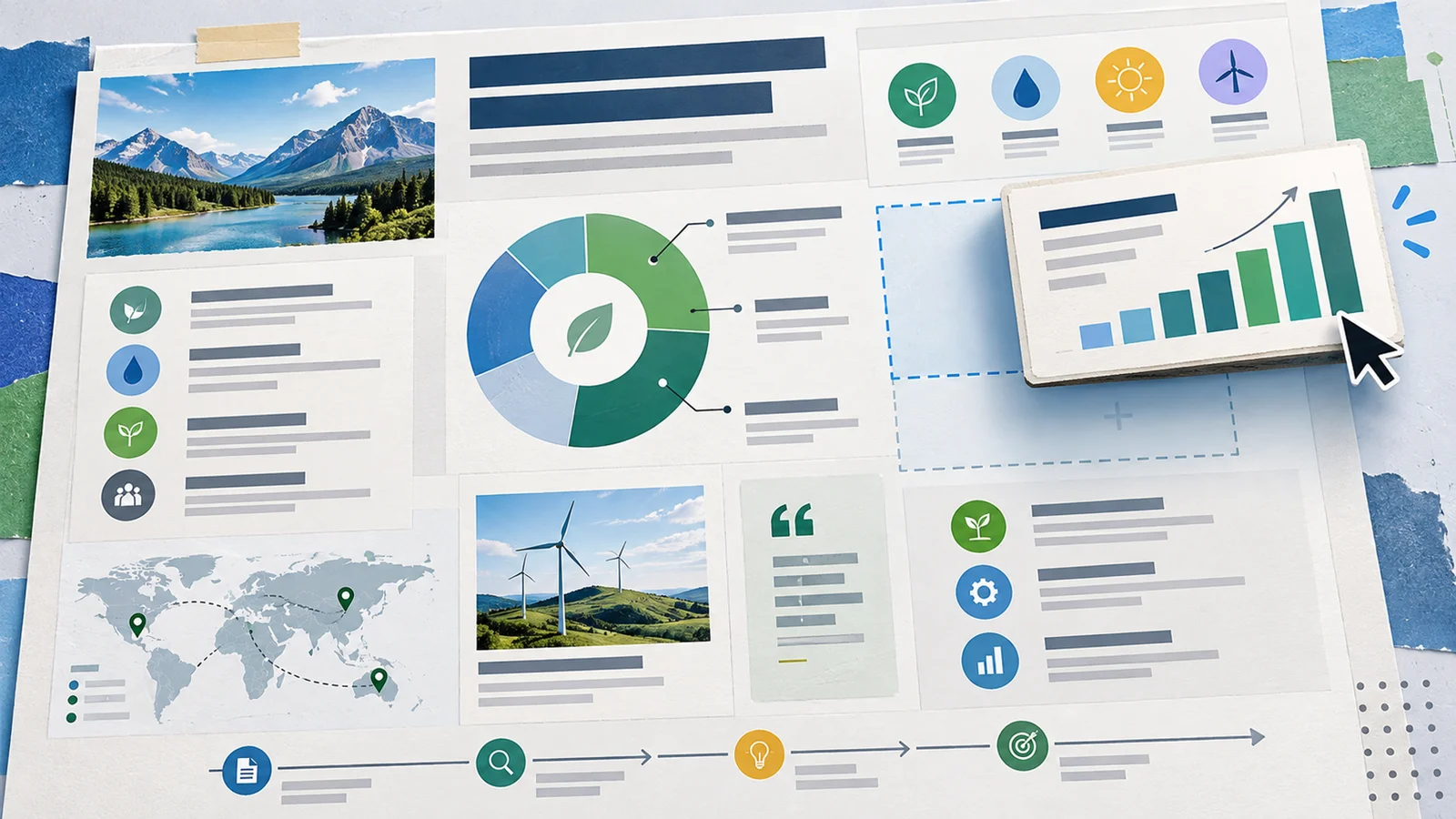
Moda is an AI-powered design tool that solves one of the most frustrating problems in AI-assisted creative work: you get a design that looks great but you can't easily change it. Unlike standard AI image generators that output flat, locked images, Moda generates fully editable visual assets on a real canvas you control — so you can adjust every element, swap fonts, reposition objects, and iterate without starting from scratch.
The platform targets marketing teams, content creators, and small business owners who need to produce a high volume of on-brand visual assets quickly. Whether you're building a pitch deck, a LinkedIn carousel, a product one-pager, or a PDF report, Moda handles the initial design generation while keeping you in full control of the final output.
What sets Moda apart from Canva or traditional AI presentation makers is its design-intelligent AI — a model specifically trained in graphic design principles like composition, hierarchy, and visual balance, producing outputs that require significantly less cleanup.
Key Features
Fully Editable AI Canvas — Generates fully editable designs on a real canvas rather than flat images, letting you move, resize, and restyle every element without external tools.
Multi-Format Asset Creation — Supports slides, social posts, PDFs, diagrams, UI design mockups, and research documents, positioning Moda as an all-in-one visual content platform.
Brand Kit & Custom Themes — Customize designs to your brand identity with brand kits and custom themes; Ultra plan unlocks unlimited brand kits for agencies managing multiple clients or brands.
Real-Time Collaboration — Multiple teammates can work on the same design simultaneously. Pro adds credit pooling across teammates; Ultra adds shared team workspaces and organization management.
Multiple AI Design Models — Choose between Lite, Standard, and Pro models to balance speed, credit usage, and output quality based on the complexity of your design task.
Social Posts & Motion Graphics — Create social media posts and motion graphics directly within Moda for Instagram, LinkedIn, and other platforms (scope of animation features is not publicly detailed).
Charts & Visualizations — Built-in charts and visualizations support for presentations and reports, useful for data-heavy decks and documents (exact data input workflow is not publicly documented).
Deep Research (Beta) — An experimental feature available via request access. How it works is not yet publicly documented; check the community or contact Moda for early access details.
Pricing & Plans
Moda uses a credit-based pricing model. Every AI design action consumes credits, with heavier tasks (e.g., a 10-slide deck) using more than lighter ones (e.g., a single social post).
| Plan | Price | AI Credits / Month | Key Inclusions |
|---|---|---|---|
| Free | $0/month | 1,000 credits | Standard & Lite models, real-time collaboration, UI designer, charts, social posts |
| Pro | $30/seat/month | 6,000 credits | Pro design model, credit pooling across teammates, email support |
| Ultra | $100/seat/month | 20,000 credits | Unlimited brand kits, shared team workspaces, SSO/SAML auth, priority support |
Team pricing note: Paid plans are billed per seat. Adding a new team member will automatically add a seat at the same per-seat rate.
How credits work (approximate):
- Social post: ~60–180 credits (Lite to Pro model)
- PDF: ~100–300 credits
- Slide deck (5 slides): ~150–450 credits
- Slide deck (10 slides): ~225–675 credits
All plans include a free tier to start, and paid plans are billed monthly. Credits do not roll over between billing cycles. On paid plans, metered billing applies if you exceed your monthly allocation, and you can set an overage budget to control spending.
When the Free plan's credits run out, AI features pause — but you can still use non-AI editing tools, export designs, and collaborate. Paid plans continue with metered billing.
Best For
- Marketing teams that produce a high volume of branded visual assets (one-pagers, decks, social graphics) and need fast, consistent output
- Startup founders and small business owners who want professional-looking designs without a dedicated designer
- Content creators posting regularly on LinkedIn or Instagram who need quick, on-brand social visuals
- Agencies managing multiple brand clients who need unlimited brand kits (Ultra plan)
- Non-designers who have struggled with "AI design dead ends" — getting a design that's close but not quite editable
FAQ
Is Moda really free to use?
Yes. Moda's Free plan is free forever and includes 1,000 AI credits per month, access to the Standard and Lite design models, real-time collaboration, and all core asset types including slides, social posts, PDFs, and diagrams. Credit card requirements aren't explicitly stated on the pricing page — check the sign-up flow for the current requirement.
What is an AI credit in Moda?
An AI credit is consumed each time you perform an AI design action. The number of credits used depends on the design model (Lite uses fewer, Pro uses more) and the complexity of the task. A simple social post might use ~60 credits on the Lite model, while a 10-slide deck on the Pro model could use ~675 credits.
What's the difference between the Lite, Standard, and Pro models?
The three models differ in output quality, detail, and credit cost. The Pro model produces the highest-quality, most design-polished results but costs more credits per action. Lite is fastest and most credit-efficient, suited for quick drafts or simple assets. Standard sits in the middle. Paid plans unlock access to the Pro model.
Can I use Moda with my team?
Yes. All plans include real-time collaboration. The Pro plan adds credit pooling so teammates share a combined monthly allocation. The Ultra plan adds shared team workspaces, organization management, and SSO/SAML authentication for enterprise teams.
How does Moda compare to tools like Canva or Recraft AI?
Moda's core differentiator is that its AI outputs are fully editable on a real canvas you control — rather than flat raster images you'd need to re-edit in another tool. Canva offers a large template library and more polished polish on final outputs, but its AI generation is less design-aware. Recraft AI focuses on vector/SVG generation for illustrators and brand designers. Moda targets users who want the speed of AI generation with the flexibility of traditional design editing in one place.
What asset types can Moda create?
Moda supports slides (presentations), social posts (including motion graphics), PDFs, diagrams, UI design mockups, research documents, and data visualizations (charts). It covers most marketing and business design needs in one canvas.
Do unused credits roll over to the next month?
No. Credits do not roll over between billing cycles. On the Free plan, AI features pause when credits are exhausted (non-AI tools, export, and collaboration remain available). On paid plans, metered billing kicks in automatically once your monthly allocation is used, and you can configure an overage budget to cap extra spend.
Can I cancel my Moda subscription at any time?
Moda supports plan upgrades and downgrades at any time. Cancellation and refund terms are not publicly detailed — check the billing page or contact Moda support for specifics before committing to a paid plan.
Is my data and design work secure with Moda?
Moda is a commercial SaaS platform. What's publicly confirmed: the Ultra plan includes SSO/SAML authentication for access control. What isn't yet publicly documented: data retention policies, sub-processor lists, whether designs are used for model training, and SOC 2/ISO compliance status. For enterprise deployments handling sensitive data, contact Moda directly to request security documentation before committing.