

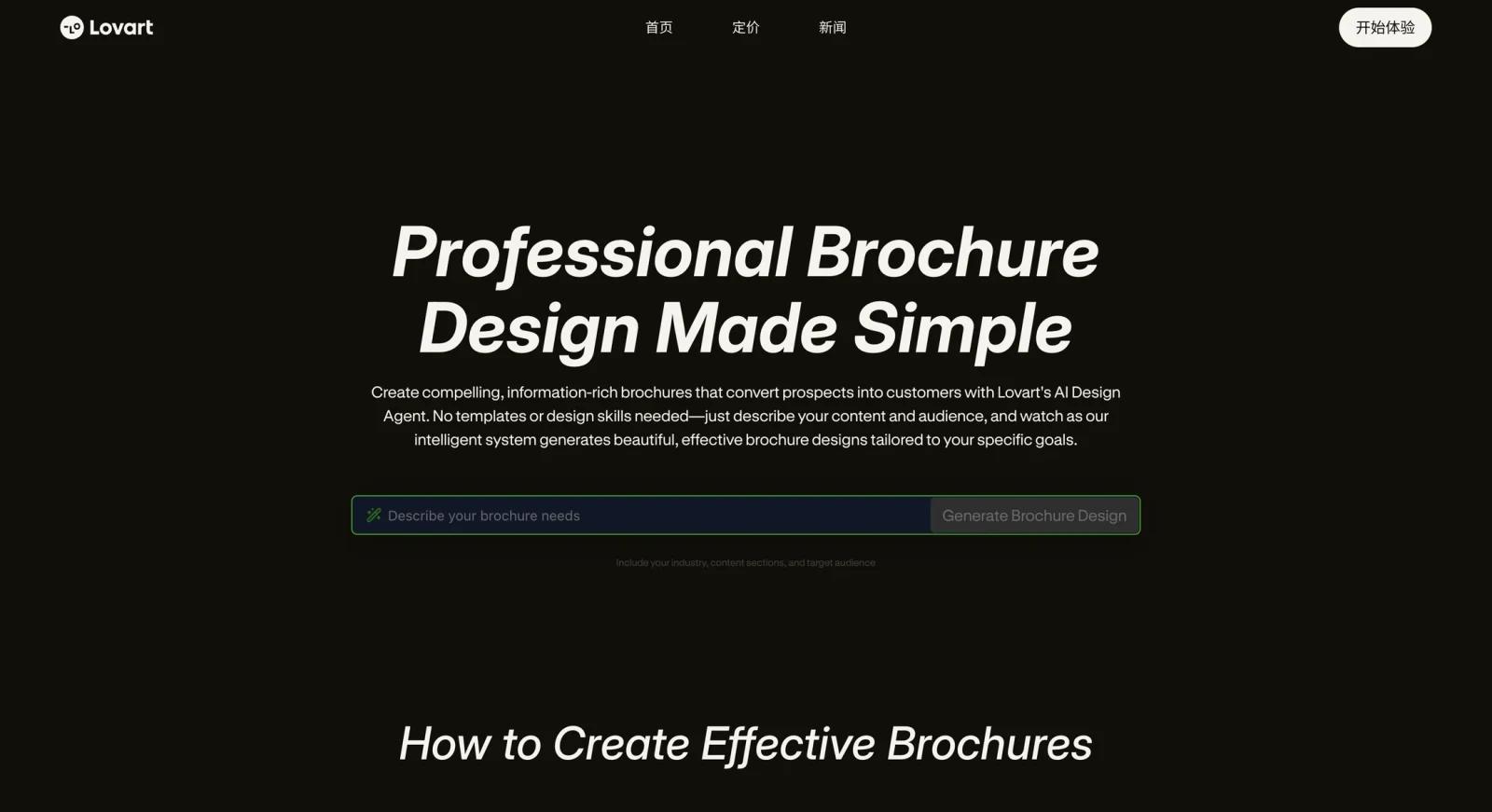


Overview
Lovart is an AI design agent — positioned not as a template editor but as an autonomous creative system that handles the full arc of a design project, from strategy to deliverable. The platform uses a "Mind Chain of Thought" (MCoT) reasoning engine that processes a prompt, interprets the business context and audience, and makes design decisions (layout, color, hierarchy, format) before generating output.
The result is multi-format output from a single prompt: a brochure, a matching social media suite, a brand identity, or a packaging design — all consistent in style without manual template selection. Lovart targets creative agencies, brand teams, and marketing departments that need to accelerate output across multiple asset types without scaling headcount. A free tier provides starter credits; paid plans include higher credit volumes for larger-scale production workflows.
Lovart is part of the AI graphic design and AI brochure maker categories. A free tier is available. Lovart pricing is credit-based and currently shows promotional annual billing on the official pricing page. Verify the live monthly and annual rates at lovart.ai/pricing before making decisions based on specific figures.
Key Features
- AI design agent with MCoT reasoning — Rather than applying a template, Lovart's Mind Chain of Thought engine reasons through the creative brief — analyzing audience, brand context, and intent — before generating a layout. Output reflects strategic decisions, not just aesthetic generation.
- Multi-format asset generation — A single project can produce a brochure, social media graphics, email headers, menus, packaging mockups, and video assets with visual consistency across formats. Reduces the manual adaptation work that follows single-asset generation in template-based tools.
- Brand identity generation — Lovart can generate complete brand identity systems: logo, color palette, typography, and brand guidelines — not just isolated graphics. Useful for early-stage businesses or agencies handling brand launches.
- Print-ready and digital output — Print assets include proper bleed areas and CMYK color profiles suitable for professional printing. Digital assets include interactive elements and optimized formats for web and social media distribution.
- Integration with existing tools — Lovart's outputs and workflows are compatible with Photoshop and Figma for further refinement. Teams that want AI-generated starting points to polish in familiar tools can pass outputs downstream.
- Credit-based production model — Usage is governed by a credit system, with each generation consuming credits from the plan's monthly allocation. Plans scale from a starter pool (free) through Starter (2,000 credits), Basic (3,500 credits), and Pro (11,000+ credits/month).
Pricing & Plans
Lovart uses a credit-based pricing model. The official pricing page currently shows monthly/annual billing toggles and may include limited-time annual promotions.
| Plan | Credits/Month | Pricing Note |
|---|---|---|
| Free | Starter/free credits vary by account or promotion | $0 |
| Starter | 2,000 monthly credits | Verify live rate at lovart.ai/pricing |
| Basic | 3,500 monthly credits | Verify live rate at lovart.ai/pricing |
| Pro | 11,000 monthly credits | Verify live monthly and annual rates |
| Ultimate | 27,000 monthly credits | Listed during current promotion; verify availability |
The official pricing page lists plan pricing, but rates may include time-limited annual promotions and vary at renewal. Check lovart.ai/pricing for current rates before comparing against fixed-price tools.
Best For
- Creative agencies that need to generate multi-format brand assets rapidly across multiple client accounts
- Marketing teams launching new products or campaigns that require brochures, social graphics, and brand materials simultaneously
- Startups and small brands that need an initial brand identity system (logo, colors, guidelines) plus marketing collateral without hiring a full-service agency
- Designers who want AI to handle the initial ideation and layout work before refining the output in Photoshop or Figma
FAQ
Is Lovart free?
Yes. Lovart offers a free tier with a starter credit pool for initial generations. Paid plans scale from Starter (2,000 credits) to Pro (11,000+ credits/month). Check lovart.ai/pricing for current plan rates; pricing includes promotional annual options and credit volumes vary by plan.
Is Lovart just a brochure maker?
No. Brochure generation is one output type among many. Lovart is a broader AI design agent that can generate logos, brand identity systems, social media suites, packaging, menus, and video assets in a single multi-format workflow. The MCoT reasoning engine handles brand strategy and design decisions as part of the generation process.
How does Lovart compare to Canva?
Canva is a template editor where the user selects and customizes layouts. Lovart generates layouts from a prompt using an AI reasoning engine, without pre-selecting a template. Lovart is more suited to agencies and teams that want AI-driven multi-format output from a brief; Canva is more suited to users who want manual control over a large template library at a lower price point. For template-based tools, see the AI graphic design category.
What file formats does Lovart export?
Lovart exports print-ready files with bleed areas and CMYK color profiles for professional printing, as well as digital-optimized formats for web and social media. Outputs are compatible with Photoshop and Figma for further editing. Specific export formats (PDF, PNG, AI) should be verified on the lovart.ai platform.
Does Lovart require design skills to use?
No. The MCoT reasoning engine handles design decisions from a text prompt. Users describe their brand, audience, and goal; Lovart generates the layout and assets. For teams that want to refine output, basic familiarity with Photoshop or Figma is useful but not required to use the platform's core generation features.


