



Overview
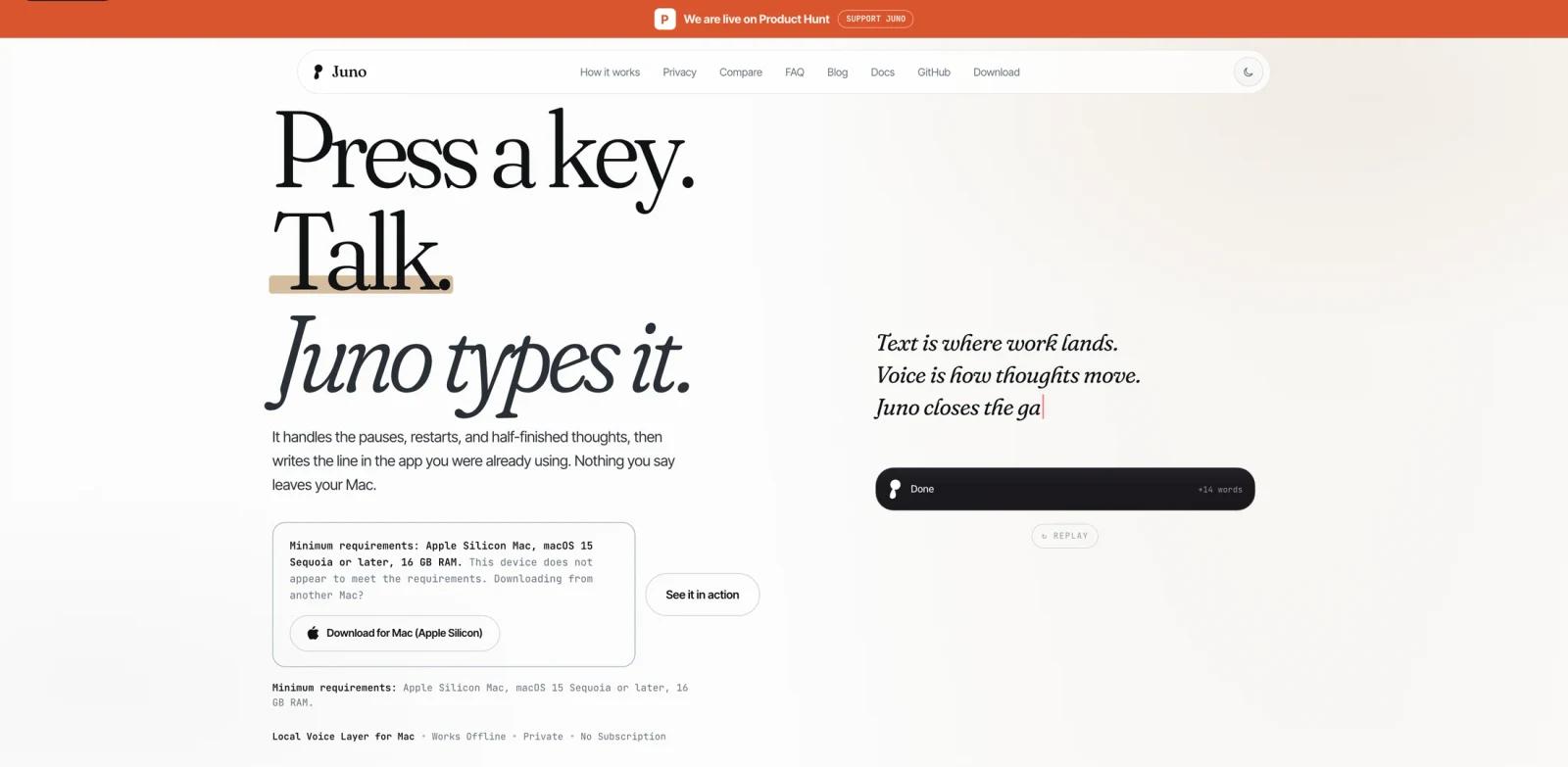
Juno is a free, open-source local voice layer for Mac. It lets users press a shortcut, speak naturally, and insert cleaned-up text into the app they were already using. The official site emphasizes that everyday dictation runs offline after setup and that nothing the user says leaves the Mac.
Juno is more than basic transcription. It cleans filler words, false starts, numbers, dates, prices, and URLs; rewrites selected or recent text in place; expands voice snippets; and can create Notes, Reminders, and alarms from voice. The public GitHub repository describes Juno as a private Mac voice layer for writing, rewriting, and taking actions, and is MIT licensed.
Juno fits ToolWorthy's AI writing assistants and AI productivity audiences because it turns speech into usable written output while keeping the workflow local and free.
Key Features
Local voice-to-text - Juno processes everyday dictation on the Mac after the model download, avoiding cloud transcription for normal use.
Clean writing output - The app removes filler, restarts, and take-backs so spoken thoughts become polished text instead of raw transcripts.
Live HUD transcript - Users can see words appear while dictating before the final cleaned version is inserted.
Selected text rewrites - Juno can rewrite selected or recent text in place based on plain-English instructions.
Voice actions - The site lists local workflows for Notes, Reminders, Calendar, and alarms.
Open-source Mac app - The GitHub repository is public, MIT licensed, and actively updated around the Product Hunt launch window.
Requirements
Juno's official site lists these minimum requirements:
- Apple Silicon Mac
- macOS 15 Sequoia or later
- 16 GB RAM
Users on Intel Macs, older macOS versions, or lower-memory machines should not assume support.
Pricing & Plans
Juno is free. The official site states there is no license key, account, subscription tier, trial countdown, usage cap, or paid tier. The GitHub repository is MIT licensed.
Because Juno is free and local-first, the main cost is device compatibility rather than subscription pricing.
Best For
- Mac users who want private local dictation
- Writers, founders, engineers, and operators who dictate messages, notes, and drafts
- Users comparing local voice tools such as Superwhisper, Wispr Flow, or Aqua Voice
- Privacy-sensitive teams evaluating voice input before adopting cloud AI productivity tools
- Developers who prefer open-source tools they can inspect
FAQ
What does Juno do?
Juno turns speech into clean text on Mac, supports live transcription, rewrites selected text, expands snippets, and can create local actions such as notes, reminders, and alarms.
Is Juno free?
Yes. The official site says Juno has no account, subscription tier, trial countdown, usage cap, or paid tier.
Does Juno work offline?
The official site says everyday dictation works offline after the one-time local model download.
Is Juno open source?
Yes. The public GitHub repository is MIT licensed.