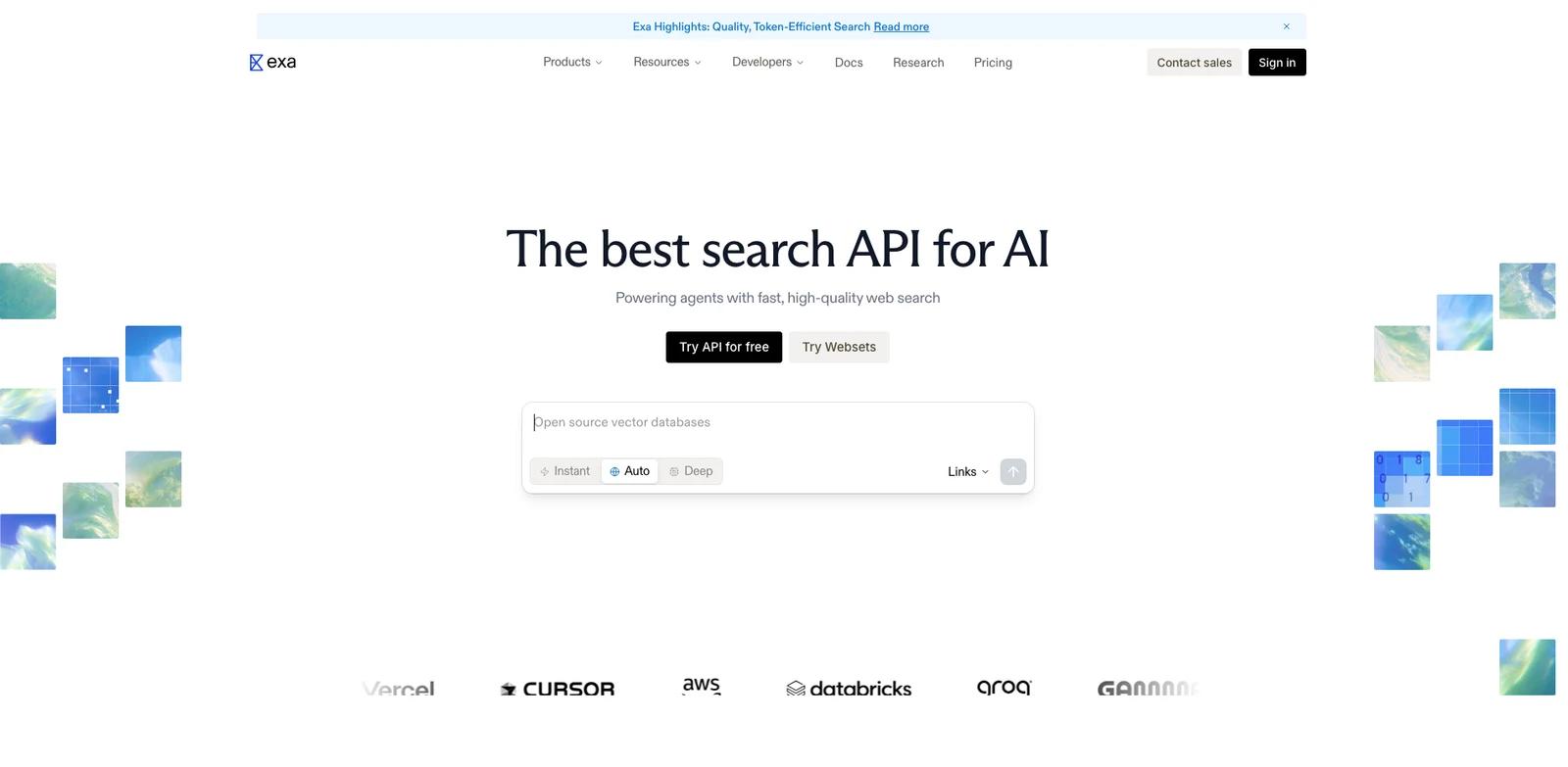


Overview
Exa is an AI search engine option for teams that need to give AI products access to web-scale search, retrieval, and fresh source discovery. Real-time AI search engine with a powerful web search API, web crawling API, SERP API, and deep research tools. Search and extract structured content from websites and live data. In practical terms, it gives AI developers, research teams, data teams, and product builders a more structured way to handle querying the web, retrieving pages, ranking sources, grounding AI answers, and feeding results into applications without relying entirely on generic chat prompts, spreadsheets, or disconnected manual steps.
The product is especially relevant when the decision is not simply whether AI can produce a quick draft, but whether the workflow is repeatable, editable, and reliable enough for real work. Exa should be evaluated on index quality, latency, API ergonomics, ranking relevance, pricing, and how easily results ground LLM outputs. The public site highlights themes such as The best search API for AI, Highest performance across every use case, Powerful features built into your search, Deep web research with structured outputs, which helps buyers understand where the product is positioned.
For buyers comparing AI agent, Exa sits between a broad assistant and a specialized production system. It is most useful when you want a dedicated product surface, clearer outputs, and a workflow that teammates can understand, review, and repeat.
Key Features
- Web search API - Gives technical teams a clearer integration path so AI developers, research teams, data teams, and product builders can connect AI search API output to existing systems.
- Neural retrieval - Turns a core part of querying the web, retrieving pages, ranking sources, grounding AI answers, and feeding results into applications into a repeatable step, reducing setup time while preserving room for human review.
- Source ranking - Turns a core part of querying the web, retrieving pages, ranking sources, grounding AI answers, and feeding results into applications into a repeatable step, reducing setup time while preserving room for human review.
- LLM grounding support - Turns a core part of querying the web, retrieving pages, ranking sources, grounding AI answers, and feeding results into applications into a repeatable step, reducing setup time while preserving room for human review.
- Developer-friendly endpoints - Gives technical teams a clearer integration path so AI developers, research teams, data teams, and product builders can connect AI search API output to existing systems.
- Crawler and research workflows - Adds a decision layer so teams can compare options and prioritize the next edit or action with more confidence.
These features matter most when Exa is used repeatedly. A polished demo is useful, but a serious evaluation should include messy inputs, realistic constraints, review steps, and final exports so you can see how much cleanup remains.
How to Get Started
- Open the official product site - Start from https://exa.ai/ so you are using the current product flow rather than an outdated review or marketplace link.
- Create a realistic test project - Use your own material, such as a recording, document, image, itinerary, brief, code task, or campaign idea.
- Review the first output carefully - Check whether Exa produces something useful before heavy editing; this reveals baseline quality quickly.
- Adjust settings and constraints - Test templates, prompts, voice, style, privacy settings, exports, integrations, or API options that matter to your team.
- Compare against your current process - Measure cleanup time, approval effort, and handoff quality against your existing stack, including AI data analysis.
- Confirm pricing and rights - Before rollout, verify current plan limits, commercial-use terms, data handling, and whether AI productivity tools integrations require a higher tier.
Pricing & Plans
| Plan | Public pricing signal | What to expect |
|---|---|---|
| Evaluation | Paid or sales-led access | Test the core workflow with your own sample materials before rollout. |
| Team / professional | Lowest reliable public price not captured | Expect higher limits, collaboration, exports, integrations, or commercial-use permissions to require paid access. |
| Enterprise | Contact sales where applicable | Admin controls, compliance review, security terms, support, and custom usage may require direct vendor confirmation. |
The captured page text did not expose a reliable lowest monthly price for Exa. This page avoids inventing a number; verify the current pricing page before buying.
Best For
- Developers building AI search products.
- Agent builders grounding responses in fresh web data.
- Research teams retrieving source material at scale.
- Data teams collecting web context.
- Startups replacing generic search APIs.
FAQ
What is Exa used for?
Exa is used to give AI products access to web-scale search, retrieval, and fresh source discovery. It is most relevant for AI developers, research teams, data teams, and product builders that need a repeatable workflow rather than one-off manual production.
Who should choose Exa?
Choose Exa if your regular work involves querying the web, retrieving pages, ranking sources, grounding AI answers, and feeding results into applications. It is less suitable if you only need a single simple task and do not want to learn a dedicated tool.
Does Exa have a free plan?
Exa does not expose a reliable lowest public price in the captured page text. Treat it as paid or sales-led until you verify the official pricing page.
What should I test first in Exa?
Start with a realistic sample from your own workflow. Check output quality, editing control, export options, collaboration, and whether the result fits your existing tools.
How does Exa compare with generic AI tools?
Generic AI tools can help with drafts and ideas, but Exa is built around a more specific AI search API workflow with purpose-built controls, templates, integrations, or exports.
Is Exa good for teams?
Exa can work for teams when its collaboration, permission, sharing, and admin controls match your process. Smaller teams should verify which controls are included in entry-level plans.
What are the main limitations of Exa?
The main risks are plan limits, output variance, learning curve, and dependency on supported formats or integrations. Always test with your own material before rollout.
Can Exa replace a specialist?
Exa can reduce routine production work, but specialist review still matters for strategy, accuracy, compliance, brand voice, and final approval.
What alternatives should I compare with Exa?
Compare it with tools in the broader AI search engine category and with adjacent tools already in your workflow. The best option depends on quality, cost, adoption friction, and integration fit.