



Overview
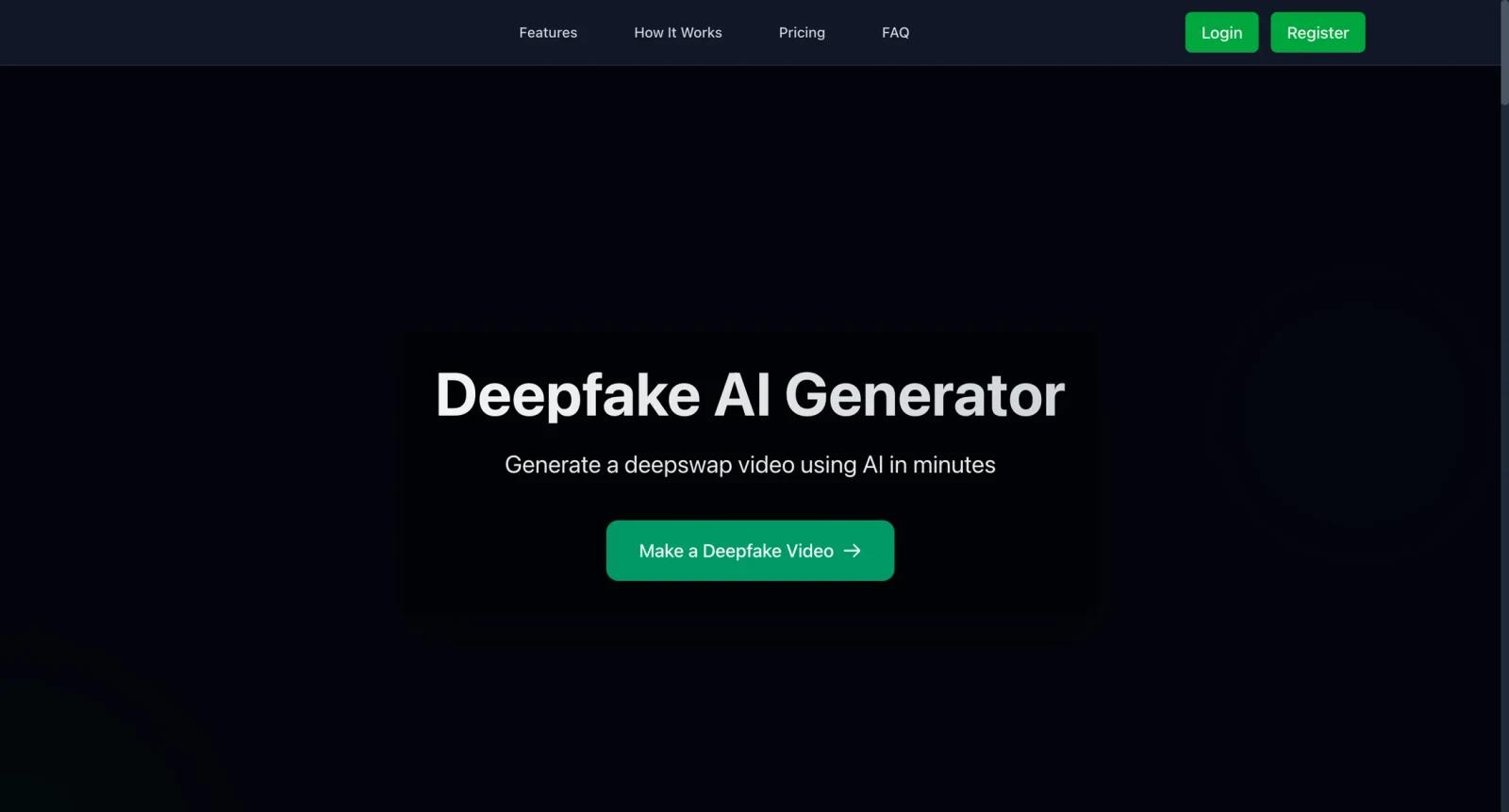
Deepfakes Web is an online deepfake generator for creating face-swap style videos in the cloud. Users upload a source face and a target video, then the web app handles model training and generation without requiring a local GPU setup.
The tool is designed for users who want a browser-based deepfake workflow rather than installing open-source deepfake software. It may be useful for parody, entertainment, education, VFX experiments, and controlled creative projects where consent and disclosure are handled responsibly.
Deepfake tools carry real misuse risk. Users should avoid impersonation, non-consensual likeness use, harassment, fraud, adult content involving real people without consent, or any workflow that violates platform rules or local law.
For adjacent research, compare AI video generator tools, AI video editor tools, AI thumbnail maker tools.
Key Features
- Cloud-based deepfake generation - Runs the training and generation process online instead of on a local machine.
- Face-swap video workflow - Uses a source image or face input and a target video to create a synthetic result.
- Browser access - Lets non-technical users work through a web app rather than command-line tooling.
- API documentation available - Deepfakes Web links to API documentation for programmatic workflows.
- Credit-based usage - Users should expect processing costs to depend on video length, quality, and cloud usage.
- Responsible-use requirement - Projects should be limited to lawful, consent-based, and clearly disclosed scenarios.
Pricing & Plans
Deepfakes Web pricing should be verified inside the live app before buying credits or processing time.
| Plan type | Pricing | Best fit |
|---|---|---|
| Pay-as-you-go credits | Current credit pricing varies | Occasional deepfake generation |
| Higher usage | Credit or cloud usage based | Repeated creative experiments |
| API usage | Check current API terms | Programmatic generation workflows |
Before purchasing, check how credits are consumed, whether failed jobs are refunded, what video limits apply, and what content policies govern uploads.
Best For
Deepfakes Web is best for consent-based creative experiments, parody workflows, media-literacy demonstrations, and technical users exploring deepfake generation through a hosted app.
FAQ
What is Deepfakes Web?
Deepfakes Web is an online app for generating deepfake face-swap videos in the cloud.
Does Deepfakes Web require a GPU?
No local GPU is required for normal web-app usage because processing happens in the cloud.
Is Deepfakes Web free?
Deepfakes Web generally uses paid credits or cloud usage. Check the live app for current pricing.
Is it safe to use deepfake tools?
Only use deepfake tools with consent, clear disclosure, and lawful intent. Avoid impersonation or any non-consensual use of a real person's likeness.
Who should use Deepfakes Web?
Deepfakes Web is best for users who need the workflow described in this review and want to compare it against adjacent AI tools before adopting it.
How much does Deepfakes Web cost?
Pricing can change by plan, billing term, region, and usage limits. Check the official website for the current plan details before purchase.


