



Overview
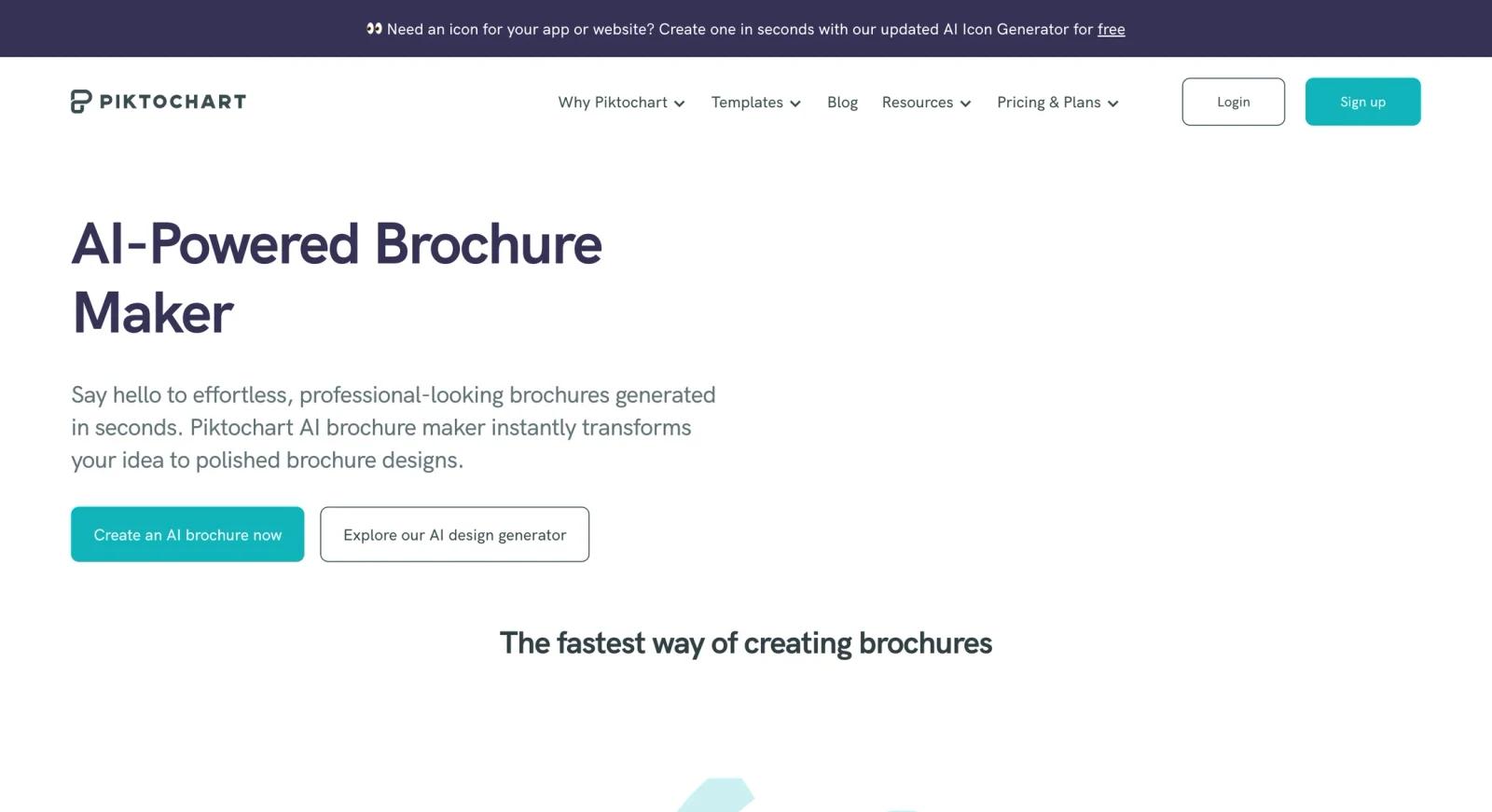
Piktochart is an AI-powered infographic, brochure, and presentation tool used by 14M+ users. Its core differentiator is document-to-visual conversion: users can upload a text file, Word document, or PDF, and Piktochart's AI extracts the content and generates a visually structured infographic, brochure, or presentation — an editable visual layout based on the source content; exact charts, icons, and hierarchy depend on the input and selected format.
The platform is used by marketing professionals creating campaign materials, educators producing visual explainers, business analysts turning data into presentable reports, nonprofits communicating impact statistics, and healthcare organizations explaining clinical information visually. The template library and built-in data visualization tools (charts, maps, interactive graphics) cover both AI-generated and manual design workflows.
Piktochart is part of the AI infographic generator and AI brochure maker categories. New free accounts get 7-day access with 60 AI credits; after day 7, the account may be locked and saved visuals may be deleted unless the user upgrades. Pro starts at $14 per member/month billed annually ($168/year) or $29 per member/month billed monthly.
Key Features
- Document-to-visual AI conversion — Upload a TXT, DOCX, or PDF file and Piktochart's AI parses the content, identifies key data and sections, and generates a formatted infographic, brochure, or presentation. Reduces manual content transfer and layout work for users repurposing existing documents.
- AI generation from text prompts — Alternatively, describe the output you need in a text prompt and Piktochart generates a visual with relevant structure, icons, and data displays. Suitable for creating new materials from scratch without uploading a source document.
- Template library — Piktochart provides templates for infographics, presentations, reports, brochures, posters, and social media graphics across professional, educational, and marketing use cases. Templates are fully customizable after selection.
- Data visualization and interactive charts — Built-in chart editor supports bar, line, pie, and area charts with data import. Interactive charts and maps are available for data-heavy infographic content; 5M+ premium icons, illustrations, and 3D graphics are available on paid tiers such as Pro and Business. Interactive chart elements can be embedded for online viewing.
- Presentation mode with recording — Designs can be presented in slideshow mode directly from Piktochart, with slide transitions and a recording capability for creating narrated video presentations without external tools.
- Team sharing and export — Share designs via link, embed in websites, or export depending on plan: Free/Pro support PNG downloads, while Business, Education, and Nonprofit support PNG, PDF, and PowerPoint downloads. Password-protected sharing is available for confidential reports. Team workspaces allow collaborative editing.
Pricing & Plans
Piktochart offers a free plan and paid tiers for higher AI credit volume and team use.
| Plan | Monthly price | Annual price | AI Credits/Month |
|---|---|---|---|
| Free | $0 | — | 60 (7-day trial only) |
| Pro | $29/month | $168/year ($14/month) | 500 |
| Business | $49/member/month | $288/year ($24/member/month) | 1,000 |
| Enterprise | Contact Sales | Contact Sales | 1,000 listed per member/month; confirm contract terms |
| Education | — | $39.99/member/year | 250 |
| Nonprofit | — | $60/member/year | 250 |
The Pro annual plan ($168/year, $14/month equivalent) saves approximately 52% compared to monthly billing. Free access is trial-limited: new accounts get 7 days, 60 AI credits, 2 PNG downloads, all templates, unlimited visual projects, 1GB storage, and 1–4 team members. After day 7, the account may be locked and saved visuals may be deleted unless the user upgrades.
Best For
- Marketing professionals who need to turn campaign briefs, white papers, or reports into visual infographics and brochures for distribution
- Educators and trainers creating visual explainers, handouts, and presentations from existing curriculum documents
- Business analysts and consultants who regularly convert data-heavy reports into executive-facing visual presentations
- Nonprofits and healthcare organizations communicating statistics and impact data to non-specialist audiences
FAQ
Is Piktochart AI free?
Piktochart offers 7-day free access for new accounts, including 60 AI credits, 2 PNG downloads, all templates, unlimited visual projects, 1GB storage, and 1–4 team members. After day 7, the account may be locked and saved visuals may be deleted unless the user upgrades. Ongoing AI generation requires Pro ($29/member/month or $168/year) or Business ($49/member/month) plans.
How does Piktochart's document-to-visual feature work?
Upload a TXT, DOCX, or PDF file. Piktochart's AI parses the content, extracts key sections and data points, and generates a visual layout — infographic, brochure, or presentation — with structure, icons, and charts chosen to represent the content. The output is editable; you can adjust layout, colors, and content after generation.
How does Piktochart compare to Canva for infographics?
Piktochart is positioned more narrowly around infographics, reports, charts/maps, and document-to-visual workflows, while Canva is a broader general-purpose design platform. For teams primarily producing data-heavy infographics and reports, Piktochart's focused feature set may be an advantage. The AI infographic generator category covers additional specialized tools.
Does Piktochart support team collaboration?
Yes. Piktochart supports team workspaces and collaborative editing; the Free tier allows up to 1 owner plus 3 additional members, while Pro, Business, Education, and Nonprofit support 1–100 members and Enterprise supports 101+. Password-protected sharing and link sharing are available for distributing designs to stakeholders without granting edit access.
Can I embed Piktochart infographics on my website?
Yes. Piktochart generates embed codes for interactive infographics and charts that can be placed directly in web pages. Embedded content retains interactive chart elements (hover states, tooltips) that static image exports do not. Static export formats depend on plan: Free and Pro support PNG downloads, while Business, Education, and Nonprofit support PNG, PDF, and PowerPoint downloads for offline distribution. The AI presentation maker category covers additional tools for presentation-focused workflows.


