
10 Best Book Cover Generators 2026 — Genre-Right & KDP-Ready
We tested 10 book cover generators on what actually sinks indie authors: genre fit, thumbnail legibility, KDP print specs, and real one-time vs subscription cost.
On this page
You finished the manuscript six months ago. The blurb is tight, the formatting is clean, and the only thing standing between you and the KDP "Publish" button is a cover — the one part you can't write your way through. A freelance designer quotes $350 and a two-week turnaround. The generic AI image generator you tried produced something that looks like album art, with title text that melts at thumbnail size and a layout no thriller reader would recognize. You don't need "art." You need a cover that signals genre in half a second on a phone screen and survives Amazon's upload spec without a redesign.
This guide compares 10 book cover generators against exactly that bar: not "can it make a pretty picture," but can it produce a genre-correct, thumbnail-legible, spec-ready cover an indie author can actually publish. Pricing was verified against official sources in May 2026, and the limitations sections draw on real user feedback rather than marketing copy, so you can see where each tool breaks down before you spend a credit.
| Tool | Best For |
|---|---|
| MakeMyBookCover | Fastest path from genre to a KDP-spec file |
| BeYourCover | Full-wrap print + audiobook in one workflow |
| BookBrush | Authors who also need ongoing marketing graphics |
| Canva | DIY authors who want full layout control |
| Adobe Express | Commercially safe AI imagery, no copyright worry |
| CoverDesignAI | Concept exploration before committing to a direction |
| Ideogram | Covers where the title text must render correctly |
| Kittl | Typography-led covers with hand-tuned styling |
| Venngage | Template-first beginners easing into AI |
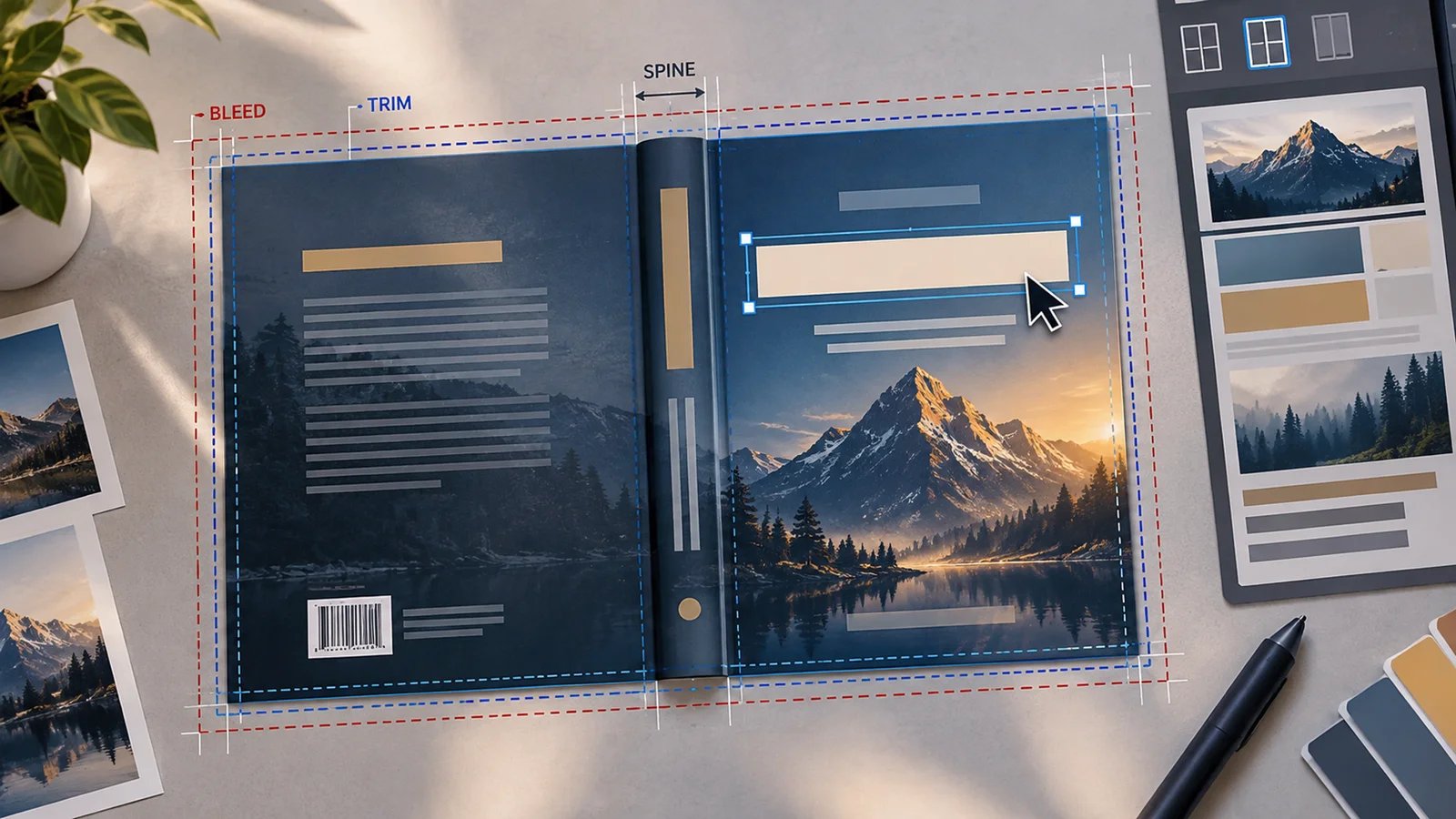
| BookCoversLab | Trim, bleed, and spine math handled for you |
How We Selected and Tested
We selected these book cover generators based on measurable criteria that matter to a self-publishing author: genre-appropriate output, thumbnail legibility, export specs that match Amazon KDP requirements, commercial-rights clarity, and total cost including hidden per-export fees. Tools that only generate raw images with no path to a publish-ready file were noted but included only where they demonstrated significant traction with authors.
Our research methodology combined multiple data sources to ensure accuracy. We analyzed official pricing and feature pages, cross-referenced output specifications, and reviewed author feedback from publishing communities and review platforms. This multi-source approach helped surface gaps between marketing claims and what authors actually report — particularly around AI text rendering and KDP spec compliance.
Evaluation Dimensions: We evaluated each tool across six dimensions aligned with how indie authors actually decide:
- Genre fit — Does output match category conventions, or does it need a redesign?
- Thumbnail legibility — Is the title readable at Amazon's small grid size?
- KDP/print readiness — Correct dimensions, bleed, spine, and file format?
- Commercial rights — Are licensing terms explicit for paid publishing?
- Free tier quality — Can you validate output before paying?
- True cost — One-time vs subscription, plus per-export or hidden fees.
Note on Testing Scope: We reviewed output samples, official spec documentation, and free tiers where available. For paid-only output quality, we relied on published author reviews to keep coverage balanced.
Transparency & Limitations: All information comes from official sources and credible author communities — we don't fabricate ratings or rankings. Pricing and free-tier rules in this space change frequently, so confirm current terms on each tool's pricing page before purchase. Research conducted in May 2026.
Top 10 Book Cover Generators Compared
The lineup below ranges from book-specific AI tools that output a KDP-ready file directly, to general design platforms that give you more control at the cost of doing the spec work yourself. The table summarizes where each lands on the dimensions authors weigh most: genre fit, KDP readiness, and true cost.
| Tool | Best For | Pricing Model | KDP/Print Ready | Genre Fit |
|---|---|---|---|---|
| MakeMyBookCover | Genre → spec-ready file, fast | One-time, from $14 | Yes (ebook) | Strong |
| BeYourCover | Full-wrap + audiobook workflow | One-time, from $19 | Yes (full wrap) | Strong |
| BookBrush | Covers + ongoing marketing assets | Free + annual plans | Yes (full wrap) | Good |
| Canva | Hands-on layout control | Freemium, Pro ~$15/mo | Manual setup | Manual |
| Adobe Express | Copyright-safe AI imagery | Freemium, ~$10/mo | Manual setup | Manual |
| CoverDesignAI | Early concept exploration | One-time packs, from $9.99 | Concept only | Good |
| Ideogram | Reliable in-image title text | Freemium, from $8/mo | Image only | Limited |
| Kittl | Typography-led custom covers | Freemium, paid for hi-res | Manual setup | Manual |
| Venngage | Template-first beginners | Free + paid plans | Manual setup | Template |
| BookCoversLab | Trim/bleed/spine handled | One-time credits | Yes (full wrap) | Good |
Detailed Reviews

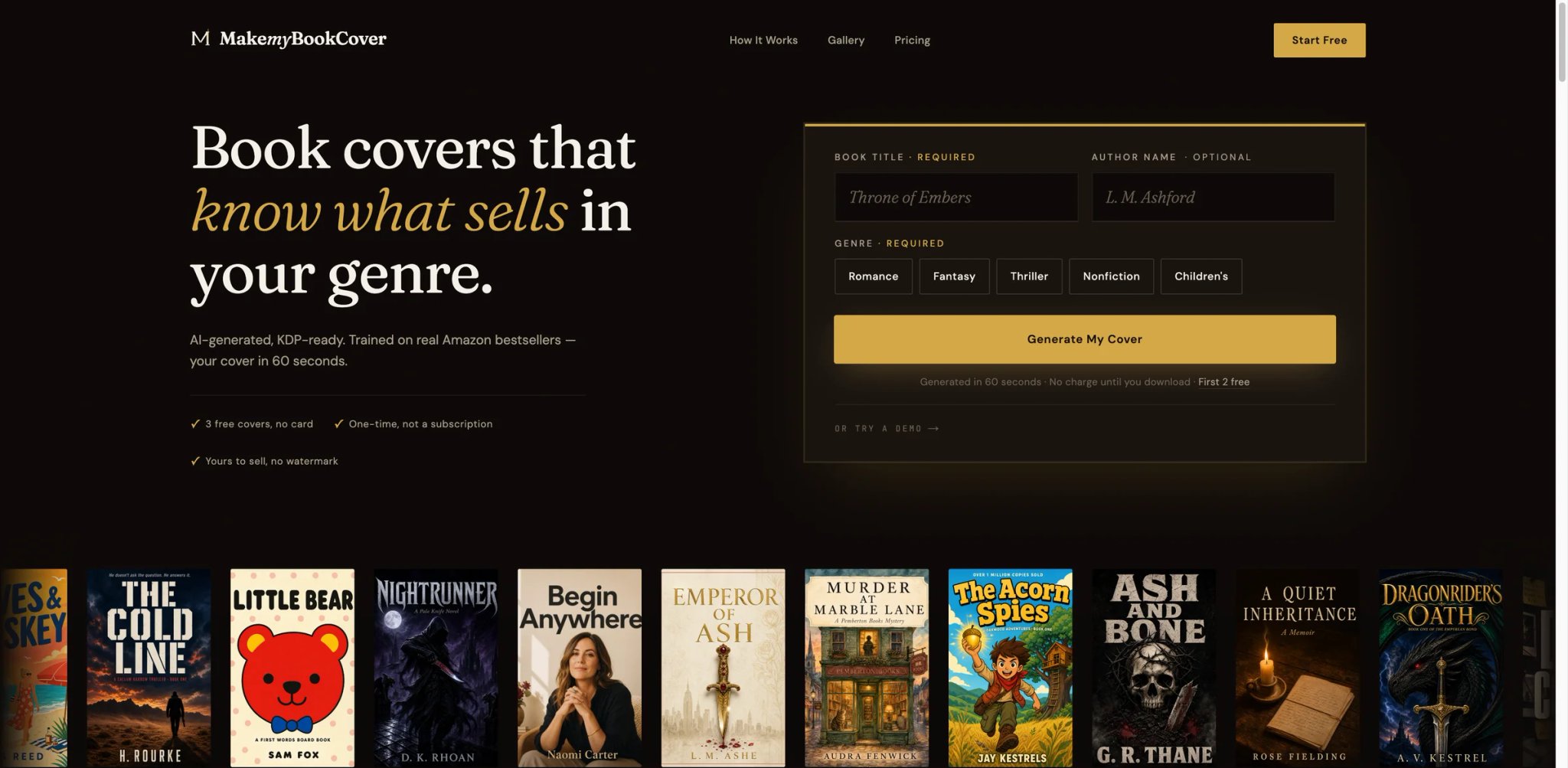
Most indie authors don't want to learn design — they want a cover that looks like it belongs next to the bestsellers in their category, today, without a $350 invoice. MakeMyBookCover is built around that exact impatience: you give it a title, an optional author name, and a genre, and roughly a minute later you have a finished cover sized to Amazon's spec. It skips the editor entirely, which is the point.
What it does well for authors:
- Genre-trained styles, not generic art — The model is tuned on real Amazon bestsellers across major genres with 46+ named styles, so a thriller comes back with the contrast and typography weight that category actually sells with, instead of an AI illustration you'd have to fix.
- Outputs a KDP-spec file directly — Covers export as a high-resolution, KDP-ready PNG sized to Amazon's recommended ebook spec, so the file uploads without resizing or re-cropping — the step where generic tools cost you an hour.
- One-minute turnaround for A/B testing — Because a cover takes about 60 seconds from three inputs, you can generate several directions and test which thumbnail reads best, the way a publisher would.
- Commercial rights and multi-platform readiness included — Paid covers carry full commercial rights for Amazon KDP and are print-on-demand ready for IngramSpark and Draft2Digital, removing a separate licensing step.
Pricing & real cost: A free trial gives you 3 covers with no credit card. Paid tiers are one-time, not subscriptions: Basic is $14 for 10 covers (~$1.40/cover), Pro is $29 for 30 covers with unlimited edit/regenerate. Credits are valid for 6 months. There's a stated 7-day refund if first paid covers come back genuinely unusable. The one watch-item: credits expire, so the value is best when you're actively publishing rather than buying ahead.
Limitations: There's no full editor — you can't hand-tune kerning, swap a font, or reposition elements the way a design suite allows, so highly specific or unconventional cover concepts may not be achievable. Output is genre-style based, which is a strength for convention-matching and a constraint for authors who want something deliberately off-category. Spec figures (style count, exact size) are stated slightly differently across the site, so confirm on the pricing page before buying.
Best for / not for: A strong fit for genre-fiction and non-fiction indie authors who value speed and a publish-ready file over creative micromanagement, and who want one-time pricing instead of a design subscription. Read the full MakeMyBookCover review for the complete spec breakdown. Not the right fit if you need pixel-level control over typography and composition, or a single tool that also handles interior layout and marketing graphics.
Get started with MakeMyBookCover
BeYourCover
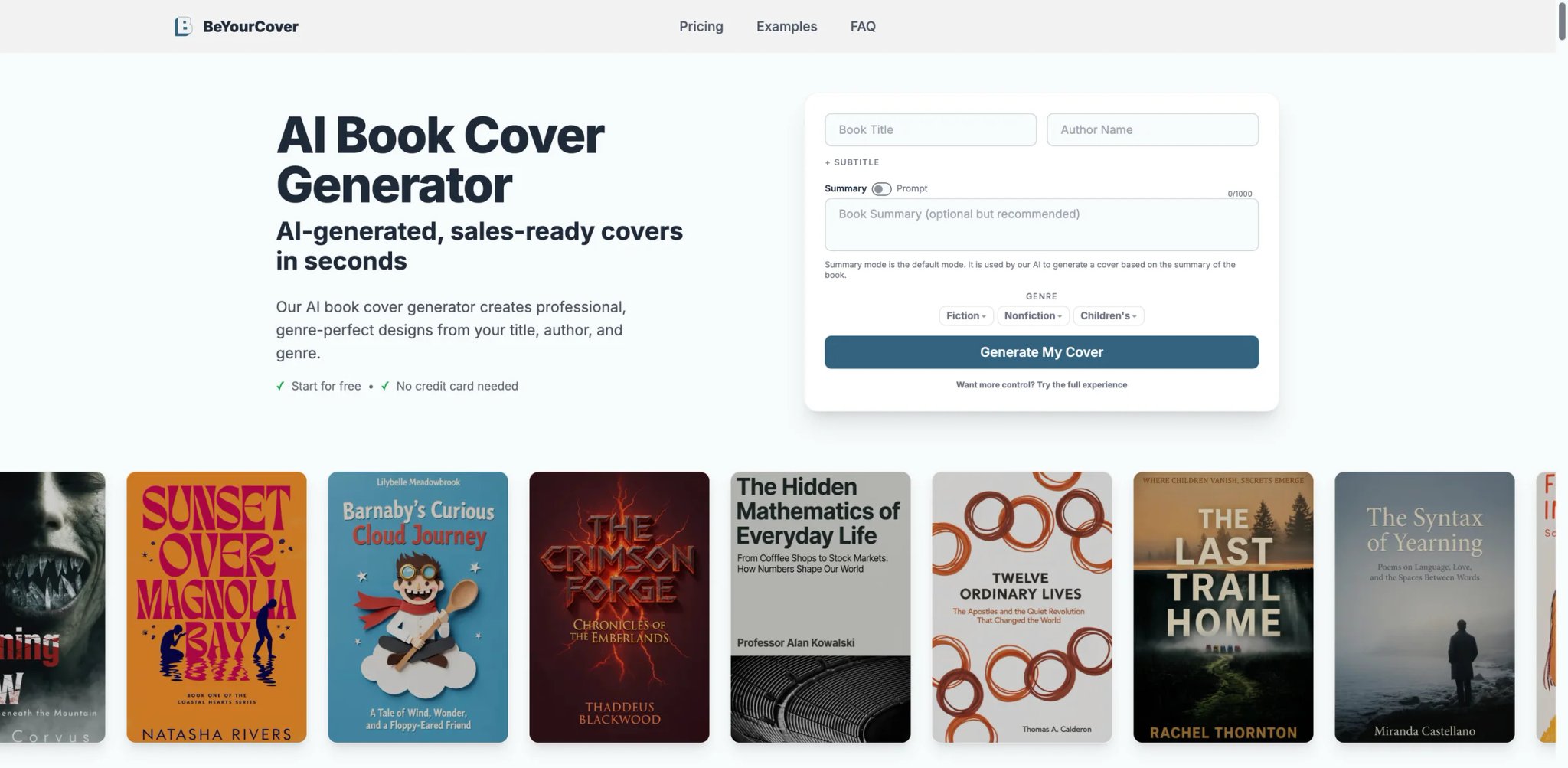
A cover that looks great as an ebook thumbnail can still fall apart the moment you order a paperback proof and the spine text is off-center. BeYourCover is aimed at authors who need the whole package — front, spine, back, and an audiobook square — to come out of one place rather than stitching it together across tools.
What it does well for authors:
- Genre-aware layouts modeled on market expectations — Output is built around the composition and typography hierarchy readers expect by category, so covers read as covers, not AI renders.
- Full-wrap print plus audiobook in one flow — You can produce the print wrap (front/spine/back) and a square audiobook version from the same project, which removes the most error-prone part of self-publishing.
- Marketing assets alongside the cover — It also generates promotional graphics, so the cover and its launch assets stay visually consistent.
Pricing & real cost: There's a free trial, then one-time credit packs rather than a subscription — roughly a $19 entry pack and a higher Pro Author pack (around $29), with the Pro tier the one that covers full-wrap output and unlimited high-res downloads. Confirm current pack names and credit counts at checkout. One-time pricing suits authors who publish in bursts.
Limitations: The most-cited friction is that you can't upload your own images as a base for the AI to work from, so if you have a specific photograph or piece of art in mind, BeYourCover can't build around it. It's also book-focused, so it won't double as a general design studio.
Best for / not for: Best for authors publishing in both ebook and print (and especially audiobook) who want one consistent workflow. Not the right fit if your cover concept depends on supplying your own source imagery, or if you only need a single ebook JPEG and want the cheapest possible option.
Get started with BeYourCover
BookBrush
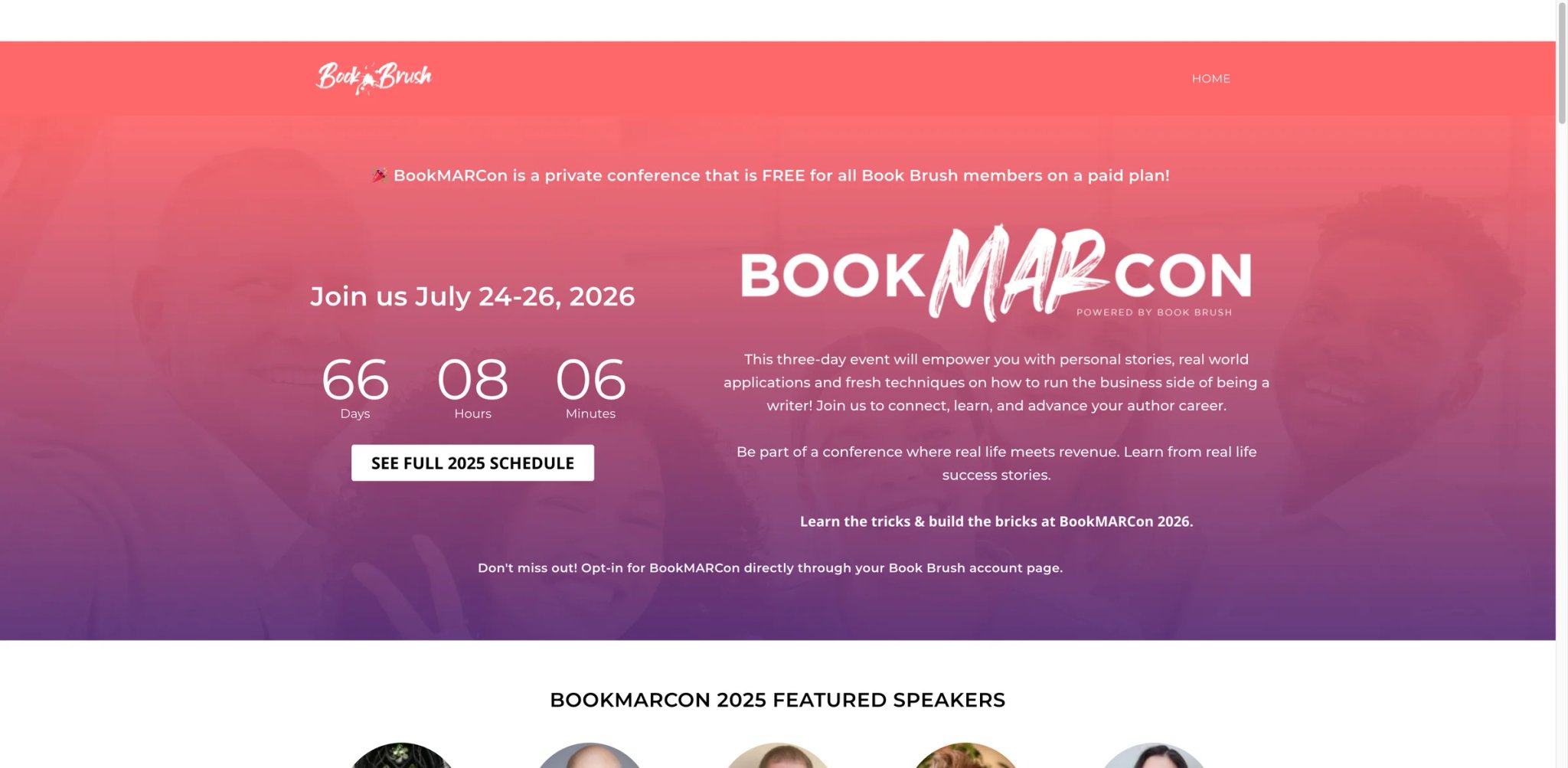
The cover is one launch asset; the 3D mockups, ad creatives, and social graphics that sell the book are a dozen more. Authors who treat publishing as an ongoing operation, not a one-time upload, are the ones BookBrush is built for — its AI cover tool sits inside a broader book-marketing suite.
What it does well for authors:
- Publishing-spec aware by design — Correct trim sizes, a spine-width calculator, and export formats for every major platform are built in, so the cover comes out matching KDP and IngramSpark requirements without manual math.
- Cover plus the full marketing kit — Beyond the cover, it produces 3D book images, ad graphics, and promotional templates, keeping a consistent look across an entire launch.
- Template depth for non-designers — A large library of book-specific templates means you start from something close to right rather than a blank canvas.
Pricing & real cost: BookBrush has a free plan plus paid plans billed annually (roughly $99–$246/year depending on tier — confirm current tiers on the official pricing page), not a low month-to-month fee. The TCO note: this is a recurring annual cost, so it pays off for authors with an active catalog and ongoing promotion, but is poor value if you need exactly one cover and nothing else.
Limitations: It's a subscription in a category where several competitors are one-time, so an author publishing a single title pays monthly for a tool they'll use briefly. The AI cover generator is one feature inside a larger suite, so the cover-specific output is less specialized than book-only AI tools.
Best for / not for: Best for prolific or marketing-active authors who'll use the broader graphics suite continuously. Not the right fit if you want a single cover with no recurring fee, or if you don't need marketing assets at all.
Get started with BookBrush

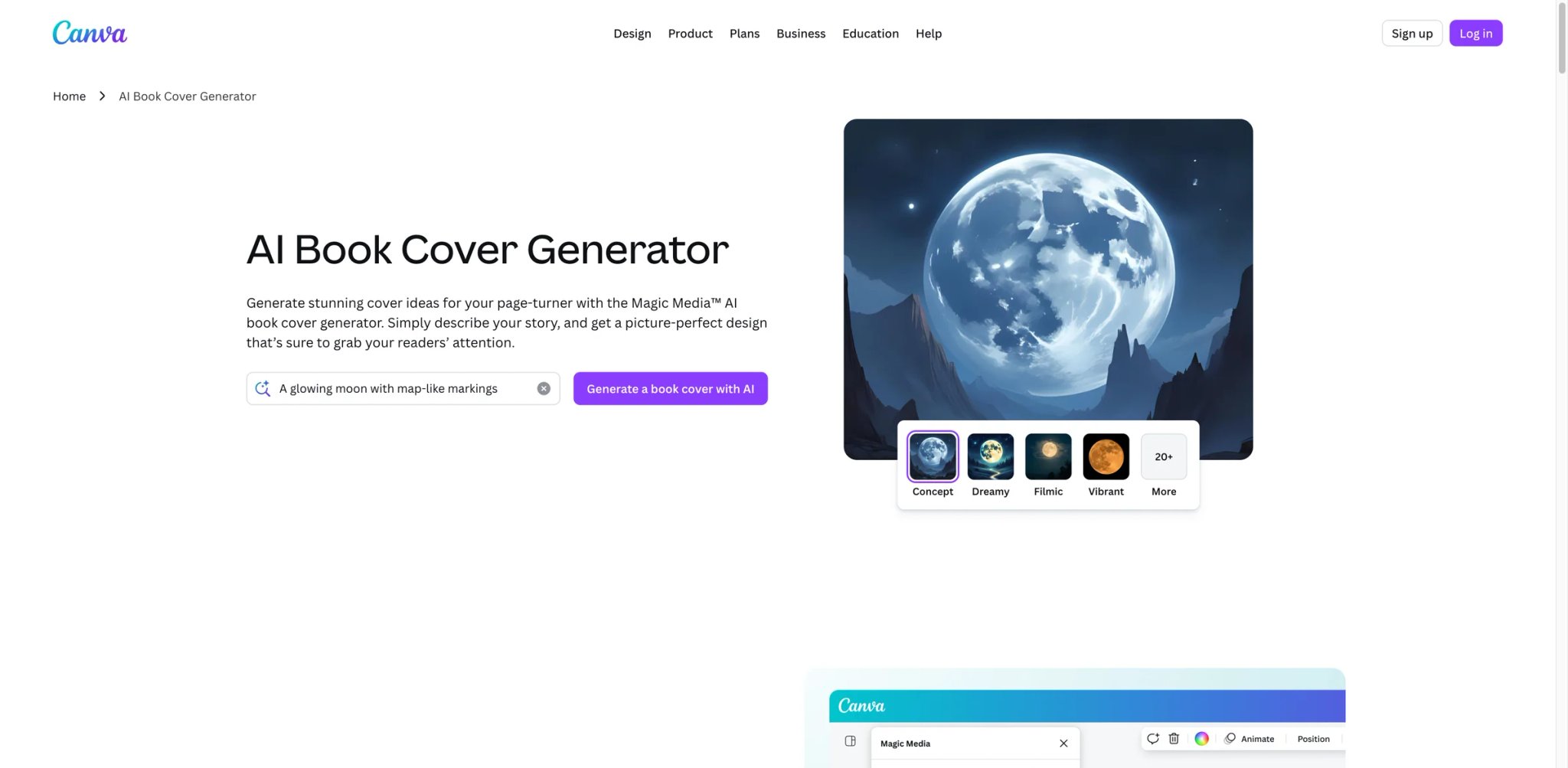
Plenty of authors already have a Canva account and reasonably ask why they'd pay for anything else. The honest answer: Canva gives you the most layout control of anything here, but it makes you do the design and spec work that book-specific tools automate.
What it does well for authors:
- Full editorial control — You can position every element, swap fonts, and adjust composition precisely, which book-specific generators don't allow.
- Massive template and asset library — Book cover templates plus stock photography and graphics give a non-designer a strong starting point.
- Magic Studio AI generation — AI image generation is built into the editor, so you can generate a background and lay type over it in the same workspace.
Pricing & real cost: There's a capable free plan; Canva Pro runs around $15/month (cheaper billed annually) and unlocks the higher AI generation limits and premium assets. For an author publishing once, a single Pro month may be all you need — but the subscription keeps billing unless cancelled.
Limitations: The recurring complaint from authors is unreliable AI text rendering — generated images often need manual correction, and Canva isn't book-spec aware, so you must set the right KDP dimensions, bleed, and export format yourself. You also need to verify the license for each stock, template, or AI-generated asset in the final cover — a Canva Pro subscription does not automatically clear every third-party image for commercial KDP use. That manual setup is exactly the step that trips up first-time self-publishers.
Best for / not for: Best for hands-on authors who want control and will do the layout themselves, or who already use Canva for other work. Not the right fit if you want the tool to handle genre conventions and KDP specs for you, or if you'd rather not pay monthly.
Get started with Canva

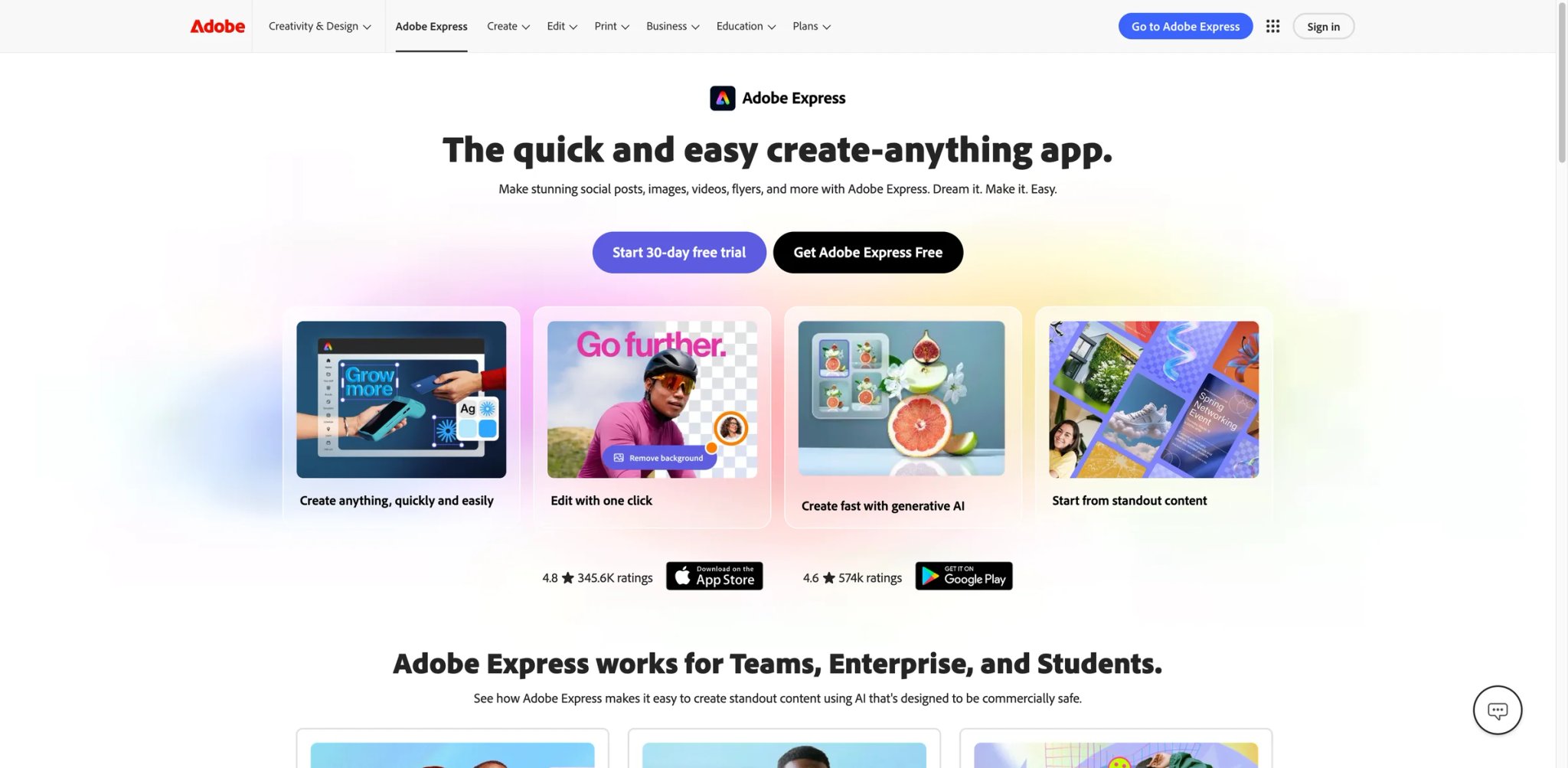
For authors who've read the headlines about AI image copyright lawsuits, the question isn't only "does it look good" but "can I legally sell a book with this cover." That concern is precisely where Adobe Express, powered by Firefly, has a structural advantage.
What it does well for authors:
- Commercially safer generation — Firefly is trained on Adobe Stock, licensed, and public-domain content, so generated imagery carries less copyright risk than models trained on scraped data — meaningful when the cover is on a product you sell.
- Full editor around the AI — Like Canva, you get a real editor to place title type, adjust layout, and finish the cover rather than accepting a raw render.
- Strong free tier — A capable free plan lets you test output and licensing comfort before paying.
Pricing & real cost: There's a free plan; the Premium plan is roughly $10/month, which unlocks higher generation limits and the full asset library. Like other subscription tools, it's recurring, so a single-title author may only need one month.
Limitations: It's a general design tool, not a book-cover specialist — it won't apply genre conventions or KDP specs for you, and author reviews note AI-rendered faces can look unnatural, which matters for character-driven fiction covers. You're still doing the cover-design judgment yourself.
Best for / not for: Best for authors who prioritize licensing safety and want editing control. Not the right fit if you want genre and spec decisions made for you, or need flawless photoreal human faces.
Get started with Adobe Express
CoverDesignAI
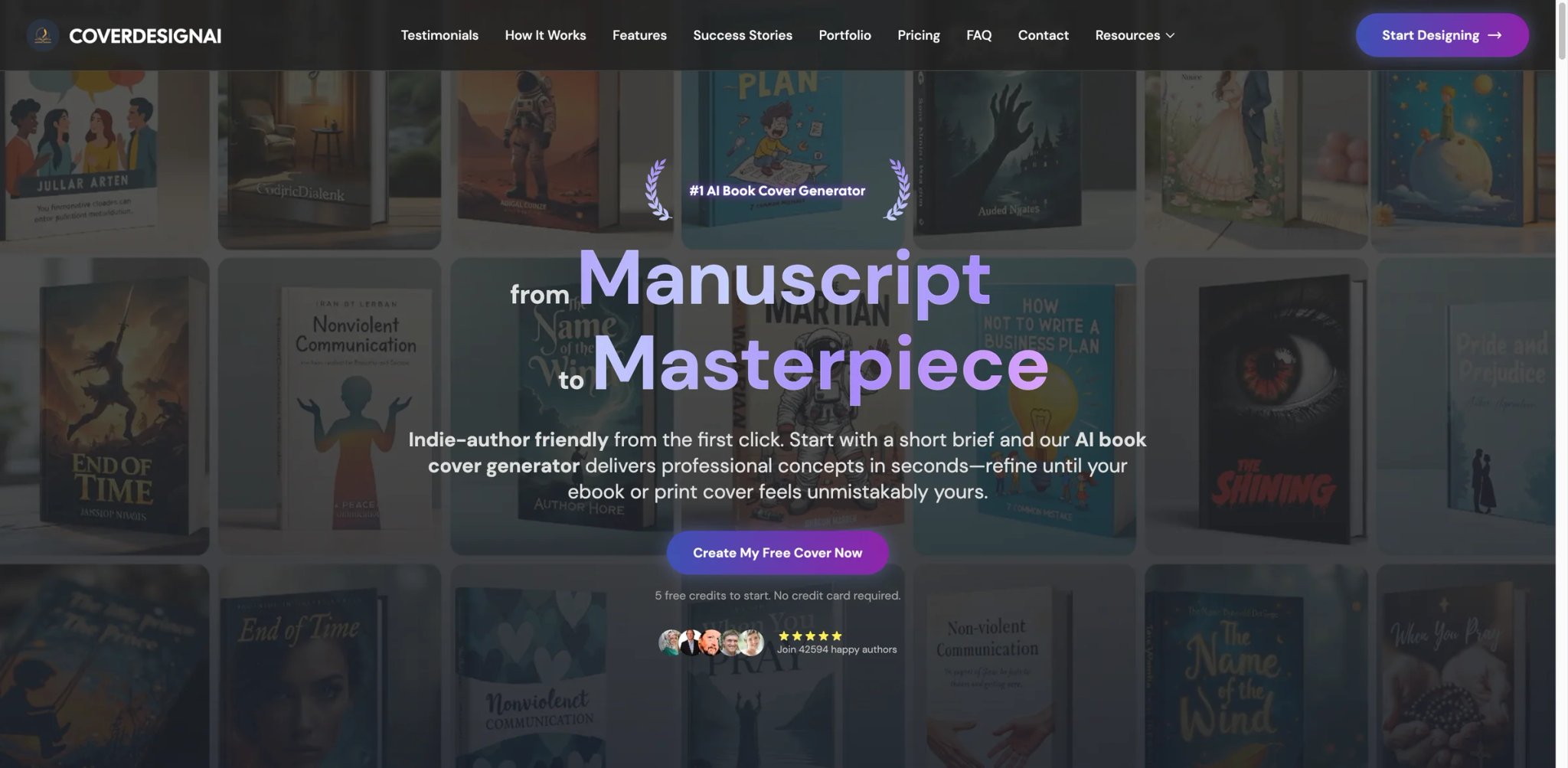
Before you commit a credit to a final cover, it helps to see several genuinely different directions — is this book a moody literary cover or a bold commercial one? CoverDesignAI is positioned as a co-pilot for that exploration phase, generating concept sets specifically for book and ebook covers.
What it does well for authors:
- Book-specific concept generation — Unlike a general image model, it's framed around book-cover design language, so concepts arrive looking like covers rather than generic art.
- Tiered concept volume — Paid packs deliver multiple elite and classic design concepts, giving you a spread of directions to react to.
- Low-commitment entry — A free package with a single concept lets you sample the tool before paying.
Pricing & real cost: A free package offers one design idea. Paid is pack-based, not subscription: a Pro Pack around $9.99 for 30 credits and a Mega Pack around $24.99 for 90 credits, with credits that do not expire. Confirm current pack names and credit counts before buying.
Limitations: It's strongest at concept exploration rather than producing a final, KDP-spec, print-ready file — you may still need to finalize specs elsewhere. The reliance on promotional pricing makes the true cost less predictable than flat one-time tools.
Best for / not for: Best for authors in the early "what should this even look like" stage who want options. Not the right fit if you want a single finished, upload-ready file with no extra finishing step.
Get started with CoverDesignAI
Ideogram
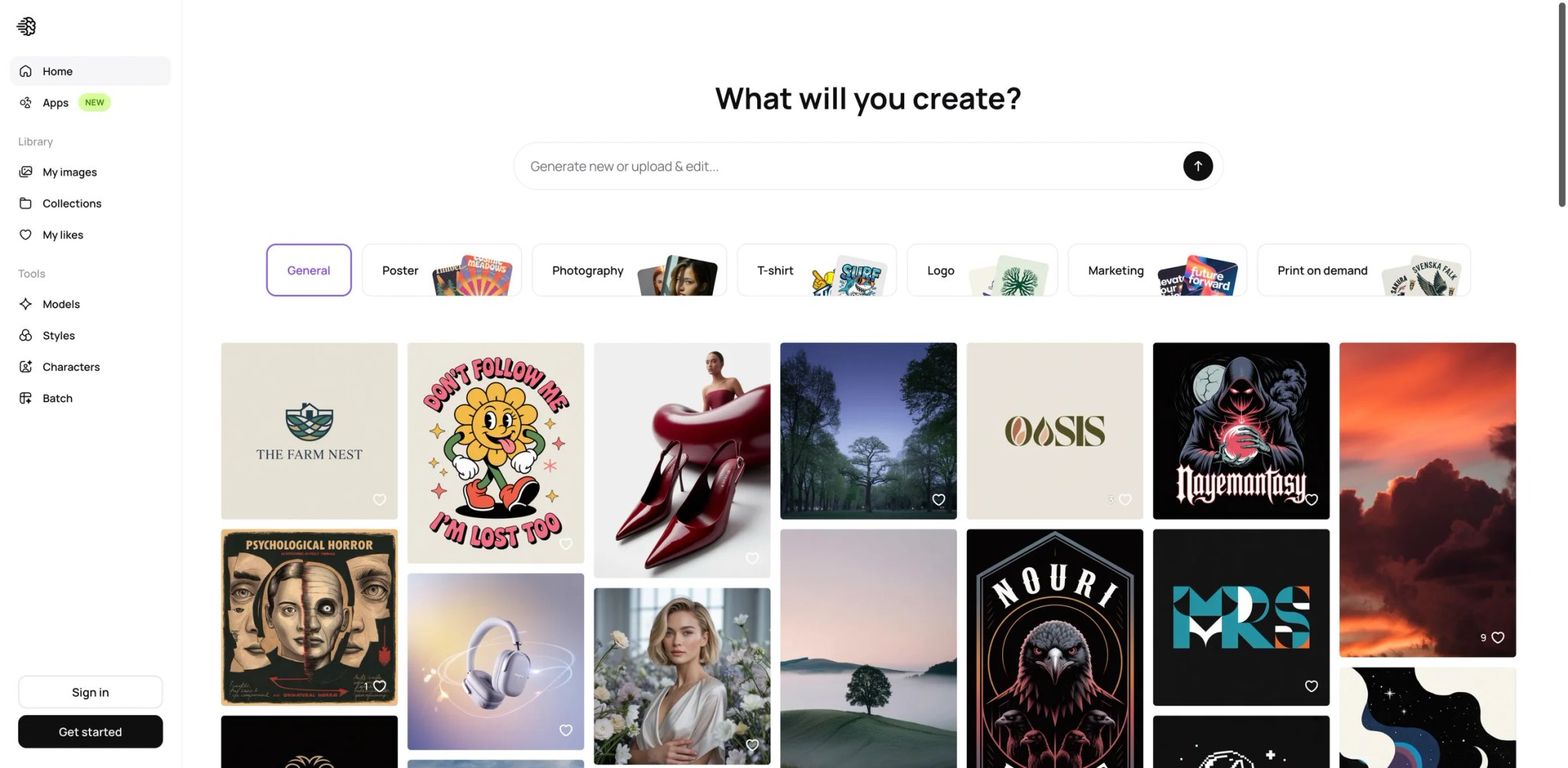
Anyone who has tried a general AI image generator for a cover knows the failure mode: the art is fine, but the title text comes out as garbled pseudo-letters. Ideogram exists largely because it solved that — it renders legible in-image text better than almost any general model, which is exactly the gap that breaks AI covers.
What it does well for authors:
- Reliable text rendering — Title and author text generated directly in the image come out legible and well-formed, removing the single biggest reason AI covers look amateurish.
- Typographic cover styles — It handles bold, type-forward cover concepts where the lettering is the design, which suits non-fiction and high-concept fiction.
- Generous free tier — Around 25 images per day free lets you iterate heavily before paying.
Pricing & real cost: Free tier with 25 images/day; Plus is about $8/month billed annually ($10 monthly) and Pro about $20/month annually (~$24 monthly) for higher volume and priority access. Cheap relative to the category if you only need the image side.
Limitations: It's an image generator, not a book-cover tool — there are no cover templates, no KDP safe-zone guides, and no spec export, so you handle sizing and layout yourself. Author reviews also note human skin and faces can look "plastic," which limits character-forward fiction covers.
Best for / not for: Best for authors whose cover hinges on typography and who are comfortable doing their own sizing. Not the right fit if you want genre layouts and KDP specs handled, or need realistic human figures.
Get started with Ideogram

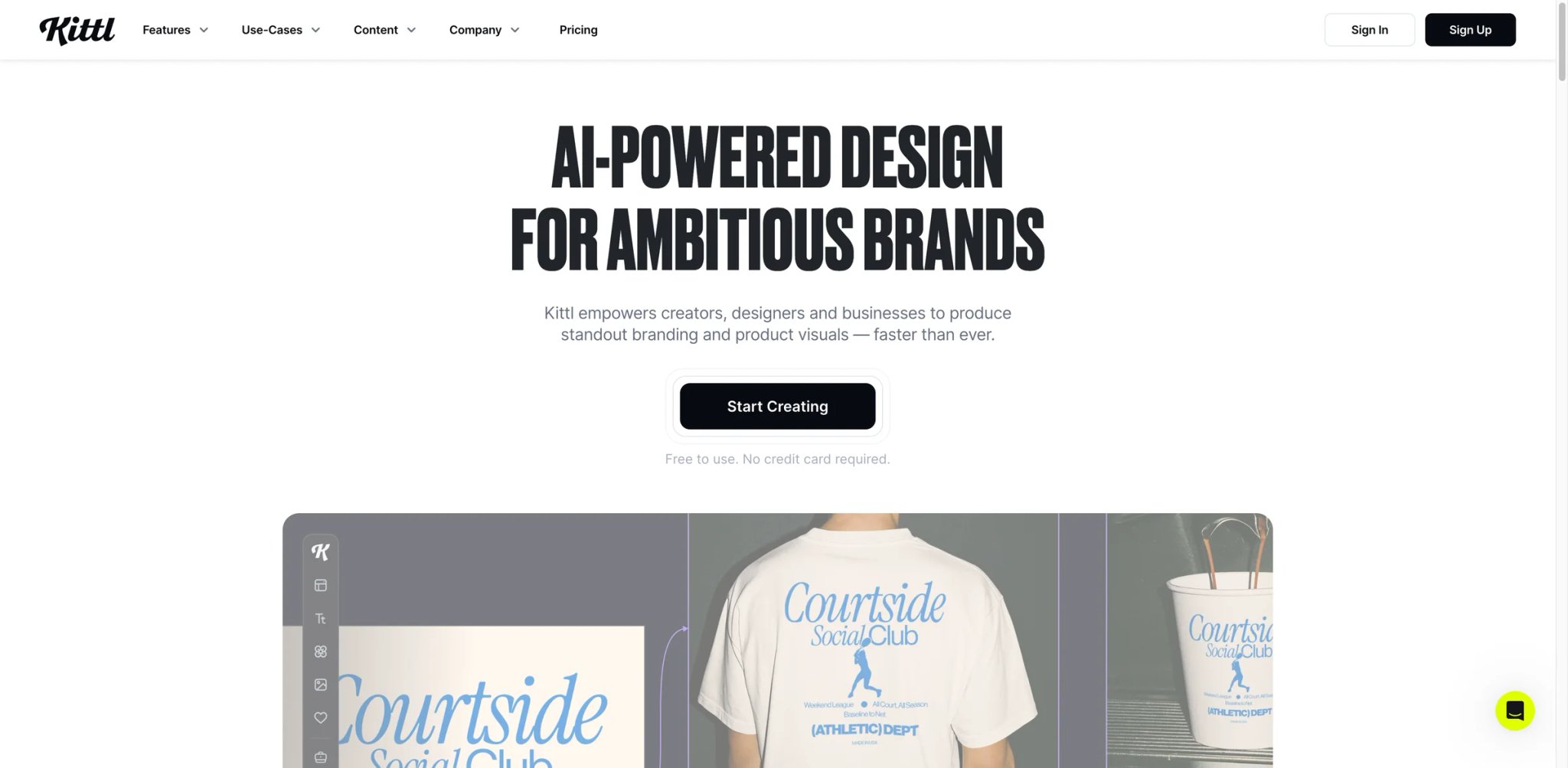
Some covers live or die on the lettering — vintage serif crime, hand-drawn fantasy titling, bold non-fiction type. Authors chasing that craft-typography look, who find pure AI output too generic, are who Kittl serves: it's a design platform with unusually strong type tooling and AI generation layered in.
What it does well for authors:
- Best-in-class typography tooling — Text effects, vintage styling, and precise type control go well beyond what one-shot AI cover tools offer, ideal when the title treatment is the cover.
- AI generation inside a real editor — You can generate imagery and then finish it with hands-on design control rather than accepting a render as-is.
- Template library to start from — A large catalog of professionally designed templates shortens the path for non-designers.
Pricing & real cost: The Free plan is genuinely free with no time limit, but exports cap at 800px / 72dpi and are personal/non-commercial only — not usable for a published book. Commercial, high-resolution output requires a Pro or Expert subscription. Budget the paid tier from the start if this is for a book you'll sell.
Limitations: The free tier's non-commercial, low-resolution restriction means it can't actually produce a publishable cover without upgrading — a common surprise. It's also not KDP-spec automated; you set dimensions and export format yourself.
Best for / not for: Best for authors who want a typography-led, hand-finished cover and will pay for the commercial tier. Not the right fit if you expected a free publishable file, or want specs handled automatically.
Get started with Kittl

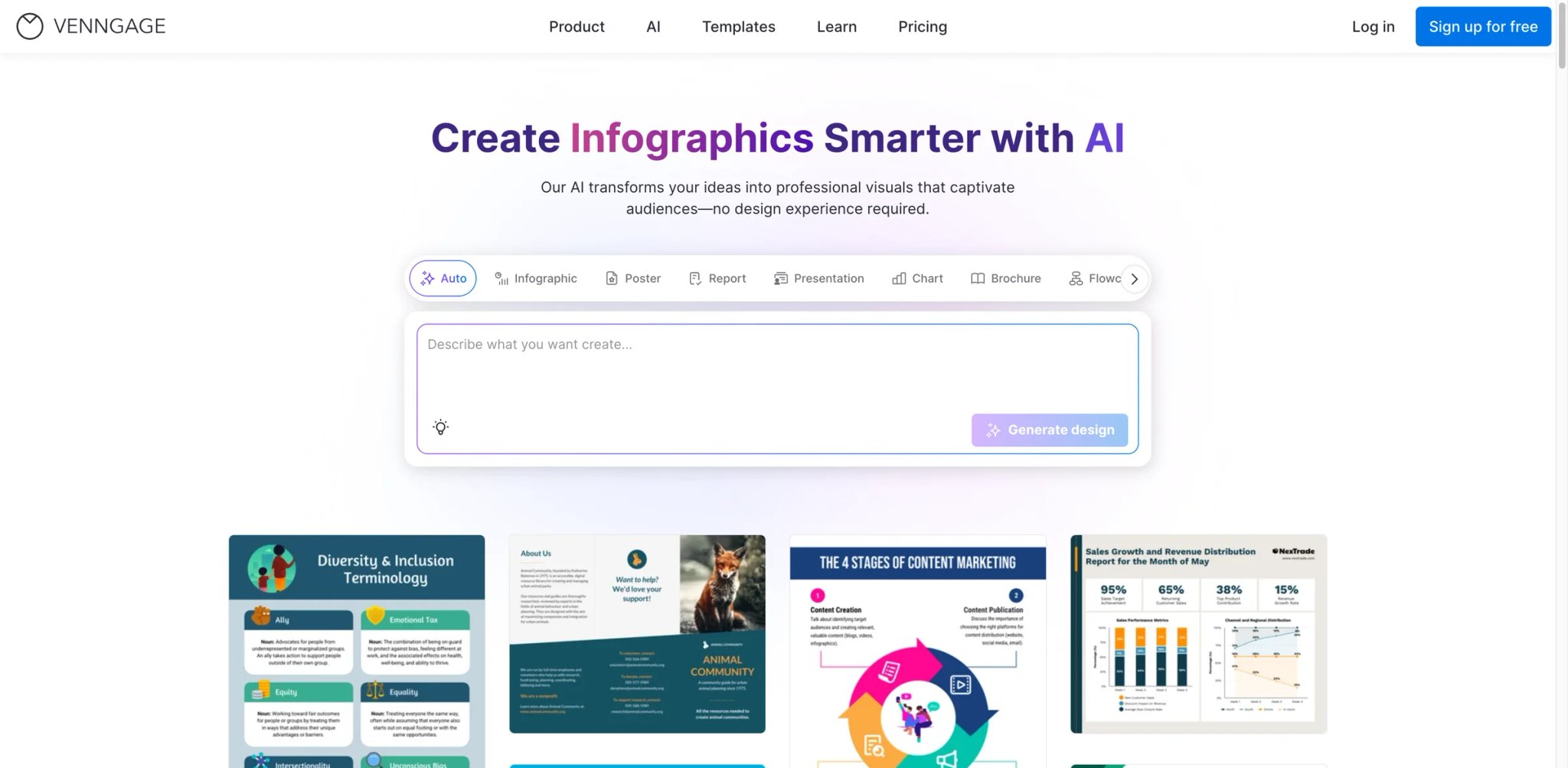
Not every author wants to drive an AI from a blank prompt — some just want to pick a template that's close, nudge it, and be done. Venngage leans into that template-first comfort zone, with AI assistance layered on top rather than as the main event.
What it does well for authors:
- Template-driven starting point — You begin from a designed book cover layout and adjust, which lowers the barrier for authors with zero design background.
- AI-assisted editing — AI helps fill and adjust within the template structure rather than generating from scratch, keeping output predictable.
- Free tier for sampling — A limited free plan lets you try the workflow before committing.
Pricing & real cost: There's a free AI book cover generator, with more advanced features (private sharing, branding, higher-resolution export) gated behind paid Premium/Business plans. Verify current pricing on the live plans page; either way, a recurring plan is steep relative to one-time book-specific tools for an author who needs a single cover.
Limitations: Two friction points show up repeatedly in user feedback: registration requires a business email (common Gmail/Outlook addresses are blocked), and the generated image quality trails dedicated AI cover tools. It's also not KDP-spec aware.
Best for / not for: Best for template-first beginners who value a guided, predictable editor over generative flexibility. Not the right fit if you want one-time pricing, top-tier image quality, or can't register with a business email.
Get started with Venngage
BookCoversLab
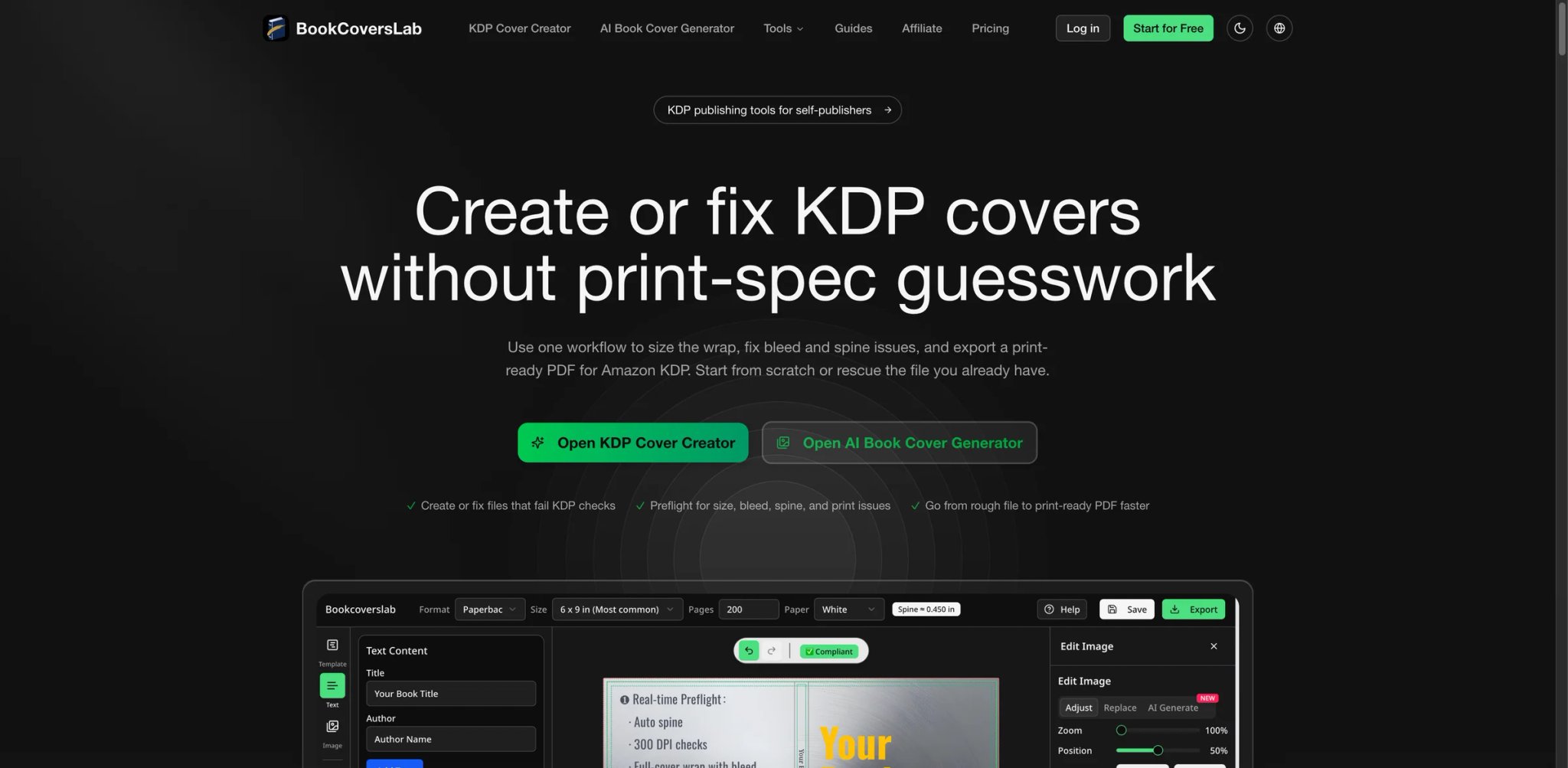
The part of self-publishing that quietly eats an afternoon isn't the art — it's getting the full-wrap PDF right: trim size, bleed, spine width that changes with page count, and KDP rejecting the file if any of it is off. BookCoversLab is built around that exact workflow, pairing AI concept generation with KDP-specific export tooling.
What it does well for authors:
- Spec math handled end to end — A KDP cover size calculator, trim/bleed setup, spine-width handling, and a paperback-wrap converter mean the file comes out matching Amazon's requirements without you doing the geometry.
- Integrated idea-to-export path — You generate a concept and move straight into the KDP and IngramSpark cover creators in one place, instead of bouncing between an image tool and a layout tool.
- Free utilities for everyone — The KDP size calculator, mockup generator, AI generator, and templates are usable for free even though there's no free output plan.
Pricing & real cost: There's no free output tier, but the supporting tools are free. Paid is a one-time, credit-based model — each full-wrap PDF export consumes a credit — with no subscription. The catch: exact per-credit pricing isn't publicly disclosed, so confirm cost on the pricing page before you rely on it.
Limitations: Pricing opacity is the real friction — you can't fully estimate cost upfront without going through checkout. It's also narrowly book-focused, so it won't serve as a general design studio for non-book work.
Best for / not for: Best for authors whose main pain is print spec compliance and who want the trim/bleed/spine math done for them. Not the right fit if you need transparent upfront pricing before committing, or want a tool that doubles for general design.
Get started with BookCoversLab
Best Book Cover Generators by Use Case
For First-Time KDP Authors With No Design Background
If you've never touched a design tool and just need a genre-correct ebook cover that uploads cleanly, MakeMyBookCover is the shortest path — three inputs, a one-minute KDP-spec file, one-time $14 entry. BookCoversLab is the stronger choice if your first book is a paperback and the full-wrap PDF (bleed, spine) is what scares you.
For Authors Publishing Print and Audiobook Together
If you're releasing ebook, paperback, and audio at once, BeYourCover handles front/spine/back plus the audiobook square in one consistent workflow. BookBrush is the alternative if you also want ongoing ad and 3D-mockup graphics from the same subscription.
For Authors Worried About AI Copyright Risk
If you're publishing commercially and don't want to gamble on training-data lawsuits, Adobe Express (Firefly) is the safer pick, given its licensed and public-domain training base, with a real editor to finish the cover.
For Covers Where the Title Treatment Is the Design
If your cover is type-led — bold non-fiction, high-concept fiction — Ideogram renders in-image text reliably where general models fail, and Kittl is the upgrade if you want hand-tuned typographic craft and will pay for the commercial tier.
For Authors Who Want Full Creative Control
If you have a specific vision and want to place every element yourself, Canva gives the most layout freedom — provided you're willing to handle KDP specs manually. For broader context on general-purpose options, see our roundup of the best AI design tools.
How to Choose the Right Book Cover Generator
For an indie author, the decision isn't "which tool is best" — it's "which tool removes the part I can't do myself, at a cost that makes sense for one or two books." Work through it in this order:
- Define your output type first. Ebook-only needs a single high-res image; paperback needs a full-wrap PDF with bleed and spine. This alone splits the field — image-only tools like Ideogram won't produce a print wrap, while BookCoversLab and BeYourCover will.
- Decide how much control you actually want. If you want genre and spec decisions made for you, a book-specific AI tool like MakeMyBookCover wins. If you have a precise vision, a full editor like Canva or Adobe Express is worth the manual work.
- Test the free tier before paying. Generate a sample and check the one thing that breaks AI covers: does the title text render cleanly at thumbnail size? This is where many general AI image generators fail and where dedicated book cover generators earn their price.
- Confirm commercial rights explicitly. You're selling a product. Verify the license covers paid publishing — book-specific tools usually state this plainly; general tools sometimes bury it.
- Calculate true cost for your publishing pace. One book, once? A one-time tool (MakeMyBookCover, BeYourCover) beats a subscription. A prolific author with ongoing marketing? BookBrush's recurring plan can pay for itself.
- Check export format against KDP. Amazon wants specific dimensions for ebooks and a PDF for print. Confirm the tool exports exactly that, or budget time to convert.
Frequently Asked Questions
What is the best AI book cover generator for Amazon KDP?
Are AI-generated book covers allowed on Amazon KDP?
Is there a genuinely free book cover generator?
Why does AI-generated cover text look garbled?
Should I use a subscription or one-time payment tool?
Can these tools create a full print (paperback) cover, not just an ebook?
Do I own commercial rights to an AI-generated cover?
Get ToolWorthy Weekly
New AI tools, practical guides, and selected AI signals in one weekly brief.
Related Posts
- 12 Best AI Book Writer Tools 2026 — Drafts, KDP & Fiction
Compare 12 AI book writer tools for fiction, nonfiction and KDP workflows, including pricing, export limits, story memory and real editing risks.
For AI tool founders
Built a tool that belongs in this decision set?
Request an editorial evaluation for possible inclusion in ToolWorthy.
Submit your tool for reviewPaid submission does not guarantee a ranking, recommendation, inclusion, or editorial outcome.