Overview
ChatGPT Images 1.5 represents OpenAI's latest advancement in AI-driven image generation, succeeding the previous GPT-4o-powered image experience. Released on December 16, 2025, this update delivers significant improvements in generation speed, image quality, and editing capabilities. The model produces high-fidelity images with enhanced prompt adherence, better handling of lighting, composition, and fine-grained details.
Available on Free, Go, Plus, Edu, and Pro plans (Business and Enterprise support rolling out later), the update positions ChatGPT Images as a comprehensive solution for content creators, designers, and businesses requiring fast, reliable image generation with advanced editing capabilities. Note that the feature is currently available on web and mobile platforms, but not yet on Desktop apps.
What's New
GPT Image 1.5 Model
ChatGPT Images 1.5 is powered by OpenAI's new flagship image generation model, delivering substantial improvements in prompt interpretation and output quality. The model generates images that better reflect user descriptions across complex scenarios, with improved consistency in visual elements like lighting, shadows, and textures.
Faster Generation Speeds
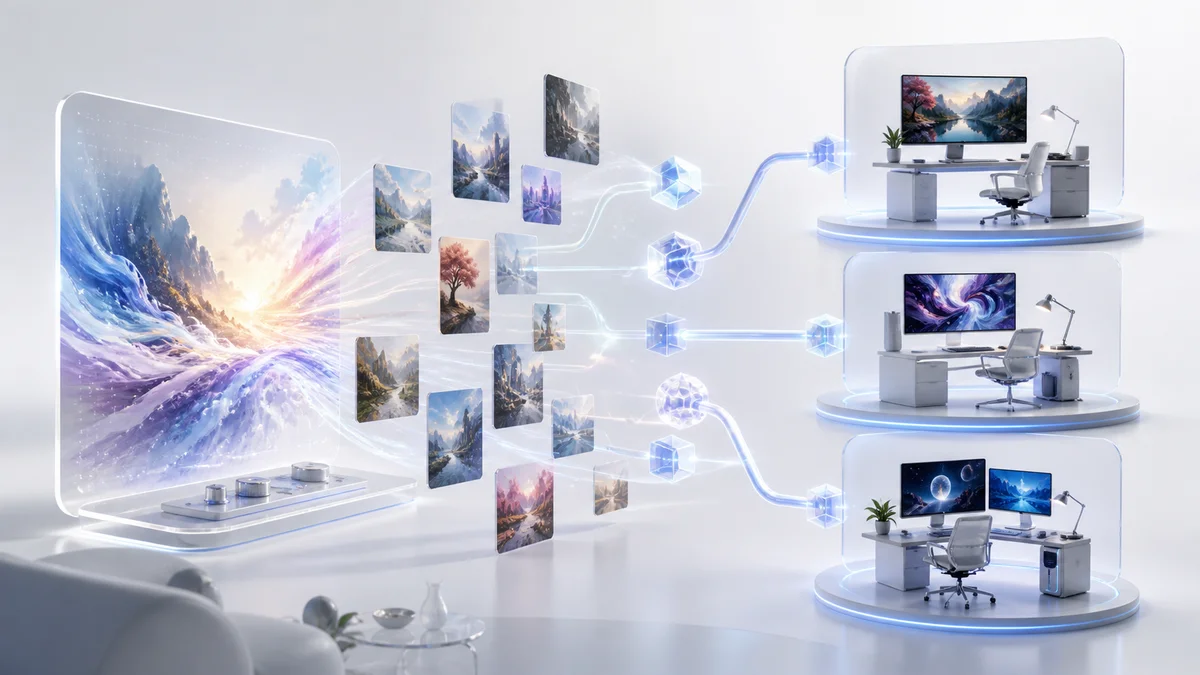
OpenAI reports that GPT Image 1.5 delivers up to 4x faster image generation compared to the previous model. This speed improvement enables more efficient iterative workflows and faster batch image creation, though actual generation times may vary depending on server load, image complexity, and user settings.
More Controllable Image Editing
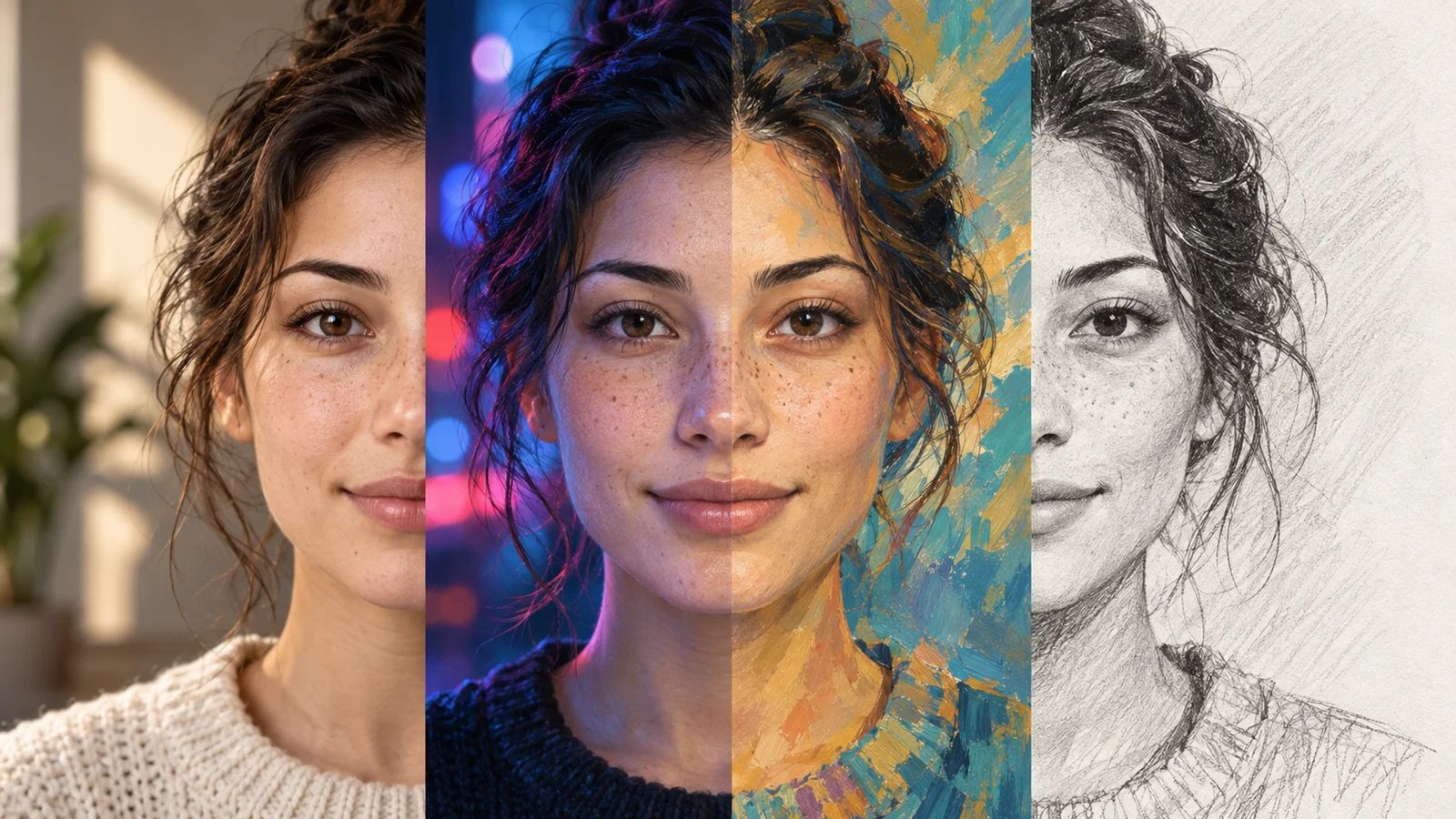
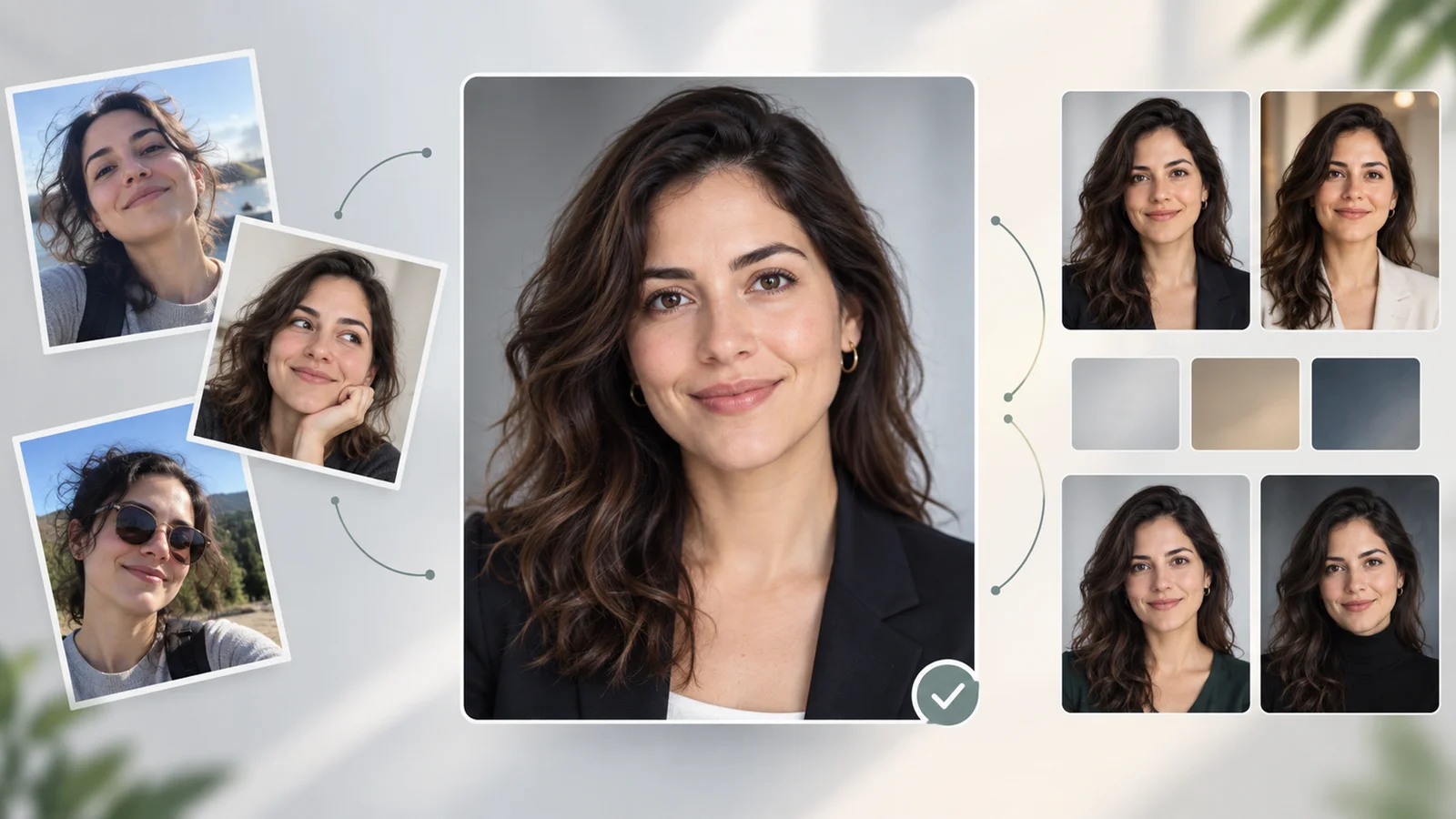
The update introduces improved editing capabilities that support more targeted modifications to specific elements—such as backgrounds, clothing, hairstyles, or facial expressions. The model aims to preserve overall composition and lighting when making edits, though results can vary with complex scenes or extensive changes. Instructions are processed through natural language, making the editing process more accessible without requiring technical editing skills.
Enhanced Text Rendering
GPT Image 1.5 delivers improved text rendering capabilities for common design layouts such as posters, labels, and simple typography. The model handles text generation more reliably across various fonts, sizes, and orientations, making it more suitable for creating marketing materials, infographics, and presentations. While this represents a significant improvement over previous models, small or dense text layouts may still require iteration to achieve desired results.
Dedicated Images Experience
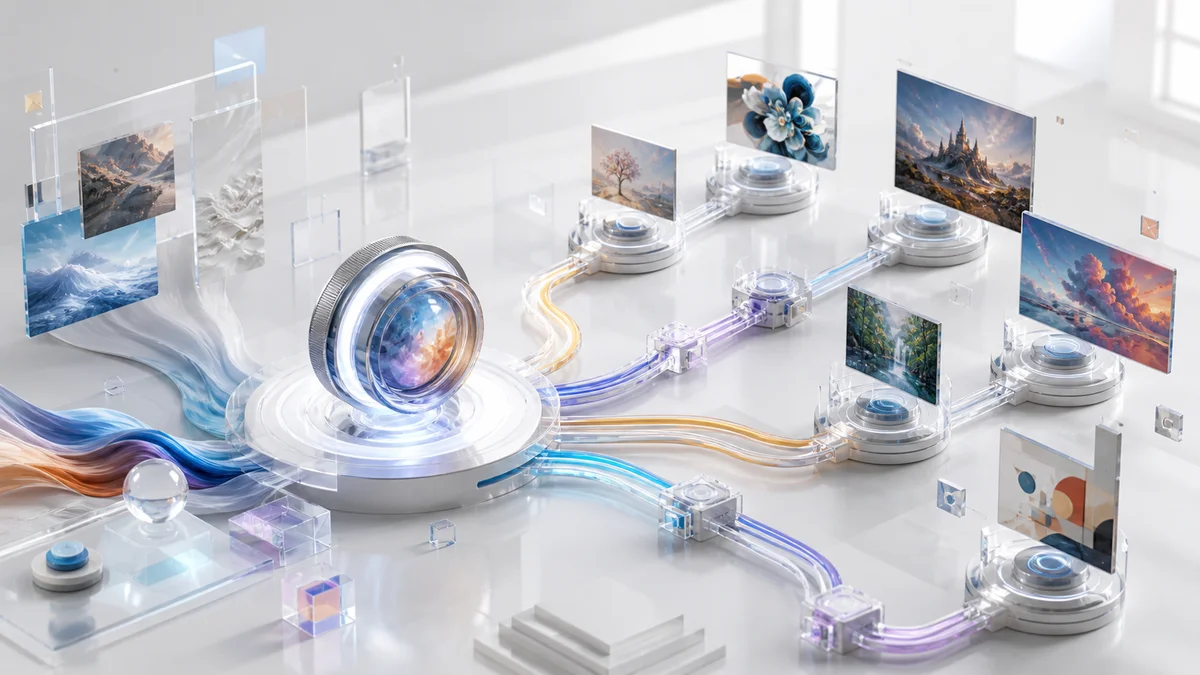
OpenAI has launched a dedicated Images experience within ChatGPT, featuring preset styles and inspiration prompts to speed up creative exploration. The interface provides quick-start options for common use cases and helps users discover different artistic directions. Additionally, all generated images are automatically saved to a personal library accessible at chatgpt.com/images, making it easy to retrieve and manage previous creations.
Related Ecosystem Updates
Separately from the GPT Image 1.5 model release, Adobe has announced integrations that allow users to invoke Adobe Photoshop, Adobe Express, and Acrobat workflows from within ChatGPT. These integrations enable professional-grade editing, graphic design, and document tasks through the chat interface. Note that using these Adobe features requires an Adobe account, and availability may vary by platform.
Pricing & Plans
ChatGPT Images 1.5 is available across OpenAI's tiered pricing structure, with varying access levels based on subscription plans.
Free Plan — Limited image generation with daily caps. Users can create images using GPT Image 1.5 but face restrictions on the number of generations per day. No cost.
Plus Plan — $20 per month. Extended generation limits with priority access during peak hours. Includes faster response times and higher daily caps compared to the Free tier.
Pro Plan — $200 per month. Highest priority access to GPT Image 1.5 with expanded limits for professionals requiring consistent, high-volume image generation. Subject to OpenAI's usage policies and abuse prevention guardrails.
Business Plan (formerly Team) — $25 per user per month (billed annually) or $30 per user per month (billed monthly). Collaborative workspace features with generous generation limits. Includes admin controls, usage analytics, and team-wide access to advanced models.
Enterprise Plan — Custom pricing. Tailored for large-scale deployments with expanded context windows, enterprise-grade security, dedicated support, and SLA guarantees. Contact OpenAI sales for volume pricing.
All paid plans include access to the dedicated Images experience and preset styles. Adobe integrations are available separately through Adobe's ChatGPT integration (Adobe account required). API access is billed separately, with image output pricing varying by quality level and size—consult OpenAI's API pricing table for specific per-image costs.
Best For
- Content creators producing 10+ social media graphics, blog images, or video thumbnails weekly who need reliable turnaround times and consistent quality.
- Marketing teams requiring rapid prototyping of campaign visuals, ad mockups, and branded materials with integrated text and professional layouts.
- Designers seeking AI-assisted concept development and fast iteration on visual ideas before refining in professional tools like Photoshop.
- Small businesses creating promotional materials, product mockups, or presentation graphics without hiring dedicated design staff or purchasing expensive software.
- Developers building applications that require programmatic image generation with predictable costs and high prompt adherence through the API.
- Educators and presenters producing custom diagrams, instructional visuals, and presentation slides with accurate text rendering for teaching materials.
FAQ
What is the difference between ChatGPT Images 1.5 and DALL-E 3?
ChatGPT Images 1.5 is OpenAI's latest image generation model, while DALL-E 3 became available in ChatGPT Plus and Enterprise in October 2023. GPT Image 1.5 offers up to 4x faster generation speeds, improved prompt adherence, and enhanced editing capabilities compared to previous models. According to OpenAI, the previous GPT-4o-powered image model remains available via a dedicated GPT within ChatGPT, while GPT Image 1.5 is now the default. DALL-E 3 continues to be accessible through the API.
Can I edit existing photos with ChatGPT Images 1.5?
Yes. Users can upload photos to ChatGPT and request specific edits through natural language instructions. The model can modify backgrounds, change clothing or hairstyles, add or remove objects, and apply stylistic filters. The editing aims to preserve important aspects of the original image, though results can vary depending on the complexity of the requested changes. For advanced professional editing, Adobe's ChatGPT integration (requires Adobe account) provides access to Photoshop and Express workflows within the chat interface.
How many images can I generate with the free plan?
OpenAI does not publicly specify the exact daily generation limit for free users. Limits are enforced based on usage patterns and server capacity, and users receive notifications when approaching their cap. The Plus plan ($20/month) provides extended limits suitable for regular use, while the Pro plan ($200/month) offers unlimited generation for professional workflows.
Does ChatGPT Images 1.5 support image-to-image generation?
Yes. Users can upload a reference image and request variations, stylistic transformations, or modifications based on that input. The model analyzes the uploaded image and applies requested changes while maintaining core visual elements. This feature is useful for iterating on designs, exploring alternative aesthetics, or adapting existing visuals to different contexts.
What file formats are supported for generated images?
ChatGPT Images 1.5 generates images in PNG format by default, which supports transparency and high-quality output. Users can download images directly from the interface or access them through the ChatGPT Image Library, which automatically saves all generated images for easy retrieval and sharing. API users can specify output formats and resolutions based on their integration requirements.