

Overview
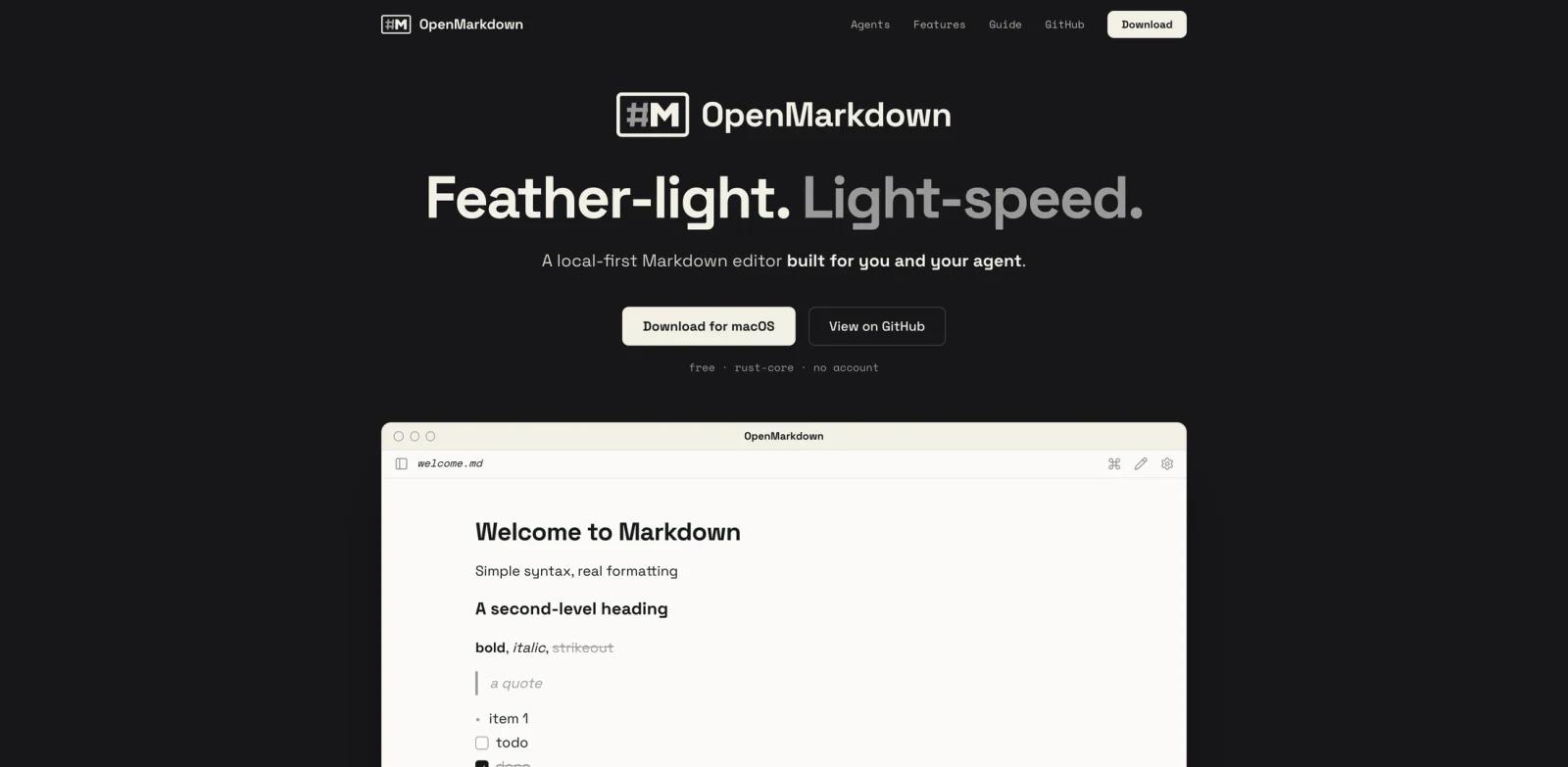
OpenMarkdown is a local-first Markdown editor built for people who increasingly write alongside AI agents. It opens ordinary .md files on disk, keeps the file itself as the source of truth, and gives agents a way to read, navigate, and edit the same document the user is viewing.
The important design choice is that OpenMarkdown does not ship its own chatbot. Instead, it integrates with the agents developers already use, including Claude Code, ChatGPT Codex, Gemini CLI, GitHub Copilot, Cursor, opencode, and other MCP-compatible clients. That makes it useful for prompts, AGENTS.md, planning notes, research files, changelogs, and project documentation that need to stay portable.
OpenMarkdown fits the AI productivity and AI writing assistants categories. It is also relevant to developers building agent workflows around AI agents and open protocols such as the Model Context Protocol.
Key Features
Local-first Markdown files - OpenMarkdown works directly with plain
.mdfiles, so notes remain portable, inspectable, and usable in Git or any other editor.Agent co-editing layer - Agents can open the right file, read selected text when asked, jump to sections, and edit content in place instead of relying on copy-paste through a chat pane.
Bring-your-own-agent model - The app is designed for Claude Code, ChatGPT Codex, Gemini CLI, Copilot, Cursor, opencode, and MCP clients rather than locking users into one built-in assistant.
Fast native editor - The homepage highlights a Rust/Tauri native core, fast startup, and command-palette navigation for users who want a lightweight Markdown workspace.
Three editing modes - Live preview, source mode, and reading mode let users switch between formatted writing, raw Markdown, and distraction-free review.
No account or telemetry - The official site states there is no account, no cloud requirement, and no telemetry; files stay on the user's disk.
How to Get Started
Install OpenMarkdown from the official macOS download and open a folder of Markdown files. The current public build supports Apple Silicon and Intel Macs, with Windows and Linux listed as coming soon.
To connect an agent, follow the setup guide from the OpenMarkdown site or ask your agent to install the OpenMarkdown integration. After setup, use OpenMarkdown for documents where shared context matters: task plans, design notes, prompt drafts, meeting notes, or vendor comparisons. Developers comparing agent integration patterns may also read ToolWorthy's MCP versus A2A guide.
Pricing & Plans
OpenMarkdown is currently free.
| Plan | Price | Notes |
|---|---|---|
| OpenMarkdown | $0/month | Free macOS app, no account required, local files, agent plugins and CLI workflows |
The official site does not list paid tiers, usage limits, or an enterprise plan.
Best For
- Developers writing
AGENTS.md,CLAUDE.md, plans, and project docs - Codex, Claude Code, Gemini, and Copilot users who want a shared file surface
- Writers who prefer plain Markdown over database-backed note apps
- Teams experimenting with local-first agent workflows
- Users who want fast Markdown viewing without cloud sync or accounts
FAQ
What is OpenMarkdown?
OpenMarkdown is a local-first Markdown editor for Mac that lets users and AI agents work in the same plain .md files.
Does OpenMarkdown include its own AI chatbot?
No. The official site says there is no AI inside the app. It is designed to work with the agent a user already uses.
Which agents does OpenMarkdown support?
The site references Claude Code, ChatGPT Codex, Gemini CLI, GitHub Copilot, Cursor, opencode, and MCP-compatible clients.
Is OpenMarkdown free?
Yes. The official site lists OpenMarkdown as free and does not publish paid tiers.
Does OpenMarkdown store files in the cloud?
No. OpenMarkdown works with local plain Markdown files and states that there is no account, no cloud requirement, and no telemetry.
Which operating systems are supported?
The current public download is for macOS on Apple Silicon and Intel. Windows and Linux are listed as coming soon.