





Overview
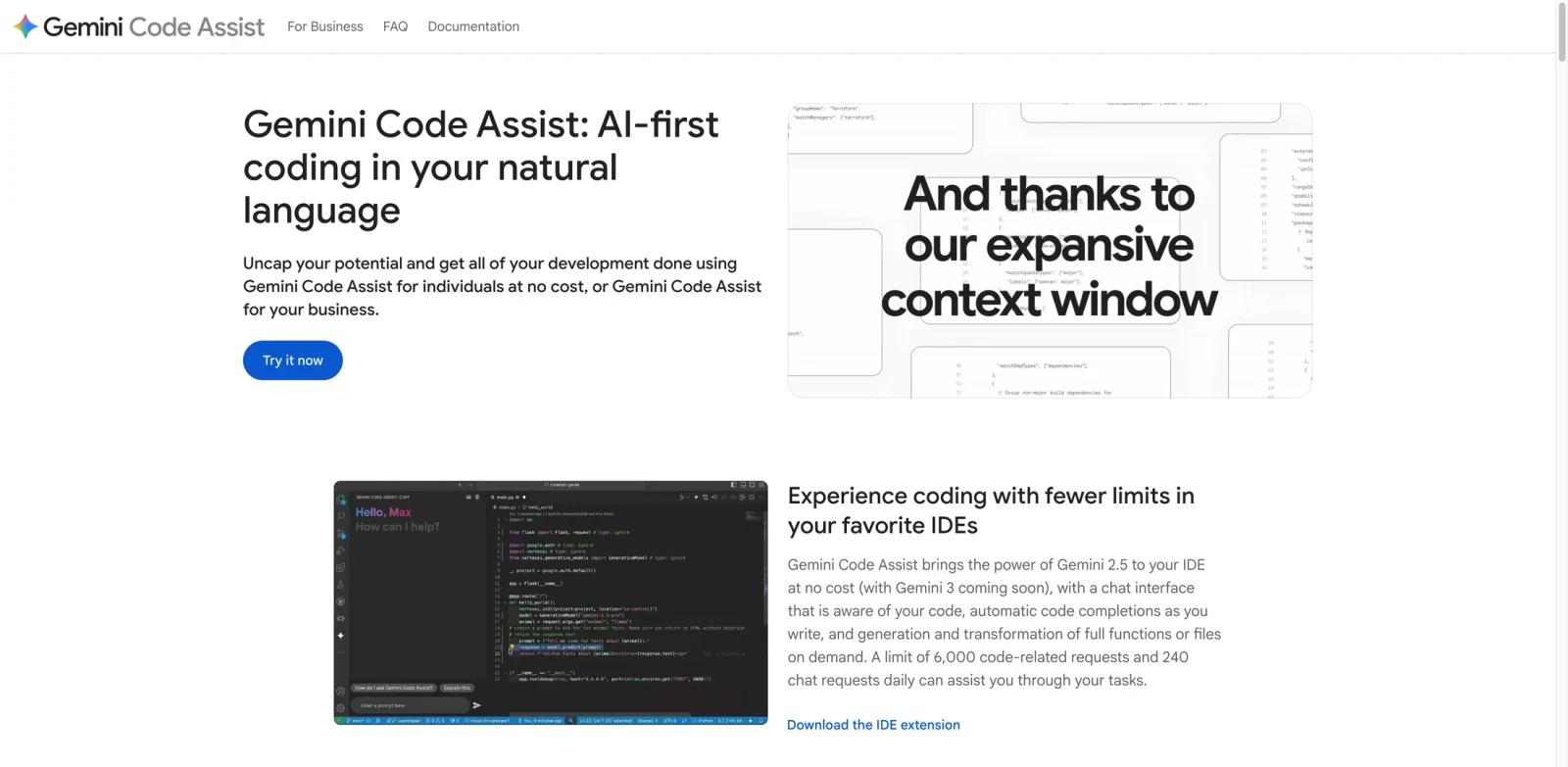
Gemini Code Assist is Google's AI coding assistant for developers working inside IDEs, terminals, and selected Google Cloud surfaces. It combines inline code completion, prompt-based code generation, chat grounded in your open files, and agentic workflows through Gemini CLI and agent mode, making it part editor assistant and part developer agent.
The product is split across three editions: a no-cost individual tier, Gemini Code Assist Standard for teams, and Gemini Code Assist Enterprise for organizations that need stronger management, security, and deeper Google Cloud integration. That structure makes it useful both for solo developers comparing AI coding tools and for engineering teams already invested in Google's ecosystem.
What makes Gemini Code Assist matter is not just autocomplete. Google's current positioning is broader: you get chat in the IDE, code transformation, smart actions, source citations for long quoted output, Gemini CLI in the terminal, and agent mode for multi-step software tasks. If your workflow already spans Google Cloud, Firebase, Android Studio, or internal repos, Gemini Code Assist can cover more of the development lifecycle than a narrow coding-only copilot.
Key Features
IDE-native chat and code generation — Gemini Code Assist works in VS Code, JetBrains IDEs, Android Studio, Cloud Shell, and Cloud Workstations, letting you generate functions, explain code, refactor snippets, and ask context-aware questions without leaving the editor.
Inline completions and code transformations — You can get code completions while typing, transform code from comments or prompts, use quick fixes, and trigger smart actions for common development tasks instead of manually rewriting blocks line by line.
Gemini CLI and agent mode — Gemini Code Assist now extends beyond the IDE through Gemini CLI and preview agent mode, so the same product family can help with code understanding, file edits, terminal tasks, and multi-step workflows.
Source citations for license-aware output — Google provides source citations when suggested code quotes at length from a specific source, which is a practical compliance feature for teams that care about traceability and open-source hygiene.
Large context and enterprise customization — Google positions the Enterprise edition around broader context windows, private repository customization, and more business-oriented controls, which is the main difference versus the simpler free experience.
Google ecosystem reach — Beyond editor use, Gemini Code Assist can surface in products such as Firebase, BigQuery, Cloud Run, and other Google Cloud surfaces, which makes it more platform-like than a standalone assistant such as Google Workspace CLI.
Pricing & Plans
Gemini Code Assist uses a freemium model with a genuinely usable no-cost individual tier and paid business plans for team controls and broader enterprise features.
Gemini Code Assist for individuals
- $0/user/month
- No credit card required
- Includes IDE chat, code generation, completions, source citations, Gemini CLI access, and agent mode request quotas
- Google currently lists 1,000 model requests per day shared across Gemini CLI and agent mode on the individual tier
Gemini Code Assist Standard
- $19/user/month with annual upfront commitment
- $22.80/user/month without annual commitment
- Adds business-ready management and security tooling for teams
Gemini Code Assist Enterprise
- $45/user/month with annual upfront commitment
- $54/user/month without annual commitment
- Adds deeper enterprise capabilities such as more customization against private repositories and broader Google Cloud-oriented value
Higher limits for individuals
- Individual users can also raise limits by subscribing to Google AI Pro or Google AI Ultra
- Google says those paid subscriptions increase shared daily limits across Gemini Code Assist, Gemini CLI, and agent mode
Important pricing nuance
- The lowest paid entry point for the core business product is Gemini Code Assist Standard at $19/user/month on annual commitment
- If you only need solo usage and can live within free-tier limits, the no-cost plan is the strongest reason to try Gemini Code Assist before paying for anything
Best For
- Individual developers who want a no-cost AI coding assistant with IDE chat, completions, and terminal support
- Teams already building on Google Cloud, Firebase, or Android Studio that want tighter ecosystem alignment
- Engineering organizations that need source citations, stronger governance, and a path toward private-repo customization
- Developers comparing Google-native options with related Gemini tooling such as Gemini 3.1 Pro or Gemini 3.1 Flash-Lite
- Users who care more about broad workflow coverage than about having a single best-in-class autocomplete engine
FAQ
Is Gemini Code Assist really free?
Yes. Google offers Gemini Code Assist for individuals at no cost, with no credit card required. The free edition includes IDE chat, code generation, completions, source citations, Gemini CLI access, and daily request limits for Gemini CLI and agent mode. Paid plans are only required if you need business controls, enterprise features, or higher limits.
What IDEs does Gemini Code Assist support?
Google lists support across VS Code, JetBrains IDEs, and Android Studio, with default availability in Cloud Shell and Cloud Workstations. It also supports terminal workflows through Gemini CLI, so the product is not limited to editor-only use.
What can Gemini Code Assist actually do inside the IDE?
According to Google's documentation, it can generate code from prompts, provide code completions, transform code, use smart actions and quick fixes, help debug and explain code, generate unit tests, and answer questions using the context of your open files. That puts it closer to a full AI assistant for development than a basic autocomplete extension.
Does Gemini Code Assist include Gemini CLI?
Yes. Google positions Gemini CLI as part of the Gemini Code Assist experience, with shared daily request limits across Gemini CLI and agent mode. That matters if you want one assistant that can move between IDE work and terminal workflows.
Does Google use my code or prompts to train its models?
Google says Gemini Code Assist Standard and Enterprise do not use your prompts or responses to train Gemini models, except for some opt-in product improvement programs that are not used for model training. For individuals who buy Google AI Pro or Ultra to raise limits, Google also says paid-plan data is not used to improve its machine learning models, while free individual users should review the separate privacy notice and opt-out controls.
What is the difference between Standard and Enterprise?
Standard is the lower-priced team plan aimed at business-ready AI coding assistance with management and security tooling. Enterprise is the higher-priced tier that Google positions as a more comprehensive development solution with deeper customization using private source repositories and broader integration across Google Cloud services.
Is Gemini Code Assist a good fit if my team is not on Google Cloud?
It can still work well for editor-based coding assistance, especially because the free tier is strong. But the product becomes more compelling as you use more Google tools. If your stack is mostly outside Google's ecosystem, the paid value proposition is less obvious and should be compared carefully against other AI coding tools.
What are the biggest limitations to know before adopting it?
The biggest tradeoff is packaging complexity: free individual usage, business plans, Gemini CLI, agent mode, Google AI subscriptions, and preview features are all related but not identical. The second limitation is reliability: Google explicitly recommends validating output because Gemini Code Assist can still produce confident but incorrect code.


