

Overview
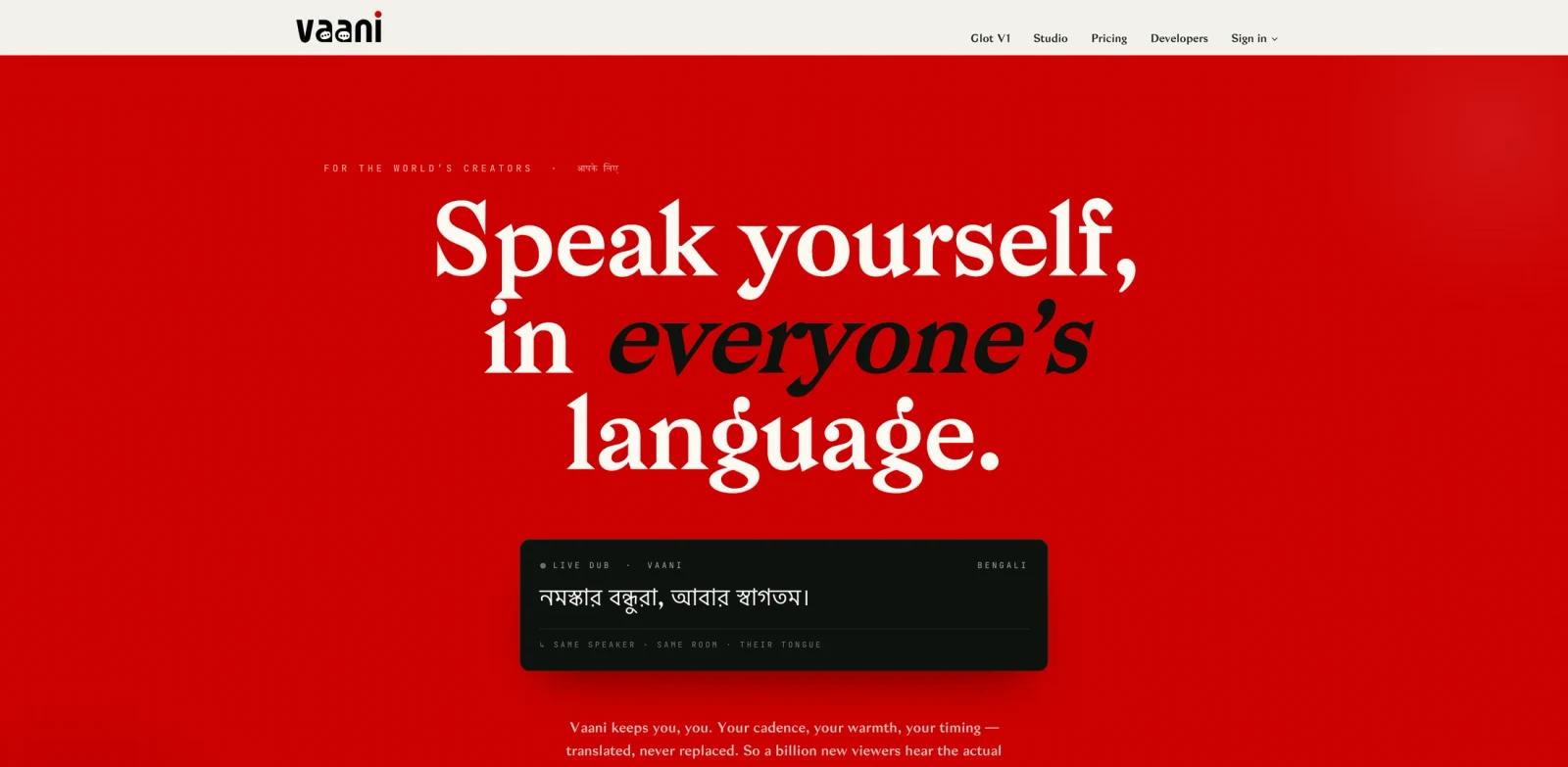
Vaani is an AI dubbing studio for turning existing videos into multilingual versions. The official site describes it as a tool that can dub video into 40+ languages with cloned voices, scene-aware translation, and optional lip sync. That positions Vaani for creators, brands, broadcasters, and studios that need faster localization than manual translation, recording, and post-production.
The main value is workflow compression. Instead of sending a video through separate translation, voice casting, audio editing, and lip-sync tools, Vaani brings those steps into one AI-assisted dubbing pipeline. It is especially relevant for teams comparing AI video generator, AI video editor, and AI translator workflows for global content distribution.
Vaani appeared on Product Hunt's June 8, 2026 daily leaderboard with the tagline "Lip-synced AI dubbing for creators, brands and studios." At review time, the Product Hunt and official website materials confirmed the core AI dubbing capabilities. Vaani's official pricing page listed a free trial, monthly creator and studio plans, and per-minute dubbing rates.
Key Features
AI video dubbing - Vaani translates spoken video content into new language versions, reducing the manual work needed to localize creator, brand, and studio videos.
40+ language coverage - The official site states support for more than 40 languages, making the product useful for teams that publish across multiple regional audiences.
Cloned voice output - Vaani can preserve speaker identity with cloned voices, which helps localized versions feel closer to the original performance than generic text-to-speech output.
Scene-aware translation - The platform describes translation as scene-aware, so phrasing can better match visual context and timing instead of treating every sentence as isolated text.
Optional lip sync - Lip-sync support can align dubbed speech with the speaker's mouth movement, which is useful for ads, tutorials, educational videos, interviews, and polished social clips.
Creator and studio workflow fit - Vaani is framed for individual creators, broadcasters, brands, media companies, OTT teams, and studios rather than only casual one-off translation.
Pricing & Plans
Vaani's official pricing page lists a free trial and paid usage. The rate card starts at $1/min for Indic-language dubbing, lists Global dubbing at $2/min, and prices optional lip-sync at $2/min. The page header also describes global pricing as "from $1.50/min," so teams should confirm the exact current rate for their target language before committing production volume.
Monthly plans are also available. Creator is listed at $49/month, Studio at $299/month, Broadcast at $1,499/month, and Enterprise is custom.
| Plan | Price | Notes |
|---|---|---|
| Free Trial | $0 one-time | Includes limited Indic and Global dubbing minutes, one active project, and Studio + Glot V1 access |
| Usage pricing - Indic | $1/min | Rate-card pricing for Indic-language dubbing |
| Usage pricing - Global | $2/min | Rate-card pricing for listed global languages; page header says global from $1.50/min |
| Lip-sync add-on | $2/min | Optional Vaani Sync Pro for face-aligned mouth motion |
| Creator | $49/month | Includes 30 Indic minutes, 15 Global minutes, 5 lip-sync add-on minutes, and unlimited projects |
| Studio | $299/month | Includes 200 Indic minutes, 100 Global minutes, 30 lip-sync minutes, API access, and 5 team seats |
| Broadcast | $1,499/month | Higher monthly minutes, priority queue, named support, API, webhooks, and 15 team seats |
| Enterprise | Custom | For larger broadcasters and networks, with options such as private cloud, SSO, audit log, and custom voice libraries |
Best For
- YouTube creators localizing tutorials, interviews, explainers, or educational content
- Brand teams turning product videos, ads, and announcements into multilingual variants
- Media companies and OTT teams testing AI-assisted dubbing before larger localization workflows
- Agencies that need faster first-pass dubbing for client videos
- Studios that want voice-preserving localization with optional lip-sync polish
FAQ
What does Vaani do?
Vaani dubs videos into other languages using AI. The official site highlights 40+ languages, cloned voices, scene-aware translation, and optional lip sync.
Is Vaani only for creators?
No. Vaani is positioned for creators, broadcasters, brands, media companies, OTT teams, and studios. Individual creators can use it, but the workflow is also relevant for business and studio localization.
Does Vaani support lip sync?
Yes. Vaani lists optional lip sync as part of its AI dubbing workflow, which can make translated videos feel more natural when a speaker is visible on screen.
Can Vaani clone voices?
The official site describes cloned voices as part of the dubbing workflow. Teams should test voice quality and review consent requirements before using cloned voices in commercial projects.
How much does Vaani cost?
Vaani lists a free trial, per-minute dubbing rates, and monthly plans. At review time, published plans included Creator at $49/month, Studio at $299/month, Broadcast at $1,499/month, and custom Enterprise pricing.
Is Vaani good for commercial video localization?
It can be a good fit if a team needs faster dubbing across multiple languages, especially when voice consistency and lip sync matter. Teams should still review output quality, rights, privacy, and cost before scaling.