
10 Best Make.com Alternatives 2026 — After the Credits Switch
10 Make.com alternatives tested May 2026 — n8n, Activepieces, Latenode and post-credits picks. Real pricing, community evidence, two-week parallel migration guide.
On this page
On 27 August 2025 the bill stopped meaning what it used to. Make swapped operations for credits, and within two weeks the community thread had a title that captured the next nine months of churn — "Hard to tell for me if my make costs are increasing." Six months later, on 11 February 2026, Make AI Agents shipped a new version, and another title — "With the new AI Agents UI, I have to create tools from scratch again" — captured the next layer of frustration. If you're shopping for a Make.com alternative this week, you're probably reacting to one of those two events or to the credit-driven anxiety they opened up together.
Below are 10 alternatives, each verified against its May 2026 pricing page and mapped to a specific switching reason. Some are direct swaps with calmer pricing (Latenode, Pabbly). Some are paradigm changes (n8n self-host, Pipedream). Some keep the visual canvas you already trust but rebuild the unit economics (Activepieces, IFTTT). The job here isn't to rank them — it's to match them to whichever Make.com pain you're actually leaving over.
For the broader workflow-automation landscape (not just Make.com replacements), see our best AI workflow generator tools category page; for the comparable AI-agent stack, best AI agent platforms covers the agent-orchestration tier. The shortlist below assumes you've already decided Make isn't the right long-term home — the job here is to find the destination that minimizes both your monthly bill and the surprise that drove you to read this article in the first place.
| Tool | Best For |
|---|---|
| n8n | Self-hosting and execution-based cloud billing |
| Zapier | Simplest no-code with the widest app catalog |
| Activepieces | Open-source visual builder with active-flow pricing |
| Pipedream | API-first developer workflows with code steps |
| Latenode | Execution-time billing instead of per-step |
| Pabbly Connect | Budget builds with task-bundle tiers |
| Microsoft Power Automate | Microsoft 365 and RPA-heavy stacks |
| IFTTT | Personal automations and simple webhook chains |
| Workato | Enterprise iPaaS governance and recipes |
| Tray.ai | Enterprise agent orchestration at scale |
Why People Are Leaving Make.com in 2026
These are the seven pain points the community keeps coming back to. They map to the alternatives in the next section — most tools fix one or two of them, none fix all seven. The pains are listed in roughly the order they drove churn through late 2025 and 2026: credits unpredictability and high-volume cost engineering on top, AI-related anxieties in the middle, and the longer-standing operational frustrations at the bottom.
1. Credits made the bill harder to predict. The August 2025 switch from operations to credits replaced "each module action = one operation" with a system where AI modules, search/aggregator modules, and data-store modules consume credits at different rates. The first reaction thread captured the unease cleanly: "Hard to tell for me if my make costs are increasing." The follow-up complaint that surfaced over and over — credits "do not roll over" the way operations used to in some annual contexts — kept it alive nine months in. If your business case for Make was "$10.59 buys 10,000 of a thing I can count," the meaning of that sentence changed.
2. High-volume scenarios still need cost engineering. Teams running 300K–1M ops/month report needing a senior to "audit, optimize, and stabilize" the scenarios before scaling further — the kind of work that becomes a recurring contract line. The pattern shows up across both pre-credit and post-credit billing: high-frequency triggers (web scraping, CRM polling, AI enrichment) eat budget faster than features ship. "$400 surprise last month" — r/make community, June 2025 — is the canonical version of this complaint.
3. AI Agents and Make Grid changed mid-flight. The 11 February 2026 AI Agents release moved tools, agent-conversation continuity, and reasoning panels into a new framework — and the feedback thread lit up with "I have to create tools from scratch again" and "Why can't I control the thinking parameters of the AI agents?" Make Grid, the public-beta observability layer announced on 24 June 2025, sits on top of the same churn — useful when it lands, but right now it's another moving piece you have to learn. If you committed to Make for agents in 2025, the 2026 surface is not the same surface.
4. AI provider lock-in feels unclear. The default "Make AI" providers ship with three model options, and switching agents to a different provider isn't as transparent as users expect. "Only option available is Make AI providers and its 3 models" — Make community, September 2025. Combined with the fact that credit consumption per AI step "can't be predicted with any accuracy" — same forum, December 2025 — the AI half of Make starts to feel like a black box on top of a moving meter.
5. Debugging time grew faster than feature work. "I can never go a week without a problem happening" is one r/make community thread title from late 2025; the companion complaint is that test runs themselves count against the bill, so iterating safely becomes a budget calculation. Some users report the operations badge "no longer persistent" after recent UI updates, making the cost of each test invisible until after the fact.
6. Human support feels paywalled. Multiple threads from October 2025 to May 2026 describe the same arc: free-plan and small-paying users can't find a real ticket route and end up posting in the community instead. "So I have to pay before I can report a bug?" — Make community, September 2025 — is the line that gets quoted most. Larger Teams/Enterprise customers have a different experience, but if you're the solo builder Make was originally pitched at, the support surface feels thinner now.
7. Plan limits surprise users at runtime. Custom Apps showing as "free" on the pricing page but reporting as "premium tier 1" inside scenarios; annual plans where the unspent credits won't carry; data-GB limits exhausting while the credit counter still shows budget. These are not single bugs — they're the seam between marketing copy, runtime metering, and the new credit model. None of the alternatives below are immune to plan-tier surprises, but a few publish their unit economics with much less ambiguity.
These seven pains map to the next section. If your reason is #1 or #4, the Detailed Reviews after that table will save you the most money. If your reason is #3, skip to the §"Should I wait?" FAQ at the end first.
Top 10 Make.com Alternatives Compared
The table below summarizes how each alternative reshapes the pricing model and the migration cost. Two columns deserve closer reading: Pricing Shape describes what unit the bill is measured in (which is the entire point of the credits debate), and Migration Effort describes how much work it takes to rebuild a typical Make scenario in the destination tool — not how technically complex the destination is in absolute terms. A tool can be technically powerful and still be Low-effort to migrate to, and vice versa.
| Tool | Pricing Shape | Predictable Cost? | Builder Form | Migration Effort | Score |
|---|---|---|---|---|---|
| Make.com (anchor) | Credits per module (varies) | 🟡 Depends on module mix | Visual scenario canvas | — | — |
| n8n | Workflow-execution tiers | 🟢 Yes (per-execution, not per-node) | Visual node canvas | Medium (logic re-write) | 8.6 |
| Zapier | Tasks per month | 🟡 Predictable but flips expensive at scale | Linear Zap editor | Low (concept overlaps) | 8.4 |
| Activepieces | Free + $5 per active flow | 🟢 Yes (count flows, not actions) | Visual builder | Medium (similar canvas) | 8.3 |
| Pipedream | Free + credit/compute tiers | 🟡 Predictable on Free; usage-based above | Workflow with code steps | High (developer-first) | 8.2 |
| Latenode | Execution-time billing | 🟢 Yes (seconds, not steps) | Visual + code blocks | Medium (one-to-one nodes) | 8.2 |
| Microsoft Power Automate | Per-user + per-bot | 🟡 Predictable per seat; RPA adds bots | Cloud flow + desktop RPA | Medium-High | 8.1 |
| Workato | Sales-led custom | 🔴 Quote-driven, not transparent | Recipe builder | High (enterprise IT) | 8.1 |
| Pabbly Connect | Task bundles (often promotional) | 🟢 Yes (count tasks; lifetime deals exist) | Linear builder | Low | 8.0 |
| IFTTT | Free + low fixed tiers | 🟢 Yes (applets, not modules) | Trigger-action applets | Low for simple, N/A for complex | 8.0 |
| Tray.ai | Sales-led custom | 🔴 Quote-driven, not transparent | Builder + agent platform | High | 8.0 |
Score ranges 8.0–8.6 reflect how well each tool addresses the seven pain points above, weighted toward the credit-predictability and AI-provider-control axes (the two that drove the most 2026 churn). The two enterprise iPaaS tools (Workato, Tray.ai) score lower not because they're worse products but because their cost shape is opaque to the typical Make refugee.
Detailed Reviews
Each review below covers what the tool replaces in Make, how the pricing compares against Make Core ($12/mo monthly, or $10.59/mo billed annually, for 10,000 credits), the limitations that don't show up in marketing copy, and the type of user who actually wins by switching. Pricing was verified against each product's official page in May 2026; sales-led tools (Workato, Tray.ai, parts of Pipedream and Retool) are flagged where the public number isn't the real number.

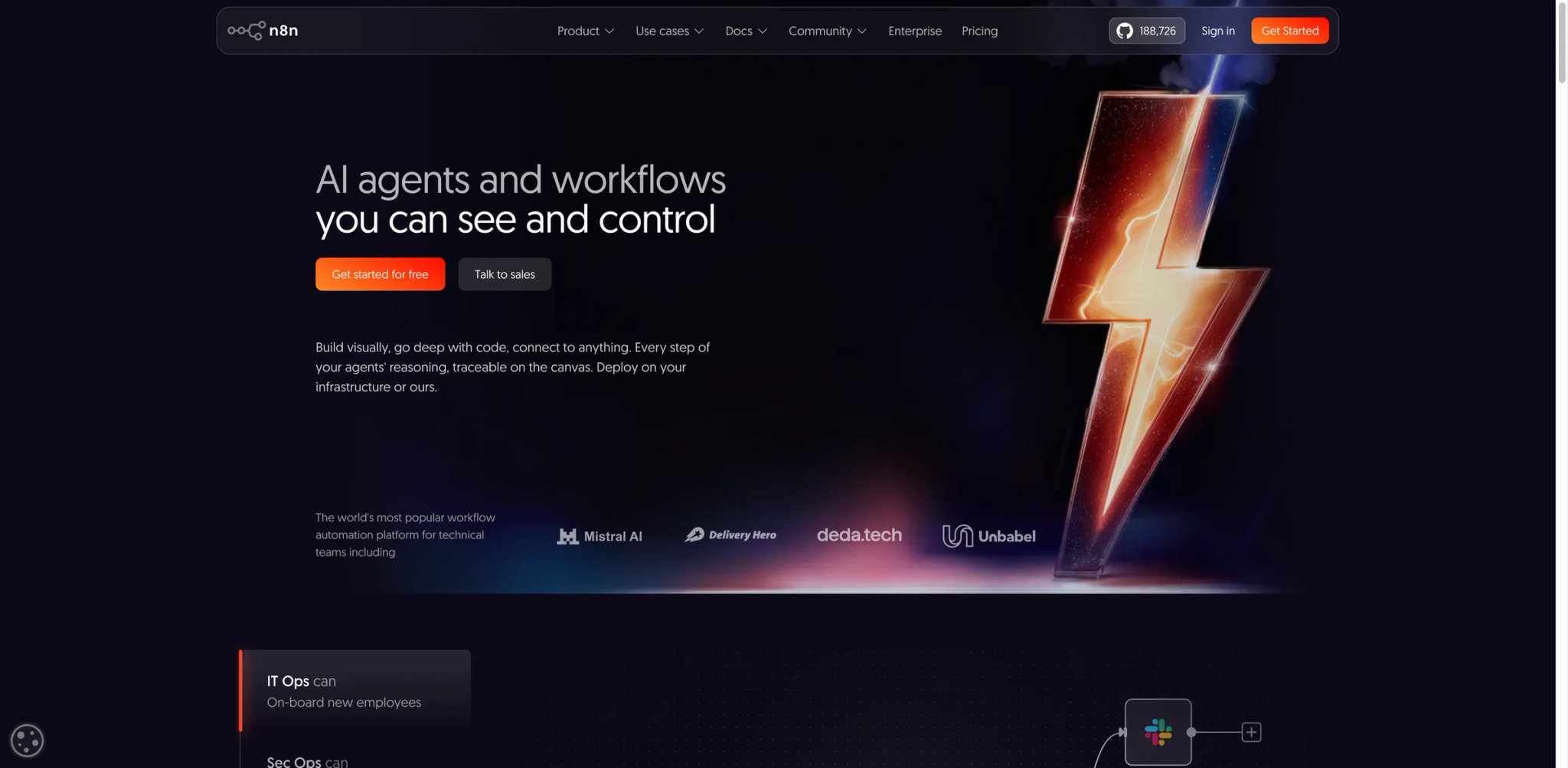
n8n is the closest direct Make.com replacement on the market today — same visual node canvas, same "trigger → modules → output" mental model, but with two structural choices that flip the unit economics: self-hosting is a real first-class option (Community Edition is free, runs in Docker, supports the full integration catalog) and the Cloud tiers charge by workflow execution rather than by every module action. A scenario that costs 50 credits per run on Make often costs 1 execution on n8n Cloud.
What n8n solves vs Make:
- Self-hosting closes the AI-provider-lock-in gap: you bring your own keys, and the model call is just an HTTP request you can swap
- Per-execution billing makes the bill predictable even when a workflow has 20 modules
- The node catalog (500+ at last count) covers the SaaS apps Make refugees actually use — Notion, Airtable, Slack, OpenAI, HubSpot, Postgres, S3
- Workflow JSON is human-readable, version-controlled, and exportable — closer to "code I own" than "scenario I rent"
Pricing math: Self-host is $0 if you already have a server; n8n Cloud Starter is €20/mo billed annually for 2,500 workflow executions, Pro is €50/mo for 10,000 executions, Business is €667/mo billed annually for 40,000 workflow executions, with SSO/SAML/LDAP, environments, scaling options, Git version control, and 30 days of insights. Compare to Make Core at $10.59/mo for 10,000 credits where a 12-module AI scenario can consume 30–60 credits per run — n8n's Pro tier covers far more real automations per dollar when the work is multi-module.
Limitations: Self-hosting means you own uptime, backups, and Postgres maintenance — that's not free time, just non-cash cost. Cloud's UI catches up with the open-source edition on a slight delay. The "Workflows" abstraction is a little less forgiving than Make's scenario canvas for users who never touched code.
Best for: Teams whose Make bill has crossed $50/month and whose engineers can run a small Docker instance, or solo builders who want a Make-shaped product without the credit meter. Not the right fit if you don't want any infra, in which case n8n Cloud is fine but the discount over Make narrows.
Get started with n8n

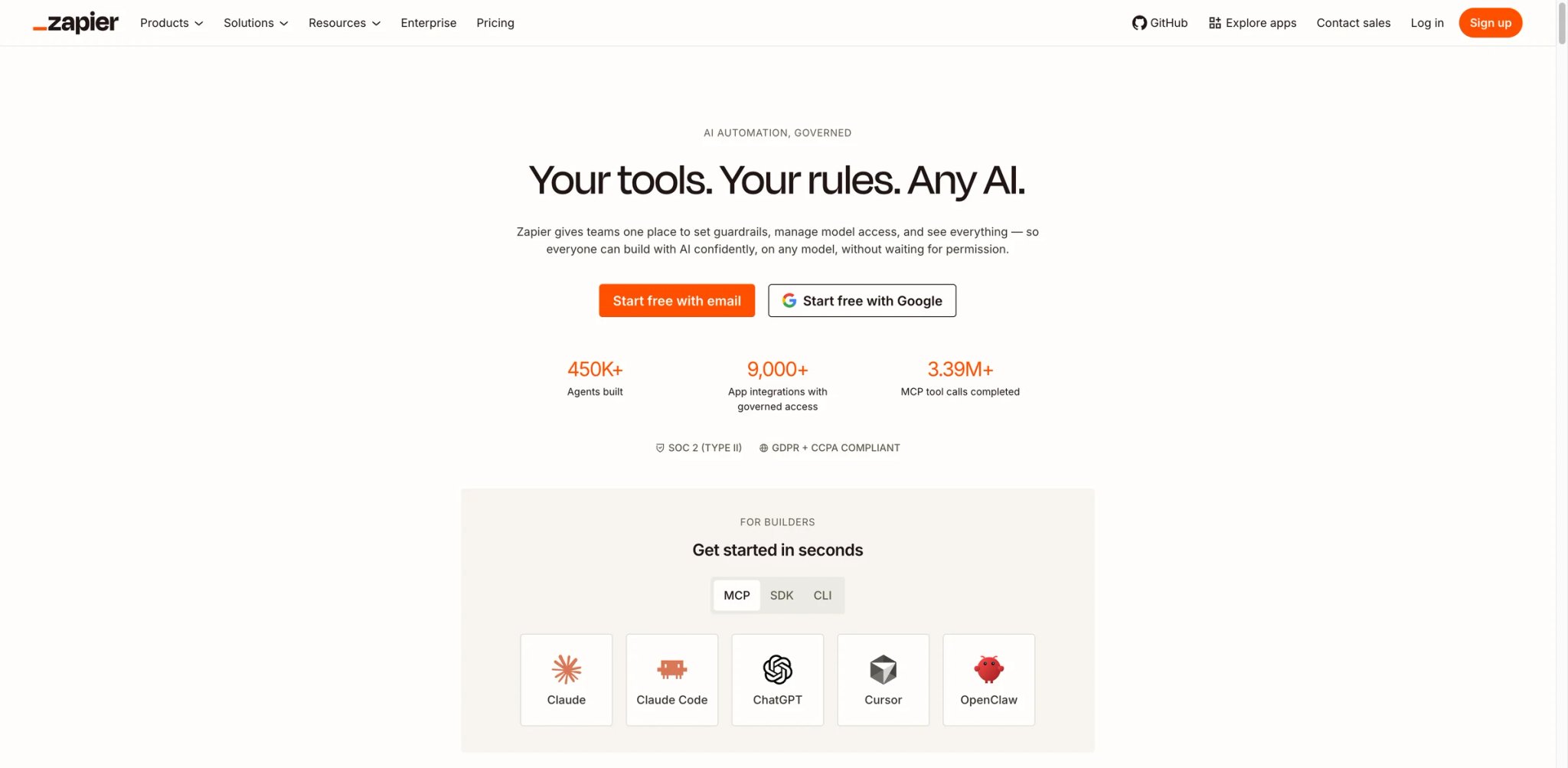
Zapier predates Make — it's the original consumer-facing automation product, and the catalog reflects 14 years of integration partnerships. For non-technical Make refugees, the first 60 days on Zapier feel like relief: the editor is linear, the templates assume you know nothing, and the failure modes are easier to debug because Zaps don't fan out the way Make scenarios do.
What Zapier solves vs Make:
- The Tasks abstraction is simpler than credits — one Task = one action step run, and the math doesn't shift when you add an AI module
- The connector catalog is the broadest in the industry (6,000+ apps), which matters when your stack is mostly long-tail SaaS
- Support response on Professional and Team plans is materially better than Make's free-plan experience
- AI by Zapier and Zapier Agents ship with model selection visible up front
Task economics: Free is $0 with 100 tasks/month; Professional starts at $19.99/mo (billed annually) for 750 tasks; Team starts at $69/mo (billed annually) with shared seats and unlimited Premier apps. The catch: Zapier counts every action step, including filter steps, so a Make scenario with 8 modules typically becomes a Zap with 5–7 tasks per run. When workflows scale to thousands of runs/month, Zapier's bill often crosses Make's — the simplicity tax is real.
Limitations: No visual branching canvas (Paths are linear with conditions). No self-hosting. No execution-time billing tier. The "interfaces" and "tables" features added in 2024 don't yet match Airtable or Notion for actual data work. Zapier Agents use separate activity-based plans rather than being automatically included in every Team workspace.
Best for: First-time automation builders who want the simplest mental model, marketing/ops teams whose workflows touch 20+ SaaS apps, and anyone whose Make pain is debugging time rather than the bill. Not the right fit if you run more than ~5,000 actions per month — the math flips and Make/n8n recover the lead.
Get started with Zapier
Activepieces
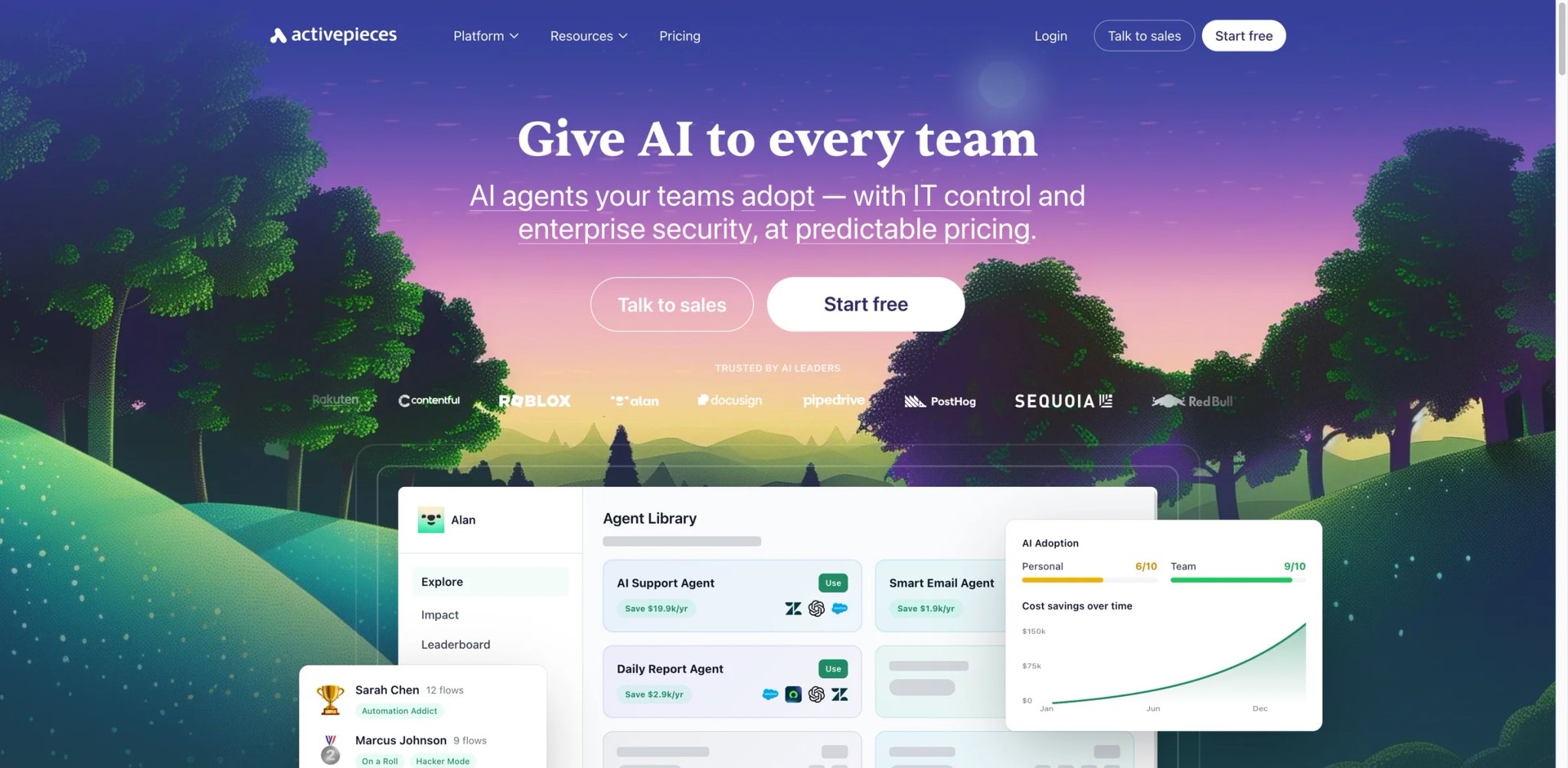
Activepieces is the open-source visual-builder bet that took the most direct shot at Make's pricing model. The canvas looks intentionally Make-adjacent: branching nodes, parallel paths, code blocks. The catch — and the reason this is the controversy review — is that "free + $5 per active flow with unlimited runs" sounds too good until you check what "active" means and how the self-hosted Community Edition compares with the Cloud you'd actually use day-to-day.
What Activepieces solves vs Make:
- Active-flow billing decouples cost from frequency — a polling trigger that runs 50,000 times costs the same as one that runs 50 times
- Self-host via Docker is a real path, and the licensed Community Edition supports most pieces (their connector equivalent)
- The piece catalog is smaller than Make's but covers the credit-burning ones: OpenAI, Anthropic, HTTP, Webhook, Postgres, Airtable, Notion
- AI Copilot generates flows from natural language — useful for the "this is too much like coding" Make refugee
Self-host caveat: The Community Edition license restricts some enterprise pieces (SSO, audit), and enterprise governance features such as SSO, audit logs, custom RBAC, global connections, and piece access controls sit on the custom Unlimited plan rather than the $5-per-active-flow Standard plan. The math still beats Make for predictable high-frequency work, but the marketing copy ("unlimited runs") needs the asterisk.
Pricing vs Make: Standard includes 10 free active flows, then $5 per additional active flow per month; the Cloud tier above that quotes annually. Make Core at $10.59/mo for 10,000 credits caps small workloads; Activepieces at $5–$25/mo for 1–5 active flows wins when each flow runs >50 times/day.
Limitations: Smaller connector catalog than Make. UX is younger — the canvas, while clean, is missing some of Make's data-mapper conveniences (inline iterators, aggregator modules). Documentation is improving but still behind n8n's depth.
Best for: Builders running 1–10 high-frequency flows whose Make bill is dominated by polling triggers, and engineering teams that want a Make-shaped product they can fork. Not the right fit if you need 50+ connectors that don't exist yet or if your workflow depends on Make's specific aggregator semantics.
Get started with Activepieces
Pipedream
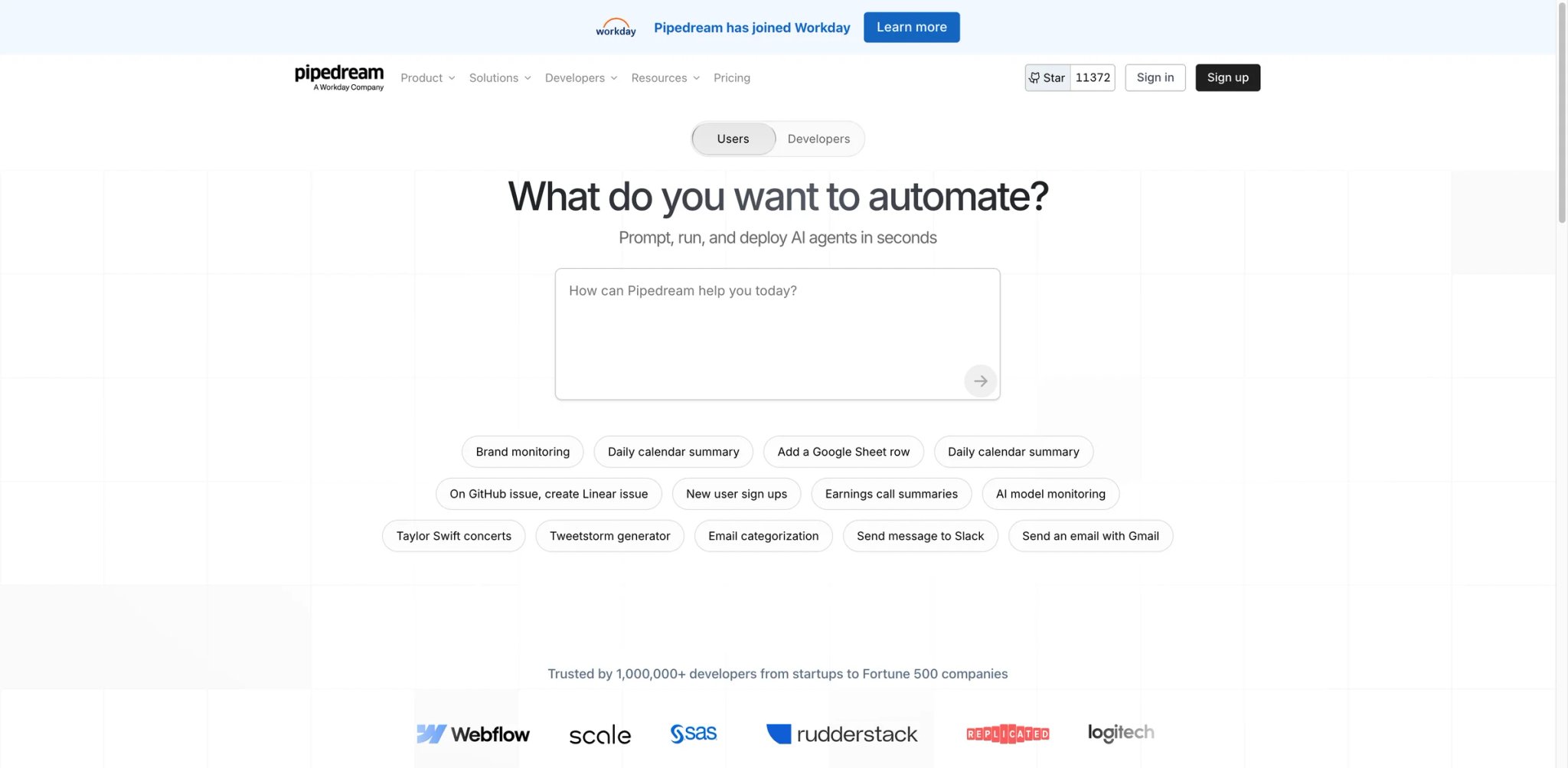
Pipedream is closer to "Make for engineers" than "no-code for everyone." The workflow object is the same — trigger, steps, data — but each step can be a prebuilt action, a Node.js block, or a Python block, and the entire thing runs as serverless functions you can deploy with one click. The shift is mental: instead of dragging modules, you write 8 lines of code and connect them with the same auto-mapper the SaaS users get.
Compute model: Workflows execute as serverless Node.js/Python functions, with each step billable by credit and compute time. The Free tier is generous (daily credit limits that cover most personal automations); the Basic/Advanced/Business tiers move to credit-pool pricing with paid overages. Verify the exact tier price at checkout — the public pricing page shifted twice in the last six months and regional pricing varies.
What Pipedream solves vs Make:
- Code steps eliminate Make's HTTP-Tools-Search dance for API calls that don't have a prebuilt module
- BYOK for OpenAI/Anthropic is trivial — it's just
process.env.OPENAI_API_KEY - Workflows are git-versionable; CI/CD parity with the rest of your stack is realistic
- The marketplace of public components doubles as a "how would I solve this with one HTTP call" reference
Pricing vs Make: Free can be attractive for code-heavy prototypes because Pipedream charges Workflows by compute time rather than by step count; at the default 256MB memory, one workflow segment uses 1 credit per 30 seconds, and builder development/test runs do not consume credits. Paid tiers are usage-based — predictable when you know your daily ceiling, less so when you don't. A Pipedream workflow that mirrors a 12-module Make scenario typically costs less per run when the work is API-fetching, more when the work is human-readable mapping.
Limitations: Visual learners hit a wall fast — the canvas isn't the canvas-canvas of Make. Connector breadth is thinner; many SaaS integrations are HTTP wrappers rather than first-class apps. Pricing pages are usage-based enough that "verify before buying" is unfortunately required.
Best for: Solo developers and small engineering teams whose Make scenarios are mostly HTTP/API plumbing wrapped in module UI, and AI builders who want to BYO model providers cleanly. Not the right fit if your workflows are 80% drag-and-drop SaaS connectors with no code.
Get started with Pipedream
Latenode
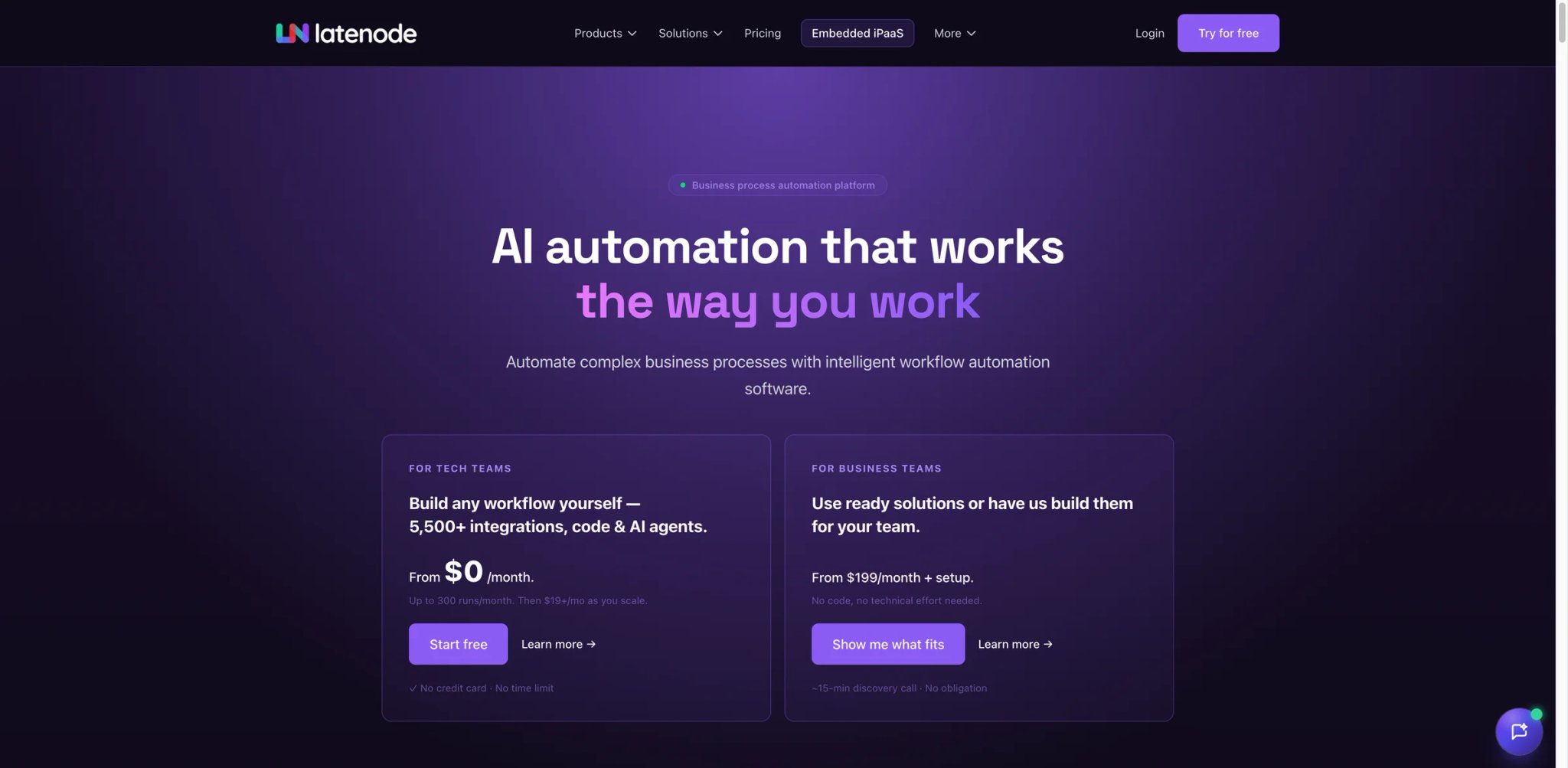
300 workflow executions/month free, $5 Mini for 1,000 executions, $19 Start for up to 25,000 short workflow executions, and $59 Team for up to 250,000 short workflow executions — and the meter that decides what each run costs is execution time, not steps. That's the entire pitch, and it's a clean answer to Make pain #1.
Execution-time math: Latenode bills by the second of compute used. A 12-step Make scenario that consumes 30 credits but runs in 4 seconds on Latenode costs the same as a 3-step scenario that runs in 4 seconds. The unit isn't "what you built" — it's "how long it ran." For high-frequency, light-touch automations (webhook in → API call out → done), this is the most predictable model on this list.
Latenode keeps a visual builder, supports inline JavaScript blocks, and ships AI nodes with BYO-provider support. It's positioned as a Make-shaped product for builders who want execution-time billing without committing to n8n's self-host route. The Mini tier at $5/mo covers 1,000 workflow executions; Start at $19/mo covers up to 25,000 short workflow executions; Team at $59/mo covers up to 250,000 short workflow executions.
The trade-off is catalog depth — fewer connectors than Make, smaller community, and the documentation is improving but not yet at n8n's level. Some Make-style aggregator modules don't have a direct Latenode equivalent, which means rewriting the data-shaping logic in JS. The other quiet advantage is the AI side: Latenode's AI nodes accept your API key directly, so the model bill arrives on OpenAI's invoice instead of inflating a Make credit counter. For builders whose Make pain was the AI-provider lock-in described in pain point #4, this matters more than the headline price.
Best for builders running predictable high-frequency workflows whose Make bill has crossed $30/mo on credit consumption, and for AI builders who want execution-time billing plus BYO model keys. Not the right fit if your stack depends on Make's specific iterator/aggregator semantics or if you need 100+ connectors that ship today.
Get started with Latenode
Pabbly Connect

Pabbly Connect is the budget answer to "I want a fixed task bundle without recurring SaaS pricing." The current one-time page lists Standard at $349 for 3,000 tasks/month and Ultimate at $799 for 10,000 tasks/month, while the pricing page also shows regional yearly options and INR-anchored task bundles, and the lifetime-deal angle keeps recurring — verify the offer in your region before assuming the headline number.
The core product is a linear automation builder with 2,000+ app integrations, multi-step workflows, unlimited internal tasks for filters/routers/formatters, and a free tier capped at 100 external-action tasks/month. Where Pabbly wins: high-task low-complexity workflows where a Make credit bill would be wildly higher. Where it loses: complex branching, native AI agents, and connectors for newer SaaS tools tend to lag.
The lifetime-deal angle deserves its own paragraph. Pabbly periodically runs promotional bundles — for example, a "lifetime" plan covering several million tasks across a multi-year horizon for a one-time payment. These deals are real, but they're tied to specific feature snapshots; lifetime-deal buyers don't always get the same priority on new connectors or AI integrations that monthly subscribers do. If you take a lifetime deal, treat it as a hedge against Make.com's monthly credit meter rather than a long-term replacement for an evolving roadmap.
Best for cost-sensitive solo builders, agencies running templated automations for clients, and anyone whose Make use is "post this from there to there 500 times a day." Not the right fit if your workflow needs deep AI agent orchestration, native error-recovery semantics, or top-tier SaaS connectors at the moment they launch.
Get started with Pabbly Connect
Microsoft Power Automate
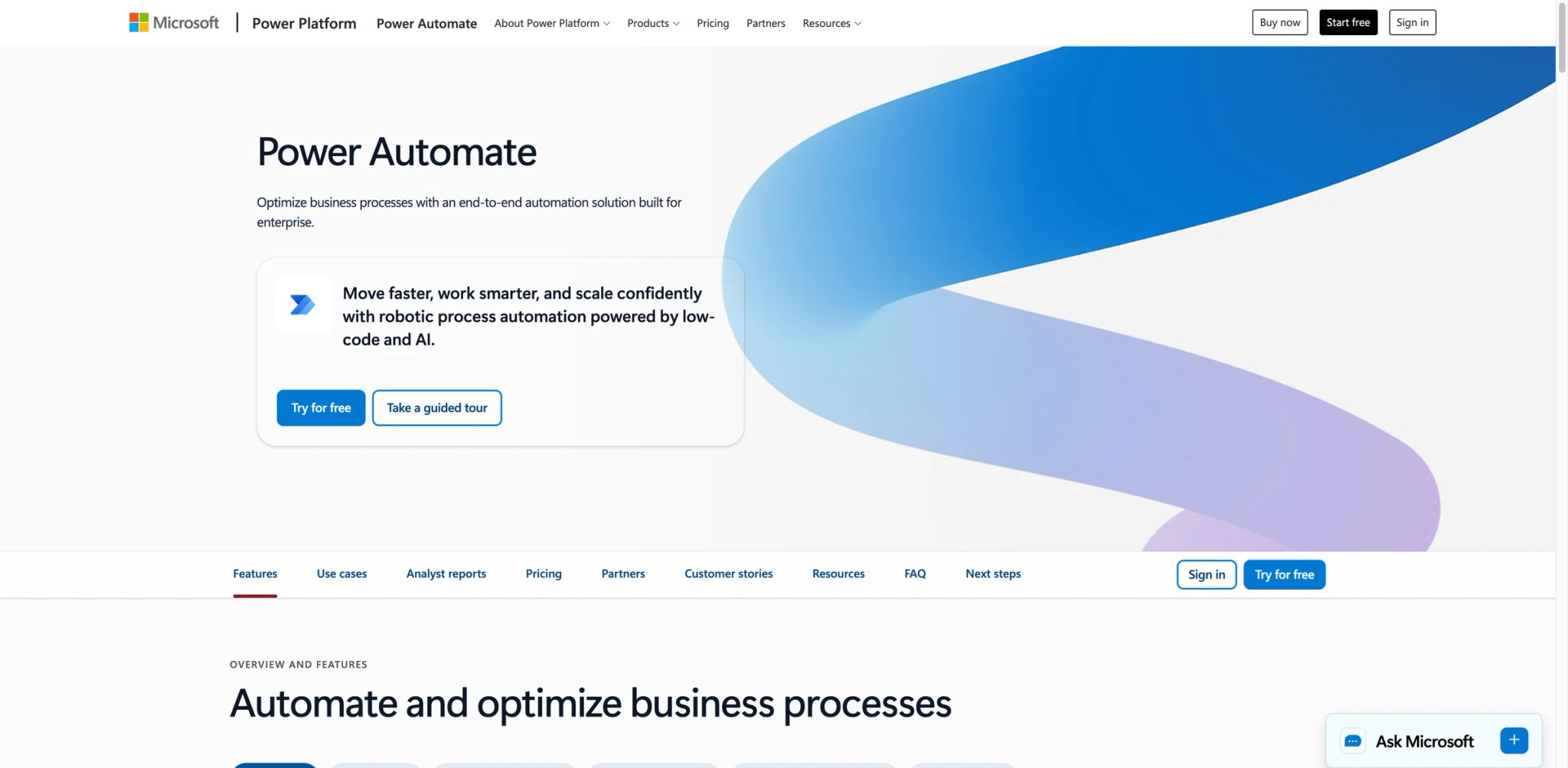
If your stack runs on Microsoft 365, Power Automate is the alternative the procurement team has probably already approved. The product splits into Cloud Flows (Make-style API automation) and Desktop Flows (RPA on Windows), and the pricing reflects the split: $15/user/mo for the Premium cloud tier, $150/bot/mo for unattended RPA, $215/bot/mo for hosted RPA.
What Power Automate solves vs Make:
- Native depth on Outlook, Teams, SharePoint, Excel, Dynamics 365 — the integrations are first-party, not third-party shims
- Approval workflows ship with adaptive cards in Teams, no extra build needed
- Process Mining and Copilot for Power Automate are integrated into the same canvas
- Data residency and compliance posture inherit from your existing M365 tenancy
RPA add-on cost: Where Make struggles to do desktop RPA, Power Automate excels — but the cost stack is the catch. A workflow that touches a legacy Windows app needs an attended or unattended bot, and bots are per-license. Three bots running 24/7 cost more than a typical Make Teams plan, and the licensing math doesn't always show on the headline pricing page.
Pricing vs Make: Premium per-user pricing is more predictable than credits — $15/user/mo is exactly $15/user/mo no matter how many flows run. But you're paying per seat, not per usage. For a 5-person ops team, that's $75/mo; for a 50-person team, $750/mo before bots.
Limitations: The Cloud Flow connector catalog is broad but less consumer-app-friendly than Zapier or Make (you'll find more SAP than Notion). The editor is less elegant than Make's canvas. Outside the M365 ecosystem, the value drops sharply.
Best for: Companies that already pay for M365 E3/E5, IT teams that need RPA + cloud automation in one bill, and regulated industries where data residency matters. Not the right fit if your stack is mostly consumer SaaS (Notion, Slack, Airtable, Linear) — the M365-first connector slant works against you.
Get started with Power Automate
IFTTT
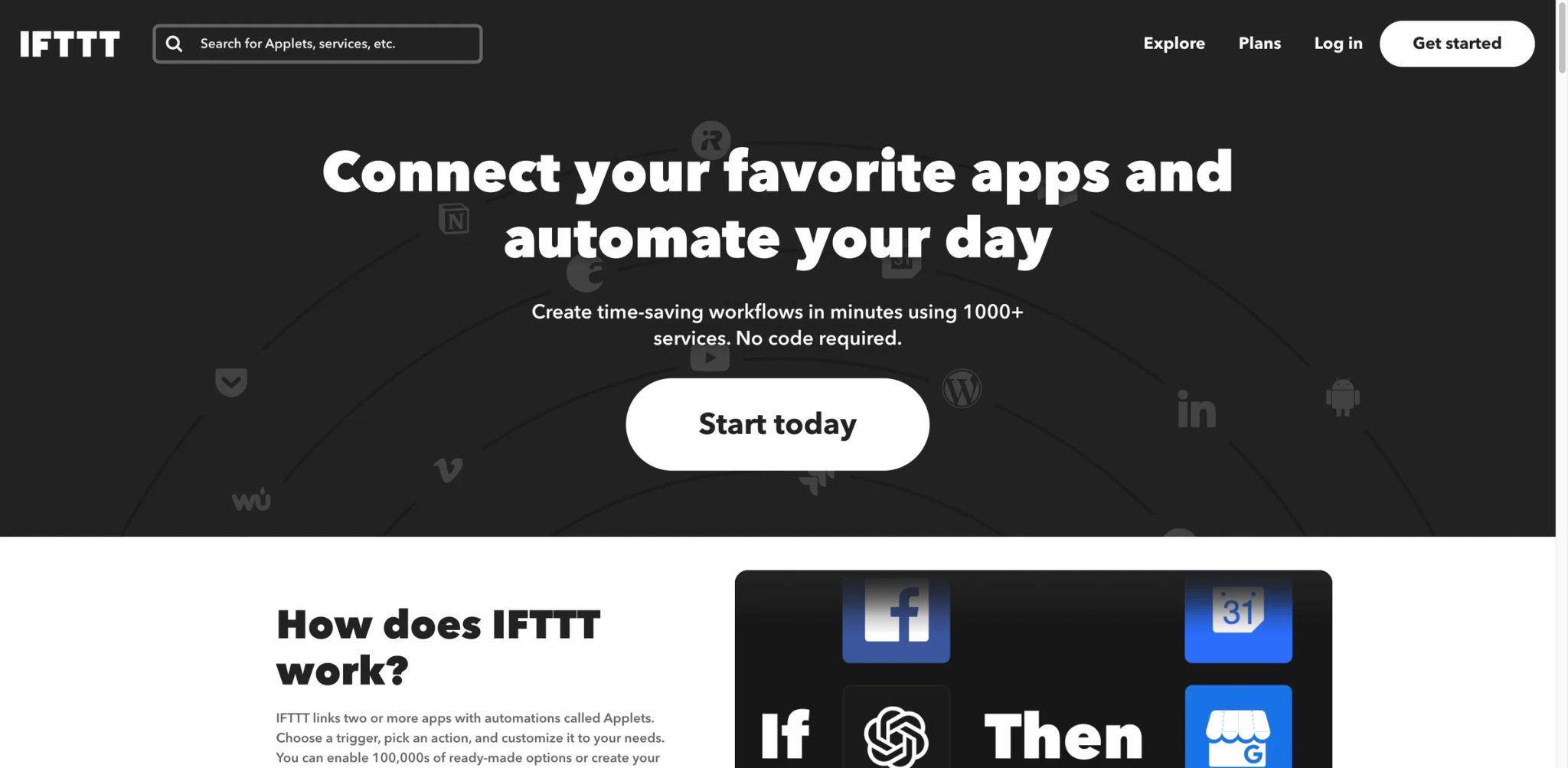
IFTTT — If This Then That — started 14 years ago as a consumer automation product, and it still wears that origin proudly. The vocabulary is Applets, not workflows; Services, not connectors; Triggers and Actions, not modules. The Free tier gives you two Applets for $0; Pro is $2.99/mo billed annually for 20 Applets, multi-action Applets, Webhooks, and faster speeds; Pro+ is $8.99/mo billed annually and adds unlimited Applets, AI services, multiple accounts, queries, filter code, and developer tools multi-action queries and developer features.
If your Make use is "when this thing happens, fire a webhook" or "when I add a row to Sheets, post to Slack," IFTTT does the same thing in half the configuration and at a fraction of the price. The trade is depth — there are no branching paths, no aggregators, no native loops, and the integrations for business SaaS (HubSpot, Salesforce, Notion business tier) are limited or absent. IFTTT also leans heavily on smart-home/IoT triggers (Alexa, Google Home, Hue, Ring) that Make doesn't prioritize, which is either a feature or a sign the product isn't built for your use case.
The Webhooks service is the quiet workhorse: an IFTTT Pro account at $2.99/mo with the Webhooks trigger and a script step can replace a Make scenario whose only job is to "receive a POST, decide a single condition, fire an outbound POST." For that narrow shape, IFTTT is the cheapest tool on this list. Once the workflow needs two conditions, an aggregator, or a retry-on-failure pattern, IFTTT becomes the wrong tool fast.
Best for personal automation, smart-home enthusiasts, and the "I only built one Make scenario and now I'm paying $10.59/month for it" refugee. Not the right fit if you need conditional logic, data transformation, error handling, or business-grade SaaS depth.
Get started with IFTTT
Workato
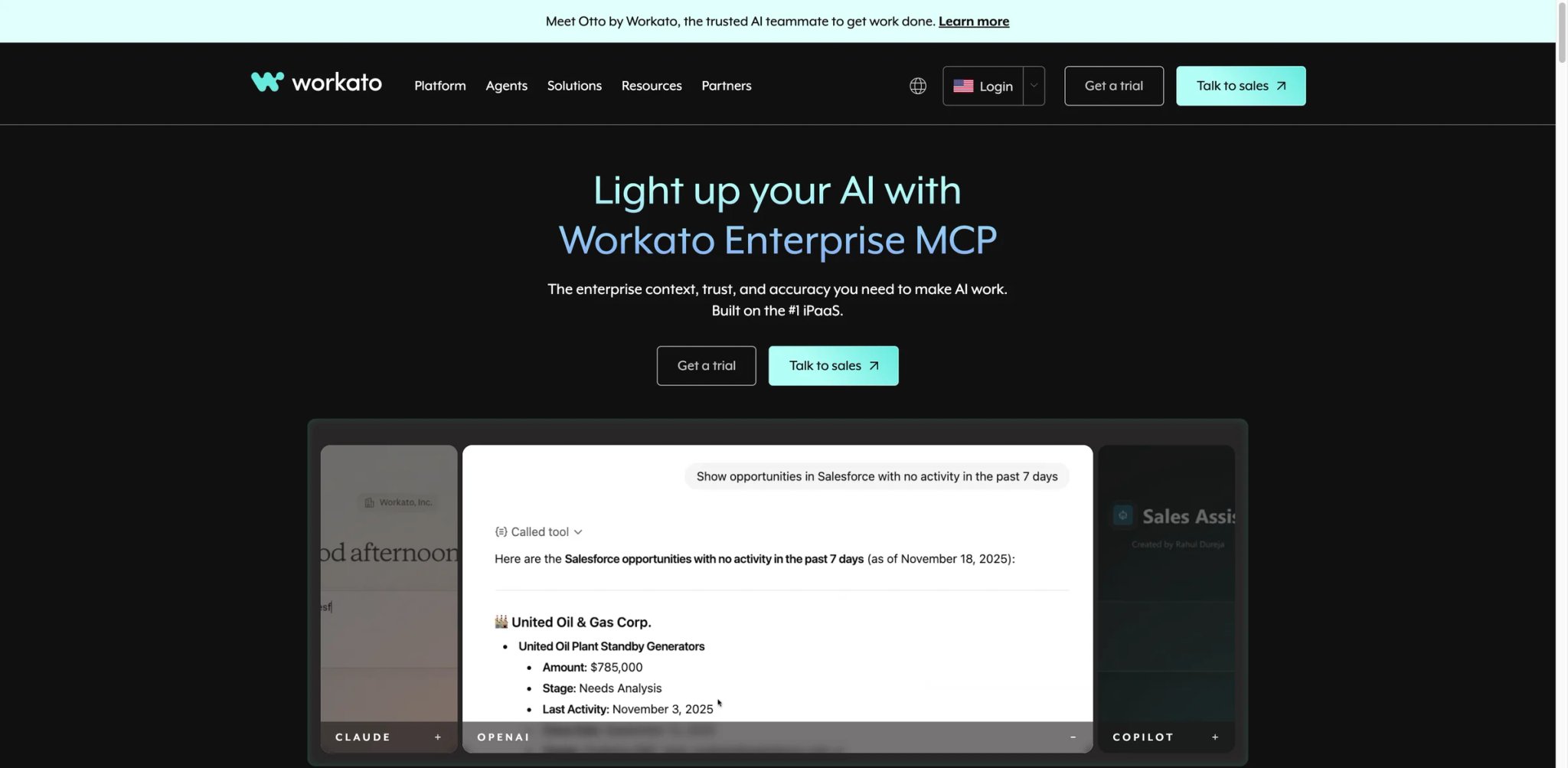
Workato is the enterprise iPaaS that most Make refugees won't end up choosing, but the ones who do choose it almost always have an IT or compliance reason: SOC 2 Type II, HIPAA, data-loss-prevention controls, role-based access, audit trails Make doesn't natively produce. The product is sold by recipe (their unit equivalent of a scenario) and by tier, with pricing entirely sales-led.
Sales-led caveat: There is no public per-seat or per-recipe price. The quote depends on volume, number of connectors, environments (sandbox/staging/prod), and support tier. A small business asking for "Make.com replacement" pricing will hear numbers in the low five figures annually; a Fortune 500 negotiating a master agreement may land much higher or lower depending on bundling. Don't pursue Workato unless you have governance requirements Make actively can't meet.
What Workato solves vs Make:
- Recipe IQ (their AI assistant) writes recipes from natural language with enterprise-grade context
- Connectors include SAP, Oracle, Workday, ServiceNow as first-class — the systems Make's connector catalog doesn't deeply support
- Recipe lifecycle: dev/test/prod environments, version control, rollback
- Auditable: every recipe execution is logged with diff-able state
Limitations: No public price — every conversation starts with a discovery call. Procurement timelines are weeks, not hours. The builder is more powerful than Make's canvas but less forgiving to non-technical operators; expect at least one trained Workato builder per 20 active recipes to keep the practice healthy.
Best for mid-market and enterprise teams where the Make pain is governance and connector depth rather than monthly cost, and where compliance frameworks (SOC 2, HIPAA, GDPR, ISO 27001) require a vendor with documented controls. Not the right fit if you're a solo builder or small team — the math doesn't favor you.
Get started with Workato
Tray.ai
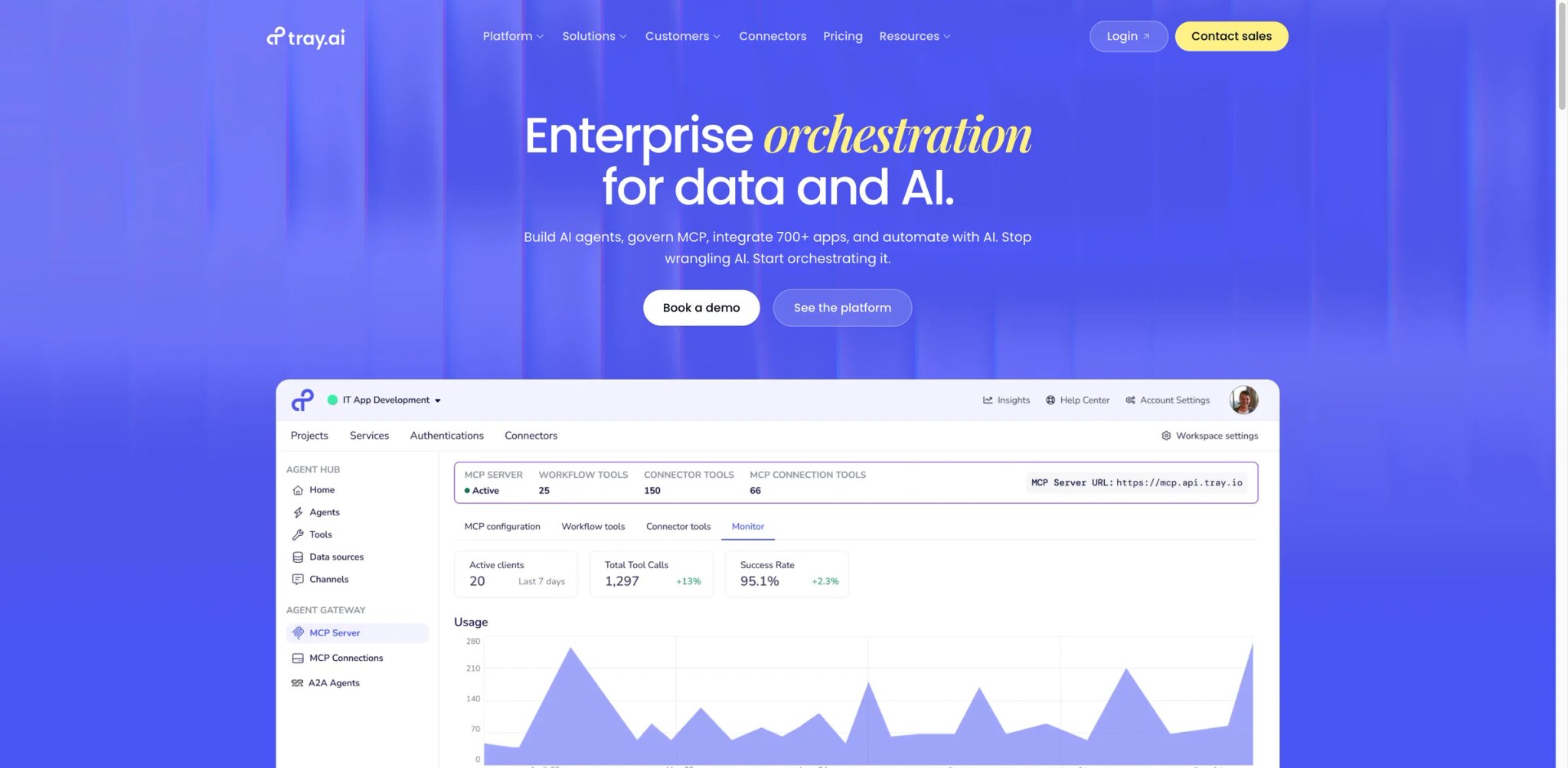
Tray (now Tray.ai after the 2024 rebrand around AI agents) is the second enterprise iPaaS in this list. The product is closer to Workato in shape — recipe-style builder, deep connectors, RBAC, multi-environment — but the 2026 marketing leans hard into agent orchestration: chaining LLM-backed agents through governance layers, with observability built in. Pricing is Pro/Team/Enterprise sales-led, no public self-serve.
Where Tray.ai is differentiated from Workato is the agent platform: Tray Merlin (AI agents) and Tray's data layer make multi-agent workflows easier to scaffold than Make's AI Agents v2, at the cost of needing an enterprise contract to access them at all. Builders evaluating Tray.ai are typically doing it because Make AI Agents felt unstable post-Feb-2026 and they want a sales-supported alternative with the same agent semantics.
The honest evaluation framing: if your Make pain is "the new AI Agents UI broke my muscle memory," Tray.ai isn't going to feel different in week one — different vendor, same agent-orchestration learning curve. The case for Tray.ai is when you need agents and compliance and a multi-region data layer simultaneously, which Make doesn't offer at any tier today.
Best for enterprise teams whose Make pain is the AI Agents framework specifically — the cost story isn't going to feel cheaper, but the operational story may. Not the right fit if you're not at the scale where enterprise contracts make sense, or if your Make pain is just the $10.59 bill.
Get started with Tray.ai
Honorable Mentions
Airtable Automations are not a full Make replacement, but if your scenarios are 80% Airtable record CRUD and 20% notifications, the automations built into Airtable's Team ($20/user/mo annually) and Business ($45/user/mo annually) tiers eliminate most of the cross-tool latency. The triggers run inside the same base your data already lives in, which means no webhook round-trip and no separate connector to authenticate. Scripting actions (JavaScript inside the automation step) let you implement custom logic that would normally require a Code module in Make. Best for Airtable-native teams; not a fit for cross-SaaS plumbing that touches more than one or two external apps.
Bardeen sits in a different quadrant entirely — it's a browser automation tool optimized for GTM, scraping, and enrichment workflows. Basic is $10/mo, Premium is $50/mo (or $480/year), 100 credits free. Where Make wants you in the cloud, Bardeen runs in your browser with your authenticated sessions, which means it can do things Make literally cannot — scrape a LinkedIn search result page, extract a Sales Navigator list, click through a CRM the way a human would. The trade-off is that the automation lives on the device that runs the browser; if your laptop is asleep, Bardeen is asleep. Best for sales ops and growth teams whose Make scenarios are mostly LinkedIn → CRM enrichment, and for analysts whose data lives behind login walls Make's HTTP module can't crack.
Retool Workflows are not a no-code product — they're an internal-tool builder with a workflow layer for engineering teams. Free tier exists; paid tiers move to builder/internal-user pricing with workflow-run overages. The Retool advantage shows up when automation is connected to a database, a private API, or an admin panel that engineers already maintain in Retool. Workflows can be triggered by webhooks, cron, or button clicks inside other Retool apps, which means a single platform covers both the dashboard and the automation behind it. Best when automation is part of the internal-tools stack (admin panels, on-call runbooks, data jobs). Not a fit if your workflows are primarily SaaS-to-SaaS without an internal-app component.
Notion Buttons + AI in 2026 cover much more than "send me an email when the row changes." With Notion Custom Agents priced at $10 per 1,000 credits and Buttons that trigger multi-step actions, lightweight workspace automation is now in-product. Database properties can be updated by AI, page templates can be generated on click, and the new Agent framework lets you scope an LLM to specific databases. Free tier exists; Plus is $10/seat/mo; Business is $20/seat/mo. Best for teams whose Make scenarios were "Notion → small follow-up" — the cross-tool latency disappears when the automation lives inside the workspace. Not a fit for cross-tool plumbing that needs reliable retry logic and observable error states.
Relay.app is the AI-workflow newcomer worth tracking — Free with 200 steps/mo and 500 AI credits/mo, Professional at $19/mo billed annually, Team at $59/mo billed annually. The differentiator is human-in-the-loop steps as a first-class primitive: a workflow can pause for a Slack approval, a form submission, or an email reply before the next step fires. For builders whose Make AI Agents pain is wanting humans to review LLM output before the next step fires, Relay.app gets to that pattern faster than any tool above. The catalog is smaller than the leaders, and the AI step pricing is metered separately from the workflow steps — read the credit math before assuming the headline price covers your usage.
Migrating from Make.com — A Practical Guide
Data and Account Migration
There is no automatic Make-to-anywhere importer in 2026. The scenario JSON Make exports is internal and not consumed by n8n, Zapier, or Activepieces directly. The path most teams take:
- Inventory the scenarios. Pull a list from your Make.com organization sorted by credits-consumed last 30 days. The top 20% will account for ~80% of your bill, and they're the ones worth rebuilding first. Everything in the long tail can wait or be deprecated outright.
- Document each high-cost scenario as a one-pager (trigger, modules in order, key data transforms, success/error handling, downstream dependencies). One Notion page per scenario is enough. This document is the source of truth, not the Make JSON.
- Re-create the scenario in the destination tool from the one-pager, not from the Make JSON. Most builders find this surfaces logic they'd accumulated without realizing — error branches, filter steps that were really business rules, modules that had been disabled but never removed.
- Re-authenticate connections. Every SaaS connector needs its OAuth or API keys re-issued in the new tool. This is the longest part for teams with 10+ apps, and the place where security review is most likely to slow you down. Inventory which apps require IT involvement before you start the migration calendar.
- Pause the Make scenario before turning the new one on. Don't run both in parallel for triggers that mutate state (Slack messages, CRM updates, email sends) — pick one source of truth per workflow. Parallel-run is safe only for read-only or idempotent workflows.
- Export your Make data stores. Make data stores don't migrate as-is; export each store to CSV and re-import into the destination (n8n credentials store, Airtable, or a Postgres table you control). Document the schema before exporting so the re-import isn't archaeology.
- Cancel or downgrade Make only after the new tool has run for 2 weeks without scenario-by-scenario gaps, including off-hours and weekend traffic. Some Make scenarios only fire on monthly triggers — wait through one full cycle before declaring victory.
Credits already purchased on annual Make plans typically don't refund. If you're mid-annual, leave Make.com on Core for the remainder and parallel-run only the highest-cost scenarios on the new tool until the renewal date. The Make annual credits don't carry forward, so spending them down through the remaining term is the rational play even when you've decided to switch.
Learning Curve by Alternative
Near-zero curve (if you can build a Make scenario, you can build this same day): Zapier, IFTTT, Pabbly Connect. These tools assume less prior knowledge than Make and document their primitives with more screenshots; the rebuild for a 5-module Make scenario typically takes an afternoon, not a sprint.
Medium curve (a few hours to recover Make's UX comfort): Activepieces, Latenode, Microsoft Power Automate, Relay.app. The canvas metaphors are close enough to Make that muscle memory mostly carries over, but the details — error routing, data-mapping conventions, branching syntax — differ in small ways that catch you in week one.
High curve (days to weeks, especially without engineering background): n8n self-hosted, Pipedream, Workato, Tray.ai. The first two reward investment with better long-term economics; the last two are rewarding only if you're at the enterprise scale where the product fits. None of these are bad UX — they just expect more vocabulary than Make assumes.
Pricing Brackets vs Make.com Core ($10.59/mo)
Cheaper for small workloads: IFTTT Pro ($2.99), Pabbly Connect promotional tiers (sometimes $0–$3 effective), Activepieces Standard at 1 active flow ($5). These cover the "I built one Make scenario and it's costing me more than it's worth" case directly.
Free with self-host (OSS + BYO infra): n8n Community Edition, Activepieces Community Edition. Server costs of $6–$20/mo for a small droplet are the real bill; engineer time for upkeep is the larger but invisible cost.
Same bracket ($10–$30/mo): Zapier Professional ($19.99 annually), Latenode Start ($19), Pipedream Basic, Relay.app Professional ($19), Power Automate Premium ($15/user). At this tier, the right pick is determined by usage shape (per-task vs per-execution vs per-flow vs per-user) more than by raw monthly price.
More expensive: n8n Cloud Pro at $50 jumps above Make Core but covers far more execution volume per dollar than Make's equivalent credit pool. Workato and Tray.ai are sales-led and start in the low five figures annually — only consider them when governance or AI-agent orchestration at scale is the real driver. Microsoft Power Automate with unattended RPA bots ($150/bot) is the most expensive way to replicate Make for desktop work, but for regulated industries the licensing alignment with M365 outweighs the per-bot cost.
Best Make.com Alternatives by Use Case
If Your Reason Is "I want a more predictable bill for multi-step workflows"
Activepieces is the clearest answer if you have 1–10 active flows and don't want to count credits — $5 per active flow with unlimited runs decouples cost from frequency entirely. n8n Cloud's per-execution model wins as soon as your scenarios have >5 modules each, because one execution covers the whole graph regardless of how many nodes it passes through. Latenode's execution-time billing is the right pick if your workflows are quick and high-frequency — sub-10-second runs land cheaper on Latenode than on either Activepieces or n8n Cloud. Pabbly Connect is the budget bet for templated, low-complexity automations where you can amortize a lifetime deal across hundreds of small workflows.
If Your Reason Is "I run high-volume scenarios and need to reduce per-run cost"
n8n self-hosted removes the per-run question entirely — you pay for the server, not the runs. Latenode is the cloud answer when self-hosting isn't an option, especially when each run completes in under 10 seconds. Pipedream's serverless model rewards short, code-heavy runs where you can pre-compute the heavy work outside the workflow. Activepieces' active-flow tier wins when polling triggers dominate the bill — a single polling flow at $5/mo can cover what would cost $30+ in Make credits at the same frequency.
If Your Reason Is "I want self-hosting or stronger data control"
n8n is the default — Community Edition is mature, the Docker image is well-maintained, the migration scripts handle Postgres versions cleanly, and the upgrade path to n8n Cloud is voluntary if you ever decide self-host isn't worth the time. Activepieces Community Edition is the visual-builder alternative for teams that prefer its UI, with most non-enterprise pieces included in the open license. Retool Workflows fits when automation is part of an internal-tools stack you already run; the on-premise option keeps everything inside your network perimeter. None of these eliminate the maintenance question — they shift it from "vendor's responsibility, vendor's price" to "your responsibility, your time."
If Your Reason Is "I want the easiest Make replacement for non-technical users"
Zapier. It's not the cheapest, but the first 60 days produce working automations the fastest. The templates library, the linear editor, and the explanatory tooltips all assume the reader has never built an automation before, which is the opposite of Make's "you should already know what a router is" UX posture. Relay.app is the AI-native alternative if your team is starting from "I want LLMs in the workflow" rather than "I want SaaS plumbing." IFTTT covers the simplest two-step automations cheaper than either, especially for personal use or smart-home triggers Make doesn't really support.
If Your Reason Is "I build API-heavy or developer workflows"
Pipedream is the closest "Make for engineers" — workflows are essentially serverless functions you can deploy with one click, version in git, and run locally for debugging. n8n's code nodes give you a similar escape hatch inside a more visual canvas; the JavaScript-in-node experience covers most of what Pipedream offers while keeping the canvas familiar to non-developers on the team. Latenode's JavaScript blocks inline with visual nodes hit a middle ground that some teams prefer. None of these require you to give up the visual builder entirely — they let you reach into code when the no-code primitive doesn't fit, which is precisely where Make tends to multiply credit consumption with HTTP+Tools+Search workarounds.
If Your Reason Is "I am worried about AI Agent costs and model lock-in"
n8n and Pipedream both let you BYO model keys, so the AI bill belongs to you (and your OpenAI/Anthropic dashboard), not to Make's credit meter. Activepieces' AI nodes support multiple providers natively. Latenode's built-in AI models use PnP tokens/no-key billing, while custom provider calls can still be routed through HTTP/API credentials. None of these eliminate the underlying model cost — they remove the markup and the unpredictability. A practical test: take whichever Make scenario you suspect has the worst AI cost surprise, rebuild it on n8n with your own OpenAI key for one week, then compare the OpenAI dashboard charge to the Make credit consumption for the same scenario. The delta is the markup you were paying for the convenience. For teams thinking past single-agent workflows toward multi-agent orchestration, the A2A protocol beginner's guide covers the agent-interop direction Make AI Agents is heading in.
If Your Reason Is "My company already runs Microsoft 365 or needs RPA"
Microsoft Power Automate. The first-party connectors to Outlook, Teams, SharePoint, and Dataverse are unmatched, the licensing often falls under an existing E3/E5 agreement, and Desktop Flows close the RPA gap Make can't. The cost-stack reality is the bot pricing for unattended work, but for many regulated industries that's a non-issue — the licensing line item is rounding error compared to the compliance value of staying inside the Microsoft tenancy. For teams that landed on Make because Power Automate "felt too enterprise," the 2025–2026 release waves have closed much of the UX gap; the cloud flow editor is closer to Make's canvas now than it was three years ago.
If Your Reason Is "I only need lightweight workspace automation"
Notion Buttons + AI cover Notion-native triggers — when the workflow lives entirely inside the workspace, the cross-tool latency disappears. Airtable Automations cover Airtable-native workflows with the same logic: triggers fire inside the same base your data already lives in, scripts run server-side, and there's no separate connector to authenticate. Bardeen is the browser-side alternative for GTM and enrichment work where the data lives behind a login wall Make's HTTP module can't crack. Relay.app covers AI-touching small automations where human-in-the-loop is a feature rather than an afterthought. None of these replace Make for cross-tool plumbing, but if your "workflow" is really one tool plus a notification, the cheaper option is staying inside that tool's automation layer.
How to Choose the Right Make.com Alternative
-
Name the dollar reason and run a free-tier scenario. Pick the alternative your shortlist points to (most readers of this guide land on n8n, Activepieces, or Zapier) and rebuild your most expensive Make scenario inside it. Don't try to migrate everything — the goal of week one is to compare the bill, not the catalog. If you can't reproduce the most expensive scenario in the new tool, that's data: the new tool may not be the right answer for your shape of work, regardless of the headline price.
-
Confirm the pricing model fits your usage shape. Is your work measured in operations, executions, tasks, or active flows? Make uses credits per module action; n8n uses workflow executions; Zapier uses tasks; Activepieces uses active flows; Latenode uses execution seconds. The same workload has different bills under each — pick the model that matches your distribution. A workflow that fires once per minute and does heavy work each run will land cheapest on n8n self-hosted or Latenode. A workflow that fires rarely but spans many modules each time will land cheapest on Activepieces' active-flow tier. A workflow that runs thousands of times and does light work will land cheapest on Pabbly Connect's task bundles.
-
Confirm provider control for AI steps. If you're leaving Make because of AI Agents v2 or AI provider lock-in, the alternative needs to support BYO keys for OpenAI and Anthropic transparently. n8n, Pipedream, Activepieces, Latenode all do. Workato and Tray.ai do it through enterprise contracts. Zapier and Power Automate offer it through their own AI layers, which may or may not solve the lock-in concern depending on which lock-in you actually mind. The pragmatic version of this step: open the AI step UI in the candidate tool and look for an "API key" or "credentials" field. If it's there, BYO works. If it's "model selection from a dropdown," you're trading one provider's markup for another's.
-
Plan the data migration and run two weeks parallel. Before canceling Make, run the new tool alongside it for 14 days on at least one critical scenario. Watch error rates, retry behavior, and the actual bill (not the projected bill). Cancel only after the new tool has matched Make's reliability on real traffic, not on test runs. The parallel-run is the part most migrations skip and most migrations regret skipping — Make's quirks (retry semantics, error routing, data store consistency) are not all documented, and you only discover the ones your scenarios depended on when they're missing from the new tool.
Frequently Asked Questions
What is the best free alternative to Make.com?
Is n8n cheaper than Make.com?
Is Zapier better than Make.com for beginners?
Which Make.com alternative is best for developers?
Which Make.com alternatives can be self-hosted?
What is the best Make.com alternative for Microsoft 365 teams?
Can I automatically migrate Make scenarios to n8n or Zapier?
Should I wait for Make Grid or Make AI Agents to stabilize before switching to a Make.com alternative?
The pragmatic test: run a 14-day parallel test of n8n or Activepieces on your most expensive scenario this week. If the new tool wins on bill and reliability, the wait doesn't help you. If the new tool loses or breaks even, you've at least documented the comparison and can make the decision again when the next Make announcement lands. The cost of running this experiment is far lower than the cost of waiting blind for six months and discovering nothing changed.
Get ToolWorthy Weekly
New AI tools, practical guides, and selected AI signals in one weekly brief.
Related Posts
- 10 Best Zapier Alternatives 2026 - AI Workflows, Cost & Control
Compare 10 Zapier alternatives for 2026, including Make, n8n, Activepieces, Pipedream, Power Automate, Workato, Tray.ai, and IFTTT.
- 14 Best AI Business Automation Tools 2026 - Workflow Fit
Compare 14 AI business automation tools for visual workflows, APIs, data operations, RPA, AI agents, enterprise governance, pricing, and rollout risk.
- 11 Best n8n Alternatives 2026 — Tested After the SAP Deal
SAP's May 2026 investment doubled n8n's valuation — and self-hosters are rechecking the math. 11 alternatives, from Activepieces to Node-RED, by cost and license.
For AI tool founders
Built a tool that belongs in this decision set?
Request an editorial evaluation for possible inclusion in ToolWorthy.
Submit your tool for reviewPaid submission does not guarantee a ranking, recommendation, inclusion, or editorial outcome.