Overview
Wan 2.6 is Alibaba's latest Wan visual generation model series, unveiled in December 2025. This major update extends video output up to 15 seconds (for text-to-video) and introduces intelligent multi-shot storytelling capabilities that generate connected scenes with consistent characters and smooth transitions. Available through Alibaba Cloud Model Studio APIs and the official wan.video website, Wan 2.6 focuses on narrative coherence and audio-visual synchronization, making it suitable for social media content, marketing campaigns, and filmmaking previsualization.
The model supports 720P and 1080P output resolutions across multiple aspect ratios (16:9, 9:16, 1:1). When using the API, you must specify exact dimensions (e.g., 1920×1080 or 1080×1920) rather than just aspect ratio labels. Wan 2.6 offers advanced features like reference-based character replication and improved audio-visual synchronization through cloud-based access.
What's New
Multi-Shot Storytelling and Extended Duration
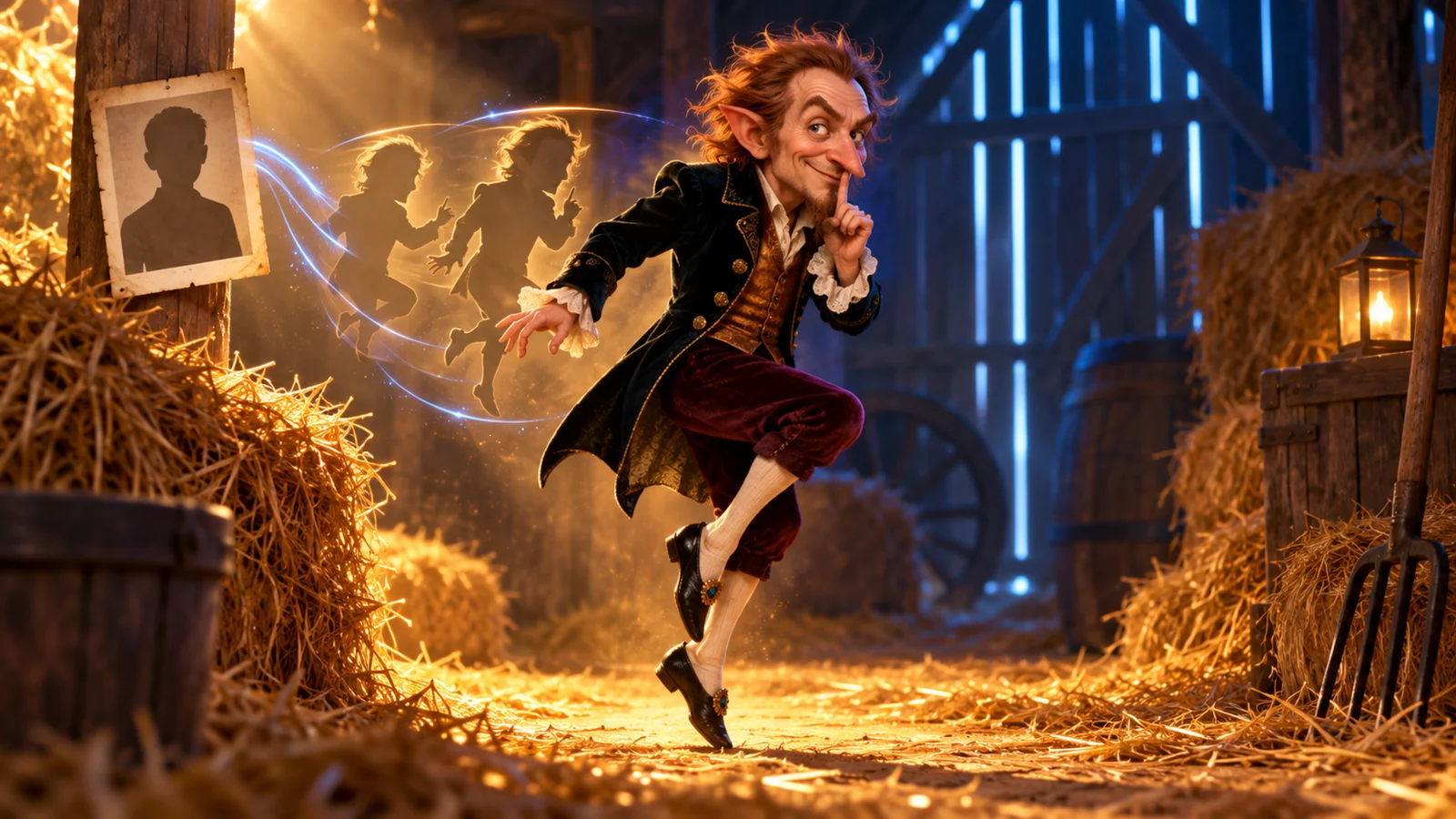
Wan 2.6-T2V (text-to-video) supports flexible duration options of 5, 10, or 15 seconds, enabling richer narratives with more complete scene development. The model introduces multi-shot storytelling capabilities via API controls (using shot_type=multi when prompt_extend=true) to help maintain character consistency across shot changes. Character identity, clothing, and environmental details remain more consistent throughout the generated sequence, addressing a common limitation in earlier versions where longer videos suffered from visual drift.
Reference-Based Video Generation
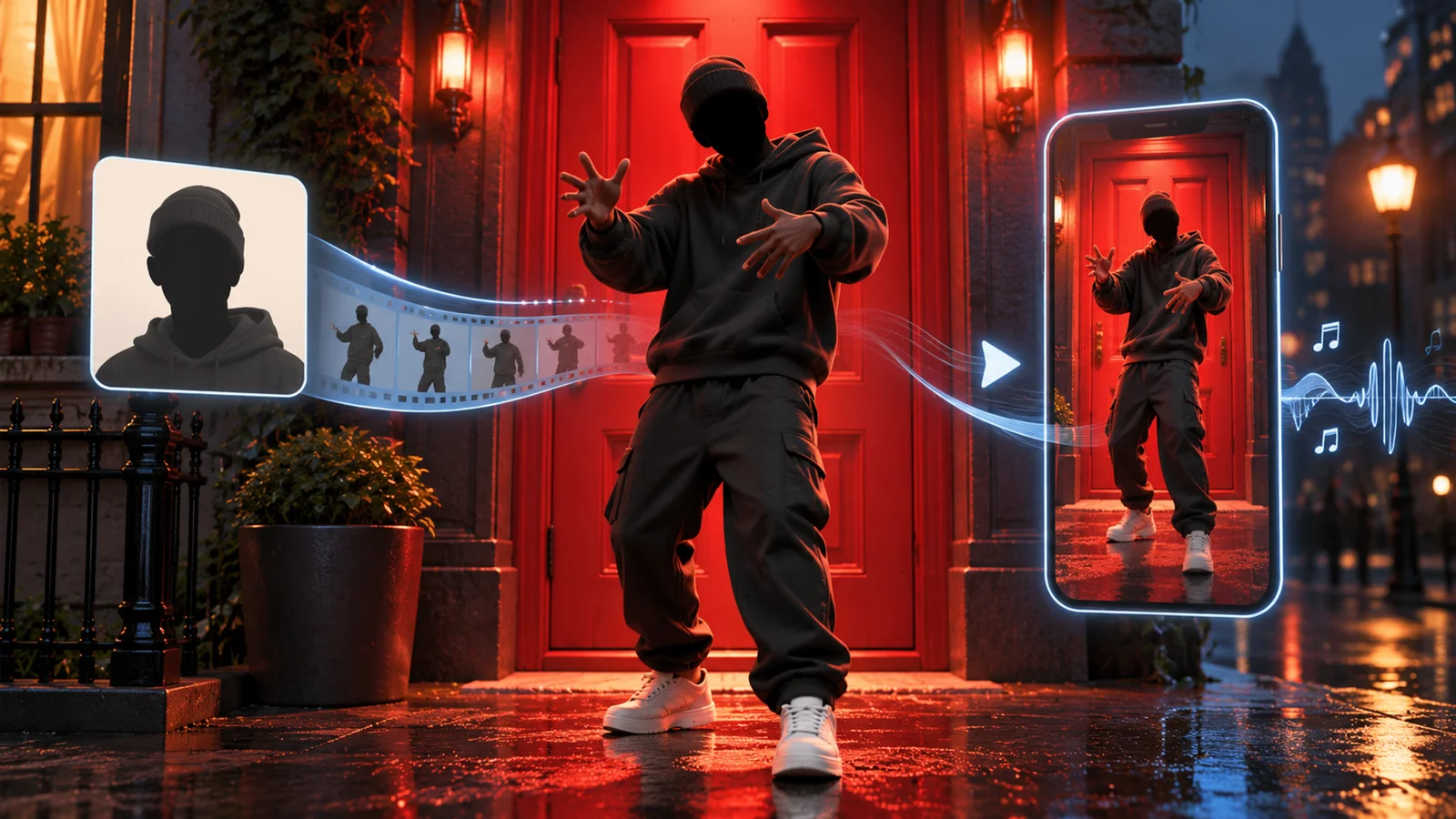
Wan 2.6-R2V (reference-to-video) allows users to upload personal videos to maintain appearance and voice characteristics in newly generated content. This feature uses the character and voice cues from reference footage to keep consistency throughout the generated video, supporting both single-character and dual-character storytelling. The API currently supports 5 or 10-second durations for reference-based generation. When creating prompts, you should refer to subjects using documented placeholders (e.g., character1, character2) to ensure proper character mapping.
Native Audio-Visual Synchronization
Wan 2.6 improves audio-visual synchronization, supporting video generation with integrated audio features. The model can output videos with auto-added audio or use user-provided audio URLs as input for generation. When audio duration exceeds the selected video length (5/10/15 seconds), the system applies documented truncation rules. The API supports multi-person dialogue scenarios and reference voice features, helping create more expressive narratives with better alignment between audio and visual elements.
Enhanced Visual Quality and Motion Stability
Wan 2.6 delivers improved visual quality and smoother motion rendering compared to previous versions. The model generates more stable frame-to-frame transitions, helping reduce visual artifacts during movement and camera motion. Color consistency is better maintained across shot transitions, contributing to more professional-looking output. These improvements support the creation of richer narratives with enhanced overall visual coherence.
Advanced Input Understanding
The model's prompt interpretation supports complex multi-clause instructions, including sequential actions ("character walks to door, opens it, then waves"), camera movement directives ("dolly zoom while panning left"), and atmospheric cues ("film noir lighting with rain"). Wan 2.6 can recognize spatial relationships between multiple characters and objects, helping to place elements according to descriptive instructions like "foreground," "background," or "left of frame." Clear, well-structured prompts typically yield better results.
Pricing & Plans
Wan 2.6 is available through Alibaba Cloud Model Studio with usage-based pricing:
Alibaba Cloud Model Studio (Wan 2.6)
- Pricing Model: Pay-per-second billing based on video duration (5/10/15 seconds) and resolution (720P/1080P)
- Free Quota: Varies by region; check Model Studio documentation for your specific location
- Access: API integration via Model Studio or wan.video website
- Generation Time: Asynchronous processing, typically 1–5 minutes depending on queueing and service status
- Result Retention: Video links and task_id valid for 24 hours after generation
- Commercial Use: Subject to Alibaba Cloud Model Studio terms of service
Enterprise Solutions
- Custom Deployment: Alibaba Cloud offers managed infrastructure with SLA guarantees
- API Access: Usage-based billing for integration into commercial applications
- Contact: Pricing available upon request through Alibaba Cloud sales
Note on Open-Source Alternatives
- Earlier Wan versions (e.g., Wan 2.2) have been released under Apache 2.0 license and are available for self-hosting via Hugging Face or ModelScope
- Wan 2.6 focuses on cloud-based access through Model Studio rather than open-source distribution
- For video editing workflows, Alibaba Cloud also provides a separate Wan unified video editing model (Wan-VACE) via Model Studio
Best For
- Social media creators producing vertical 15-second clips for TikTok, Reels, or YouTube Shorts with integrated audio-visual content
- Marketing teams needing ad-ready product promos or explainer videos without traditional video production budgets
- Indie filmmakers using multi-shot previsualization for storyboarding and pitch materials before live-action shoots
- E-commerce businesses generating product demonstrations, 360° spins, or lifestyle clips at scale through API integration
- Content localization teams creating video variants with audio-visual synchronization for different markets (test language compatibility for your specific needs)
- Developers and businesses building custom video generation workflows through cloud-based API integration without infrastructure management
FAQ
How does Wan 2.6 compare to Runway Gen-3 or Pika 1.5?
Wan 2.6 text-to-video supports up to 15 seconds, matching Runway Gen-3's duration capability and exceeding Pika 1.5's shorter limits. The multi-shot storytelling feature helps maintain consistency across shot transitions, a valuable capability for narrative content. Wan 2.6 operates through cloud-based API access with usage-based pricing, while Runway uses a subscription model. Visual quality is competitive for well-structured prompts, though different models may excel in different creative styles. The choice between them often depends on specific project requirements, budget constraints, and preferred access methods (API integration vs. web interface).
Can I use Wan 2.6 for commercial projects?
For Wan 2.6 accessed through Alibaba Cloud Model Studio or wan.video, commercial use is subject to Alibaba Cloud's Model Studio terms of service and applicable usage fees. Review the service agreement and pricing structure for your specific use case. Generated videos are subject to the platform's content policies and usage terms.
Note that earlier Wan versions (like Wan 2.2) released under Apache 2.0 license do permit commercial use with proper attribution when self-hosted, but Wan 2.6 specifically is delivered through cloud services with their own commercial terms rather than as an open-source release.
What hardware do I need to run Wan 2.6?
Wan 2.6 is delivered through cloud-based APIs (Alibaba Cloud Model Studio and wan.video), eliminating the need for local hardware. Video generation is handled on Alibaba's infrastructure with asynchronous processing that typically takes 1–5 minutes, depending on queueing and service status. You only need a stable internet connection and API credentials to access the service.
If you're interested in self-hosting video generation models, earlier Wan versions (like Wan 2.2) are available as open-source releases under Apache 2.0 license and can be deployed locally with appropriate GPU hardware, but note that these are different versions with different capabilities than Wan 2.6.
Does the audio-visual sync work in languages other than English?
Alibaba's official documentation describes improved audio-visual synchronization capabilities in Wan 2.6, including support for multi-person dialogue and reference voice features. However, the public documentation does not specify detailed language-by-language lip-sync accuracy metrics or provide an official list of supported languages.
For specific language requirements, it's recommended to test with your target language using the API's audio features (auto-added audio or user-provided audio URL) and evaluate the synchronization quality for your particular use case. Performance may vary depending on the language, audio quality, and complexity of the dialogue.
Can I edit the generated videos or combine multiple outputs?
Wan 2.6 focuses on video generation; for editing workflows, Alibaba Cloud provides a separate Wan unified video editing model (Wan-VACE) via Model Studio that can perform various video generation and editing tasks. For combining or trimming Wan 2.6 outputs, you can use standard video editing software (DaVinci Resolve, Premiere Pro, FFmpeg) after downloading the generated results.
Remember that generated video links are valid for only 24 hours, so download your results promptly. When creating multi-shot projects, carefully plan your prompts and consider using consistent reference videos across generations to maintain continuity in character appearance and scene aesthetics.