
12 Best AI Accounting Software 2026 — Real Costs Behind the Automation
Verified pricing and honest limitations for 12 AI accounting tools. From QuickBooks' promotional traps to Zeni's $549/month surprise — what demo calls won't tell you.

On this page
Month-end close was supposed to take two days. Instead, your bookkeeper spent a week chasing down miscategorized transactions, re-reconciling bank feeds that broke overnight, and manually matching invoices your "AI-powered" accounting tool swore it could handle automatically. Meanwhile, the renewal quote just landed — 40% higher than last year — and the sales rep insists the AI features you actually need are locked behind an enterprise tier that costs more than your accountant's salary. Choosing the wrong AI accounting platform doesn't just waste software budget; it creates a parallel workstream of fixing what the automation broke.
To map capabilities, workflows, integrations, and the wider market without rankings, browse the AI Accounting Software category landscape.
We evaluated 25 AI accounting tools across five weighted dimensions — functionality, user experience, innovation, value for money, and verified user feedback — then narrowed the field to 12 that consistently deliver for small businesses, growing companies, and accounting firms. This guide covers full-stack AI accounting platforms, AP/AR automation specialists, AI-native bookkeeping services, and expense management tools with accounting layers, with real pricing breakdowns and honest limitations sourced from G2, Reddit, Capterra, and verified user reports.
For teams focused specifically on automated bookkeeping workflows, our best AI bookkeeping software guide covers that narrower use case in depth.
| Tool | Best For |
|---|---|
| QuickBooks Online | Small businesses wanting the most complete AI accounting suite |
| Xero | Growing businesses needing unlimited users with clean AI UX |
| Zoho Books | Budget-conscious SMBs already in the Zoho ecosystem |
| BILL | Finance teams automating AP/AR workflows at scale |
| Zeni | Startups wanting AI bookkeeping with a dedicated finance team |
| Finaloop | E-commerce brands needing real-time automated accounting |
| FreshBooks | Freelancers and service businesses prioritizing ease of use |
| Dext | Accounting firms managing receipt capture across many clients |
| Puzzle | Startups needing AI-native continuous close accounting |
| Docyt | Multi-location businesses automating back-office accounting |
| Stampli | Mid-market teams needing AI-powered invoice processing |
| Ramp | Companies wanting free expense management with accounting automation |
How We Selected and Tested
We started with 30 candidates identified through G2 rankings, Capterra reviews, accounting industry publications, and Reddit discussions in r/accounting and r/smallbusiness. After removing pure ERP systems, payment-only processors, and tax-filing-only tools without meaningful accounting capabilities, we evaluated 25 tools against measurable criteria: active AI feature development within the past 90 days, publicly verifiable pricing or documented enterprise contact process, English-language support, and availability in US/Canada/UK/EU markets.
Our research methodology combined multiple data sources to ensure accuracy. We analyzed official product documentation, pricing pages, and help center content, cross-referenced user reviews from G2, Capterra, and Reddit, and tracked pricing model changes that occurred between January and March 2026. This multi-source approach helped identify discrepancies between marketing claims and actual user experiences — particularly around AI categorization accuracy, hidden per-transaction fees, and integration limitations that don't appear on feature comparison pages.
Evaluation Dimensions: We evaluated each tool across 5 dimensions, weighted to reflect what SMB owners and accounting professionals actually care about when choosing accounting software:
- Functionality (25%) — AI transaction categorization accuracy, bank feed reliability, multi-entity support, reporting depth, and tax preparation readiness
- User Experience (25%) — Onboarding friction, reconciliation workflow quality, mobile access, and learning curve for non-accountants
- Innovation (20%) — AI automation depth (auto-categorization, anomaly detection, predictive cash flow), continuous close capabilities, and update cadence
- Value for Money (20%) — Free tier usefulness, pricing transparency, per-user vs. flat-rate economics, hidden transaction fees, and cost predictability at scale
- User Feedback (10%) — Verified reviews from G2, Capterra, Reddit sentiment, and industry analyst reports
Note on Testing Scope: We conducted hands-on evaluation of free tiers and trial periods where available. For enterprise-only tools with no self-serve signup (Stampli, Zeni), we relied on official documentation, demo videos, verified user reports, and published case studies. Pricing was verified against official pricing pages between March 29 – April 2, 2026.
Transparency & Limitations: All information comes from official sources and credible third-party platforms — we don't fabricate ratings, rankings, or performance claims. AI accounting tools update frequently; pricing and features may have changed since our research cutoff. Several tools (QuickBooks, FreshBooks) run aggressive promotional pricing that makes sticker prices misleading — we list regular prices throughout.
Top 12 AI Accounting Software Compared
The AI accounting software landscape in 2026 falls into four categories: full-stack AI accounting platforms (QuickBooks Online, Xero, Zoho Books, FreshBooks), AP/AR automation specialists (BILL, Stampli, Ramp), AI-native bookkeeping services (Zeni, Finaloop, Puzzle), and accounting workflow tools (Dext, Docyt). The biggest differentiators are pricing model (per-user vs. flat-rate vs. revenue-based), AI automation depth (basic categorization vs. continuous close), and whether you need a complete general ledger or a specialized automation layer on top of existing accounting software.
| Tool | Best For | Pricing | Free Tier | AI Depth | Platform |
|---|---|---|---|---|---|
| QuickBooks Online | Full-stack SMB accounting | $20–$275/mo | No (30-day trial) | Intuit Intelligence | Web, iOS, Android |
| Xero | Unlimited-user accounting | $25–$90/mo | No (30-day trial) | Just Ask Xero AI | Web, iOS, Android |
| Zoho Books | Budget SMB accounting | Free–$275/mo | Yes (free plan) | Zia search + workflow automation | Web, iOS, Android |
| BILL | AP/AR automation | $0 Spend & Expense; AP/AR per-user; Enterprise custom | Yes (Spend & Expense) | AI invoice processing | Web |
| Zeni | AI + human bookkeeping | From $549/mo; custom available | No | AI bookkeeping + finance team | Web |
| Finaloop | E-commerce accounting | From $65/mo | No | Real-time auto-bookkeeping | Web |
| FreshBooks | Freelancer accounting | $23–$70/mo | No (30-day trial) | AI categorization | Web, iOS, Android |
| Dext | Receipt capture & prep | From $25/mo; custom for firms | No (trial available) | AI data extraction | Web, iOS, Android |
| Puzzle | Startup continuous close | Free–$150+/mo | Yes (first $20K in txns) | AI close automation | Web |
| Docyt | Multi-location accounting | From $299/mo | No | AI workflow automation | Web, mobile |
| Stampli | Invoice AP automation | Custom | No | Billy the Bot AI | Web |
| Ramp | Expense + accounting | $0 or $15/user/mo + platform fee | Yes (free plan) | AI categorization + close | Web, mobile |
Detailed Reviews
QuickBooks Online

You picked QuickBooks because everyone said it was the safe choice — but now you're staring at five pricing tiers, wondering which one actually includes the AI features your accountant keeps asking about, and whether that 50%-off promotional rate will double when it expires in three months.
Key Features
-
Intuit Intelligence — QuickBooks' AI layer adds natural-language chat, setup guidance, and plan-specific intelligence features including Accounting AI, Payments AI, and Finance AI. Ask questions like "What were my top expenses last quarter?" and get answers with visualizations. Unlike competitors that limit AI to categorization, Intuit Intelligence generates custom reports, identifies anomalies, and suggests cash flow optimizations across your entire book of accounts.
-
Smart Categorization with Learning — Automatically categorizes transactions using machine learning that improves with your corrections. The system learns from how you categorize income and expenses and automatically matches similar transactions over time, significantly reducing manual reconciliation work.
-
Live Bookkeeping Add-on — Pairs AI automation with human bookkeepers for month-end close review. This hybrid approach catches edge cases that pure AI misses — particularly important for businesses with complex revenue recognition or multi-state tax obligations.
-
Ecosystem Depth — Integrates with 750+ third-party apps including payroll, inventory, POS, and e-commerce platforms. The breadth of integrations means most businesses can run their entire financial operations stack without leaving QuickBooks.
Pricing & Plans
- Solopreneur: $20/month — income and expense tracking, mileage, basic reports
- Simple Start: $38/month — 1 user, invoicing, payment acceptance, basic accounting
- Essentials: $75/month — 3 users, bill management, time tracking
- Plus: $115/month — 5 users, inventory tracking, project profitability
- Advanced: $275/month — 25 users, business analytics, batch invoicing, custom roles
TCO Note: QuickBooks regularly offers 50% off or 30-day free trials for new subscribers. When budgeting, use the regular price — promotional rates expire after 3 months and renewal at full price catches many businesses off guard. Payroll, time tracking, and live bookkeeping are separately billed add-ons that can double your effective monthly cost.
Limitations
- Promotional pricing creates a false sense of affordability — the jump from $19/month (promo) to $38/month (regular) for Simple Start surprises many businesses at renewal, and there's no grandfathering of promotional rates.
- Advanced features like custom roles, batch invoicing, and detailed analytics are locked behind the $275/month Advanced tier, making the platform feel artificially segmented for growing businesses.
- The product has accumulated significant complexity over two decades — new users frequently report that finding specific settings or reports requires searching help articles rather than intuitive navigation.
Best For
QuickBooks Online fits small-to-medium businesses (1-25 employees) that want the safest, most ecosystem-rich accounting platform with increasingly capable AI features. Not the right fit if you need unlimited users without per-seat pricing (look at Xero), or if you're a startup wanting AI-native continuous close (look at Puzzle or Zeni).
Get started with QuickBooks Online


Your team just hit the user limit on your current accounting tool and the vendor wants $15/month per additional seat — multiplied across your 12-person team, that's $180/month just for the privilege of letting people view reports they need to do their jobs.
Key Features
-
Unlimited Users on Every Plan — Every Xero plan includes unlimited users at no extra cost. For teams where multiple people need access — managers approving expenses, project leads checking budgets, accountants running reports — this eliminates the per-seat cost anxiety that plagues QuickBooks and FreshBooks.
-
Just Ask Xero (JAX) AI — Xero's AI assistant handles natural language queries about your financial data, generates insights, and automates routine categorization. JAX answers business questions, surfaces charts and tables, and helps create invoices and quotes — reducing manual categorization work as the AI learns your patterns over time.
-
Bank Reconciliation Flow — Xero's reconciliation interface is consistently rated the best in class. AI suggests matches, learns from your patterns, and handles multi-currency transactions natively — a significant advantage for businesses with international operations.
-
Xero App Marketplace — Over 1,000 integrations cover payroll, inventory, CRM, and industry-specific workflows. The open API ecosystem means accountants can build custom workflows without vendor lock-in.
Pricing & Plans
- Early: $25/month — 20 invoices and 5 bills/month, basic features
- Growing: $55/month — unlimited invoices and bills, bulk reconciliation
- Established: $90/month — multi-currency, advanced reporting, expense claims, project tracking
TCO Note: Xero's pricing is straightforward — no per-user charges, no hidden transaction fees. The main cost trap is the Early plan's invoice and bill limits, which force growing businesses to upgrade sooner than expected. Payroll is a separate add-on in most regions. Xero currently advertises 80% off for the first 3 months, with a one-month-free option in some signup flows.
Limitations
- The Early plan's strict 20-invoice/5-bill monthly limit makes it unusable for most real businesses — it's essentially a trial tier marketed as a plan, and nearly everyone needs Growing ($55/month) or higher.
- Inventory management is basic compared to QuickBooks Plus — businesses with complex inventory needs (assembly, batch tracking) will need a third-party integration.
- US market support and ecosystem, while improved, still trails QuickBooks in payroll integrations and tax preparation tools specific to US compliance requirements.
Best For
Xero fits growing businesses (5-50 employees) where multiple team members need financial visibility without per-seat cost penalties. Particularly strong for businesses with international operations thanks to native multi-currency support. Not the right fit if you need deep US payroll and tax integration out of the box (QuickBooks handles this better), or if you're a solo freelancer who only needs basic invoicing.
Get started with Xero

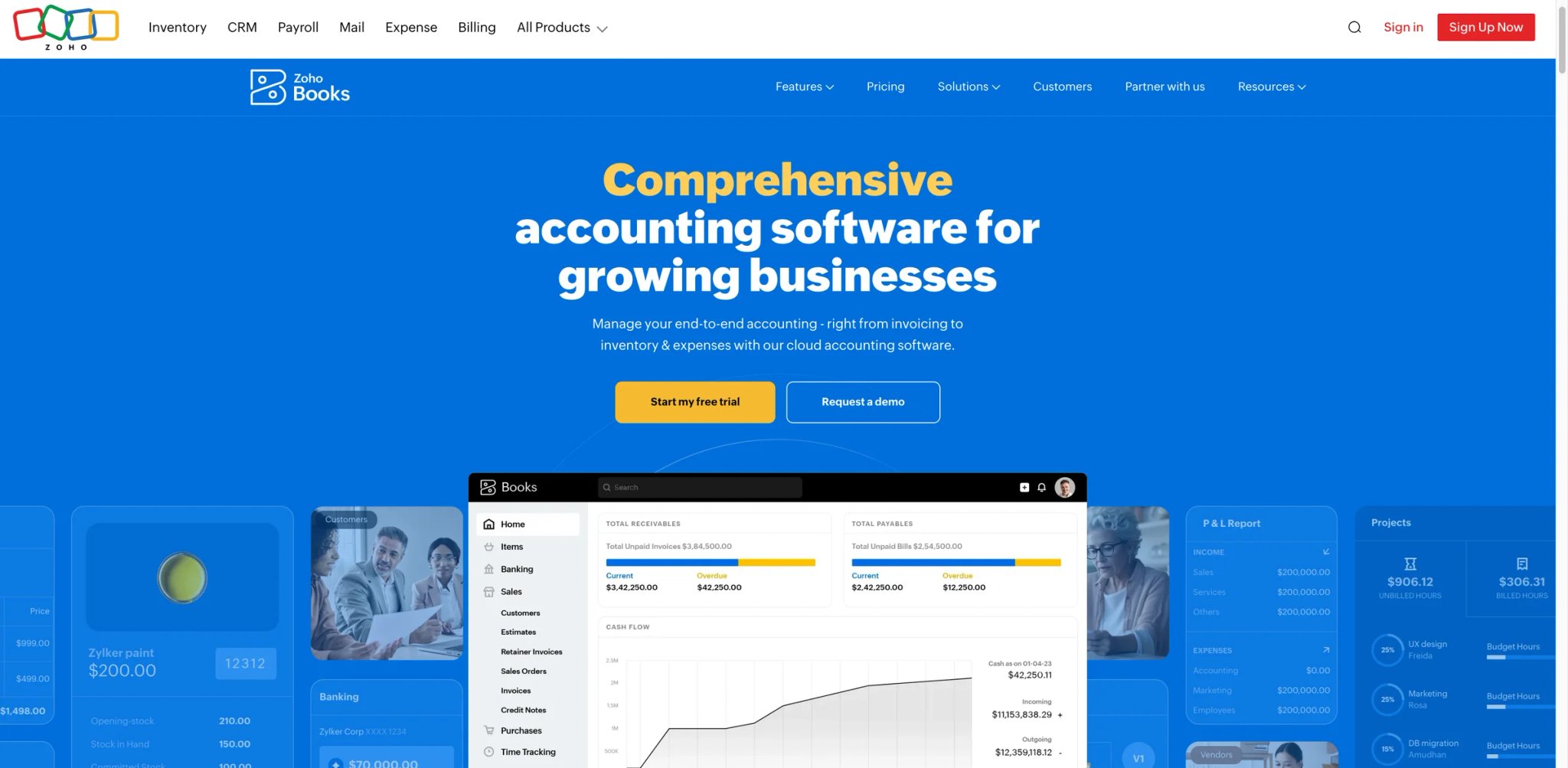
You're running a 10-person company on spreadsheets and free tools, and every accounting platform you've evaluated costs more than your entire software budget — or worse, requires a credit card just to see if it actually works with your workflow.
Key Features
-
Genuine Free Plan — Zoho Books offers a truly usable free tier: 2 users, 1,000 invoices/year, bank feeds, and basic reporting. Unlike "free trials" that expire, this plan runs indefinitely — enough for micro-businesses and freelancers to run real accounting without paying anything.
-
Zia-Powered Search and Workflow Automation — Zoho Books uses Zia-powered search across your financial data, plus separate automation features for bank reconciliation, transaction rules, and forecasting. While Zia handles search and basic queries well, workflow automation and categorization rules are configured as distinct product capabilities rather than a single AI assistant.
-
Zoho Ecosystem Integration — If you're already using Zoho CRM, Zoho Inventory, or Zoho People, Books connects natively without third-party middleware. Data flows between apps automatically — a sales deal closed in CRM generates an invoice in Books without manual entry.
-
Automation Rules Engine — Create custom workflow automations without code: auto-categorize transactions based on vendor rules, send payment reminders on schedules, and trigger approval workflows for expenses above thresholds. More flexible than QuickBooks' automation but requires more setup effort.
Pricing & Plans
- Free: $0 — 1 user + 1 accountant, 1,000 invoices/year, bank feeds, email support (businesses under $50K annual revenue)
- Standard: $20/month — 3 users, 5,000 invoices/year, recurring bills, bank rules
- Professional: $50/month — 5 users, 10,000 invoices/year, purchase orders, multi-currency, approvals
- Premium: $70/month — 10 users, 25,000 invoices/year, budgeting, vendor portal, custom modules
- Elite: $150/month — 10 users, advanced inventory with serial/batch tracking, warehouse features
- Ultimate: $275/month — 15 users, advanced analytics and KPI reporting
TCO Note: Additional users are still low-cost compared with competitors, but the free plan is more limited than it appears — it requires annual revenue below $50K and includes only 1 user plus 1 accountant. The trade-off on paid plans is a smaller integration ecosystem outside the Zoho suite.
Limitations
- Feature depth outside the Zoho ecosystem drops significantly — third-party integrations exist but are less polished than QuickBooks or Xero marketplace apps, and some critical integrations (certain US payroll providers) are missing entirely.
- AI capabilities are less advanced than competitors — Zia handles basic categorization and queries well, but lacks the predictive analytics depth of Intuit Assist or the continuous close automation of Puzzle.
- The sheer number of Zoho products creates navigation confusion — new users report difficulty understanding which Zoho app handles which function, especially the overlap between Zoho Books, Zoho Invoice, and Zoho Expense.
Best For
Zoho Books fits budget-conscious small businesses (1-15 employees) that want genuine accounting software without premium pricing — especially those already using other Zoho products. Not the right fit if you need deep third-party integrations outside the Zoho ecosystem, or if your accounting complexity requires enterprise-grade AI automation.
Get started with Zoho Books

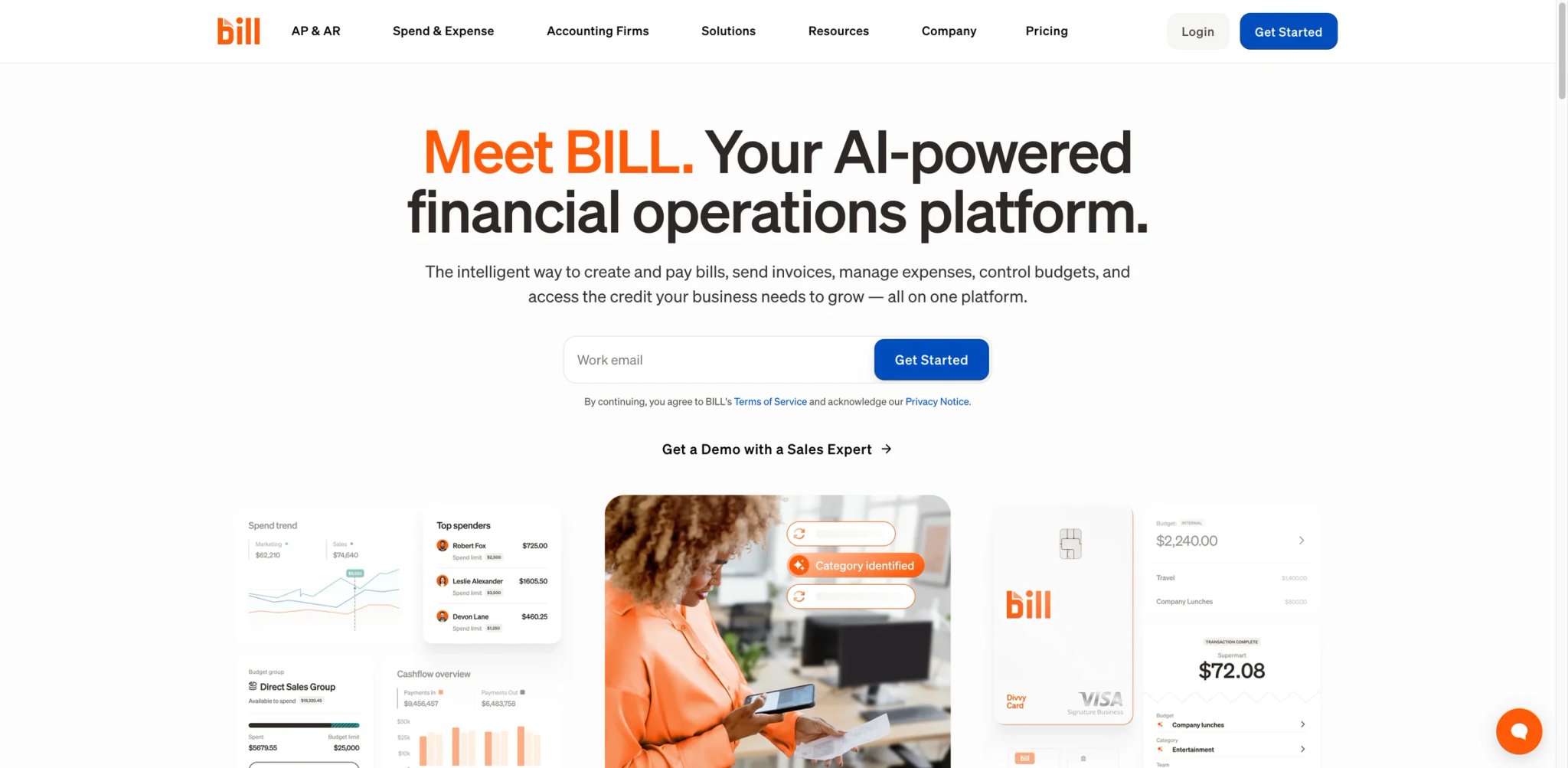
Your accounts payable team is drowning in paper invoices, email approvals that get lost in inboxes, and duplicate payments that nobody catches until the quarterly audit. The manual three-way matching process takes days, and every delayed payment costs you early-payment discounts or strains vendor relationships.
Key Features
-
AI-Powered Invoice Processing — BILL's AI extracts data from invoices regardless of format — PDF, email, even photographed paper documents — and automatically matches them against purchase orders and receiving documents. The AI improves with each correction, with accuracy improving as the AI learns from your correction patterns.
-
Multi-Step Approval Workflows — Design approval chains based on amount thresholds, departments, or GL codes. Approvers get mobile notifications and can approve with one tap, reducing the average approval cycle from 5 days to under 24 hours.
-
Accounts Receivable Automation — Beyond AP, BILL automates the AR side: send invoices, accept ACH and card payments, and automatically match incoming payments to outstanding invoices. The bidirectional automation means your team isn't juggling separate tools for money going out vs. coming in.
-
Free Spend & Expense Platform — BILL's corporate card and expense tracking platform is genuinely free — no monthly fees, no per-user charges. You get physical and virtual cards with built-in budgets, receipt capture, and automated expense categorization that syncs directly to your accounting software.
Pricing & Plans
- Spend & Expense: $0 — corporate cards, budgets, expense management, spend controls
- AP/AR Direct Plans: Essentials, Team, and Corporate — per-user pricing, with Enterprise/custom packaging for larger organizations
- Accountant Console: $49/month — multi-client management and partner tooling for accounting firms
TCO Note: Payment fees vary by method: $0.59 for ACH/ePayment on certain receiver transactions, $11.99 for Pay Faster ACH, $19.99 for international USD wires, and 2.9% for credit card payments. A team processing 500 ACH payments/month adds $295/month on top of subscription costs. International payments in local currencies carry no wire fees — a genuine advantage for global AP operations. Request a current quote for exact per-seat AP/AR pricing.
Limitations
- Per-user pricing becomes expensive for larger teams — a 10-person finance team on the Team plan costs $550/month before transaction fees, making it difficult to justify for organizations where only 2-3 people actively process invoices.
- Integration with some mid-market ERPs requires significant configuration effort, and the sync can lag, creating temporary discrepancies between BILL and your general ledger that require manual reconciliation.
- The platform has expanded rapidly through acquisitions (Divvy, Invoice2go), and the product experience across these sub-products isn't fully unified — users sometimes need to navigate between different interfaces for related tasks.
Best For
BILL fits finance teams (3-25 people) at companies processing 100+ invoices monthly that need to automate AP/AR workflows and reduce payment cycle times. Particularly strong for companies with complex approval chains and international vendor payments. Not the right fit if you need a complete general ledger (BILL is an automation layer, not a replacement for QuickBooks/Xero), or if you're a solo operator who only processes a handful of bills monthly.
Get started with BILL
Zeni
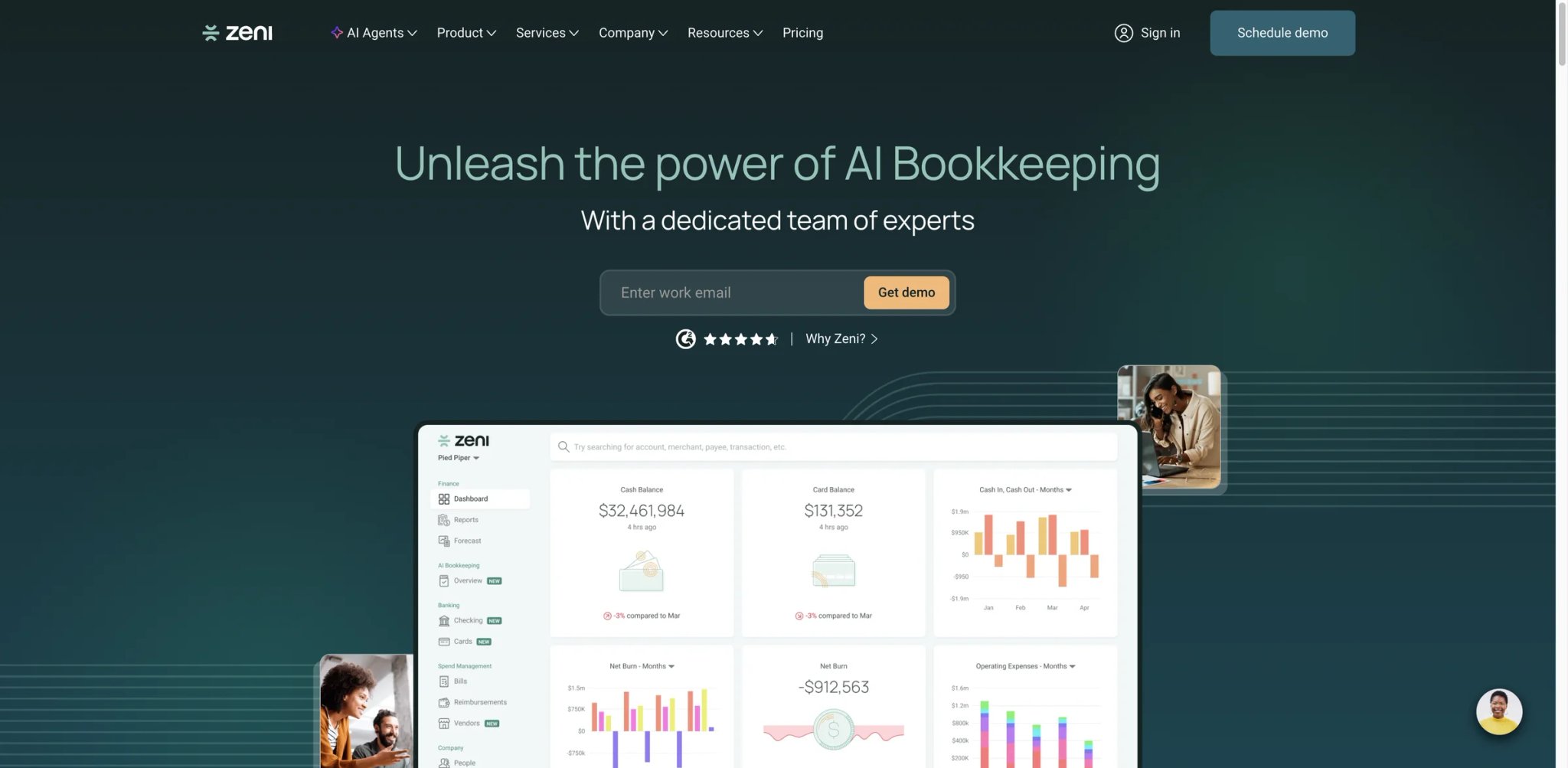
You're a Series A startup burning $200K/month, your part-time bookkeeper is three weeks behind on reconciliation, your board meeting is in ten days, and you just realized your books have been wrong for two months because nobody caught a miscategorized vendor payment that cascaded through your P&L.
Key Features
-
AI + Human Hybrid Bookkeeping — Zeni pairs AI-powered transaction processing with a dedicated human finance team. The AI handles daily categorization, reconciliation, and anomaly detection, while CPAs review edge cases and prepare month-end packages. This eliminates the "garbage in, garbage out" problem that plagues pure-AI bookkeeping tools.
-
Real-Time Financial Dashboard — Unlike traditional bookkeeping services that deliver monthly reports, Zeni provides a live dashboard showing your cash position, burn rate, runway, and P&L — updated daily. For startups preparing for fundraising, this means always-current financials without the month-end scramble.
-
Bill Pay and Reimbursements — Integrated AP processing lets you approve and pay vendor bills directly within Zeni, with AI-powered categorization and multi-level approval workflows. Reimbursements flow through the same system, eliminating the need for separate expense tools.
-
Dedicated Finance Team — Each Zeni client gets an assigned bookkeeper and account manager who understand your business context. When something unusual hits your books — a large refund, a new revenue stream, a complex prepaid expense — humans intervene intelligently instead of miscategorizing silently.
Pricing & Plans
- Starting at $549/month — for pre-revenue and early-stage startups
- Upper published range: Up to $719/month based on official Zeni comparison content
- Custom pricing — available for larger or more complex companies
TCO Note: Zeni does not currently publish a clean self-serve plan grid with named tiers. The comparison isn't apples-to-apples with DIY tools — Zeni replaces both your accounting software subscription and your bookkeeper's salary or outsourced bookkeeping service ($500-$2,000/month). Confirm the current package structure, onboarding scope, and any add-ons through a live quote before committing.
Limitations
- The $549/month minimum is prohibitive for bootstrapped businesses and solo operators — this is startup pricing, not small business pricing, and there's no entry-level tier for companies that just need basic bookkeeping automation.
- You're dependent on Zeni's team and processes — if you want to change how transactions are categorized or adjust your chart of accounts, you're requesting changes through their team rather than doing it yourself, which can feel slow for hands-on founders.
- Limited customization of reporting formats — Zeni's dashboard and reports follow a standard startup-focused template that works well for most VC-backed companies but may not match the specific reporting requirements of industry-specific businesses.
Best For
Zeni fits venture-backed startups ($1M-$50M revenue) that need accurate, always-current financials without hiring an in-house accounting team. Particularly valuable during fundraising when investors expect clean, real-time books. Not the right fit if you're bootstrapped and budget-conscious (look at Zoho Books or QuickBooks), or if you need full control over your accounting processes and chart of accounts.
Get started with Zeni
Finaloop

You're running a Shopify store doing $2M/year across three sales channels, and your bookkeeper still can't explain why your bank balance doesn't match your accounting records — because nobody can track the COGS adjustments, marketplace fees, refunds, and chargebacks that flow through eight different platforms every day.
Key Features
-
Real-Time E-Commerce Bookkeeping — Finaloop connects to your sales channels (Shopify, Amazon, Walmart), payment processors (Stripe, PayPal), and banks to automatically reconcile every transaction in real time. No more waiting until month-end to discover that your books are off by $15,000 because of uncategorized marketplace fees.
-
Automated COGS and Inventory Tracking — Calculates cost of goods sold automatically based on actual purchase costs, landed costs, and inventory movements across channels. For e-commerce brands juggling multiple suppliers and fulfillment centers, this eliminates the manual spreadsheet reconciliation that typically takes 10-20 hours per month.
-
Tax-Ready Financials — Generates GAAP-compliant financial statements designed for tax filing and audit readiness. Finaloop positions its output as tax-ready, meaning your CPA receives clean, categorized books rather than a pile of bank statements to sort through — reducing the back-and-forth during tax season.
-
Multi-Channel Revenue Reconciliation — Automatically breaks down revenue, fees, refunds, and adjustments by channel and payment processor. When your Amazon payout doesn't match your expected revenue, Finaloop shows exactly where the discrepancy comes from.
Pricing & Plans
- Starting at $65/month for smaller businesses
- Revenue-based pricing scales with your business size
- One-time implementation fee for initial setup and historical data migration
TCO Note: Finaloop's pricing scales with projected revenue, which creates unpredictability for rapidly growing brands. A business growing from $1M to $5M revenue may see pricing increase significantly mid-contract. Clarify pricing tiers and growth triggers before signing, and negotiate annual rate locks if possible.
Limitations
- Deeply specialized for e-commerce — if your revenue doesn't come primarily from online retail channels, most of Finaloop's automation advantages don't apply, and you're paying a premium for capabilities you don't use.
- Limited customization of chart of accounts and bookkeeping logic — you can't add custom journal accounts or deeply modify how transactions are categorized, which frustrates businesses with non-standard accounting requirements.
- Revenue-based pricing creates cost uncertainty for high-growth brands — your accounting costs scale with revenue even if your transaction complexity doesn't change proportionally.
Best For
Finaloop fits e-commerce brands ($500K-$50M revenue) selling across multiple channels that need automated, real-time bookkeeping without hiring a specialized e-commerce accountant. Particularly strong for Shopify-native brands with complex multi-channel operations. Not the right fit if you're a service business, SaaS company, or any non-e-commerce operation — the platform's entire value proposition is built around retail transaction reconciliation.
Get started with Finaloop

You're a freelance consultant who bills 8 clients monthly, and you just spent an entire Sunday evening creating invoices in a spreadsheet, manually calculating late fees, and trying to figure out which clients have actually paid — all because your previous "simple" accounting tool turned out to require an accounting degree to operate.
Key Features
-
Invoicing That Feels Effortless — FreshBooks was built invoicing-first, and it shows. Create professional invoices in under 60 seconds with automated payment reminders, late fee calculation, and online payment acceptance. Clients can pay directly from the invoice via credit card or ACH, and the payment auto-reconciles in your books.
-
AI Expense Categorization — Snap a photo of a receipt, and FreshBooks extracts the vendor, amount, and date, then categorizes it based on your historical patterns. The AI learns your preferences over time — after the first month, most recurring expenses are categorized correctly without manual intervention.
-
Time Tracking to Invoice Pipeline — Built-in time tracking lets you log hours against projects and clients, then convert tracked time directly into line items on invoices. For consultants and agencies billing hourly, this eliminates the gap between work performed and revenue captured.
-
Client Portal — Clients get their own view of outstanding invoices, payment history, and project details. This self-service approach reduces the "Can you resend that invoice?" emails that consume disproportionate amounts of freelancer time.
Pricing & Plans
- Lite: $23/month — 5 clients, unlimited invoices, expense tracking, time tracking
- Plus: $43/month — 50 clients, proposals, recurring billing, automatic late fees
- Premium: $70/month — unlimited clients, project profitability, accounts payable
- Select: Custom pricing — dedicated account manager, migration support
TCO Note: FreshBooks charges $11/month per additional team member on self-serve plans, while the Select plan includes two team members. For a 5-person agency on the Plus plan, that's $43 + $44 = $87/month — still competitive but worth calculating. The current public promotion is 70% off for the first 4 months, so budget using the regular price after the promo ends.
Limitations
- Client limits on lower tiers create artificial upgrade pressure — the Lite plan's 5-client cap means any freelancer with moderate client volume immediately needs Plus ($43/month), nearly doubling the cost.
- Accounting depth is intentionally limited — FreshBooks doesn't support complex inventory, purchase orders, or multi-currency accounting at the level QuickBooks or Xero do. It's designed for service businesses, not product companies.
- AI capabilities are narrower than competitors — FreshBooks' AI handles categorization and receipt scanning well but lacks the natural language querying, predictive analytics, or anomaly detection found in QuickBooks or Xero.
Best For
FreshBooks fits freelancers, consultants, and small service businesses (1-10 people) that prioritize invoicing speed and ease of use over accounting depth. The best choice for non-accountants who want their books done without learning accounting concepts. Not the right fit if you sell physical products with inventory, need multi-currency support, or have more than 50 clients on the basic plan.
Get started with FreshBooks
Dext
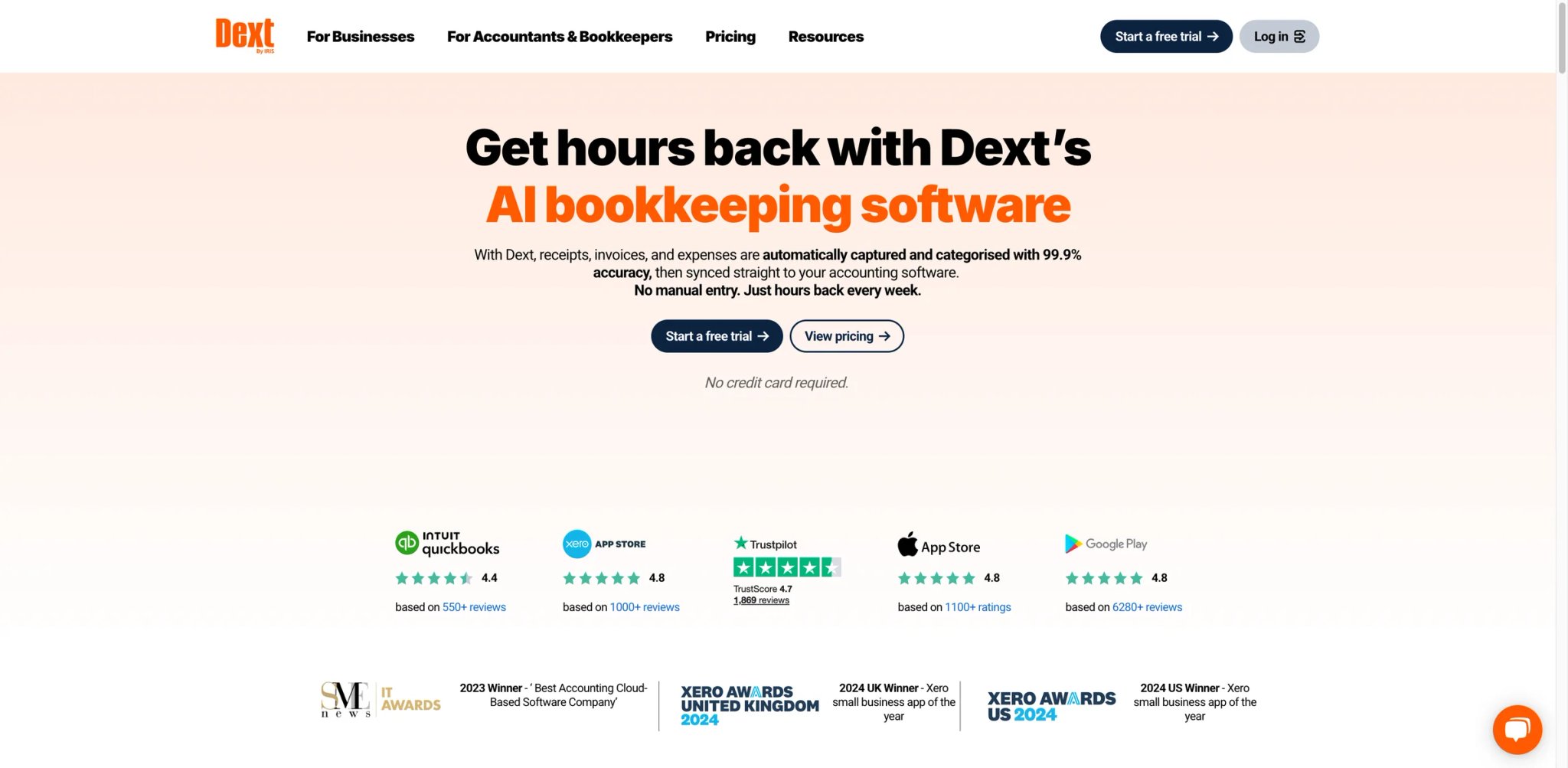
Your accounting firm manages 40 clients, and every month you're chasing receipts through text messages, email forwards, and blurry phone photos — then manually entering each one into your accounting software while praying the numbers are legible.
Key Features
-
AI-Powered Receipt Extraction — Photograph, email, or upload receipts and invoices in any format, and Dext extracts vendor name, date, amount, tax, and line items with high accuracy. The AI handles crumpled receipts, faded thermal paper, and multi-language documents that would stump basic OCR tools.
-
Accounting Software Sync — Direct integration with QuickBooks, Xero, Sage, and other major platforms means extracted data flows directly into the correct accounts without manual re-entry. For accounting firms, this eliminates the double-entry workflow that consumes 30-40% of bookkeeping time.
-
Client Collaboration Portal — Give clients a simple mobile app to photograph and submit receipts. Each client gets their own workspace, and submitted documents automatically route to the correct firm workflow — no more sorting through a shared email inbox.
-
Spend Analytics — AI-powered dashboards show spending patterns across vendors, categories, and time periods. Identify cost anomalies, benchmark supplier pricing, and generate expense reports without manual data aggregation.
Pricing & Plans
- Business: From $25/month — 250 documents, 5 users, basic extraction and sync
- Higher-volume business plans: Custom pricing for larger document volumes
- Accounting practice plans: Custom pricing via Dext's plan builder
- Free trial: Available without payment details
TCO Note: Dext is a data preparation layer, not a standalone accounting system. You'll still need QuickBooks, Xero, Sage, or another GL platform — so budget Dext's cost on top of your existing accounting software subscription. The value equation works when time saved on manual data entry exceeds the subscription cost.
Limitations
- Not a standalone accounting system — Dext captures and prepares data but doesn't do bookkeeping, reconciliation, or financial reporting. You need separate accounting software, making Dext an additional cost rather than a replacement.
- Document volume limits on lower tiers can be constraining for busy businesses — 3,000 documents/month on Premium sounds generous until you count every receipt, invoice, and bank statement.
- Practice plan pricing assumes a minimum of 10 clients, making it expensive for solo practitioners or small firms just starting to build their client base.
Best For
Dext fits accounting firms and bookkeepers managing multiple clients who need to eliminate manual receipt and invoice data entry. Also works for businesses with high transaction volumes that want automated document capture flowing into their existing accounting software. Not the right fit if you need a complete accounting solution (Dext is a data prep layer, not a GL), or if you process fewer than 100 documents monthly.
Get started with Dext
Puzzle
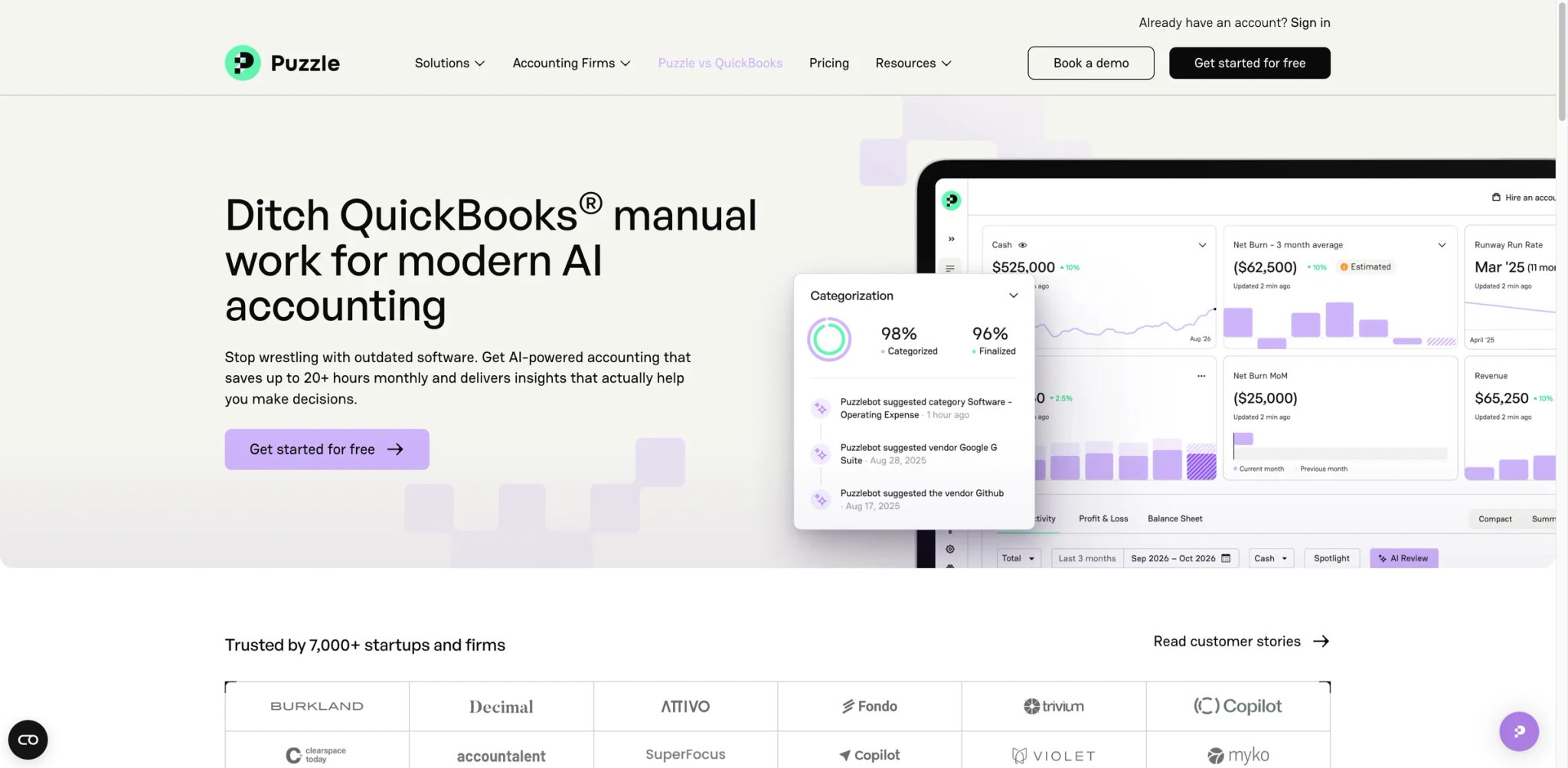
Your startup just closed its Series A, your new investors want GAAP-compliant financials, and your QuickBooks instance looks like it was set up by someone who watched one YouTube tutorial — chart of accounts is a mess, half the transactions are uncategorized, and month-end close takes your fractional CFO two weeks because everything needs manual review.
Key Features
-
AI-Powered Continuous Close — Instead of the traditional month-end close marathon, Puzzle continuously reconciles and categorizes transactions as they happen. The AI flags exceptions in real time rather than accumulating a backlog. Puzzle claims this cuts month-end close time by up to 50%.
-
AI Flux Analysis — Automatically identifies and explains significant changes between periods. When your software expenses spike 40% month-over-month, Puzzle's AI tells you why — a new annual subscription, a pricing increase, or an anomalous charge — without manual investigation.
-
Startup-Optimized Chart of Accounts — Pre-configured chart of accounts designed for VC-backed startups, aligned with investor reporting expectations. This eliminates the "set up QuickBooks wrong and spent six months fixing it" problem that plagues most first-time founders.
-
Continuous Accuracy Monitoring — AI flags potential errors, unusual transactions, and categorization inconsistencies in real time. Issues get caught when they happen, not three months later during an audit or fundraise due diligence.
Pricing & Plans
- Starter: Free — first $20K in transactions, basic accounting features
- Core: $30/month — paid entry tier with expanded transaction volume
- Complete: $50/month — stronger AI close automation and categorization
- Scale: From $150/month — advanced reporting, API access, custom automations
- Trial: 14-day free trial on paid plans; 50% off for the first 3 months
TCO Note: Puzzle's pricing is now more transparent with published tier names. The free tier is genuinely useful for very early-stage startups, but the $20K transaction limit means most revenue-generating businesses will need a paid plan. The 50% close-time guarantee (refund if you don't cut close time by half in the second month) reduces adoption risk.
Limitations
- Still a relatively young product with a smaller user community — fewer online resources, tutorials, and peer support compared to QuickBooks, Xero, or FreshBooks. When you encounter edge cases, you're often reliant on Puzzle's support team rather than community answers.
- Pricing transparency is weaker than competitors — while the free tier is clear, paid plan details require contacting sales or signing up, making it difficult to budget accurately before committing.
- Integration ecosystem is narrower than established platforms — works well with major banks and payment processors but lacks the 750+ app marketplace that QuickBooks and Xero offer.
Best For
Puzzle fits early-to-growth-stage startups ($0-$10M revenue) that want AI-native accounting designed for the way modern companies operate — continuous close, real-time accuracy monitoring, and investor-ready reporting from day one. Not the right fit if you're an established business with complex multi-entity structures, or if you need deep integrations with industry-specific tools that Puzzle doesn't yet support.
Get started with Puzzle

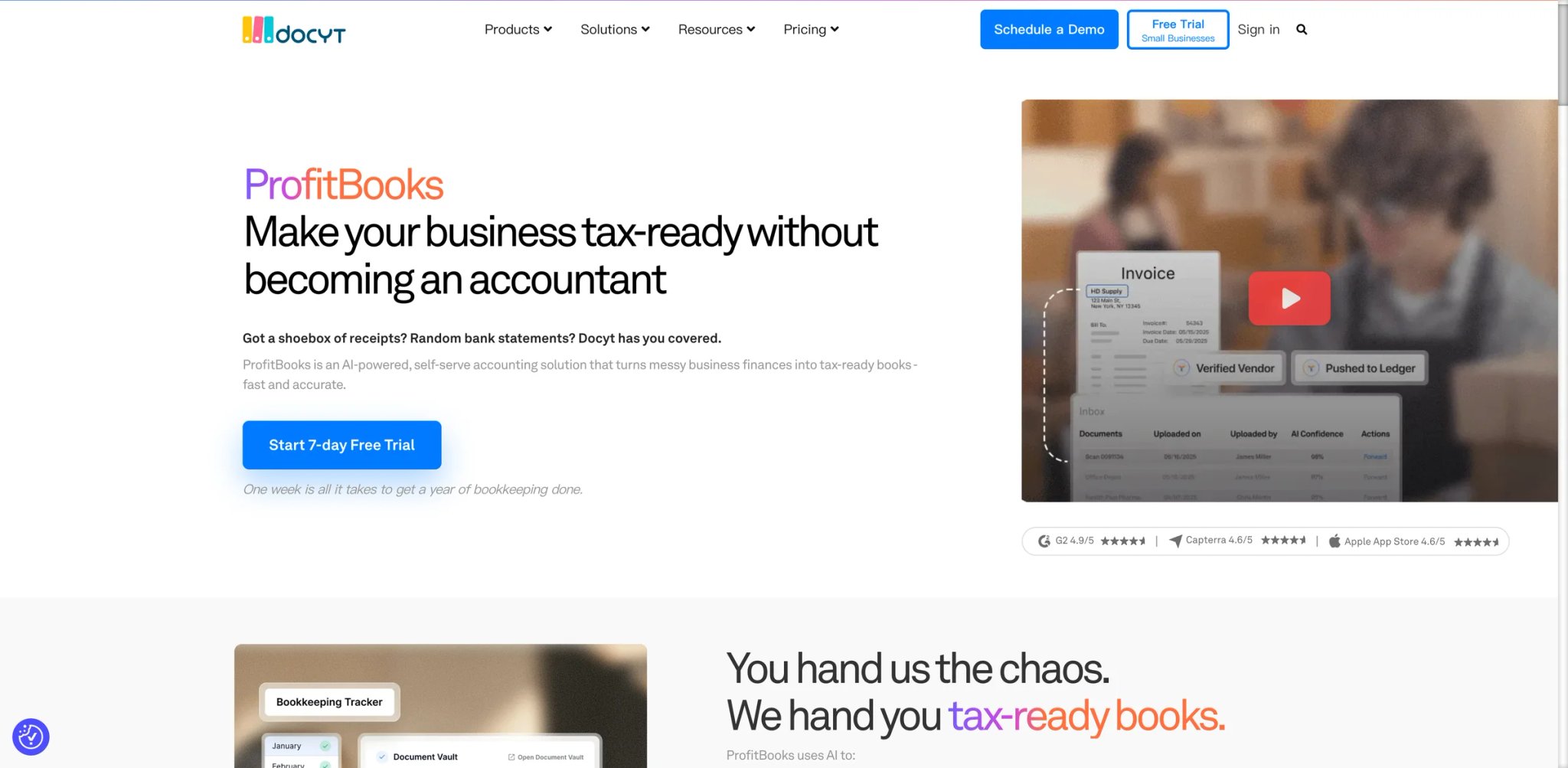
You manage accounting for a hotel group with 8 locations, and every property has its own bank accounts, vendor relationships, and P&L — but your team is still consolidating everything manually in spreadsheets because your accounting software treats each location as a separate universe.
Key Features
-
Multi-Entity Automation — Docyt handles inter-company transactions, consolidated reporting, and per-location P&L automatically. Add a new property or business unit without rebuilding your entire accounting structure — the AI maps new entities into your existing consolidation framework.
-
AI Document Processing — Upload invoices, receipts, and bank statements in bulk, and Docyt's AI extracts, categorizes, and posts transactions to the correct entity and GL account. For multi-location businesses, this eliminates the manual sorting step that typically consumes 15-20 hours per month.
-
Revenue Center Reporting — Break down revenue and expenses by department, location, or profit center with automated allocations. Hotel and restaurant operators can see per-room or per-cover profitability without manual spreadsheet gymnastics.
-
Automated Bank Reconciliation — AI-powered matching reconciles bank transactions across all entities simultaneously, flagging discrepancies and suggesting matches based on historical patterns.
Pricing & Plans
- Impact: $299/month — up to 200 transactions per location
- Advanced: $499/month — up to 500 transactions per location
- Advanced Plus: $799/month — up to 1,000 transactions per location
- Enterprise: $999+/month — 1,000+ transactions, custom requirements
TCO Note: Each business or location needs its own Docyt subscription at the appropriate tier. A 5-property hotel group on the Impact plan pays $1,495/month minimum — significant, but potentially cheaper than 2-3 bookkeepers handling multi-location accounting manually. Cost depends on how many entities you run and which transaction band each falls into.
Limitations
- The $299/month per-location pricing model makes Docyt expensive for businesses with many small locations — a franchise with 20 units faces $5,980+/month before volume discounts, which may exceed the cost of a full-time staff accountant.
- Onboarding can be painful, particularly with custom charts of accounts — users report that initial setup takes 4-8 weeks and requires significant involvement from your existing accounting team.
- Support responsiveness has drawn criticism from some users — bug reports and feature requests can take longer than expected to resolve, suggesting the support team may be stretched thin relative to the customer base.
Best For
Docyt fits multi-location businesses (hotels, restaurants, franchises, property management) that need automated consolidation and per-entity reporting without maintaining a large accounting team. Not the right fit for single-location businesses (the per-location pricing model doesn't make economic sense), or for businesses that need highly customized accounting workflows.
Get started with Docyt
Stampli
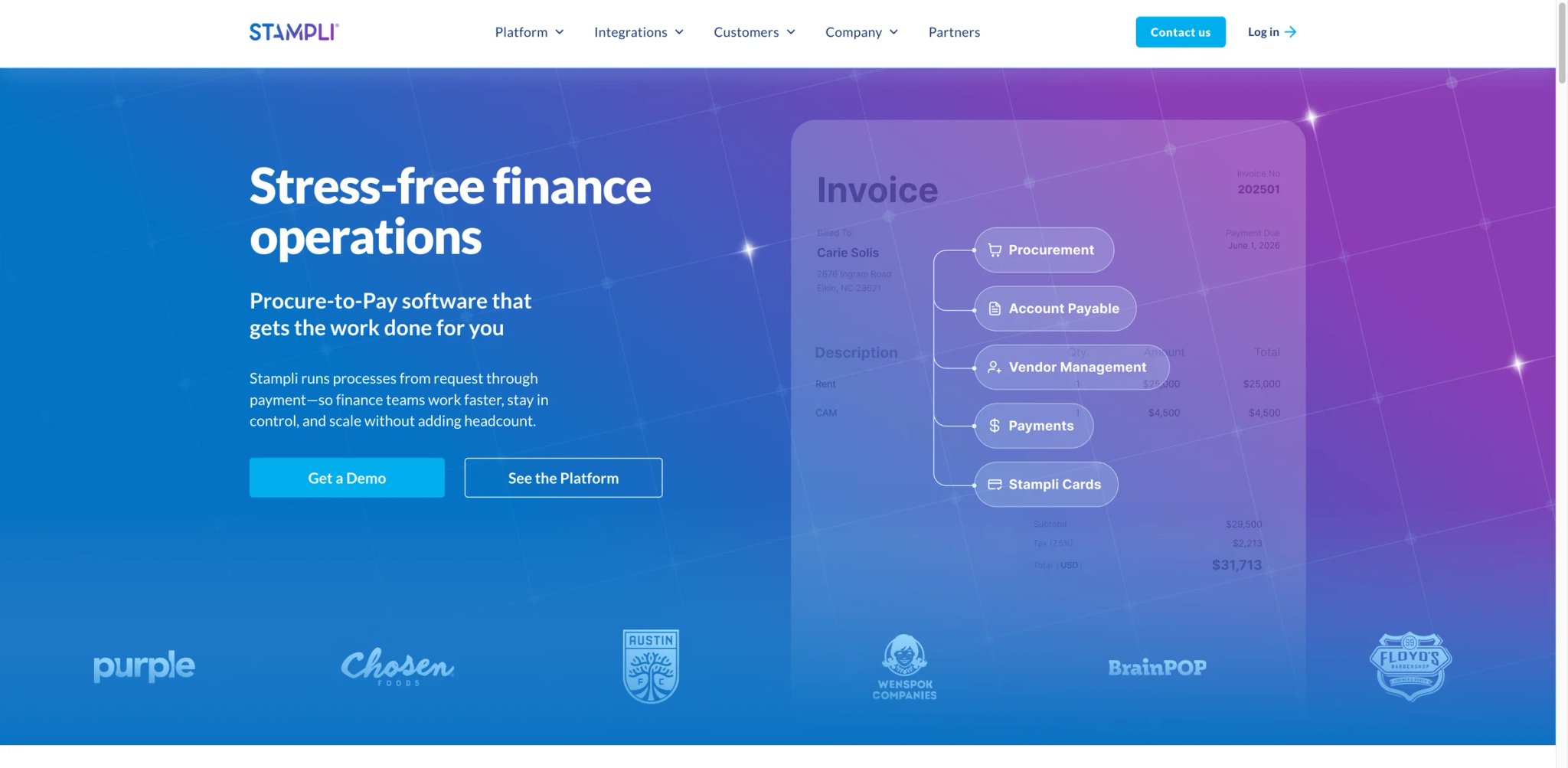
Your AP team processes 800 invoices a month, and the current workflow involves printing PDFs, walking them to managers' desks for approval signatures, scanning the signed copies back into the system, and manually keying the approved amounts into your ERP — a process so slow that you've missed early-payment discounts three quarters in a row.
Key Features
-
Billy AI — Billy (formerly Billy the Bot) is Stampli's AI employee for procure-to-pay. Billy extracts invoice data, suggests GL coding using ERP logic, validates fields, routes approvals, and predicts approvers based on historical patterns — freeing your AP team to focus on exceptions and vendor negotiations.
-
Invoice-Centric Communication — All communication about an invoice happens on the invoice itself — questions, approvals, rejections, and notes are threaded directly on the document. No more email chains where critical context gets buried or forwarded without attachments.
-
ERP-Agnostic Architecture — Stampli integrates with 70+ ERPs and accounting systems (NetSuite, Sage Intacct, QuickBooks, Dynamics 365, SAP) without requiring you to change your existing system. Most AP automation tools force you into their ecosystem; Stampli layers on top of what you already have.
-
Advanced Fraud Detection — AI flags duplicate invoices, unusual amounts, and vendor anomalies before payments are processed. For companies processing hundreds of invoices monthly, catching even one fraudulent or duplicate payment justifies months of subscription costs.
Pricing & Plans
- Custom pricing — based on invoice volume, number of users, and ERP integration complexity
- Implementation fee — varies by ERP integration scope
- Contact sales for a quote
TCO Note: Stampli's pricing page is quote-based and does not publish standard per-user rates or implementation fees. Ask Stampli for a written TCO separating subscription, implementation, training, payment services, and optional modules before committing.
Limitations
- Custom pricing with no public transparency makes budgeting and comparison difficult — you can't evaluate Stampli against alternatives without going through a sales process first.
- Reporting and customization are limited — users report that creating custom reports requires exporting data and merging multiple built-in reports manually, which partially negates the automation benefits.
- The bot's accuracy on unusually formatted invoices is inconsistent — it struggles with invoices from international vendors, non-standard layouts, and vendors with similar formatting, requiring manual intervention for edge cases.
Best For
Stampli fits mid-market finance teams (processing 200+ invoices/month) that want to automate AP workflows without replacing their existing ERP or accounting system. Particularly strong for organizations with complex approval hierarchies and multiple cost centers. Not the right fit if you need AR automation (Stampli is AP-focused), or if you process fewer than 100 invoices monthly and can't justify the implementation cost.
Get started with Stampli
Ramp
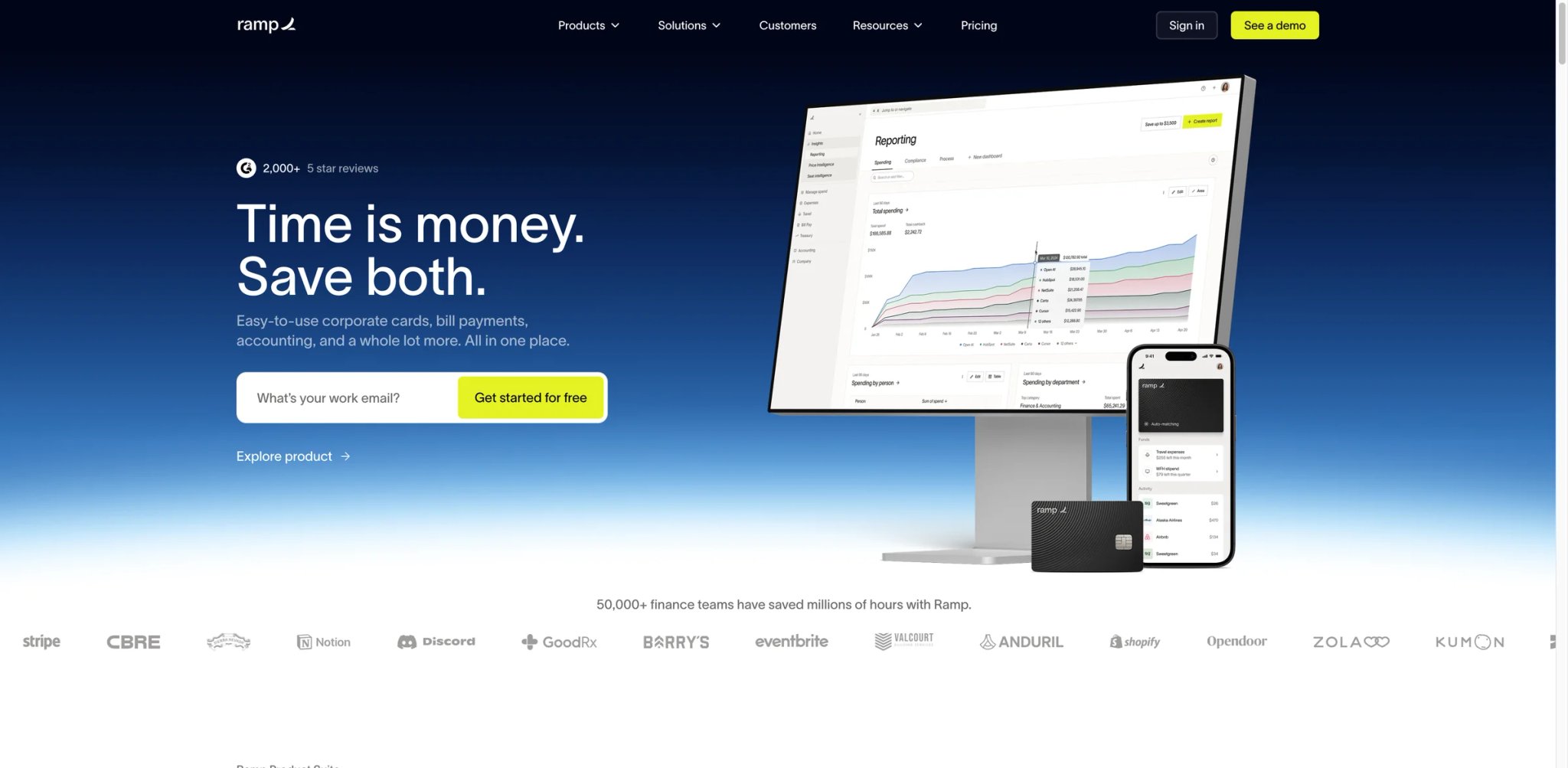
You just discovered that your team spent $47,000 on SaaS subscriptions last quarter — including three different project management tools, two overlapping design licenses, and a CRM seat for an employee who left six months ago. Your corporate card doesn't flag any of this, your expense reports arrive two weeks late, and your bookkeeper spends 15 hours every month categorizing credit card transactions.
Key Features
-
Genuinely Free Corporate Cards — Ramp's core product is free: unlimited physical and virtual corporate cards with 1-1.5% cash back, built-in spend controls, and real-time receipt matching. No monthly fees, no per-card charges, no minimum spend requirements. The cash back alone can offset the cost of your accounting software.
-
AI-Powered Spend Intelligence — Ramp's AI analyzes spending patterns across your entire organization and proactively identifies savings opportunities: duplicate subscriptions, price increases, unused licenses, and vendor contract renegotiation leverage. Users report average savings of 3.3% on total spend.
-
Automated Accounting Close — Transactions auto-categorize based on merchant, card, and historical patterns. Ramp's close automation handles receipt matching, memo generation, and GL coding, then syncs directly to QuickBooks, Xero, NetSuite, or Sage Intacct.
-
Real-Time Budget Enforcement — Set spend limits by team, project, or vendor category, and Ramp enforces them at the point of purchase — the card simply declines if a transaction would exceed the budget. This prevents overspending before it hits your books, rather than catching it during reconciliation.
Pricing & Plans
- Free: $0/user/month — cards, expense management, bill pay, basic accounting automation, 1.5% cash back
- Plus: $15/user/month + platform fee based on team size — advanced ERP integrations, procure-to-pay, multi-entity, multi-currency, deeper approval controls
- Enterprise: Custom pricing — dedicated support and enterprise controls
TCO Note: Ramp's free tier is legitimately comprehensive for most small-to-medium businesses. The catch: starting June 2026, standard ACH bill payments cost $0.59/transaction and checks $1.99/transaction, with a grace period for existing Bill Pay customers. These fees are waived for eligible payments from Ramp Business Account. If you process 200 bill payments monthly, that's $118/month in transaction fees on the free plan.
Limitations
- Ramp is not a general ledger or full accounting system — it's an expense management and corporate card platform with accounting automation features. You still need QuickBooks, Xero, or NetSuite as your core accounting software.
- The free tier's upcoming transaction fees for bill pay (effective June 2026) erode the "totally free" value proposition for businesses that use Ramp as their primary bill payment tool.
- Credit approval requirements mean not every business qualifies — Ramp evaluates your business credit and bank balance before issuing cards, and some smaller or newer businesses get rejected or receive lower limits than needed.
Best For
Ramp fits companies (10-500 employees) that want to modernize expense management and corporate cards while automating the accounting close process — especially teams frustrated by manual expense reports and uncontrolled SaaS spending. Not the right fit if you need a standalone accounting system, if your business doesn't qualify for corporate credit, or if you process very few corporate expenses.
For a deeper look at how AI tools can help analyze your financial data beyond accounting, see our best AI data analysis tools guide.
Get started with Ramp
Best AI Accounting Software by Use Case
Different accounting needs call for different tools. Here's how the 12 platforms map to specific situations:
For Freelancers and Solo Consultants Billing Under 20 Clients
- FreshBooks — Fastest path from time tracking to paid invoice. The invoicing workflow is genuinely best-in-class for service providers, and the Lite plan at $23/month handles most solo operations.
- Zoho Books — If you bill fewer than 1,000 invoices/year, the free plan gives you real accounting software at zero cost.
For Growing SMBs Needing a Complete Accounting System
- QuickBooks Online — The ecosystem breadth makes it the default choice for US businesses with 3-25 employees. Intuit Assist AI is increasingly useful for routine financial questions.
- Xero — The stronger choice if your team has more than 5 people who need system access, thanks to unlimited-user pricing. Also better for international businesses with multi-currency needs.
For E-Commerce Brands Managing Multi-Channel Revenue
- Finaloop — Purpose-built for Shopify/Amazon/Walmart sellers needing real-time COGS and revenue reconciliation across channels. The automation handles complexity that would take a specialized e-commerce accountant 20+ hours monthly.
- Zoho Books — If you sell through a Zoho-powered storefront, the native integration eliminates middleware costs entirely.
For VC-Backed Startups Needing Investor-Ready Books
- Zeni — Best for startups that want to outsource bookkeeping entirely to an AI + human team. The $549/month cost is competitive with hiring a part-time bookkeeper and gives you daily financial visibility.
- Puzzle — Best for founders who want to own their books but need AI to make month-end close less painful. The free tier works until you outgrow $20K in monthly transactions.
For Finance Teams Automating AP/AR Workflows
- BILL — Most comprehensive AP/AR automation with the broadest payment method support. The free Spend & Expense platform adds genuine value on top of paid AP features.
- Stampli — The stronger choice if you need to keep your existing ERP and layer AP automation on top without migration.
- Ramp — Best if your primary pain point is corporate spending visibility and expense management, with accounting automation as a bonus.
For Accounting Firms Managing Multiple Clients
- Dext — Best for firms drowning in receipt and document processing. The Practice Plans are expensive but the time savings on data entry typically deliver 3-5x ROI for firms managing 15+ clients.
- Docyt — Best for firms specializing in multi-location clients (hospitality, franchises) that need automated consolidation across entities.
How to Choose the Right AI Accounting Software
Start with four questions that eliminate most wrong choices:
1. Do you need a complete accounting system or an automation layer?
- Complete system (general ledger, financial statements, tax prep) → QuickBooks Online, Xero, Zoho Books, or FreshBooks
- Automation layer on existing software → BILL, Stampli, Ramp, or Dext
- Outsourced AI bookkeeping → Zeni or Finaloop
2. How many people need access?
- Solo or 1-3 users → FreshBooks, Zoho Books (most affordable per-user)
- 5-25 users → Xero (unlimited users), QuickBooks Plus/Advanced
- Large finance teams → BILL or Stampli (role-based access with approval workflows)
3. What's your monthly accounting software budget?
- Under $50/month → Zoho Books (free-$20), FreshBooks Lite ($23), Xero Early ($25)
- $50-$150/month → QuickBooks Essentials/Plus, Xero Growing/Established, Dext
- $300-$800/month → Docyt, Zeni, BILL (team plans)
- Custom/enterprise → Stampli, Ramp Enterprise
4. What's your biggest accounting pain point?
- Manual data entry and categorization → Dext + your existing GL, or switch to a platform with strong AI categorization (QuickBooks, Xero)
- Slow month-end close → Puzzle (continuous close), Zeni (daily updates)
- Invoice and payment processing → BILL (AP/AR), Stampli (AP-focused)
- Uncontrolled spending → Ramp (real-time budget enforcement)
- Multi-channel e-commerce reconciliation → Finaloop
Red Flags to Watch For
- Promotional pricing without clear regular rates — QuickBooks and FreshBooks both offer steep introductory discounts that expire after 3 months. Budget using the regular price, not the promo.
- Per-user pricing that scales unpredictably — BILL at $55/user/month seems reasonable for 3 users ($165/month) but becomes $550/month for a 10-person team.
- "Free" products with upcoming fee changes — Ramp's bill pay transaction fees starting June 2026 change the economics for heavy bill-pay users.
- Custom pricing with no public benchmarks — Stampli, Zeni Enterprise, and Docyt all require sales conversations. Insist on a written TCO breakdown including implementation, training, and transaction fees.
Frequently Asked Questions
What is AI accounting software?
Can AI accounting software replace my bookkeeper?
Which AI accounting software is best for small businesses?
How accurate is AI transaction categorization?
What hidden costs should I watch for in AI accounting software?
Is free accounting software good enough for business use?
QuickBooks vs Xero — which is better for my business?
How long does it take to set up AI accounting software?
If your team also handles AI-powered data analysis or uses AI spreadsheet tools for financial modeling, those guides cover the adjacent parts of your finance tech stack.
Get ToolWorthy Weekly
New AI tools, practical guides, and selected AI signals in one weekly brief.
Related Posts
- 6 QuickBooks Alternatives in 2026: Choose Before You Move Your Books
Compare six QuickBooks alternatives by workflow, real plan limits and migration risk. Choose cloud, free or desktop accounting before moving your books.
For AI tool founders
Built a tool that belongs in this decision set?
Request an editorial evaluation for possible inclusion in ToolWorthy.
Submit your tool for reviewPaid submission does not guarantee a ranking, recommendation, inclusion, or editorial outcome.