Overview
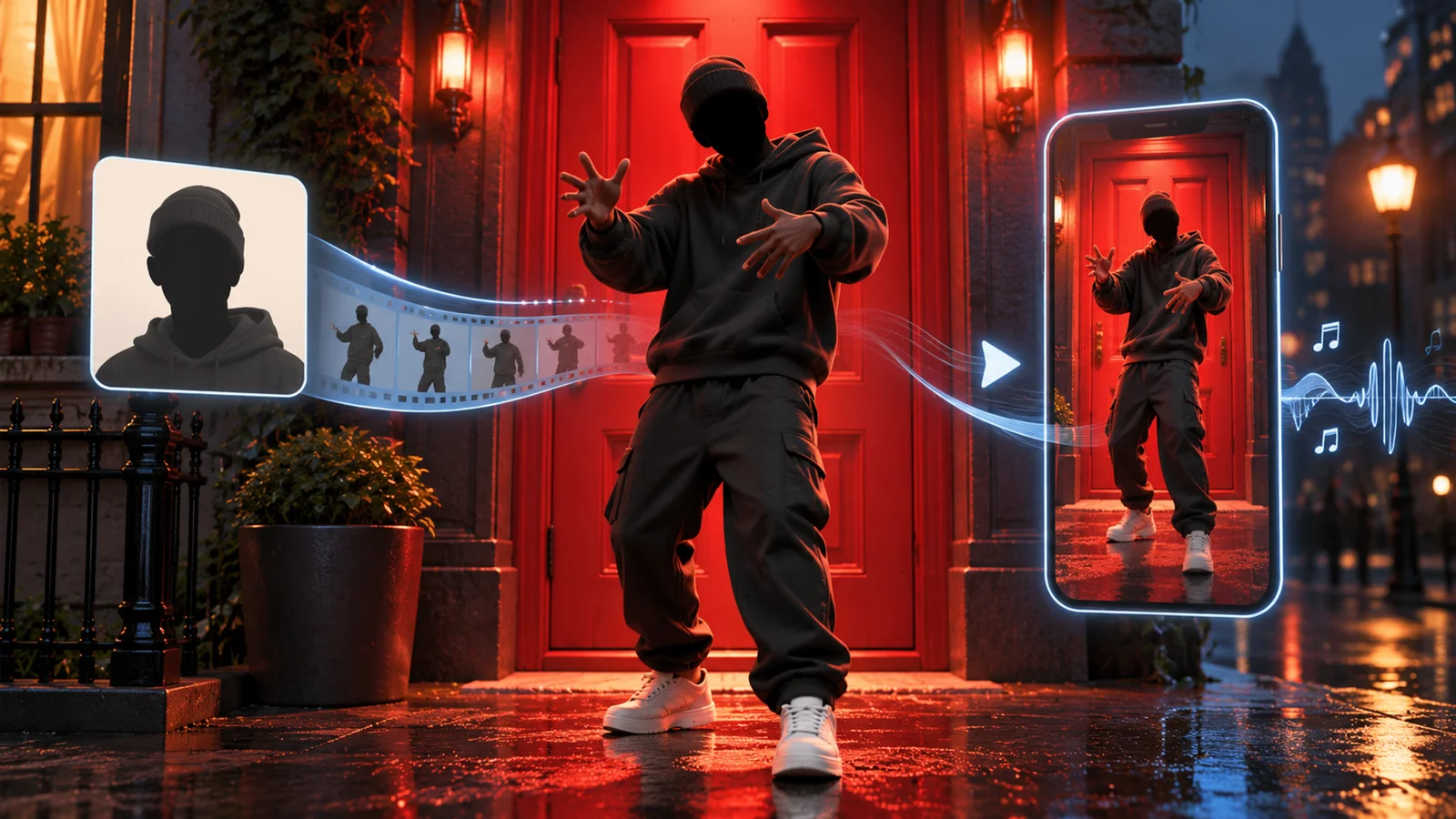
Hunyuan AI Video 1.5 I2V is a performance-optimized release that introduces step-distilled image-to-video generation, achieving 75% faster processing speeds while maintaining comparable quality to the standard model. Released on December 5, 2025, this version targets creators and developers who need rapid video generation on consumer-grade hardware. The update includes fully open-sourced training code with LoRA fine-tuning support, enabling custom model development for specialized visual styles and character consistency. Built on Tencent's 8.3B parameter DiT (Diffusion Transformer) architecture as documented in the official model repository, this release makes professional-quality AI video generation accessible to individual creators and small studios without enterprise-grade GPU infrastructure.
What's New
75% Faster Image-to-Video Generation
The step-distilled model reduces end-to-end generation time from several minutes to 75 seconds on a single RTX 4090 GPU. This performance breakthrough uses 8 or 12 recommended inference steps (down from the standard model's 50+ steps). The official documentation mentions an optional 4-step mode for even faster generation, though this is not recommended as the default due to quality trade-offs. The optimization maintains visual coherence and first-frame consistency while dramatically cutting processing time, enabling real-time iteration during the creative process. Enable this feature by running generate.py with the --enable_step_distill parameter.
Open-Source Training Code & LoRA Support
For the first time, Tencent has released the complete training codebase (train.py) with support for distributed training, FSDP (Fully Sharded Data Parallel), context parallelism, and gradient checkpointing. The package includes LoRA fine-tuning scripts that use the Muon optimizer for efficient custom model development. This enables creators to train specialized models for specific visual styles (anime, photorealism, artistic effects), maintain character consistency across videos, or adapt the model for niche use cases like product visualization or architectural walkthroughs. The training infrastructure supports multi-GPU setups for faster iteration.
480p Resolution Optimized for Speed
This release specifically targets 480p output resolution to balance quality and performance. While lower than the standard model's 720p capability, the 480p output maintains sufficient detail for social media content, prototyping, and draft workflows where speed matters more than maximum resolution. The step-distilled checkpoint is provided as a separate model download on HuggingFace and GitHub, with quantized GGUF versions available for various hardware configurations.
Availability & Access
Download & Deployment Options
- HuggingFace Hub: Download model weights, training code, and documentation at
huggingface.co/tencent/HunyuanVideo-1.5 - GitHub Repository: Full source code and implementation at
github.com/Tencent-Hunyuan/HunyuanVideo-1.5 - Official Web Experience: Access the online demo through the official website's "Try our model" feature (availability of this specific step-distilled checkpoint on the web platform should be verified)
- ComfyUI Integration: Community nodes available for workflow automation and batch processing
System Requirements & Limitations
Minimum Hardware (480p I2V Step-Distilled):
- GPU: NVIDIA GPU with 14GB+ VRAM (with model offloading enabled)
- Operating System: Linux (required for official implementation)
- RAM: 32GB system memory recommended
- Storage: 50GB for model weights and dependencies
Recommended Hardware for Optimal Performance:
- GPU: NVIDIA RTX 4090 (24GB VRAM) for ~75 seconds per video
- Higher-tier GPUs deliver significantly faster generation compared to minimum requirements
Performance Benchmarks:
- RTX 4090: ~75 seconds per 5-second video (480p, 8-12 steps)
- 14GB VRAM GPUs (with offloading): Slower generation, exact timing varies by hardware
Technical Limitations:
- Output resolution fixed at 480p for step-distilled model (use standard model for 720p)
- Video length capped at approximately 5 seconds (129 frames)
- First-frame image input recommended for best consistency
- Chinese and English text prompts supported; other languages may produce inconsistent results
- Linux operating system required for official implementation
Pricing & Plans
Free & Open Source
Hunyuan AI Video 1.5 I2V is completely free with no usage limits, subscription tiers, or API costs. The model is released under the Tencent Hunyuan Community License. All components—model weights, inference code, training scripts, and LoRA fine-tuning tools—are available for download and modification.
What's Included:
- Full model weights (step-distilled 480p I2V checkpoint)
- Inference code with optimization flags
- Training code with distributed training support
- LoRA fine-tuning scripts and Muon optimizer
- Documentation and usage examples
- Community support via GitHub Issues
License & Commercial Use
The Tencent Hunyuan Community License has specific requirements and restrictions:
Geographic Restrictions:
- License does NOT apply in the European Union, United Kingdom, or South Korea
- Users in these regions must contact Tencent for separate licensing arrangements
Distribution & Service Requirements:
- If you distribute the model or provide services using it, you must include appropriate notices and disclosures as specified in the license
- The license encourages (but does not mandate) crediting "Powered by Tencent Hunyuan" in your implementations
Output Rights:
- Tencent does not claim ownership or rights to outputs generated by the model
- You retain rights to your generated content, subject to the license terms
Restrictions:
- Cannot be used to train competing models or develop derivative AI systems
- Review the full LICENSE file in the repository for complete terms before commercial deployment
Hardware Costs Consideration
While the software is free, deployment requires capable hardware. Cloud GPU rental costs vary by platform and instance type—check current pricing from providers like AWS, Lambda Labs, or RunPod for RTX 4090-equivalent instances. For local deployment, higher-end GPUs (RTX 4090 or better) provide the advertised 75-second generation time, while minimum-spec setups (14GB VRAM with offloading) will be significantly slower.
Best For
- Content creators producing high-volume social media videos where speed matters more than 4K resolution
- Prototyping and iteration workflows—rapid concept validation before final high-resolution rendering
- Indie game developers generating cutscenes, character animations, or promotional trailers on tight budgets
- AI researchers and developers experimenting with custom video generation models using open training code
- Small studios needing fast turnaround for client previews, storyboards, or animatics without enterprise GPU clusters
- LoRA fine-tuning projects—creating style-specific or character-consistent models for niche visual aesthetics
FAQ
How does step distillation affect video quality compared to the standard model?
Step distillation reduces inference steps from 50+ to 8-12, achieving 75% faster generation with minimal quality loss. Side-by-side comparisons show the distilled model maintains motion coherence, first-frame consistency, and overall visual structure. You may notice slightly softer fine details (like fabric textures or distant background elements) compared to full 50-step inference, but the difference is negligible for most use cases. For maximum quality, use the standard model with 50 steps; for production speed, the step-distilled version is the better choice.
Can I train custom LoRA models on specific art styles or characters?
Yes. The December 5 release includes full training code (train.py) and LoRA fine-tuning scripts optimized with the Muon optimizer. You'll need a dataset of reference images/videos, a GPU with sufficient VRAM (14GB+ minimum, more recommended), and familiarity with Python/PyTorch. Training duration varies significantly based on dataset size, hardware configuration, and parallel training setup. Community guides on GitHub demonstrate training anime-style models, photorealistic character consistency, and architectural visualization adaptations. Results depend on dataset quality, quantity, and training parameters.
What's the difference between the 480p I2V model and the standard HunyuanVideo 1.5?
The 480p I2V Step-Distilled model (v1.5.1) is optimized for speed with 8-12 inference steps, 480p output, and 75-second generation on RTX 4090. The standard HunyuanVideo 1.5 model (v1.5.0) supports up to 720p resolution, requires 50+ steps for full quality, and takes 5-10 minutes per video but delivers sharper details. Both models share the same 8.3B parameter architecture and training data—the difference is inference optimization. Use the step-distilled version for rapid iteration and the standard model for final high-resolution output.
Does this model require a constant internet connection to generate videos?
No. Once you download the model weights (~20GB) from HuggingFace or GitHub, all generation happens locally on your GPU. You don't need internet access during inference. However, the initial download, dependency installation (PyTorch, CUDA libraries), and accessing the web studio at aivideo.hunyuan.tencent.com do require internet. For fully offline workflows, download the model and dependencies once, then run generate.py with the --enable_step_distill flag without network connectivity.
What are the commercial use restrictions and license requirements?
The Tencent Hunyuan Community License permits commercial use with specific restrictions. Geographic limitation: The license does not apply in the European Union, United Kingdom, or South Korea—users in these regions need separate licensing. Distribution requirements: If you distribute the model or provide services using it, you must include appropriate license notices and disclosures. Output rights: Tencent does not claim ownership of generated outputs, but the model cannot be used to train competing AI systems. The license encourages crediting "Powered by Tencent Hunyuan" but this is not mandatory. Always review the complete LICENSE file in the repository before commercial deployment, as terms may be updated.