

Overview
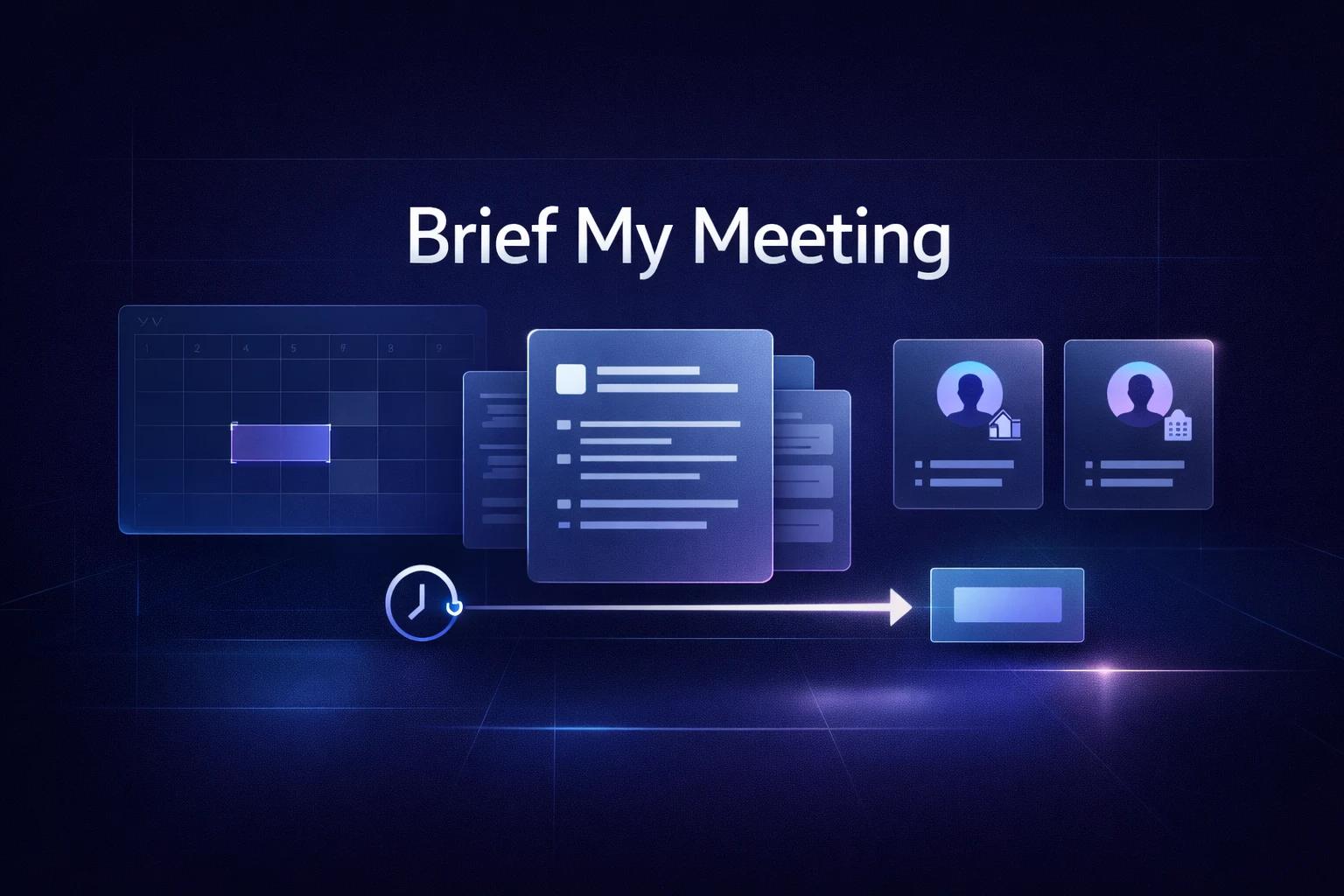
Brief My Meeting is an AI-powered meeting preparation tool designed to automate the research and briefing process for scheduled meetings. The platform integrates with users' email and calendar systems to deliver comprehensive briefing emails four hours before each external meeting, containing research on meeting participants and contextual information from past interactions.
Built for professionals, sales teams, and executives who attend multiple external meetings, Brief My Meeting addresses the time-consuming nature of pre-meeting preparation by automatically aggregating attendee information, LinkedIn profiles, company details, and relevant email history. As a web-based service accessible through email briefings, it eliminates the need for manual research and last-minute information gathering before meetings.
The platform is developed by the creators of Inbox Zero and has been adopted by over 18,000 professionals. As a fully open-source tool, users can choose between the hosted service or self-hosting for maximum privacy control. With SOC 2 Type 2 compliance and secure integration with Google and Outlook accounts, Brief My Meeting targets users seeking efficient workflows for entering meetings well-informed and ready to engage effectively.
Key Features
Automated Pre-Meeting Briefings — Sends a comprehensive email four hours before each external meeting, eliminating the need for manual research and enabling users to prepare efficiently without last-minute scrambling.
Attendee Research — Compiles LinkedIn profiles, company details, and role-specific context for all meeting participants, providing users with essential background information to personalize conversations and build rapport.
Email and Calendar Integration — Aggregates relevant emails, documents, and calendar events associated with meeting attendees, offering a consolidated view of past interactions and communication history.
Google and Outlook Support — Securely connects with Google Workspace and Microsoft Outlook accounts, processing email and calendar data necessary to build briefings while maintaining SOC 2 Type 2 compliance standards.
Unlimited Meeting Briefings — Provides automated briefings for all external meetings without usage limits on the subscription plan, supporting professionals with high meeting volumes.
Contextual History Aggregation — Surfaces past emails, meetings, and attachments related to attendees, enabling users to recall previous discussions and maintain continuity across multiple interactions.
Pricing & Plans
Brief My Meeting operates on a straightforward subscription model with a single plan offering unlimited meeting briefings and full feature access.
Subscription Plan:
- Price: $9 per user per month (advertised as a limited-time discount; pricing may change)
- Billing: Monthly subscription with the option to cancel anytime
- Free Trial: 7-day free trial available; credit card requirements should be verified during sign-up
- Included Features:
- Unlimited meeting briefings
- Email and calendar integration (Google and Outlook)
- Attendee research with LinkedIn profiles and company details
- Email history and document aggregation
- SOC 2 Type 2 compliant data security
The pricing model is designed for individual professionals and can scale for teams requiring multiple user accounts. Users can begin with the 7-day free trial to evaluate the platform's capabilities. Given the limited-time discount pricing, verify current rates on the checkout page before subscribing.
Best For
Brief My Meeting is likely to be most useful for:
- Sales professionals who conduct multiple client meetings per week and need quick context on prospects and accounts
- Executives and leaders attending frequent external meetings with partners, investors, and stakeholders
- Business development teams managing relationships across multiple organizations and contacts
- Consultants and advisors who meet with diverse clients and require rapid preparation with minimal effort
- Professionals transitioning between back-to-back meetings who lack time for manual research between sessions
- Individuals seeking to personalize meeting conversations by recalling past interactions and attendee background
FAQ
Is there a free trial available?
Yes, Brief My Meeting offers a 7-day free trial that allows users to evaluate the platform's capabilities. During the trial period, users receive full access to automated briefings, attendee research, and email and calendar integration. Whether a credit card is required should be verified during the sign-up process. Users can cancel anytime during or after the trial period.
What payment methods are accepted?
Payment methods are not specified on the public website. To verify supported options, check the checkout screen during sign-up for accepted credit cards and payment processors. For team purchases requiring invoicing or purchase orders, contact support directly for available billing arrangements.
Can I cancel my subscription anytime?
Yes, Brief My Meeting allows users to cancel their subscription at any time. The platform operates on a monthly billing cycle with no long-term commitment required. Users maintain access to the service through the end of their current billing period after cancellation.
Is my data secure and private?
Brief My Meeting is SOC 2 Type 2 compliant, adhering to industry standards for data security, availability, processing integrity, confidentiality, and privacy. The platform states it accesses what's necessary to build briefings, with the privacy policy explaining which email and account data may be processed and what is not permanently stored. For users requiring maximum privacy control, the open-source codebase enables self-hosting on private infrastructure. Review the privacy policy for complete data handling details.
Which email and calendar providers are supported?
Brief My Meeting supports integration with Google Workspace (Gmail and Google Calendar) and Microsoft Outlook (email and calendar). Users securely connect their accounts to enable the platform to access meeting schedules and relevant email history for generating briefings.
How far in advance are briefings sent?
Brief My Meeting sends automated briefing emails four hours before scheduled meetings. This timing is designed to provide sufficient preparation time while ensuring information remains current. Customization options for adjusting briefing timing are not specified in public documentation.
Does Brief My Meeting work for internal team meetings?
The marketing materials mention briefings for both "every meeting" and "every external meeting," but the exact inclusion criteria are not fully specified in public documentation. Whether internal meetings receive briefings and how the system distinguishes between meeting types should be confirmed during the free trial based on your specific meeting patterns.
What information is included in each briefing?
Each automated briefing includes research on meeting participants such as LinkedIn profiles, company details, and role-specific context. The briefing also aggregates relevant emails, documents, and calendar events associated with the attendees, providing a consolidated view of past interactions and communication history. The exact format and depth of information may vary based on available data sources.